Search models, users, collections, and posts

H2D External Spool Roller
IP Report
Print Profile(1)
0.2mm layer, 2 walls, 15% infill
Designer
1.2 h
1 plate
Open in Bambu Studio
Boost
1
5
0
0
0
0
Released
Description
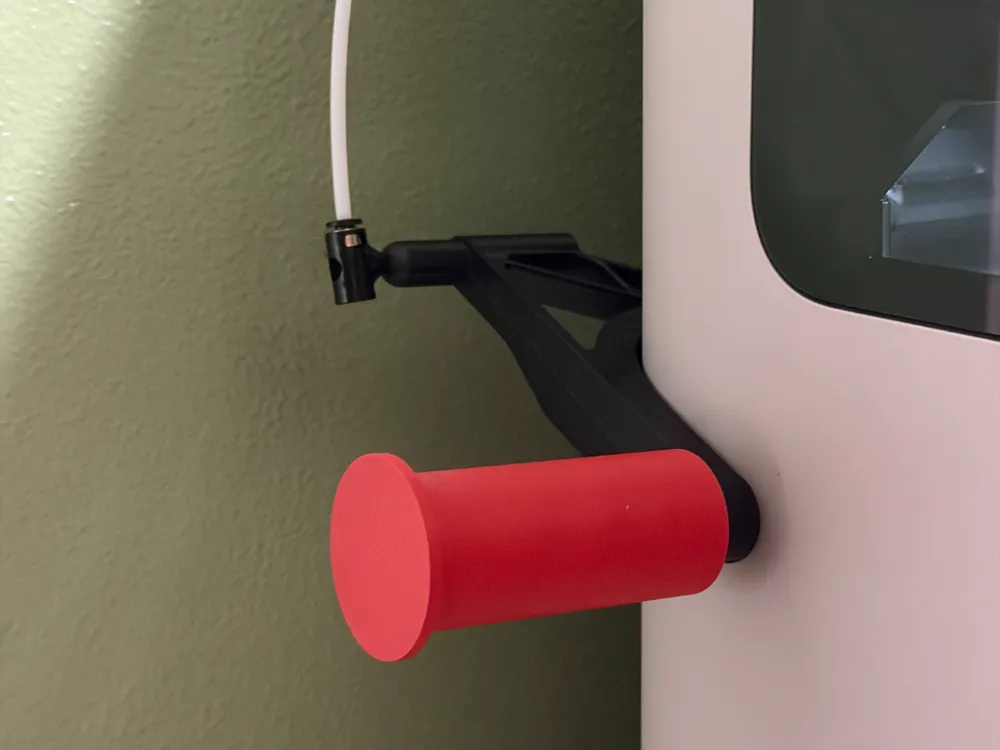
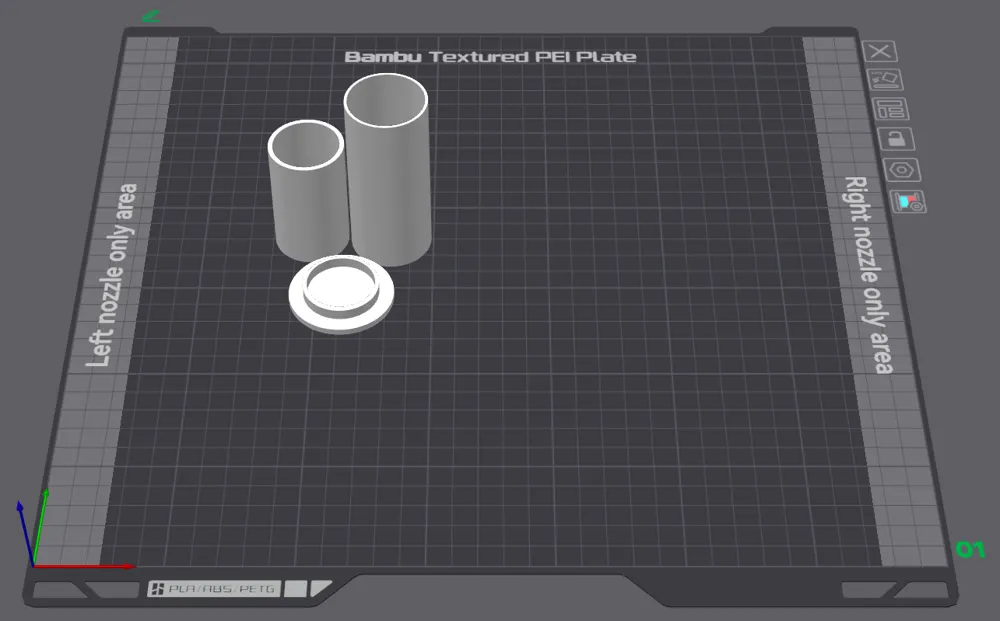
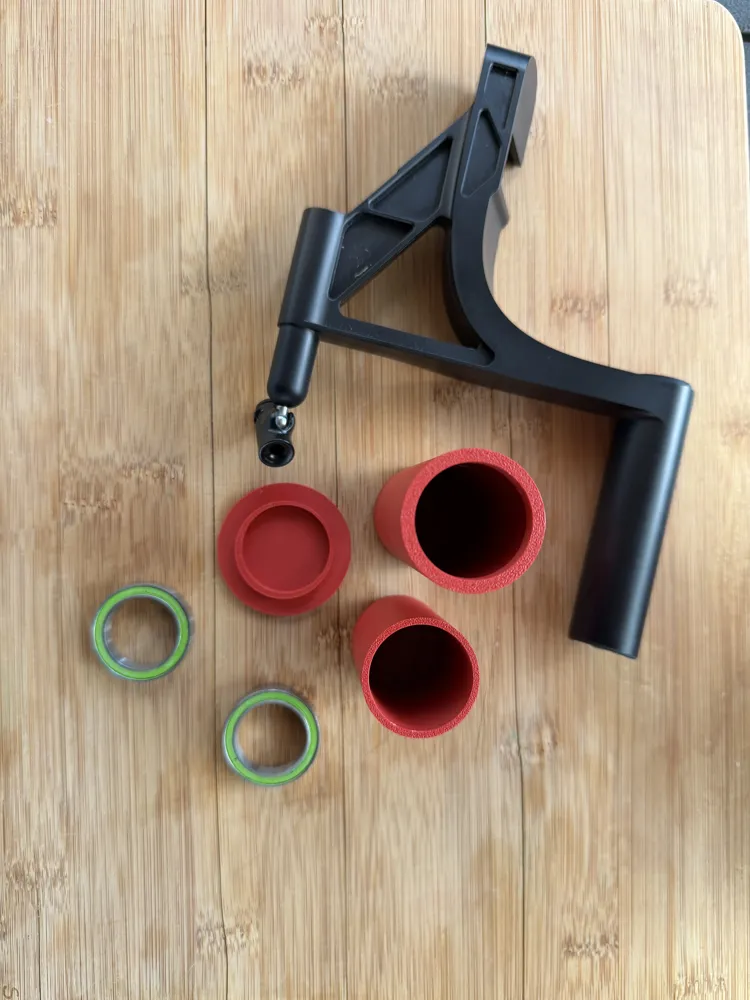
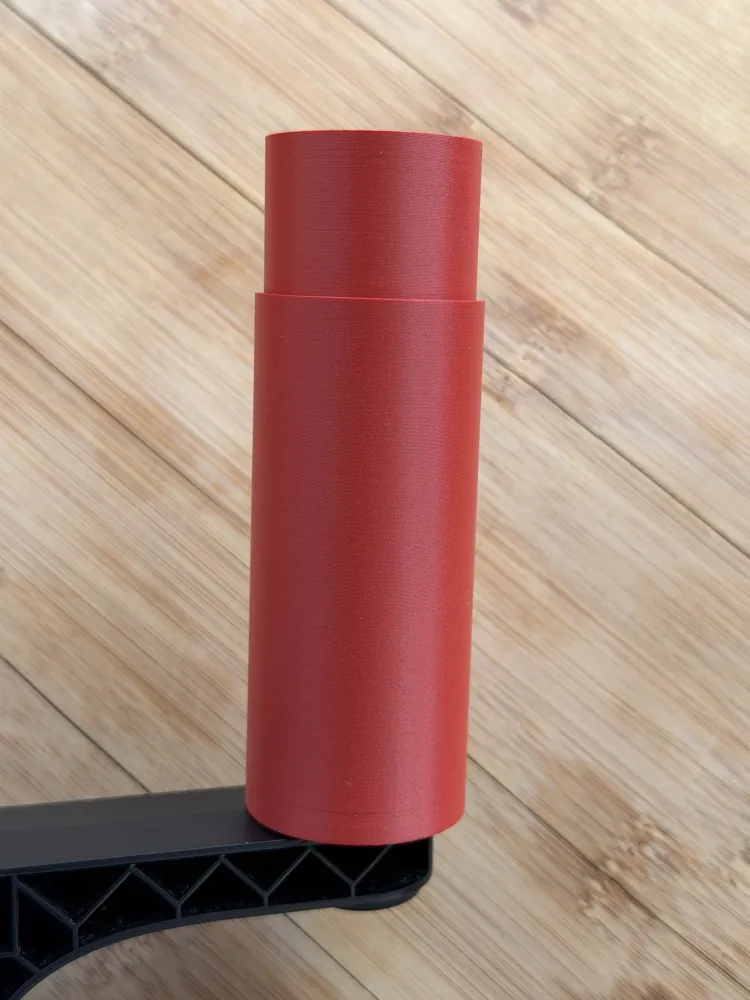
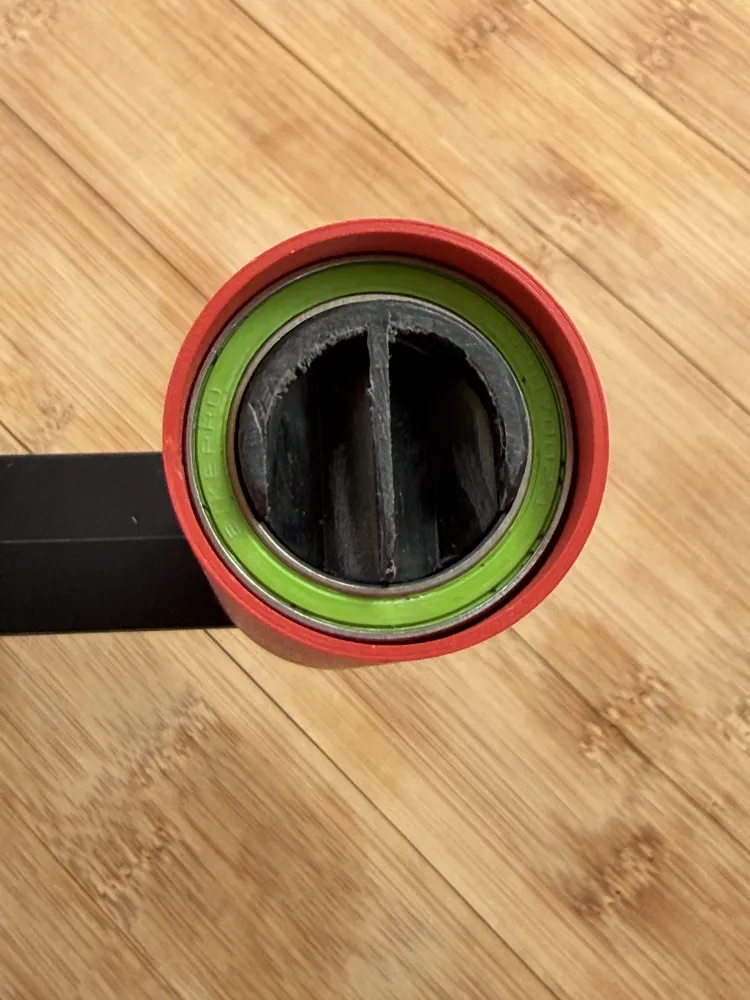
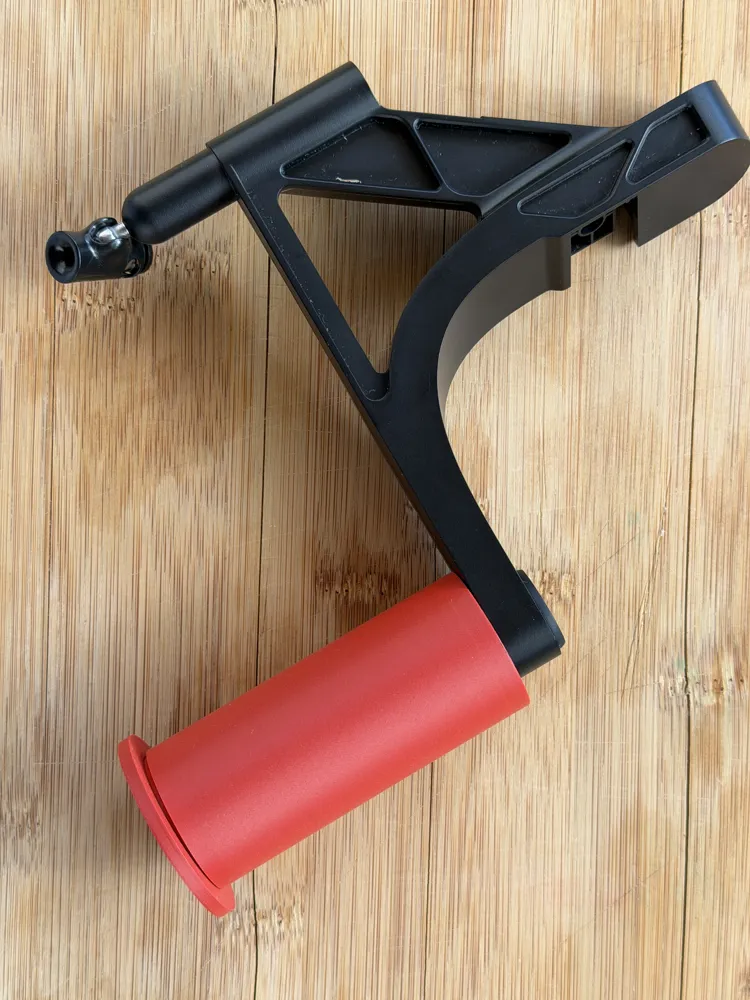
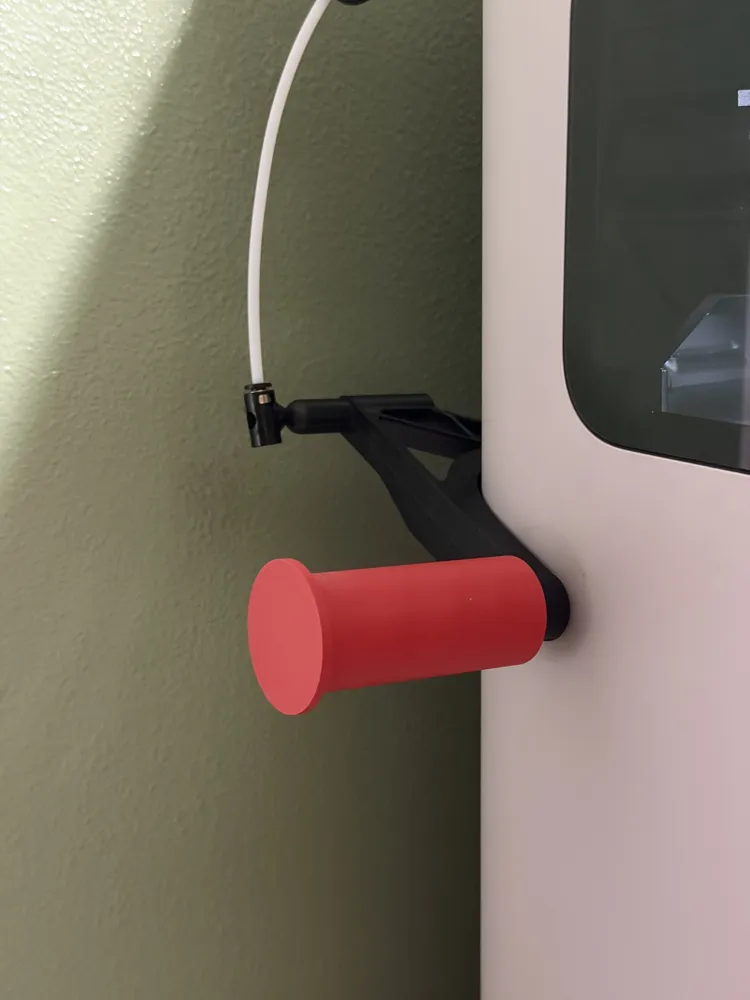
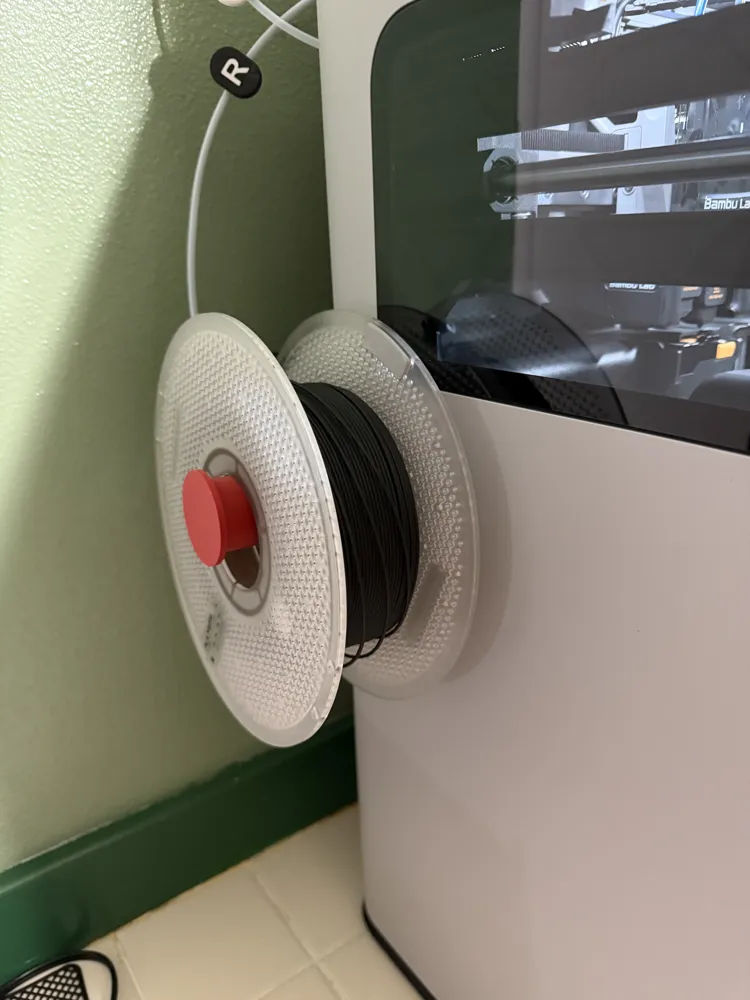
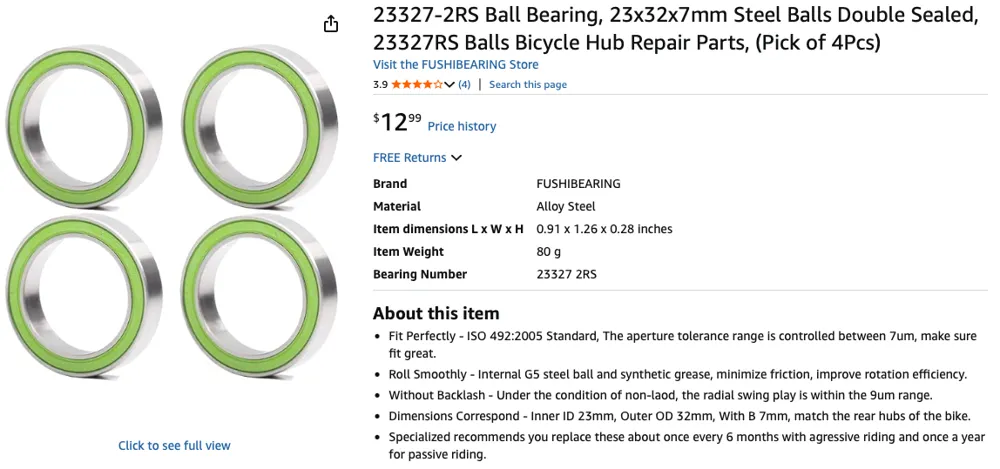
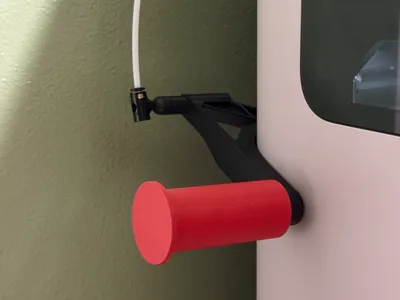
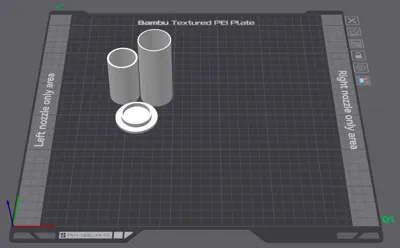
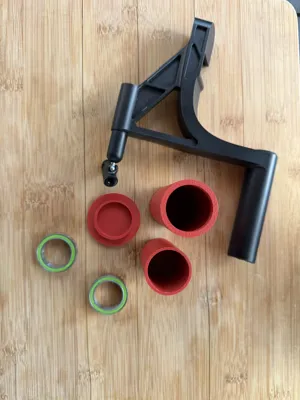
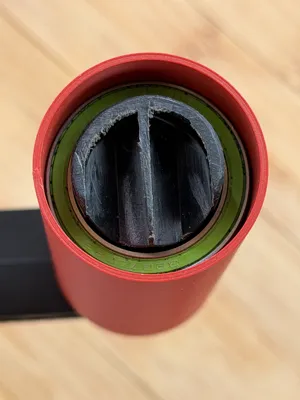
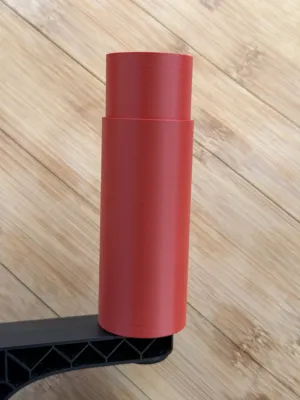
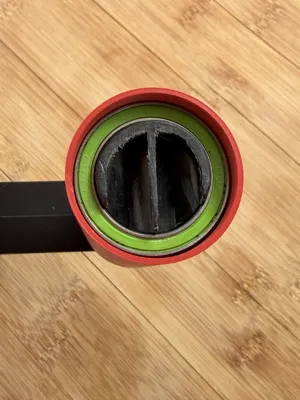
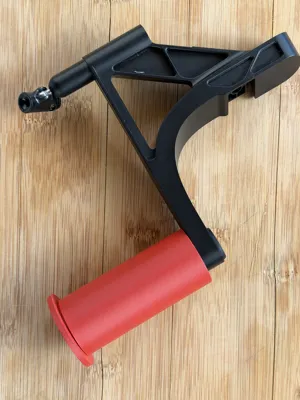
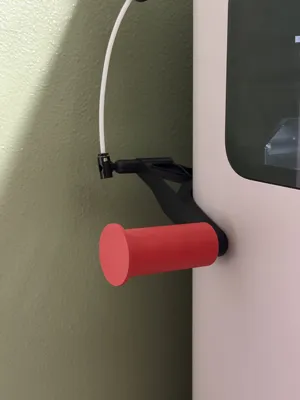
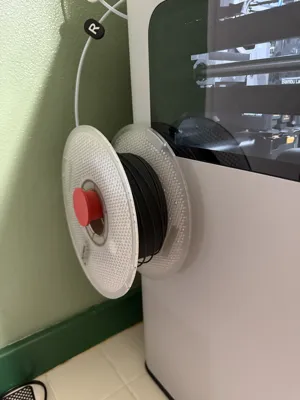
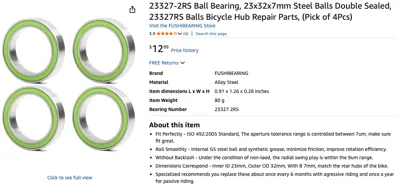
I use the external spool mount that came with the H2D. However the spool fights friction while the printer feeds the filament. So I created a roller that can be added to make the spool roll smoothly. I used two 23327-2RS Ball Bearings from Amazon (https://www.amazon.com/dp/B0B45X7W6P?ref=ppx_yo2ov_dt_b_fed_asin_title) and three printed parts. To assemble:
- Cut off the flange on the original external mount.
- Slide on the larger tube with the narrow end first.
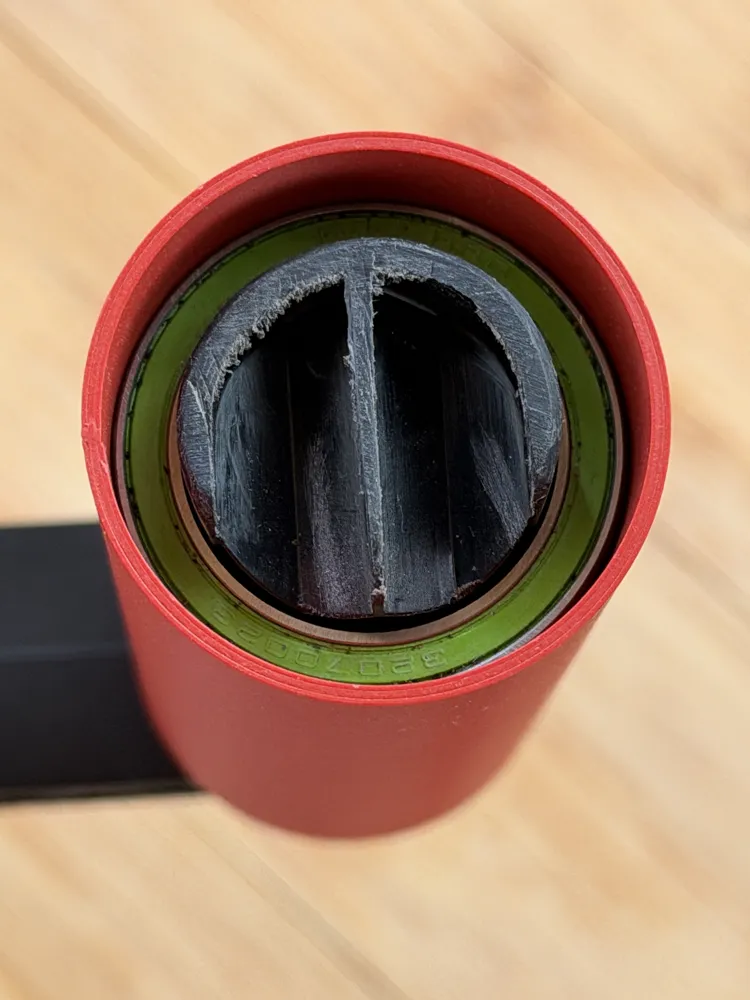
- Insert the first bearing then push all the way with the spacer tube.
- Insert the second bearing and push all the against the spacer tube.
- Glue the new flange in place (taking care not to get the glue on the bearing).
- Allow time for the glue to fully set then attach once more to the printer.
This roller will reduce the strain on the toolhead as it pulls the filament from the external mount.
License

This user content is licensed under a
Creative Commons Attribution-Noncommercial-Share Alike


Comment & Rating (0)