
Print Profile(2)
Description
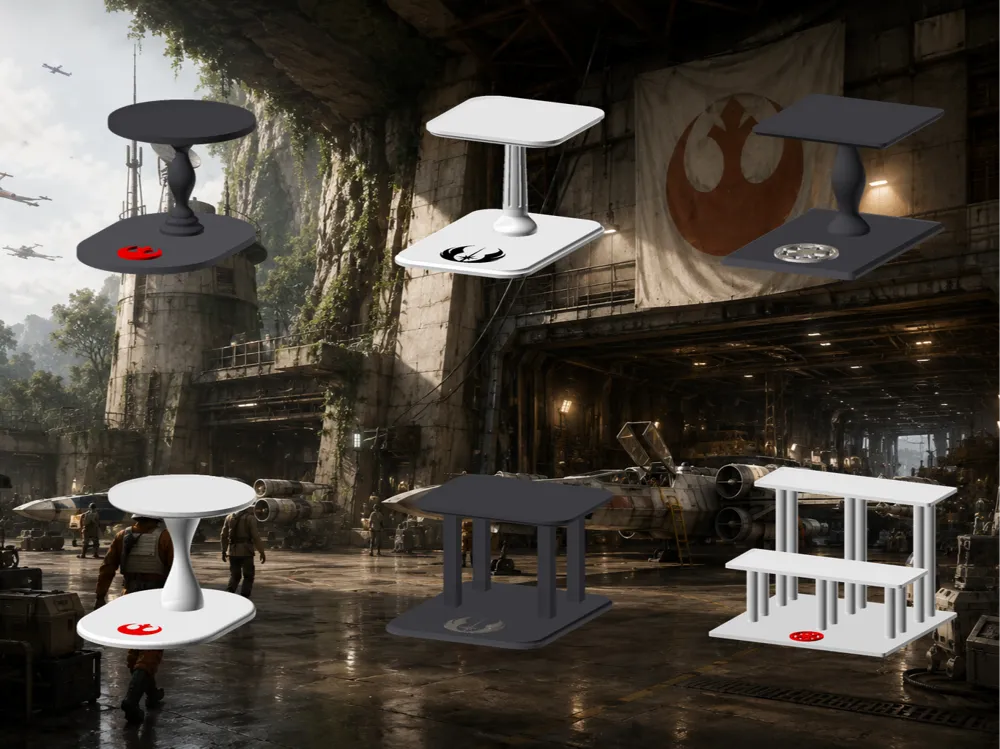
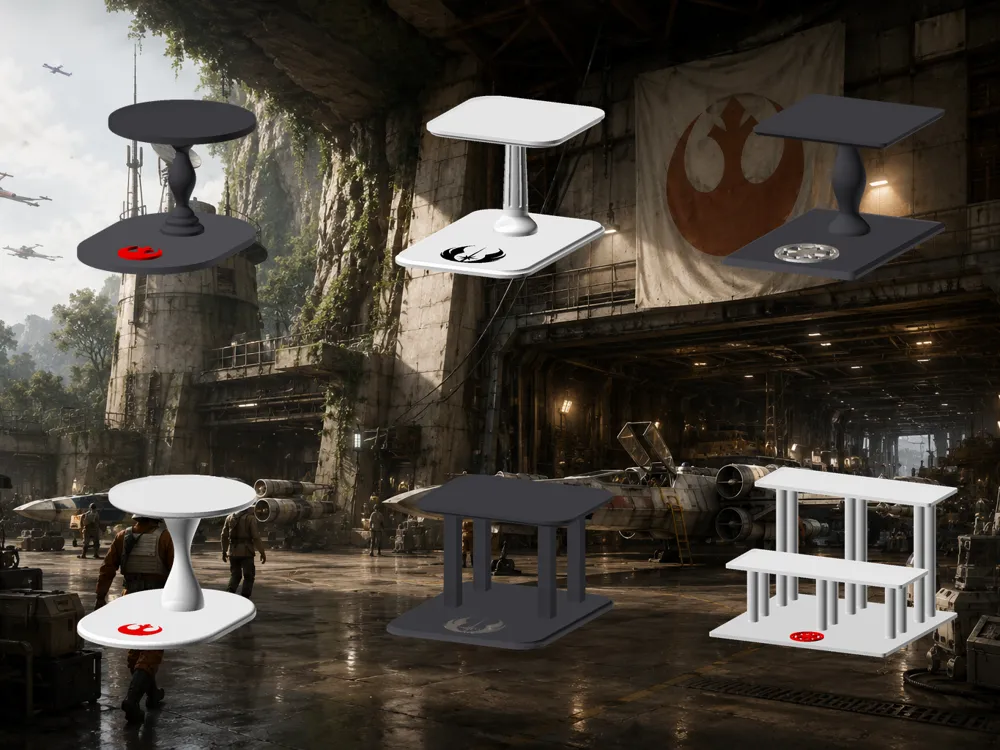
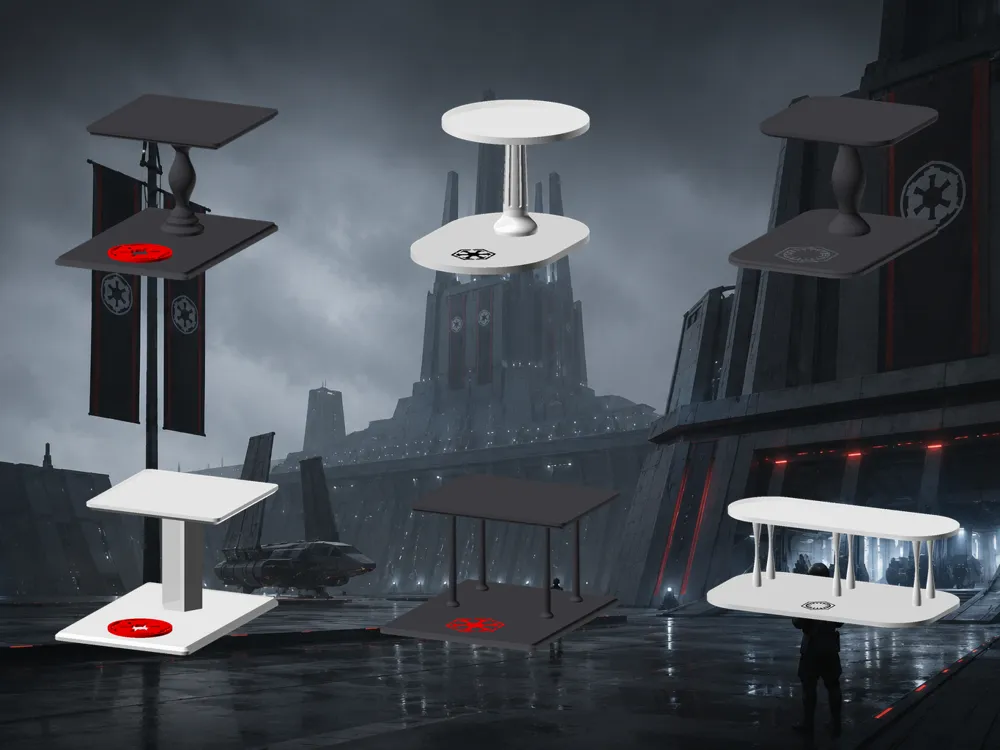
Choose a side. Or don't! There are thirteen logos in the dropdown.
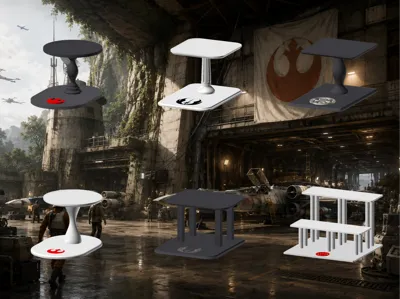

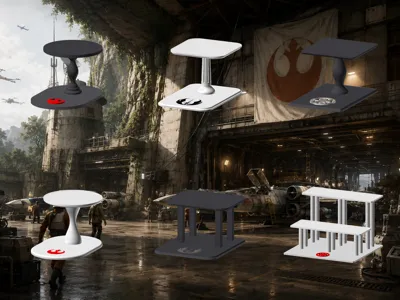
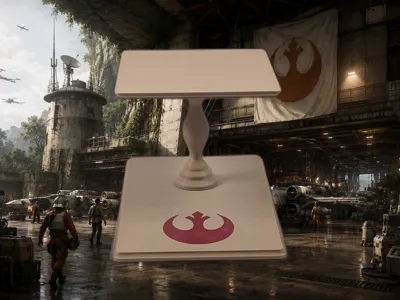
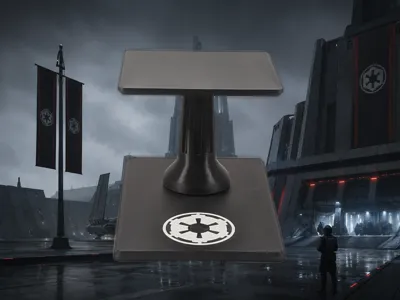
A fully customizable display stand for Star Wars figurines, noodle stoppers, and collectibles. Pick your faction, pick your color, tweak every dimension, and export a print-ready model, all from the browser, no software needed. Perfect for Noodle Stopper figures that perch on the edge with their legs dangling.
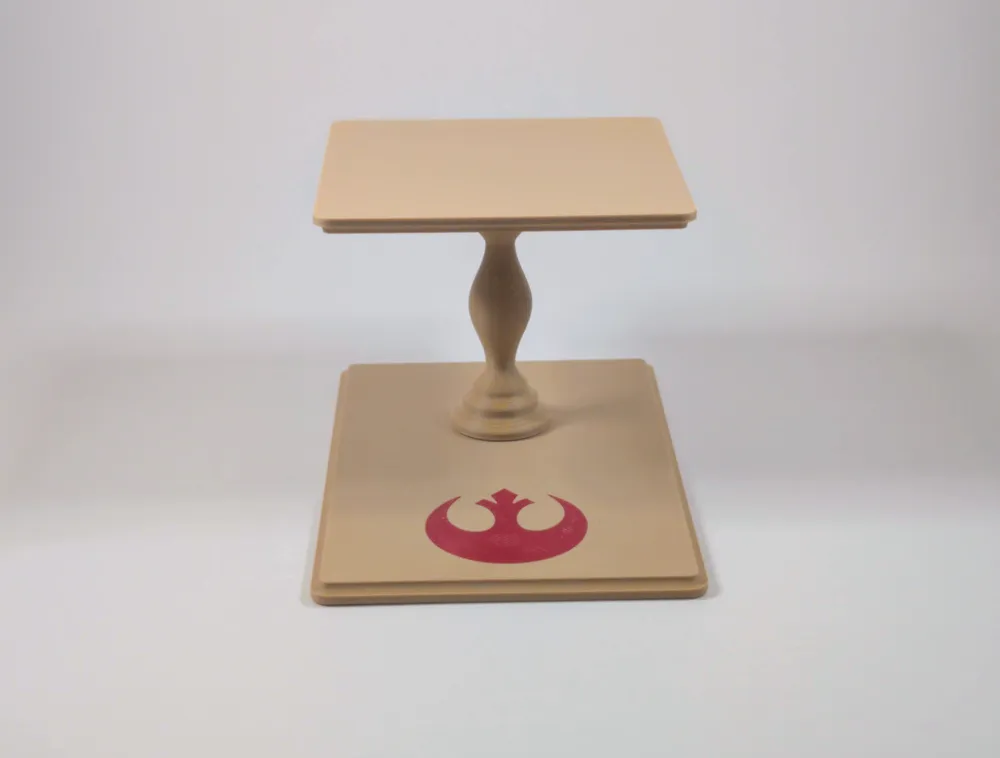
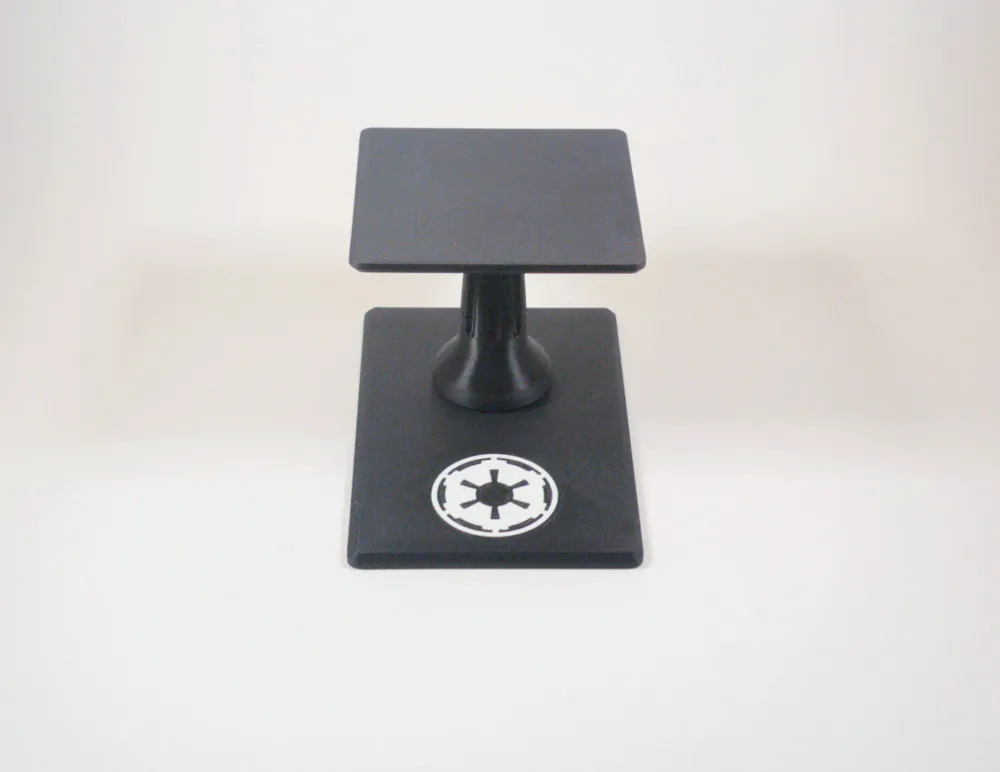
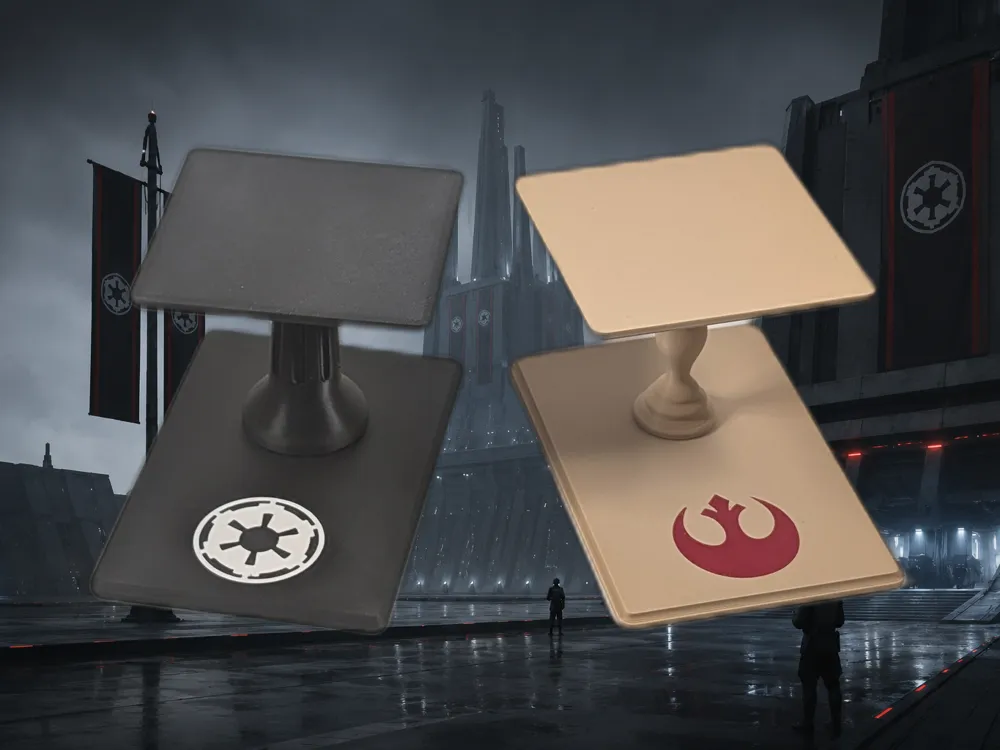
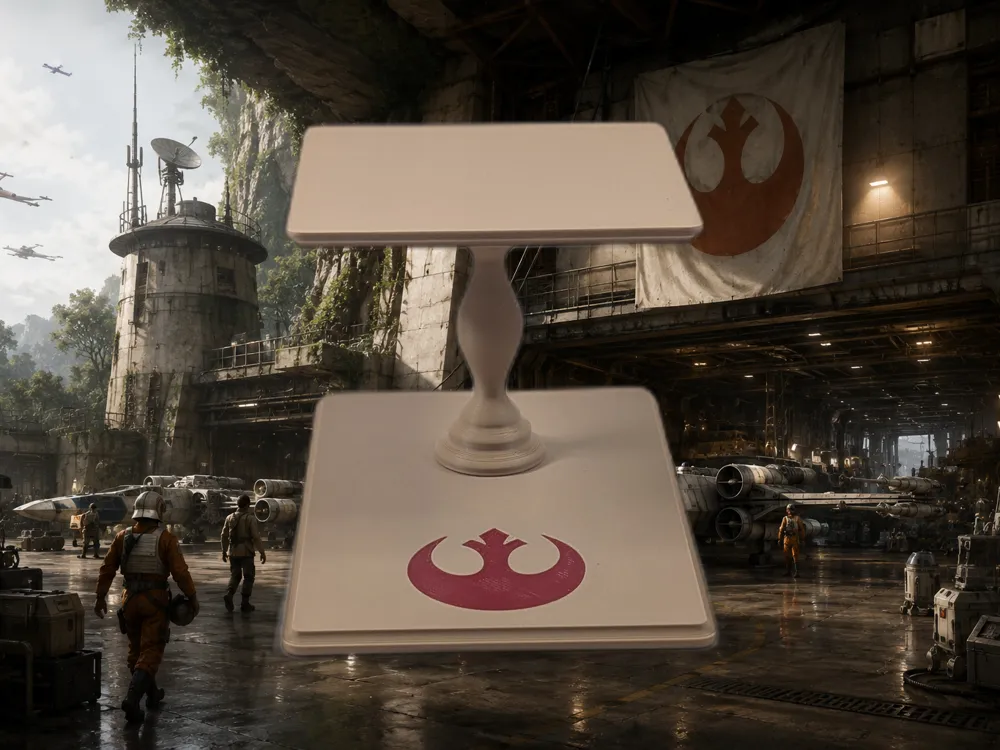
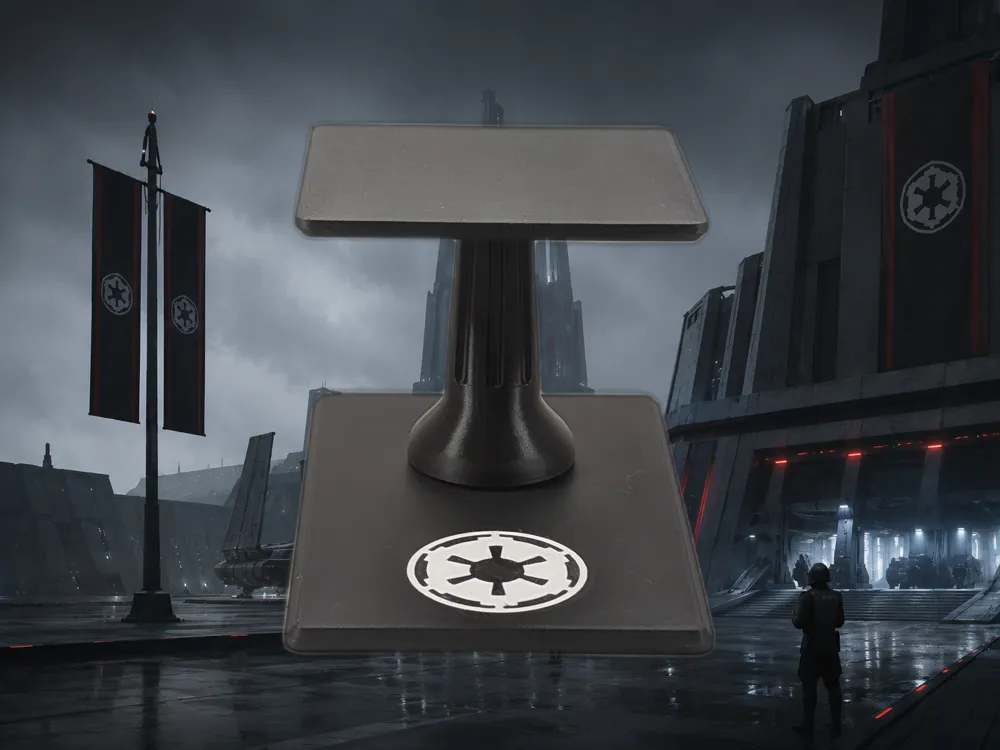
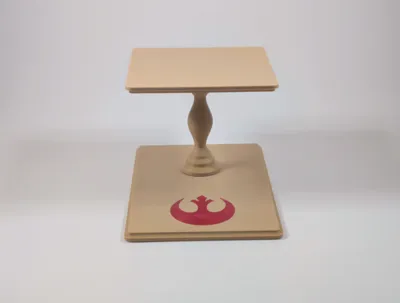
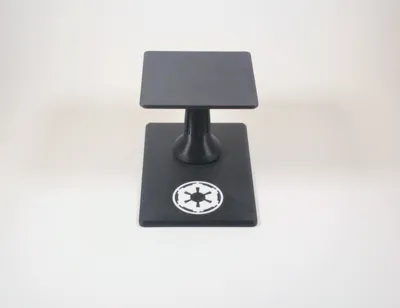
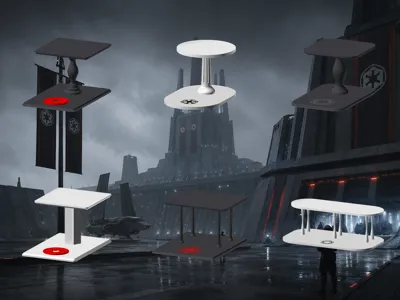
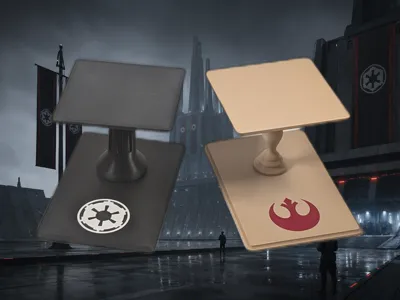
The base features a faction emblem or Star Wars wordmark printed directly onto it — sharp straight off the printer. Pause at the logo layer, swap filament, done. No painting required. Print the Rebel Alliance crest in red on white for the Light Side, or go Dark Gray with a white Imperial cog for full Empire energy. The galaxy is yours.
Thirteen logos included:
- Rebel Alliance — the classic Alliance Starbird
- First Galactic Empire — the Imperial cog
- First Order — the sequel-era emblem
- Galactic Republic — the Republic crest
- Jedi Order — the wings-and-star
- Sith Order — the Sith emblem
- Mythosaur — the skull of Mandalore

- The Mandalorian — the mudhorn signet
- CIS — the Separatist hex
- Star Wars – New — the modern wordmark
- Star Wars – Original Logo — the classic 1977 wordmark
- Star Wars – Outline — outlined wordmark variant
- Star Wars – Scroll-style — the opening crawl perspective logo
Just pick from the dropdown — every logo can be baked into the model.
The logo sits on the forward-facing base extension — the area that projects in front of the shelf — so it faces the viewer when the stand is on display.
Make it yours
Hit Customize at the top of the page to open the MakerWorld Parametric Model Maker — no downloads, no software, no coding. Adjust the sliders and dropdowns, then export when you're happy with it.
One thing to do before you export: make sure Exploded View is on — this separates the parts into a flat print layout so they're ready to slice straight away.
The logo
- logo — choose from: Rebel Alliance · First Galactic Empire · First Order · Galactic Republic · Jedi Order · Mythosaur · Sith Order · CIS · Star Wars – New · Star Wars – Original Logo · Star Wars – Outline · Star Wars – Scroll-style · The Mandalorian
- use_logo — toggle the logo on or off.
- logo_mode — two options:
- Flush — sits at exactly base height, colour-swapped at layer change. The cleanest result and the default. Pause the print at the logo layer and swap filament to get the two-tone finish.
- Embossed — the logo rises above the base in full relief.
- logo_scale — scales the logo uniformly. Default 1. Fine detail may require a 0.2 mm nozzle at smaller scales.
- logo_thickness — relief height in mm for embossed mode. Ignored for flush. Default 0.8 mm.
- logo_rotation — rotate the logo in degrees.
- logo_x — horizontal offset from the centre of the base width, in mm. 0 = centred.
- logo_y — vertical offset from the centre of the base extension, in mm. 0 = centred in the front panel.
Colors
- stand_color_name — White · Black · Dark Gray · Gray · Red · Blue · Yellow
- logo_color_name — Black · White · Dark Gray · Red · Blue · Yellow · Gray
Post shape
- post_shape — choose from: cylinder · square · hex · pedestal · pillar · fluted · baluster · hourglass
- post_diameter — the widest point of the post, in mm. Default 24 mm.
Dialling in the post profile
For Pedestal:
- pedestal_waist_ratio — how narrow the waist is as a fraction of the diameter. 0.3 is dramatic and hourglass-like; 0.7 is barely tapered.
- pedestal_bulge — how much the belly swells. 0 = straight sides, 1 = very rotund and urn-like.
For Hourglass:
- hourglass_waist_ratio — the pinch point as a fraction of diameter. 0.1 is an extreme cinch; 0.8 is a subtle taper.
For Fluted:
- pillar_flutes — number of grooves. Classical columns typically use 8–24.
- pillar_flute_depth — how deep each groove cuts, as a fraction of shaft radius. 0.1 is subtle; 0.35 is bold.
- pillar_flute_margin — how far the flutes stay from the top and bottom of the shaft, as a fraction of shaft height. Keeps the ends clean.
Post layout
- number_of_post_columns — posts across the width of the shelf.
- number_of_post_rows — posts front-to-back on the shelf.
- post_inset_x / post_inset_y — how far the outermost posts sit from the shelf edges.
- post_row_offset — when using a single row, controls where it sits front-to-back. 0 = front edge, 0.5 = centre, 1 = back edge.
Shelf and tier layout
- shelf_width — width of the shelf, in mm. Default 80 mm.
- shelf_depth — front-to-back depth of the shelf, in mm. Default 80 mm.
- shelf_thickness — how thick the shelf platform is. Default 4 mm.
- number_of_tiers — how many ascending levels.
- first_tier_height — the post height for the front (lowest) tier. Default 67 mm.
- tier_rise — how much taller each subsequent tier is.
- tier_gap — space between the front edge of one shelf and the back edge of the shelf in front.
Edge styling
- shelf_edge_style — profile on the underside of each shelf: none · chamfer · roundover · cove
- shelf_edge_size — how deep the moulding runs, in mm.
- shelf_edge_flip — set to true to move the moulding to the top face of the shelf instead of the underside.
- base_edge_style / base_edge_size / base_edge_flip — same controls, applied to the base plate.
- shelf_corner_radius / base_corner_radius — corner rounding on shelves and base. 0 = sharp square corners, 4 mm = gently rounded (default).
- base_extension — extends the base forward past the front tier. Default 40 mm — enough to show the logo clearly.
Assembly and press-fit tuning
The stand assembles without glue. Each shelf platform has a peg on top that presses into a hole in the base.
- peg_diameter — diameter of the locating peg. Default 12 mm.
- socket_clearance — the gap added to the peg hole to tune the fit. Default 0.1 mm. Pegs too tight? Increase by 0.1 mm. Too loose? Decrease by 0.1 mm.
Print settings
No supports needed on any part. Print the base flat face-up, and the shelf platform face-down with the post pointing up. Press fit assembly — no glue required.
Recommended settings: 0.2 mm layer height, 3–4 perimeters, 15–20% infill.
Other versions
- Standard Edition — Same fully customizable generator, no franchise logos
- NIKKE Edition — same system, NIKKE faction logos
- NieR: Automata Edition — same system, YoRHa insignia
- Miku Edition — same system, Hatsune Miku logo
- Star Edition — same system, star-shaped platform
- Flower Edition — same system, flower-shaped platform
License

You may create derivative works based on this object, provided that all such derivative works are published exclusively on the MakerWorld platform and include proper attribution to the original creator. You may not share, upload, host, distribute, or publish this object—or any derivative work of this object—on any other digital platform, marketplace, or distribution channel. Commercial use of this object and any derivative works is strictly prohibited. This includes, but is not limited to, selling, renting, sublicensing, or using the object in any context in which you receive monetary compensation or other financial benefits.


Comment & Rating (0)