
Print Profile(1)
Description
Fully Parametric Roller Shutter System
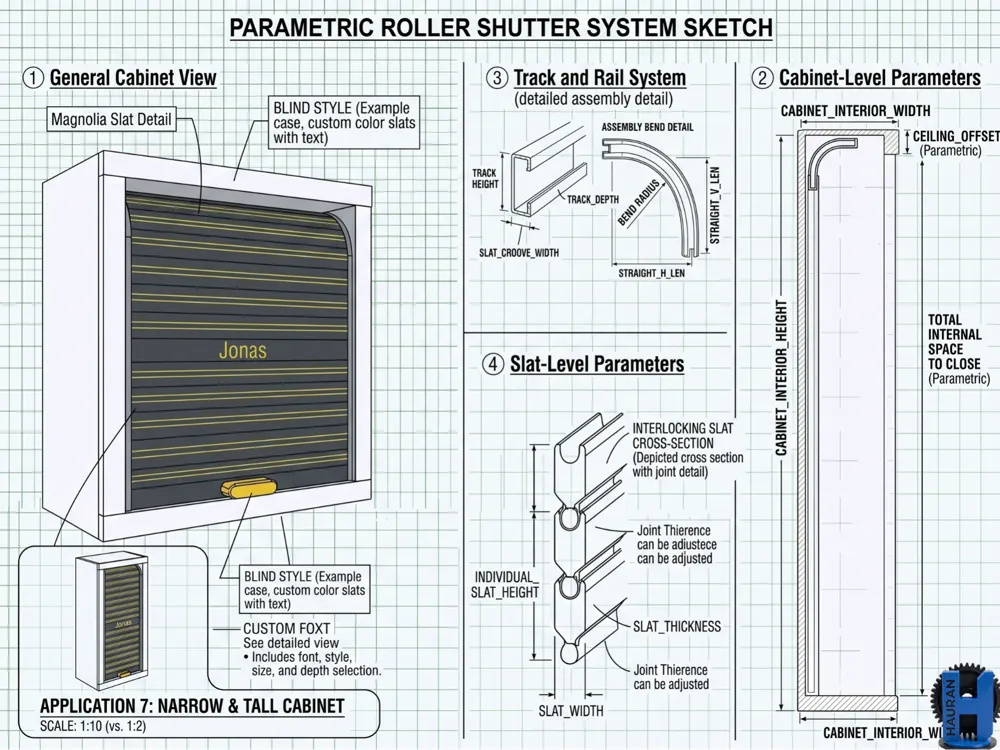
Easily upgrade your cabinets, shelves, and custom storage boxes with this fully parametric roller shutter mechanism. Using the built-in portal configurator, you can tailor every dimension, tolerance, and aesthetic detail to perfectly fit your specific project.
Color & Material Customization
The generator produces 3 distinct object groups, allowing you to easily mix and match colors and materials:
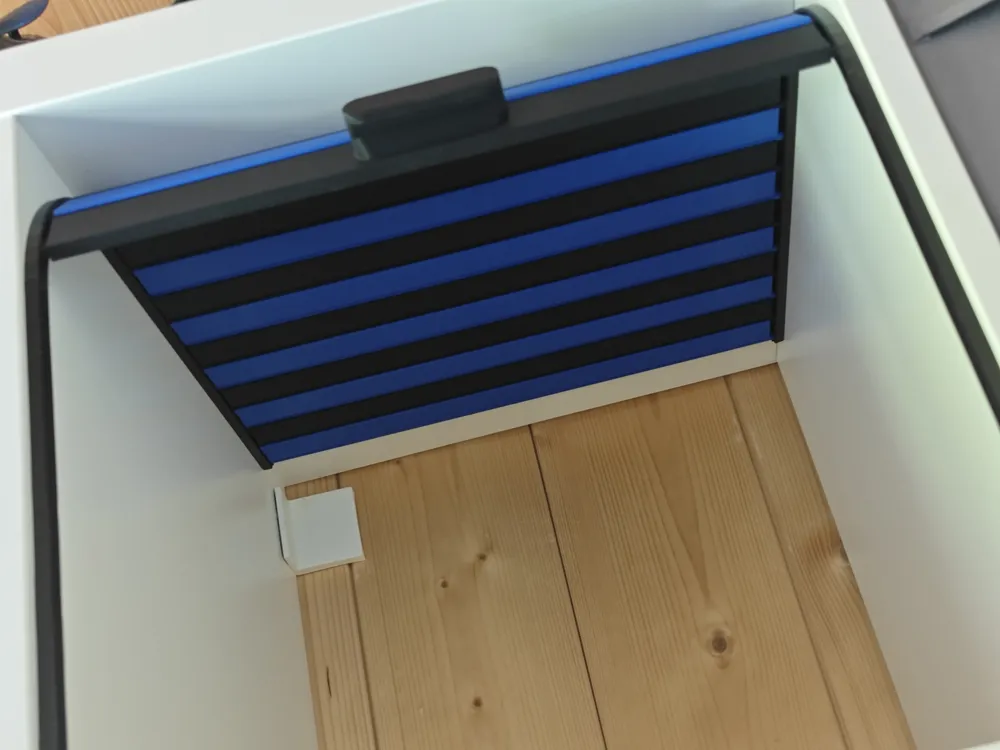
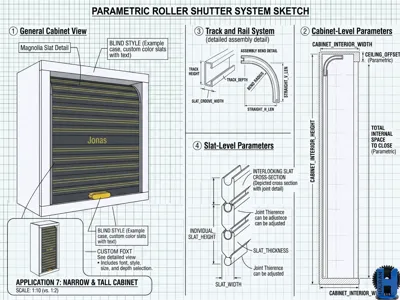
- The Rail System: Generates either L-shaped or U-shaped tracks that mount to your cabinet walls.

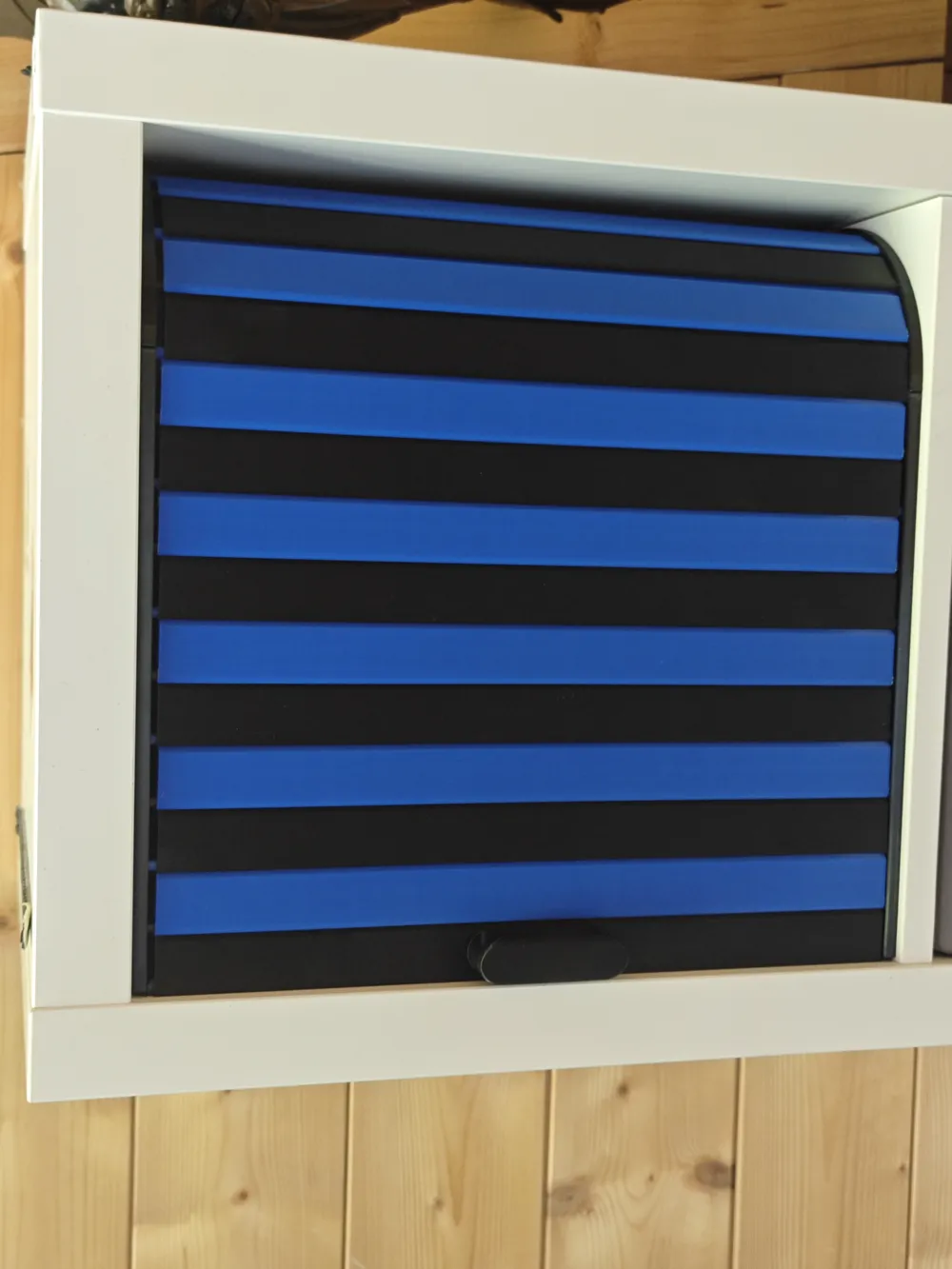
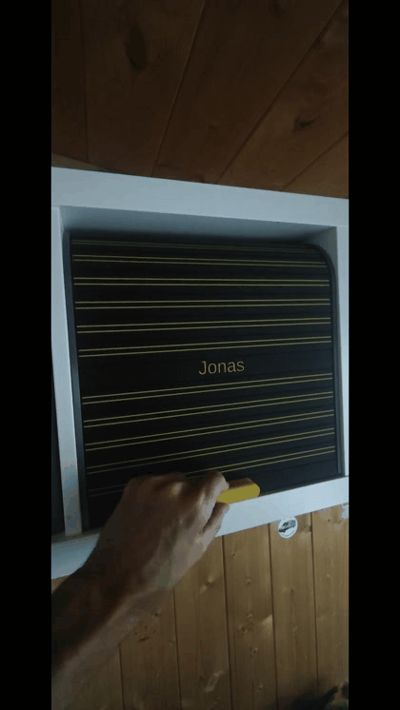
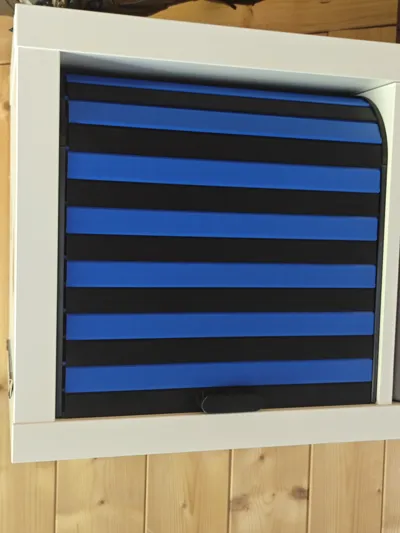
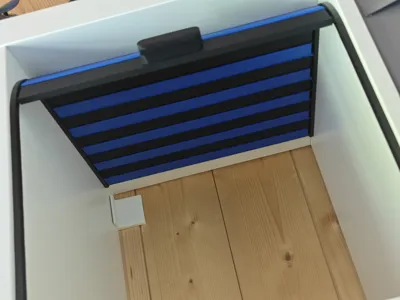
- Standard Slats: Standard interlocking sliding slats. You can generate these in multiple batches to create alternating two-tone stripes, gradients, or a solid color block. You can even design a slat with a text in different fonts (If you want to preview all fonts available, you can quickly check my other generator where you can preview all fonts quickly HERE). You can pick colors using edge detection in slicer if you want to have multicolor print.
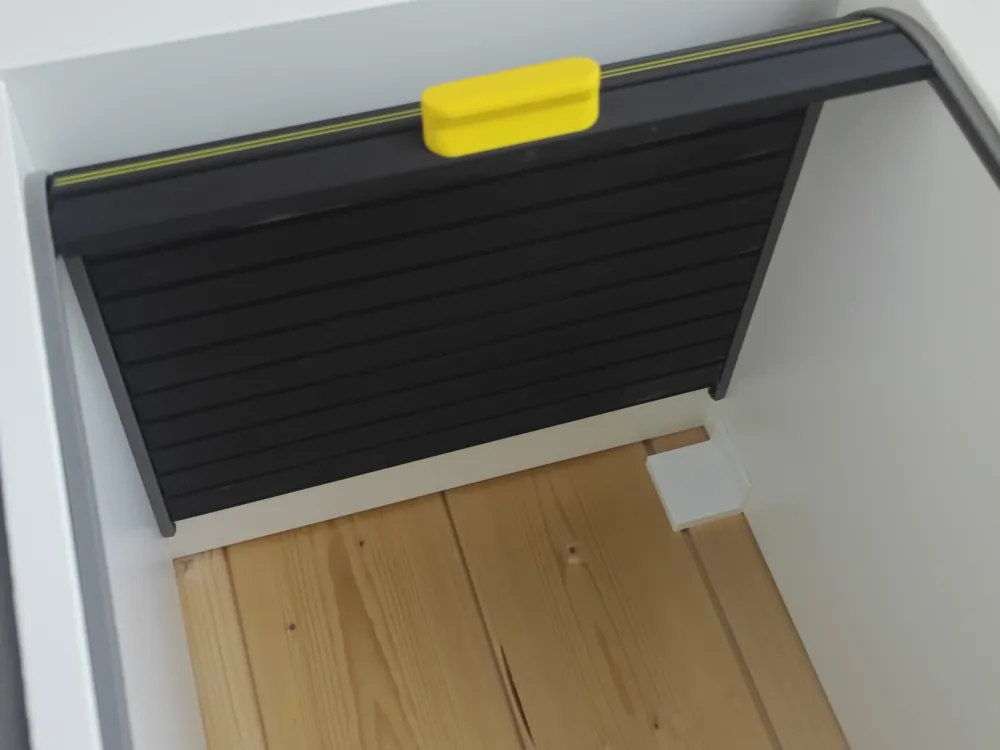
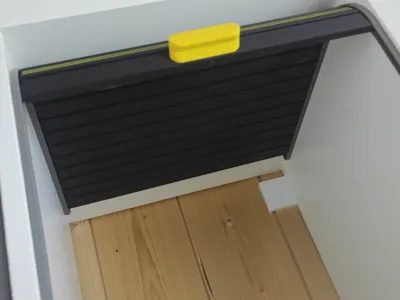
- End Slat with Handle: A specialized final slat featuring either a protruding hourglass handle or a recessed cutout. This is ideal for printing in a contrasting accent color.
Parametric Visual & Structural Adjustments
The built-in configurator gives you total control over the appearance and mechanical fit:
- Face Patterns: Customize the front of your slats with built-in patterns including hoops, ribs, squares, diamonds, slashes, or custom engraved text with selectable fonts.
- Cabinet Dimensions: Adjust the total vertical height, horizontal depth, and corner bend radius of the rails to perfectly match your furniture.
- Smart Splitting: If your required dimensions exceed your print bed, the system can automatically split long rails and wide slats into smaller segments with interlocking dovetail joints for post-print assembly.
- Fine-Tuned Tolerances: Modify the clearance of the sliding joint beads and rail grooves to ensure a perfectly smooth glide on your specific printer.
Recommended Print Parameters
- Material:I used PETG for Rails and PLA for slates. You can print all in PETG or PLA as well.
- Supports: Not required except the Handle (but you can select end slate with hole, supportless) I still used outer Brim to make sure slats do not move. You MUST use outer brim if you create slates with height over 4cm.
How to measure and configure
Easiest way how to start is you touch only few parameters. First step is you measure HEIGHT and DEPTH of your cabinet. With Depth i mean the Depth of the part which should be covered with blends (you probably soose to have some small space from Front) For tolerances, we will use HEIGHT-1mm and DEPTH-1mm:
- To generate rails, in Rails configurator, enter total HEIGHT and total DEPTH as you just measured it. You can select if you want blends to move along front top corner or along the back top corner as well (if your Height is more than your Depth, that would be the only way how to open slats fully) You basically dont have to do anything else (if you have some standard dimensions with like at least 150cm height and depth) here and just generate your rails.
- Now generate slats. Default rails have thickness of Material 2mm and Grove depth 4.7mm If you havent touched those parameters, you use your measured WIDTH and substract both rails = (WIDTH-(2x2+2x4.7)= WIDTH-13.4mm) Slats have to move a bit on the sides so they can smoothly close.
- If you need, generate different slats with same dimensions, all will fit together. You must have one ending slat which will close the whole segment. In total, you will need at least that many slats as the number HEIGHT / Slat pivot Height.
So some example of calculation for IKEA KALLAX (on sample pictures):
- You measure height ca 335mm and decide to have the same depth so there will be ab bit space in the front and back So considering tolerances, you have DEPTH = 334 and DEPTH = 334
- Generate rails as L shape entering Height and depth both 334mm
- Now you generate Handle slate with Width 320 ( Rounded down 334-13.4)
- Now generate another normal slate
- Import all those elements into Slicer. You have (Default) Height of Slate 25mm so you need 334/25=13.36 slates to cover opening. So that means we will round up and take one Ending slate and crate copies of emelemt slates to have total of 14.
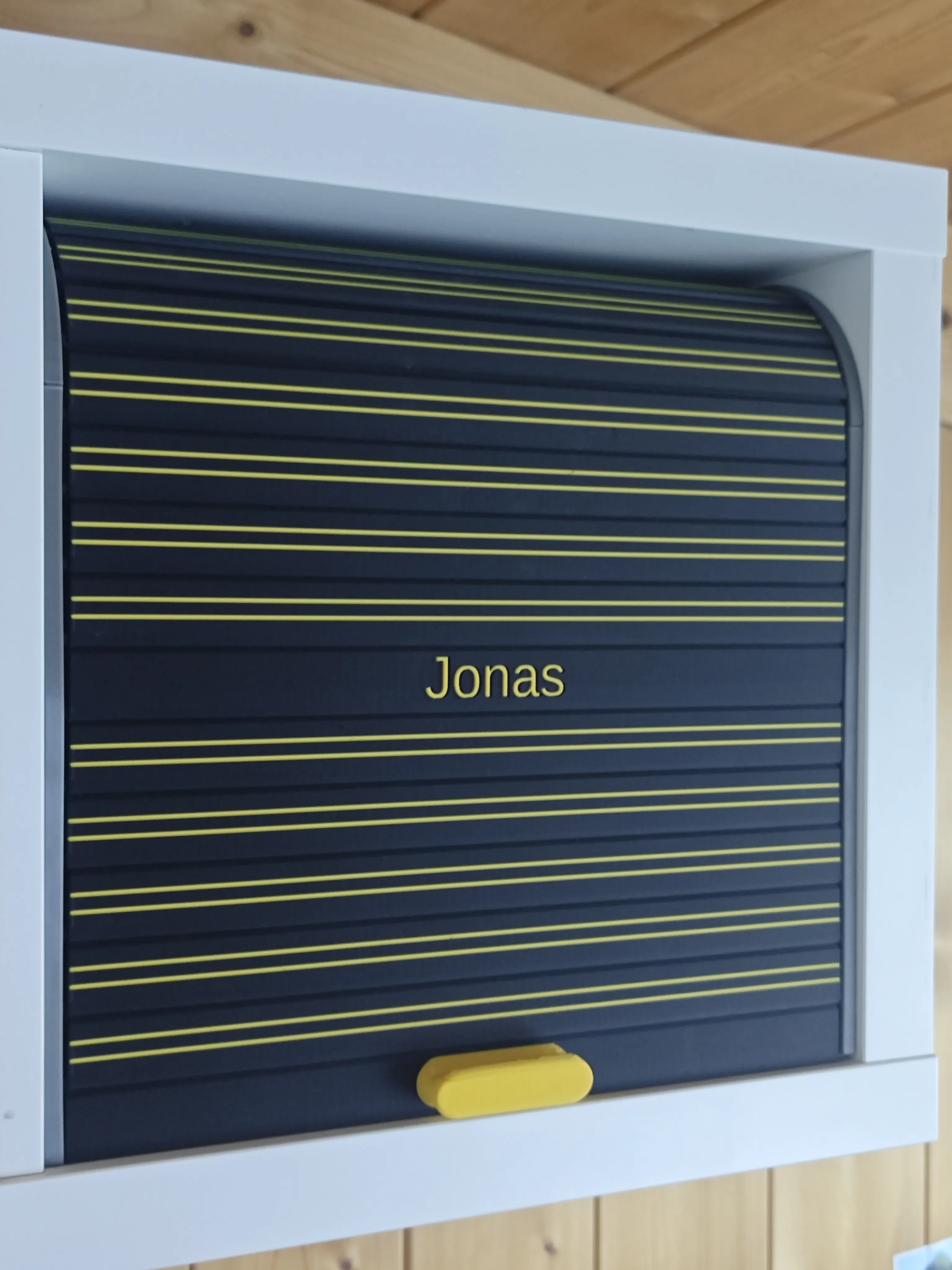
- And thats all, just print it! Share your makes!
You can find the sample project for KALLAX HERE
OPTIONAL: If your printer is too small, use the SLICE oprion in both customizers. You can easily put maximum length you can print and customizer will slice down the parts according to size of your printer. For Slats, you will need to put them together like bricks, thats why customizer will give you two versions - one with cut in the middle, one with an element in the middle. so having 50% of each sort, you will be able to compose any size of closing regardless of your printer size.
Boost Me (for free)
This generator took me really lot of effort. It was not easy to put it all together so it can be fully parametrized. If you can, leave me a boost to keep me motivated going on with projects like this.
License

You shall not share, sub-license, sell, rent, host, transfer, or distribute in any way the digital or 3D printed versions of this object, nor any other derivative work of this object in its digital or physical format (including - but not limited to - remixes of this object, and hosting on other digital platforms). The objects may not be used without permission in any way whatsoever in which you charge money, or collect fees.


Comment & Rating (2)