
Filament roller
Print Profile(1)
Description
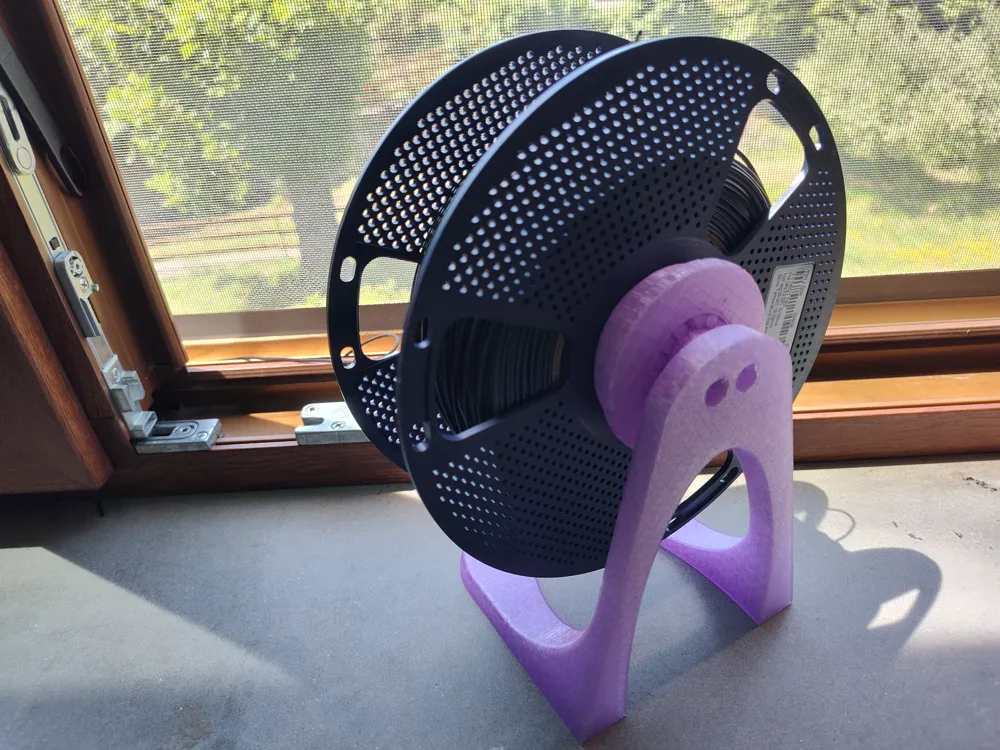
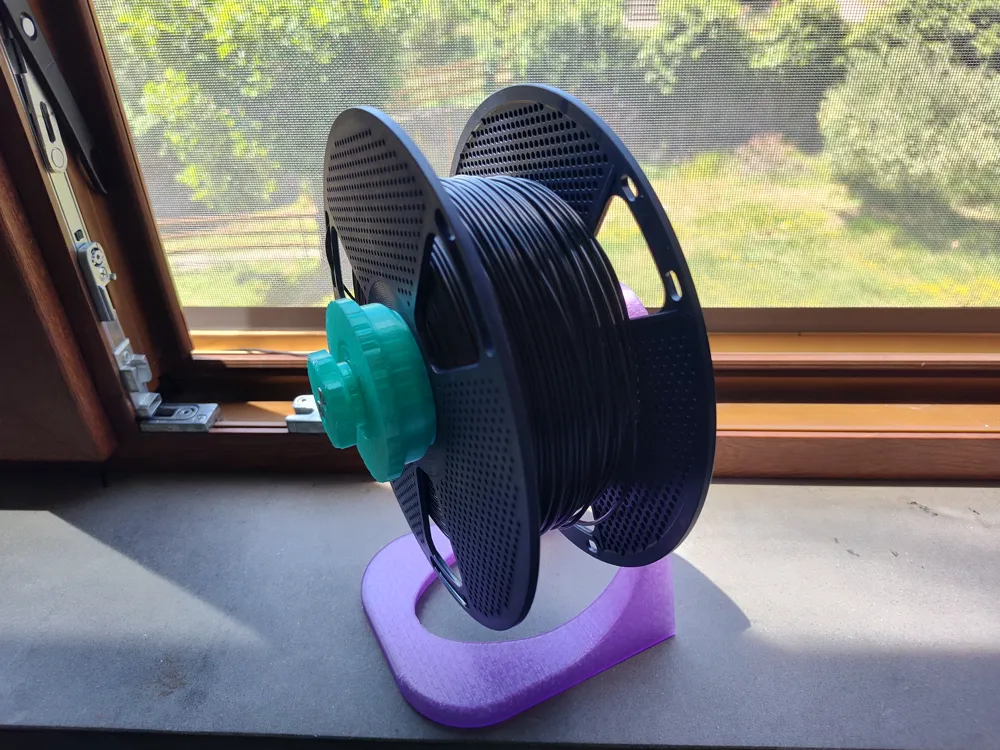
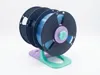
Smoothest Universal Roller (Print-in-Place Bearings)
If you are looking for a reliable, smooth-spinning filament roller that doesn’t require buying metal bearings or wasting half a roll of plastic just to print the stand, this is for you.
Most rollers on the market are either over-engineered filament hogs or require extra hardware. This custom design is highly efficient, using only 140 grams of filament for the universal version, and prints entirely on a single build plate (on a A1 Mini). It uses integrated, print-in-place plastic bearings to deliver a completely tension-free feed.
It fits spools of 53/56 mm (Bambulab and others) and 62/64 mm (SunLu and others)
🌟 Key Features
- Material Efficient: Uses just 140g of filament—no wasted plastic on bulky frames.
- 100% 3D Printed Bearings: Features print-in-place bearings so you don't need to buy or source metal ball bearings.
- Single-Plate Print: Everything fits onto one standard build plate for an easy, hassle-free print.
- Smooth, Low-Tension Feed: Excellent for standard filaments (PLA, PETG) and perfectly smooth for tension-sensitive materials like TPU.
- No supports required
- Dual Spool Compatibility: Includes versions to fit the most popular spool sizes on the market:
- 53mm / 56mm (Bambulab, etc.)
- 62mm / 64mm (Sunlu, etc.)
🛠️ Hardware Needed
- 4x M5 Bolts / Screws: The longer they are, the more stable the frame will be (just ensure they thread fully into the model without bottoming out).
💡 Print & Assembly Tips
⚠️ Important: Because this model utilizes print-in-place bearings, I highly recommend greasing the bearings before first use. A little lubrication (like silicone grease or PTFE lube) ensures the smoothest possible rotation and prevents the plastic from wearing down over time.
- Layer Height: 0.2mm recommended for optimal bearing tolerances.
- Infill: 15-20% (Gyroid or Grid recommended for strength).
- Post-Print: If your tolerances are tight, gently twist the bearings by hand after printing to break them free before adding grease.
License

You shall not share, sub-license, sell, rent, host, transfer, or distribute in any way the digital or 3D printed versions of this object, nor any other derivative work of this object in its digital or physical format (including - but not limited to - remixes of this object, and hosting on other digital platforms). The objects may not be used without permission in any way whatsoever in which you charge money, or collect fees.


Comment & Rating (0)