Search models, users, collections, and posts

Customizing Arabic Nameplates
IP Report
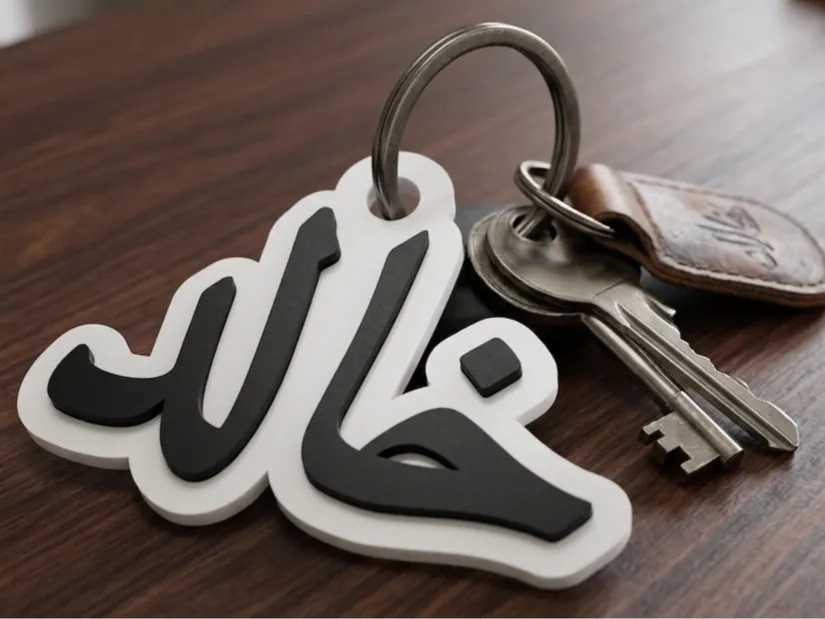
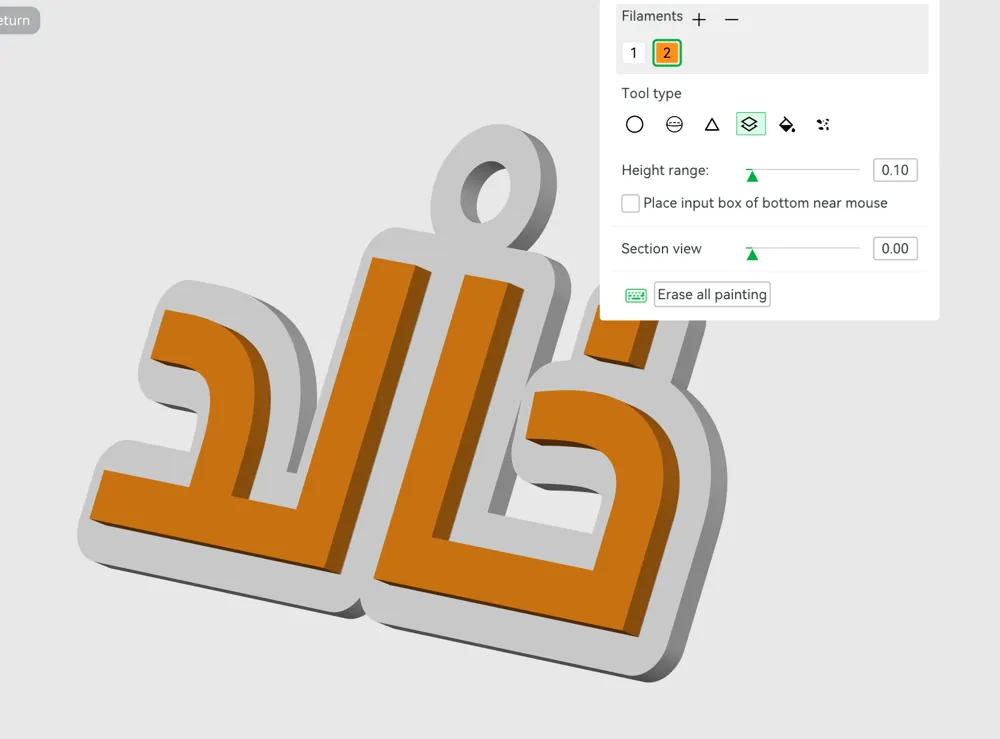
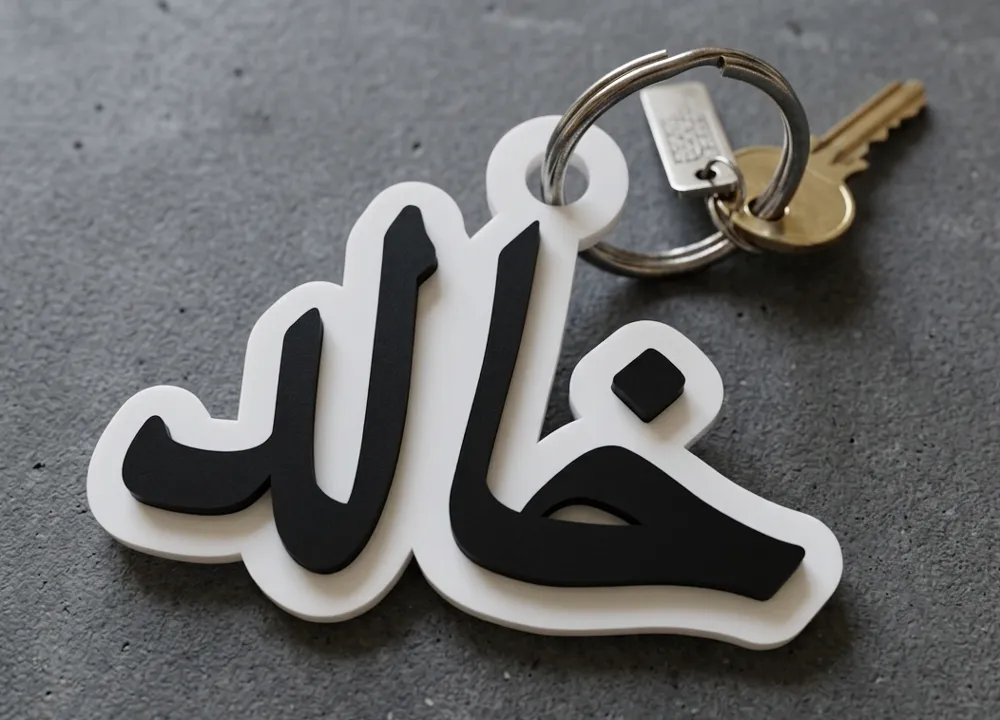
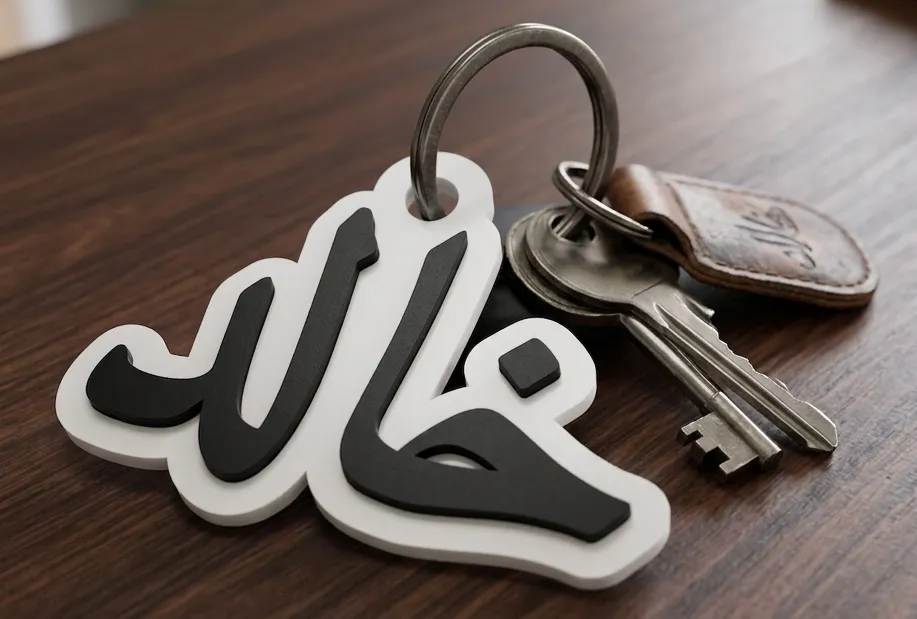

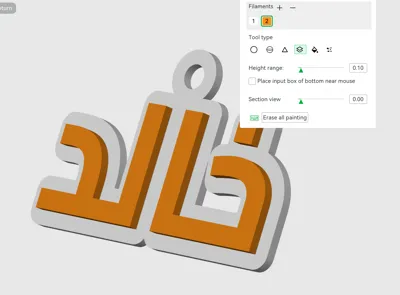
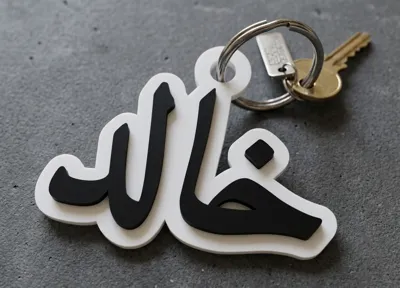

This model is created by Parametric Model Maker
Make Your Model
Print Profile(1)
0.2mm layer, 2 walls, 15% infill
Designer
18 min
1 plate
Open in Bambu Studio
Boost
7
21
0
0
32
18
Released
Description
Content has been automatically translated.
Excellent Arabic Language Support: Specially designed to handle connected and mirrored Arabic text, automatically merging dots and letters to ensure a cohesive and strong piece during printing.
General Idea
The script creates a custom nameplate featuring:
An embossed 3D name
An organically shaped background (cloud / frame / path)
An automatic hanging hole option with a smart location
Automatic scaling if the name is long
Separate colors for text and background (suitable for multi-color AMS printers)
1. Text Settings
Here you control the name's appearance:
Name → The name written on the design
Font_Name → Font type (cairo / tajawal / amiri)
Base_Font_Size → Base font size
Text_Thickness → 3D extrusion thickness
Text_Color → Text color
2. Background Settings
Control the shape of the “plate” behind the name:
Backplate_Thickness → Base thickness
Offset_Distance → Amount of background expansion around the text
Backplate_Type:
Cloud → Soft organic cloud shape
Connected → Follows the shape of the letters
Frame → Hollow frame around the text
Backplate_Color → Background color
3. Smart Hanging Hole
A smart feature within the script:
Hanging_Hole → Turn hole on/off
Hole_Radius → Hole size
Hole_Position → Its location (top/bottom/right/left/corners)
Hole_Margin → Safety distance from the text
The intelligence here:
The script automatically calculates the hole's position based on the text size and shape, without manual intervention.
4. Automatic Scaling
Max_Allowed_Width → Maximum plate width
The script automatically calculates the name length
If the name is large:
Automatically reduces font size
Prevents the design from exceeding print boundaries
5. Internal Geometric Calculations
The script automatically calculates:
Approximate name width
Text X and Y boundaries
Hole coordinates based on its position
Background distribution around the text
This eliminates the need for any manual adjustment.
6. Modules
2D Text Generation
Generates the 2D shape of the name before 3D conversion.
3D Text
Converts text to a 3D object
Raises it above the base
Applies the specified color
2D Background
Creates the background shape based on type:
Cloud → Soft expansion (circular offset)
Connected → Connected expansion
Frame → Hollow frame using difference
3D Background + Hole
Converts the background to a 3D object
Adds a support base around the hole
Neatly carves the hole within the base
7. Final Assembly
Finally:
Text + Background are merged into one object
Ready for immediate 3D printing
Compatible with multi-color (AMS)
Summary
This is a “Professional Name Generator” script:
Smart in scaling
Flexible in design
Suitable for 3D printing
Provides a ready-made product with almost no manual adjustment
License

This user content is licensed under a Standard Digital File License.
You shall not share, sub-license, sell, rent, host, transfer, or distribute in any way the digital or 3D printed versions of this object, nor any other derivative work of this object in its digital or physical format (including - but not limited to - remixes of this object, and hosting on other digital platforms). The objects may not be used without permission in any way whatsoever in which you charge money, or collect fees.


Comment & Rating (0)