
Toggle Switch Clicky Slider
Print Profile(1)
Bill of Materials

Description
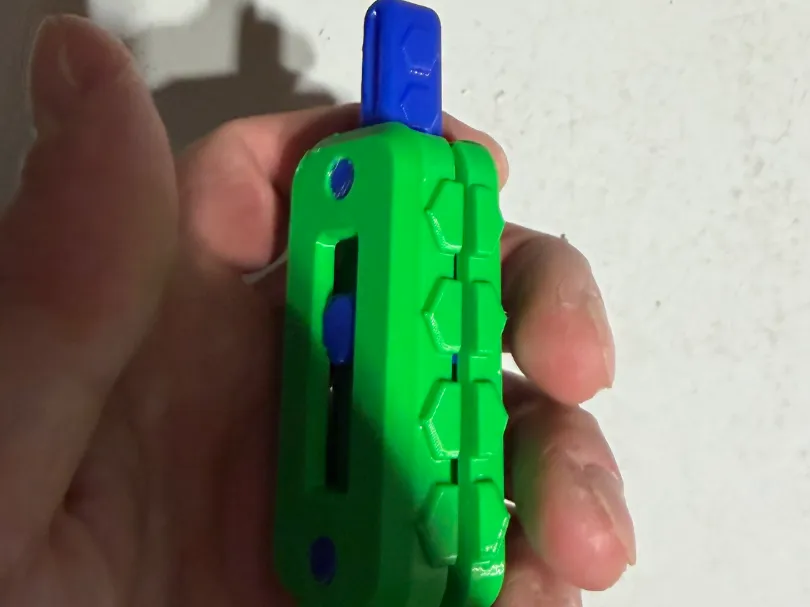
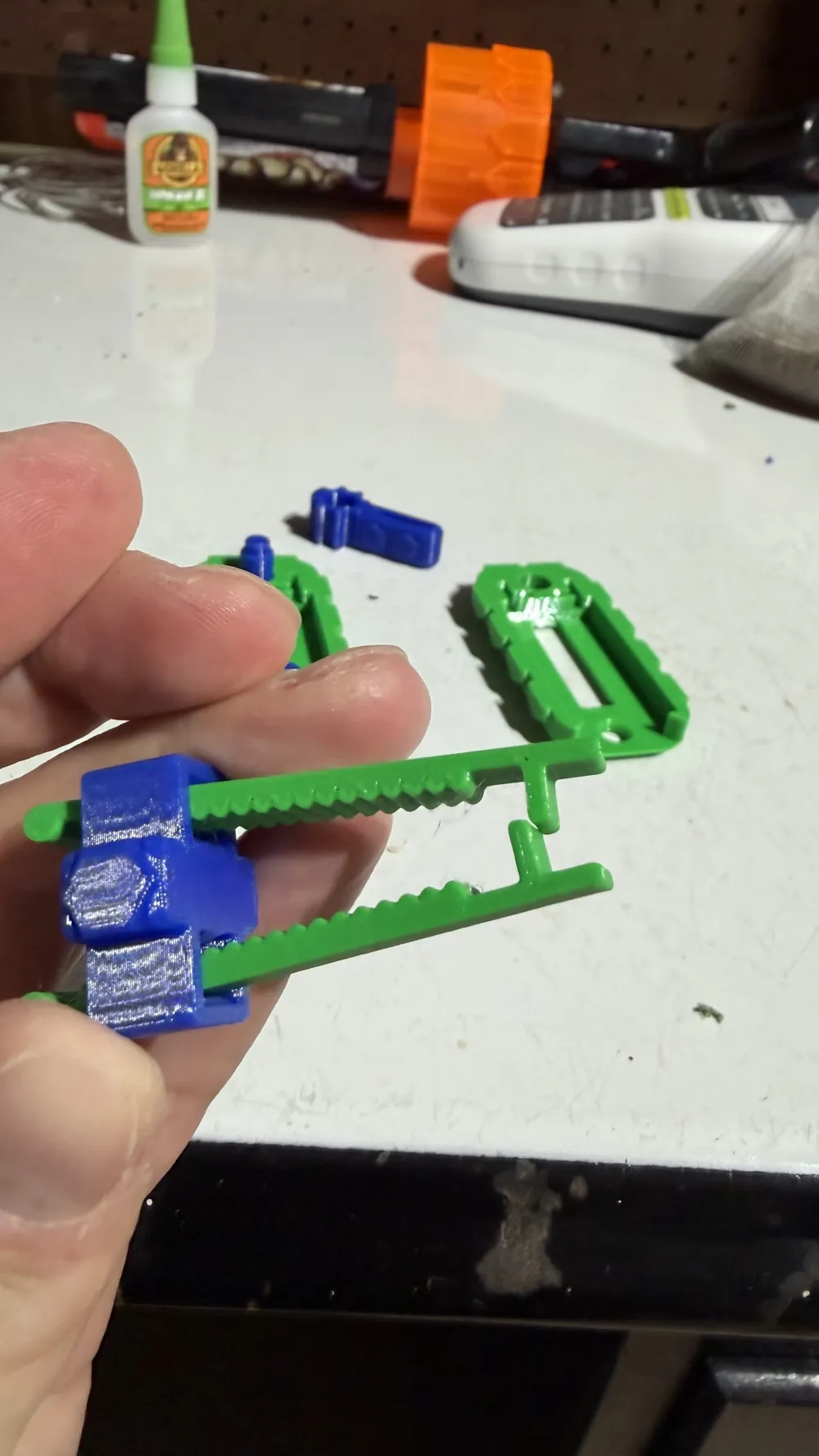
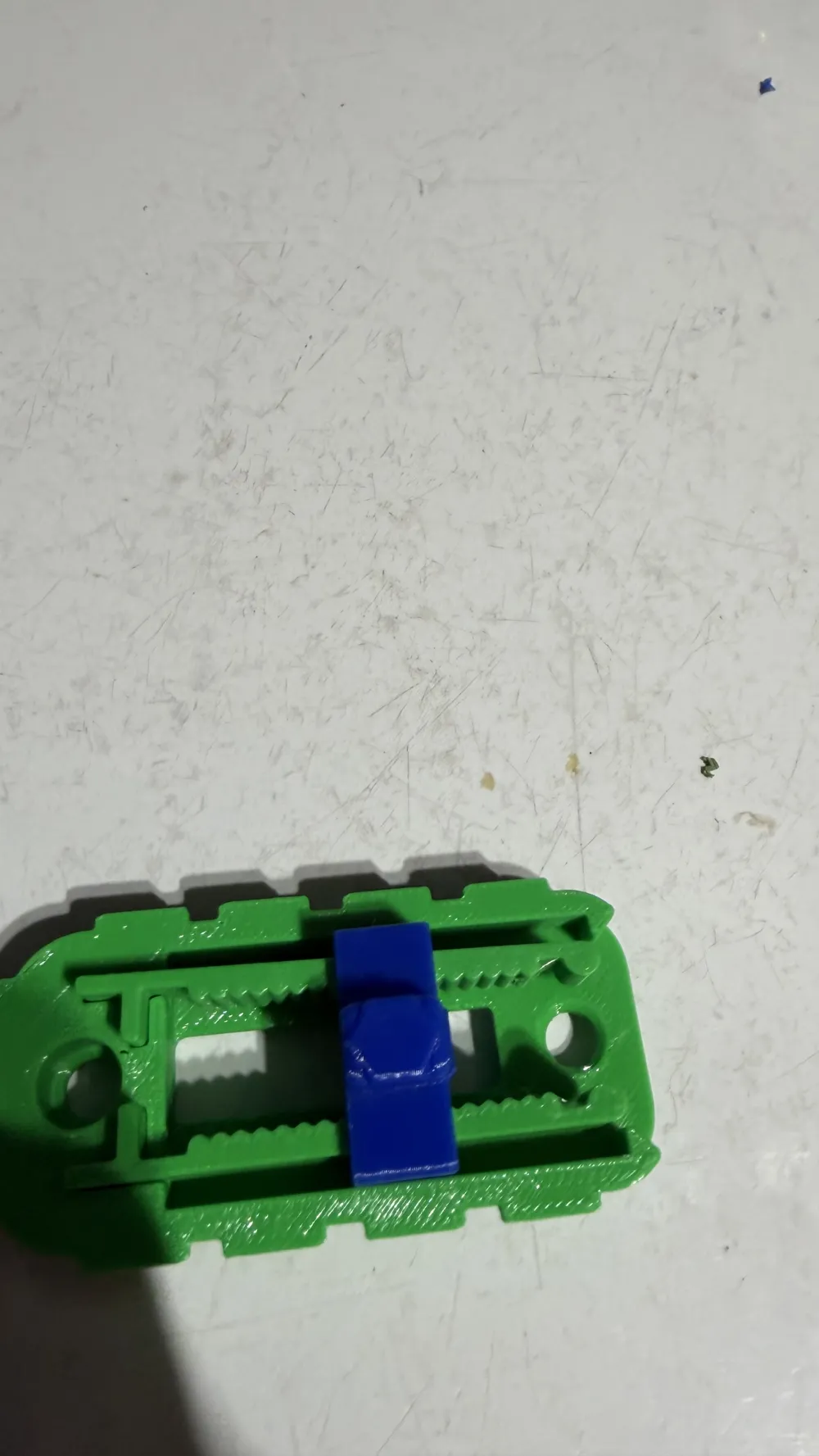
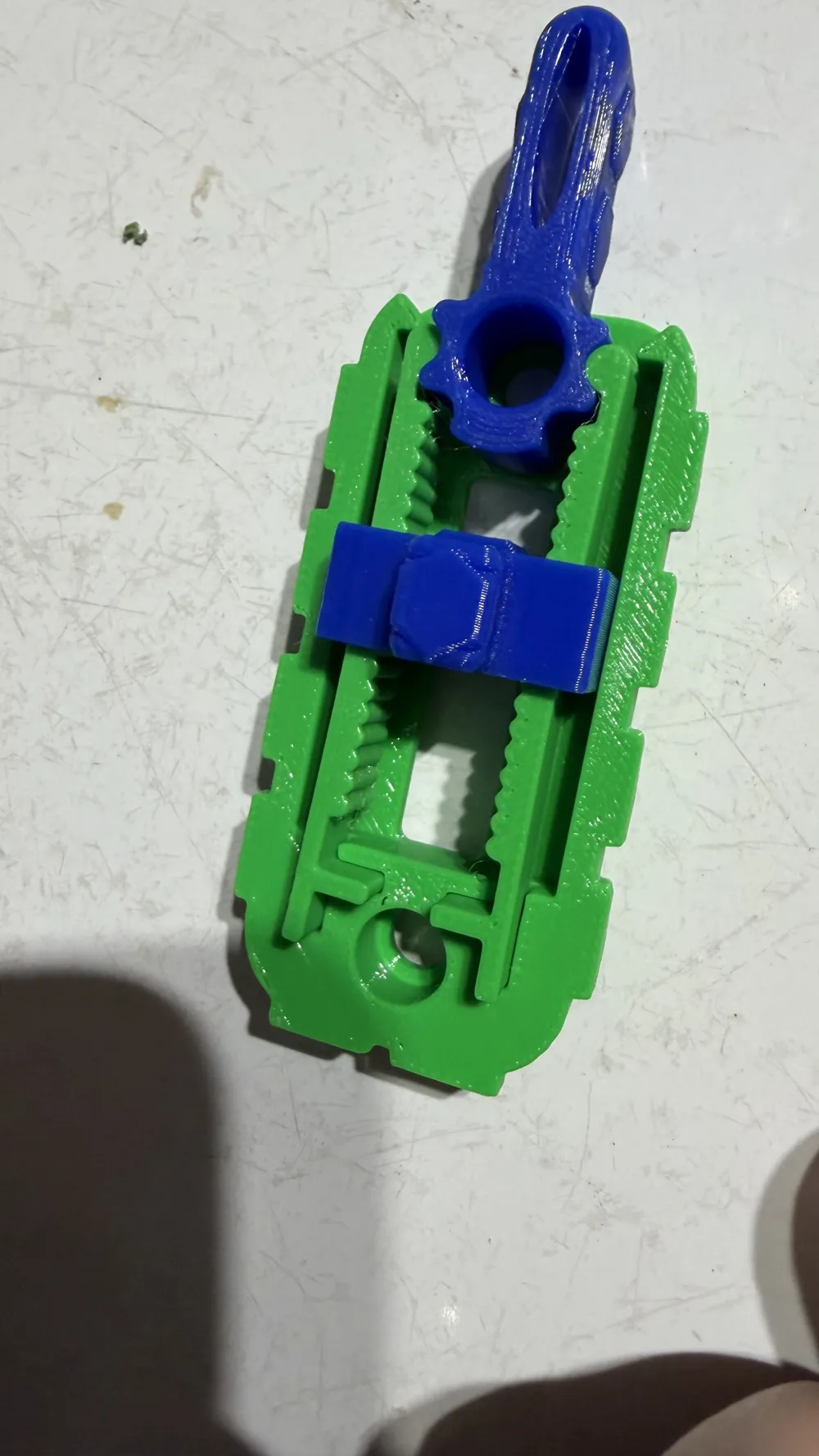
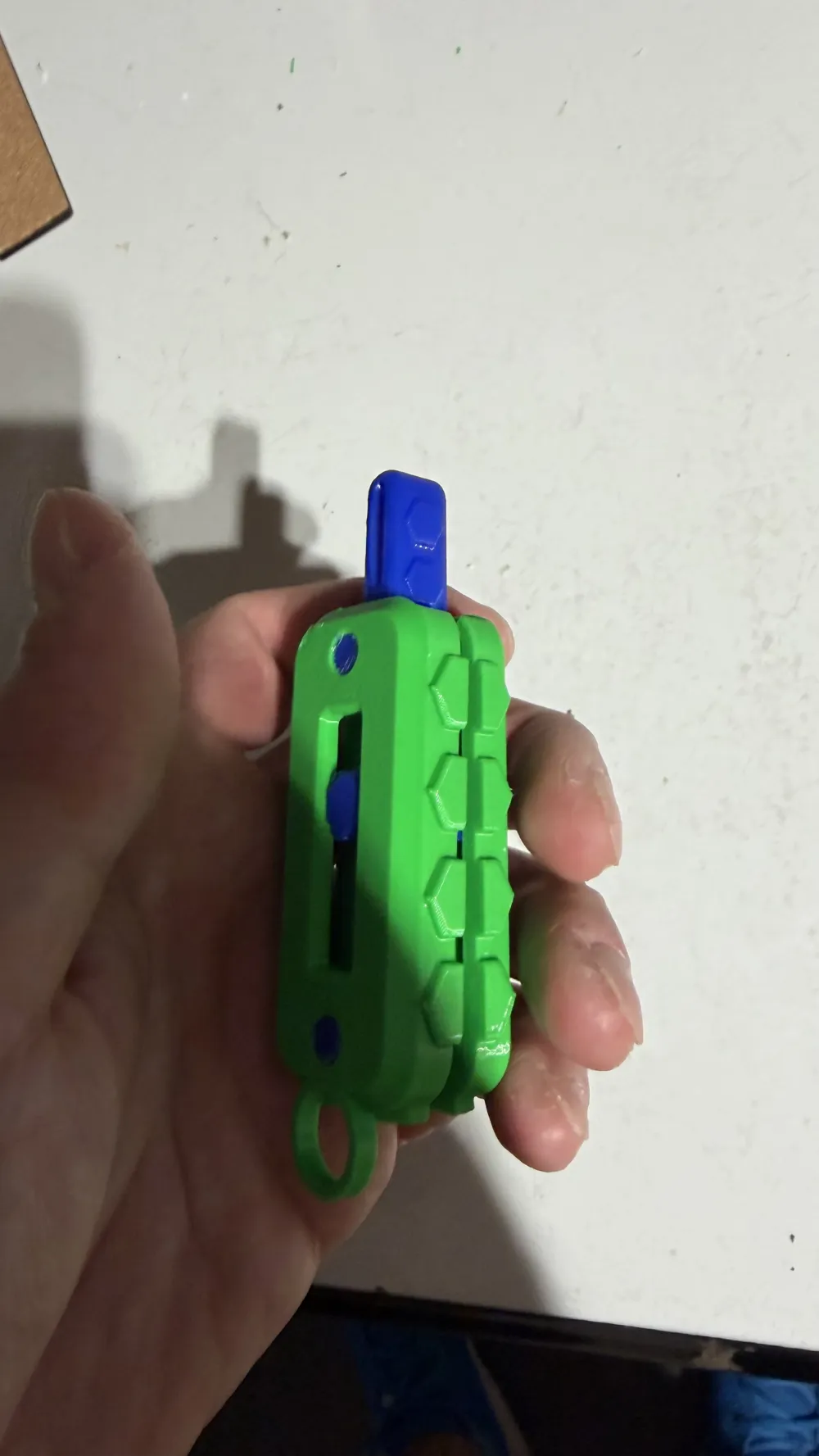
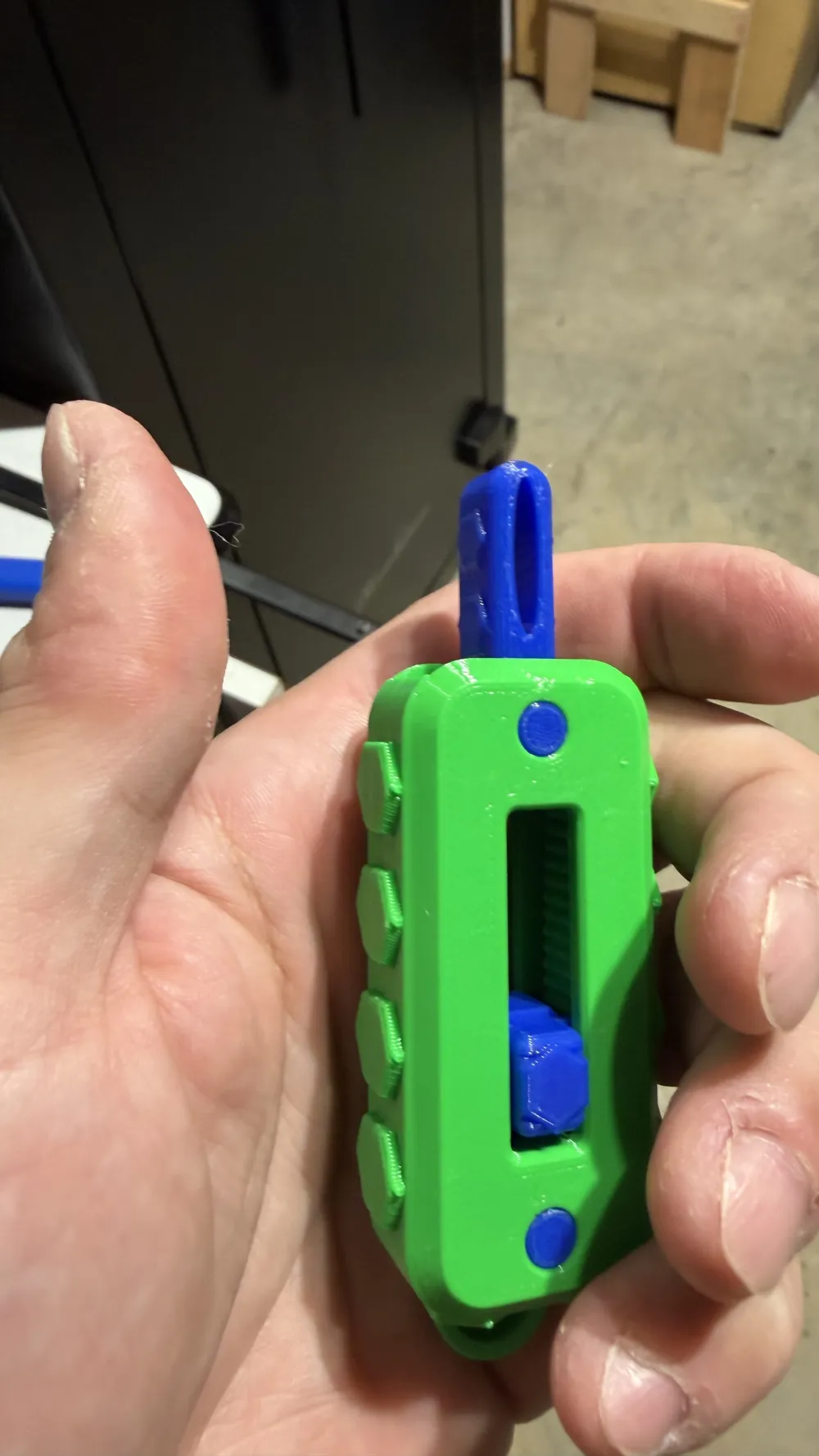

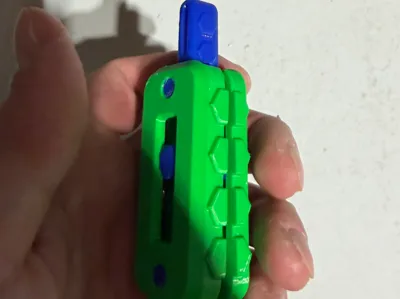
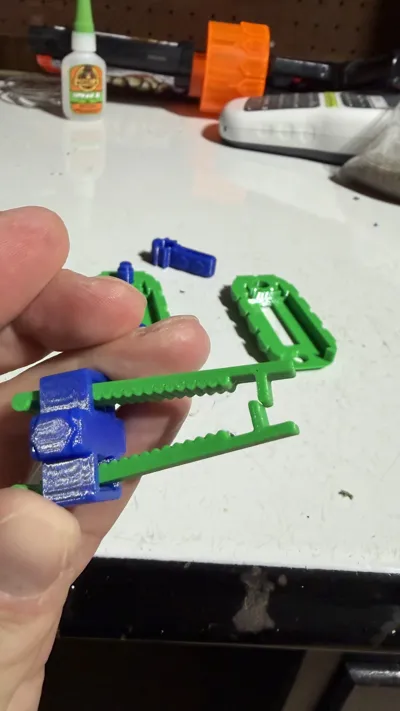
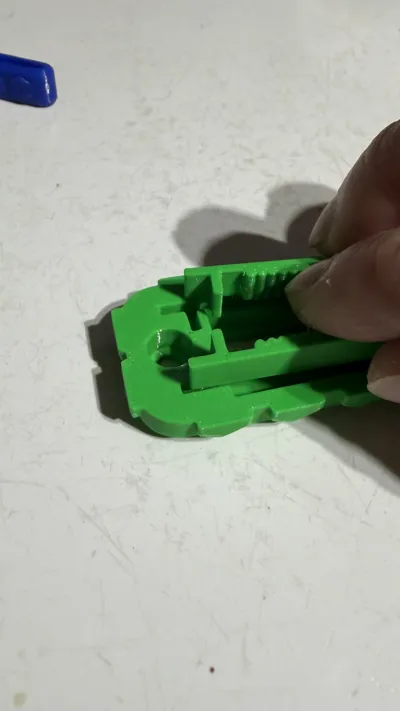
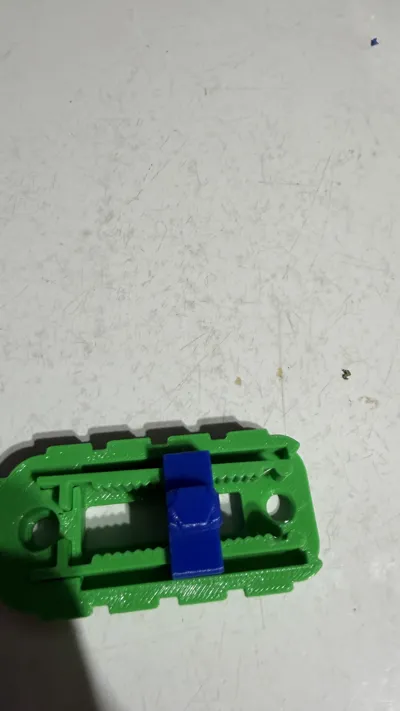
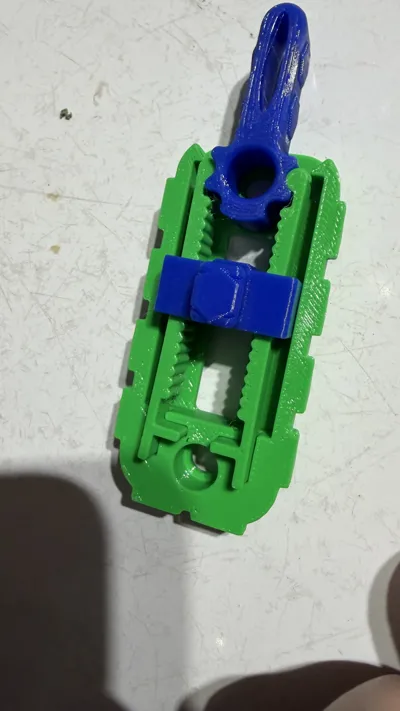
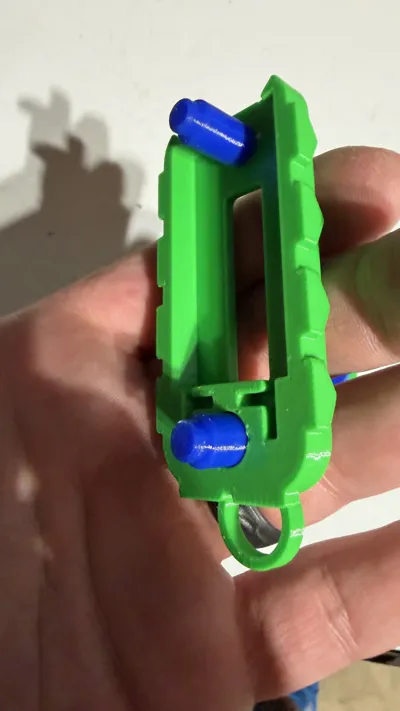
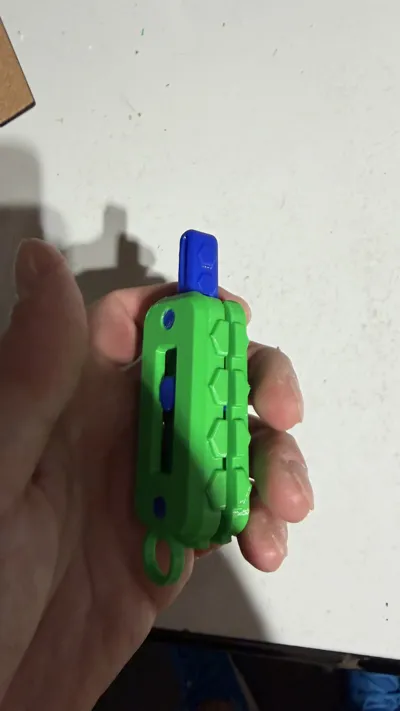
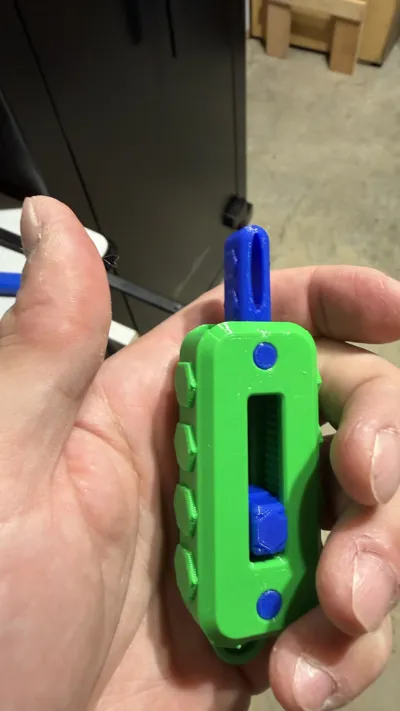
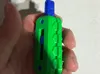
I remixed Kriswillcodes toggle switch fidget by adding ribbed shapes to the arms the slider runs through and adding triangle shapes inside the slider mechanism in order to get a tactile click while sliding the slider. This also keeps the slider from wanting to slide down when you have it up in the louder click position every time you toggle the switch. It will now stay put!!! I also added the hex shapes to the body and the toggle switch and slide mechanism for a tactile feel while holding it and using the model. I also added a keychain loop to one side of the body so you can make it a key attachment or hang it from a bookbag or travel bag.
It is set on 2 plates for separate color parts & takes about 2 hours to print total both plates. It uses about 30 G of filament.
Assembly is easy.
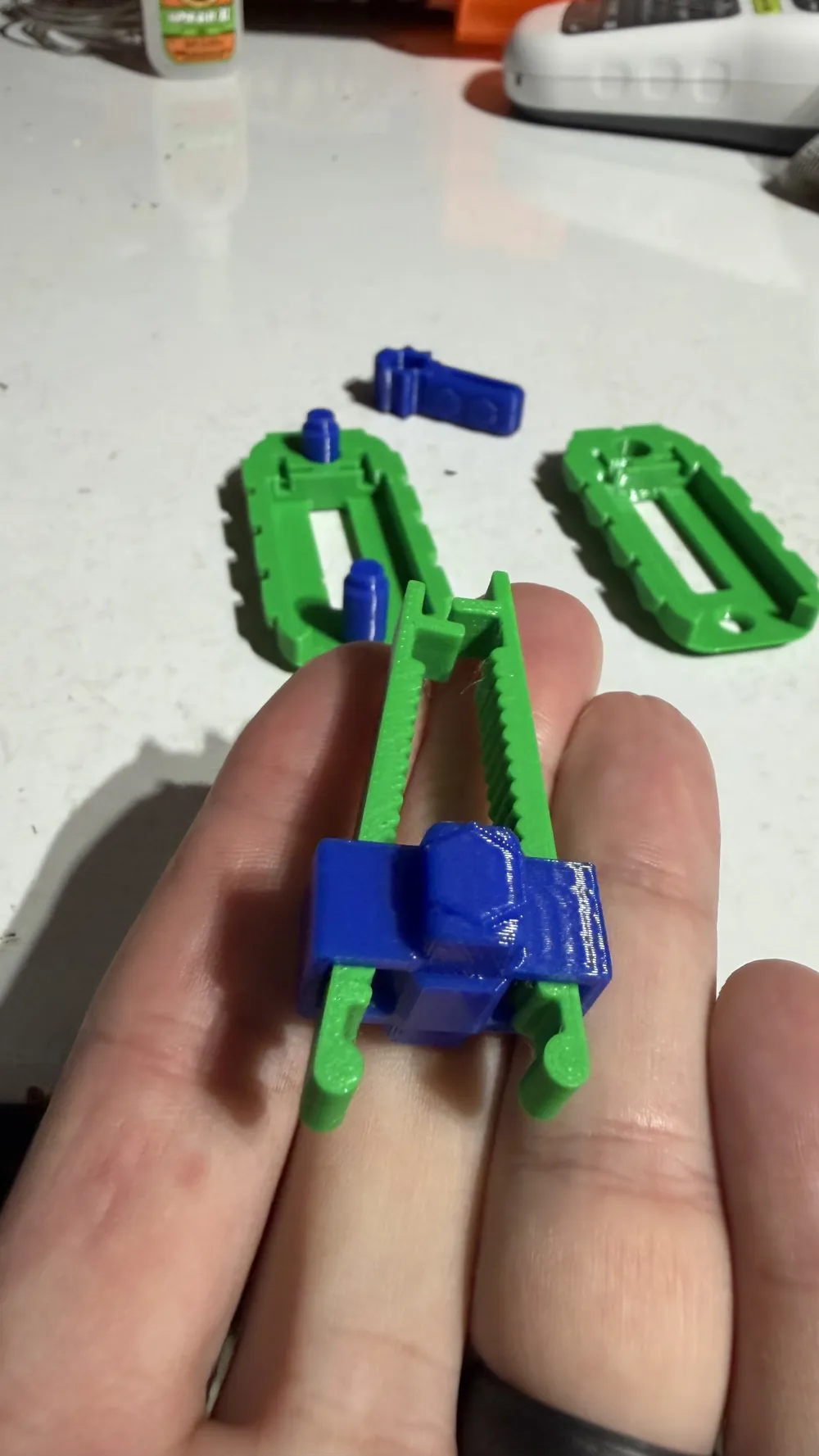
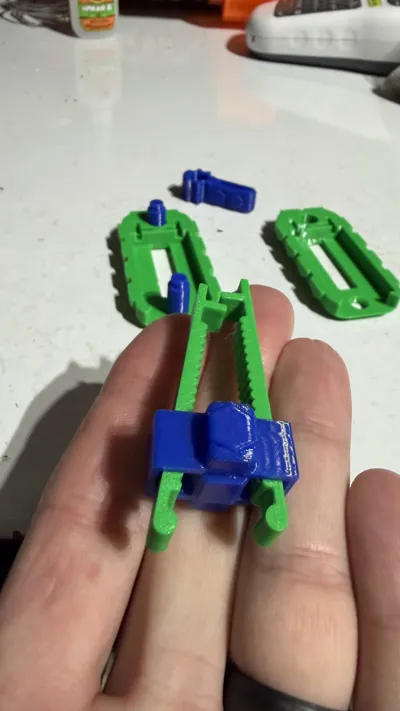
-Slide the arms through the slider mechanism. It takes some Force to get the end cylinders of the arms through so use some pliers to help push it through, but it will go.
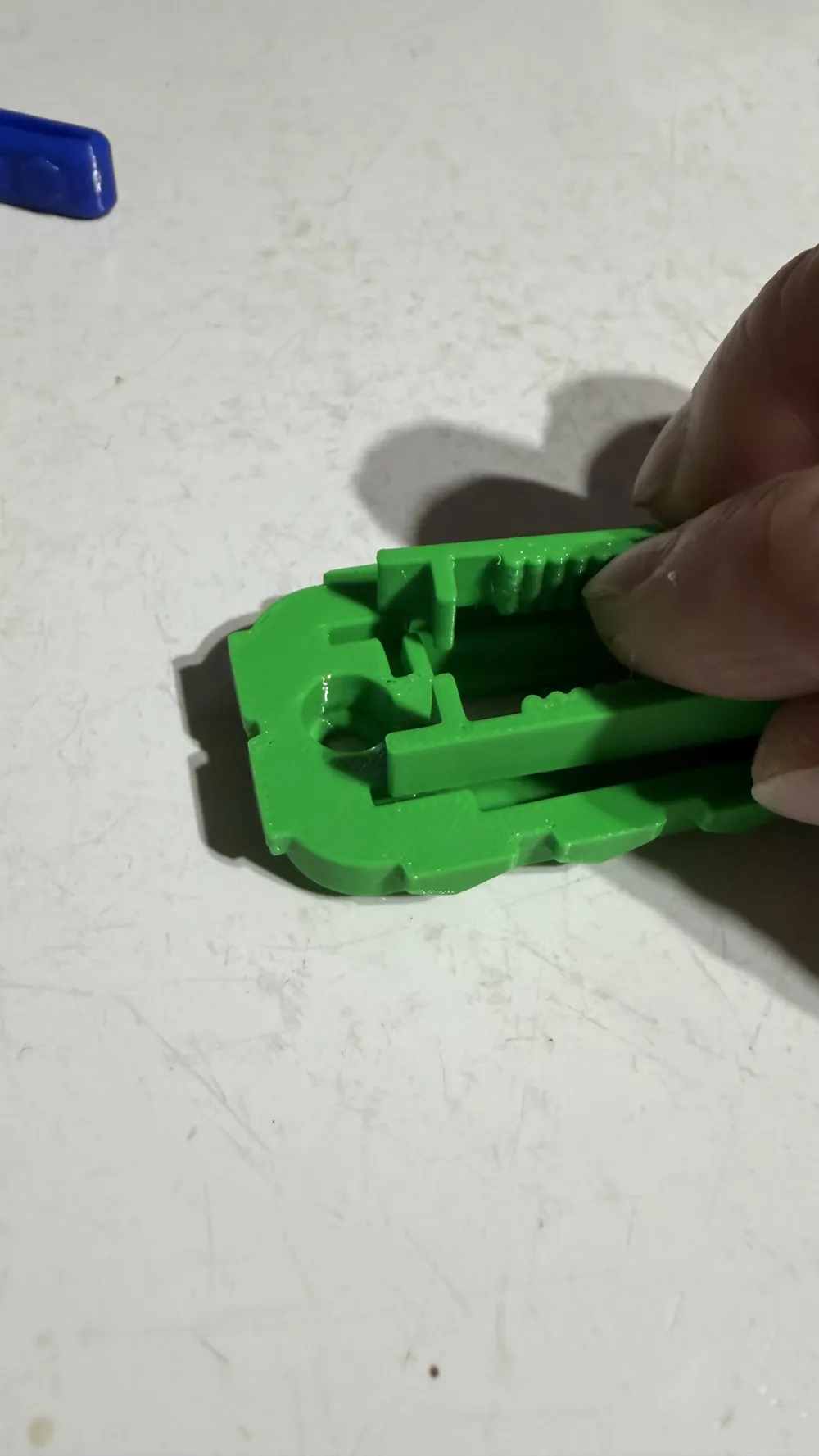
-Place the “L” shape of the arms in the slots in the body & align the slider mechanism through the slot in the body made for the slider.
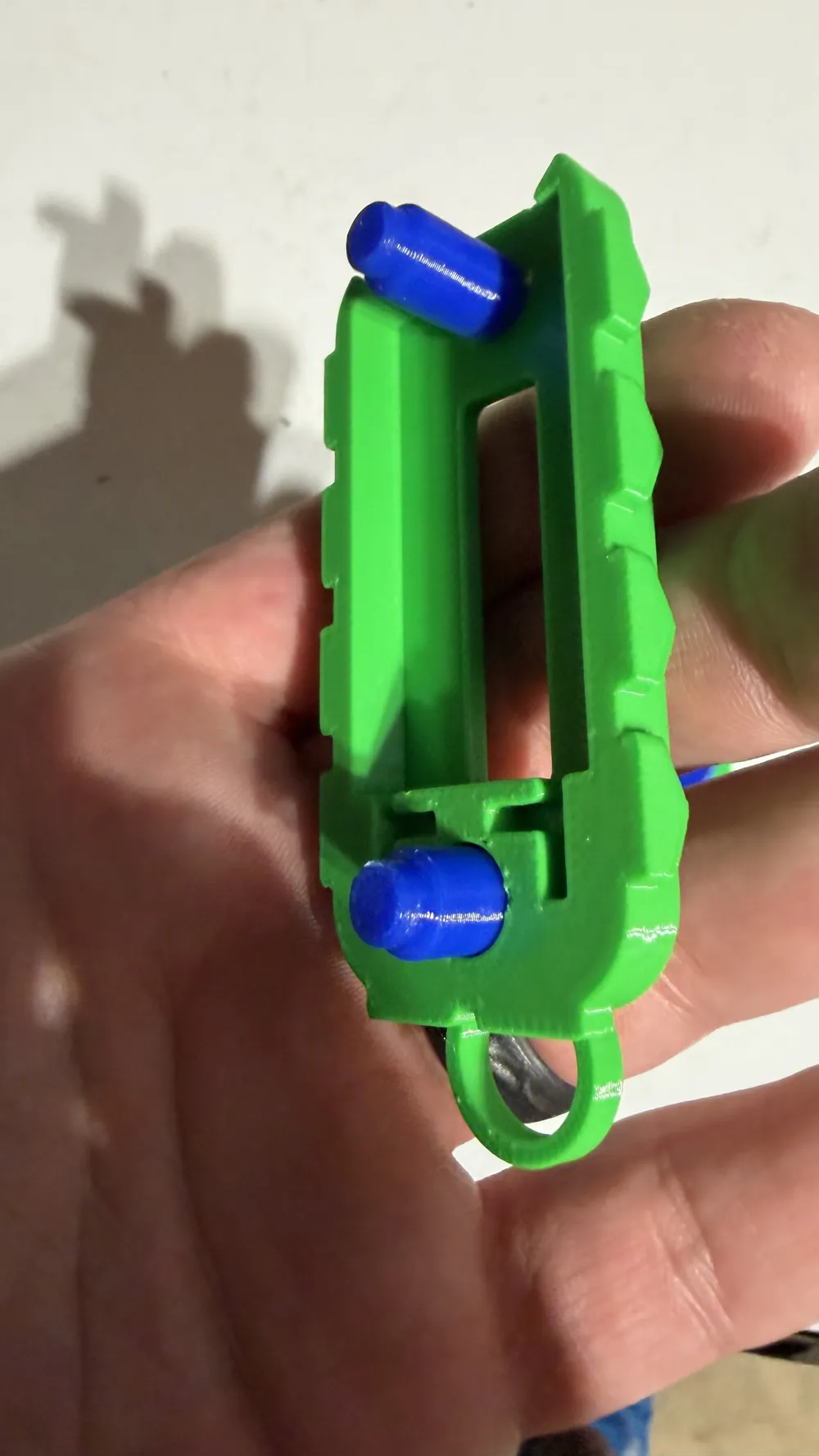
-Insert the pegs on the body where the hole are designed for them.
-Place the toggle switch between the arms aligning the cylinders of the arms to the indentation spots in the switch.
-Attach the other piece of the body and press them together.
The pegs will hold the 2 pieces together tightly.
Enjoy the fidget by sliding the slider where you want it based on the level of click sound desired for the toggle switch. The slide is tougher to move but again keeps it locked in place so it doesn’t slide down all the time
This remix is based on


License



Comment & Rating (0)