
Camera Wall Mount
Print Profile(1)
Description
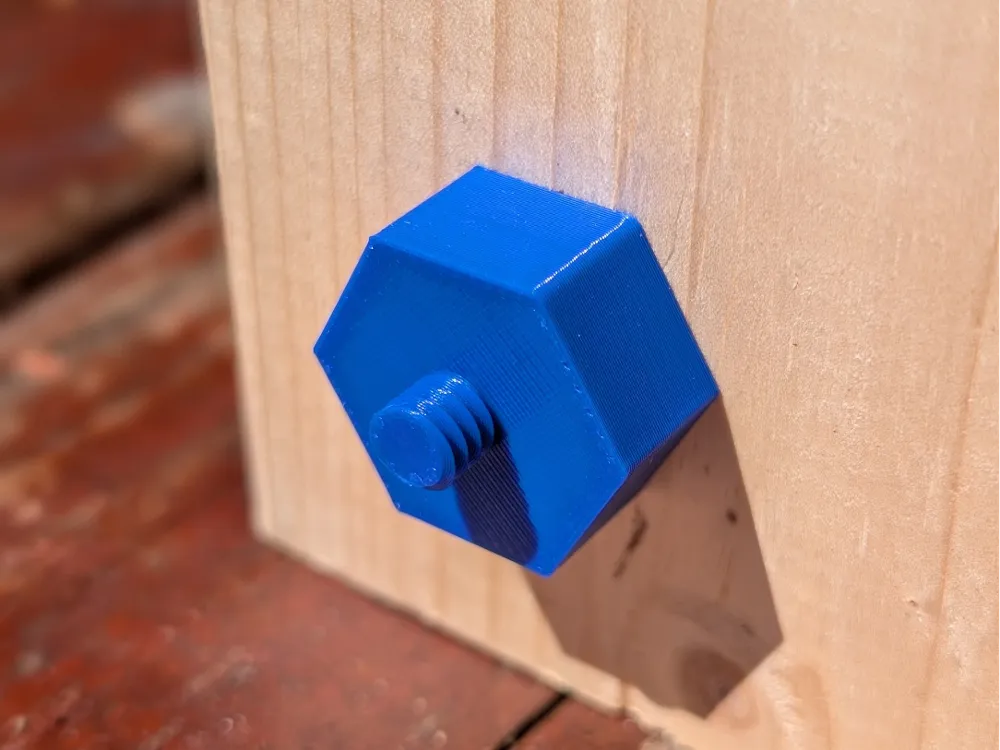
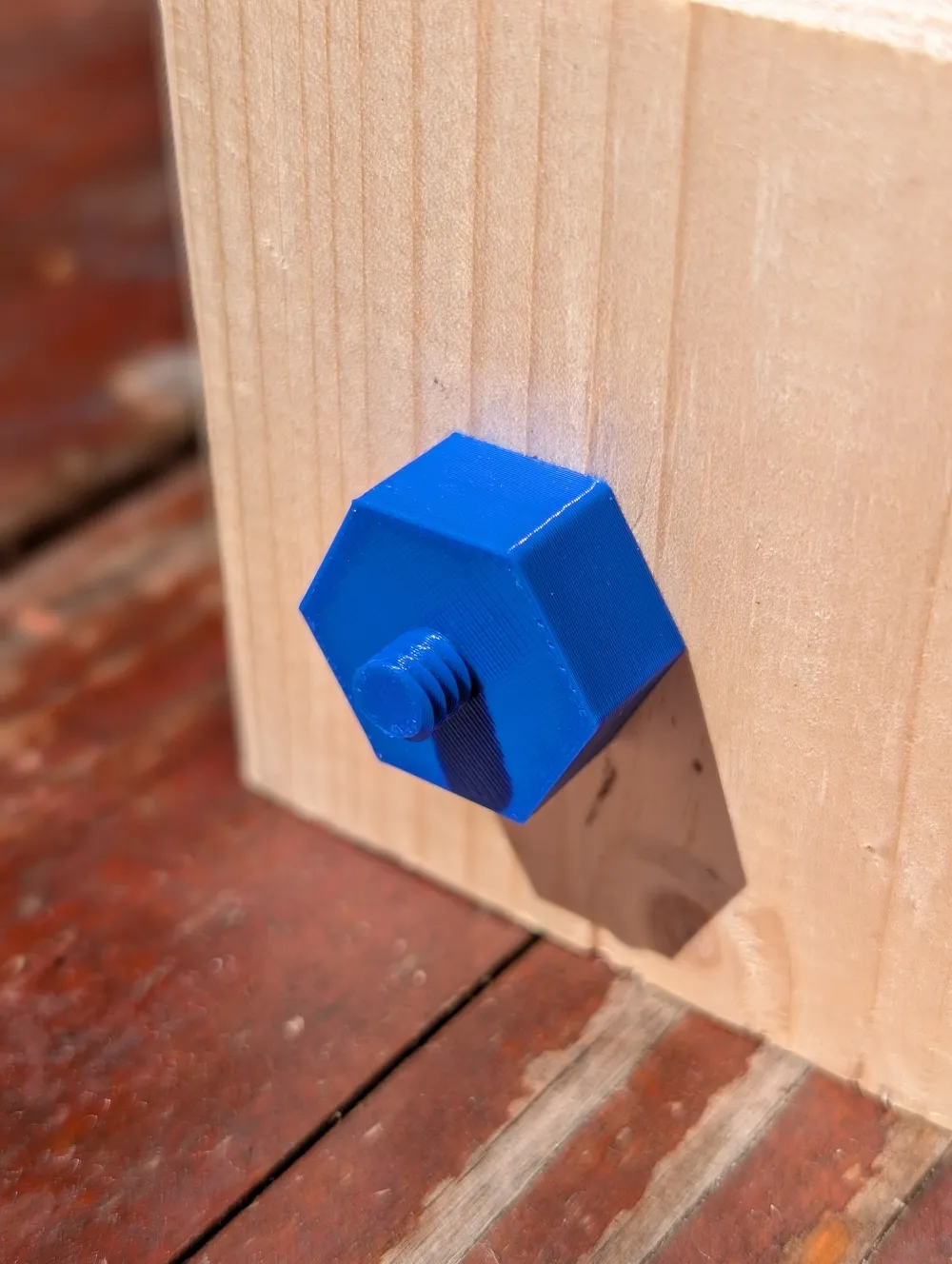
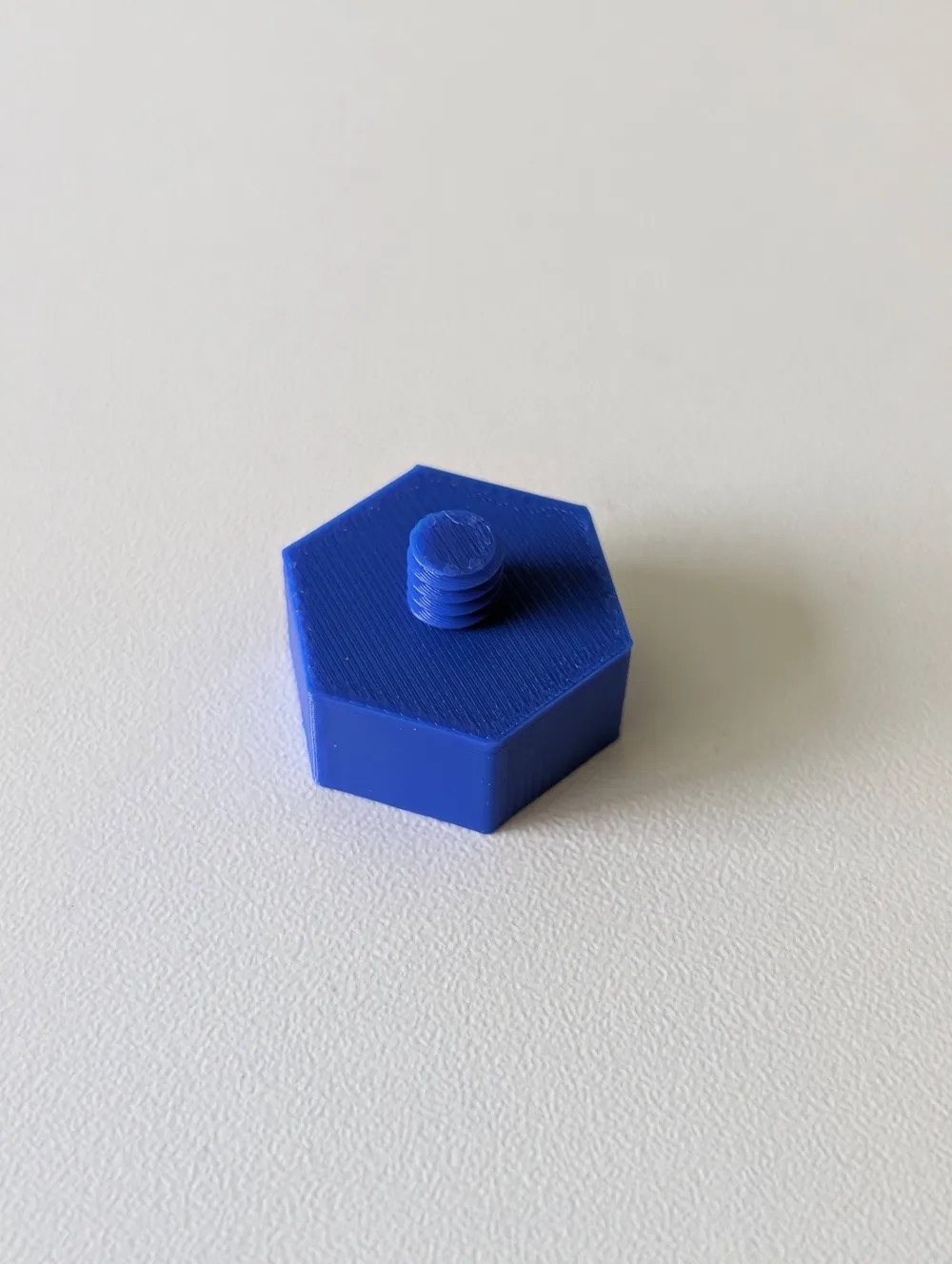
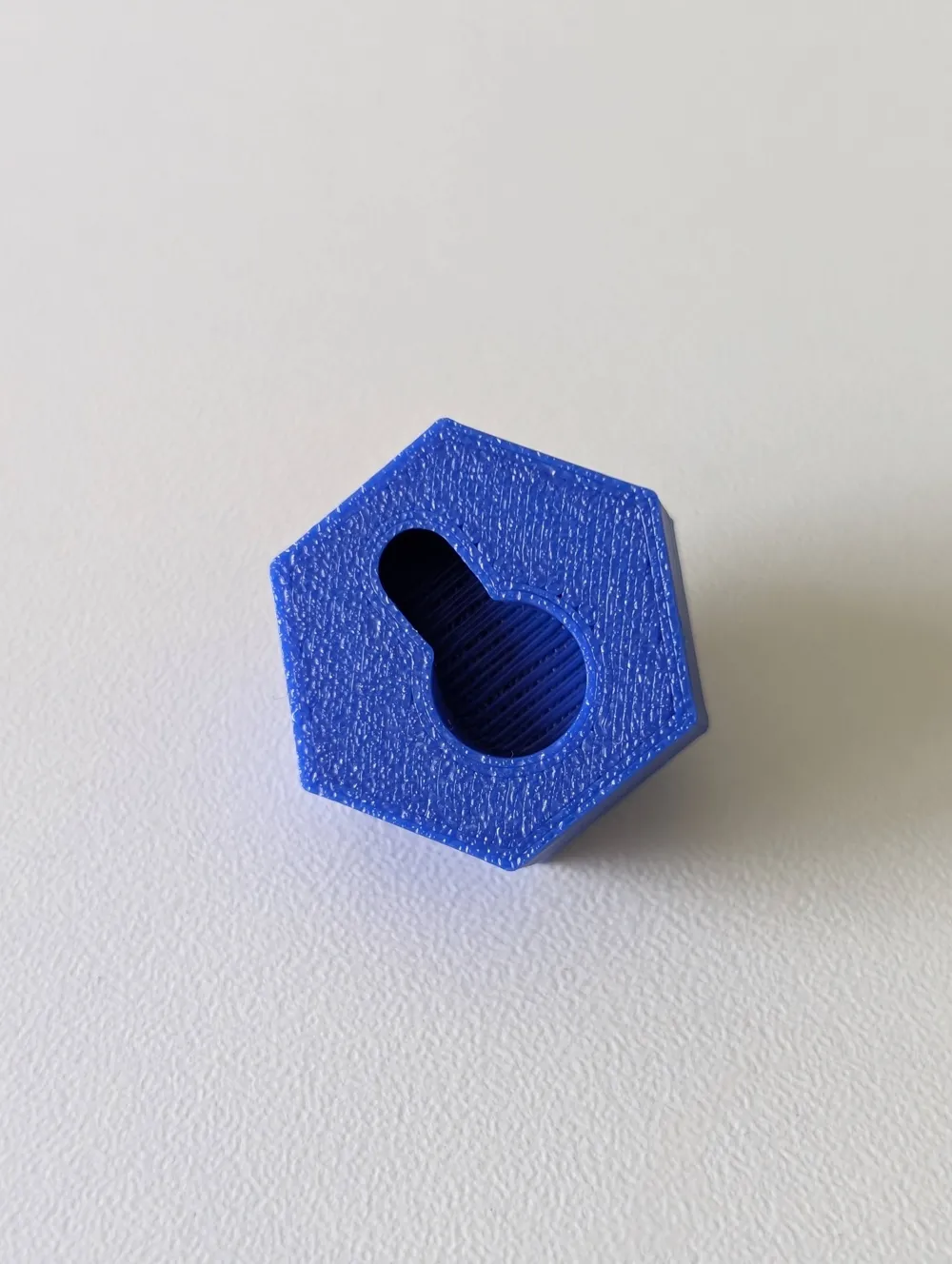
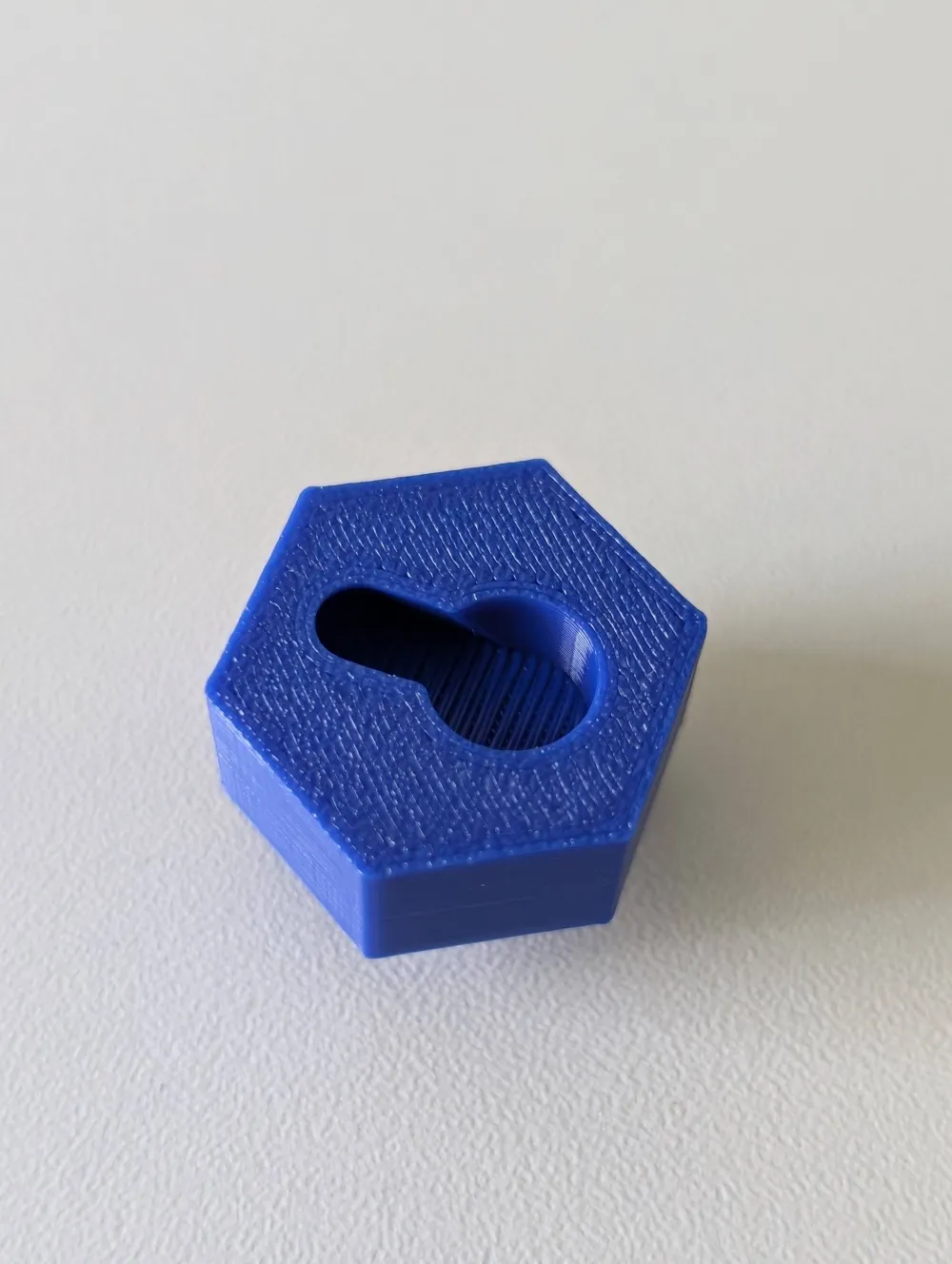
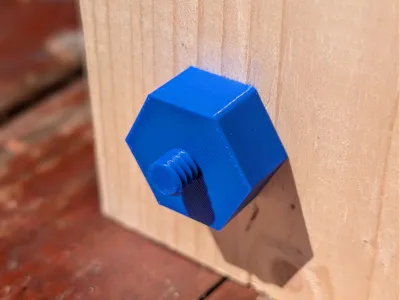
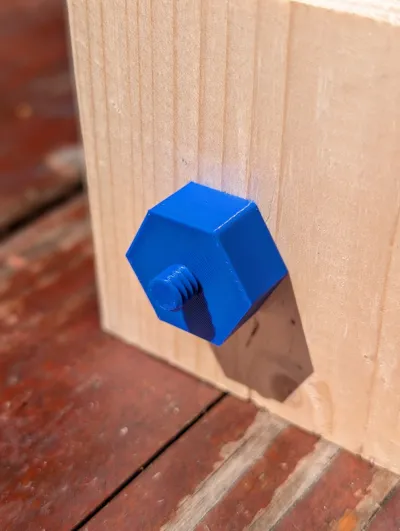
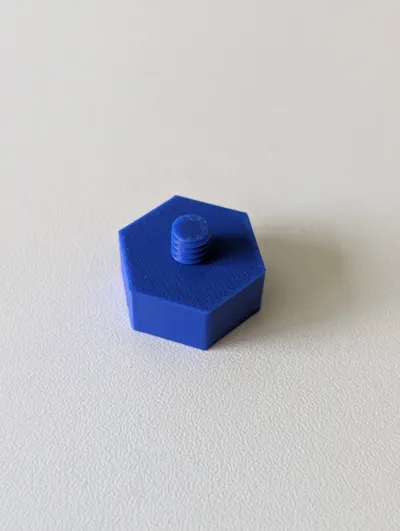
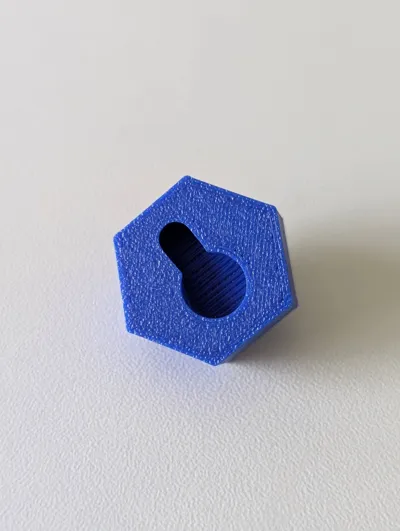
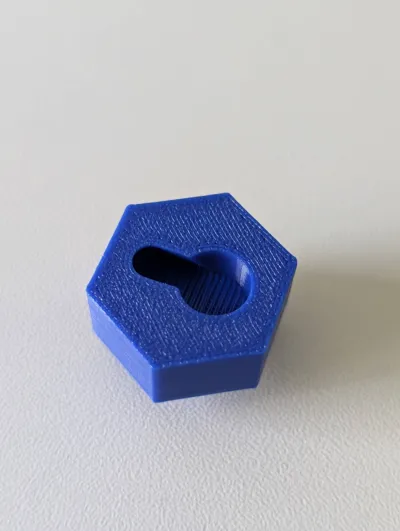
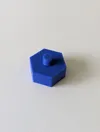
A combination of a thread that fits into a camera mounting hole (where you would normally put your tripod) and a hole that slides over a screw. The screw can be in any flat surface, this was originally designed to hang a webcam onto a wooden beam.
- The thread is 1/4"-20 UNC, which is the default size of any small/medium camera or webcam
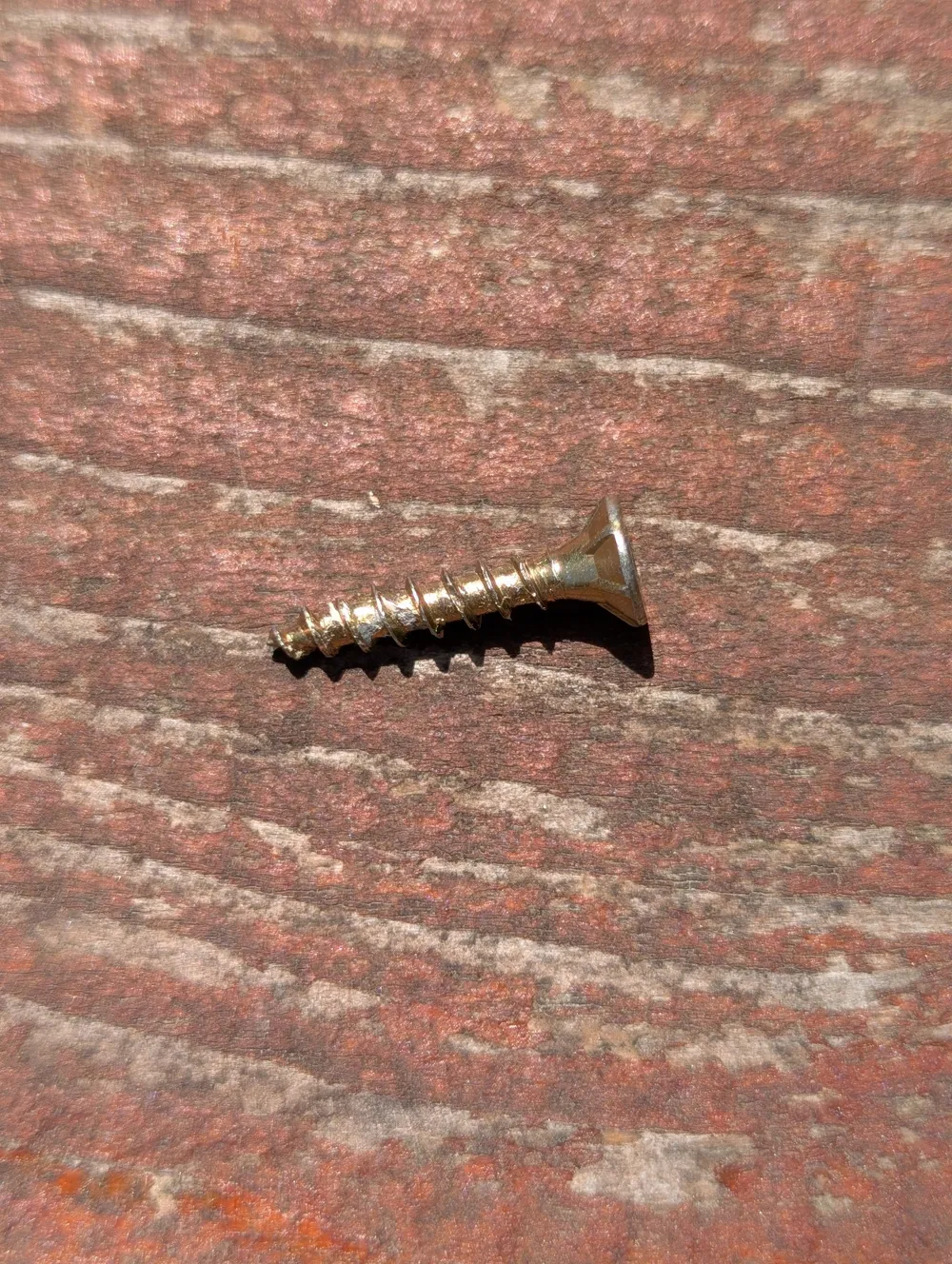
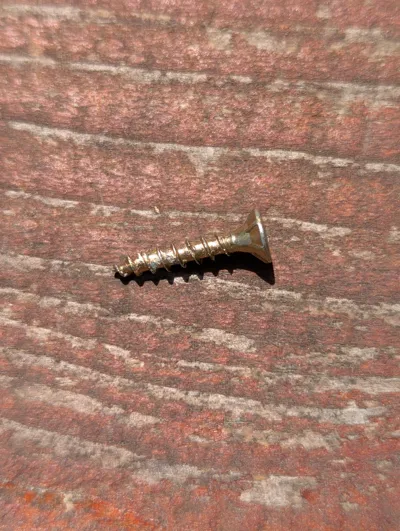
- The screw hole fits any screw with a head between 5 and 8 mm and a thread between 0 and 4 mm
- For a snug fit the head of the screw should be tapered
Mounting instructions:
- Screw the thread into your device
- Place the printed model such that the device is where you would want it and note where the small part of the mounting hole is now placed
- Put the screw where you just measured and leave it out for about 5mm
- Slide the model over the screw and note how loose it fits (the gap it leaves)
- Turn the screw in a bit further and slide the model over again, if it clicks into place and stays flush to the surface and is hard to move, the screw is in the right position; if it still feels a bit loose repeat the process by tightening the screw a bit again until you are satisfied with the hold
- Take the model off and screw the thread into your device again
Now the combination should click into place on the screw again and keep the device in place
License



Comment & Rating (2)