Search models, users, collections, and posts

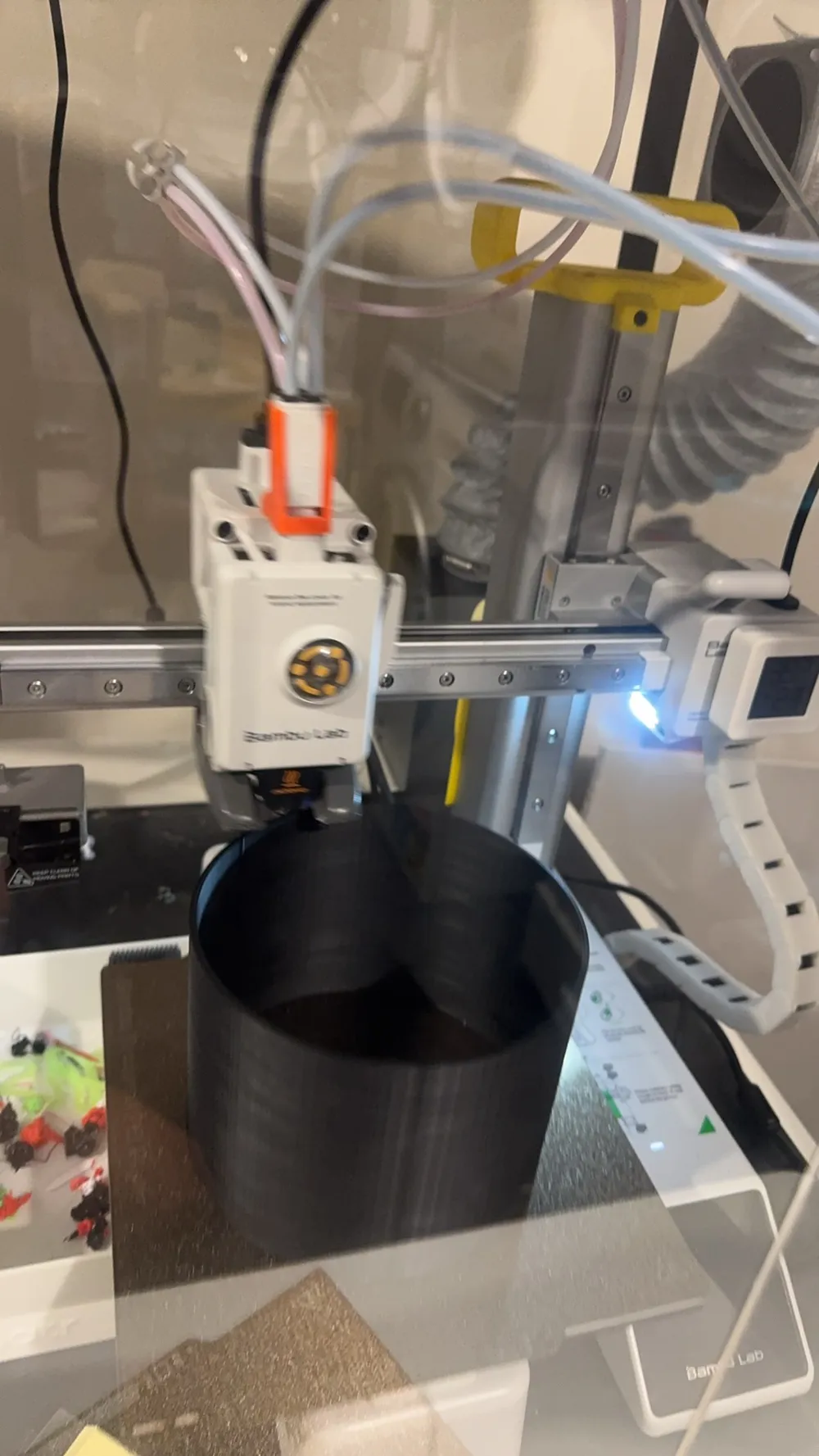
Parametric Cylinder
IP Report
Print Profile(0)
Add the first print profile to earn points
Boost
1
3
0
0
11
8
Released
Description
Content has been automatically translated.
Boost Me (for free)
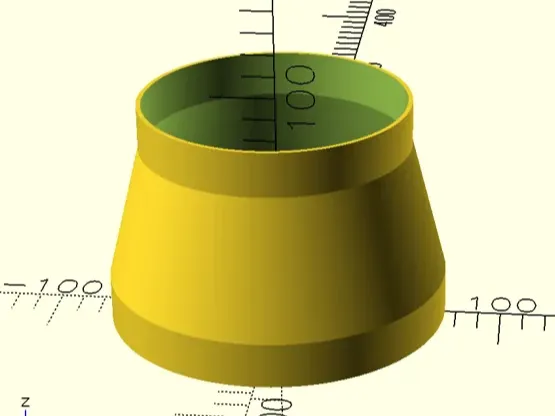
Key Parameters Guide / Customization Guide
1. Basic Dimensions (Basic Dimensions)
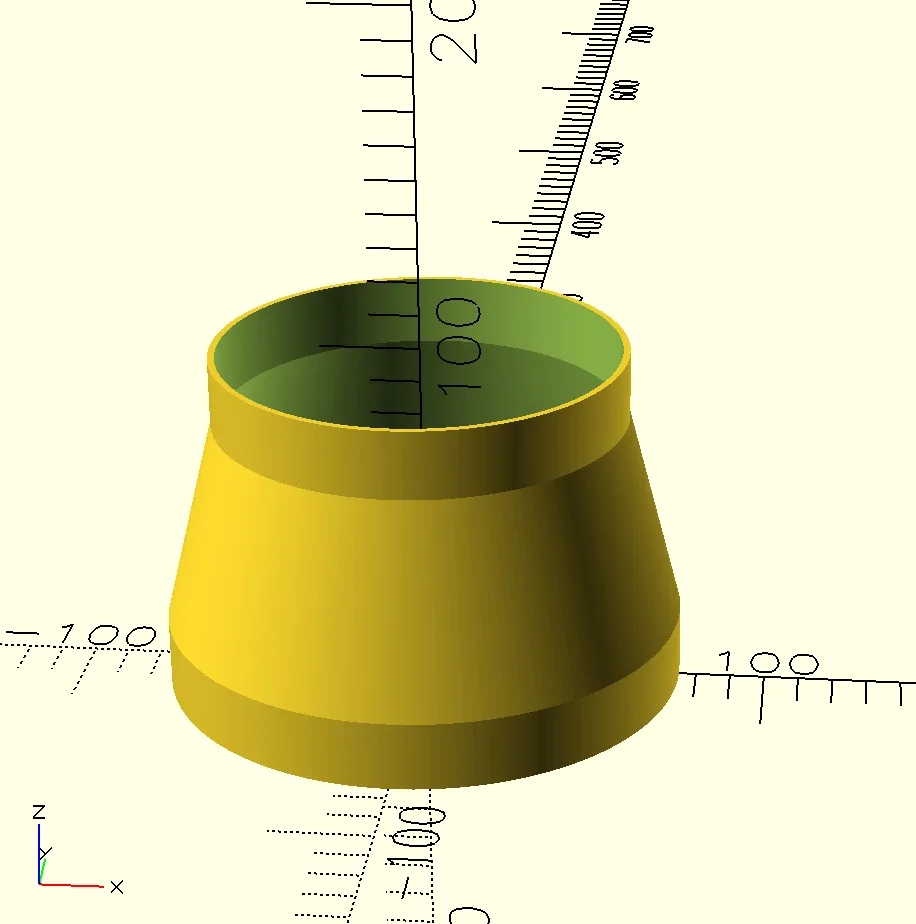
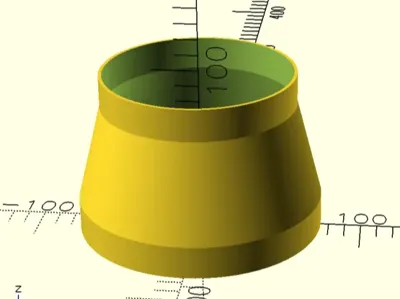
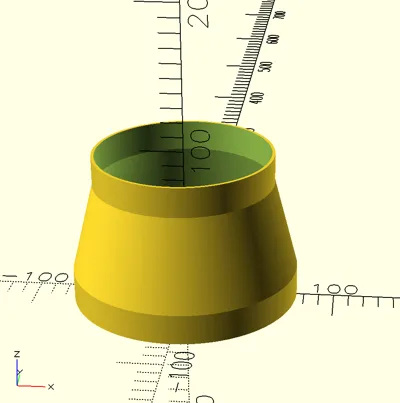
- top_r / bottom_r: top and bottom radii (controls whether the overall shape is cylindrical or conical)
- total_height: total height including all segments
- top_height / bottom_height: vertical transition height where top and bottom remain cylindrical
- oval_length: axial stretch length. Set to 0 for a perfect circle; greater than 0 automatically creates an aesthetically pleasing oval
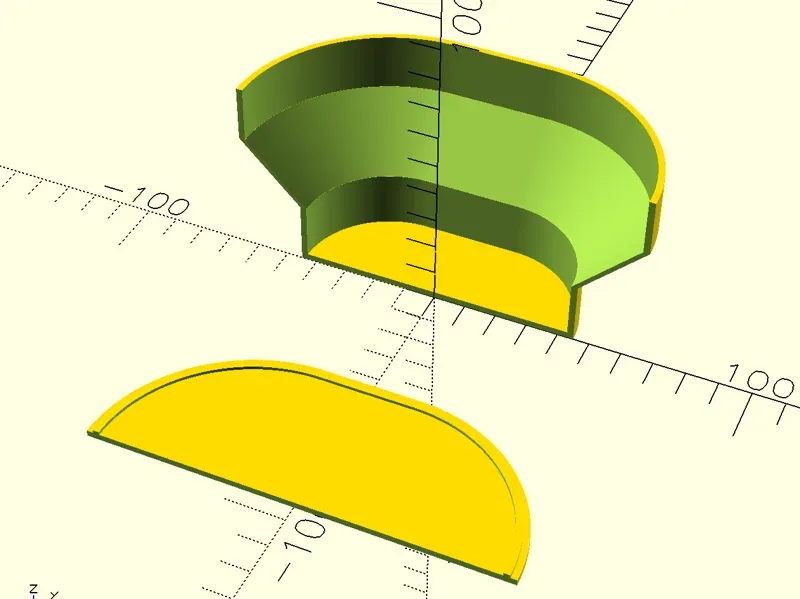
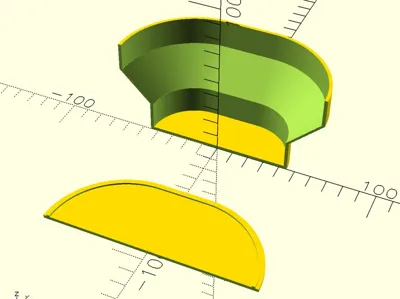
- sector_angle: sector cut angle. Default 360 for a complete object; if set to 180, only half will be printed, convenient for making wall-mounted storage racks or displaying cross-sections
2. Hollow and Lid Settings (Hollow Settings)
- is_hollow: whether to enable hollow shell mode (keep enabled for making bottles or cylindrical objects)
- wall_thickness: wall thickness (default 2mm, recommended to adjust according to your nozzle diameter and desired strength)
- print_mode:
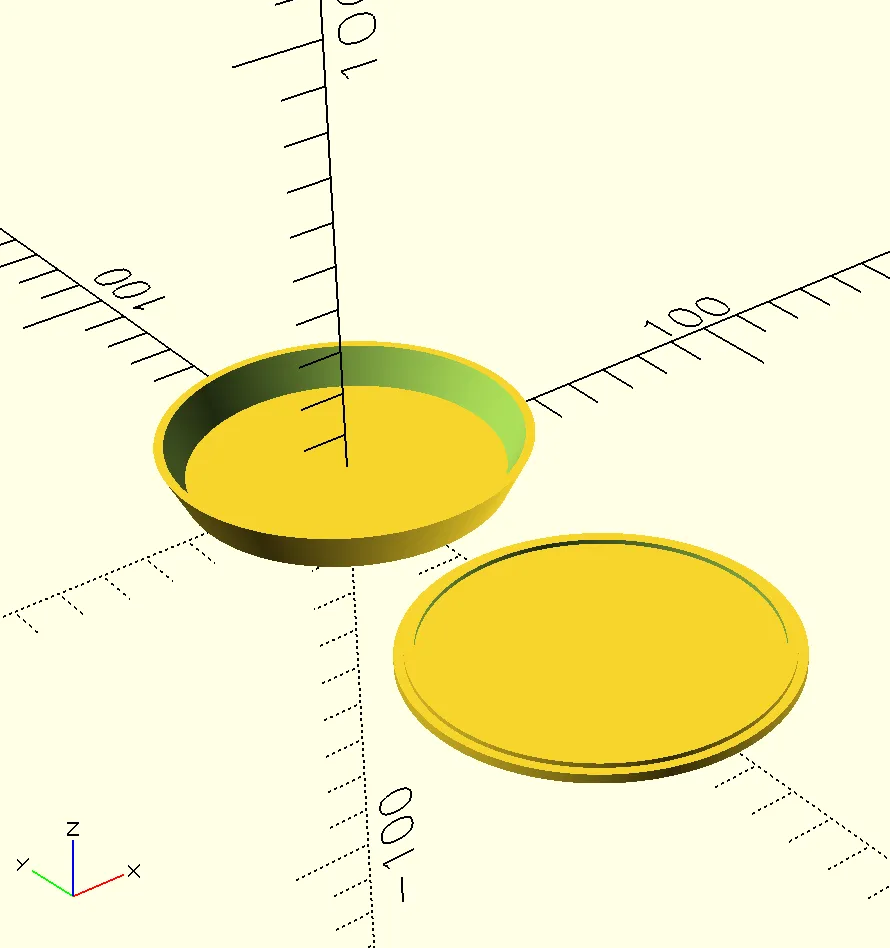
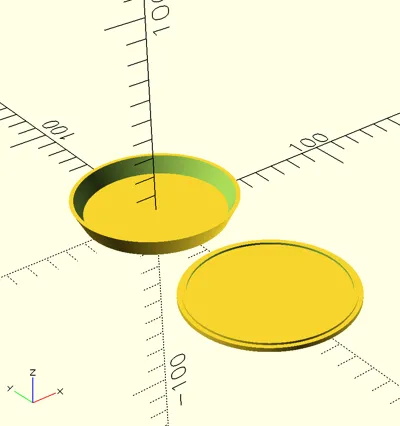
- 0: Render all (main body + lid)
- 1: Render main body with recess only
- 2: Render sealing lid only
- 3: Render hollow tube completely open at both ends
- cap_insert_tolerance: lid fit tolerance. If the lid is too tight after printing, you can slightly increase this value (e.g. 0.1 - 0.2mm) to ensure a perfect physical snap fit
🖨️ Printing Tips / Printing Tips
- Wall Thickness Matching: It is recommended to set wall_thickness as an integer multiple of your nozzle line width. For example, with a 0.4mm nozzle, set to 1.2 for 3 walls, or 1.6 for 4 walls, or the default 2.0 (5 walls)
- Supports: Normal cylinders/tapered cones printed vertically require absolutely no supports
License
This user content is licensed under a
Creative Commons Public Domain


Comment & Rating (0)