
Anamorphic Corner Cube
Print Profile(0)
Description
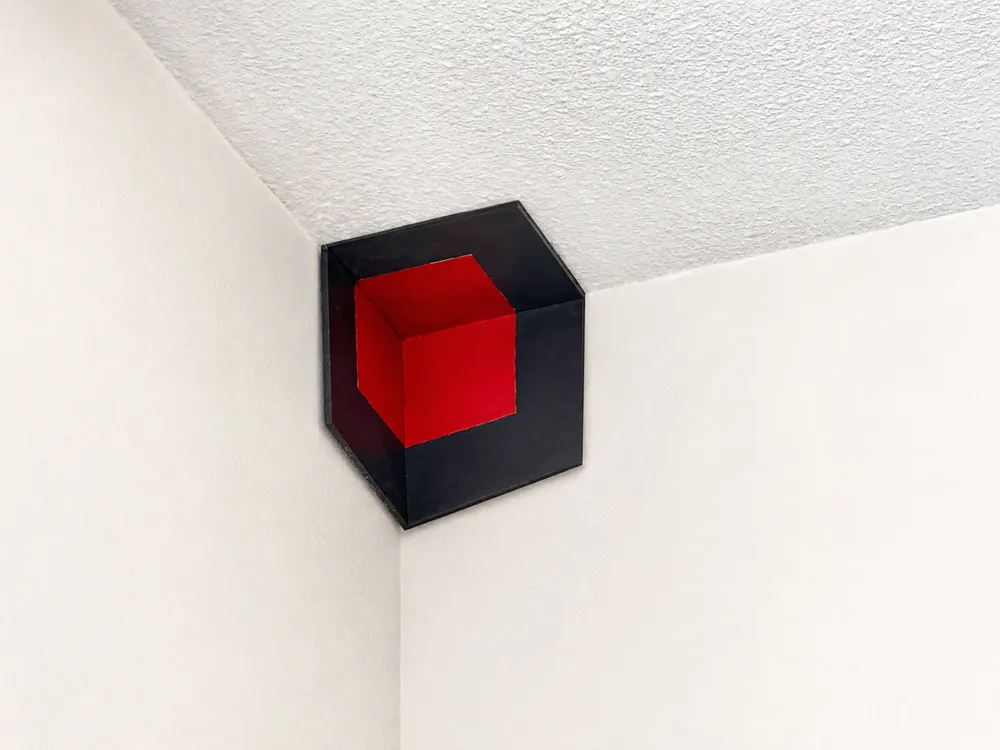
You won't believe what you're seeing.

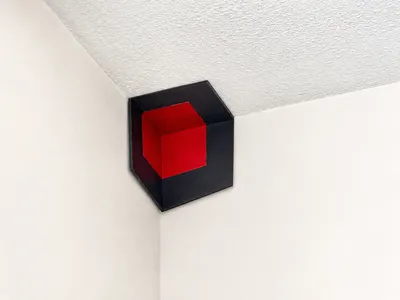
A solid (red) cube hovering in the corner of your room. It isn't there.
It's three flat panels.
Move your head — the cube tracks you.
Step too far — the whole thing collapses into painted plates.
Real anamorphic illusion. Real-world. All 3 panels fit on one print bed.
— Specs —
- 3 panels, ~1.5h print, fits 220×220 beds
- Mounts in any 90° wall + ceiling corner
- 2-tone paint: dark frame, bright interior (any colors work)
— Print Setup —
- Print flat, no supports
- PLA, 0.2mm layer (0.55mm with 0.8mm nozzle also works — faster)
- 15-20% infill is plenty
- Use the provided STL files (3 separate panels)
— Mount —
- Place in a 90° corner where two walls meet the ceiling
- Use foam tape, command strips, or small magnets
- Find the viewpoint: step back from the corner until the cube "snaps" into a perfect 3D shape
— Notes —
Files aren't perfect — they work.
No math. Pure eyeballing in Fusion. Stare too long and you'll go cross-eyed — that's the challenge. Remix it. I dare you. Drop your versions below.
Just HIT Print, (paint*), mount, find the viewpoint, watch jaws drop
*(Or use a multicolor printer and skip the paint step entirely.)
License



Comment & Rating (0)