
Print Profile(1)
Description
Boost Me (for free)
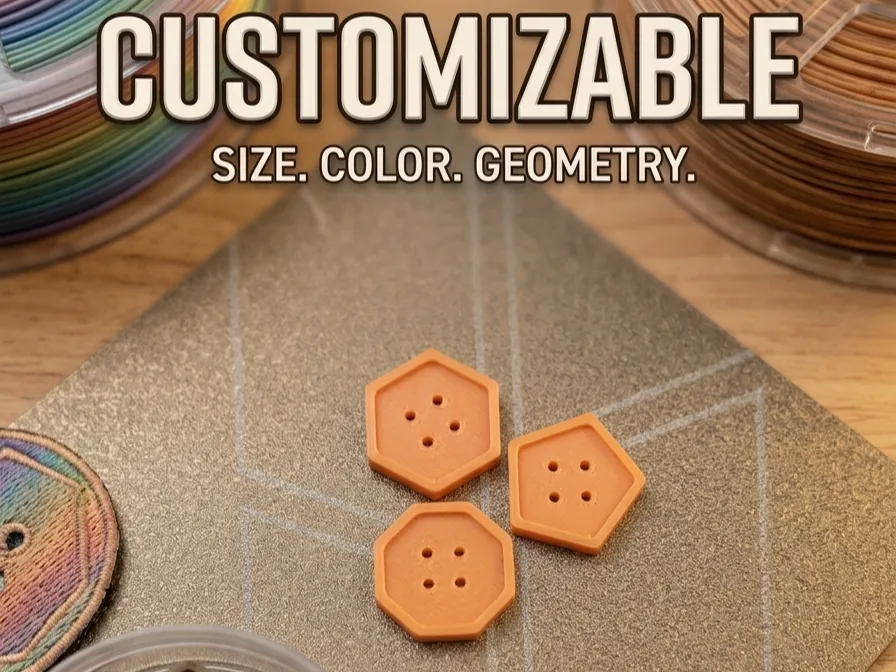
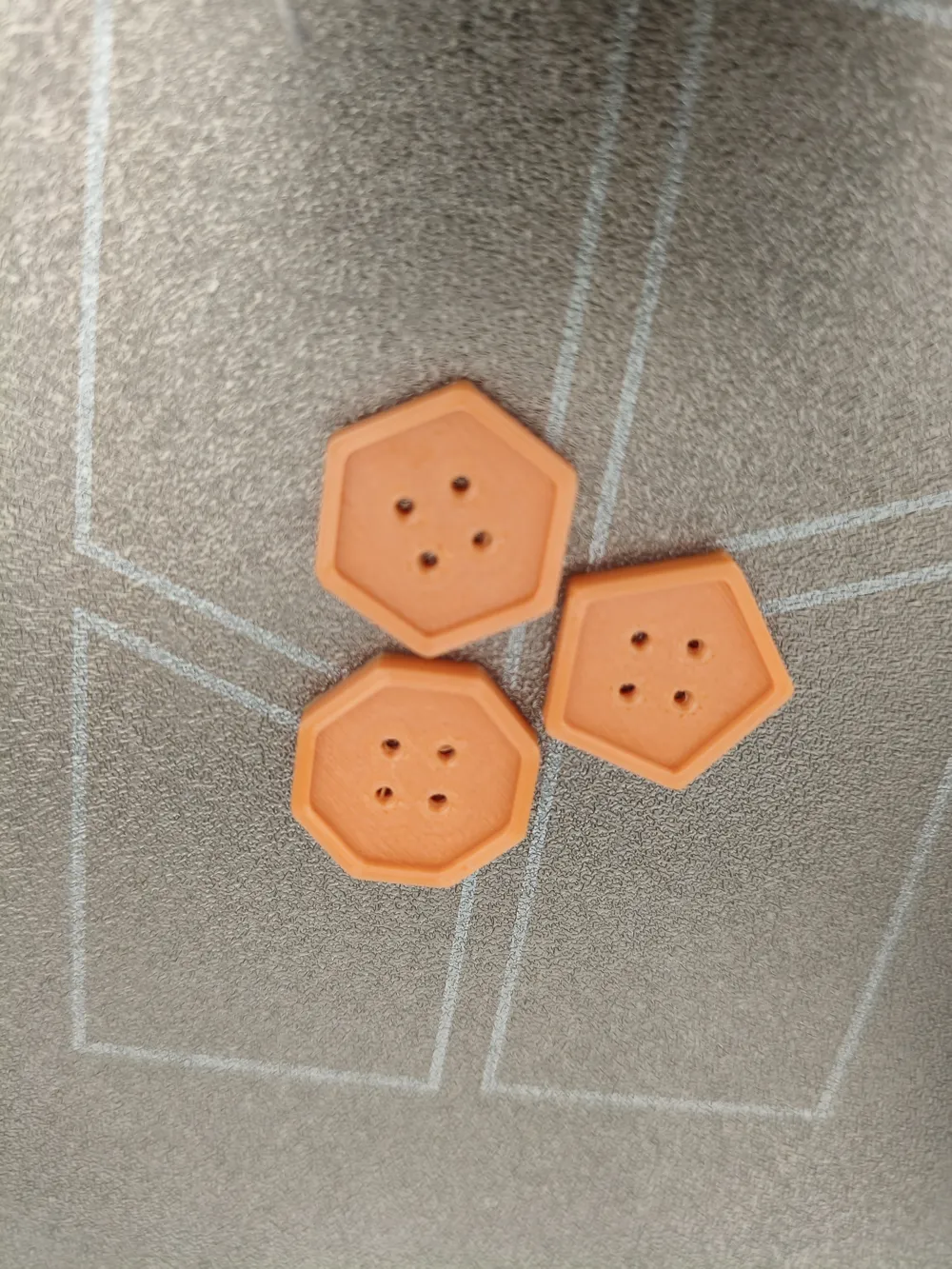
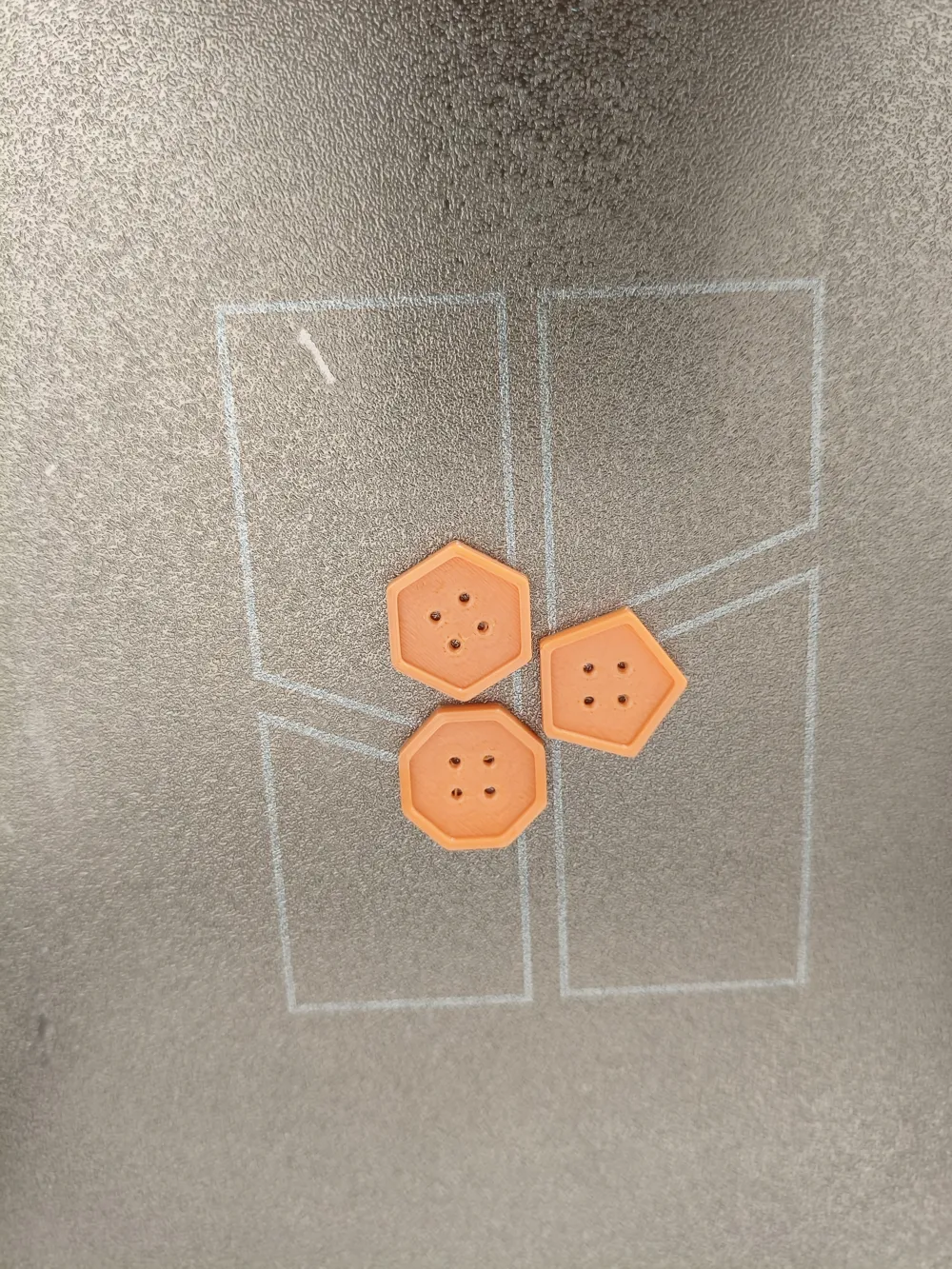
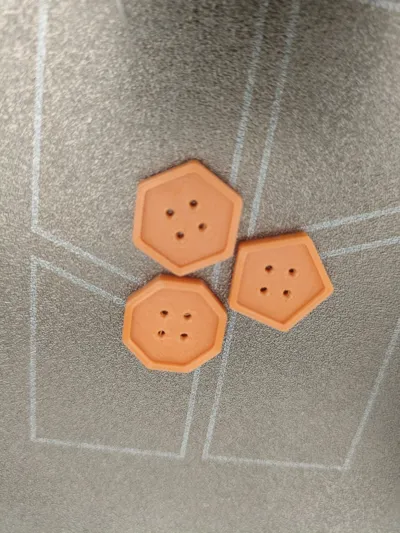
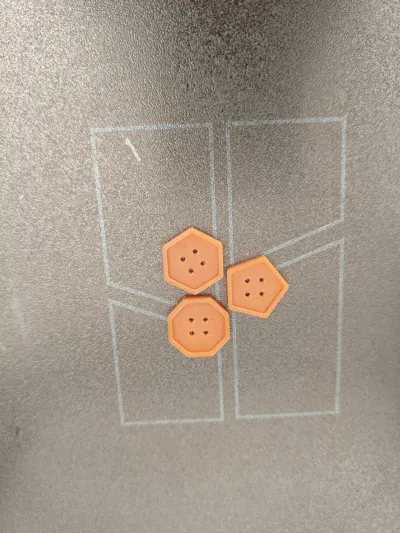
The update you've been waiting for! 🚀 The Button Generator v2 is here. We've added full control over geometry: now you can create buttons of any polygonal shape just by moving a slider. Perfect for creators looking for a unique touch in their garments or design projects. If you like the versatility of parametric models, don't forget to leave your Like and share your photos! 📸
🔘 Ultimate Polygonal Button Generator v2 (Parametric)
Take your sewing, cosplay, or craft projects to the next level! This evolved version of the button generator allows you to break away from the traditional. Why settle for round buttons when you can have **triangles, hexagons, or custom stars**?
This model is **completely parametric**. Thanks to its integration with the MakerWorld configurator, you can design the perfect button without touching a single line of code.
🌟 Main Features:
- Variable Geometry: Choose from 3 sides (Triangle) up to 100 (Perfect Circle).
- Ergonomic Design: Includes a central recess (bowl) to protect the thread from friction.
- Fully Adjustable: Control diameter, thickness, number of holes, and rim width.
🛠️ How to use the Configurator on MakerWorld
You don't need to download OpenSCAD. Follow these steps to create your button:
- Click the blue "Customize" button on the model page.
- Adjust the parameters:
- numero_lados: Change the shape (3=Triangle, 4=Square, 6=Hexagon...).
- diametro_total: The outer size in millimeters.
- grosor: The height of the button.
- num_agujeros: Choose between 2 or 4 holes.
- distancia_agujeros: Separate or join the holes as needed.
- Preview: See how the shape changes in real time.
- Generate the STL: Once you are satisfied, click "Generate" and download it directly for printing.
I also include an English EN version
If you want normal buttons, here is the link:
https://makerworld.com/es/models/2594259-button-generator-make-it-your-way#profileId-2866539
It is recommended to print it in PETG or if you put it in the dryer, PLA will deform.
IT IS VERY IMPORTANT TO TAKE INTO ACCOUNT THE HEIGHT OF THE BUTTONHOLE, OTHERWISE THE BUTTON WILL NOT PASS THROUGH
License

You shall not share, sub-license, sell, rent, host, transfer, or distribute in any way the digital or 3D printed versions of this object, nor any other derivative work of this object in its digital or physical format (including - but not limited to - remixes of this object, and hosting on other digital platforms). The objects may not be used without permission in any way whatsoever in which you charge money, or collect fees.


Comment & Rating (0)