
Megaman & Zero - Hueforge
Print Profile(1)
Description
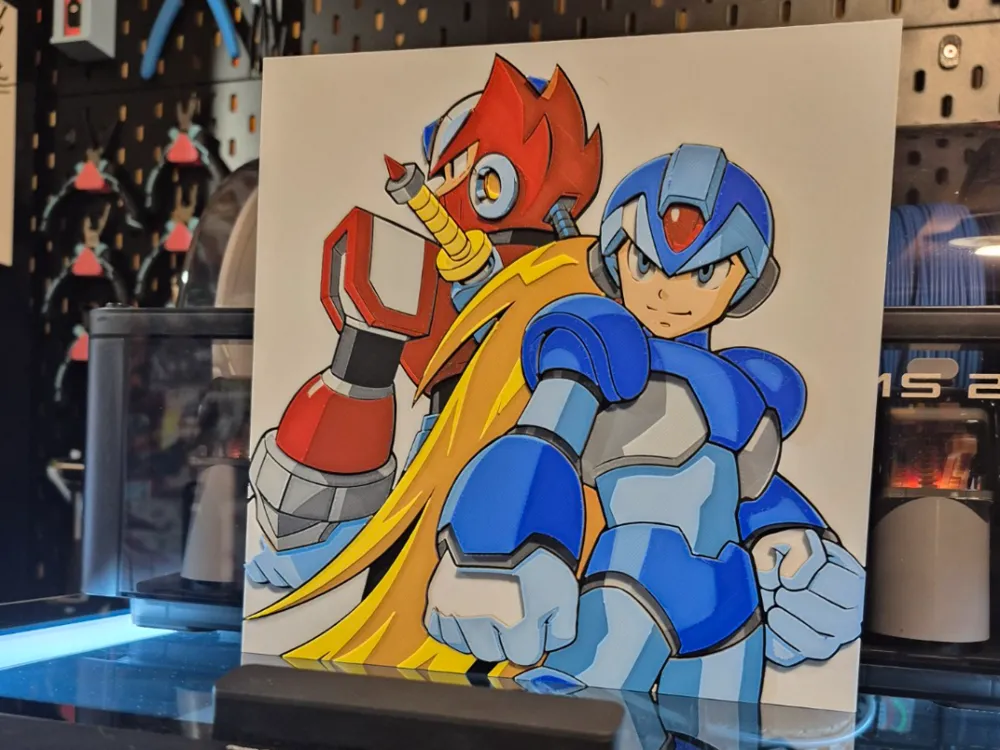
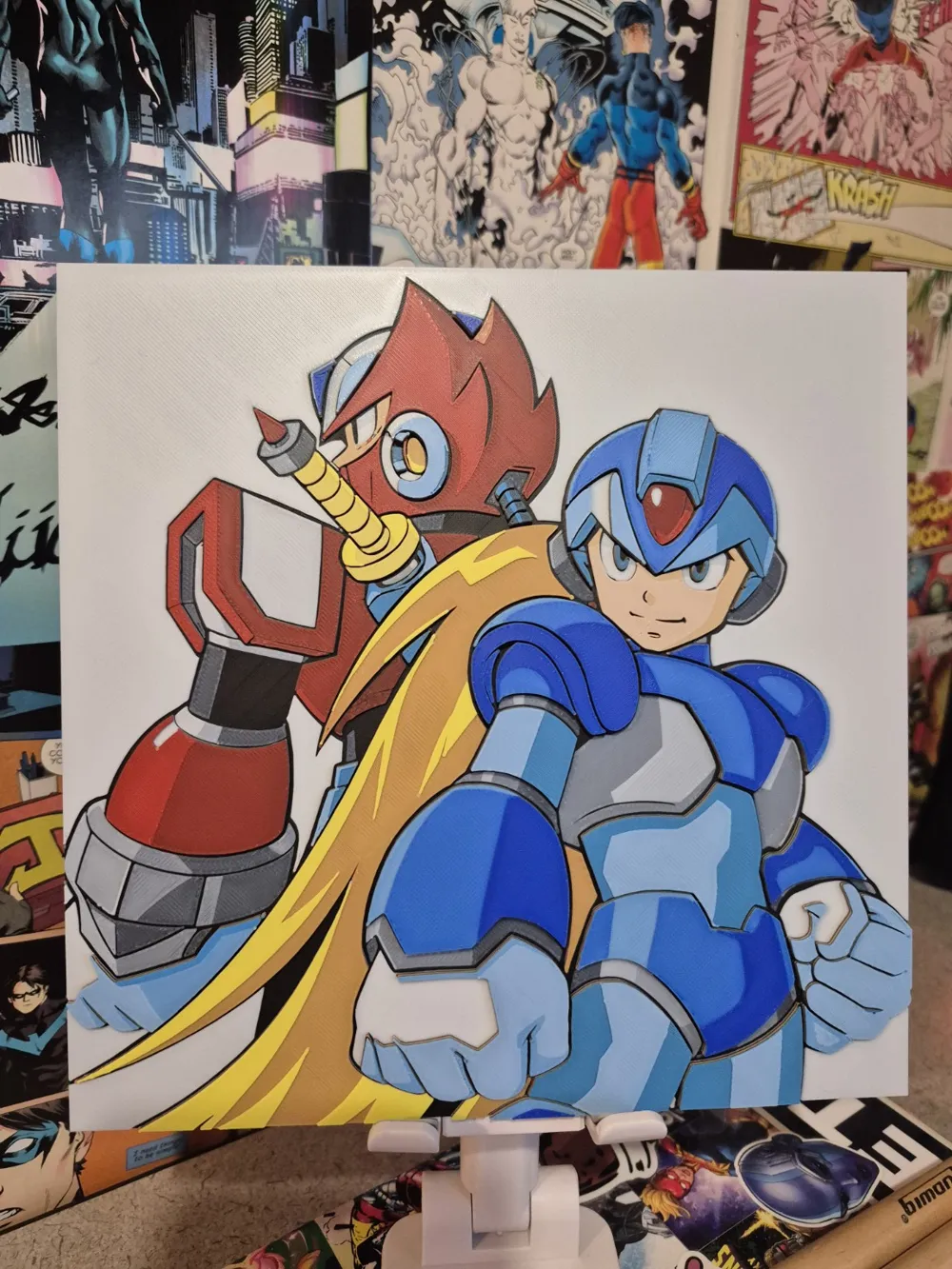
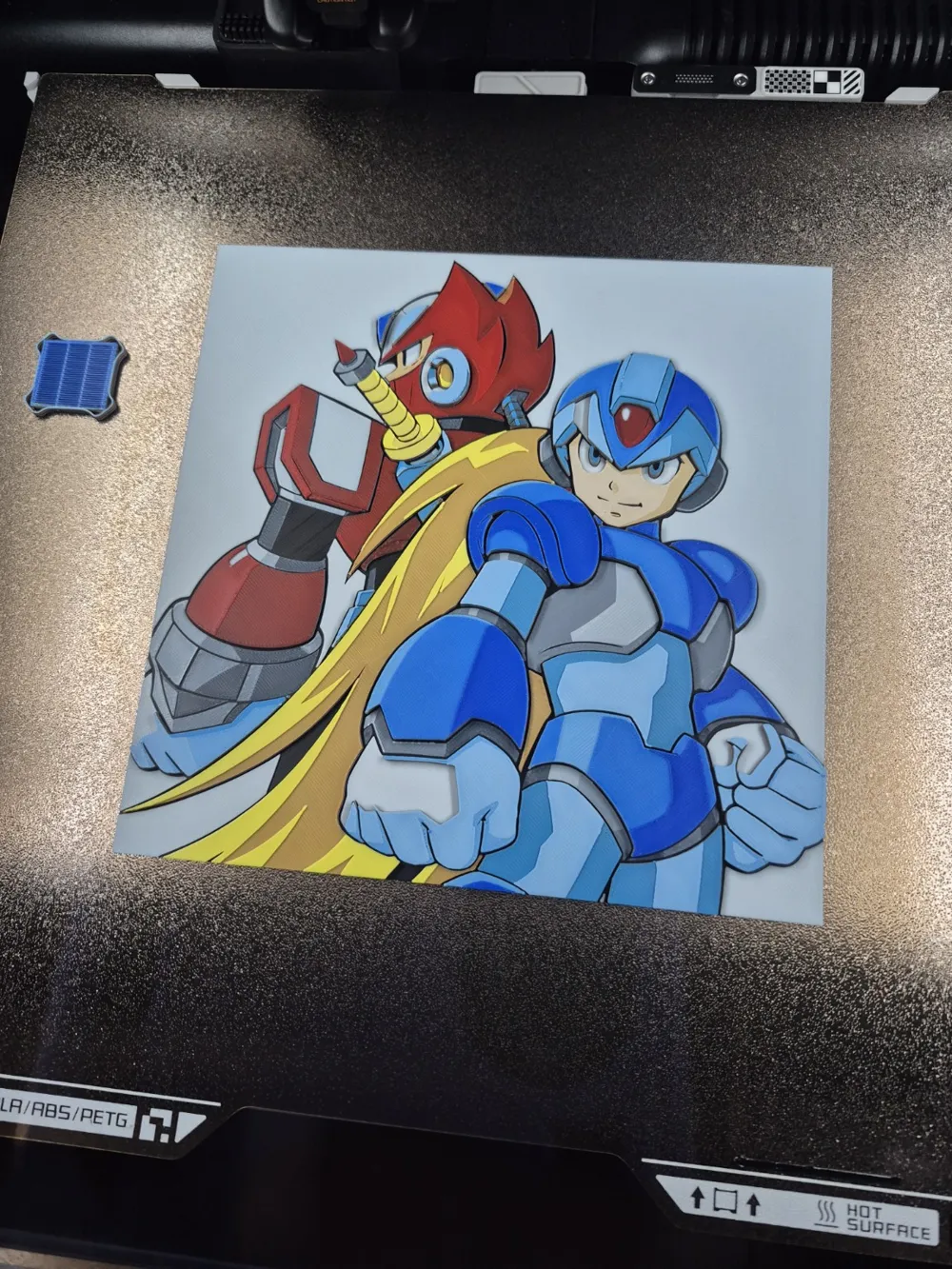
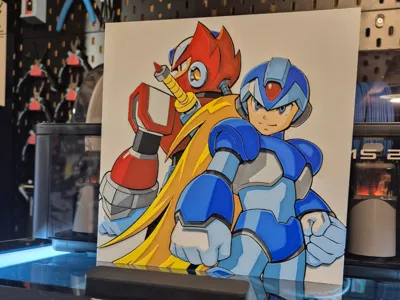
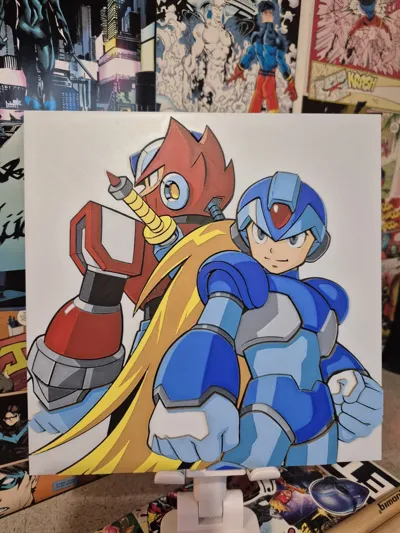
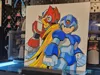
Megaman and Zero! 🔥
I am STOKED to take a brief break from my series to drop some more nostalgia to my collection. I told you 90's kids I'd take care of you! 😜
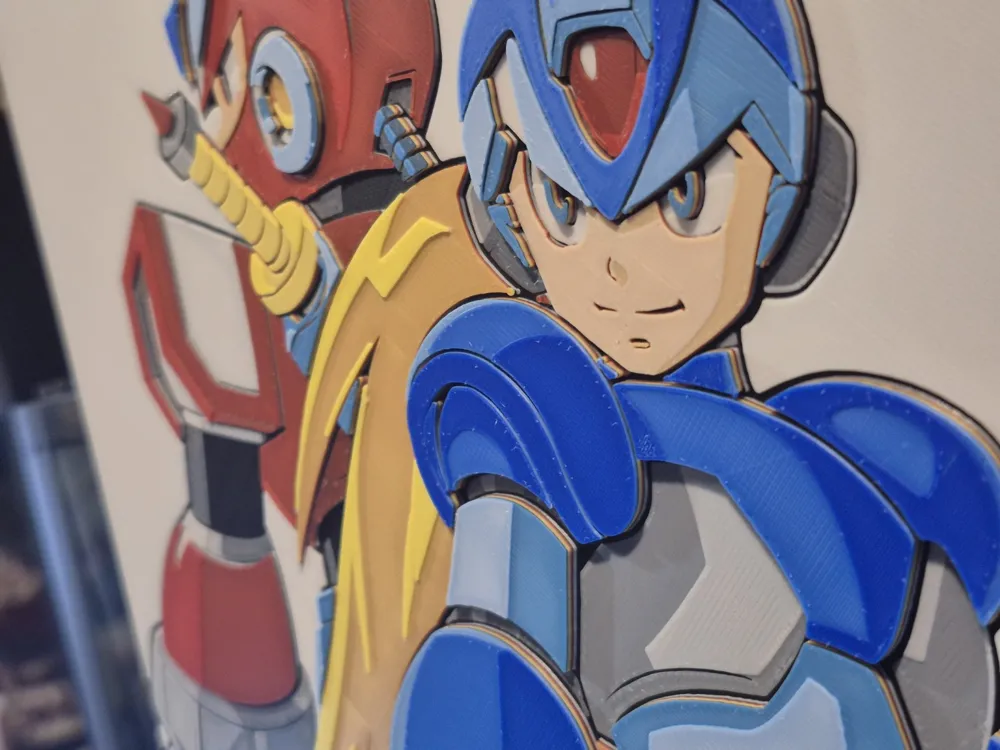
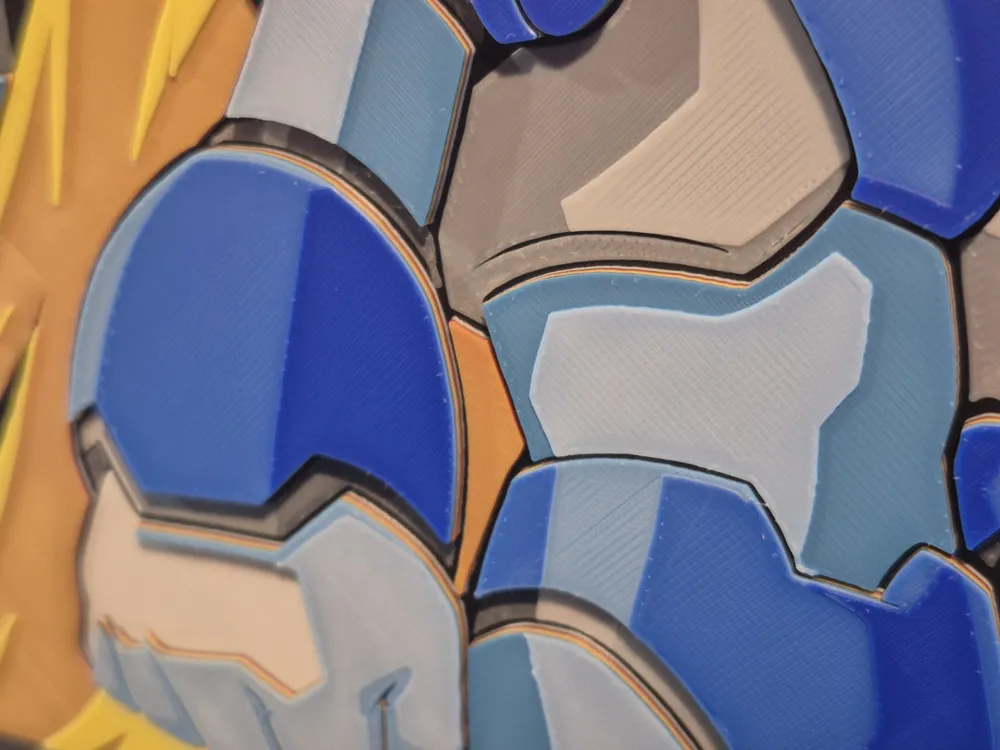
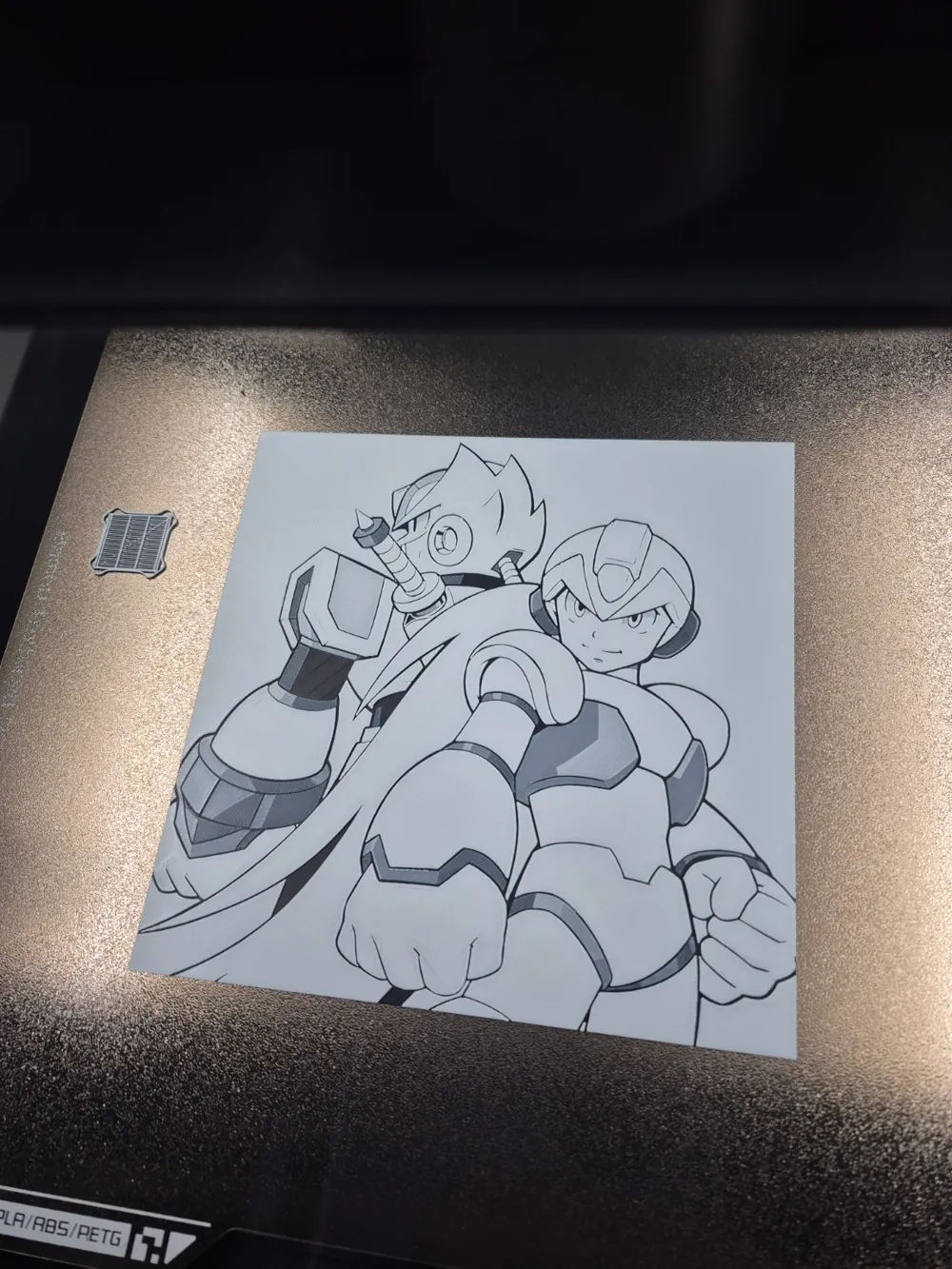
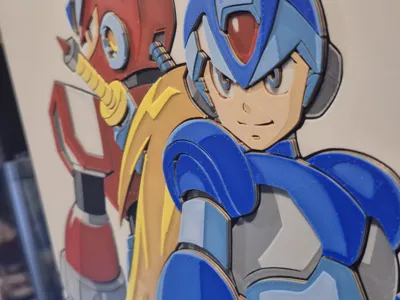
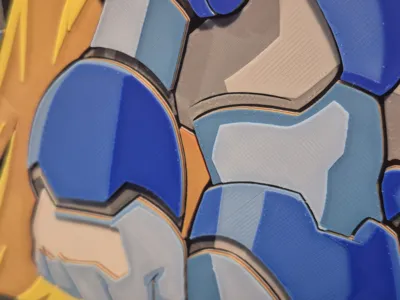
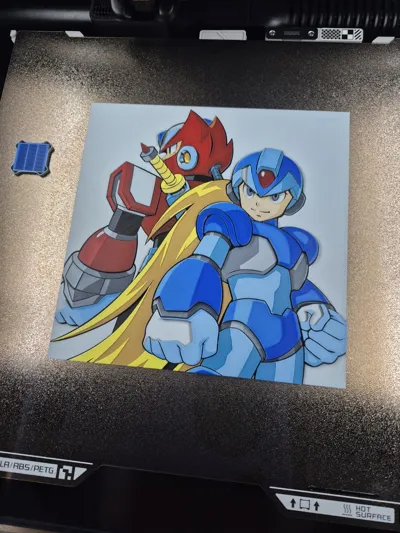
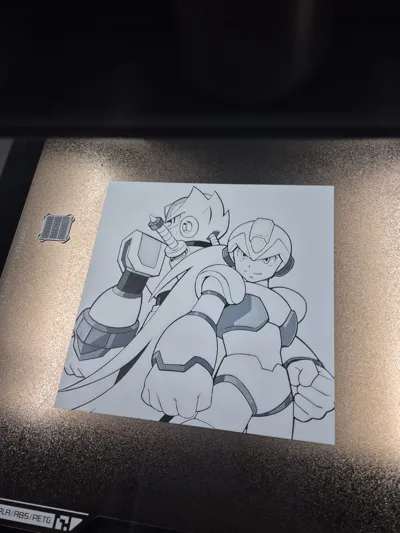
This is a 6 color print. It's got some fun stuff. I made White the second stage, so by the end of layer 12, it's as if your printer just provided itself with a page from a coloring book! Super cool if you're into watching these things print. I also managed to layer it so Zero has the least height, his hair is in the middle, and Megaman is popping right out front. Finally, because Megaman is way out front, you will get to see some fun color variants for him along the way. 😁
Print at 100% infill with a layer height of 0.08mm with a base layer of 0.16mm
The Model is 200x200mm in size
You may print at higher layer heights below the Base Thickness of 0.48mm
The Max allowed Thickness is 3.04mm and the Actual Thickness is 3.04mm
#000000 PLA BambuLab Basic Black Transmission Distance: 0.6
#ffffff PLA BambuLab Basic Jade White Transmission Distance: 5
#c00d1e PLA BambuLab Basic Red Transmission Distance: 4
#fce300 PLA BambuLab Basic Yellow Transmission Distance: 6
#0086d6 PLA BambuLab Basic Cyan Transmission Distance: 3.5
#00358e PLA BambuLab Basic Blue Transmission Distance: 4
This print uses 6 unique filaments
There are currently 2 programmed pauses for Single AMS users. If you have more than one AMS unit, or you are doing manual swaps at each color change, they you can delete these pauses on the slice preview screen. 👌
(Single AMS Users. Begin with Black, White, Red, and Yellow loaded into your AMS. When you send your print, you must assign both Red and Cyan to AMS slot 3. You must also assign both Yellow and Blue to AMS slot 4.)
Swap Instructions:
Start with Black
At layer #6 (0.56mm) swap to Jade White
At layer #13 (1.12mm) swap to Black
At layer #14 (1.2mm) swap to Red
At layer #19 (1.6mm) swap to Yellow
- There is a pause here for single AMS users to gently remove their Red, and replace it with Cyan. Hit resume after.
At layer #21 (1.76mm) swap to Jade White
At layer #23 (1.92mm) swap to Yellow
At layer #27 (2.24mm) swap to Black
At layer #28 (2.32mm) swap to Cyan
- There is a pause here for single AMS users to gently remove their Yellow, and replace it with Blue. Hit resume after.
At layer #33 (2.72mm) swap to Jade White
At layer #35 (2.88mm) swap to Blue for the rest.
Boost Me (for free)
I hope you freaking love this one everybody!!!! Thanks so much for checking it out! 🙏
License

You shall not share, sub-license, sell, rent, host, transfer, or distribute in any way the digital or 3D printed versions of this object, nor any other derivative work of this object in its digital or physical format (including - but not limited to - remixes of this object, and hosting on other digital platforms). The objects may not be used without permission in any way whatsoever in which you charge money, or collect fees.


Comment & Rating (7)