Search models, users, collections, and posts

Obsidian9 Laser Cut Components
IP Report
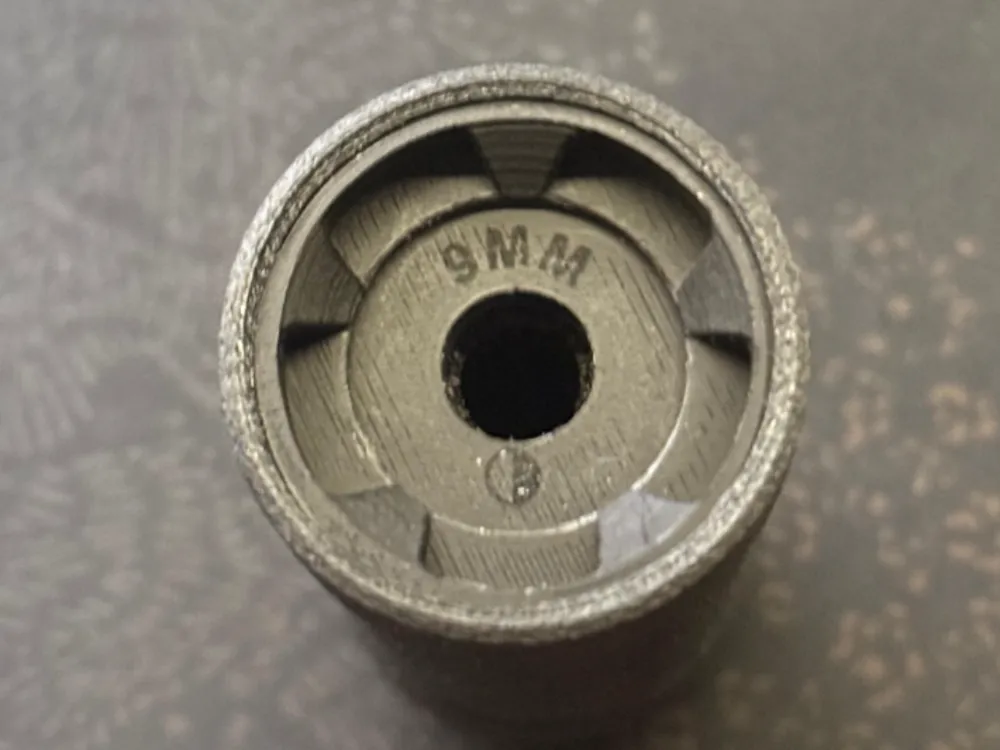
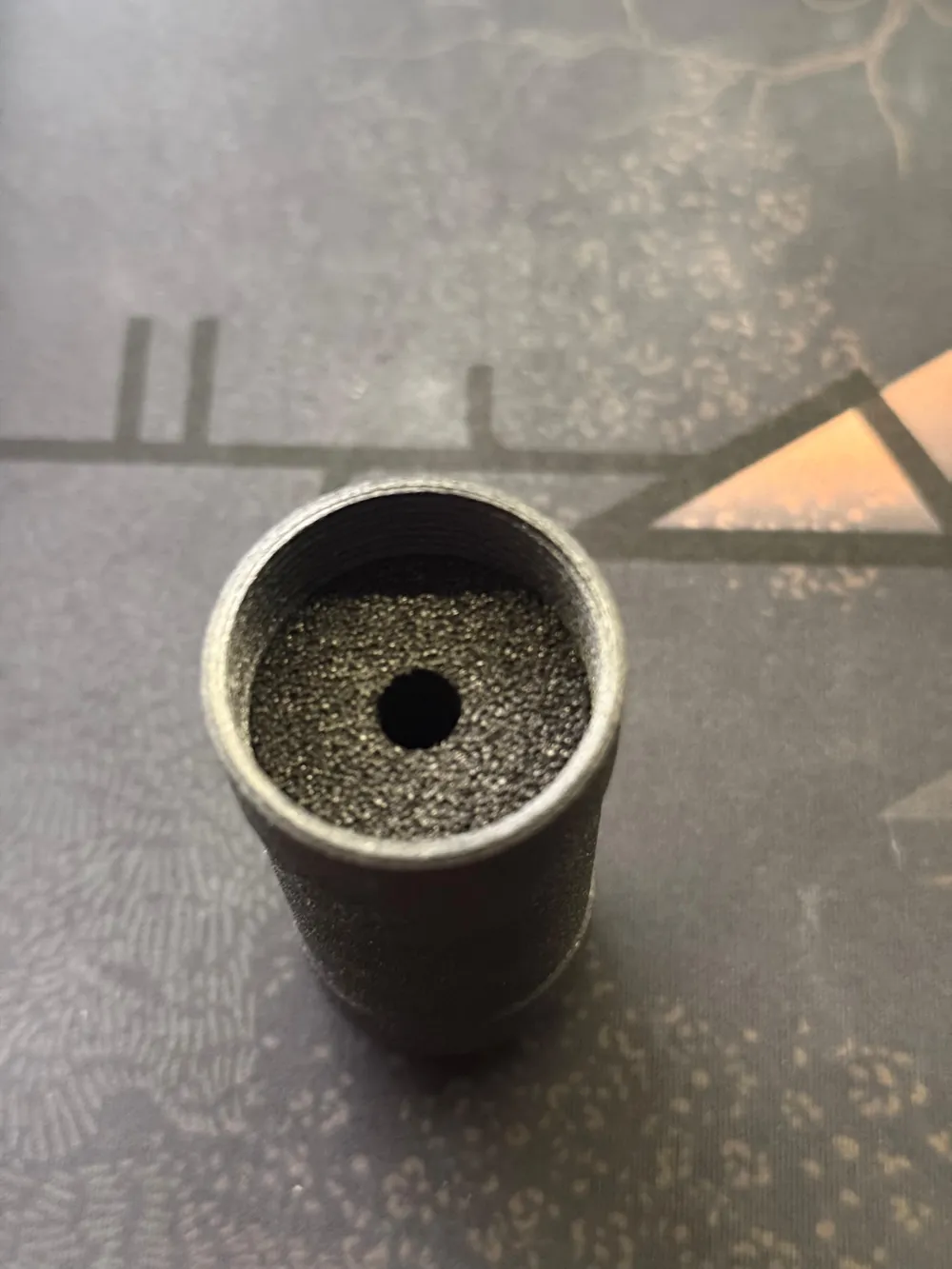
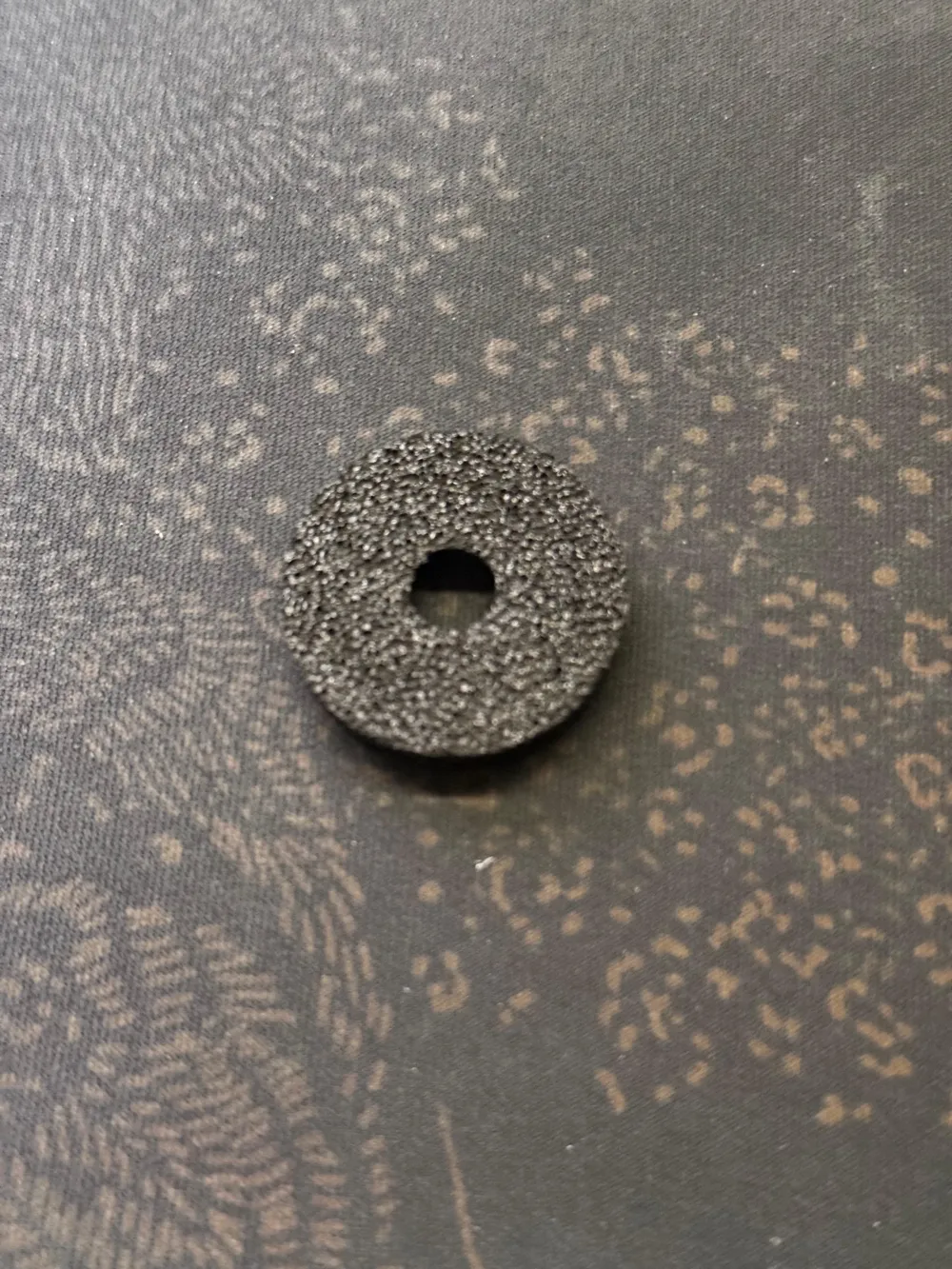
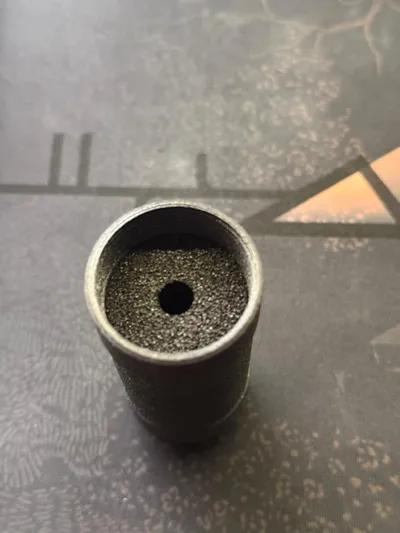
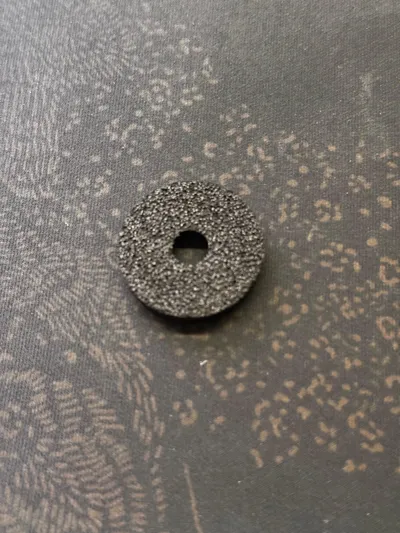
Print Profile(3)
PE Hardfoam
Designer
5 min
1 plate
PE Softfoam
Designer
3 min
1 plate
Click to see more
Open in Bambu Suite
Open in Bambu Studio
Boost
3
6
0
0
5
0
Released
Bill of Materials
List other parts
- PE Softfoam x 1: 300x300mm
- PE Hardfoam x 1: 300x300mm
Description
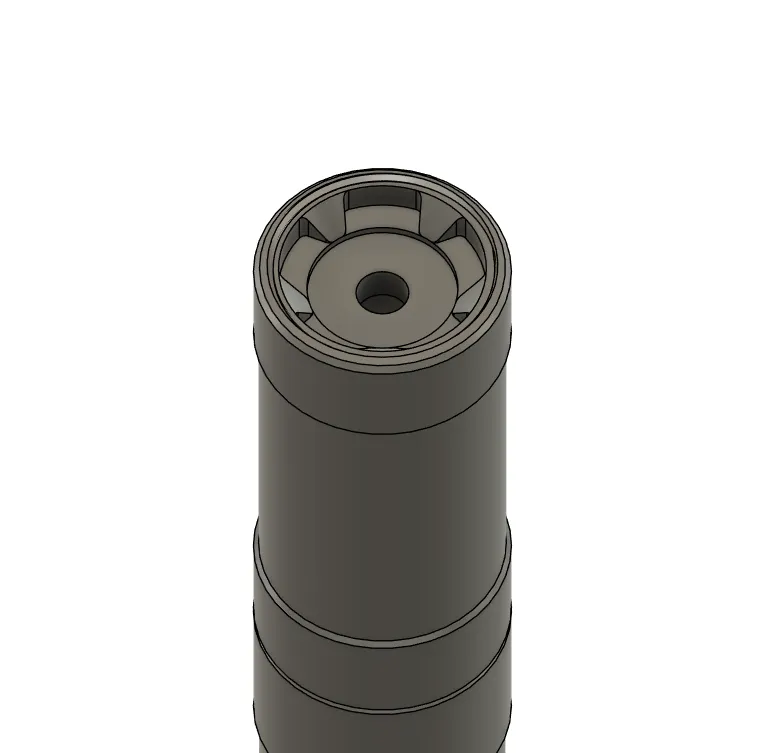
These are the optional laser cut parts for my Obsidian9 model.
Tutorial steps
Step 1
Step 2
Step 3
Step 4
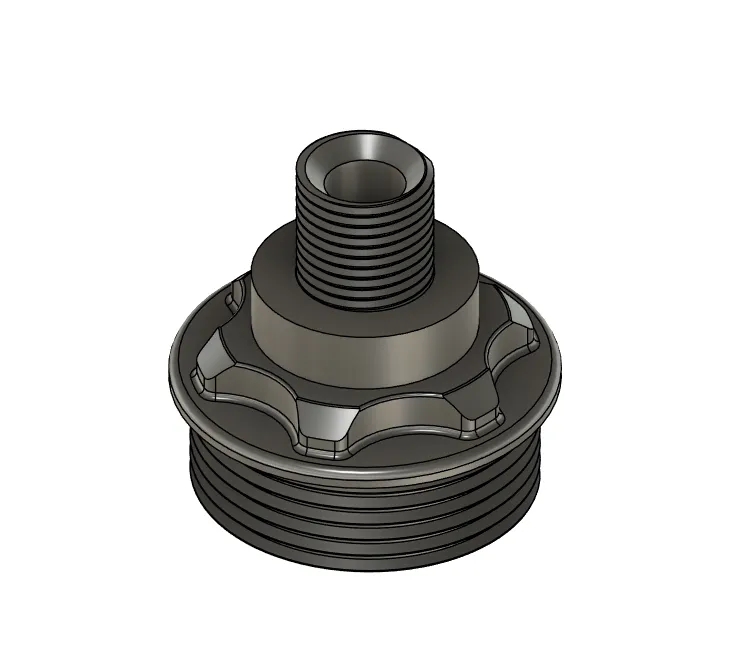
Step 1: Adding the thread
First slide in the chosen thead type into the end cap.
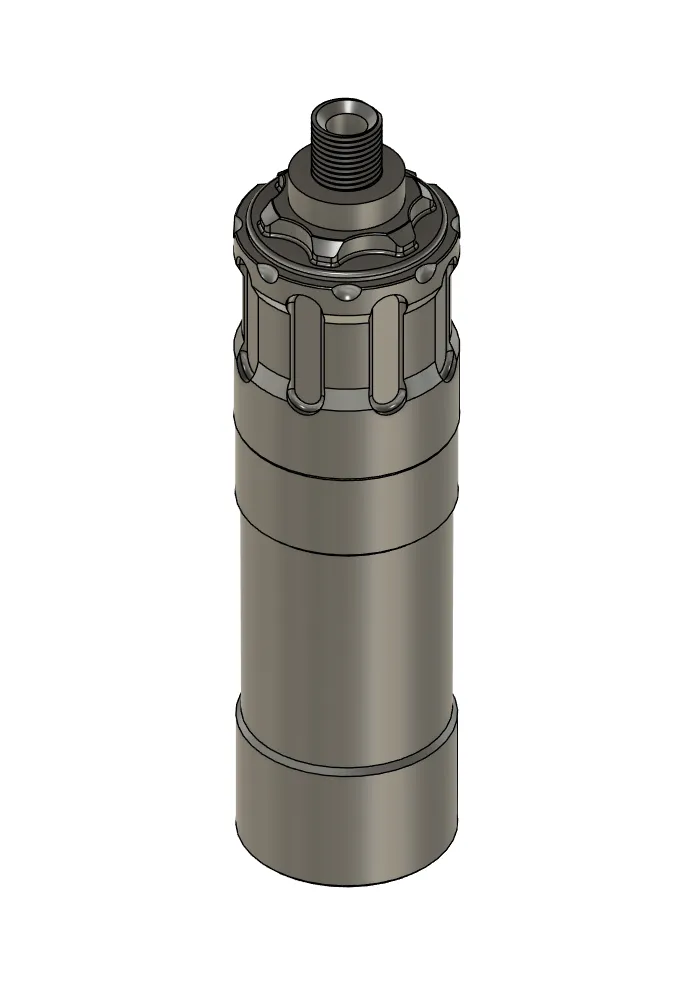
Step 2: Connecting the End Cap to the Obsidian9
Screw in the End Cap with the chosen thread inside into the Obsidian9.
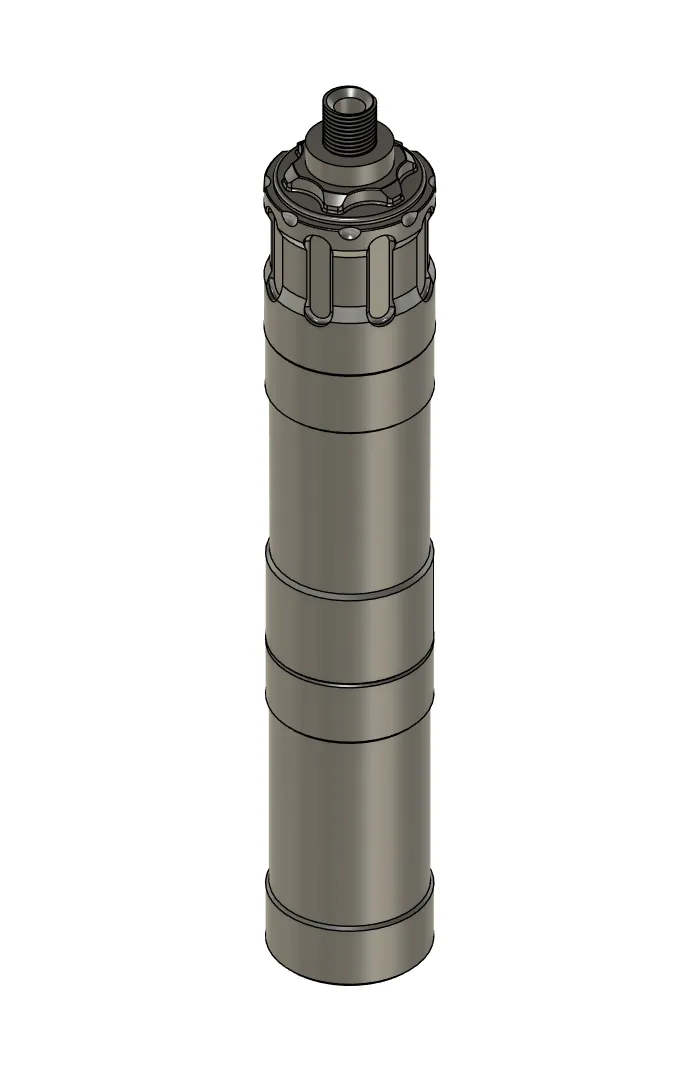
Step 3: Connecting the ADAPT Module (Optional)
This step is optional.
Screw the ADAPT Module into the Obsidian9.
Step 4: Connecting the Front Cap
Screw the Front Cap into the Obsidian9 or ADAPT Module.
License

This user content is licensed under a Standard Digital File License.
You shall not share, sub-license, sell, rent, host, transfer, or distribute in any way the digital or 3D printed versions of this object, nor any other derivative work of this object in its digital or physical format (including - but not limited to - remixes of this object, and hosting on other digital platforms). The objects may not be used without permission in any way whatsoever in which you charge money, or collect fees.


Comment & Rating (0)