
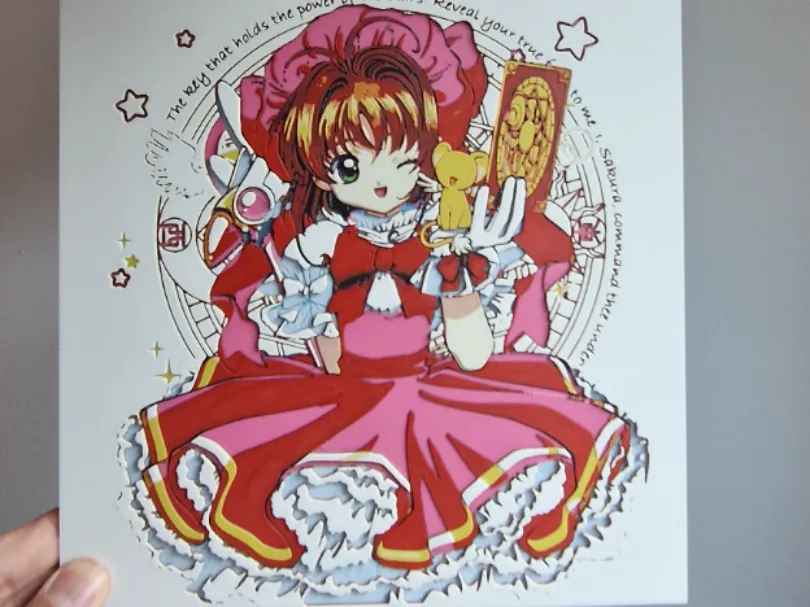
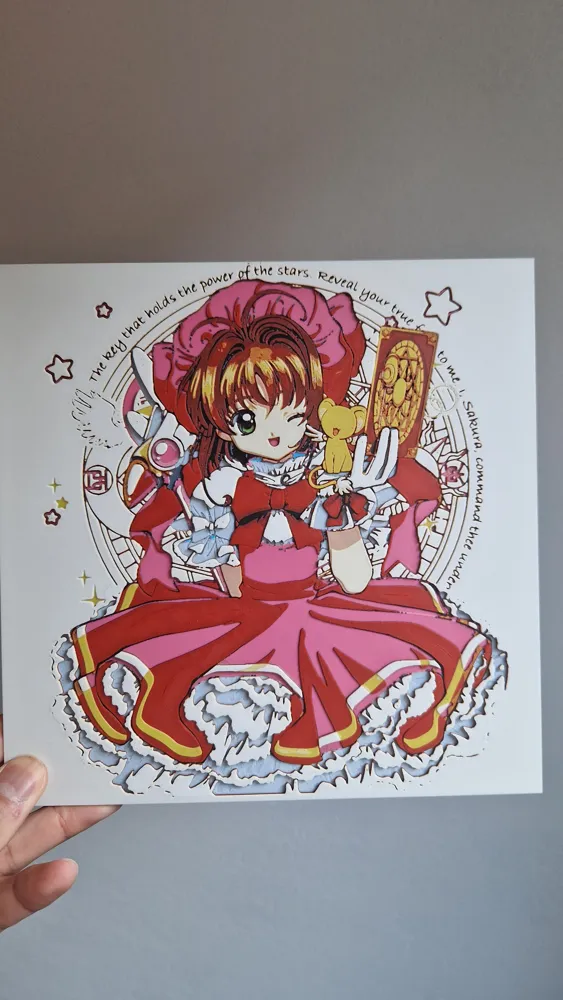
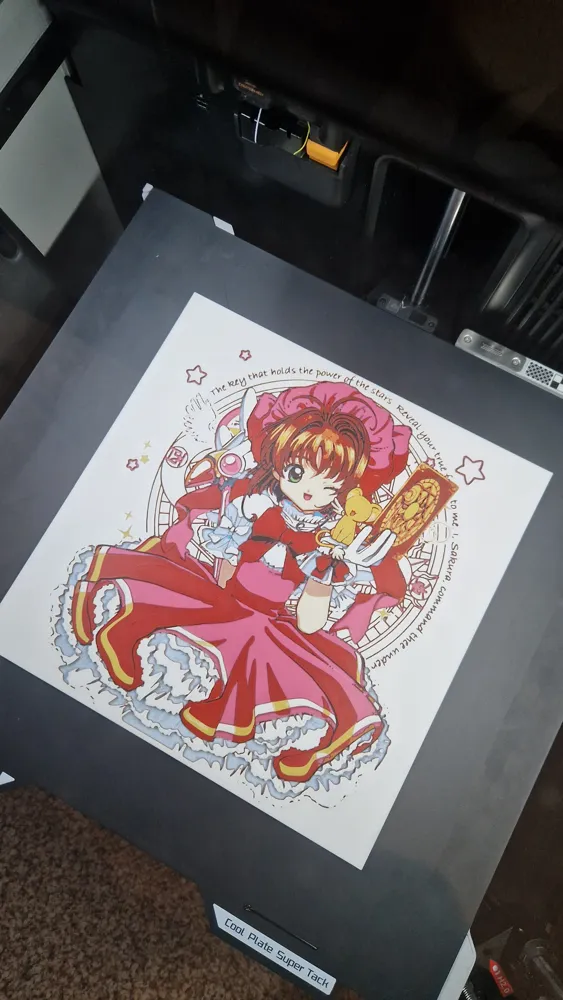
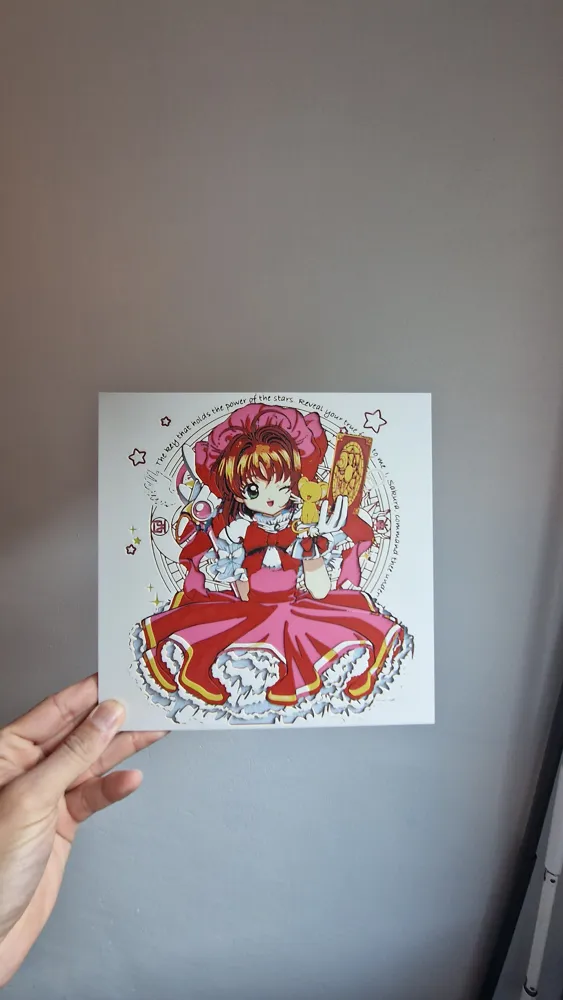
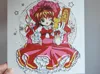
Cardcaptor Sakura Hueforge
Print Profile(2)
Bill of Materials






Description
Boost Me (for free)
A simple click on “Boost”, helps me a lot — and it costs you nothing! Thanks for the support ❤️
Membership
With a membership, you're free to sell all my prints! It really supports my work ❤️ Thank you!
Attention if you use a different PLA than indicated, the transmission distance levels may differ and thus impact the result.
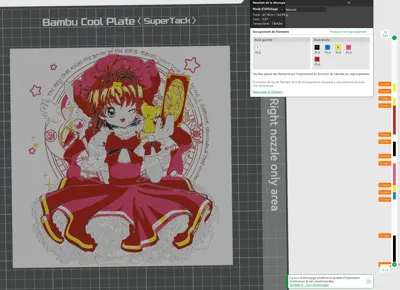
Project: Sakura Card.hfp
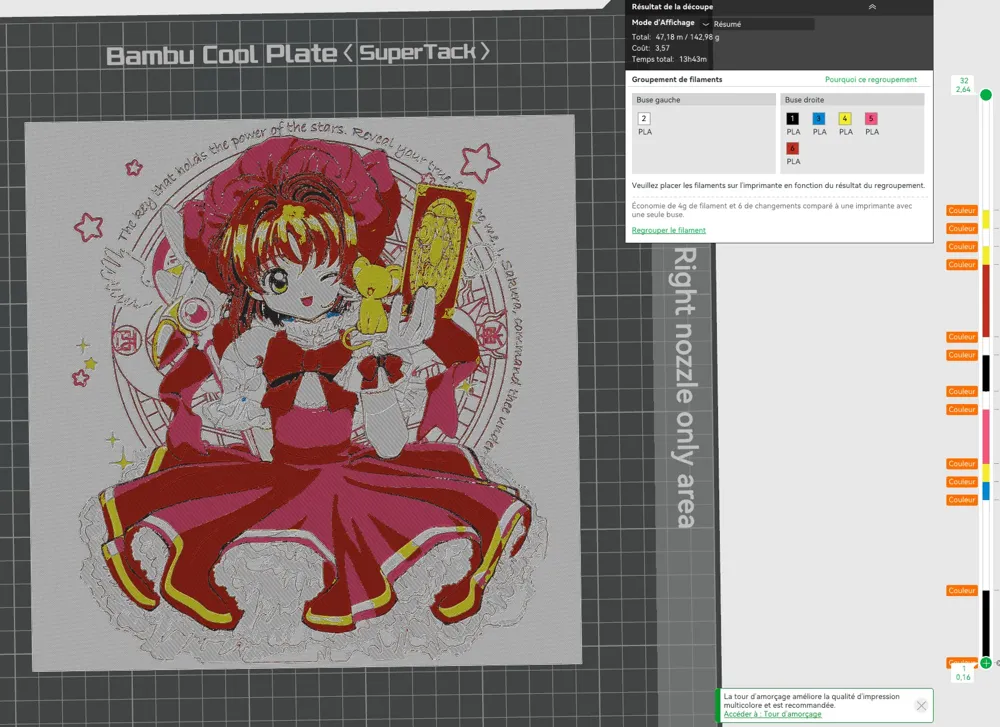
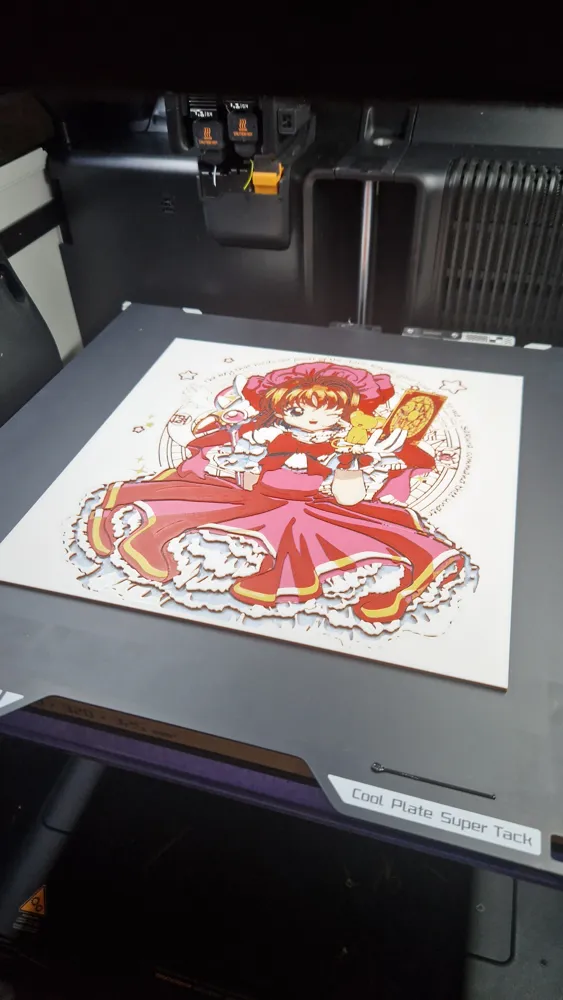
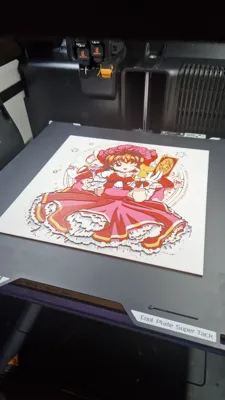
Print at 100% infill with a layer height of 0.08mm with a base layer of 0.16mm
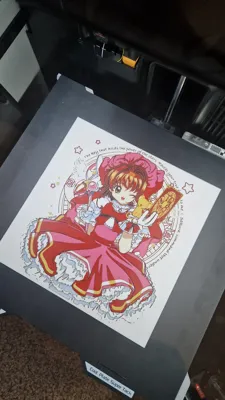
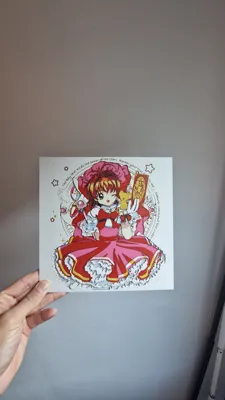
The Model is 235x235mm in size
PLA Basic Black Transmission Distance: 0.6
PLA Basic Jade White Transmission Distance: 5
PLA Basic Cyan Transmission Distance: 1.7
PLA Basic Yellow Transmission Distance: 4.5
PLA Basic Hot Pink Transmission Distance: 3.6
PLA Basic Red Transmission Distance: 4
This print uses 6 unique filaments
Swap Instructions:
Start with Black
At layer #5 (0.48mm) swap to Jade White
At layer #10 (0.88mm) swap to Cyan
At layer #11 (0.96mm) swap to Yellow
At layer #12 (1.04mm) swap to Hot Pink
At layer #15 (1.28mm) swap to Jade White
At layer #16 (1.36mm) swap to Black
At layer #18 (1.52mm) swap to Jade White
At layer #19 (1.6mm) swap to Red
At layer #23 (1.92mm) swap to Yellow
At layer #24 (2mm) swap to Jade White
At layer #25 (2.08mm) swap to Yellow
At layer #26 (2.16mm) swap to Jade White for the rest.
For the 235x235mm frame, click on the link below:
https://makerworld.com/fr/models/2458364-frame-235x235mm#profileId-2699216
For the 200x200mm frame, click on the link below:
https://makerworld.com/fr/models/2458286-frame-200x200mm#profileId-2699108
How to print more than 4 colours with a single AMS:
License

You may create derivative works based on this object, provided that all such derivative works are published exclusively on the MakerWorld platform and include proper attribution to the original creator. You may not share, upload, host, distribute, or publish this object—or any derivative work of this object—on any other digital platform, marketplace, or distribution channel. Commercial use of this object and any derivative works is strictly prohibited. This includes, but is not limited to, selling, renting, sublicensing, or using the object in any context in which you receive monetary compensation or other financial benefits.


Comment & Rating (0)