
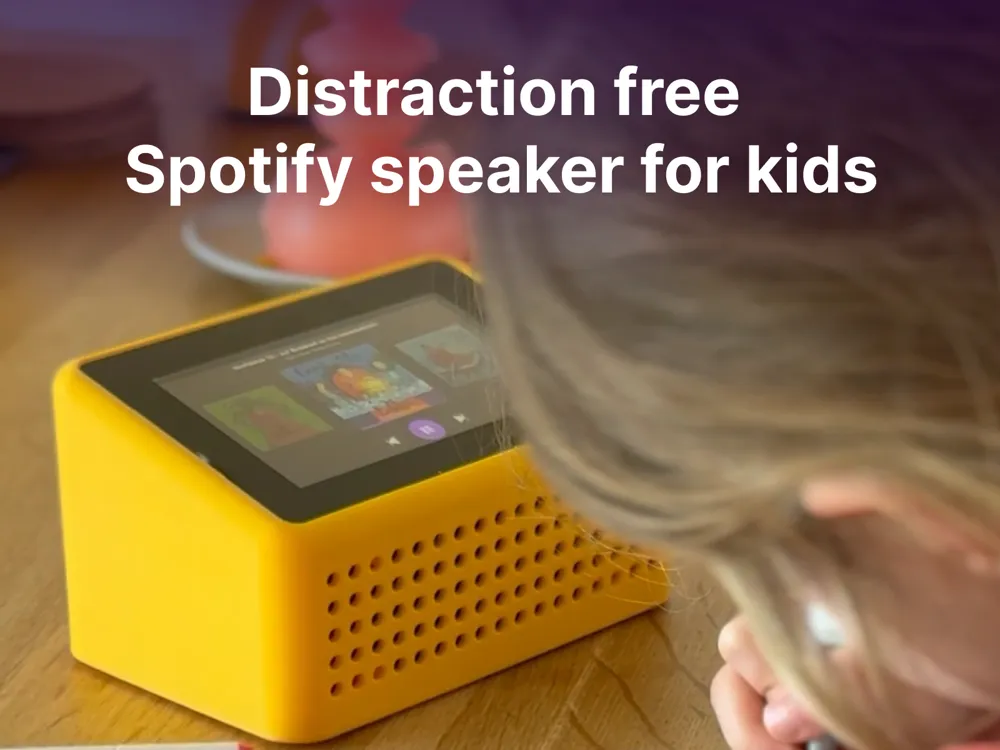
Distraction free Spotify speaker for kids
Print Profile(1)
Bill of Materials
- 5V USB-C power adaptar x 1: Because the USB-C port only has basic 5V power lines and no communication (like Power Delivery), most chargers don’t recognize it and won’t supply power. Alternatively you can use an USB-A to USB-C cable and and USB-A charger.
- Raspberry Pi Touch Display 2 Display Module 5 Inch x 1:
- USB-C socket x 1: https://www.amazon.nl/dp/B0CDC1X4BY?ref=ppx_yo2ov_dt_b_fed_asin_title
- MicroSD card x 1:
- Waveshare WM8960 Audio HAT x 1:
- Raspberry Pi 3B x 1: or newer.
Description
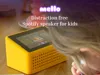
Mello — Distraction-free Spotify speaker for kids
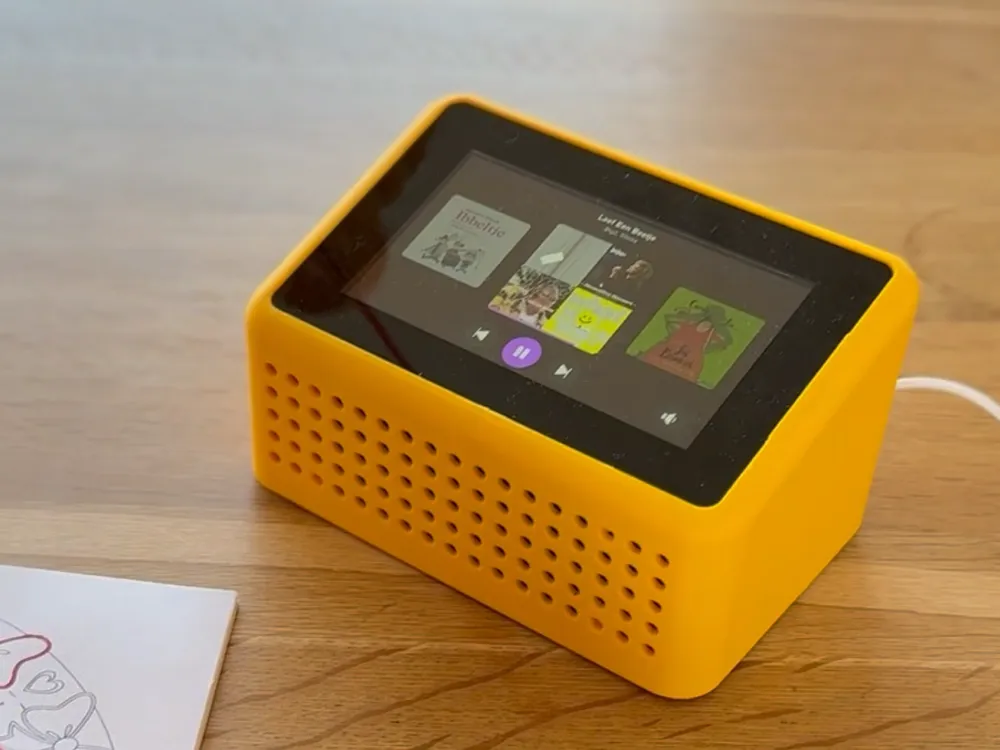
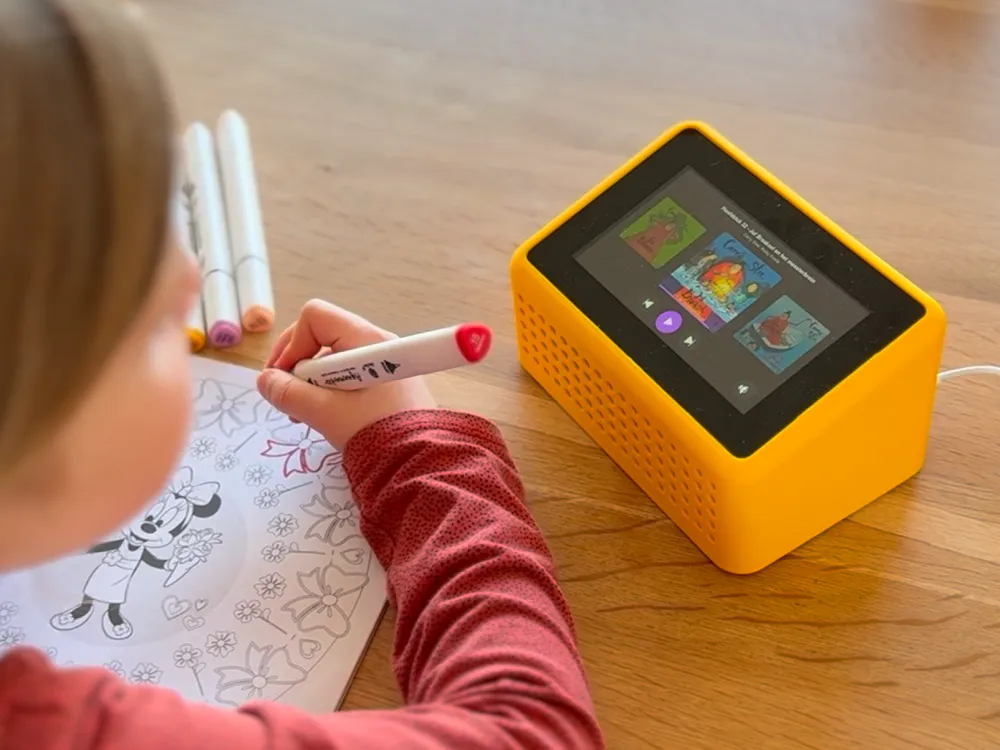
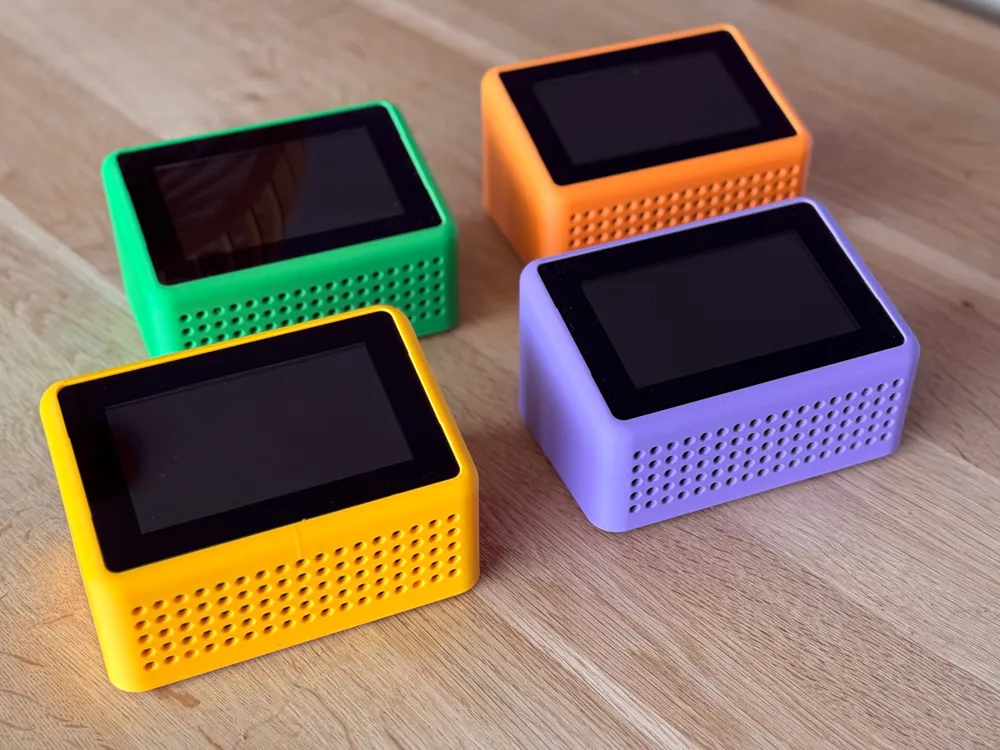
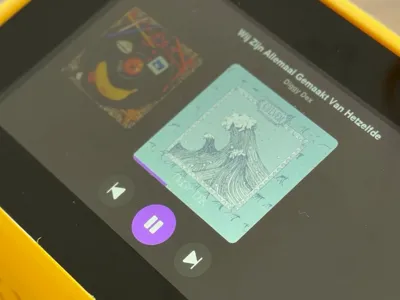
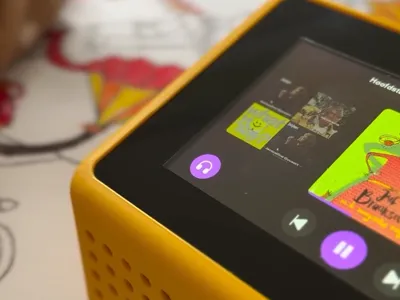
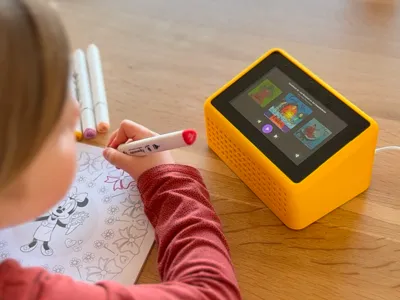
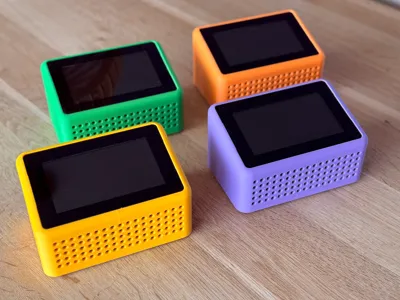
Mello is a 3D printed Spotify speaker designed for kids. Kids swipe through their music and tap to play. Parents control the library from Spotify on their phone.
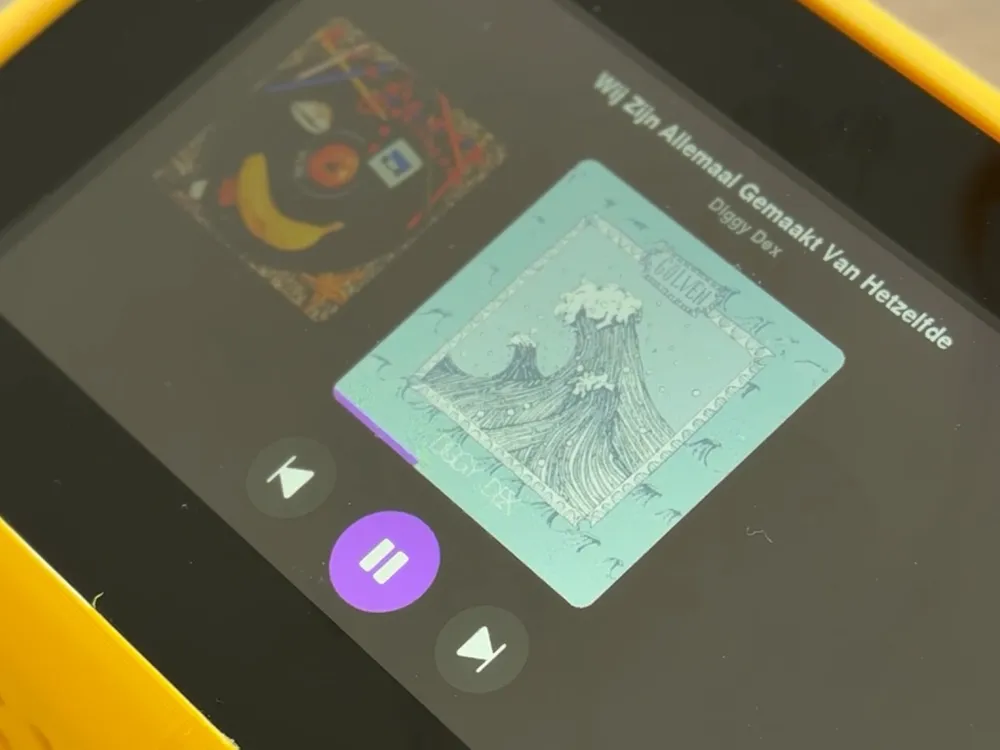
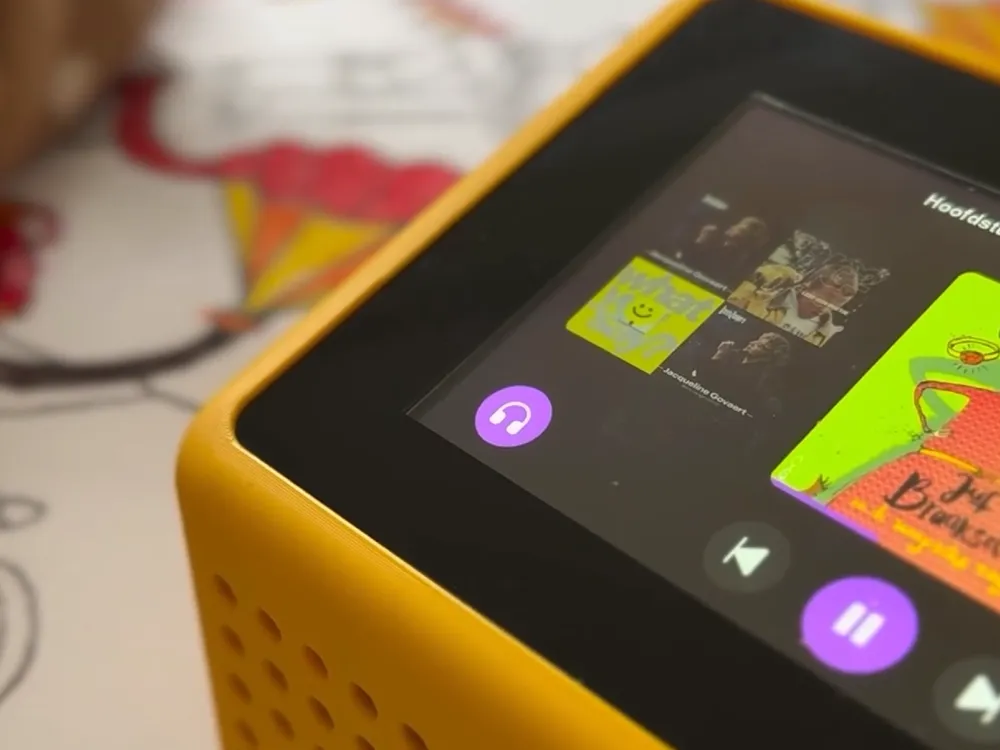
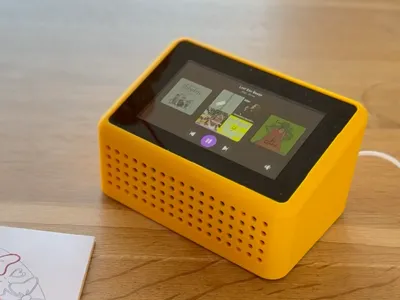
When you play an album on Spotify and select Mello as the speaker, it shows up on the touchscreen automatically. From that point, kids can browse and play it independently. Simple controls — play, pause, skip. That’s it.
How it works
Mello runs on a Raspberry Pi with a small touchscreen. The software is open source and uses Spotify Connect, so there’s no account needed on the device itself. You authenticate once from your phone. Under the hood, it uses go-librespot as a Spotify Connect receiver and a custom Python/Pygame UI for the touchscreen interface.
Features
- Album carousel with large cover art and smooth swipe navigation
- Auto-sleep — screen turns off after 2 minutes of inactivity
- Auto-pause — music stops after 30 minutes (configurable) to prevent all-day playback
- Progress memory — remembers where each album left off for up to 96 hours
- Bluetooth — connect wireless headphones or speakers
- WiFi setup — creates a hotspot for easy configuration if WiFi drops
- Auto-updates — pulls the latest version from GitHub every night
- Settings menu — long-press the volume button for WiFi, Bluetooth, volume levels, auto-pause duration, and more
Hardware you need
- Raspberry Pi 3 Model B
- Raspberry Pi Touch Display 2 (5”)
- WM8960 Audio HAT
- 5.1V 3A USB-C Power Supply
- USB-C Panel Mount Bushing
- Micro SD Card (16GB+)
Software installation
Flash Raspberry Pi OS Lite (64-bit), SSH in, and run a single install command. Full instructions and source code at https://github.com/emieljanson/mello
License



Comment & Rating (2)