
P2S & X2D BAMBULAB OPTIMIZED PRINT PROFILES
Print Profile(0)
Description
Complete Package: Optimized Filament Profiles + Test Model for Bambu Lab P2S & X2D
This package includes a fully reorganized and optimized set of filament profiles specifically built for:
- Bambu Lab P2S
- Bambu Lab X2D
(with fully standardized 0.4 nozzle profiles and additional nozzle sizes where available)
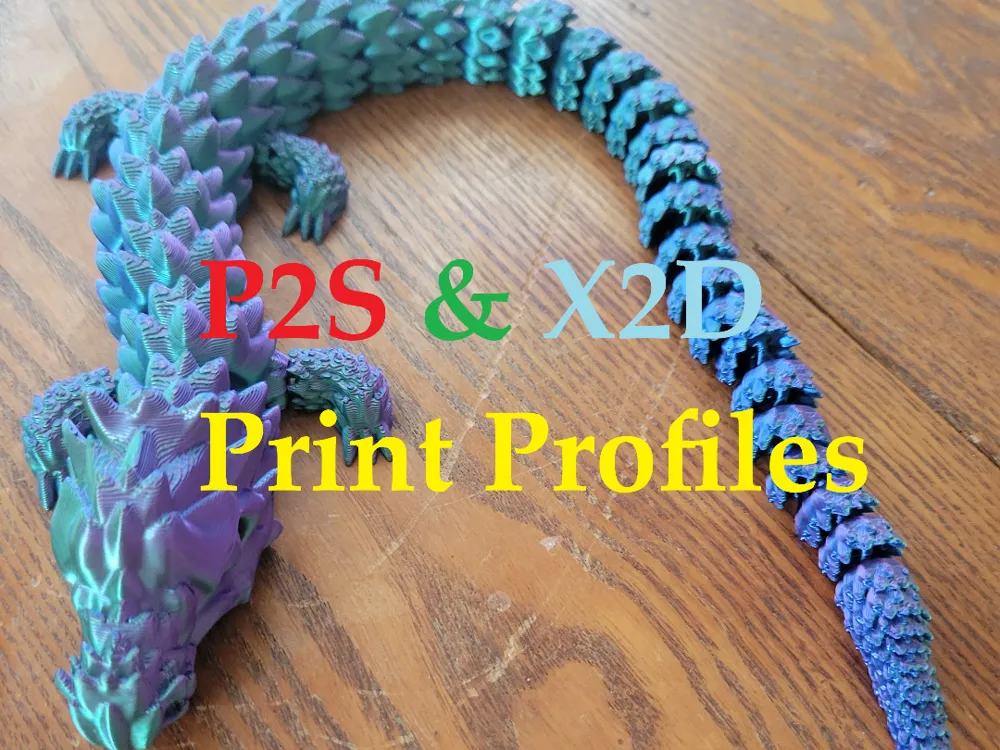
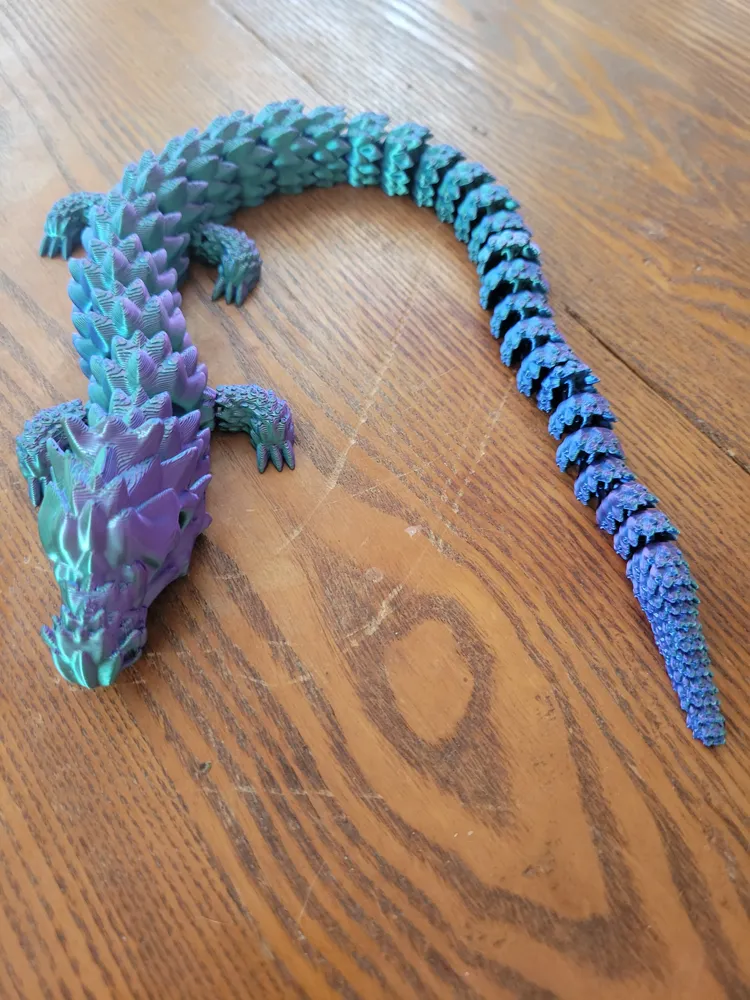
Alongside the profiles, a test model is included to help you validate print quality and ensure your setup is dialed in.
Ready-to-Use Filament Profiles
This is a cleaned, standardized, and expanded profile pack designed to remove guesswork and get consistent results fast.
The goal is simple:
👉 Reliable prints, minimal tuning, consistent results across brands
Test Model Included
A custom calibration model is included to help you:
- Verify dimensional accuracy
- Quickly validate each filament profile
- Identify issues before long prints
- Compare performance across different filament brands
What Makes This Pack Different
- ✔ Profiles are fully separated per printer (no generic configs)
- ✔ Covers both P2S and X2D
- ✔ Folder structure is organized by brand → printer (P2S / X2D)
- ✔ Filenames are clear, readable, and include nozzle size
- ✔ Only valid Bambu Studio-compatible JSON files are included
What’s Included
- Complete set of calibrated filament profiles across multiple brands
- Materials include:
- PLA / PLA+
- PETG
- ABS / ASA
- TPU
- Profiles for P2S and X2D with standardized 0.4 nozzle support
- Additional nozzle sizes (e.g., 0.6, 0.8) included on Some profiles
- Test model for validation and comparison
Supported Brands
3DJake - 3dTrek - Aliz - Atomic - Coex - ELEGOO - Eryone - eSUN - FIBERLOGY - FormFutura - fusRock - GEEtech - Hatchbox - IEMAI - Kingroon - Ninjaflex - Numakers - Olympfilia - Overture - Prusament - Reprapper - Siddament - SUNLU
Compatibility
- Bambu Lab printers (P2S & X2D focused)
- Bambu Studio
How to Use
Step 1: Open Bambu Studio
Step 2: Click File → Import → Import Configs
Step 3: Select the profiles for the brand(s) you want
Step 4: Find them under User Presets → Custom
Then just select your filament profile and print.
Credits
- Original base profile work by 3Dmanufactory.italy
- expanded for P2S/X2D
License

You shall not share, sub-license, sell, rent, host, transfer, or distribute in any way the digital or 3D printed versions of this object, nor any other derivative work of this object in its digital or physical format (including - but not limited to - remixes of this object, and hosting on other digital platforms). The objects may not be used without permission in any way whatsoever in which you charge money, or collect fees.


Comment & Rating (19)