
Itachi Uchiwa - Easy Print

Print Profile(1)





Description
Description
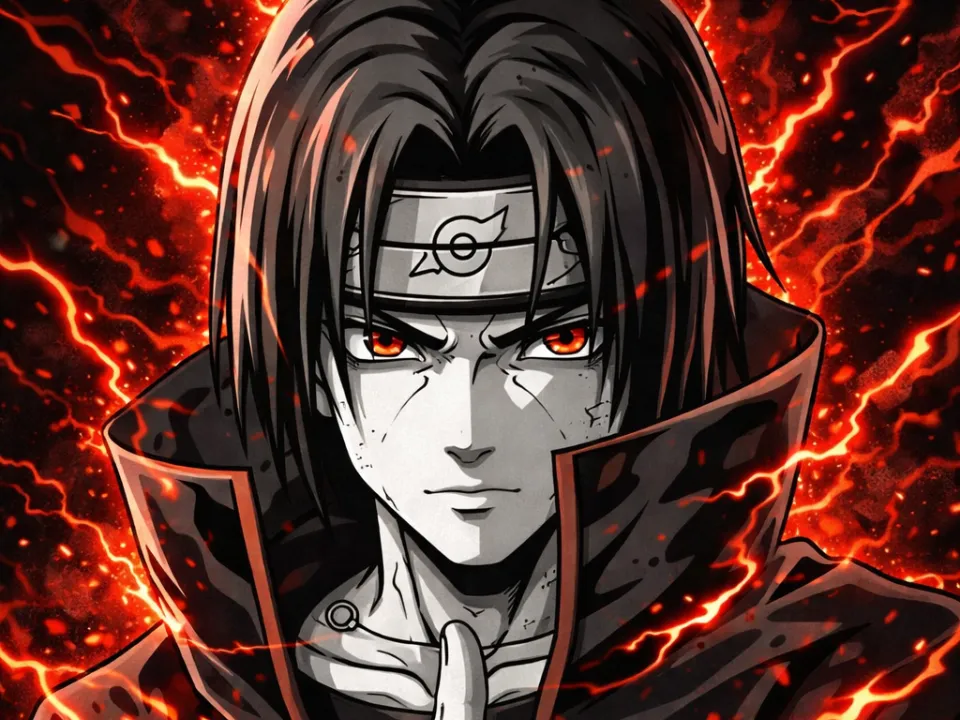
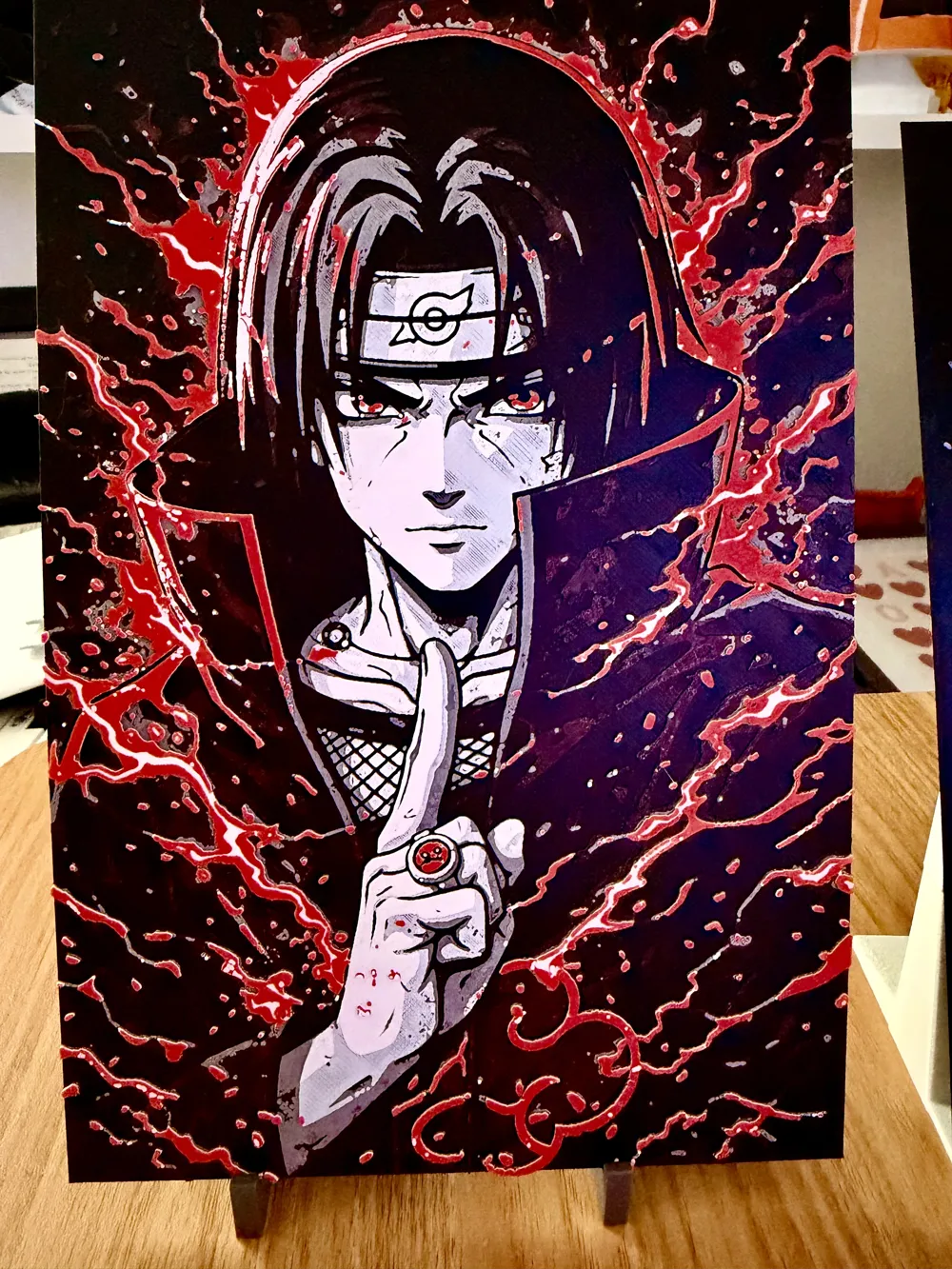
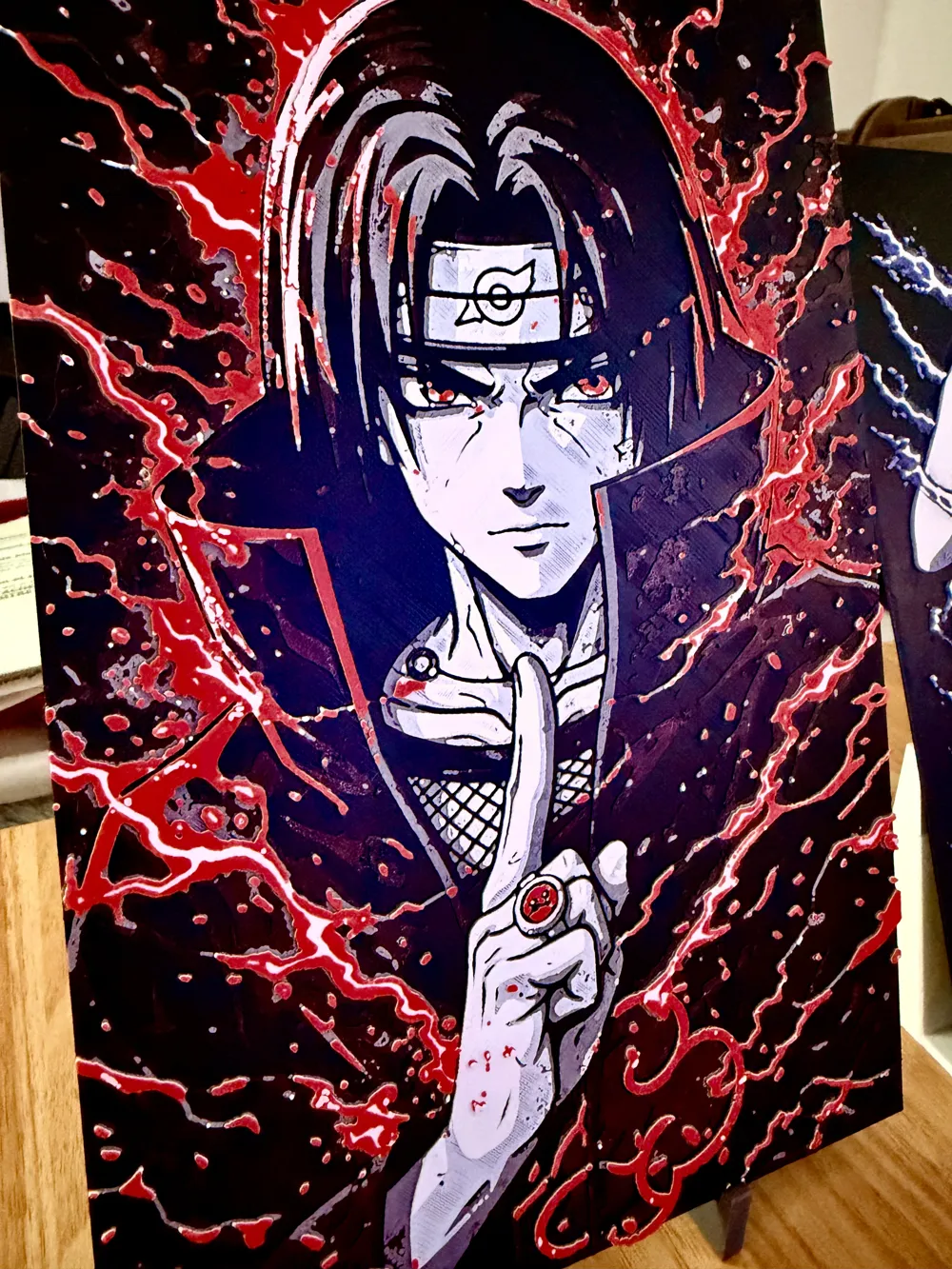
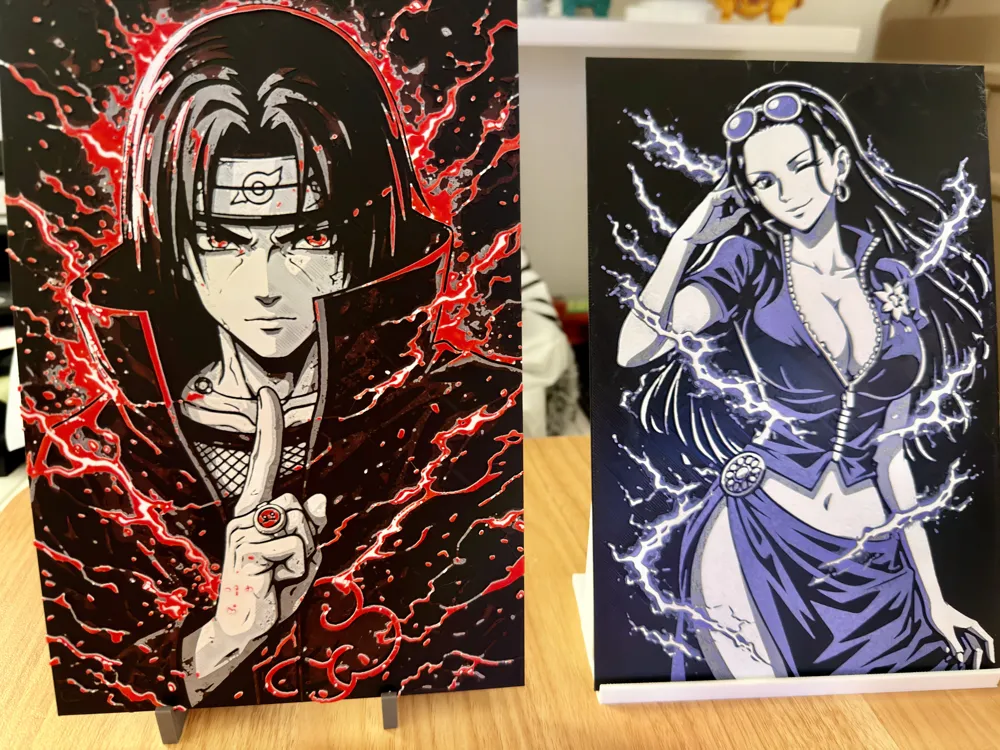
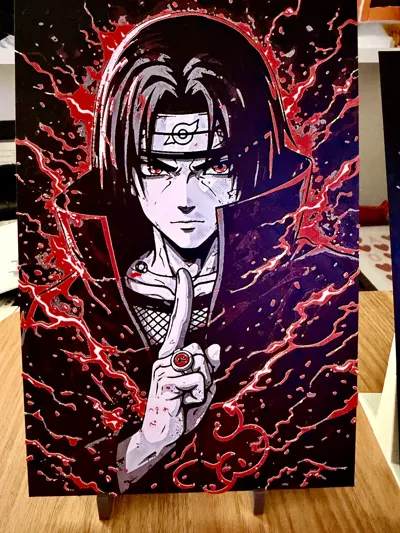
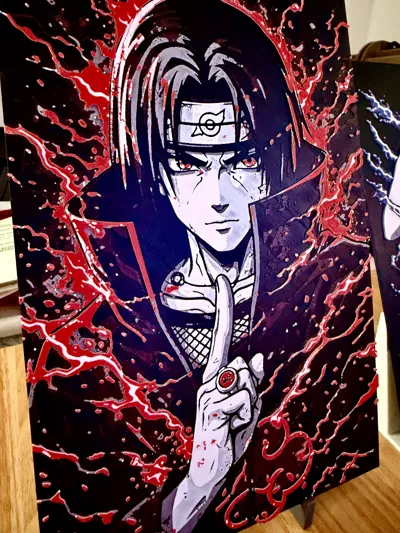
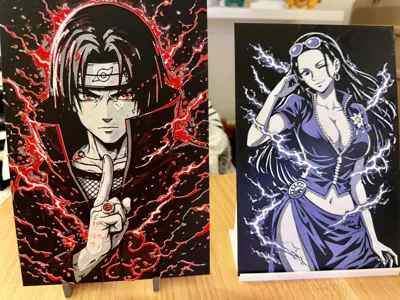
🔥 Itachi Uchiwa – Naruto - Electric Energy | Black & Red Style | ULTRA EASY Print🔥
An intense version of Itachi Uchiwa, revisited in an ultra-contrasted black & white style with a touch of electric Red ⚡
His confident and determined gaze brings true charisma, enhanced by flashes of energy surrounding the silhouette for a dynamic and powerful rendering.
The design is conceived for :
✔ Sharp and clean contrasts
✔ Optimized details (face, hair, clothing)
✔ Well-separated color zones for a clean print
✔ Guaranteed “visual impact” effect even from a distance
Perfect for a stylish wall decoration, a gift, or to complete an anime collection 🔥
To support my work, you can send me a PayPal donation of any amount you wish (even 1 or 2 € or $ is appreciated) via this link: https://paypal.me/samgamji00
Boost Me (for free)
A little click on “Boost” and you help me enormously — without spending anything! Thanks for the support ❤️
A simple click on “Boost”, helps me a lot — and it costs you nothing! Thanks for the support ❤️
💡 Printing Tips :
- Ideal in vertical format (type 153x230 mm)
- Use 4 colors for optimal rendering
- Deep black + red recommended
- Fine layer height to capture face details well
A piece that blends charisma, elegance, and power… clearly one of the most stylish to display 👀
For those without AMS:
- Start with black
- At the 9th layer at 2:16, put the red
- At the 10th layer at 2:35, put the grey
- At the 14th layer at 3:25, put the white
- At the 18th layer at 4:09, put the red again
- At the 24th layer at 4:50, put the white again
For those with an AMS:
- Put Black in 1, Red in 2, grey in 3 and white in 4.
- Press print
- And there you go, wait for it to finish (I told you it was ultra simple)
🙌
Support
If you like the model :
- Leave a like 👍
- Share your print 📸
- Follow me for more Hueforge creations 🔥
Give me a small boost, it's free for you and it rewards my work
License

You shall not share, sub-license, sell, rent, host, transfer, or distribute in any way the digital or 3D printed versions of this object, nor any other derivative work of this object in its digital or physical format (including - but not limited to - remixes of this object, and hosting on other digital platforms). The objects may not be used without permission in any way whatsoever in which you charge money, or collect fees.


Comment & Rating (7)