
Print Profile(0)
Description
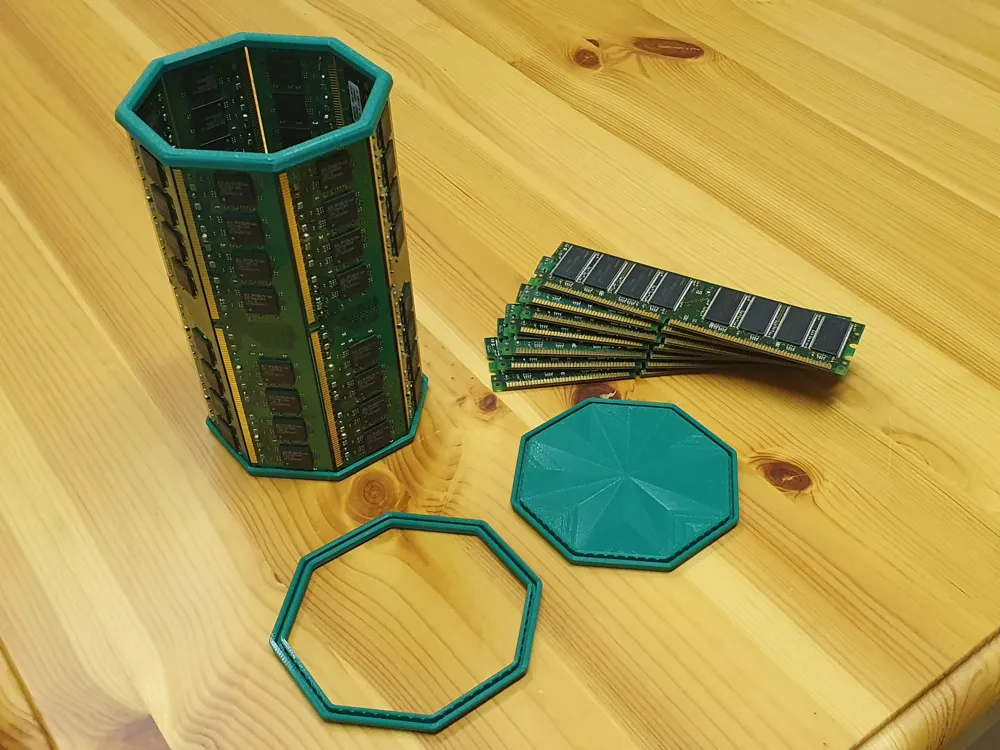
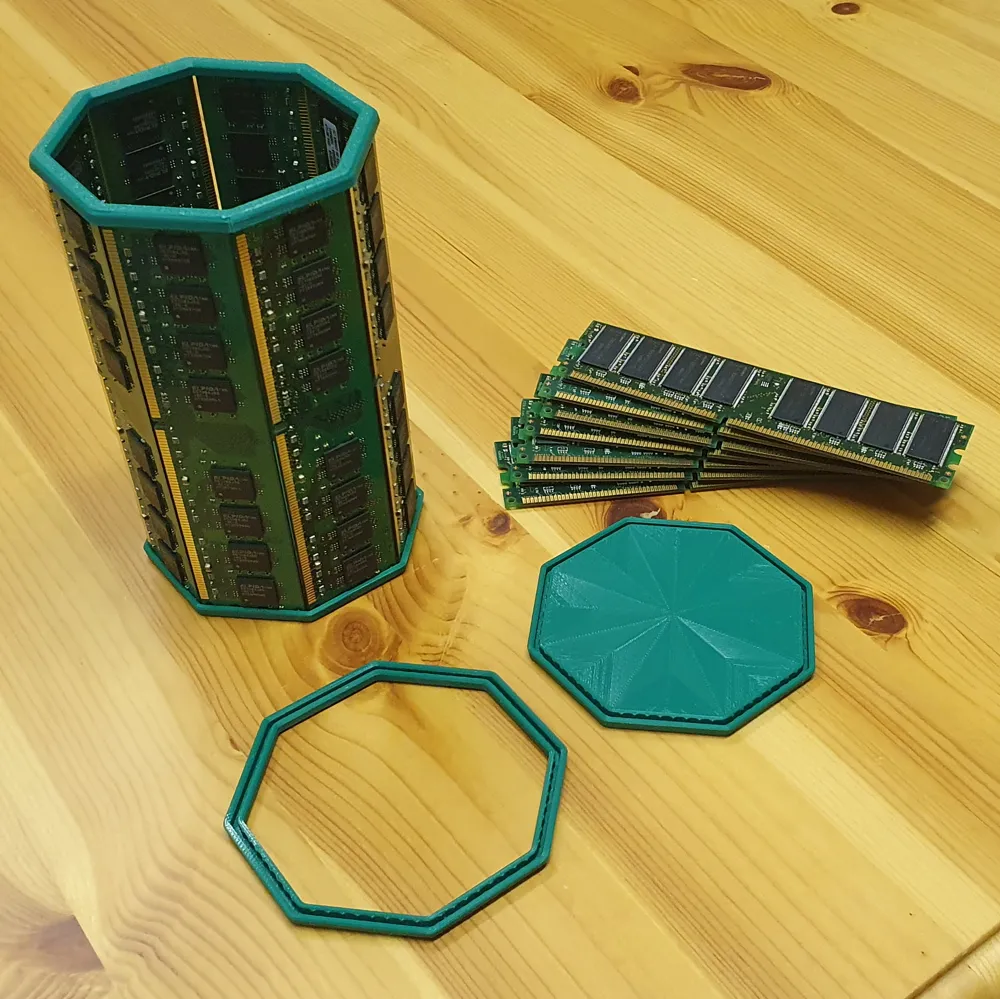
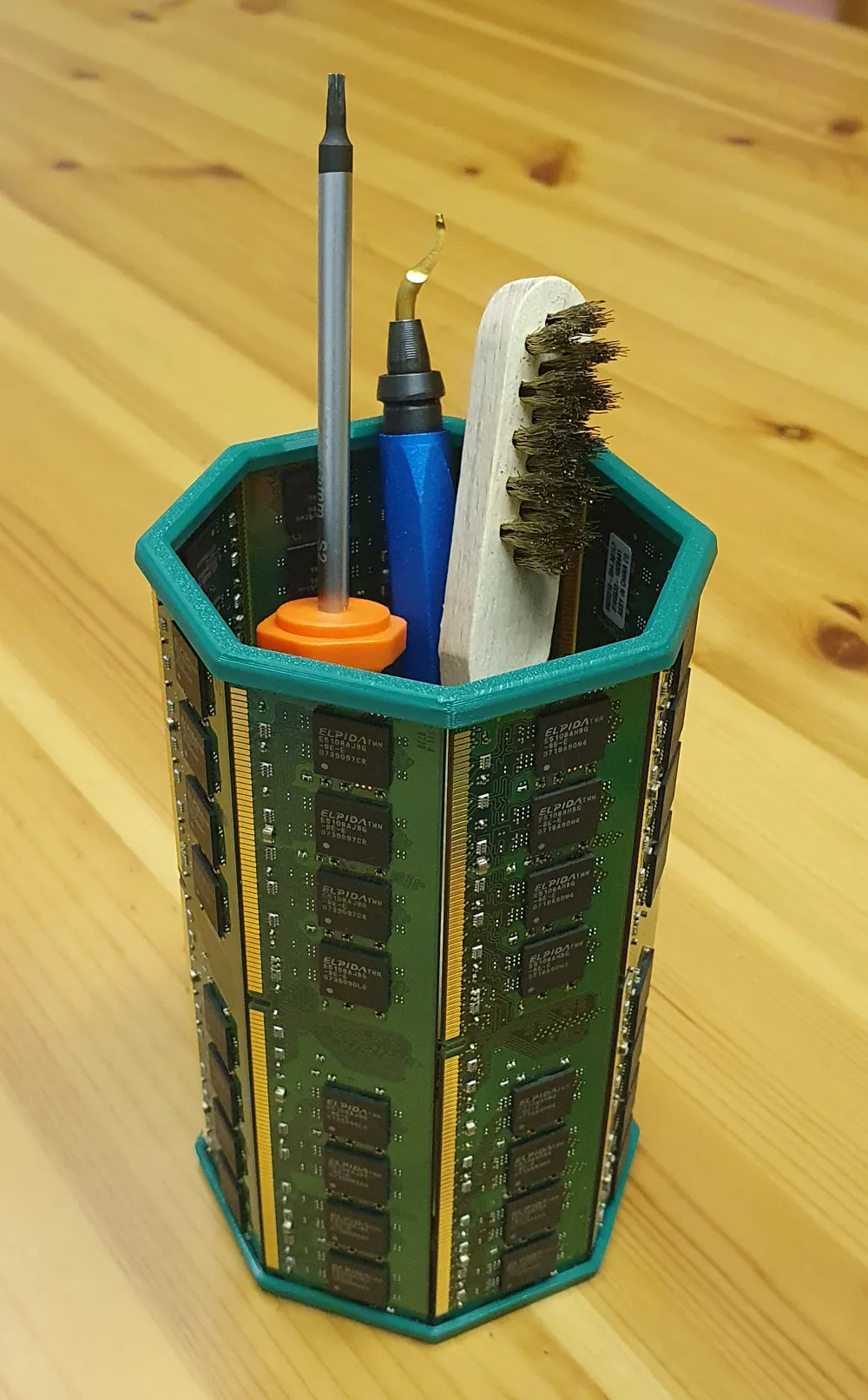
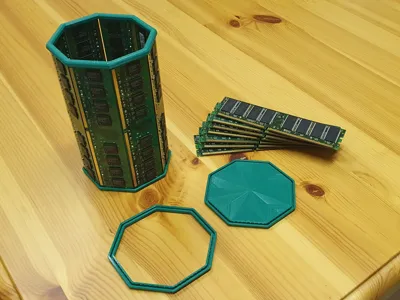
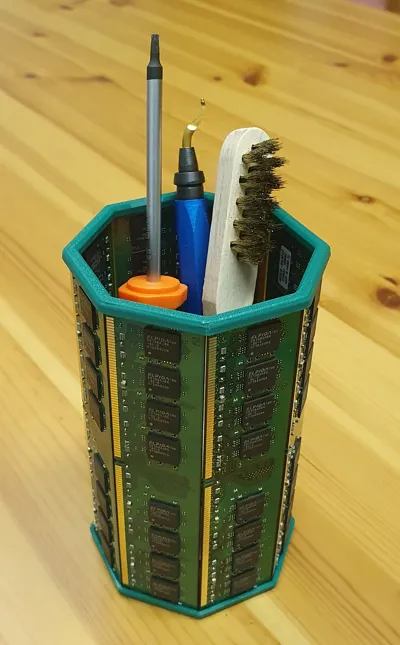
Create a pen holder using old RAM memory sticks
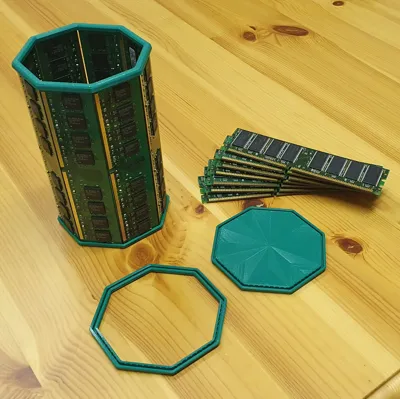
Do you have old RAM sticks lying around? Did you ever think about sticking them together but don't know how to make sure it's a perfect Octagon? Then try this minimal bracket to hold your RAM sticks together.
No glue or screws needed. The press fit is held in place with crush ribs, therefore PLA is not recommended.
Using 2 perimeters and 15% infill worked just fine, any layer height will do.
Use a brim if you have adhesion issues with your filament, the top in particular may need it.
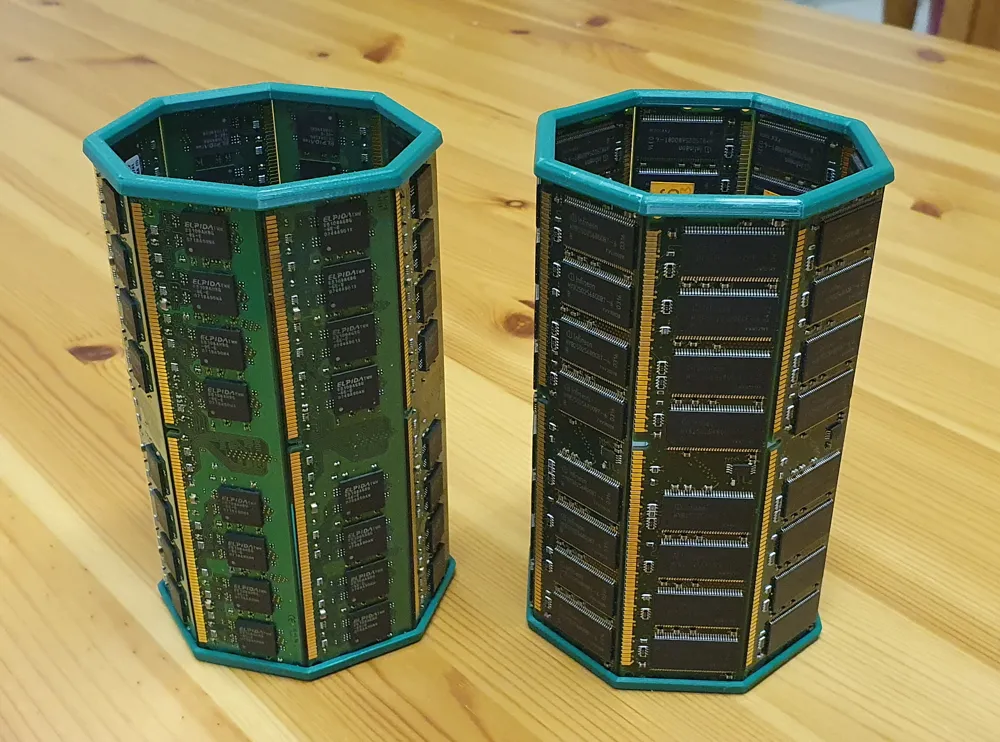
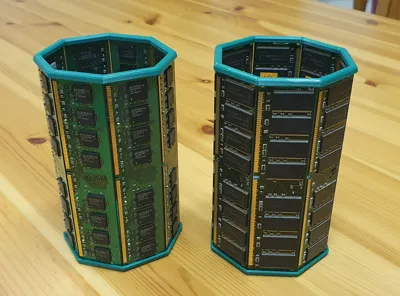
I only have old DDR1, DDR2, and DDR3 sticks to measure, so the .stl files for these assume the following measurements:
| Version | Width | Thickness |
|---|---|---|
| DDR1 | 31.9mm | 1.3mm |
| DDR2 | 30mm | 1.3mm |
| DDR3 | 30mm | 1.3mm |
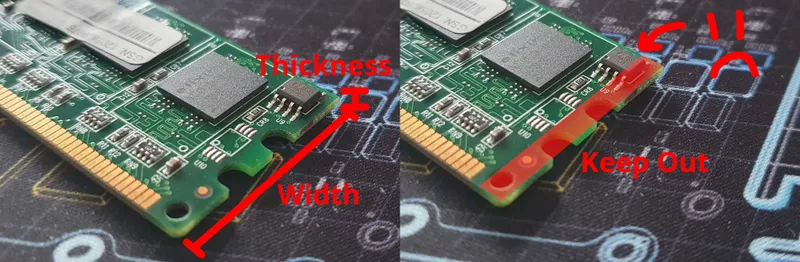
The width and thickness refer to the side that will be inserted into the print. Thanks to the crush ribs, this will also work with a thickness of 1.2mm. PCBs with a thickness of 1.4 need a tweaked model though. More on that below.
Note that around 3mm of the stick needs to be inserted for a good hold, any components closer than that to the edge may need to be broken off, like the chip in the picture. Use pliers or desolder them in that case.
If you think the cup is too deep but don't want to cut your RAM sticks shorter, then use the platform on the base to raise up the inner floor. By default this shortens the height by 4cm (normal inner height is 13,5cm).
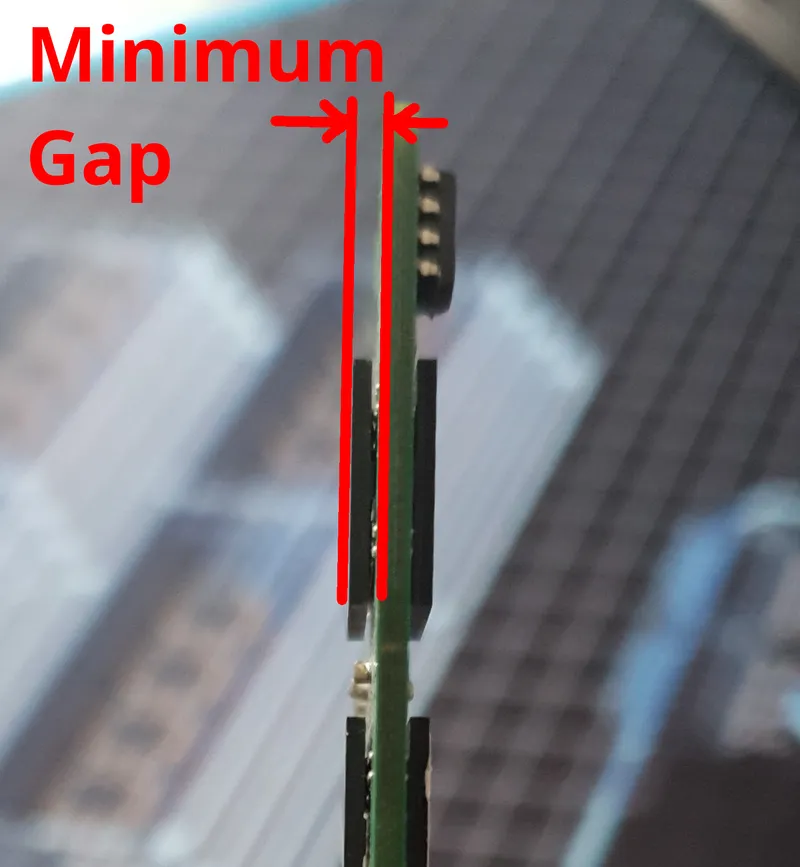
By default this platform has a 2mm gap between the RAM's PCB and the platform. To measure this distance, you can measure the thickness between the thickest points, subtract the PCB thickness, and divide by 2. See image below for the exact dimension:
Dimensions don't match your stick? Tweak the parameters:
Option 1: Freecad (version 1.1.0 or newer)
Modify parameters in RamCup.fcstd using the Vars. Select DDR version and adjust platform height (left). Adjust preset DDR sizes (right).
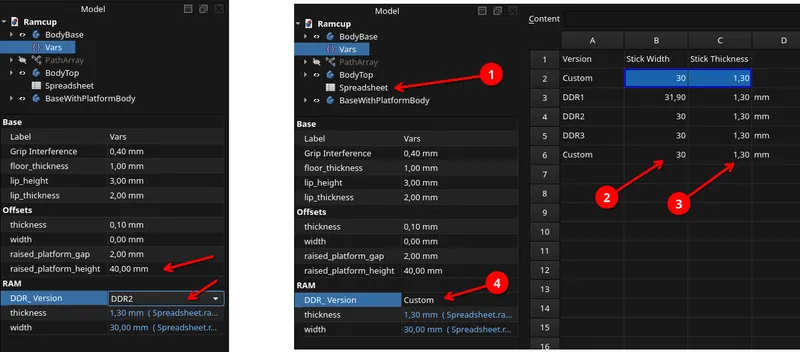
Export to stl by first selecting a body (left) and navigating to the export option (right).

Option 2: OpenSCAD (Online)
- Click the customize button near the top of this page to tweak the OpenSCAD version.
Option 3: OpenSCAD (Offline)
- Modify parameters in RamCup.scad, then render the model and export to stl.
The OpenSCAD version additionally allows for N-sides shapes, not just octagons. Having 8 sides is best for standard memory stick widths (in my opinion), but if you don't have that many or perhaps even want a giant 24-sided RAM bucket (diameter of 23.5cm), the OpenSCAD file has you covered!
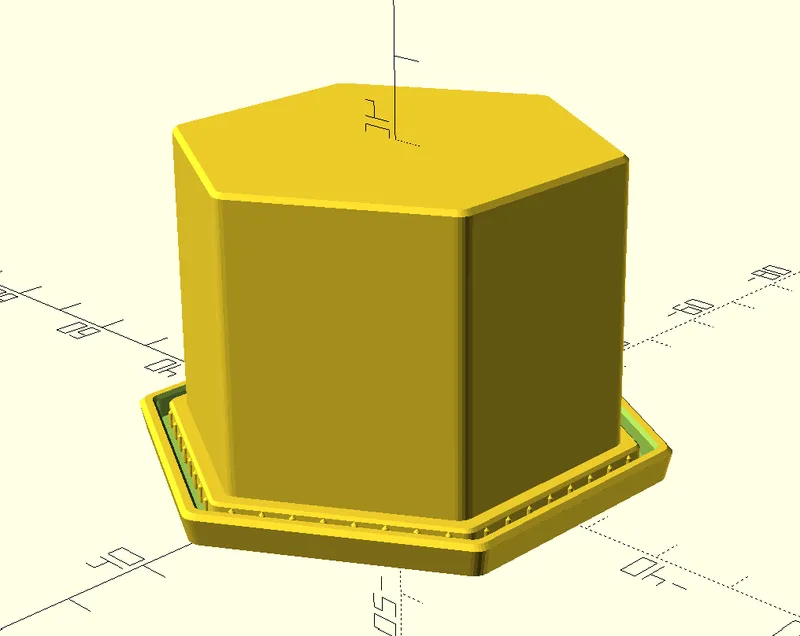
Be sure to perform a test fit by only printing a single section of the model, just to be sure.
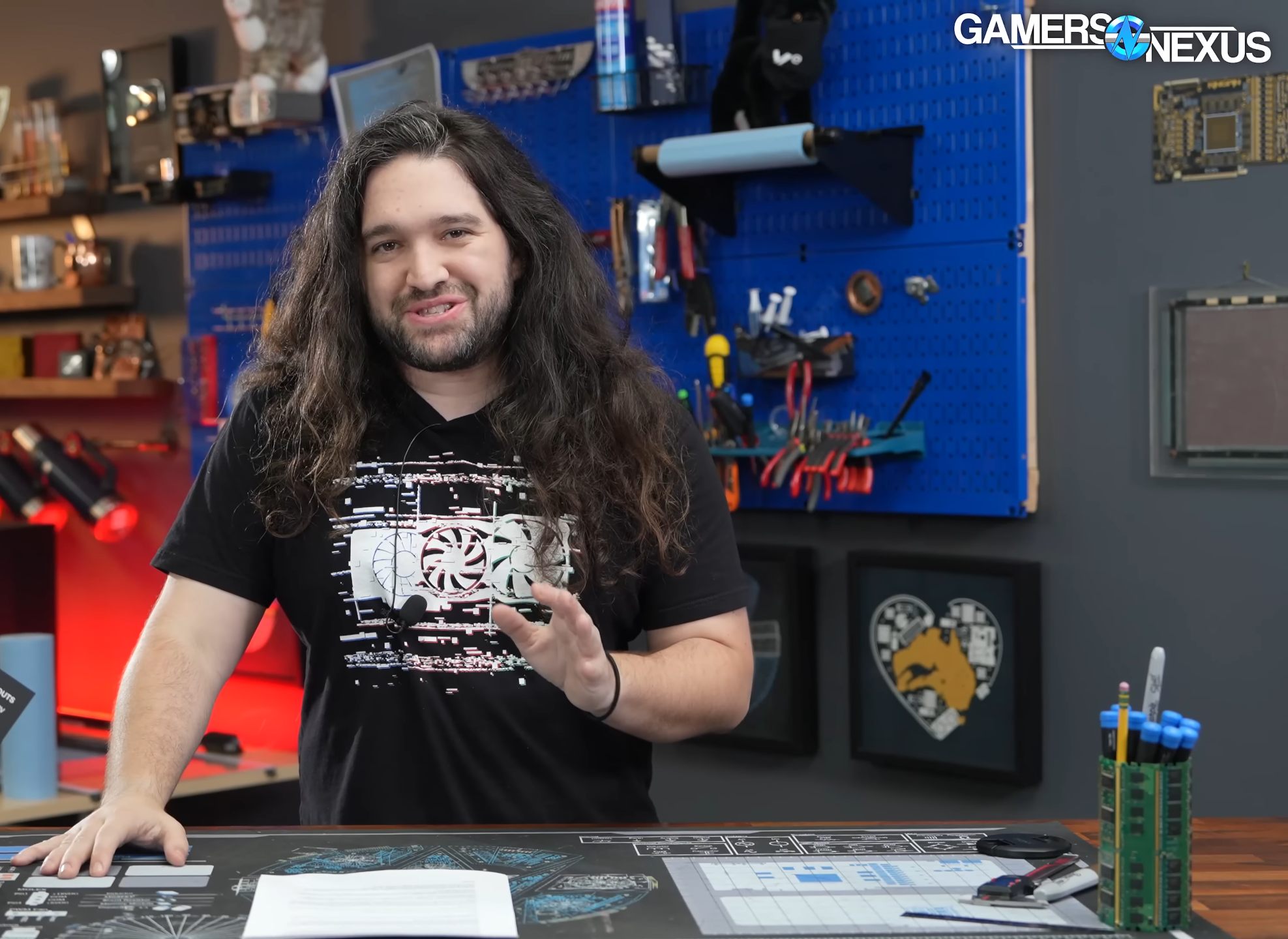
The inspiration for this project came from Gamers Nexus. Thanks, Steve!
License



Comment & Rating (0)