
Customizable Cable Marker Clip for Flat Cables
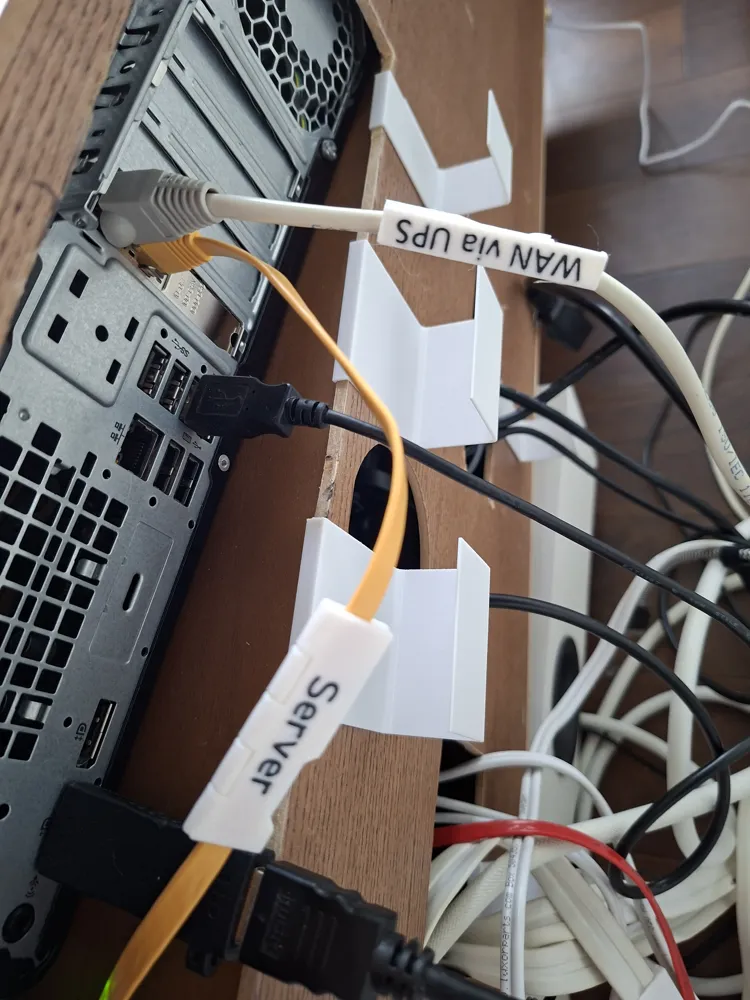
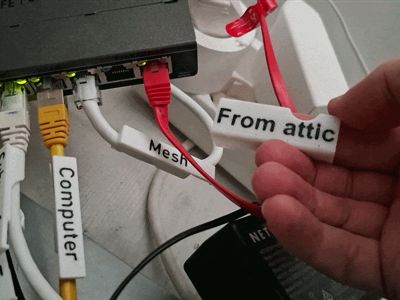
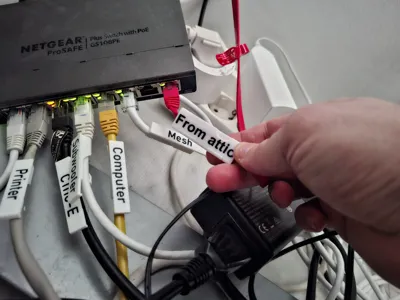
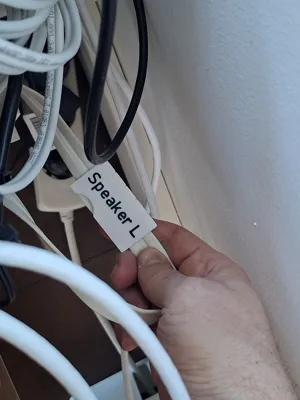
Print Profile(1)



Description
Boost Me (for free)
Hi there! Excited to share my latest 3D models with you. Download and boost if you like them. Your support helps me keep creating!
Like My Designs? Support My Work with a Coffee ☕


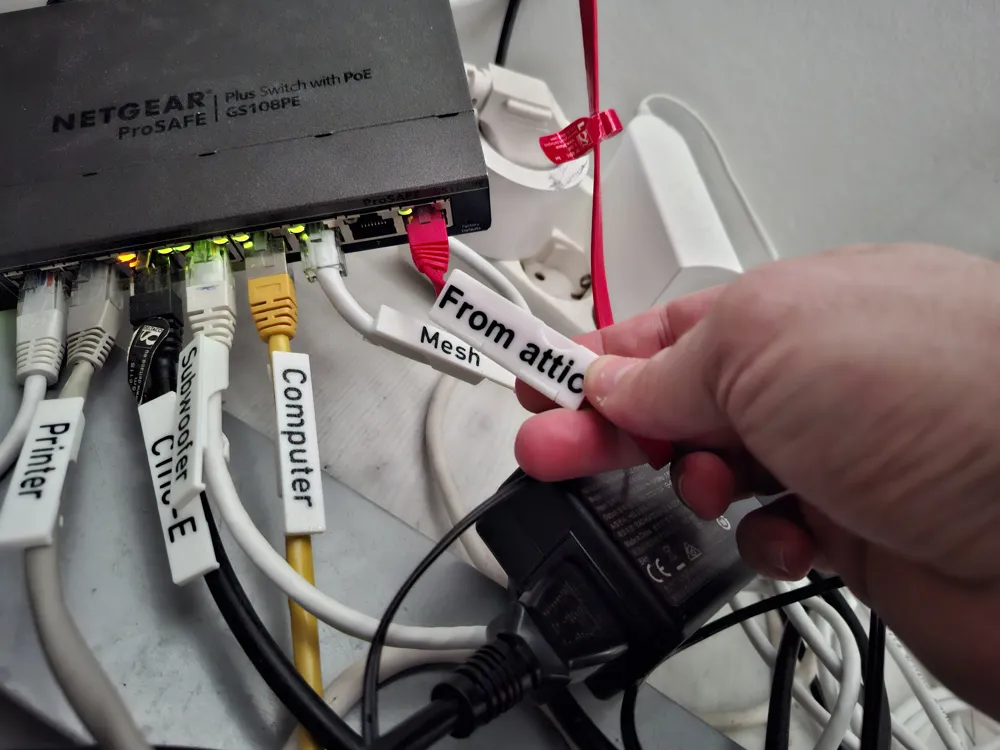
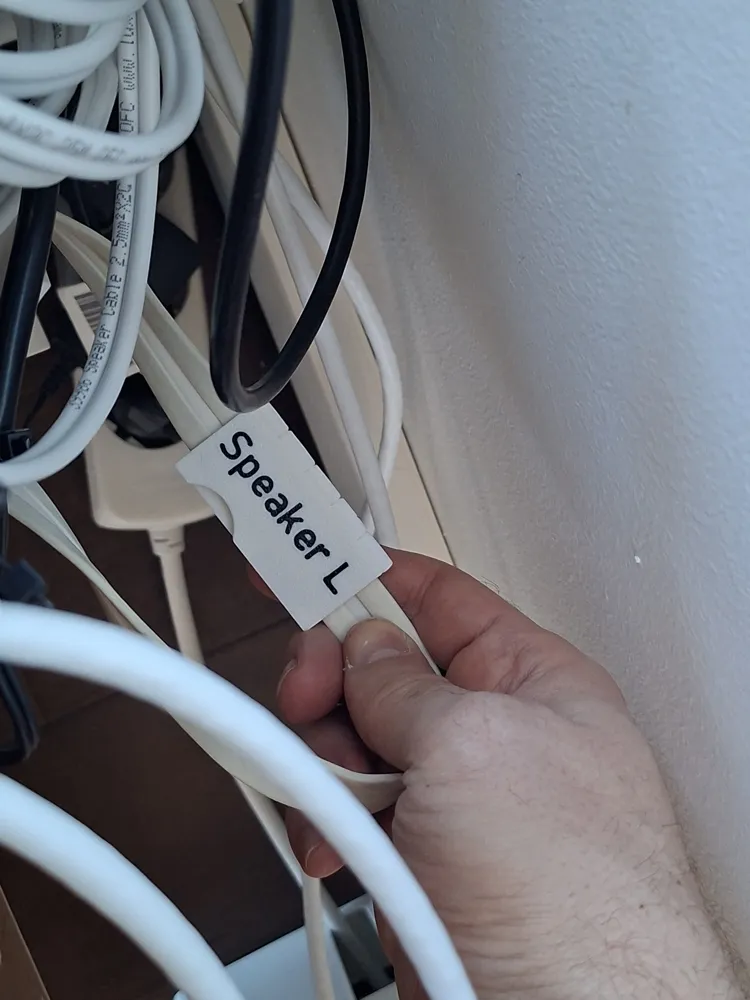
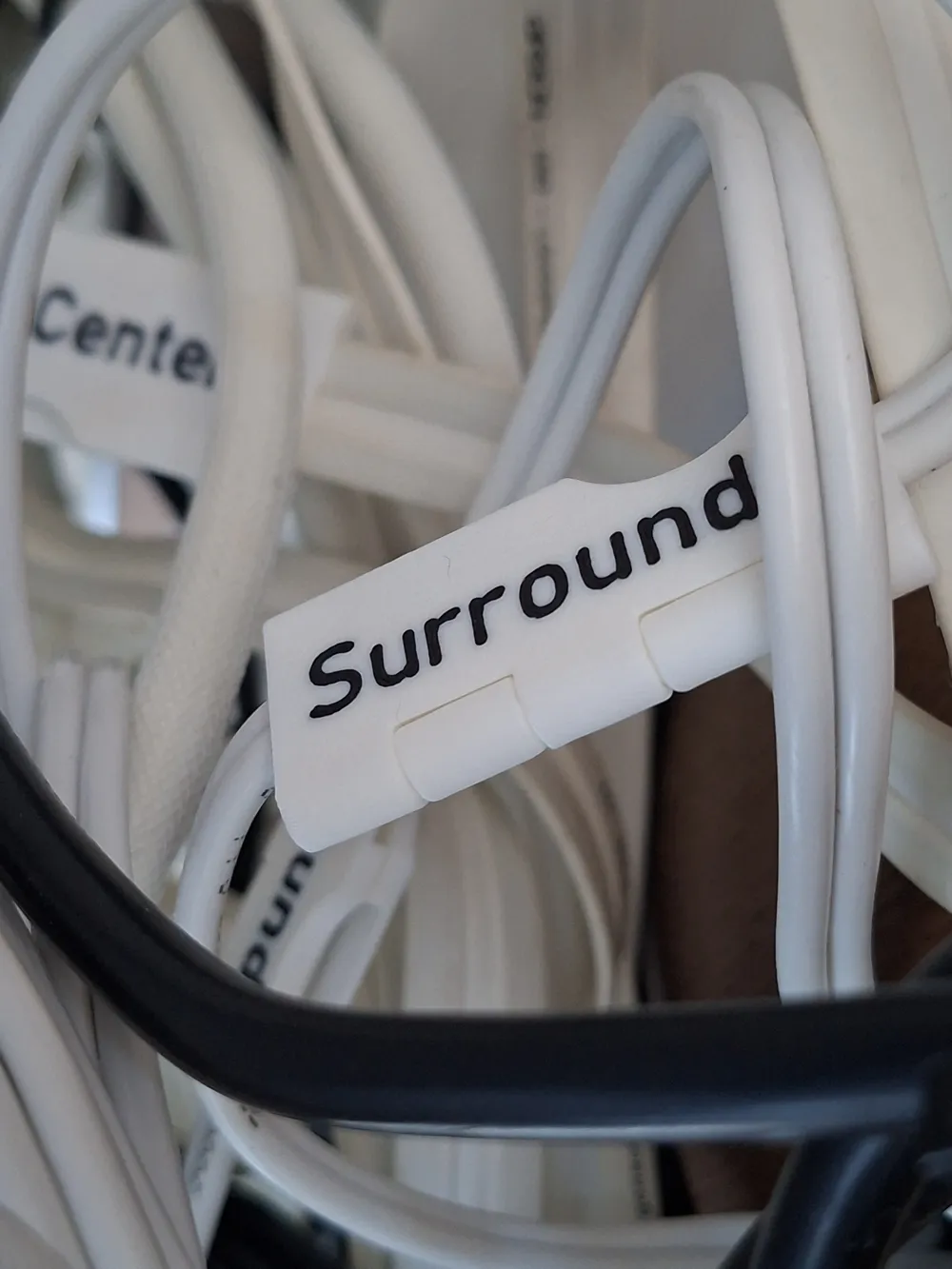
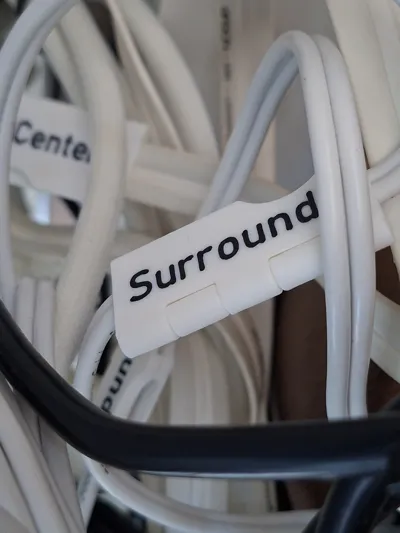
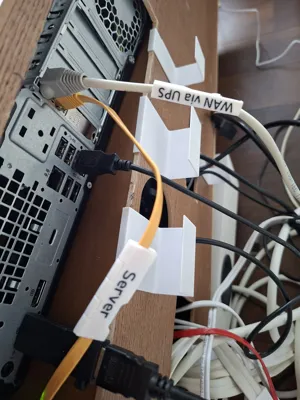
This is a brand new parametric version of my flat cable clip. This time not only for network cables but perfect for organizing office desks, server racks, workshops, or garden equipment. Because it is customizable, you can generate a specific size for almost any cable.
Note: There is also a customizable version for round cables as well as a customizable cable organizer clip.
It's been remade from scratch to support parametric resizing. It prints without support at all sizes.
Just click on the customize button on MakerWorld or in your app.
- It allows you to choose any width between 3-40mm and a thickness of 1.7-8mm, to fit your specific needs.
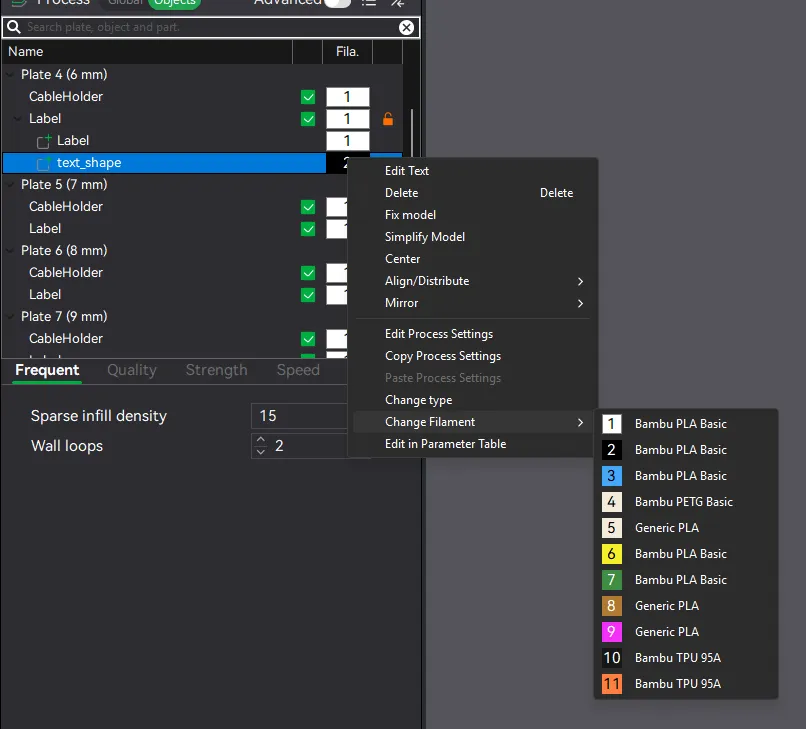
You can add custom text using the text tool in your slicer. Follow instructions below for Bambu Studio (v2.5.0.66)
Commercial License With a Commercial License Membership, you gain the right to sell 3D prints made from my original designs. Available through Patreon. |  |
Guide to adding text
This is written for round cables, but it work the same way here. The second plate has a label with text added already of you want to see the end result.
| Select the label you want to add text to. | 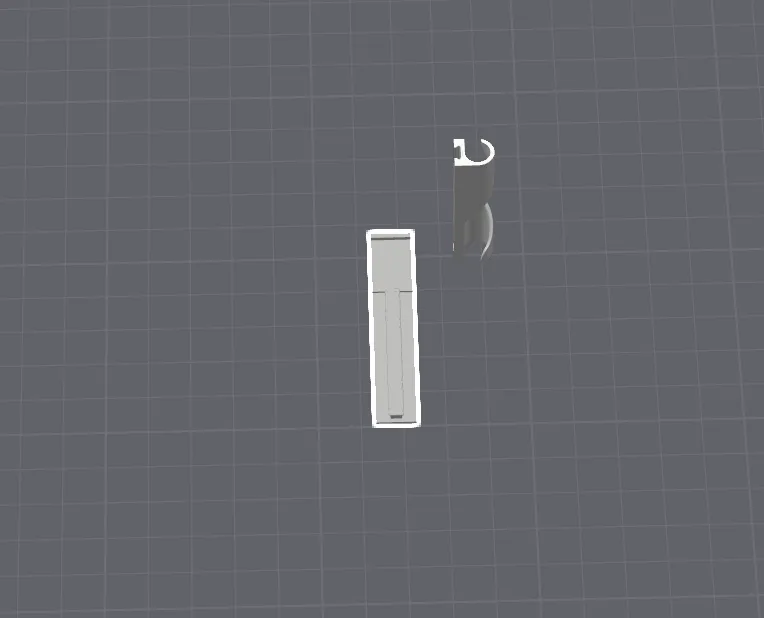 |
| You can change to Objects if you want to find it more easily. | 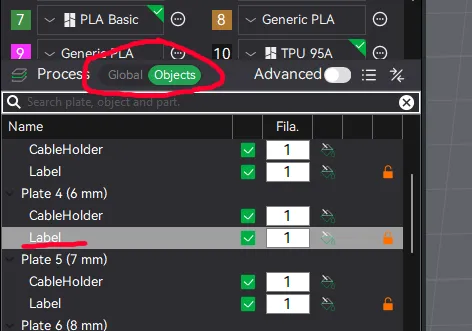 |
| 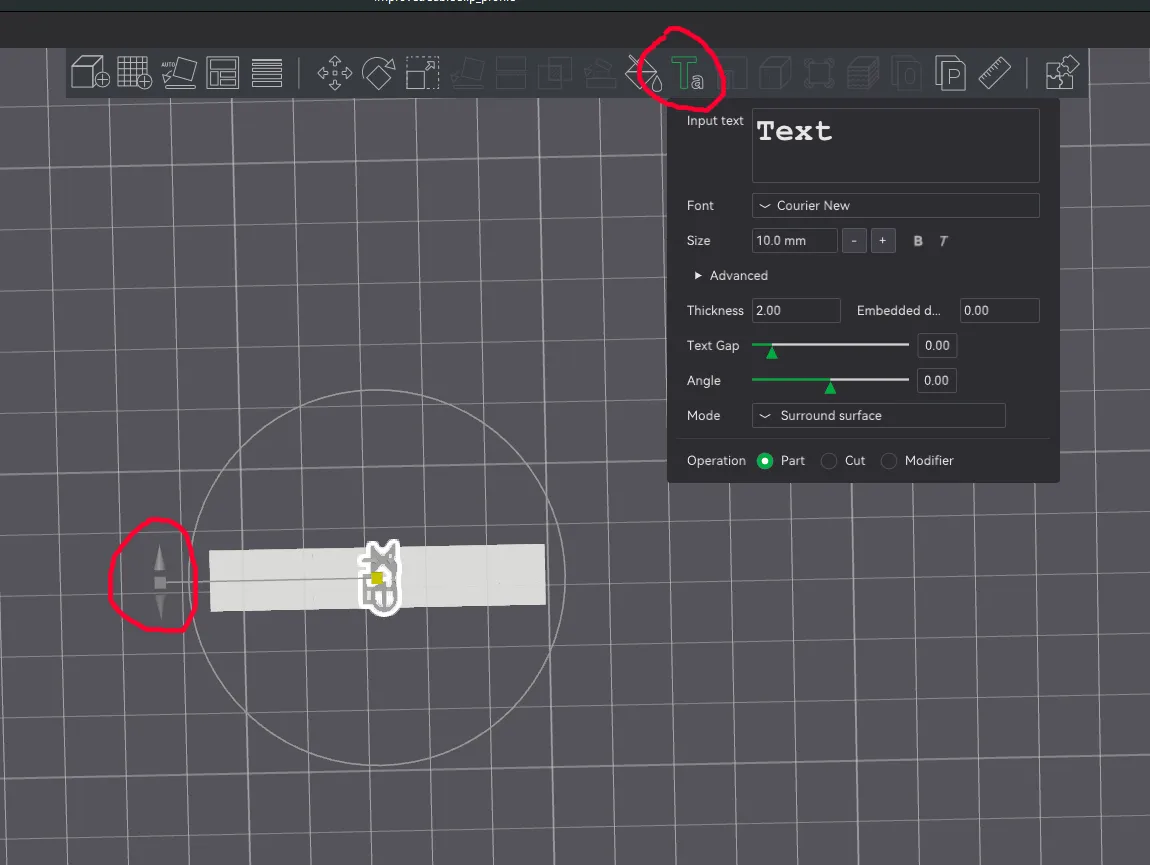 |
| 
|
|
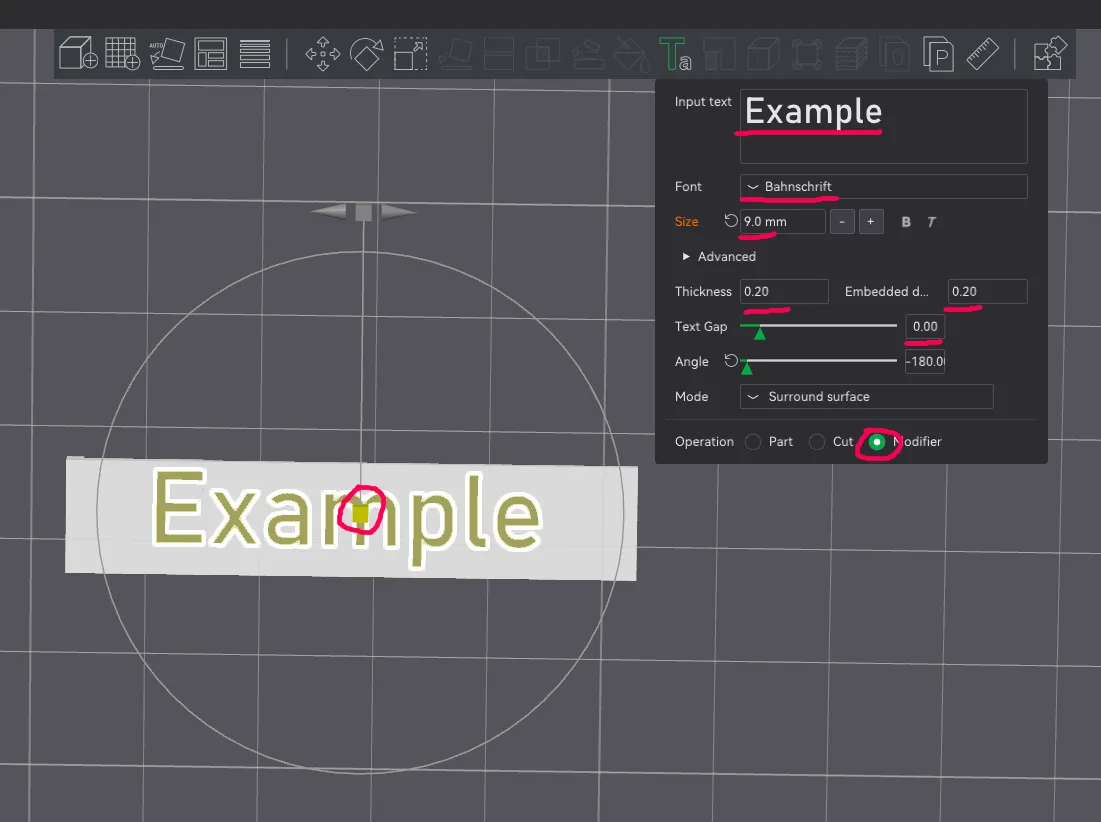 |
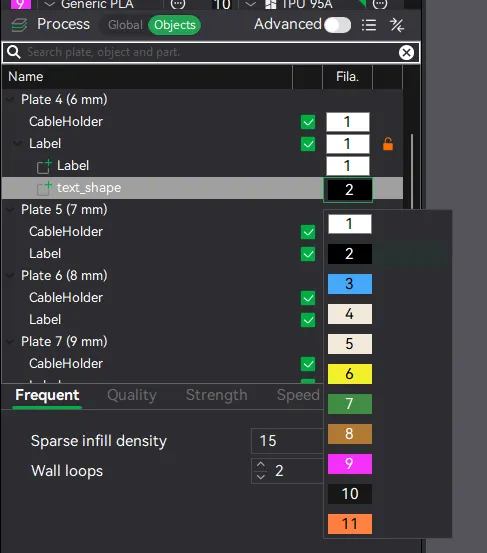
| If you want to change the text later on, find and select it in the object list before pressing the “T” tool. | 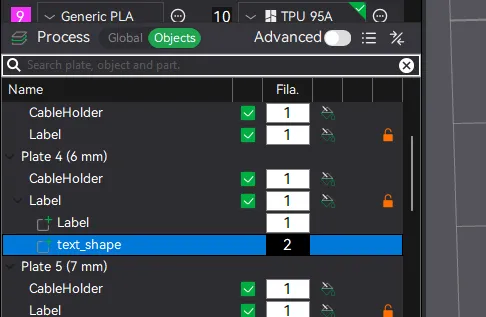 |
Don't forget to check out my other designs!
License

You may create derivative works based on this object, provided that all such derivative works are published exclusively on the MakerWorld platform and include proper attribution to the original creator. You may not share, upload, host, distribute, or publish this object—or any derivative work of this object—on any other digital platform, marketplace, or distribution channel. Commercial use of this object and any derivative works is strictly prohibited. This includes, but is not limited to, selling, renting, sublicensing, or using the object in any context in which you receive monetary compensation or other financial benefits.


Comment & Rating (8)