
MK Macropad
Print Profile(1)



Description
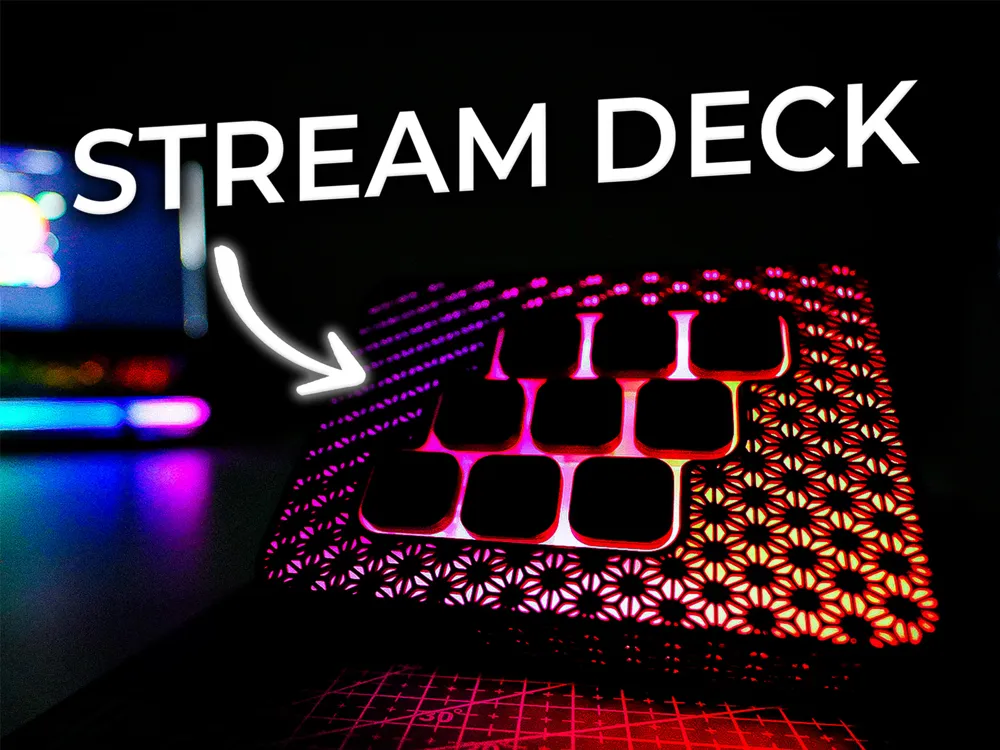
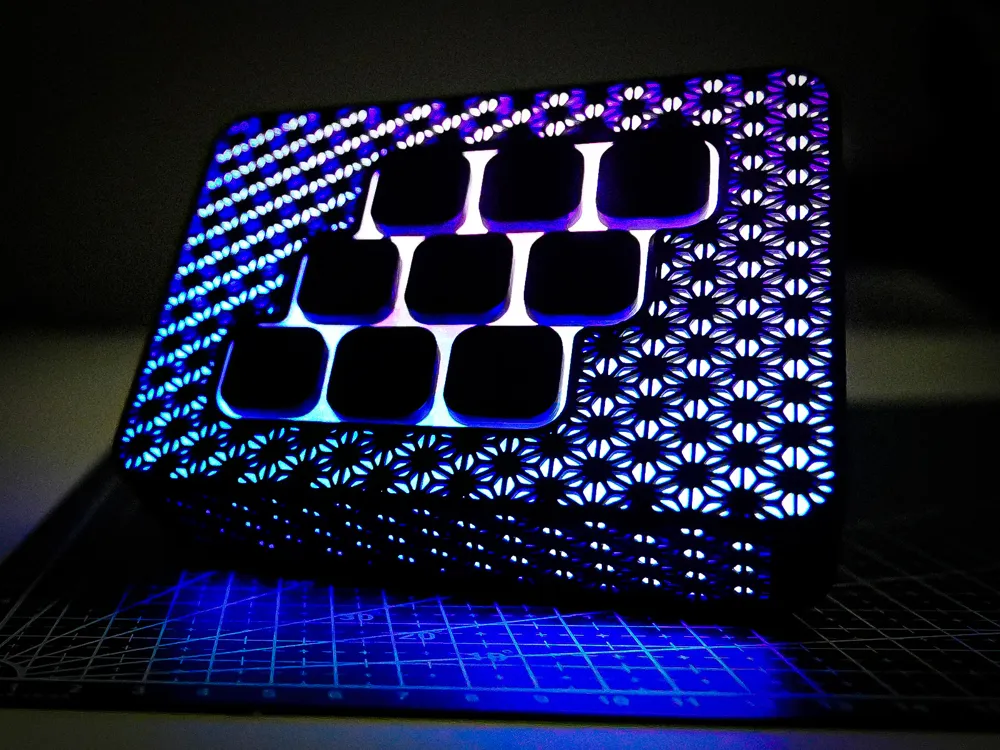
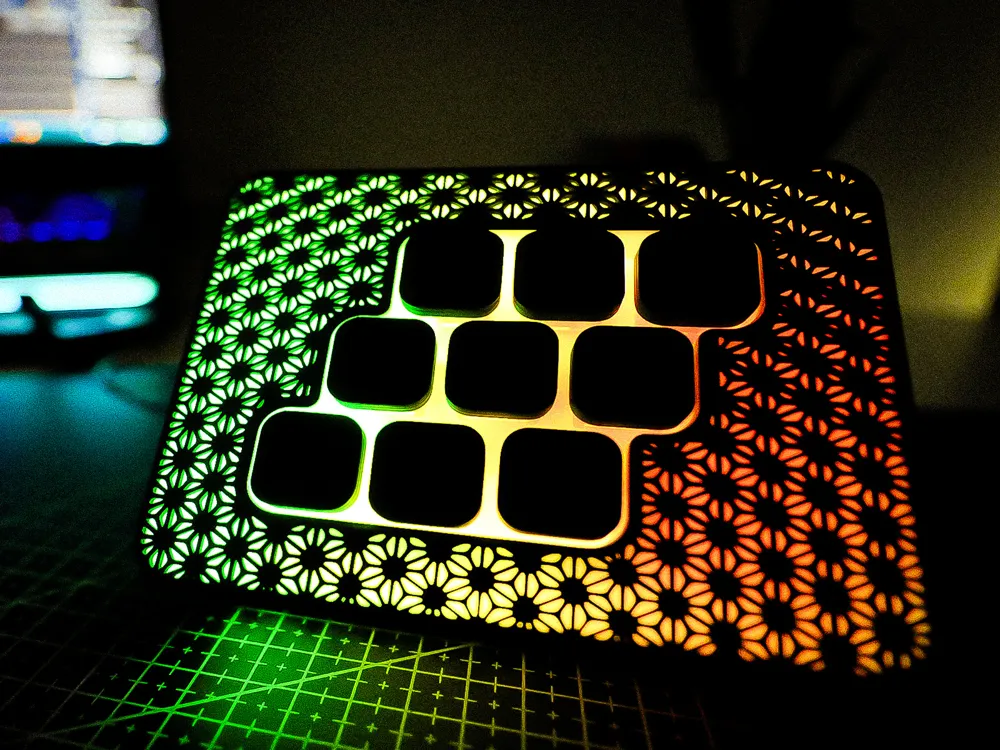
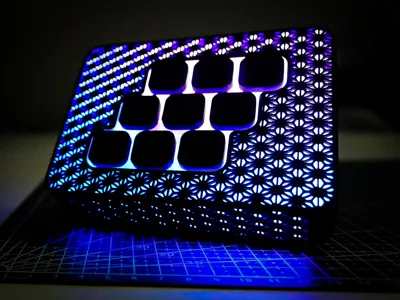
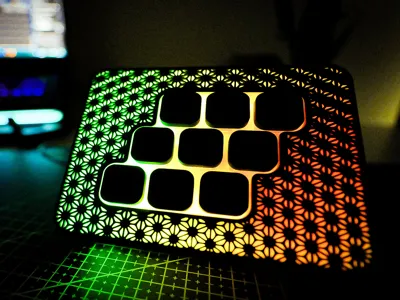
MK MACROPAD
For the lazy folks who don’t want to spend 100€ for four buttons from StreamDeck. 😁
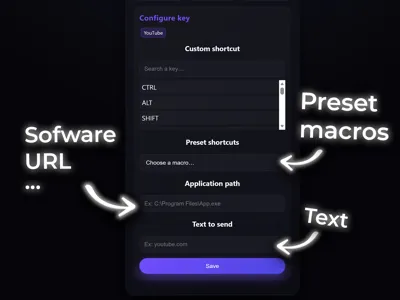
With a single press, you can:
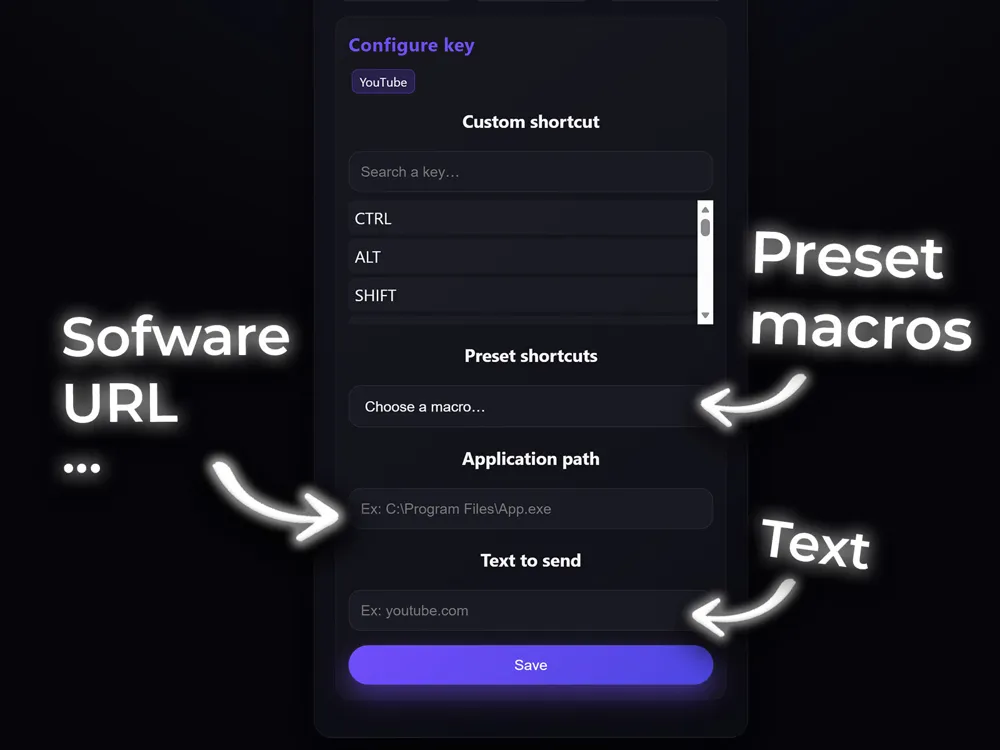
- Open all your software
- Launch any website (URL)
- Use any shortcut (CTRL C, WIN R, etc.)
- Etc
- Etc
- Etc
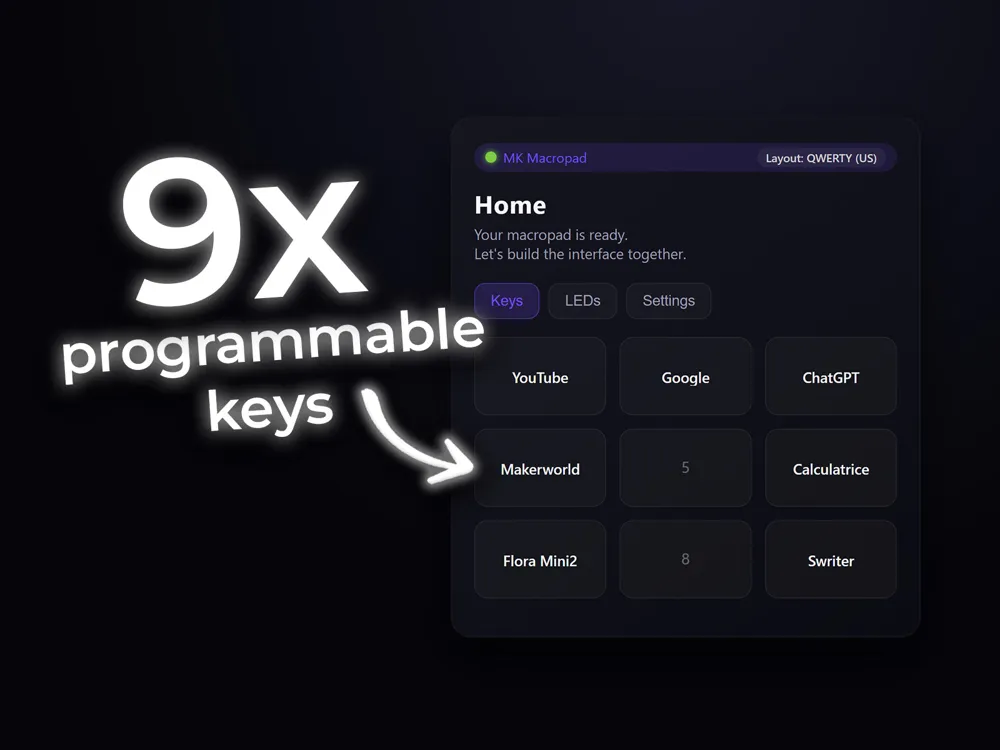
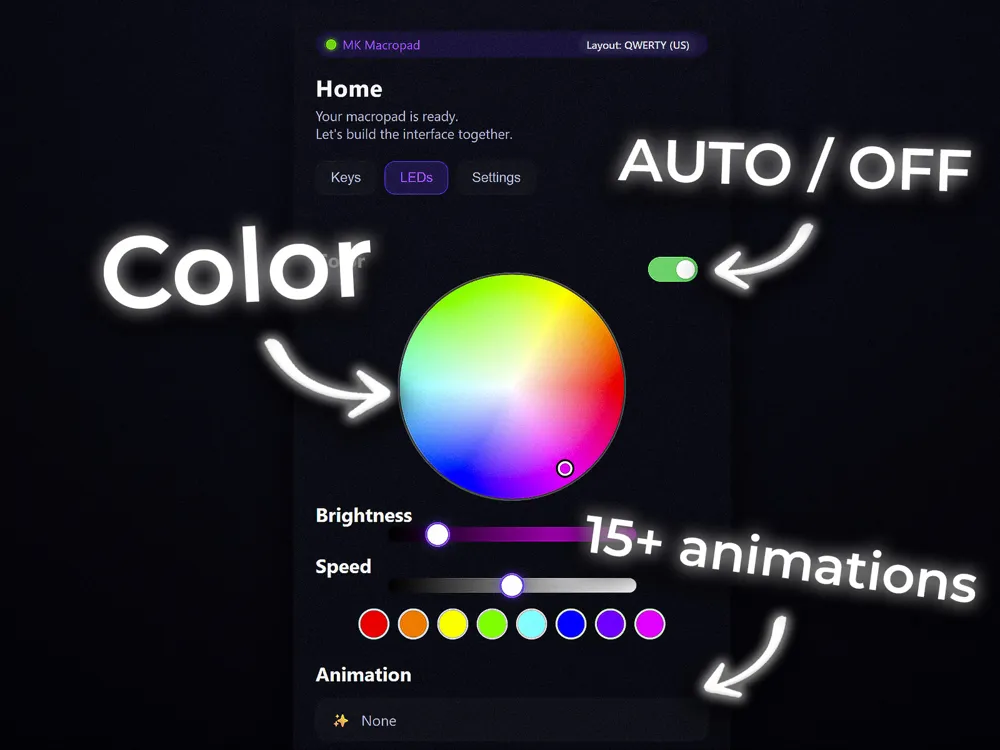
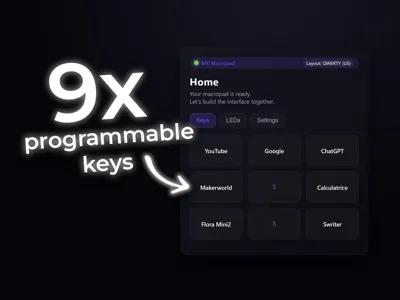
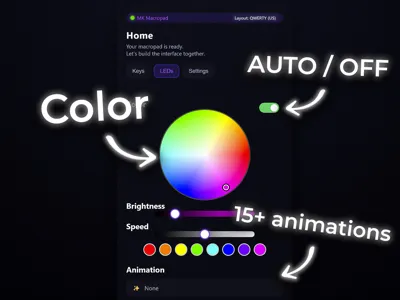
Easy to print, simple to use, perfect for the lazy ones: 9 customizable keys, automatic on/off, and a practical interface.
Assembly: Everything is explained in the video below.
Materials:
- 9 mechanical switches (link in the video)
- 1 ESP32 microcontroller, model: WROOM‑32 (link in the video)
- 1 female USB‑C cable (link in the video)
- A bit of 18 AWG wire (link in the video)
- 4x rubber feet (link in the video)
- A bit of patience
PC Connection:
Connect via Bluetooth: MK Macropad
Key Configuration:
- Connect to the direct Wi‑Fi network: MK Macropad (Password: mkmacropad)
- Type whatever you want in your browser, ending with “.local” (Example: jesus.local)
3. Once it’s configured, you can reconnect to your home Wi‑Fi
ESP32:
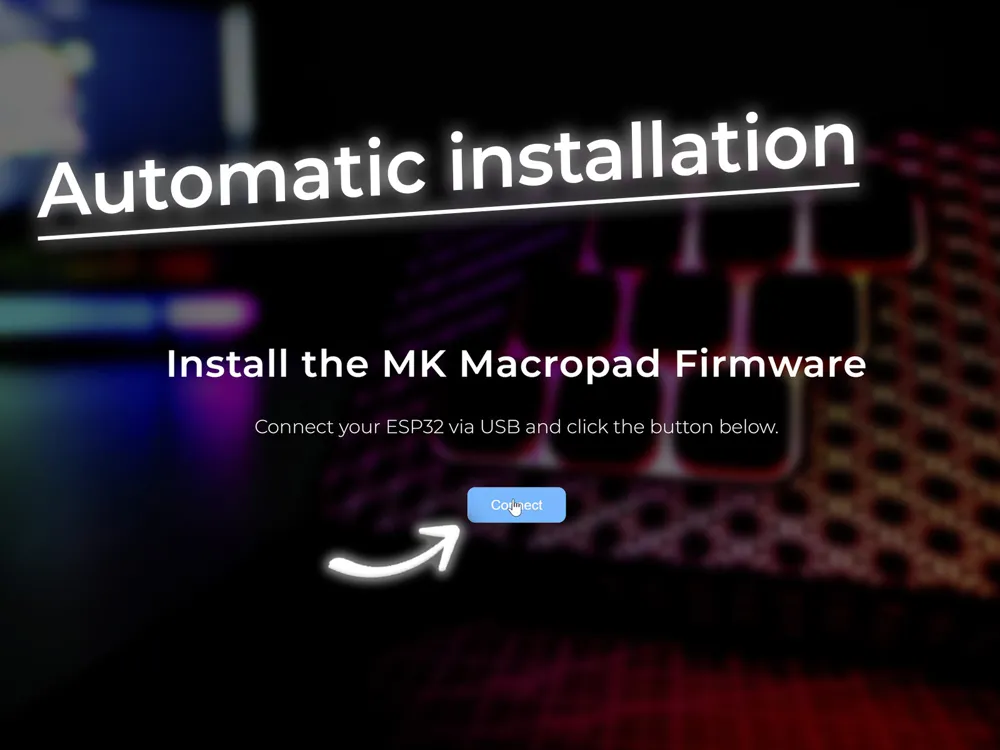
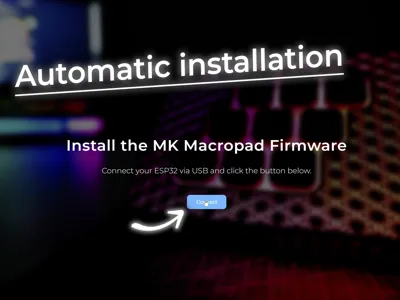
Link to flash the microcontroller: mk-macropad.netlify.app
Automatic installation
Filaments (optional):
- Case and parts: matte PLA
- Diffuser and switch support: Jade White PLA
Source code available on GitHub: https://github.com/MK-ExpertDIY/MK-Macropad
Have fun!
God bless you.
License

You shall not share, sub-license, sell, rent, host, transfer, or distribute in any way the digital or 3D printed versions of this object, nor any other derivative work of this object in its digital or physical format (including - but not limited to - remixes of this object, and hosting on other digital platforms). The objects may not be used without permission in any way whatsoever in which you charge money, or collect fees.


Comment & Rating (40)