
X2D/P2S AUX Fan Deflector (Right & Left side)
Print Profile(4)

Description
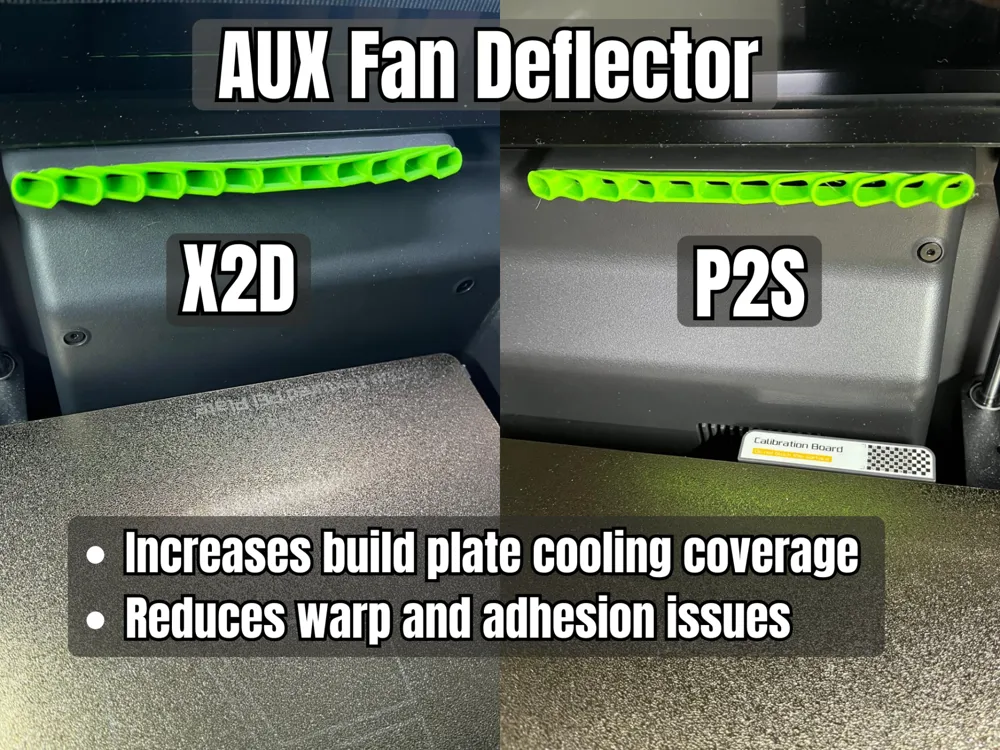
Quick & Cheap upgrade for your P2S & X2D printer!
Update 2026-05-04:
Updated model due to interference with toolhead when right (auxiliary) nozzle was active. Now the toolhead can move freely along the deflector without interference, independent of which nozzle is active. Thanks to @PainCakez for highlighting this issue!
Update 2026-04-26:
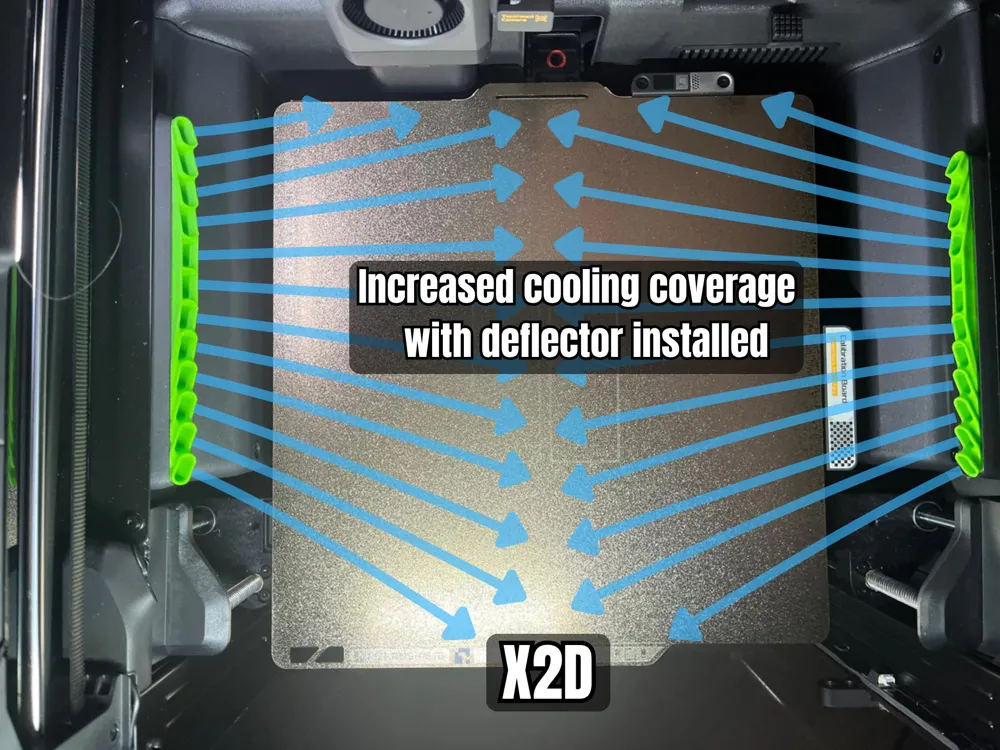
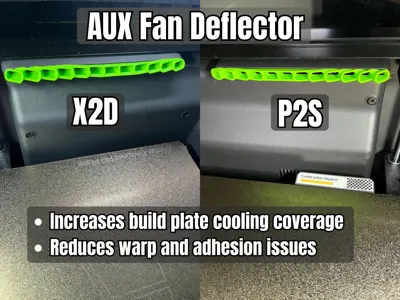
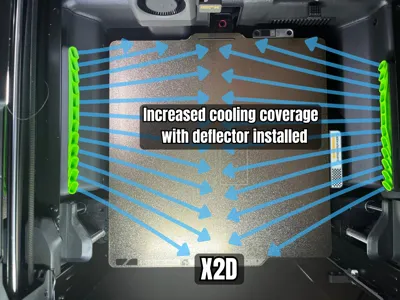
I have added a new model for the X2D which includes deflectors for both the right & left AUX fan. The right side is identical for both P2S and X2D, but the left one is unique for X2D.
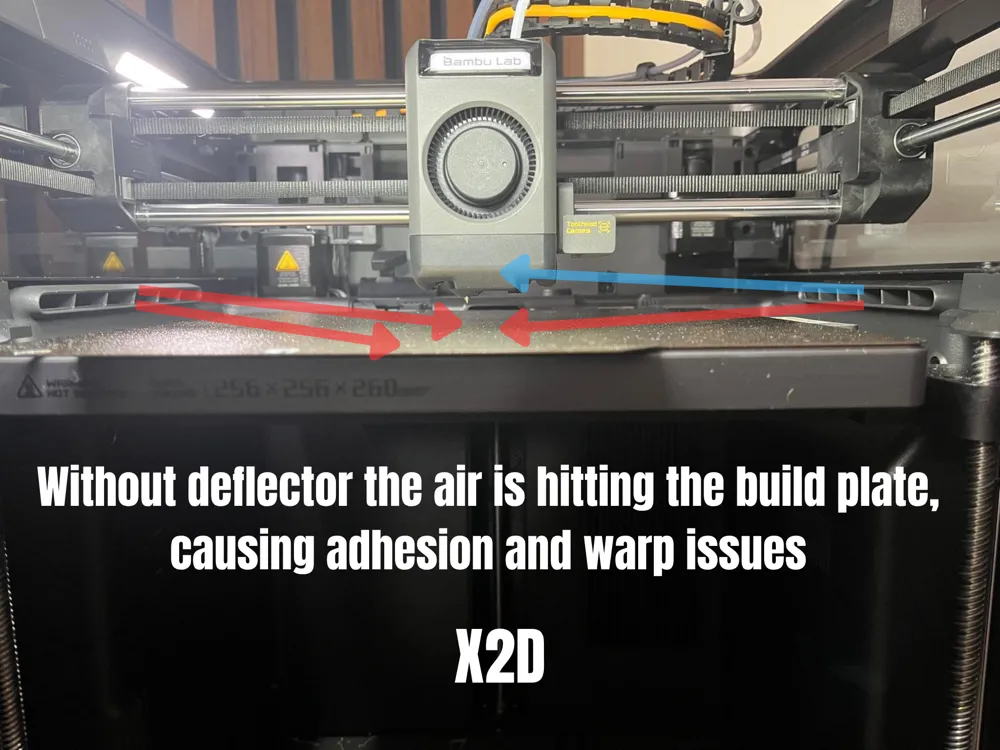
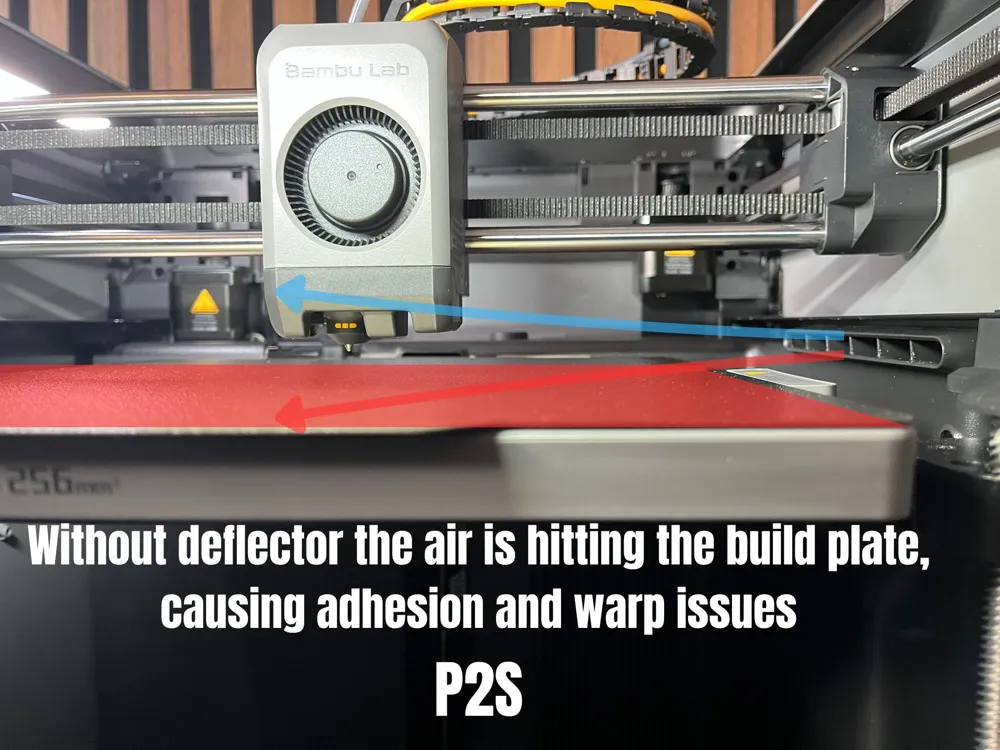
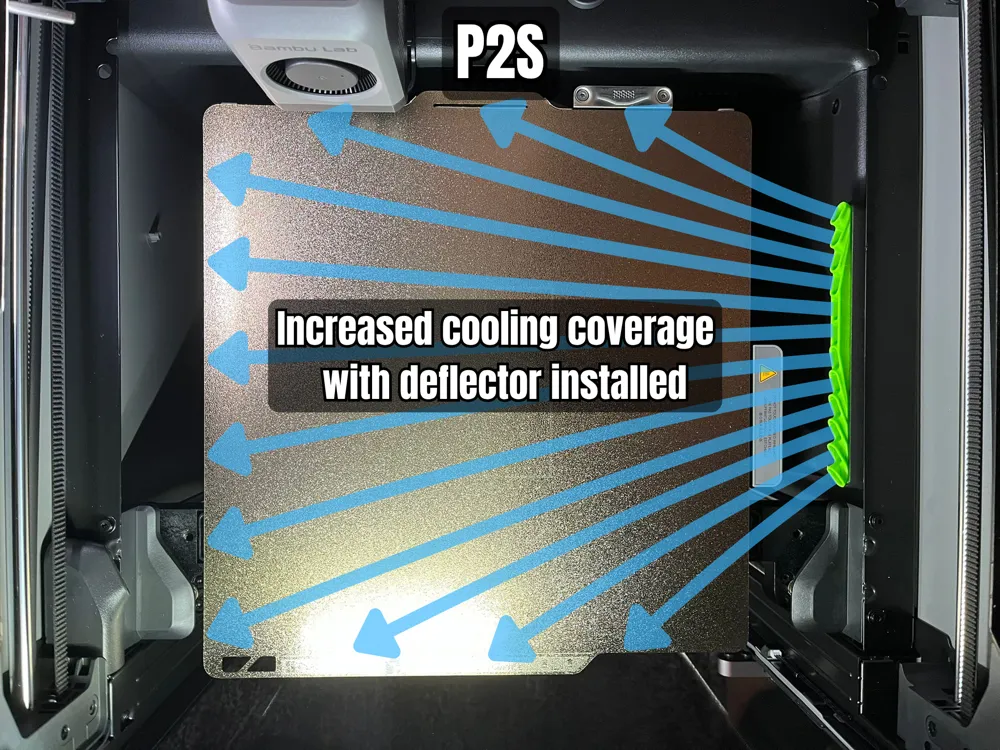
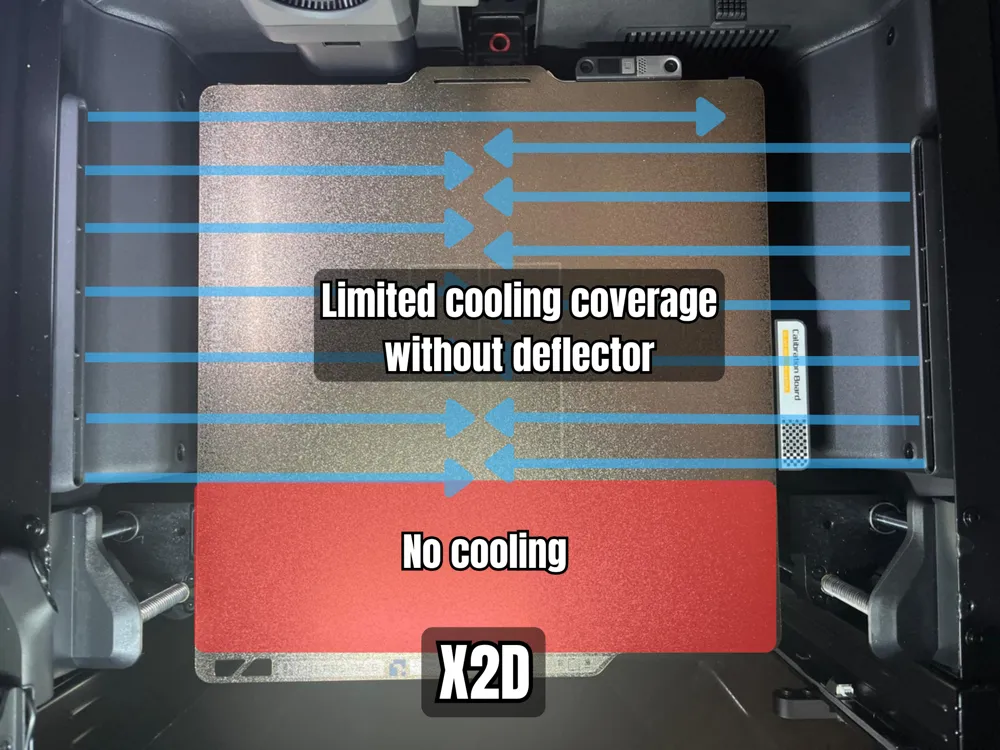
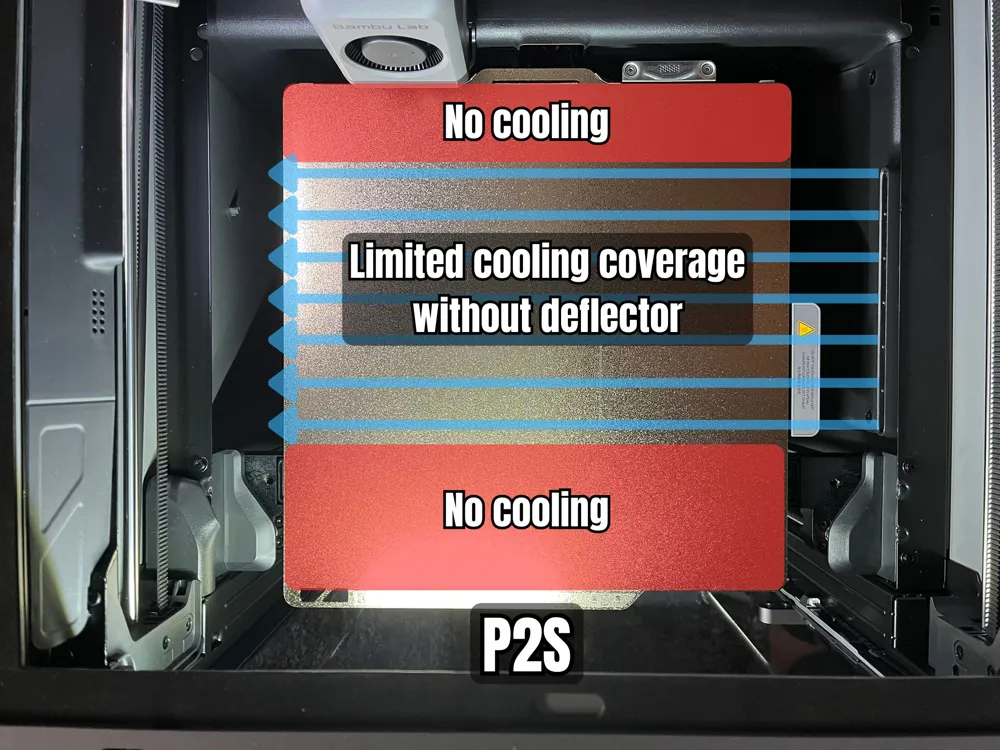
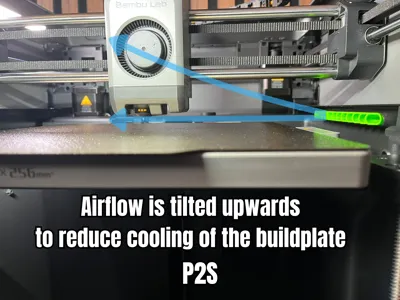
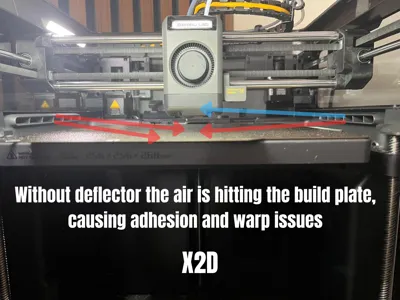
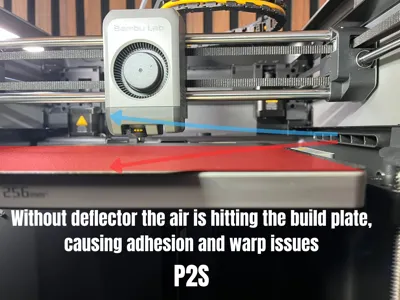
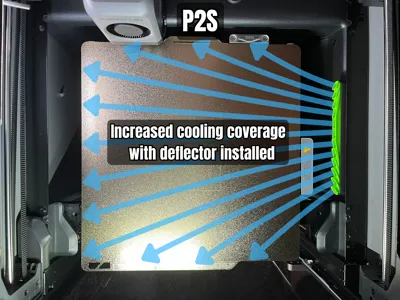
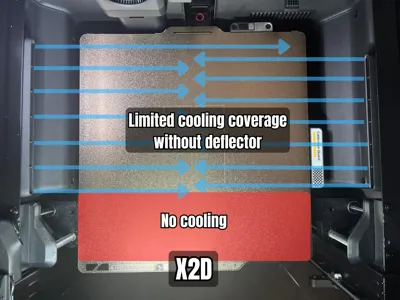
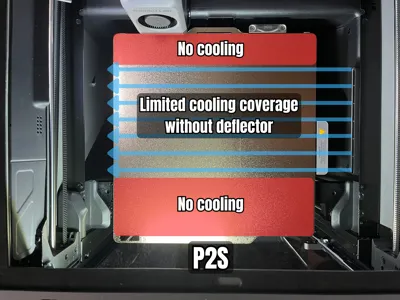
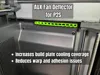
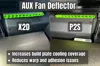
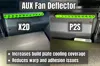
This is an air deflector for the auxiliary fan for the P2S and X2D printer. The use of the auxiliary fan is a great way to increase cooling when printing. However the design of the fan duct of the auxiliary fan is only providing cooling of the middle part of the build plate and is also cooling down the build plate excessively.
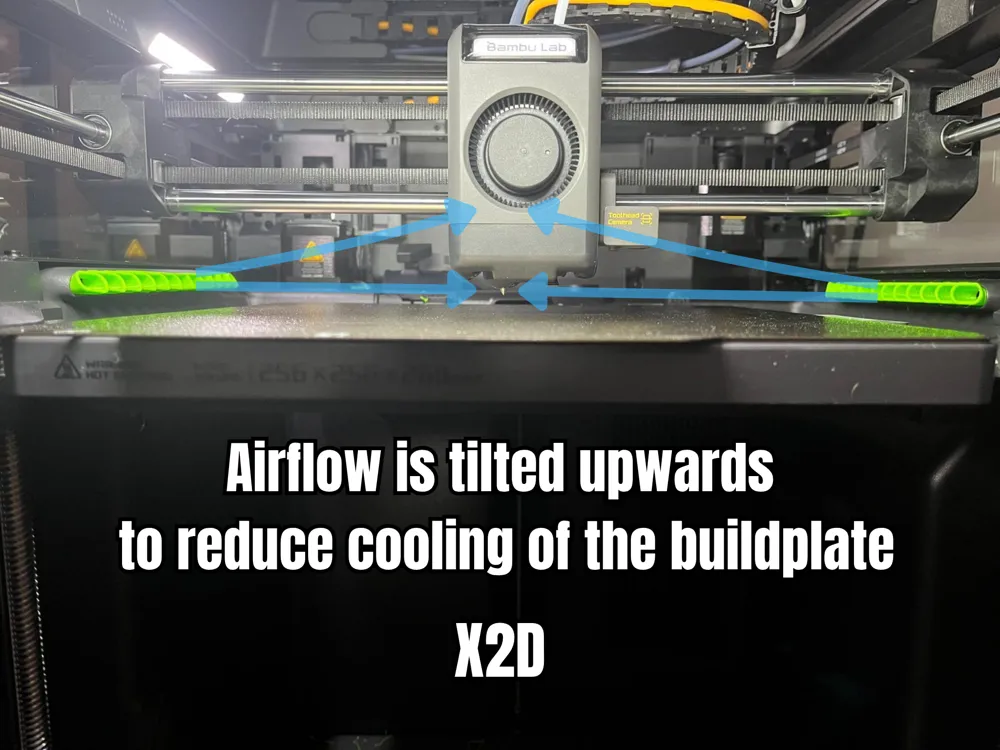
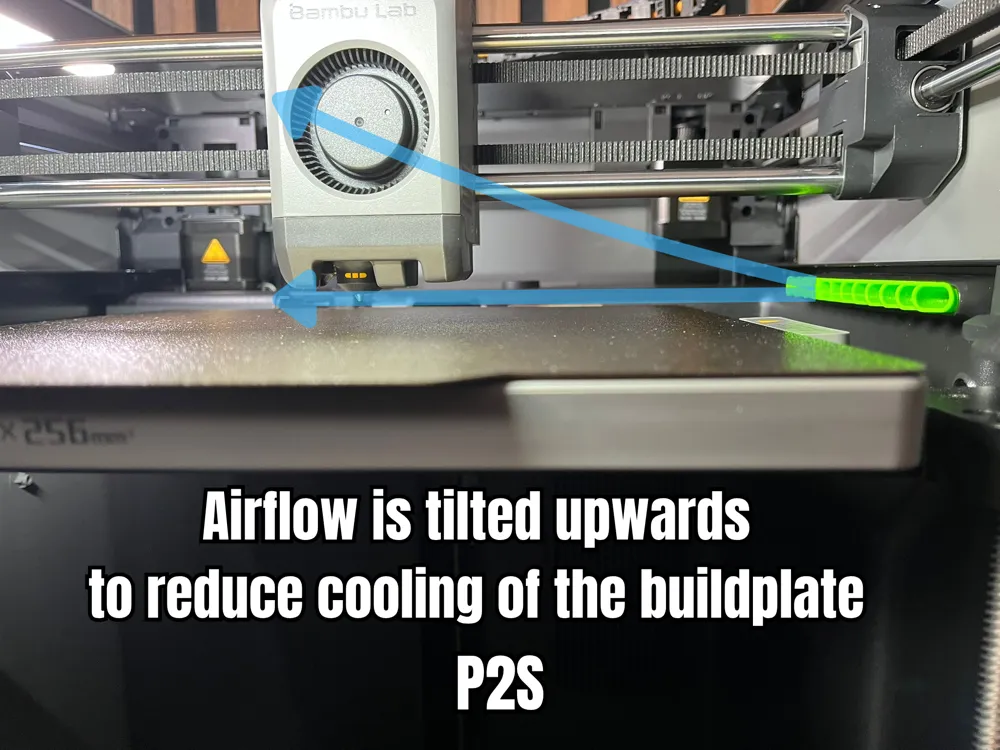
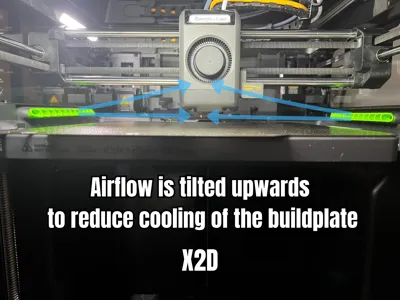
By installing this air deflector the air flow will spread out more evenly on the build plate and also direct some air up from the build plate, reducing adhesion and warping issues.
I made an AUX fan deflector for P1S and have used a similar design optimized for the P2S with improved air flow for this model.
If you are looking for a fan deflector for different printer, check out my other models:
Installation:

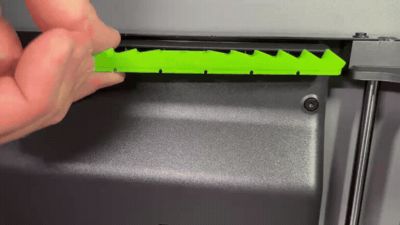
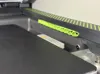
- The model clicks/snaps into the fan duct of the auxiliary fan(s).
- Because of the assymetric placement of the auxiliary fan this model is also assymetric to spread the airflow even across the build plate
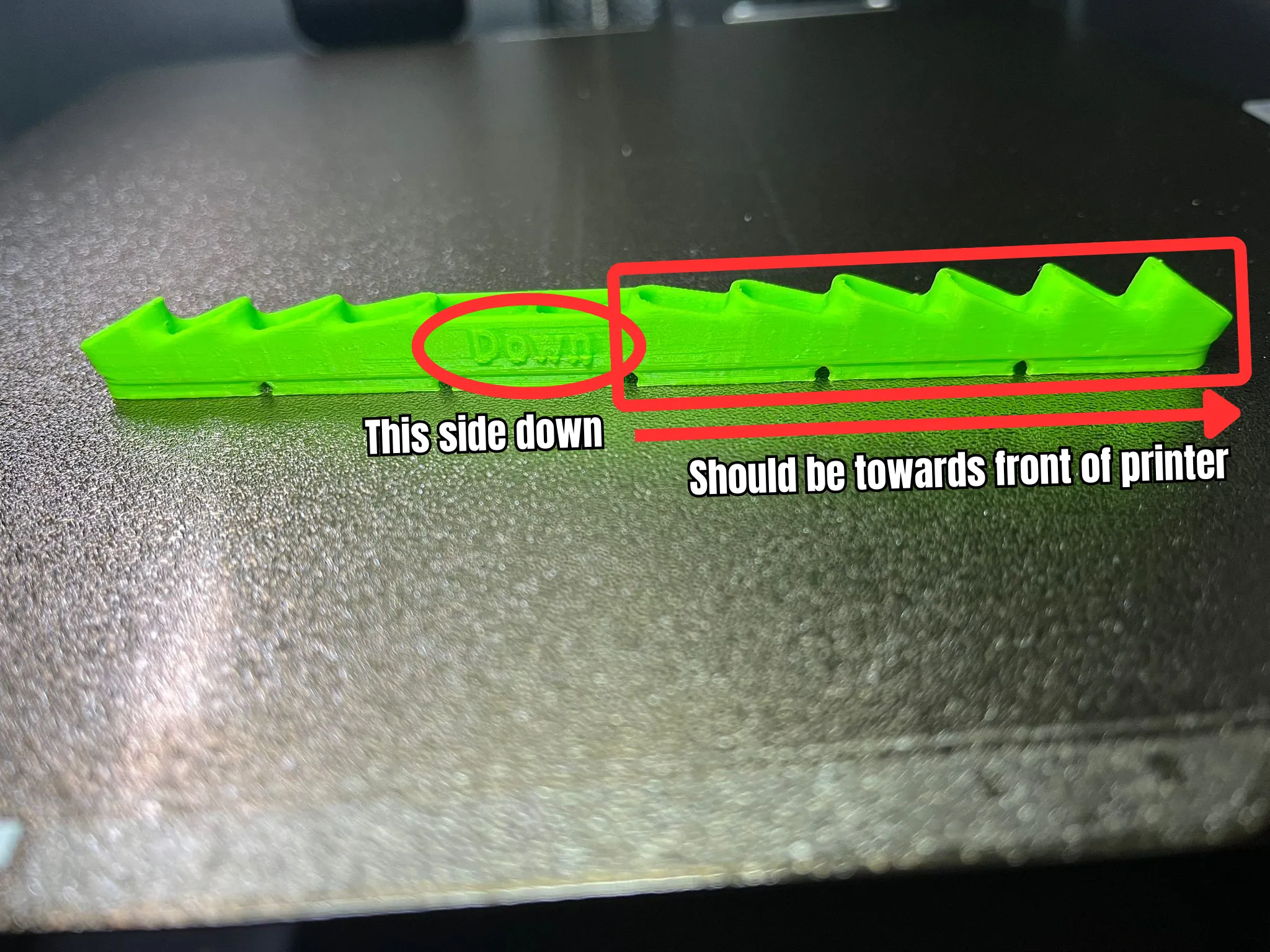
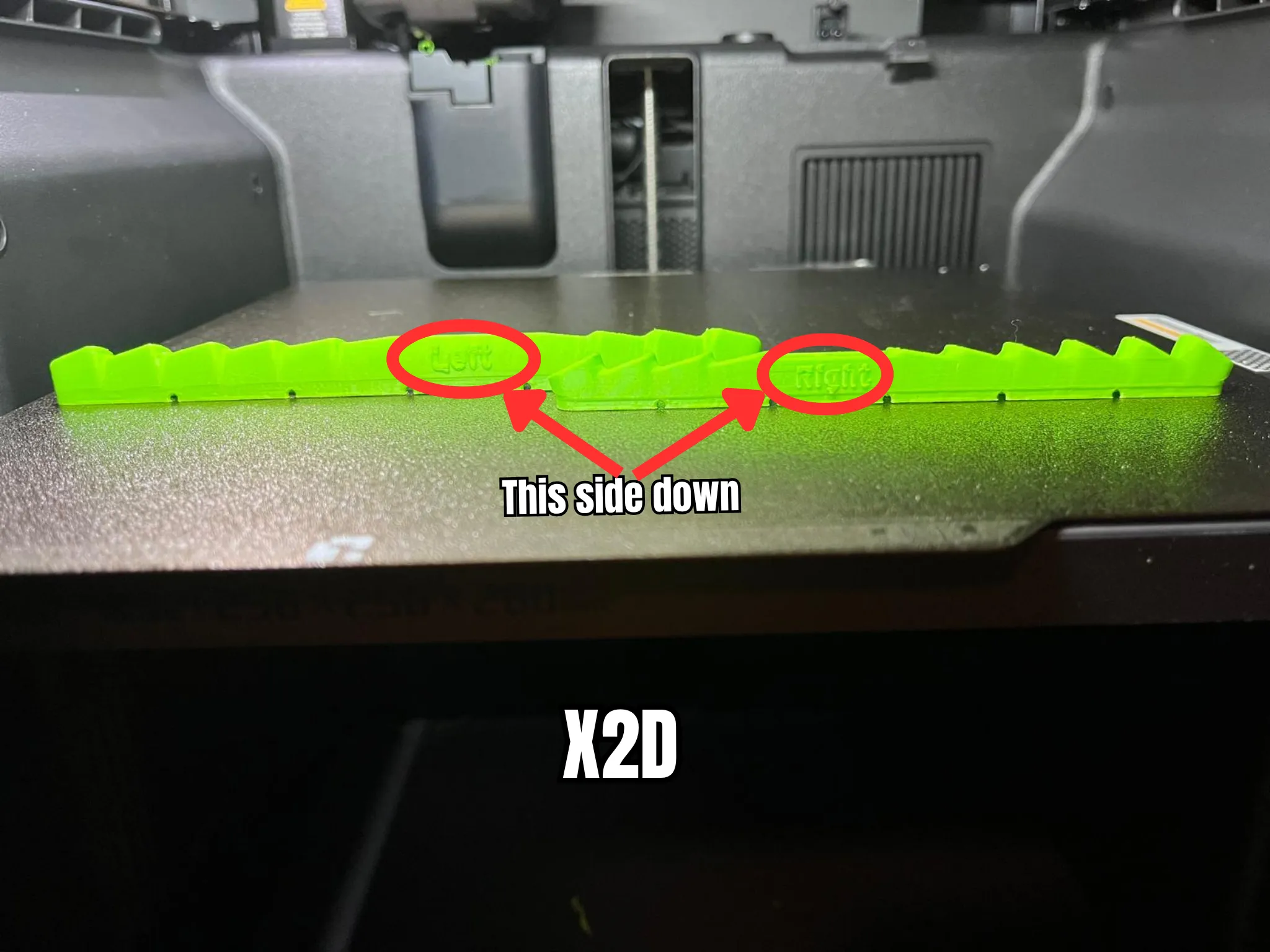
- Be aware of the orientation of the fan deflector. I have added a text to the bottom of the model, “Down” of the P2S-version. On the X2D version the text “Left”/"Right" is added to the bottom of the deflector. All versions should always be installed with the text down.
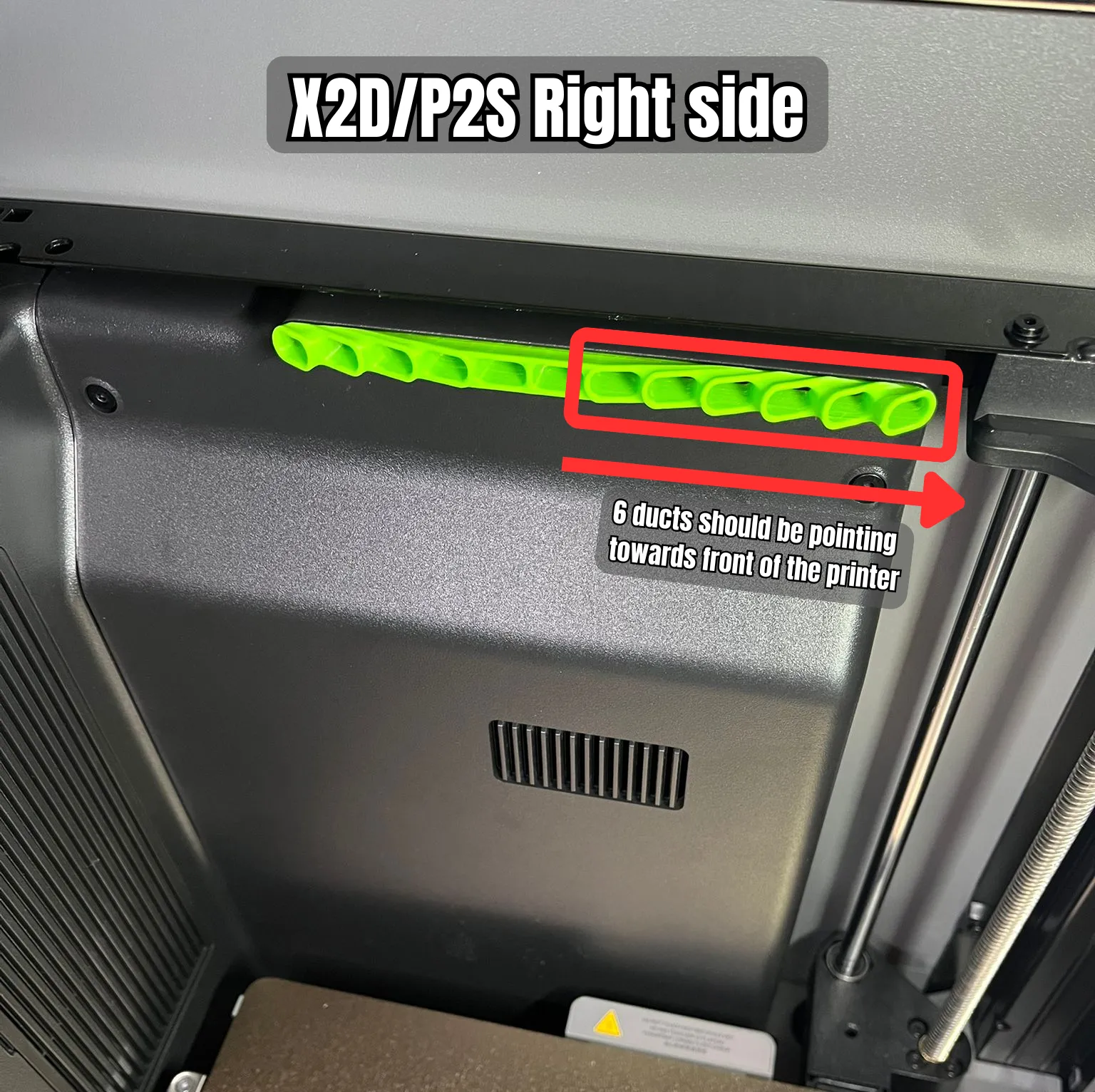
- The side with 6 fan ducts should be pointing to the front of the printer
- If you install it in the wrong direction, air will be pushed to the build plate instead, because of the tilted design.
Printing:
- Use PETG or more temperature resistant materials (e.g. ABS/ASA etc)
- “Down”-text can easily be removed if you are sure to install the model correctly
- Special brim added to the right model because of very limited surface area of bottom layer.
- Right side prints without support.
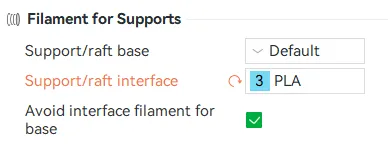
For X2D Left side deflector there are 2 print profiles. One with same support material as model and one with support material for the auxiliary nozzle. If you have possibility to use a filament that doesn't bond with the model filament I would recommend the print profile “X2D - Left & Right side - Interface support material" and use PLA as interface for PETG or Support for ABS (HIPS) or some PA-filament for ABS/ASA.
- Make sure to select correct filament for interface support under “Support” tab:
- Make sure that filament is grouped to the right nozzle:
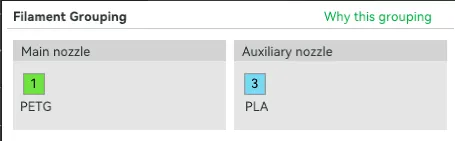
- Make sure to select correct filament for interface support under “Support” tab:
Performance:
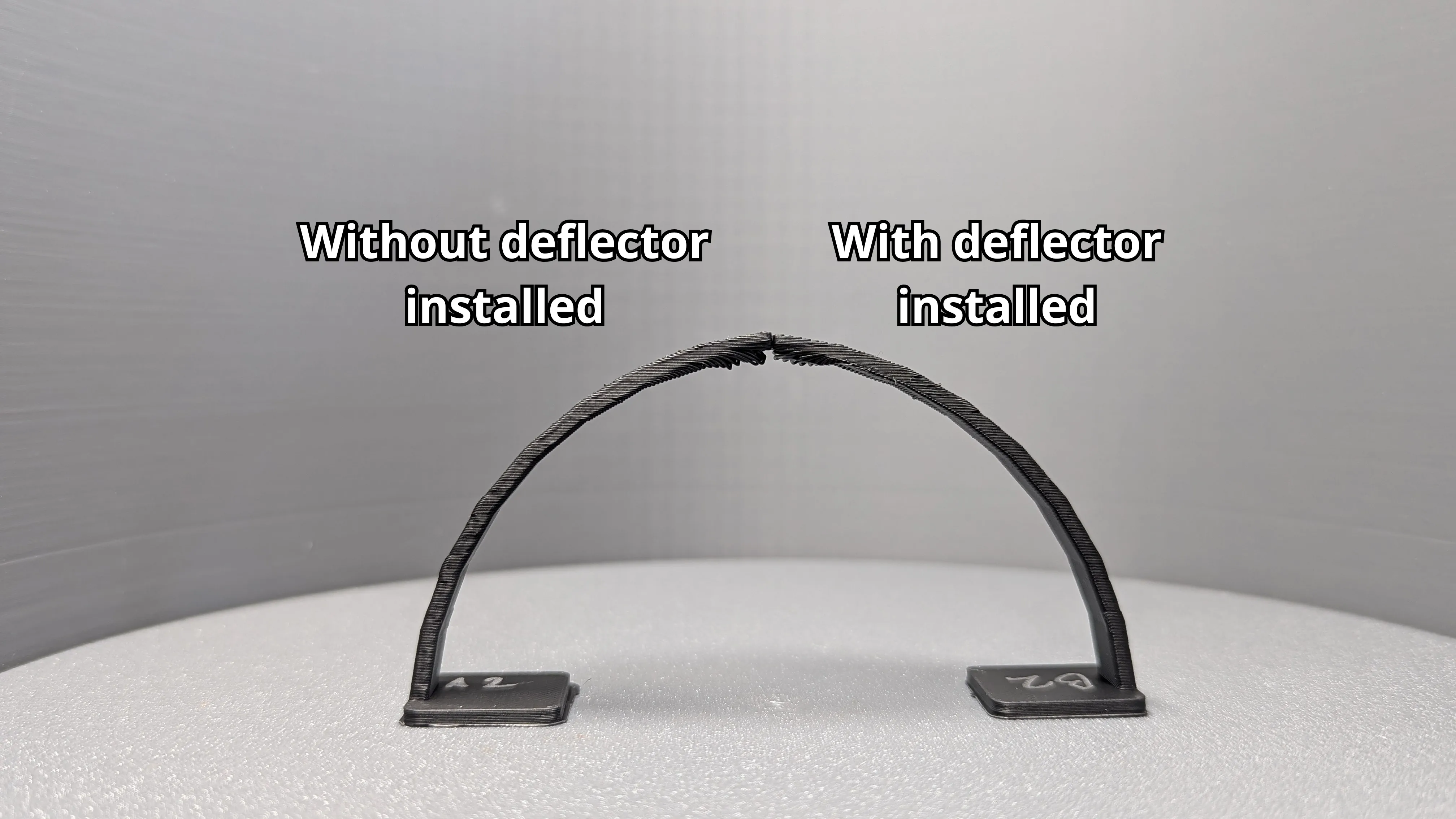
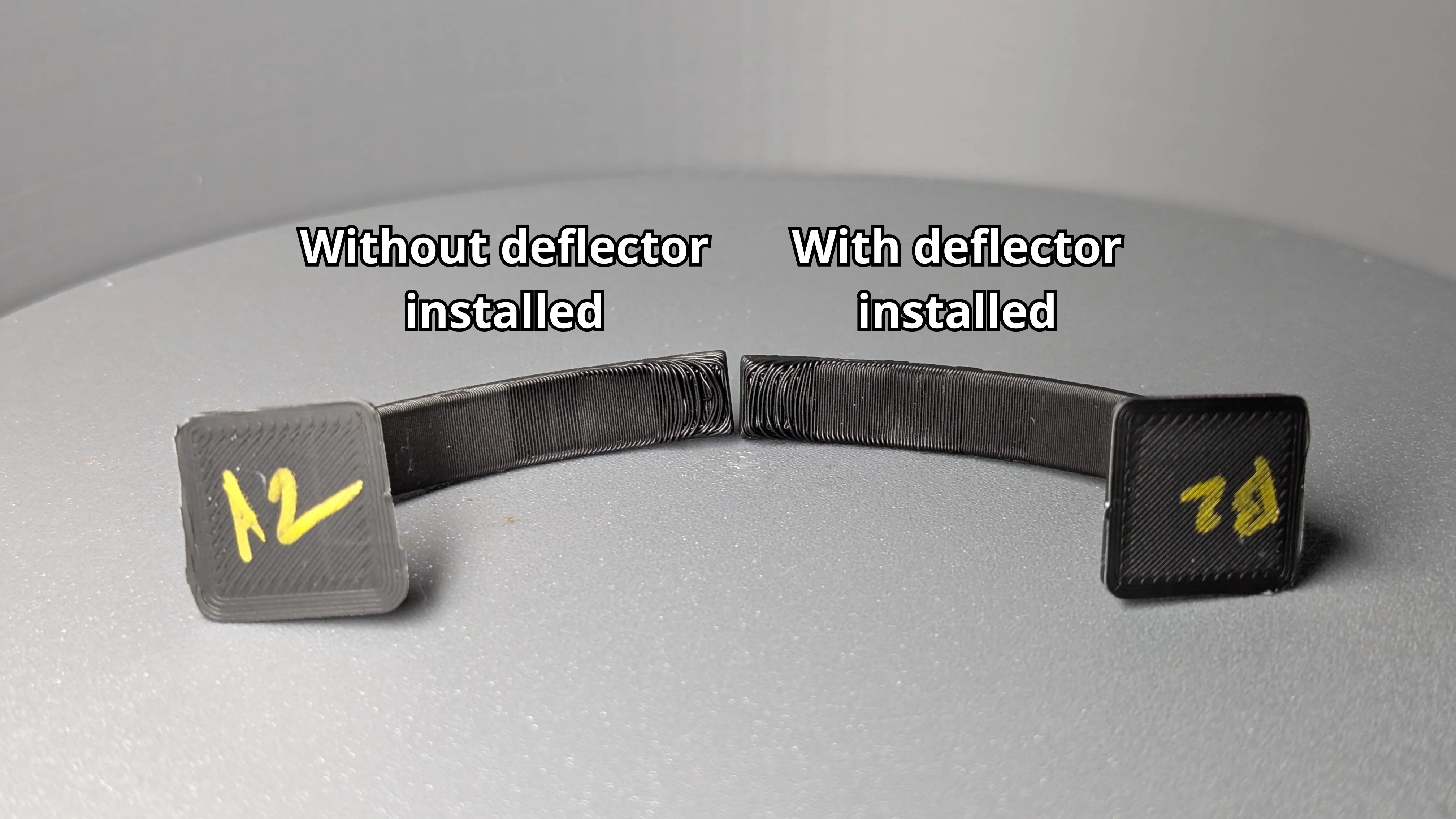
Big thanks to user @Norkius that performed tests showing improvements of cooling at critical areas of the build plate with this deflector installed. See pinned comment for full tests. Here are some of the results:
License

You shall not share, sub-license, sell, rent, host, transfer, or distribute in any way the digital or 3D printed versions of this object, nor any other derivative work of this object in its digital or physical format (including - but not limited to - remixes of this object, and hosting on other digital platforms). The objects may not be used without permission in any way whatsoever in which you charge money, or collect fees.


Comment & Rating (234)