
TPU Guide
Print Profile(1)

Description
Simple guide for TPU Filament.
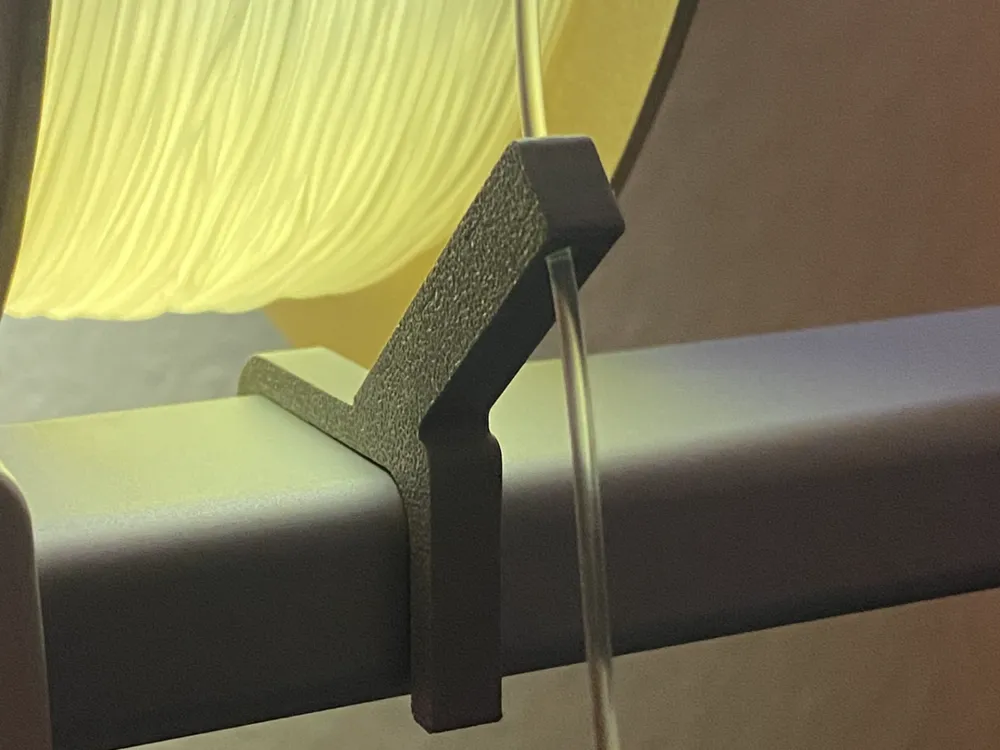
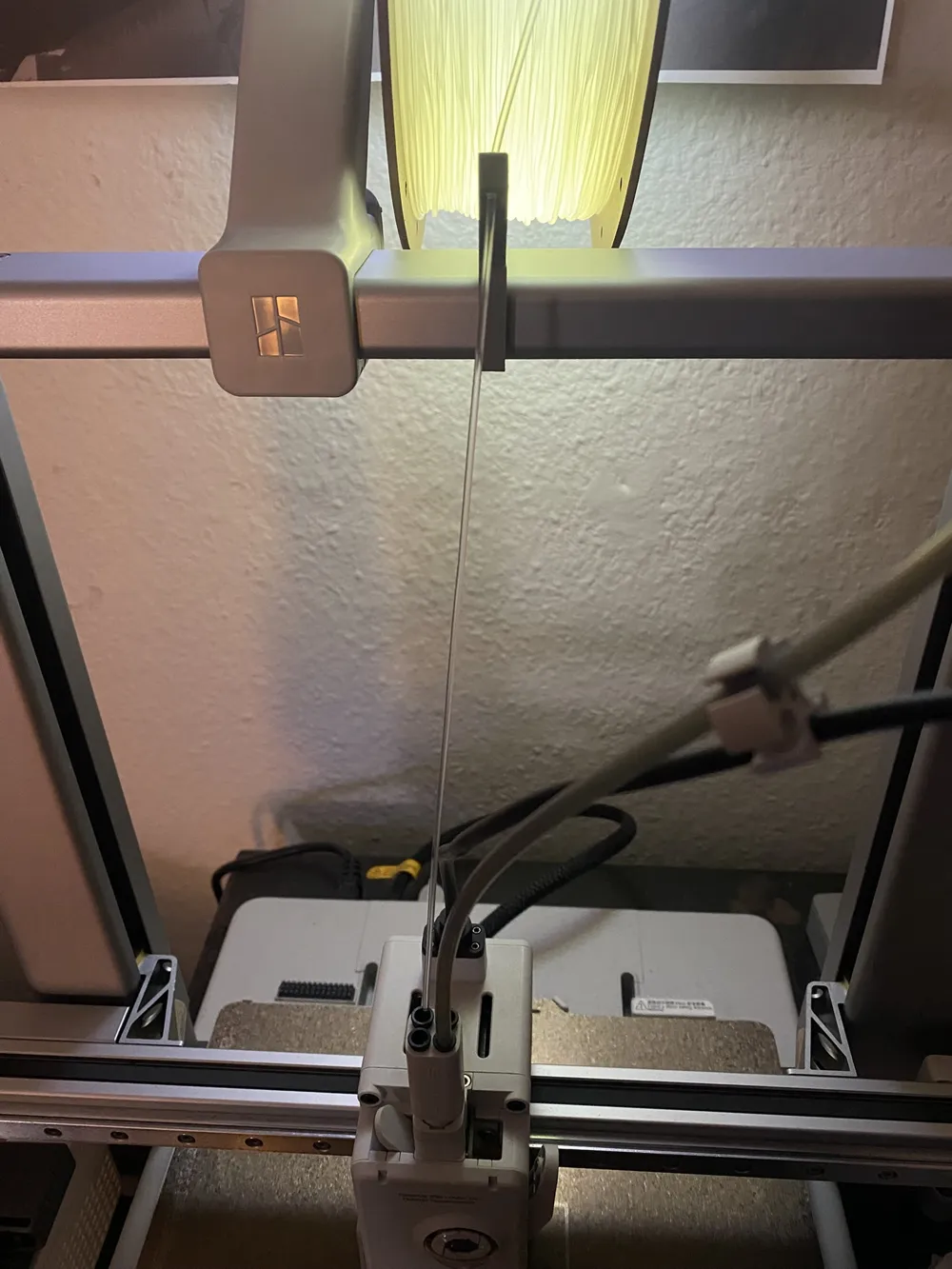
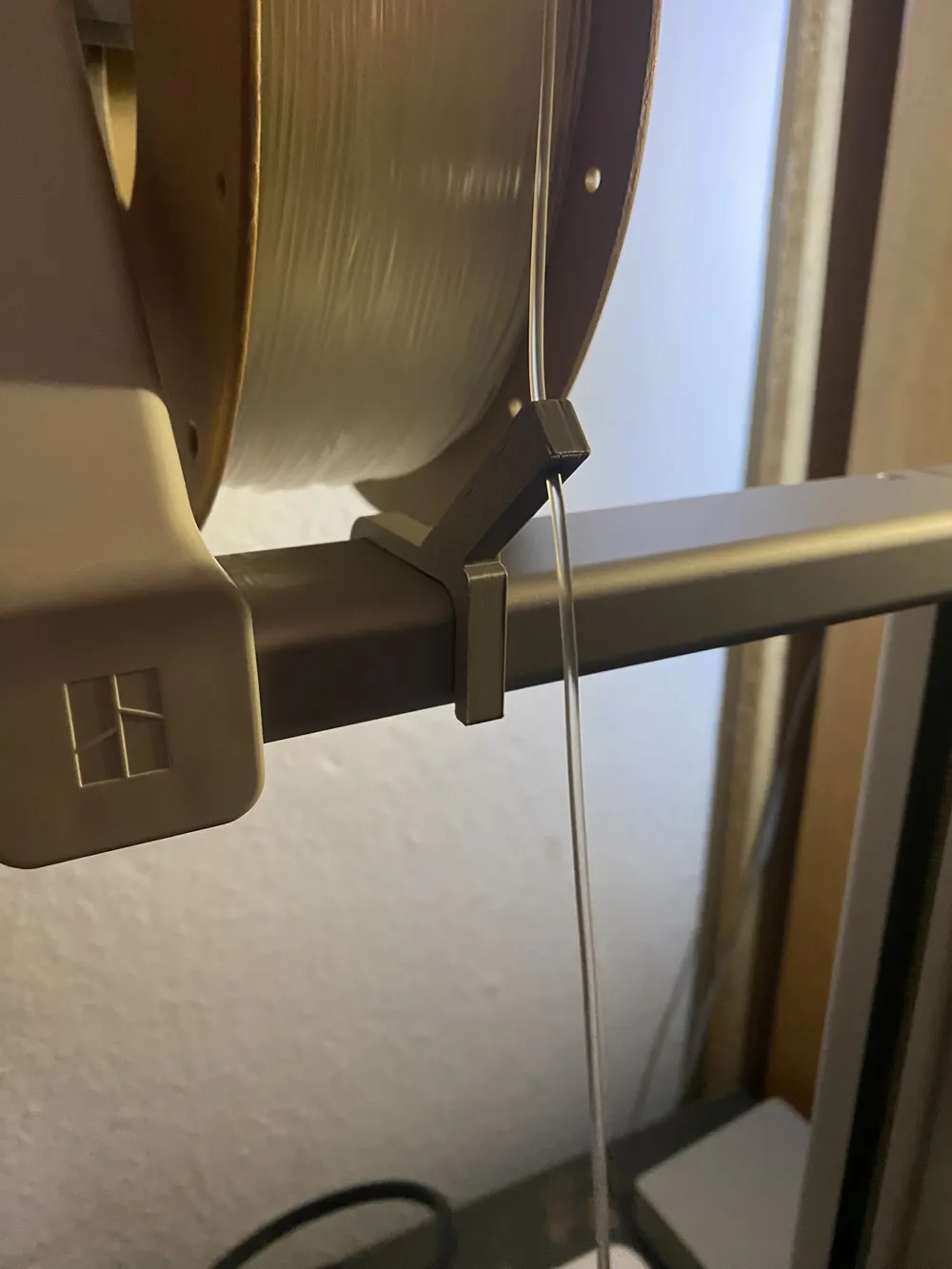
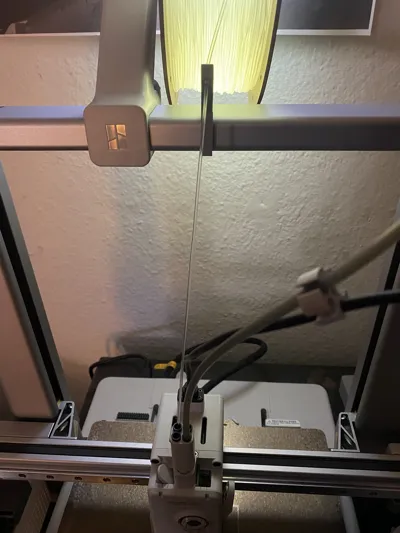
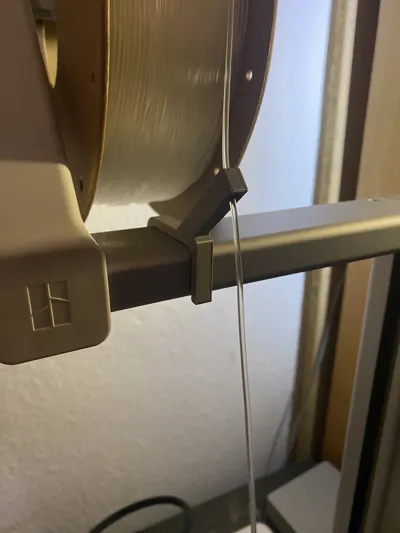
Because TPU feels like a wet noodle, it sticks to the PTFE Tube. This simple guide reduces contact surface while keeping it straight from the spool.
Just clip it on the top rail like the top mount, put the filament through and then insert the filament it into the printhead directly. While printing it keeps under tention, so it shouldn't get tangled.
Worked really well for all my TPU prints so far. (tested with 85a)
License

You shall not share, sub-license, sell, rent, host, transfer, or distribute in any way the digital or 3D printed versions of this object, nor any other derivative work of this object in its digital or physical format (including - but not limited to - remixes of this object, and hosting on other digital platforms). The objects may not be used without permission in any way whatsoever in which you charge money, or collect fees.


Comment & Rating (3)