
Easter Holy Week
Print Profile(8)


Description
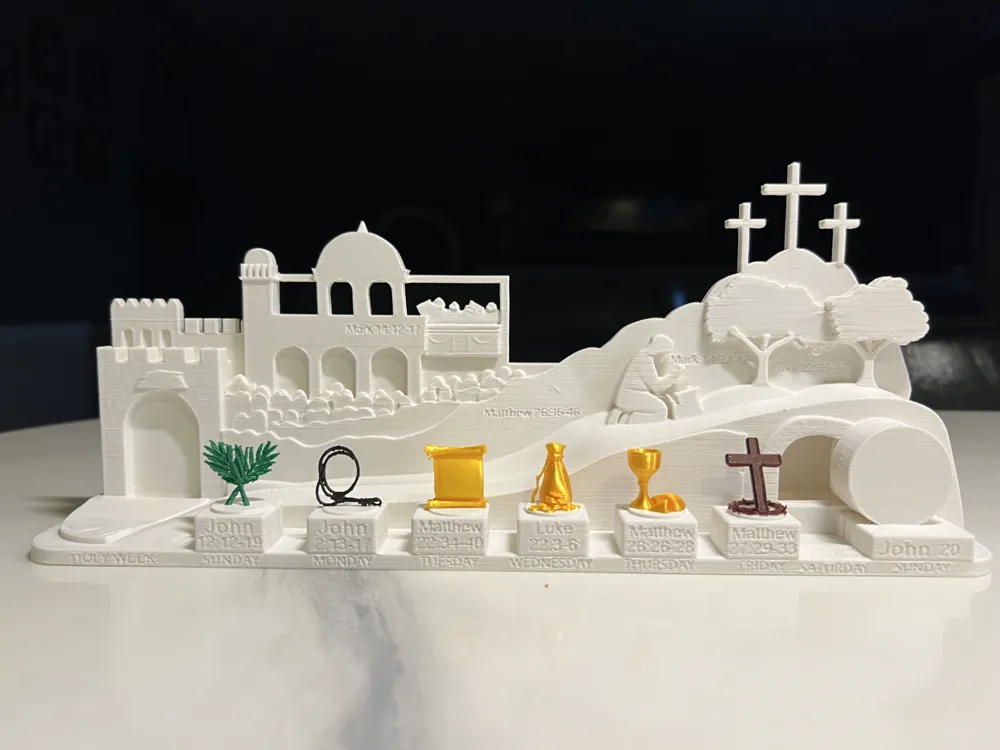
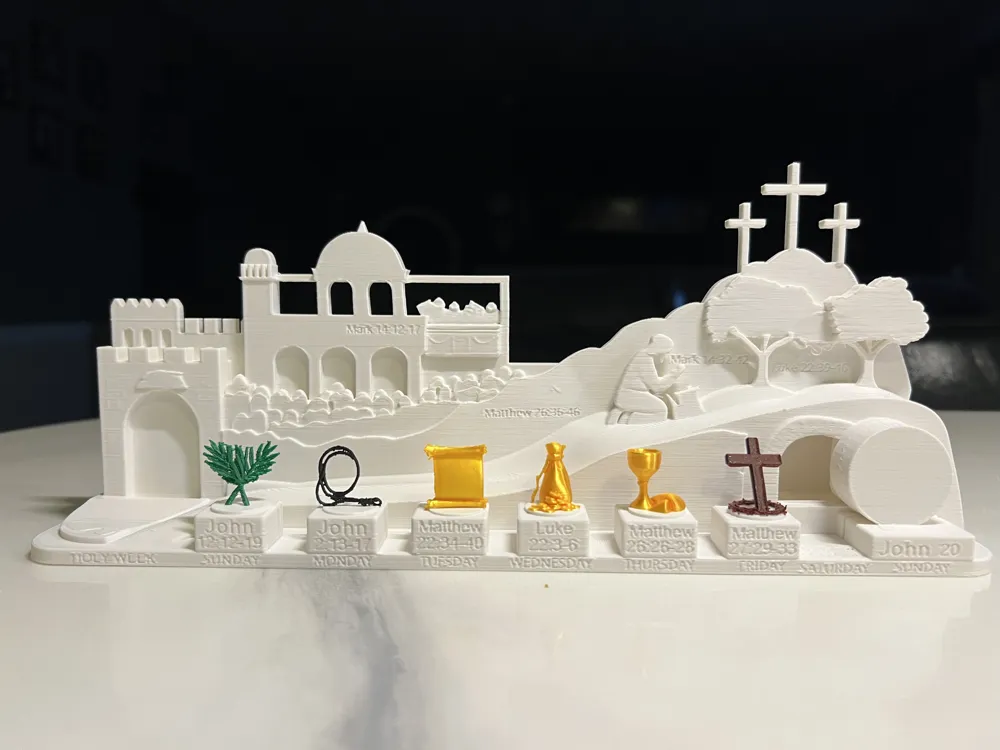
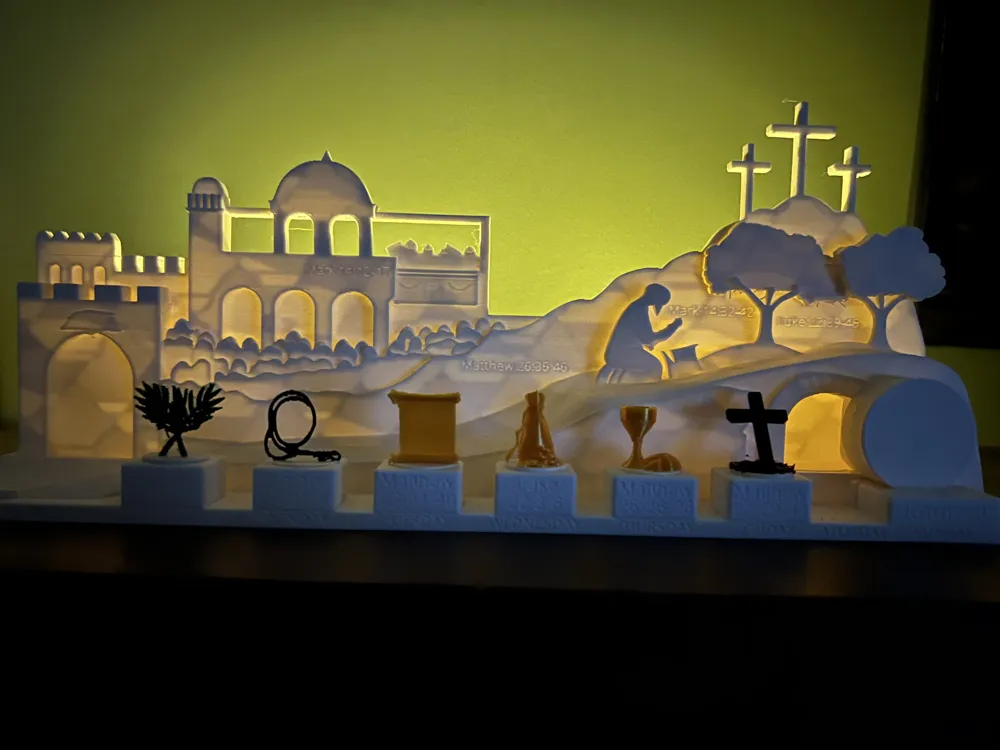
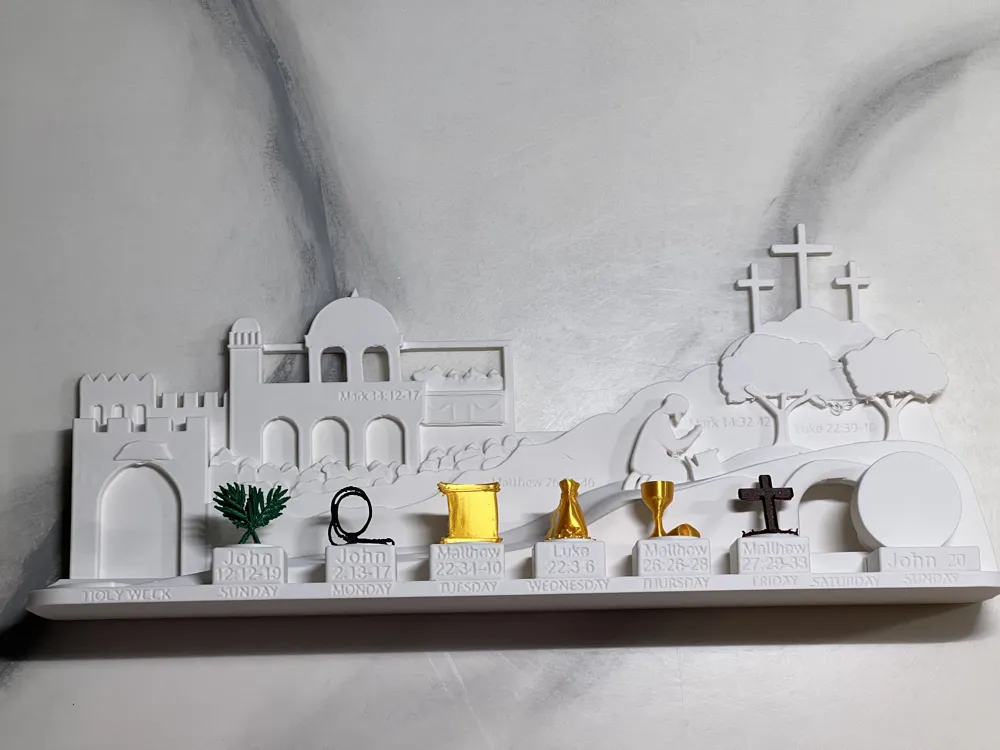
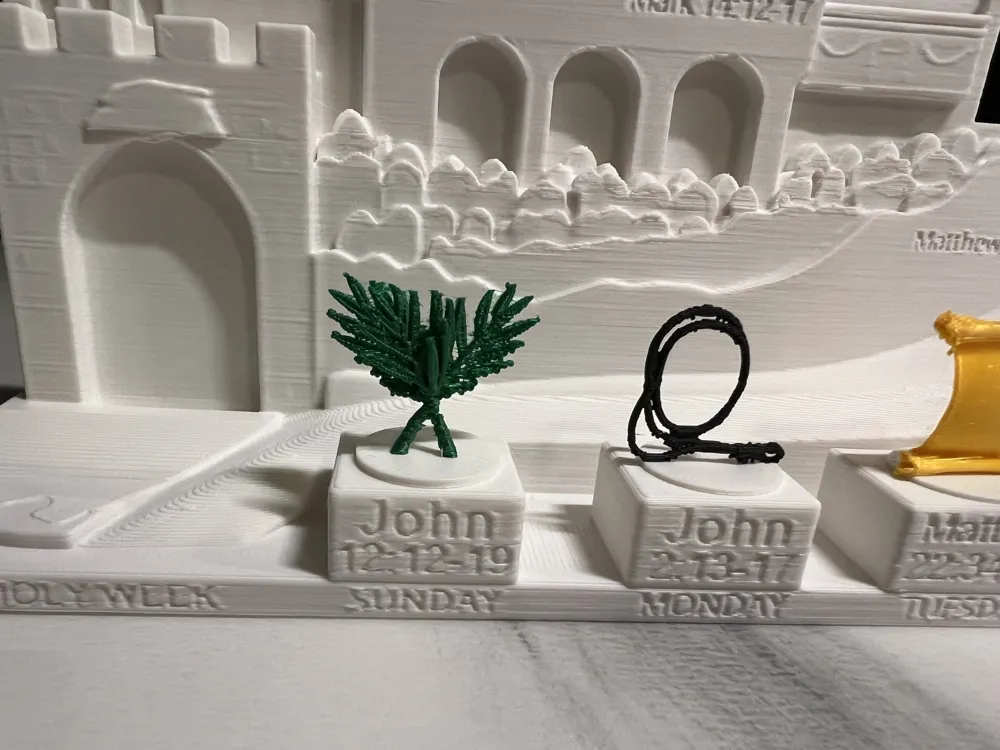
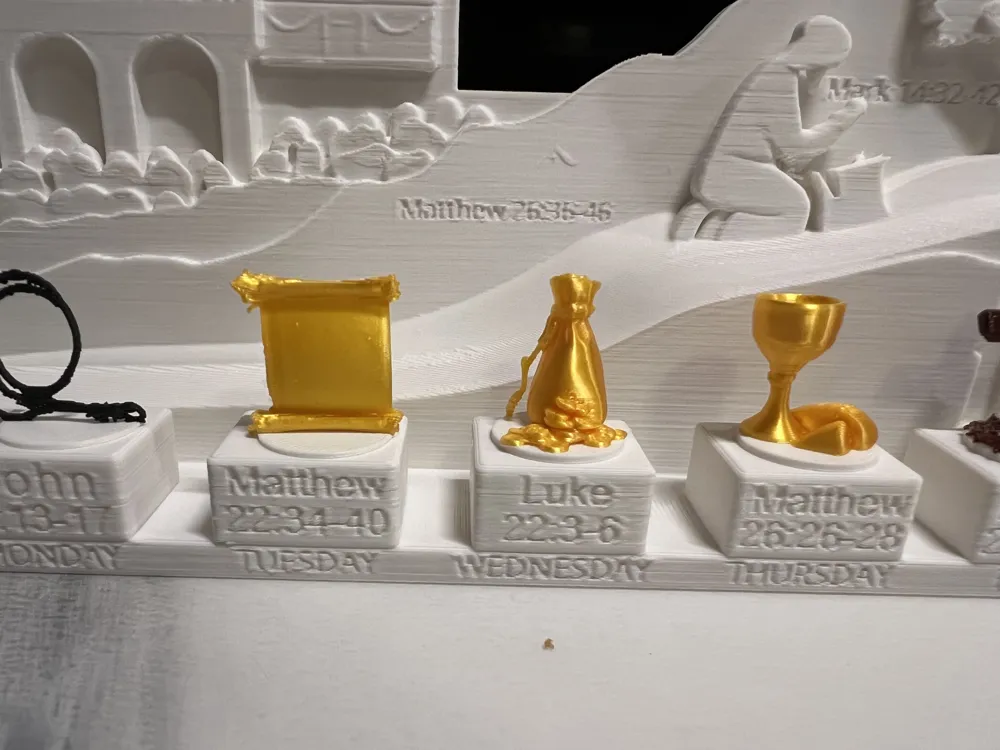
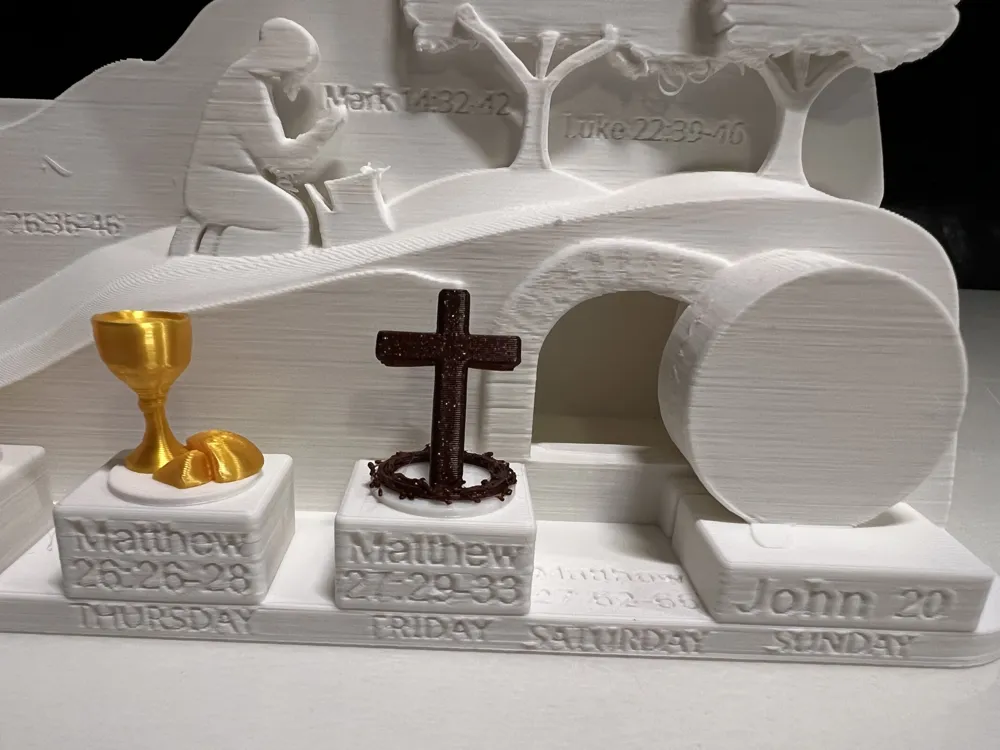
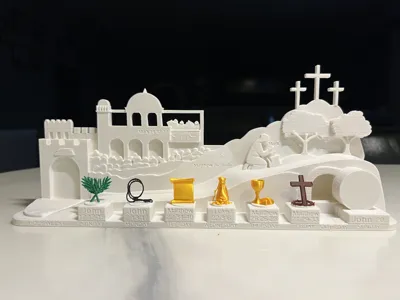
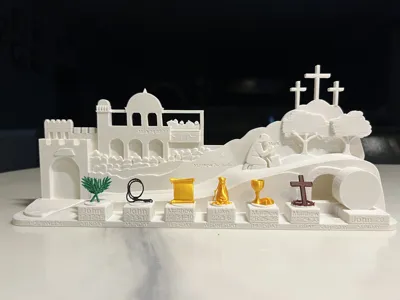
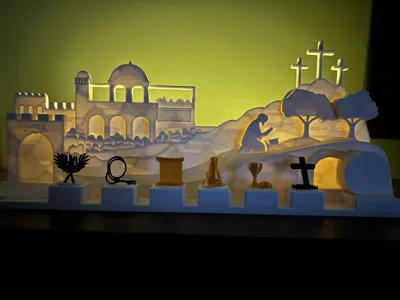
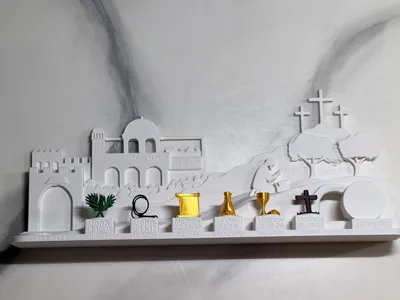
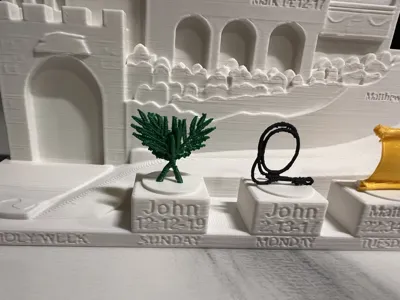
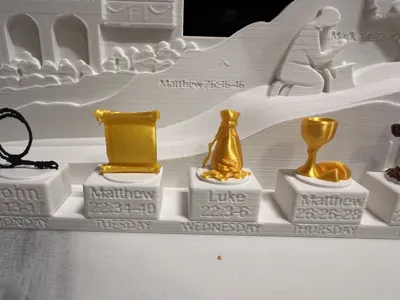
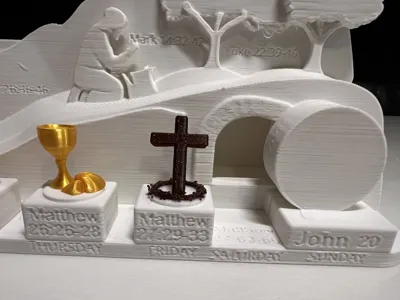
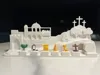
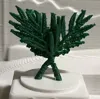
I wanted to create my own Holy Week diorama with symbolism, so i designed this as my first project in Blender. I'm still learning, but I'm excited to share it with others who might enjoy printing and improving it. Items were designed to represent each day. Sunday Palm leaves, Monday Whip, Tuesday Scroll, Wednesday Coins, Thursday Sacrament, Friday Cross and crown, Saturday the Tomb, Sunday the Stone rolled to the side. Each day has a scripture of that item and event. Also added scriptures on the hill of Gethsemane and the upper room. Used maker-lab image to 3d to help get started then changed and adjusted model in Blender. Adding a tea light the artwork becomes softly translucent, casting a warm, meditative glow that feels intimate and reverent, bringing it to life.
Free for personal use.
Remixing is encouraged - feel free to improve, modify, or build on this design
Commerical use is not allowed
If you are interested in selling physical prints of this design, feel free to message me and we can discuss a commercial license.
All files are included. If you make a remix or improvement, I'd love to see how it turns out!
Supports needed for main scene. Small items no supports except for the cross/crown even though slicer will say it needs supports. Because they’re small my printer A1 printed fine.
Small parts will need to be glued onto the pedestal.
IMPORTANT, scaling for smaller Printers (A1 mini, etc.); This model is designed to maximize the A1 print bed. If you have a smaller printer, please follow these steps in Bambu Studio: Warning I have not tested wall thickness and compatibility of smaller scaled items but let me know if it works.
- Open the 3mf file in Bambu Studio on you PC/Mac. The Bambu Handy app wont allow scaling yet
- Now scale to fit your print bed.
- Measure the top of the pedestals the items are placed upon in mm not the percentage.
- Use that mm measurement to scale each item so the item will fit on the pedestal.
License



Comment & Rating (22)