
AutoLee Conversion Kit
Print Profile(1)
Description
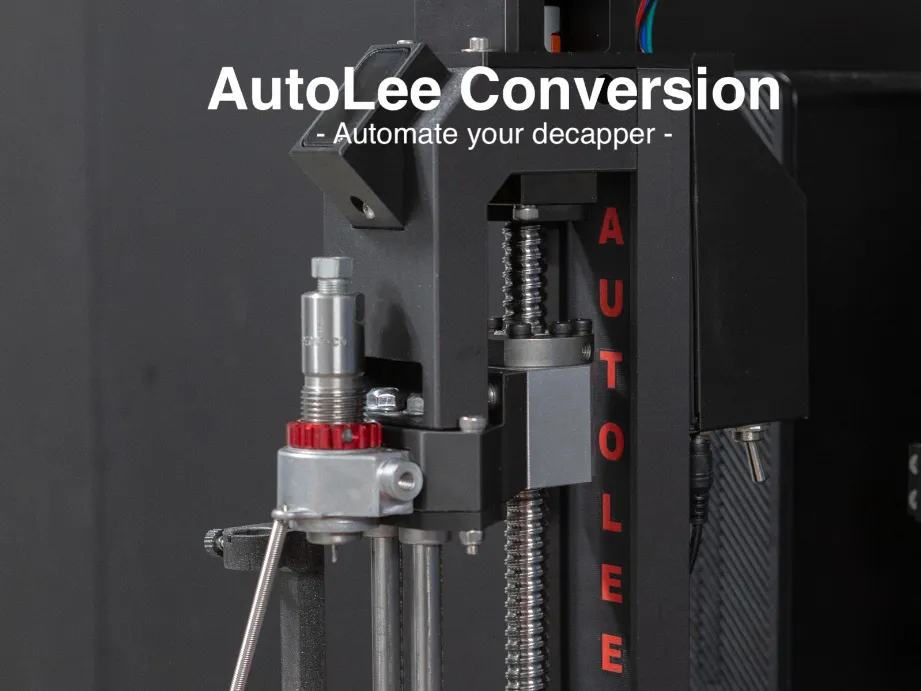
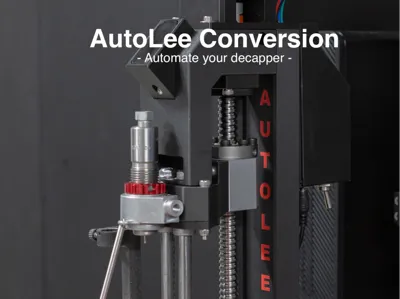
AutoLee - DIY Conversion Kit for the Lee APP
📺 Watch it in action on YouTube
💻 Firmware & source code on GitHub
What is AutoLee?
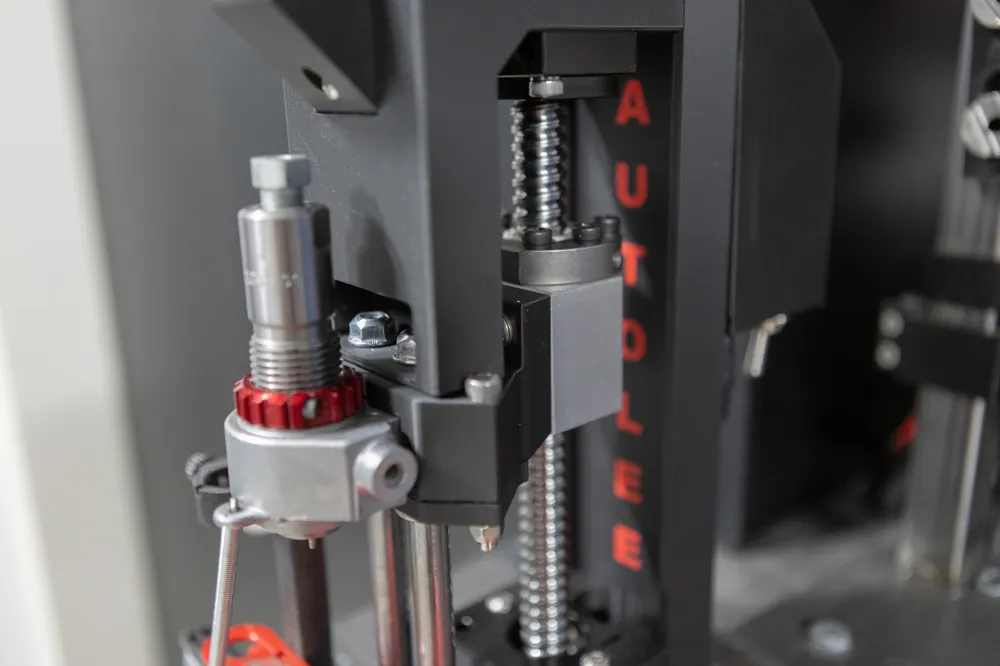
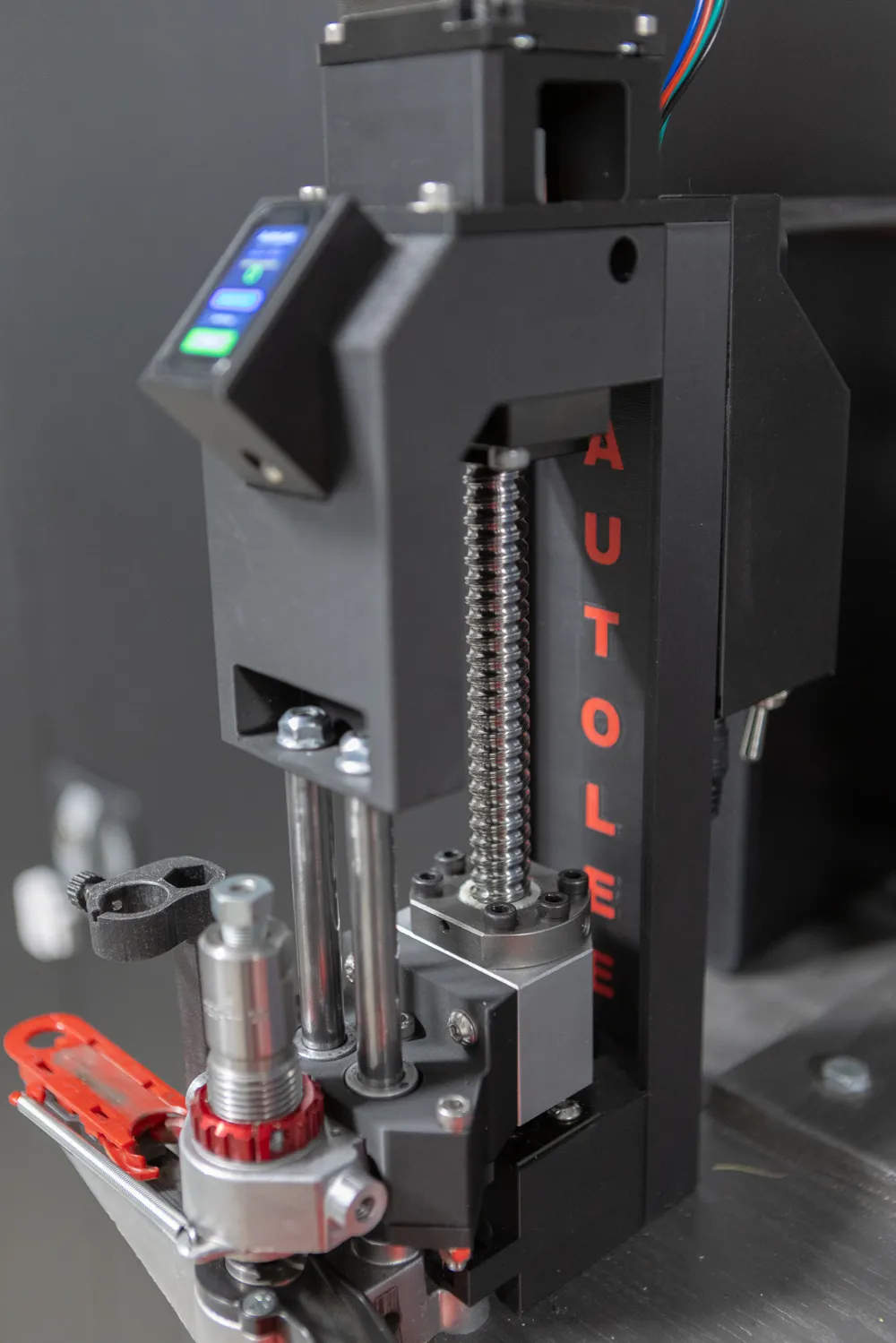
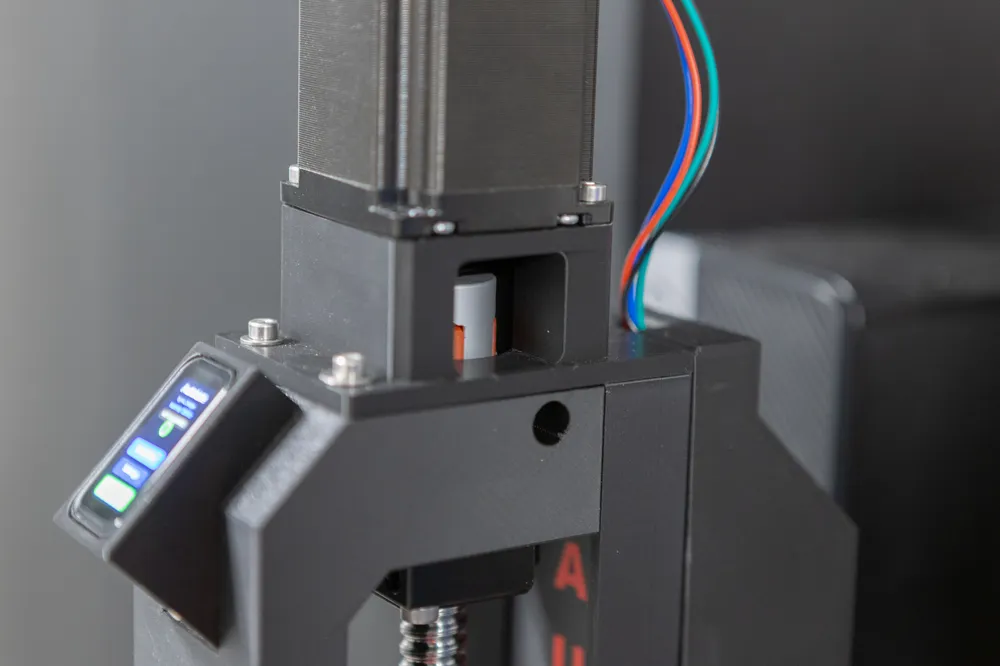
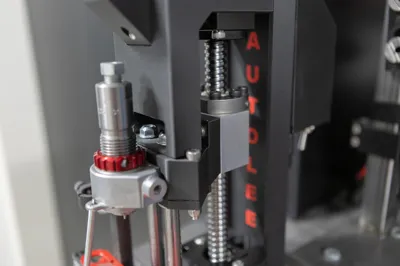
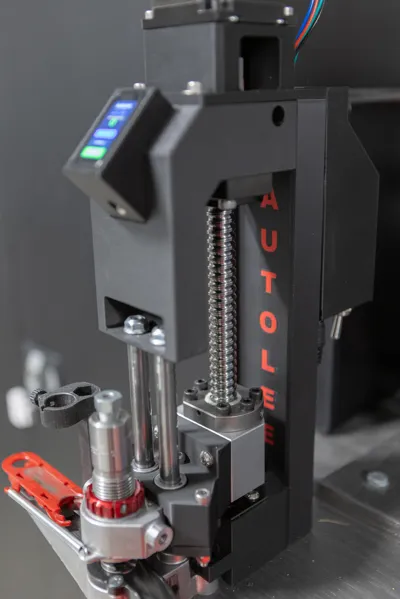
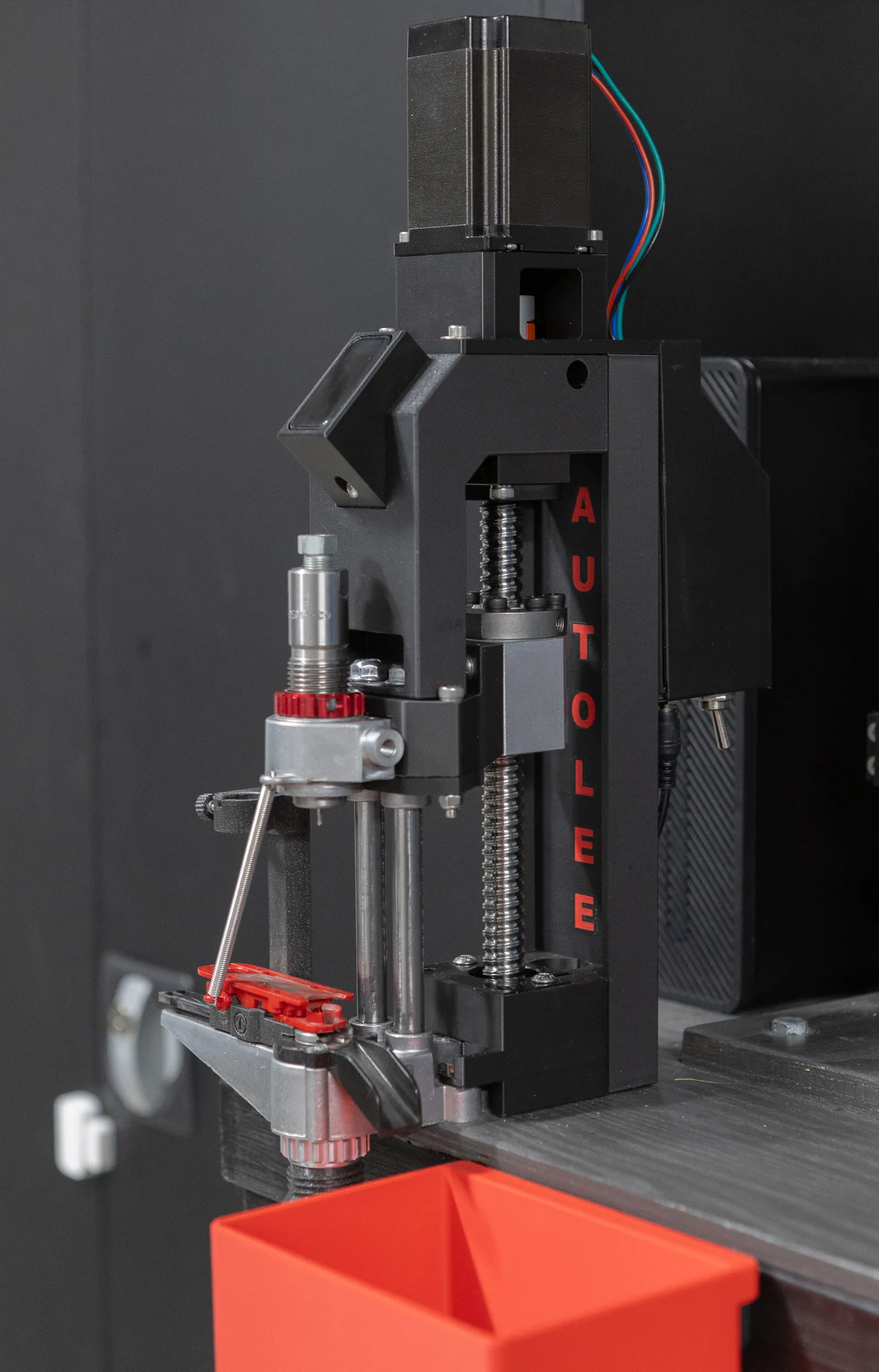
AutoLee is a diy conversion kit that turns your manual Lee APP into a fully automated decapper. Instead of pulling the lever by hand hundreds of times, AutoLee drives the stroke with a stepper motor — pushing spent primers out of fired brass casings automatically while you just keep feeding brass.
This is not a complete machine — it's designed to bolt onto your existing Lee APP. You supply the decapper, AutoLee supplies the brains and the muscle. This is a concept project, not a finished product. It may fail, it may break, it may overheat. By building and using this kit you accept any and all liability — I take no responsibility for damage, injury, loss, or any other consequence whatsoever.
You should also note that this is under development and everything is not 100%. I mean, it should all fit, but there might be some issues to work out.
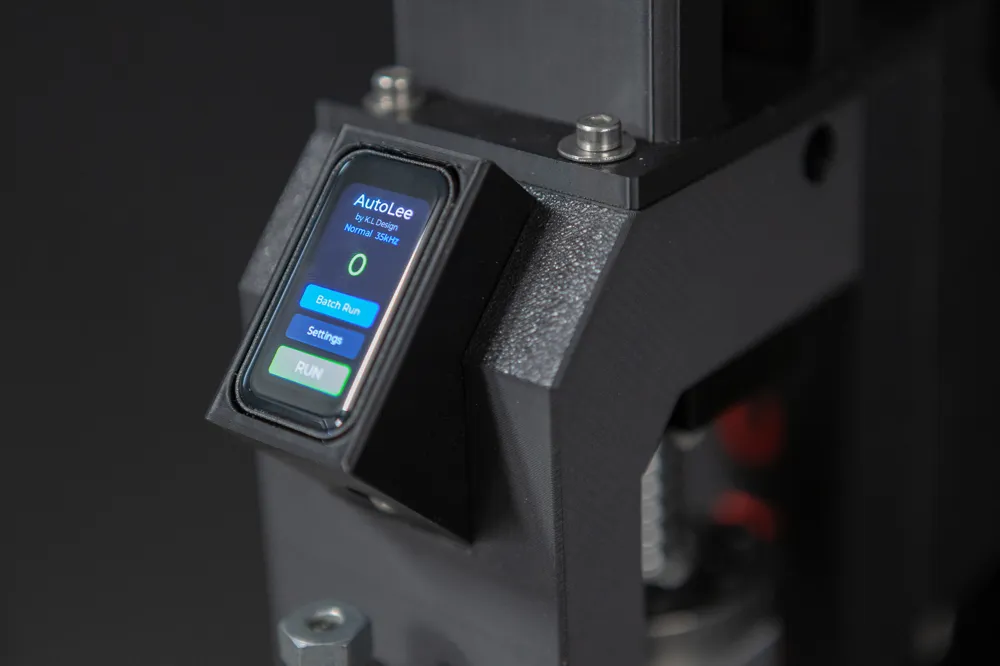
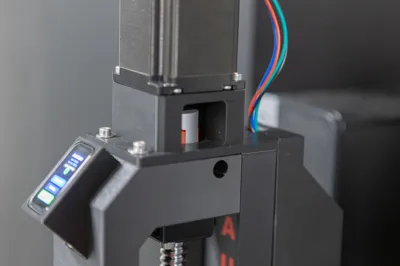
The system uses a TMC5160T Plus stepper driver with sensor-less homing and stall detection, controlled by an ESP32-C6 with a built-in touchscreen UI and a WiFi web interface. Calibrate once, set your speed, and let it chew through your brass pile.
Features
Drop-in conversion — Designed specifically for the Lee APP.
Sensorless calibration — AutoLee automatically finds its mechanical endpoints using StallGuard2, no limit switches needed. Press Calibrate and it maps the travel range of your specific decapper.
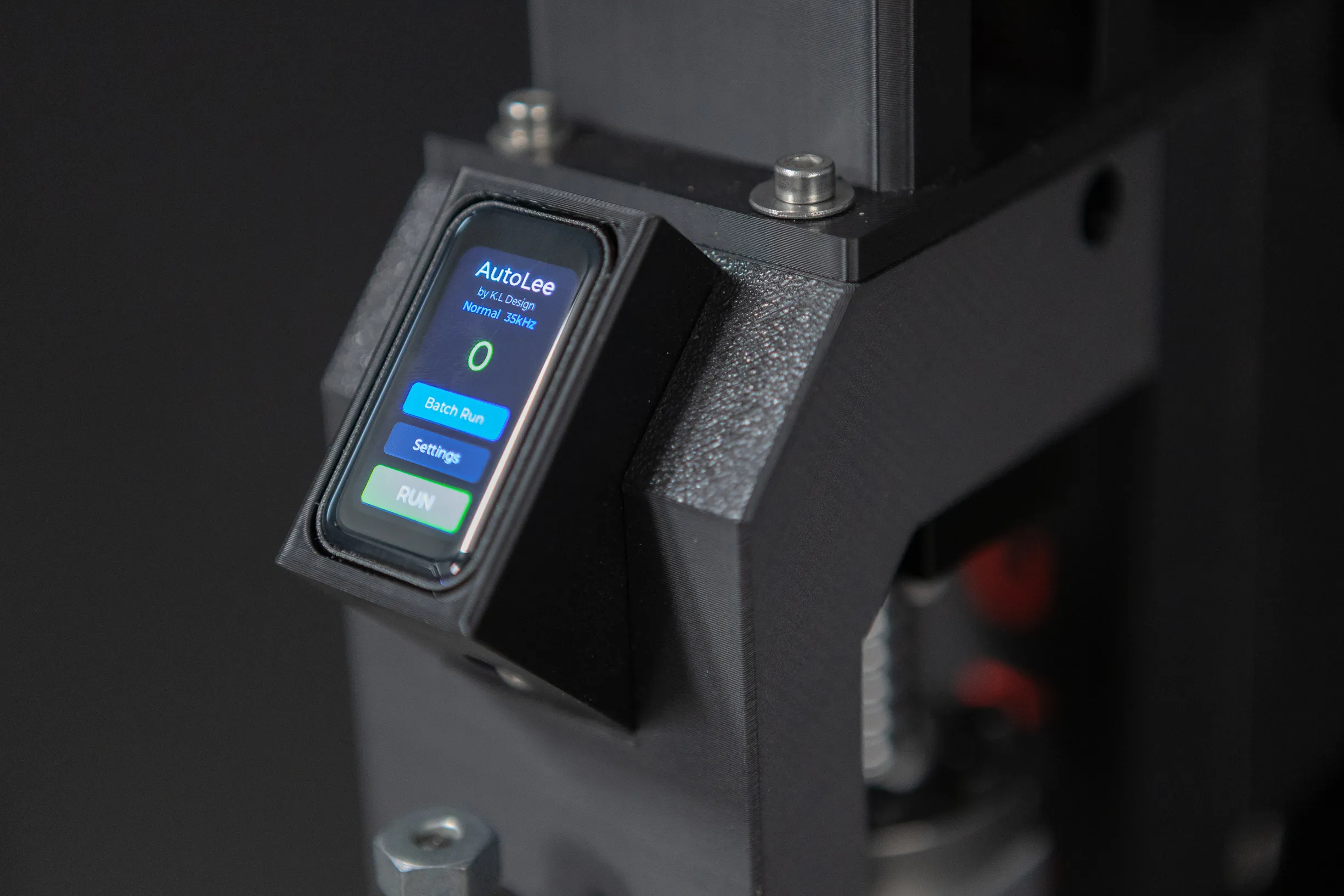
Adjustable speed — From 10,000 to 55,000 Hz step frequency, adjustable on the fly via the touchscreen or web UI. Three preset profiles (Slow, Normal, Fast) cover different brass types and preferences.
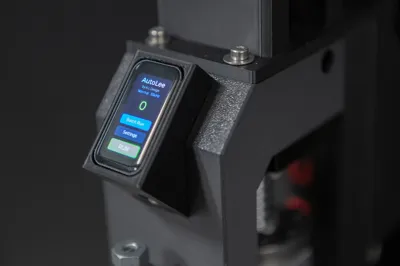
Touchscreen control — A 1.47" LCD with touch lets you start/stop, calibrate, adjust endpoints, tune stall sensitivity, and monitor the cycle counter — all without a computer.
WiFi web interface — Connect to AutoLee over WiFi for full remote control, real-time log monitoring, endpoint tuning, batch runs, and over-the-air firmware updates. Works on any phone or computer browser.
Jam detection & recovery — Runtime stall detection monitors the motor during operation. If a casing jams, AutoLee stops immediately, backs off, and presents a one-tap Return Home function. No manual wrestling required.
Important: the stall detection is tuned for detecting brass jams only. It will NOT detect a finger or hand — the motor has more than enough force to crush them. Never reach into the decapper while it is running.
Batch mode — Set a target count (up to 9,999 cycles) and AutoLee runs exactly that many strokes, then stops automatically. Perfect for processing a known quantity of brass.
Adjustable endpoints — Fine-tune the UP and DOWN travel limits in single-step increments after calibration, so you can dial in the exact stroke needed for your setup.
OTA firmware updates — Upload new firmware directly through the web interface. No USB cable needed after initial setup.
What You Need
You must already own a Lee APP. This kit converts it — it does not replace it.
Beyond the 3D printed parts, you'll need:
- ESP32-C6 with 1.47" touch LCD (Waveshare ESP32-C6-Touch-LCD-1.47)
- TMC5160T Plus stepper driver (SPI version)
- NEMA23 2.4Nm 4.0A 8mm Shaft
- SFU1605 250mm ball screw with BK12/BF12 Support.
- 24V power supply
- Miscellaneous: wiring, on/off switch, fan, connectors, fasteners, threaded heat inserts
Refer to the GitHub repository for the full wiring diagram, BOM, and detailed instructions.
Printing Notes
A print profile is included with optimal settings. If you're not using the supplied profile, you should at minimum use 6 walls and 30% gyroid infill. These parts take real mechanical load from the decapping stroke, so don't skimp on strength.
Assembly & Setup
- Print all parts and gather your electronics.
- Assemble the parts.
- Wire the ESP32-C6, TMC5160T Plus driver, and stepper motor according to the schematic on GitHub.
- Flash the firmware (instructions in the GitHub README).
- Power on — AutoLee creates a WiFi access point ("AutoLee-Setup") for initial configuration.
- Connect to the AP, open 192.168.4.1, enter your home WiFi credentials.
- Calibrate via the touchscreen or web UI.
- Load brass and start decapping!
⚠️ SAFETY WARNING — PLEASE READ ⚠️
This conversion kit adds a powerful stepper motor to your Lee APP. Build and use it at your own risk.
- Pinch and crush hazard. The motorized stroke exerts significant force — enough to crush fingers and hands. The jam detection is designed to detect brass jams only and will not stop for a hand or finger. Never reach into the decapper while it is running. Always stop the machine before clearing jams, loading brass, or making any adjustments.
- Primer handling. Spent primers may still contain residue. Handle spent brass and ejected primers in a well-ventilated area. Wash your hands after handling.
- Electrical hazard. The system runs on voltages that can cause injury. Ensure all wiring is properly insulated, secured, and rated for the current involved. Disconnect power before working on the electronics.
- Motor current. The default motor current is 3500mA. Settings above 4000mA can cause the driver and motor to overheat. Monitor temperatures, especially during long batch runs.
- Fire risk. As with any high-current electrical project, there is a risk of overheating. Never leave the decapper running unattended for extended periods. Ensure adequate ventilation around the driver and motor.
- Modifications. This kit modifies the intended manual operation of the Lee APP. Any modification is done at your own risk and may void the manufacturer's warranty.
- No safety certification. This is a DIY project. It has not been tested or certified by any safety organization. You are solely responsible for the safe construction, installation, and operation of this kit.
- Know your local laws. Reloading equipment may be subject to regulations in your jurisdiction. Ensure you comply with all applicable laws.
- Children and pets. Keep the decapper and all reloading components out of reach of children and animals.
By building and using this kit, you accept full responsibility for any injury, damage, or loss that may result.
Disclaimer
This project is provided as-is. It's more or less a work in progrss, there is no support, no guarantee of function, and no guarantee of longevity. It's a DIY conversion kit shared with the community — if it works for you, great. If something breaks or doesn't fit your setup, you're on your own. Use it at your own risk.
Links
- 📺 YouTube demo: https://www.youtube.com/watch?v=CX7fcx0Svd4
- 💻 GitHub (firmware + docs): https://github.com/anticolon/AutoLee/
Designed and built by K.L Design
Boost Me (for free)
Do you like my model? A boost is completely free for you, and you really help me a lot to create more models like this in the future. Thank you very much!
Membership
Earn by selling my models, sign up for a membership and get access to all my model (except those based on remixes).
License

You shall not share, sub-license, sell, rent, host, transfer, or distribute in any way the digital or 3D printed versions of this object, nor any other derivative work of this object in its digital or physical format (including - but not limited to - remixes of this object, and hosting on other digital platforms). The objects may not be used without permission in any way whatsoever in which you charge money, or collect fees.


Comment & Rating (21)