Search models, users, collections, and posts

Multi-Mode Scale

Print Profile(1)
All
H2D
H2S
H2D Pro
H2C
P2S

0.2mm layer, 2 walls, 15% infill
Designer
8.3 h
3 plates
5.0(1)

Open in Bambu Studio
Boost
0
3
1
0
4
2
Released 

Description

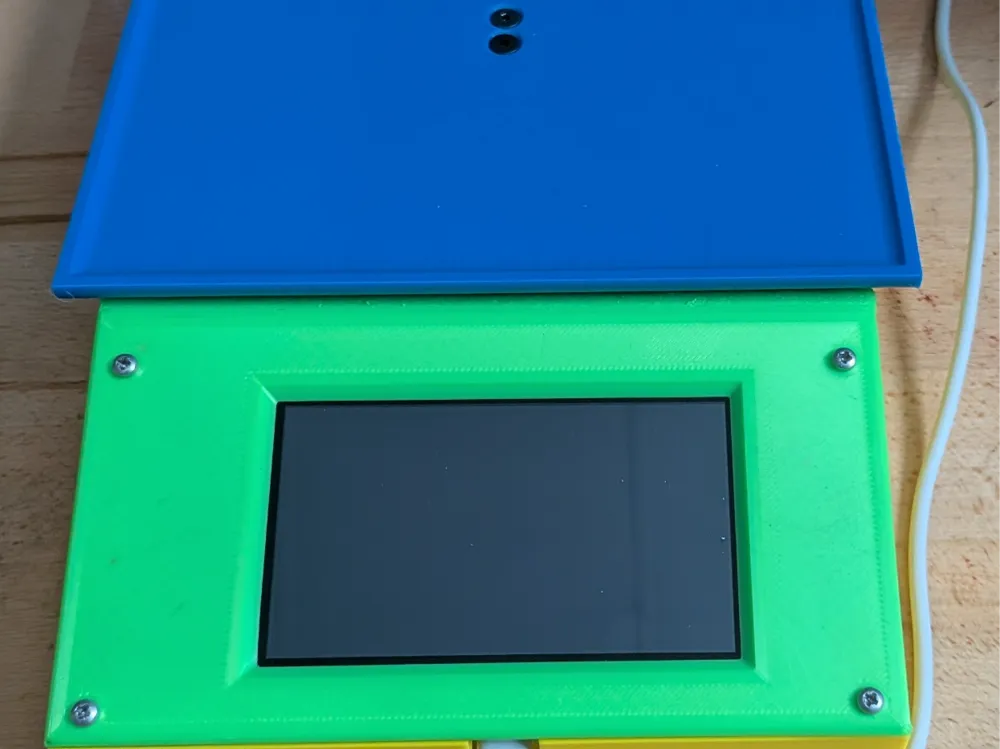
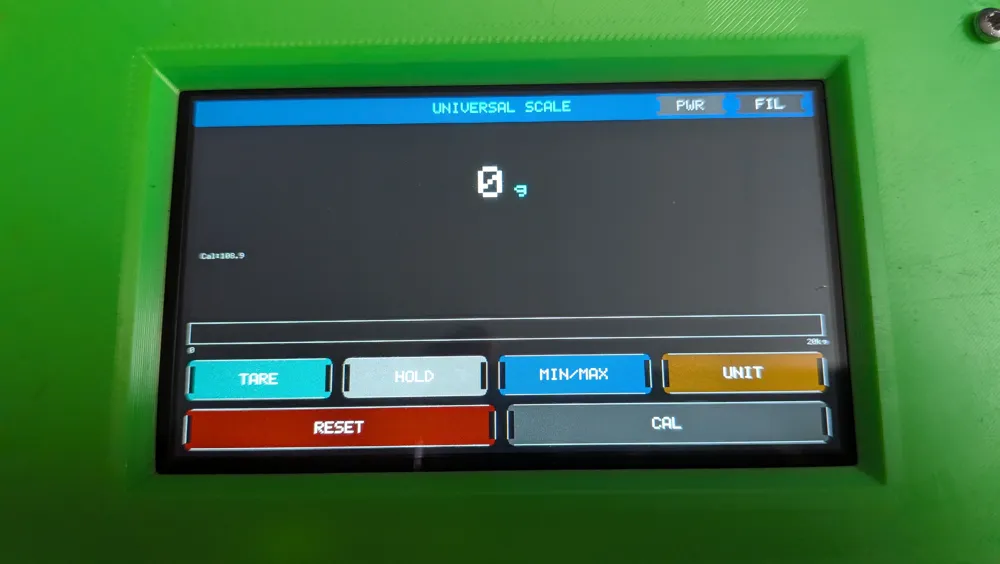
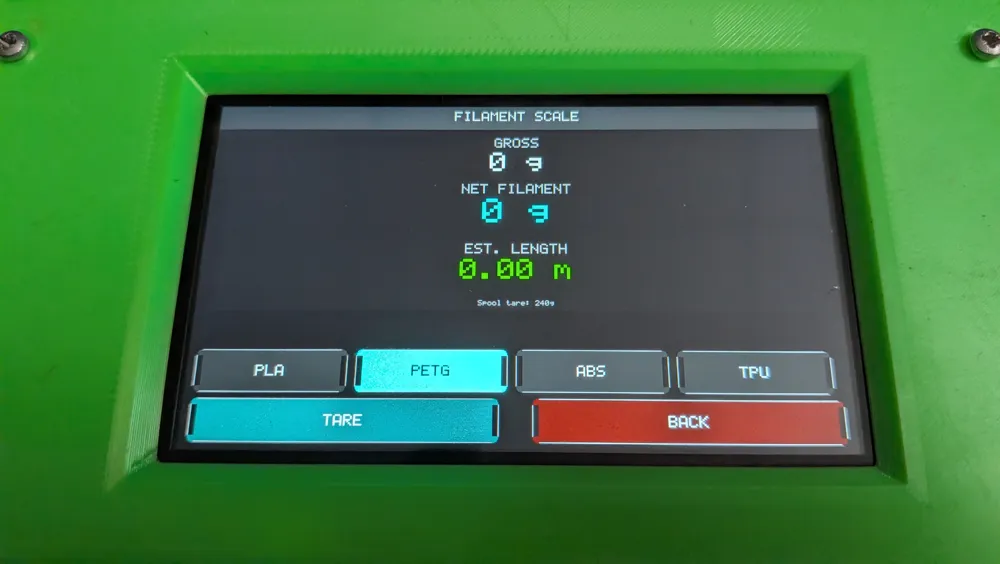
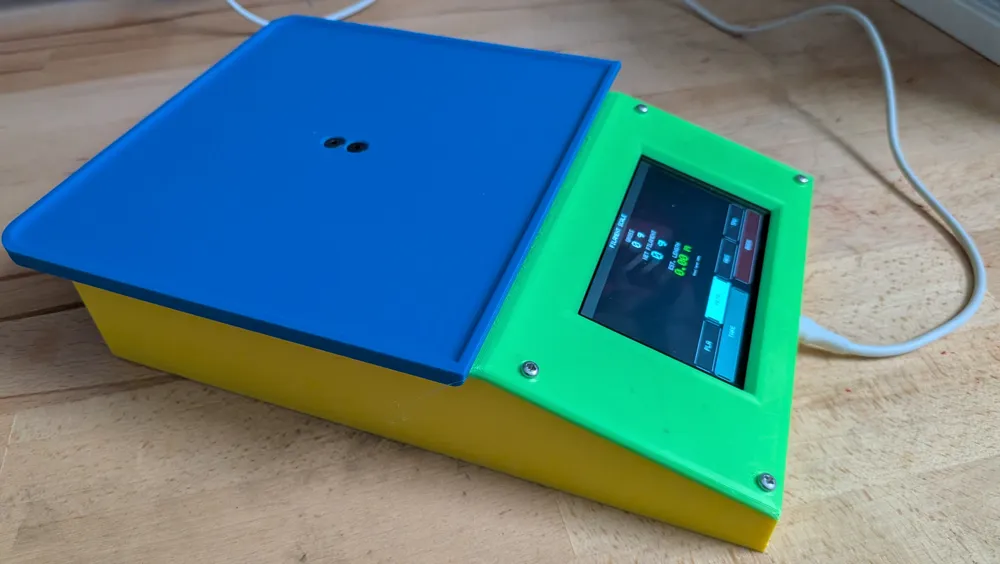
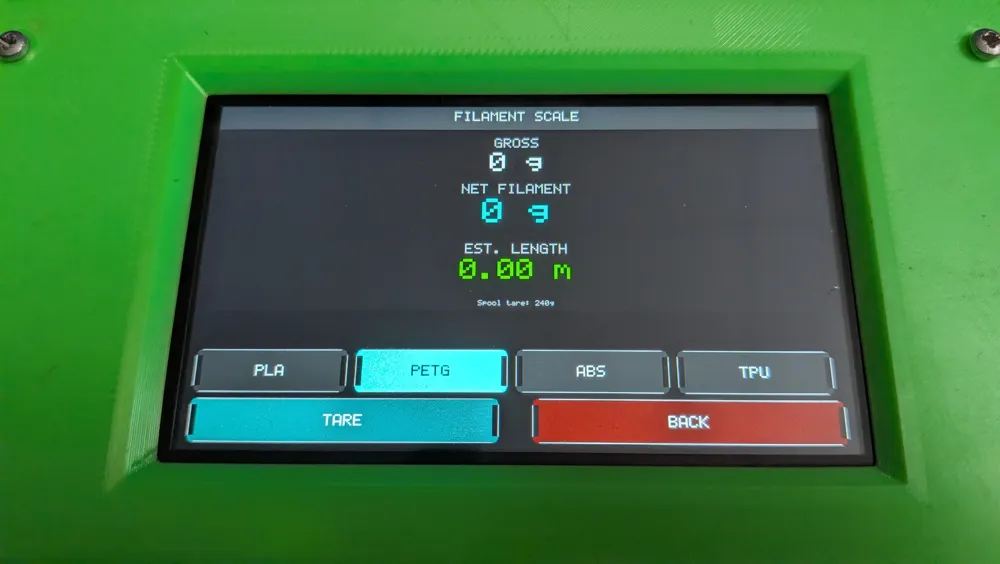
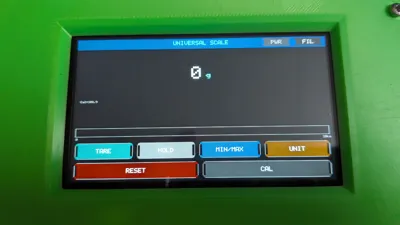
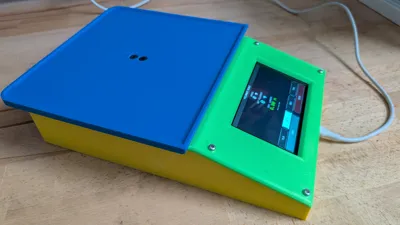
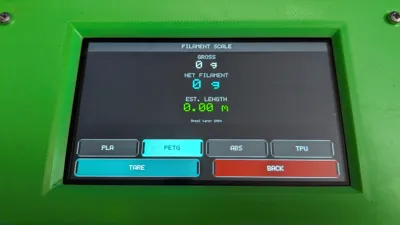
This is a general-purpose scale but with a secondary mode for weighing and estimating filament length on a Bambu Labs spool. 

The empty weight of a Bambu Labs spool (including the cardboard rim that hold the RFID tag) is close to 240g.  

This figure is automatically subtracted when a partially full spool is loaded, and the remaining filament length is displayed.


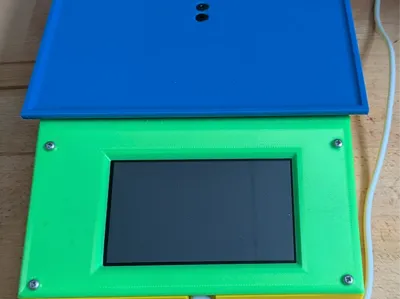
The base of the unit is fairly chunky to give it some weight and rigidity.

All parts are printed in PLA, but any filament can be used.

The display is a 4.3in VIEWE 800x480 pixel TFT (probably overkill) which incorporates an ESP32-S3 processor (definitely overkill) and the Load Cell is a 20kg unit driven by a HX711 amplifier.

The parts that I used are here:


DISPLAY

https://www.aliexpress.com/item/1005007558354417.html?spm=a2g0o.productlist.main.15.348cQ47CQ47CuJ&algo_pvid=b257dd80-7dd3-4b6f-b531-c94ff99842a0&algo_exp_id=b257dd80-7dd3-4b6f-b531-c94ff99842a0-14&pdp_ext_f=%7B%22order%22%3A%2282%22%2C%22eval%22%3A%221%22%2C%22fromPage%22%3A%22search%22%7D&pdp_npi=6%40dis%21AUD%2130.63%2129.41%21%21%21146.57%21140.71%21%402101e2b217728346536487395e4a6d%2112000048252409813%21sea%21AU%21138139525%21X%211%210%21bm%3A1&curPageLogUid=eA8Q6M0sBSan&utparam-url=scene%3Asearch%7Cquery_from%3A%7Cx_object_id%3A1005007558354417%7C_p_origin_prod%3A


LOAD CELL

https://www.aliexpress.com/item/1005006892146384.html?spm=a2g0o.productlist.main.24.60921b78rkkSNM&aem_p4p_detail=20260306140605732634116906460000424358&algo_pvid=28e97792-81dc-4f0b-8654-aaf8c84d85d0&algo_exp_id=28e97792-81dc-4f0b-8654-aaf8c84d85d0-23&pdp_ext_f=%7B%22order%22%3A%22574%22%2C%22eval%22%3A%221%22%2C%22fromPage%22%3A%22search%22%7D&pdp_npi=6%40dis%21AUD%212.38%212.38%21%21%2111.40%2111.40%21%4021032f3717728347651805442e7d9b%2112000038636009495%21sea%21AU%21138139525%21X%211%210%21n_tag%3A-29919%3Bd%3Afdb6cd4c%3Bm03_new_user%3A-29895&curPageLogUid=ANZzjD3j6ZNp&utparam-url=scene%3Asearch%7Cquery_from%3A%7Cx_object_id%3A1005006892146384%7C_p_origin_prod%3A&search_p4p_id=20260306140605732634116906460000424358_7


That is all that is required for the electronic parts, and the mechanical hardware consists of two M4 socket head screws to mount the load cell to the base and two CSK M4 screws to mount the weighing plate. The display panel is mounted to the front panel using 4 x M3 brass inserts. The front panel is affixed to the base using 4 x M2 screws (or similar).


The code for the display unit was done in the Arduino IDE. A number of settings must be changed in the TOOLS menu, and these are shown in the screenshot (zip folder). Also, there is a config file that must also reside in the same location as the .ino file; this configures the compiler for the specific VIEWE panel being used.


Documentation (3)

Assembly Guide (2)
IDE Settings.jpg
Multiscale_Button_Guide.pdf
Other Files (1)
Multiscale_V2.zip

Comment & Rating (1)

(0/1000)
