Search models, users, collections, and posts

Modular Stackable Filament Spool Holder
IP Report

Print Profile(10)

All
X1 Carbon
A1
P2S
H2D Pro
P1P
H2D
X1
P1S
H2C
H2S
X1E
X2D
A2L
A1 mini

PLA Fast – 1 Plate – ~5.5h
Designer
5.5 h
1 plate
5.0(7)

PLA – Single Spool
PLA – Single Spool
Designer
6.8 h
4 plates
5.0(1)

PETG – Single Spool – Strong
Designer
7.4 h
4 plates

AMS – Single Spool – Color
Designer
8.5 h
5 plates
Click to see more

Open in Bambu Studio
Boost
655
2332
60
22
701
232
Released 

Bill of Materials

Bambu Filaments
Select all
Jade White (10100) / Refill / 1kg
Black (10101) / Refill / 1kg
Black (33102) / Refill / 1 kg
White (33100) / Filament with spool / 1 kg

Description

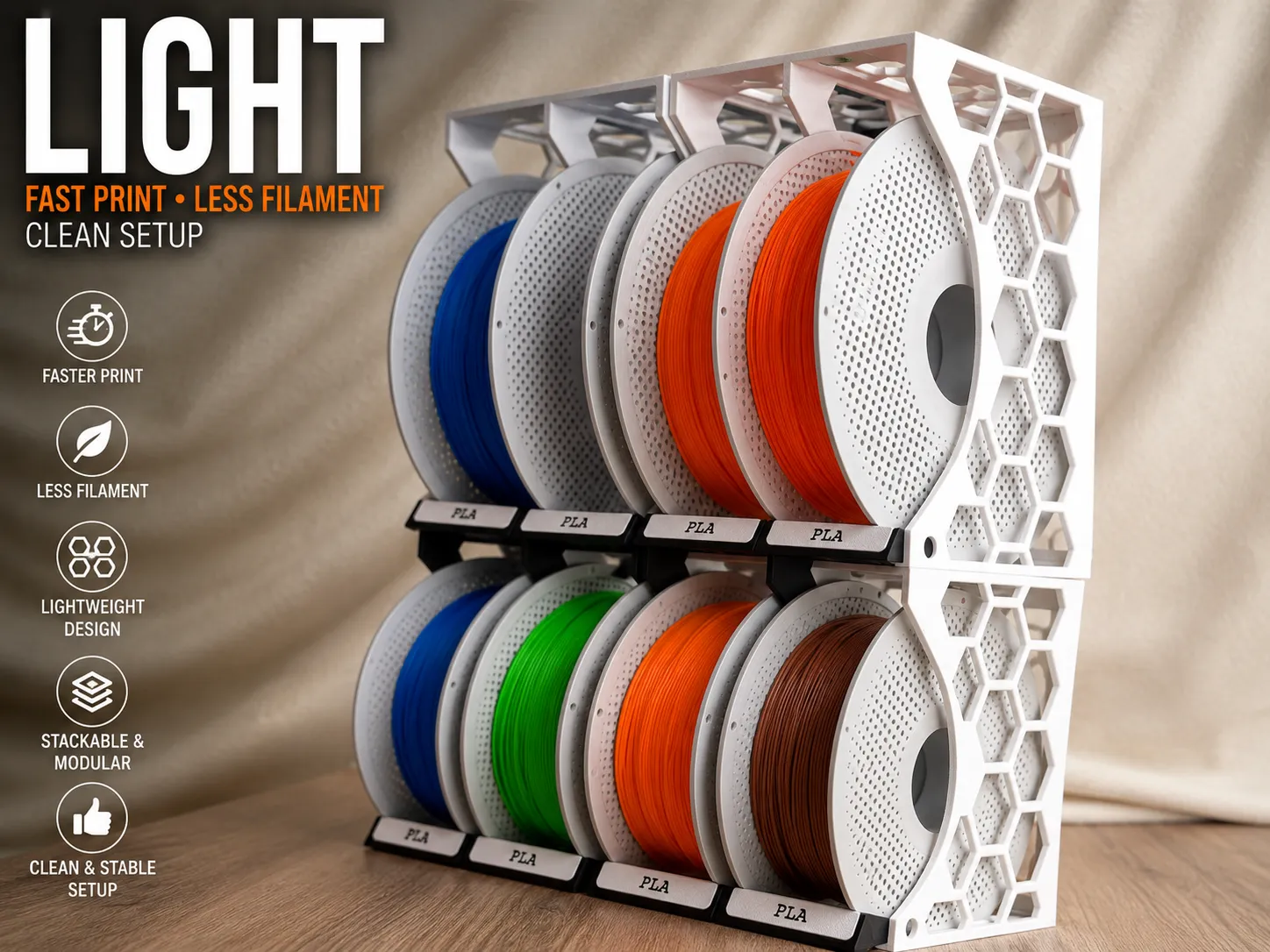
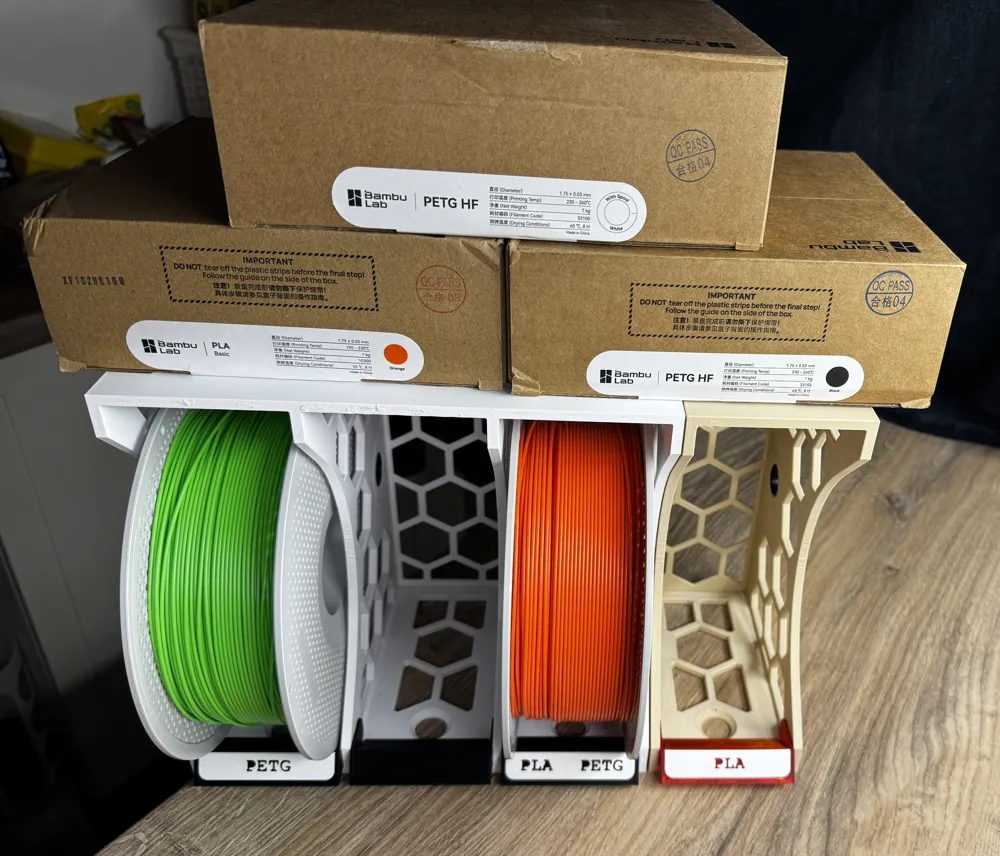
🔥 NEW LIGHT VERSION AVAILABLE

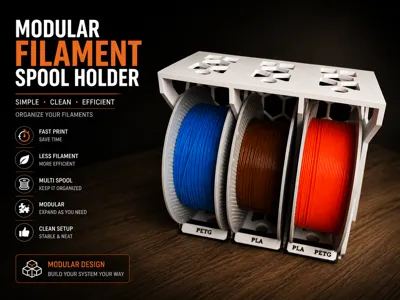
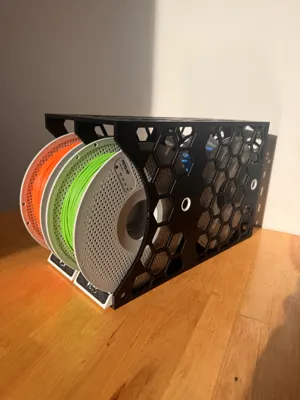
I just released the new optimized LIGHT edition of the modular spool holder system.

✅ Faster printing
✅ Less filament usage
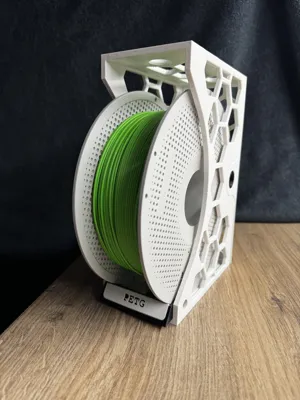
✅ Lightweight honeycomb structure
✅ Clean modular design
✅ Stackable system

Perfect for anyone who wants a faster and more material-efficient version while keeping the same clean modular setup.

👉 Check out the LIGHT version here:

Modular Filament Spool Holder LIGHT
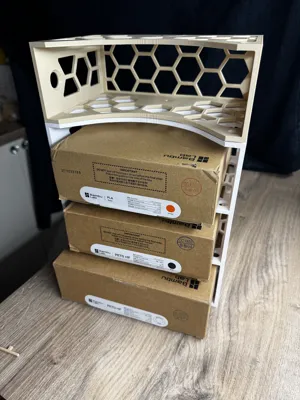
 

The LIGHT edition was designed based on community feedback and focuses on simplicity, efficiency and modern workshop aesthetics.


🚀 NEW REAR EXTENSION MODULE AVAILABLE 🚀

The Modular Filament Storage System just got an upgrade.

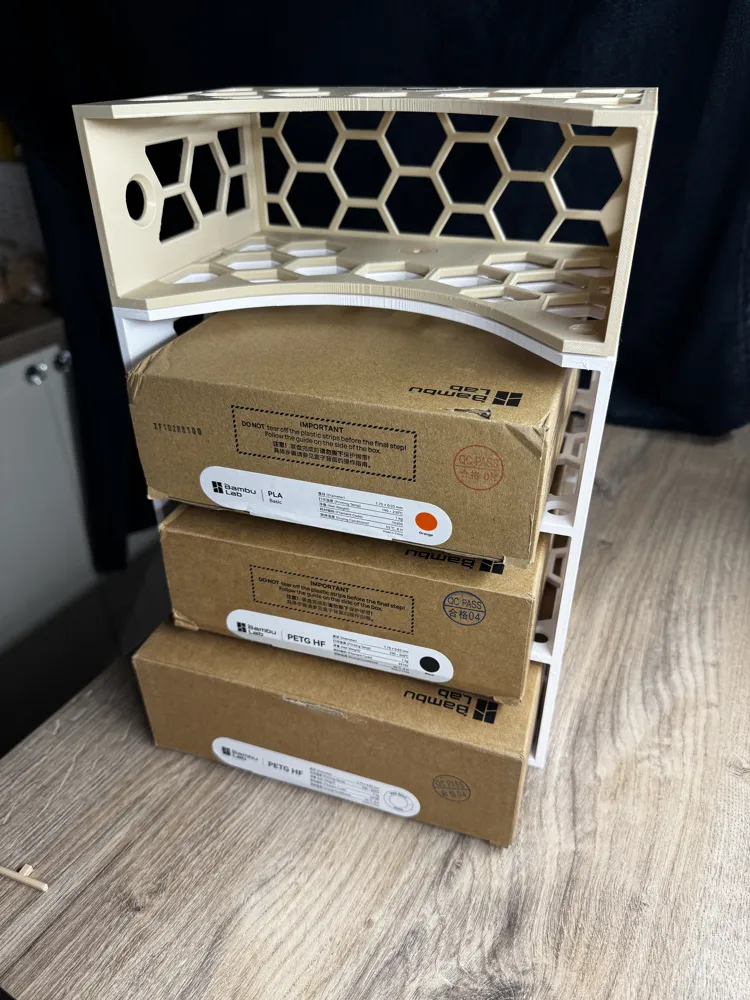
A brand new lightweight rear extension module is now available for expanding your existing setup without printing another full front holder.


✔ Fully modular expansion

✔ Support-free printing


Get the new extension module here:  LINK HERE   https://makerworld.com/en/models/2800624-modular-filament-extension-module#profileId-3115466


⚠ This extension requires the original main holder module.

Thanks everyone for the support and all the amazing makes so far.
More add-ons coming soon.

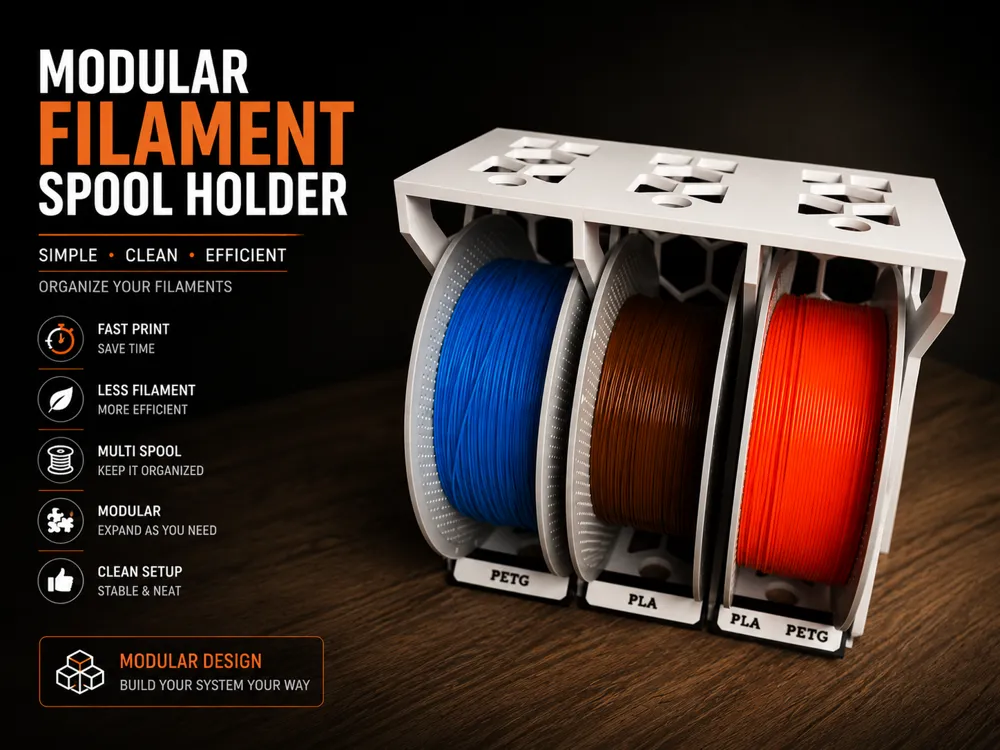
Modular Filament Spool Holder – V1 (Core System)
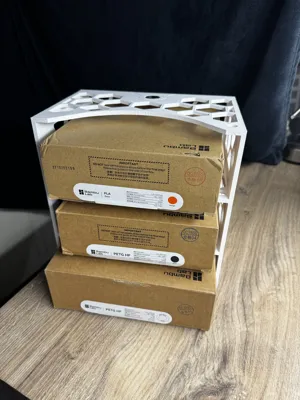
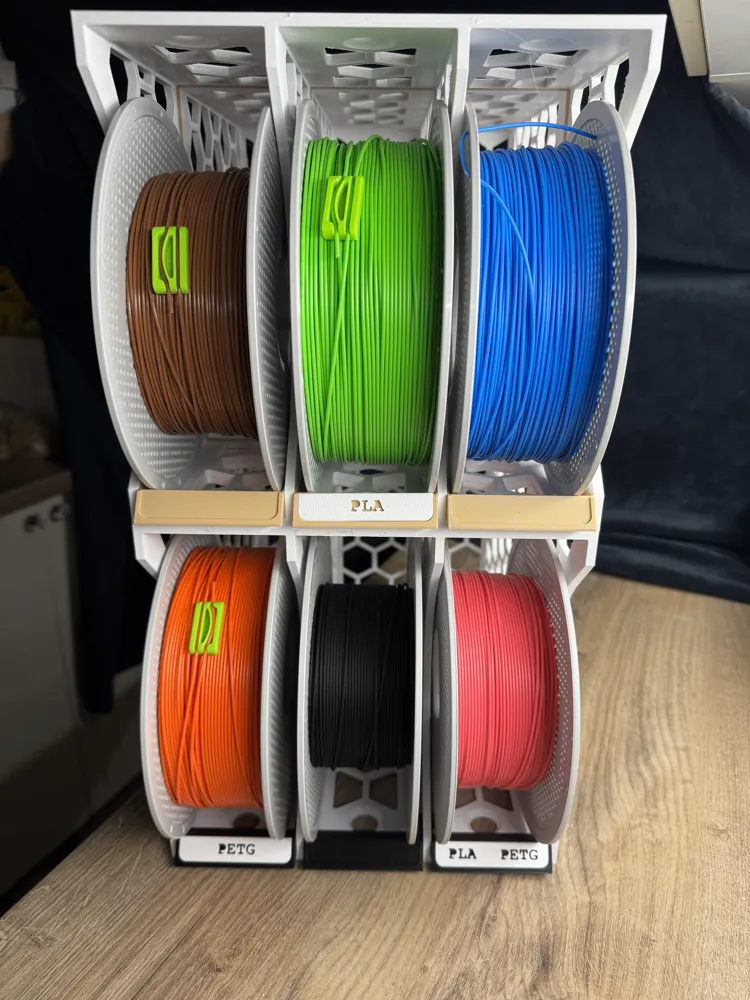
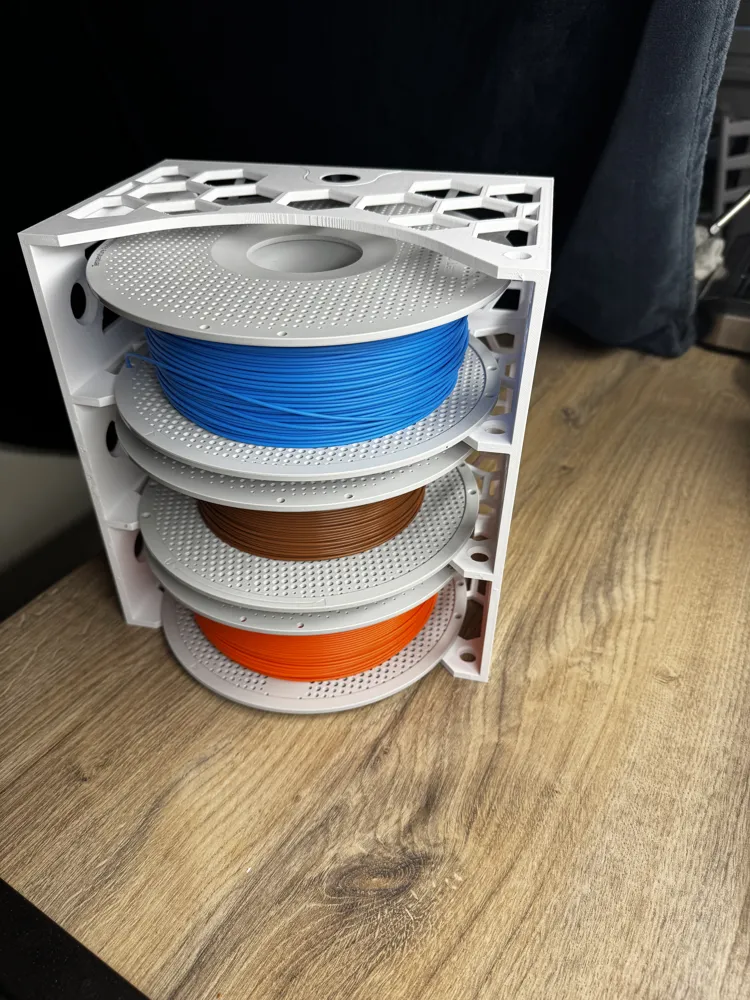
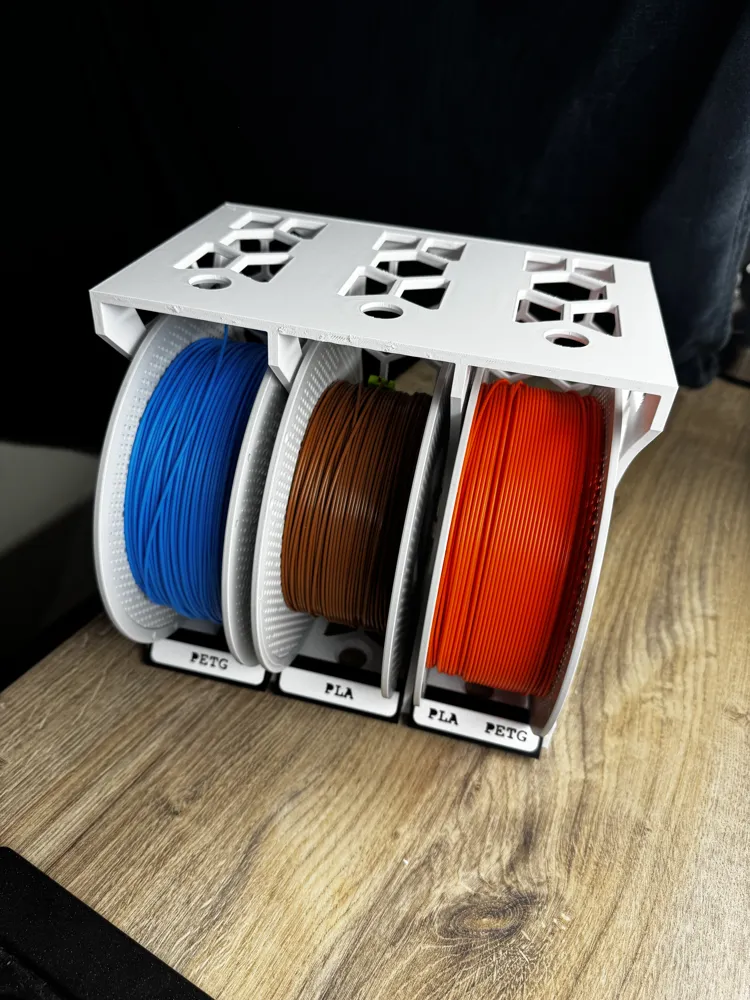
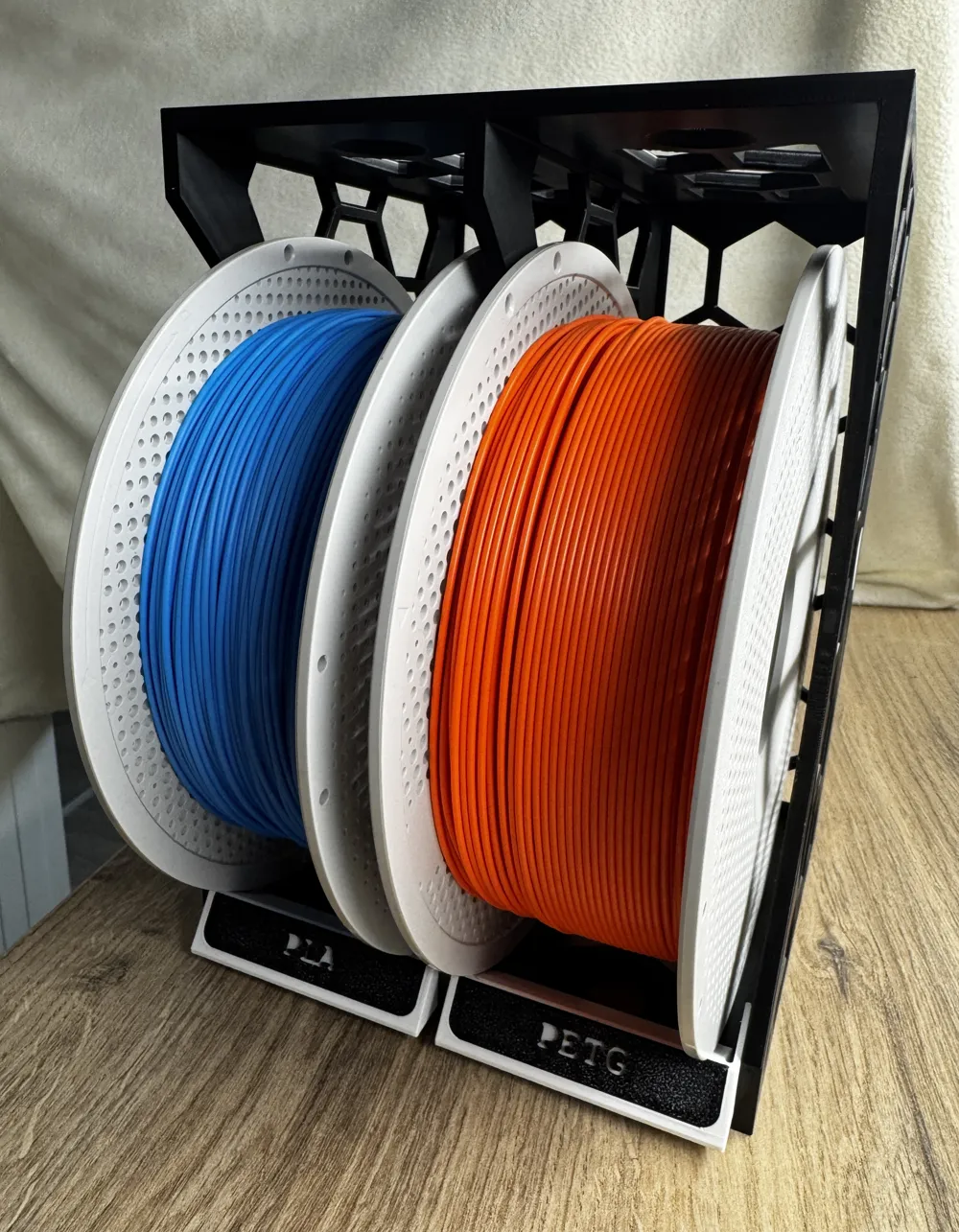
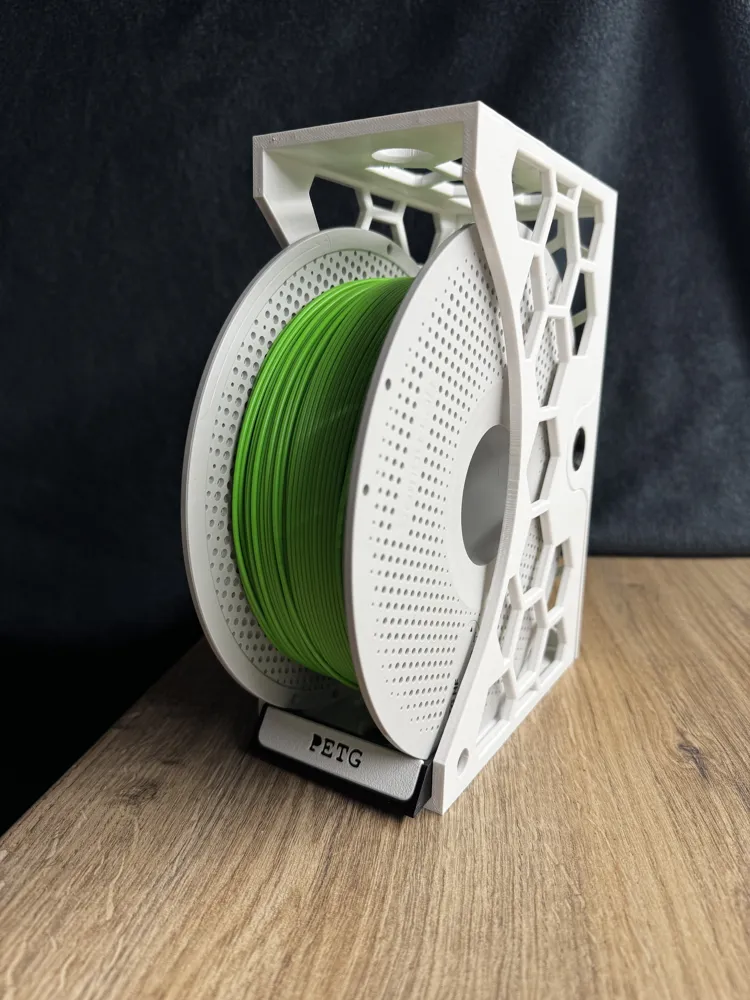
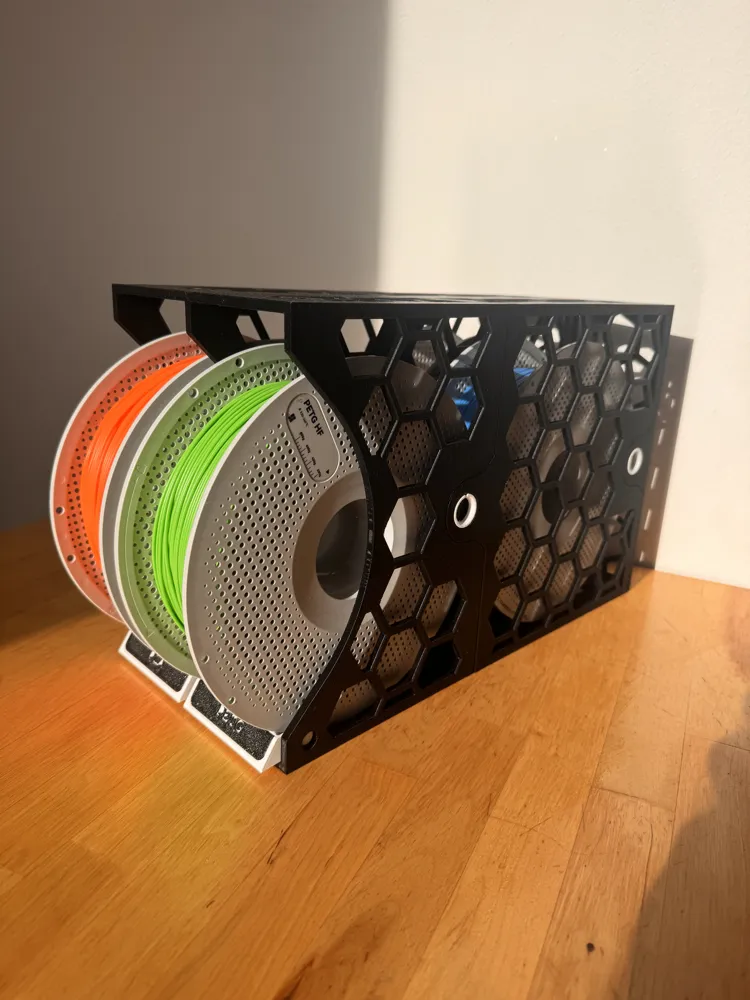
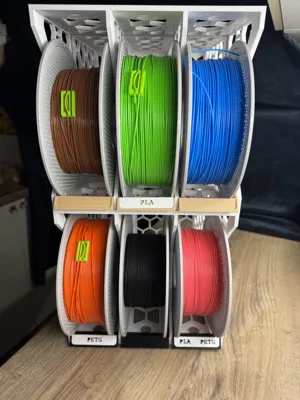
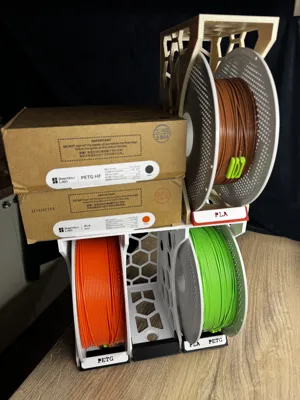
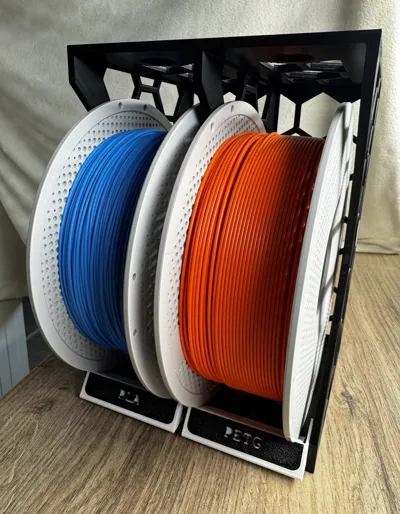
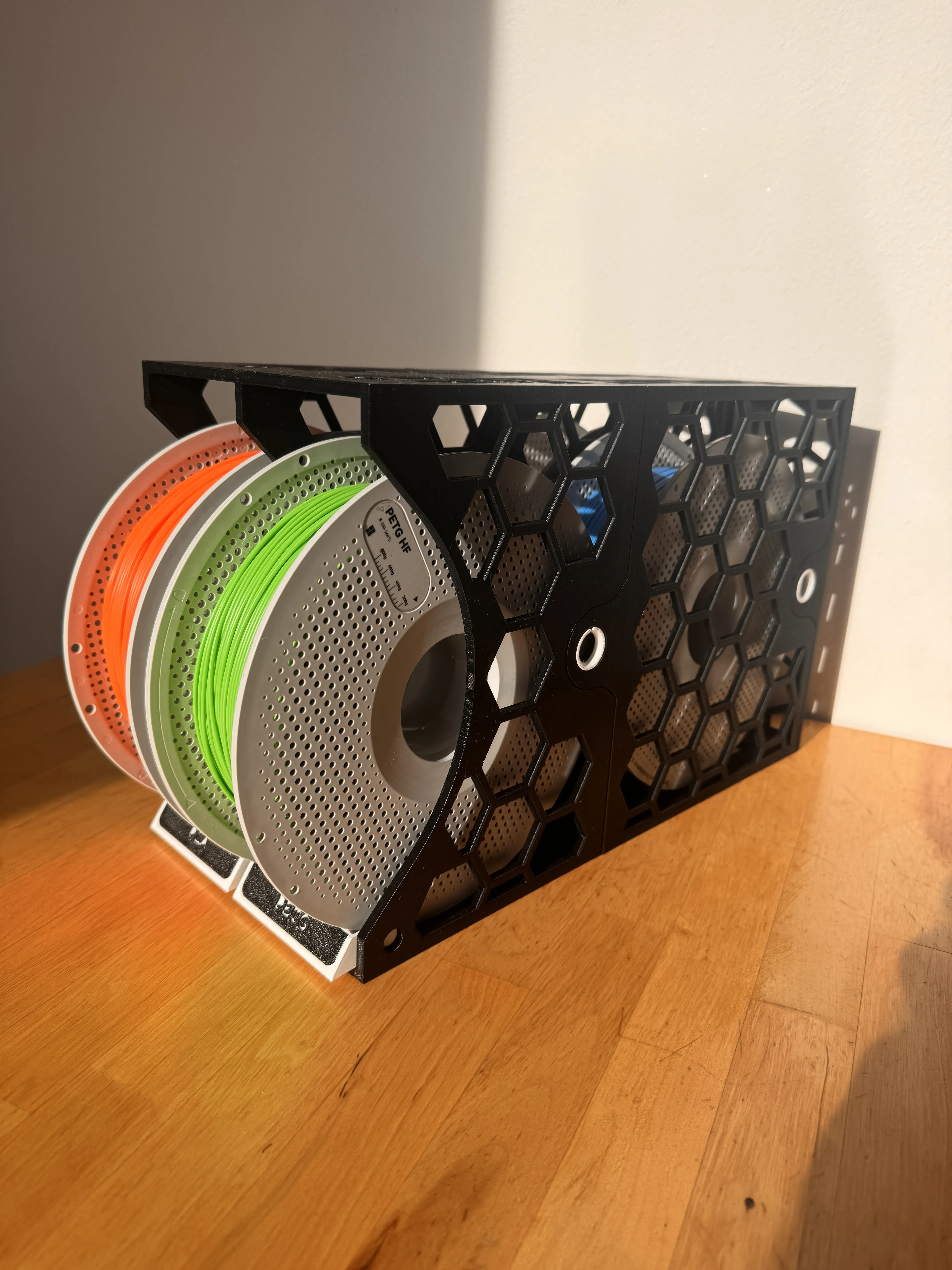
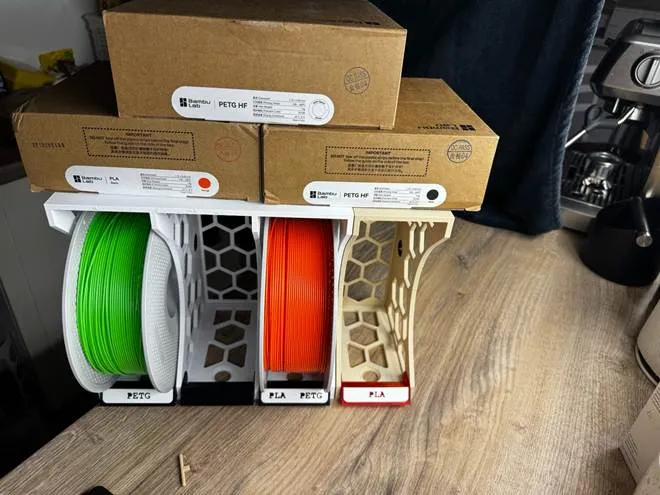
A space-saving modular filament spool holder designed for small workspaces. Start with one module and expand side-by-side or vertically without limits.

🧩 Assembly

Insert the round connectors at an angle into the circular holes and snap both parts together.
For connecting multiple modules, use the printed bolt & nut instead of the round connectors.
 

✨ Main Features
• Infinite modular system – expand anytime
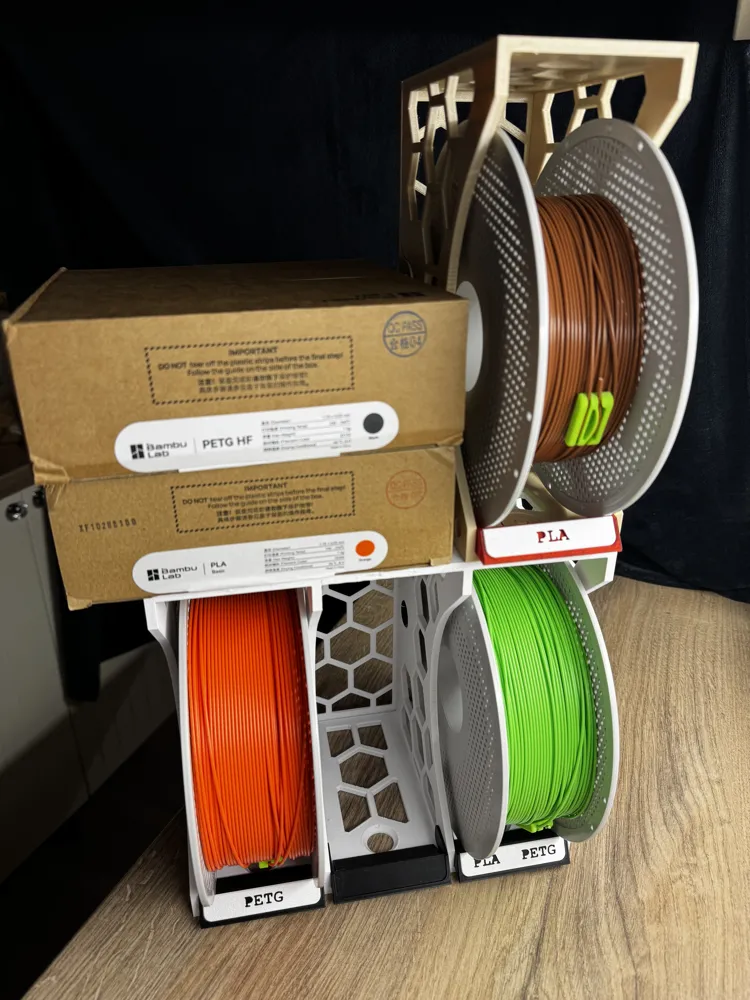
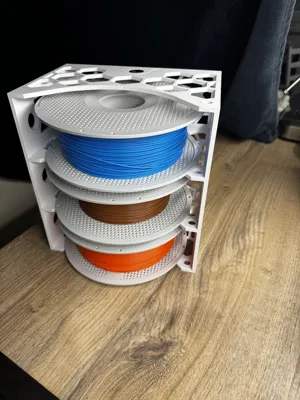
• Stackable & side‑by‑side configuration
• Snap‑fit assembly – no tools required
• Optional bolt connection for rigid setups
• Space‑saving design for small workspaces
 

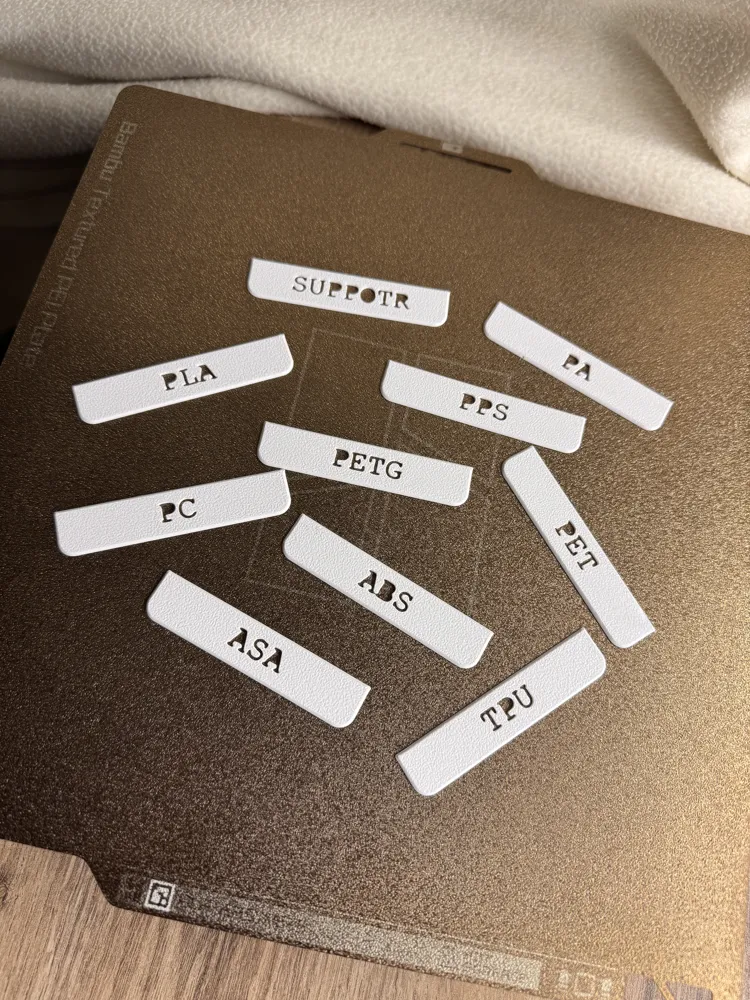
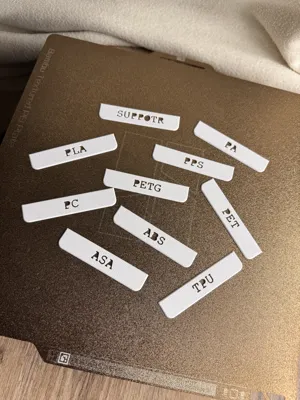
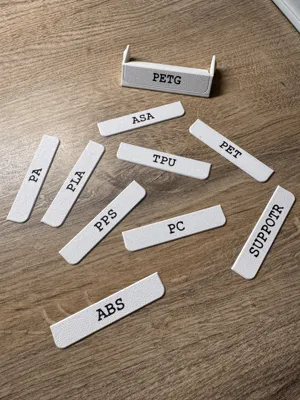
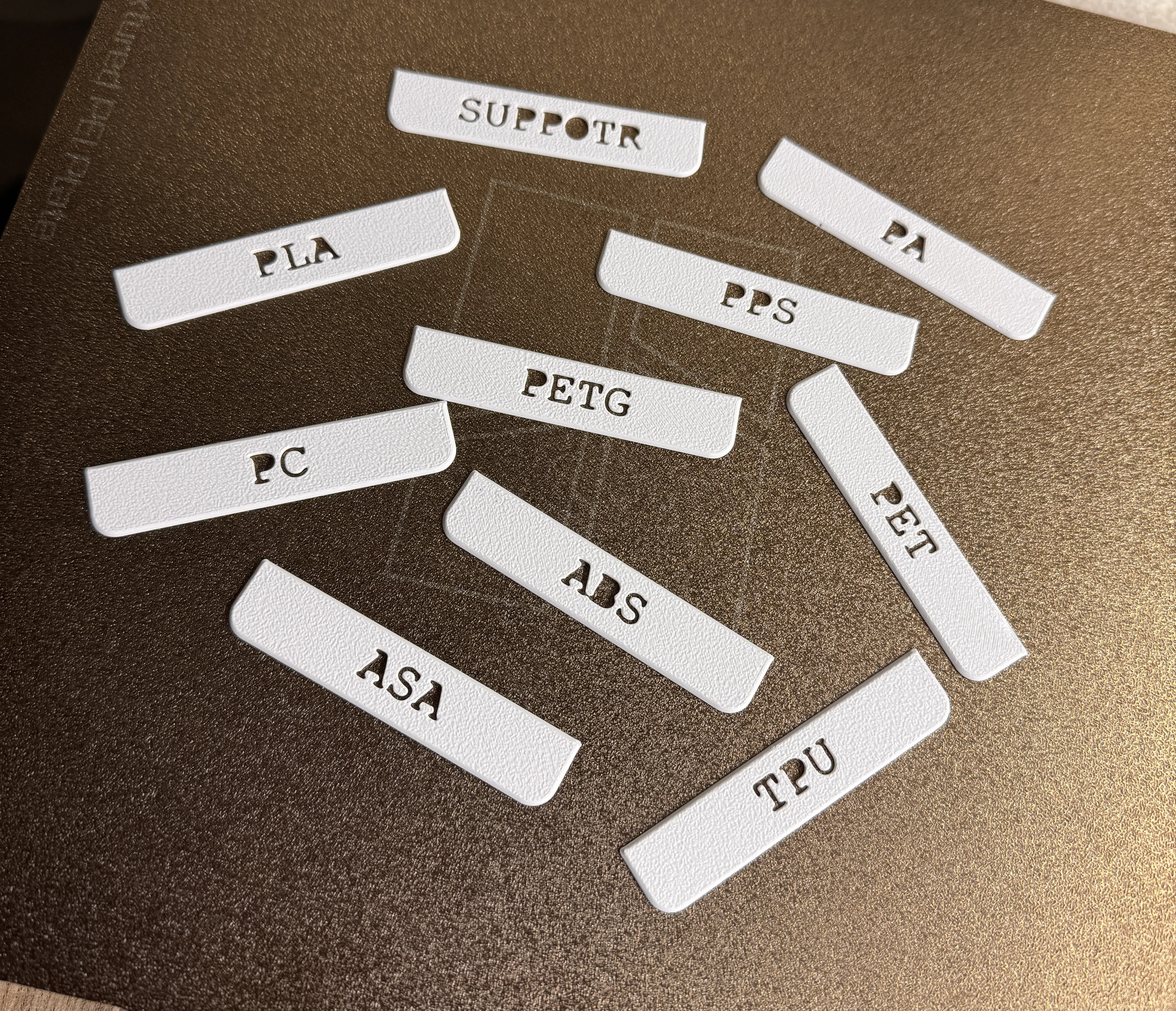
🏷️ Filament Labels – Mobile Friendly Print Profiles
Each label is prepared on a separate build plate.
This allows direct printing from the Bambu Handy mobile app.

Available materials:
PLA • PETG • ABS • ASA • TPU • PA • PC • PPS • SUPPORT

MAIN FEATURES 

- Infinite modular system
- Side-by-side expansion
- Vertical stacking
- Snap-fit printable connectors
- Optional printable locking bolts
- Space-saving design

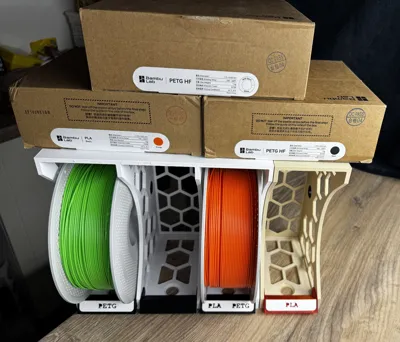
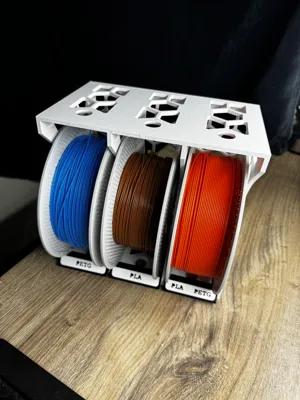
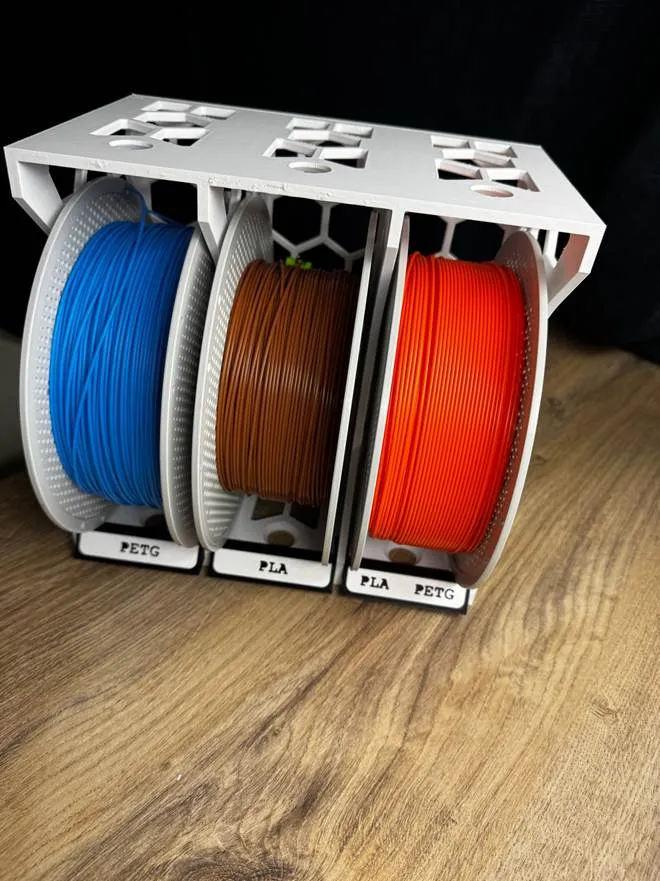
 HERO – Compact setup

Compact everyday configuration with minimal footprint.
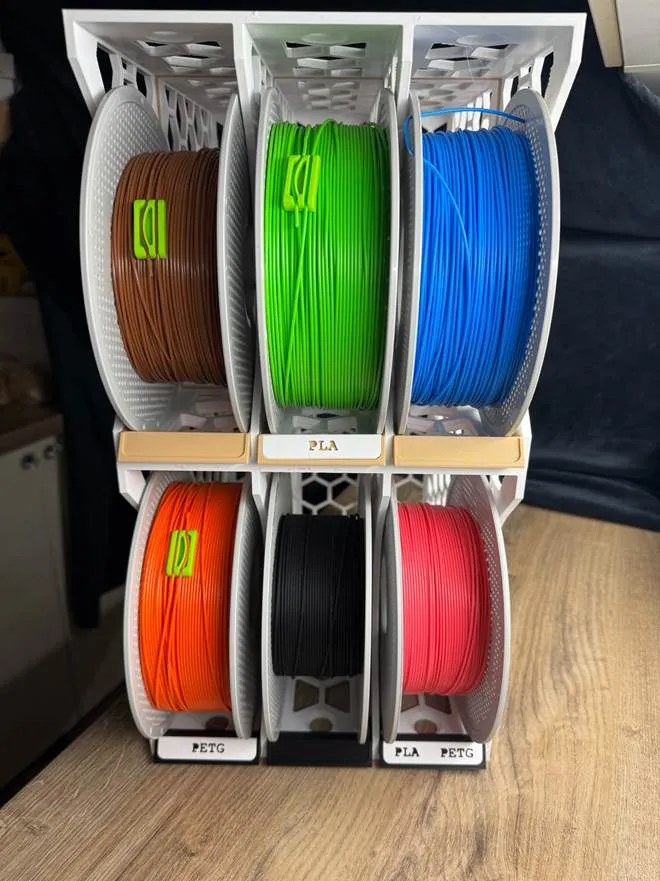
 High-capacity configuration

Store more filament in the same space.
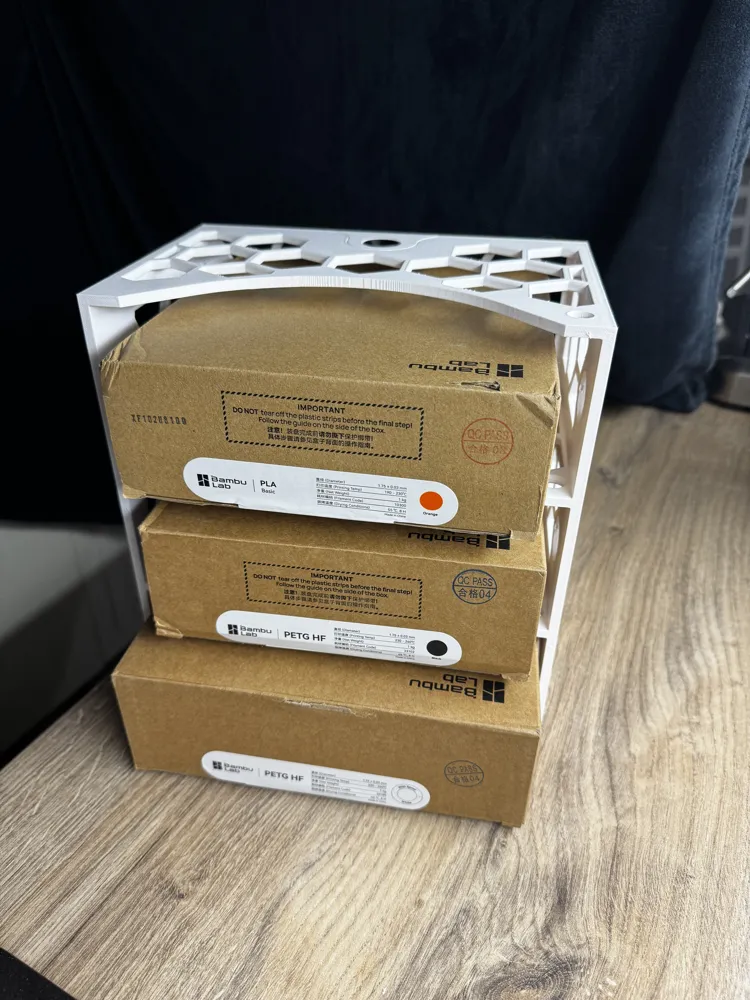
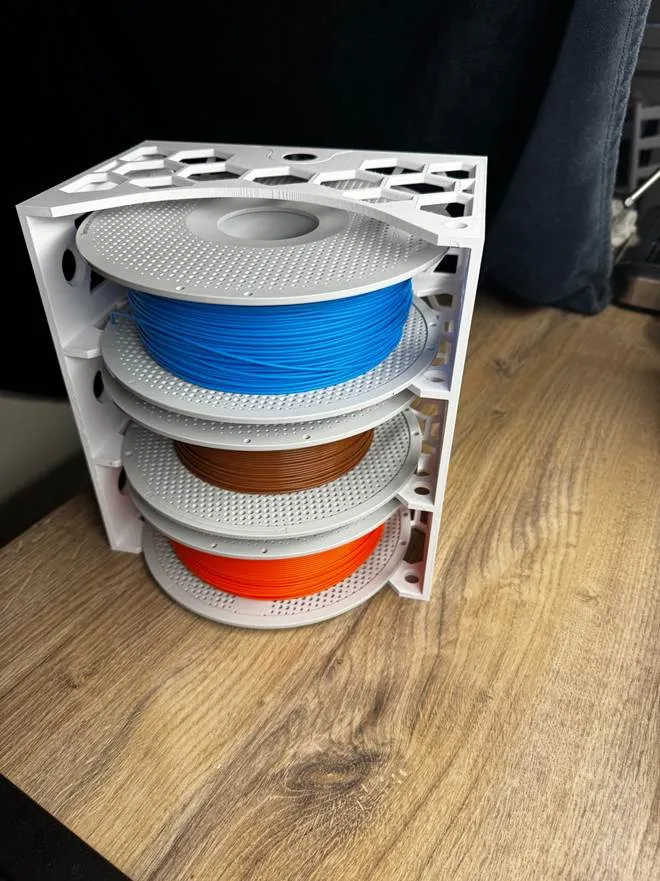
 Vertical stacking

Use vertical space instead of increasing width.
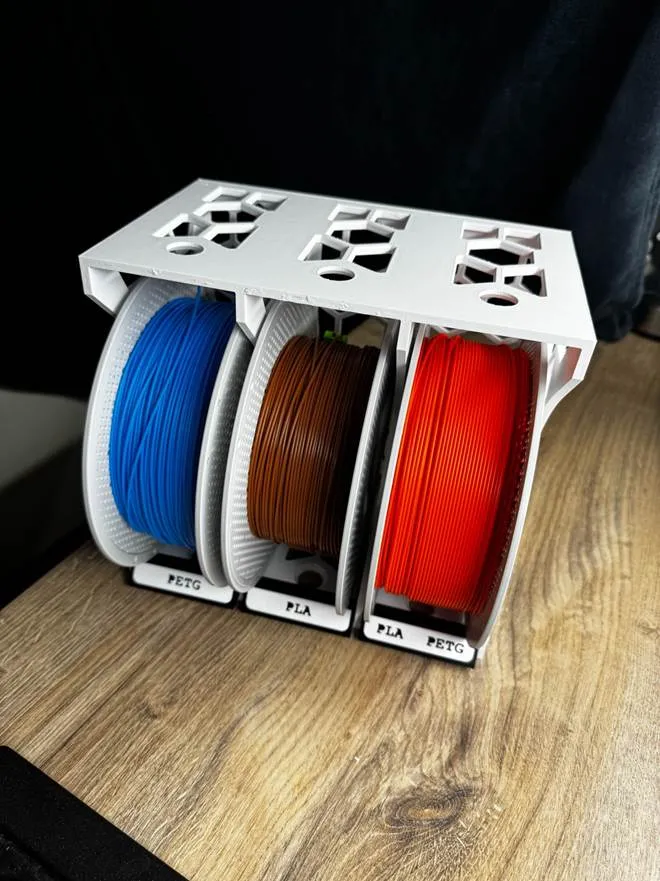
 Snap-fit connection system

Fast tool-less assembly with optional printable locking bolt.
 Strong lightweight structure

5 mm structural walls for high rigidity and stability.
HOW IT WORKS 

1. Print one module
2. Snap modules together
3. Expand anytime
No hardware required.


💬 If you like the system, post your setup – I’d love to see your configurations!

Membership

💼 Commercial License Membership Get legal rights to sell physical prints of my models. Your membership also helps support future designs and updates.

Join

Boost Me (for free)

I would be very grateful for your support of my creations.

Comment & Rating (60)

(0/1000)

Perfect design and flawless print. I printer 2 of the triple and a single as my space allows for 7 spools, but it is a tad too wide using (2) triple and a single. Is there an option for 4 rolls? eliminating the extra side wall (of the single and triple) would likely fit. Also, if I can make a recommendation. Add the option to print the colors on the labels. It would help identify spools that are in storage bags. I figured out the text can be edited in the slicer. Printing out a dozen labels. **BOOSTED**
(Edited)
designer
1
Reply
Print Profile
PLA – 3 Spool – Compact
Is there an option for 4 rolls? eliminating the extra side wall (of the single and triple) would likely fit my cabinet space.
The profile uploader has replied
profile
1
Reply
thank you very much for the rating 😀 try to send me the size you need to put it in and I will try to adjust it to your needs. and if you also give me the type of printer I will try to see what fits on the pad
0
Reply
Replying to @user_3381048580 :
@martin that would be amazing, and much appreciated. The width is 56 cm. I am printing on a p2s with an ams 2 pro. (don't think it makes a difference, lol) It's for an Ikea Besta storage system. So you can include that in your description (more downloads perhaps) I happily submit photos if it helps.
0
Reply
Replying to @user_3381048580 :
Hi, how are you? just checking in to see if you had a chance to modify the design.
0
Reply
Boosted
Print Profile
PLA – Single Spool
profile
1
Reply
Print Profile
Filament Labels - AMS – 1-Click Print from Bambu Handy
I had small problems printing the labels. The text formed clumps when printing, I cannot say exactly why.
(Edited)
The profile uploader has replied
Show original
0
Reply
Is it possible to send a photo of the problem? I would like to understand it better with a description, I don't know exactly what it is
0
Reply
Replying to @user_3381048580 :
Unfortunately, I didn't take a picture
Show original
0
Reply
Replying to @user_3381048580 :
I would have liked to rate it with 4 stars, but Bambulab did not allow it
Show original
0
Reply
I did not print it yet, does it spin the filment freely
The designer has replied
0
Reply
It is a filament spool holder 🙂 It works well for holding and using filament. I am also working on an insert that will allow smooth unwinding of the filament. The insert will be placed inside the holder, but it is still in testing before release.
0
Reply
does it work with normal spools that aren’t printed?
The designer has replied
0
Reply
I currently know that all coils that fit into AMS will fit there.
0
Reply
ok thanks
0
Reply
Any support to hang it on the wall??? I love it. perfect design. I love the fixing rings
The designer has replied
Show original
0
Reply
Thank you very much, I really appreciate it! That’s a great idea. I’m currently using it on a shelf, but I’m thinking about making a wall-mounted version. Would you prefer a wall mount that supports multiple modules in a row, or a simple mount for a single module that can be repeated?
0
Reply
it would be great to have some supports for the triple module and that the necessary ones are printed. as if they were hexagons with some kind of recess and that they fix in the rear holes. although some that grip two modules in a line would serve for both things. it would even be better
(Edited)
Show original
0
Reply
Print Profile
PLA Fast – 1 Plate – ~5.5h
Fresh off the printer! The details on this model are insane!
profile
1
Reply
Print Profile
PLA – Dual Spool – Fast
having some issues with this one hoping to try again another day. the model looks great though
The profile uploader has replied
0
Reply
Try to explain your problem to me. I'll be happy to help you with it.
0
Reply
I would give this 2 stars. Even if you try to angle the snap ring in for it to lock it in, it doesn't take. I ended pushing hard and still couldn't get the dang thing in any one of them, so I printed more snap rings and same stuff.
The designer has replied
0
Reply
Thanks for the feedback! I’ve printed quite a lot of these myself without issues, so it may depend on printer tolerances, filament type, or extrusion settings. One important detail: the snap ring should be inserted with the side that was facing up during printing. That side is slightly narrower and helps the ring slide into the slot more easily. If it still feels too tight, you can try scaling the snap ring to about 99–99.5%, as different filaments and printers can slightly change the tolerances. Just make sure the thinner side of the ring stays oriented correctly when inserting. If more people run into the same issue I can also add an alternative version with a slightly larger gap, but that may reduce the locking strength of the connection. If you can share a photo of your print I’d be happy to help troubleshoot!
0
Reply

License

If you want to use this model commercially, please join my membership.
Join Now
This user content is licensed under a Standard Digital File License.

You shall not share, sub-license, sell, rent, host, transfer, or distribute in any way the digital or 3D printed versions of this object, nor any other derivative work of this object in its digital or physical format (including - but not limited to - remixes of this object, and hosting on other digital platforms). The objects may not be used without permission in any way whatsoever in which you charge money, or collect fees.