
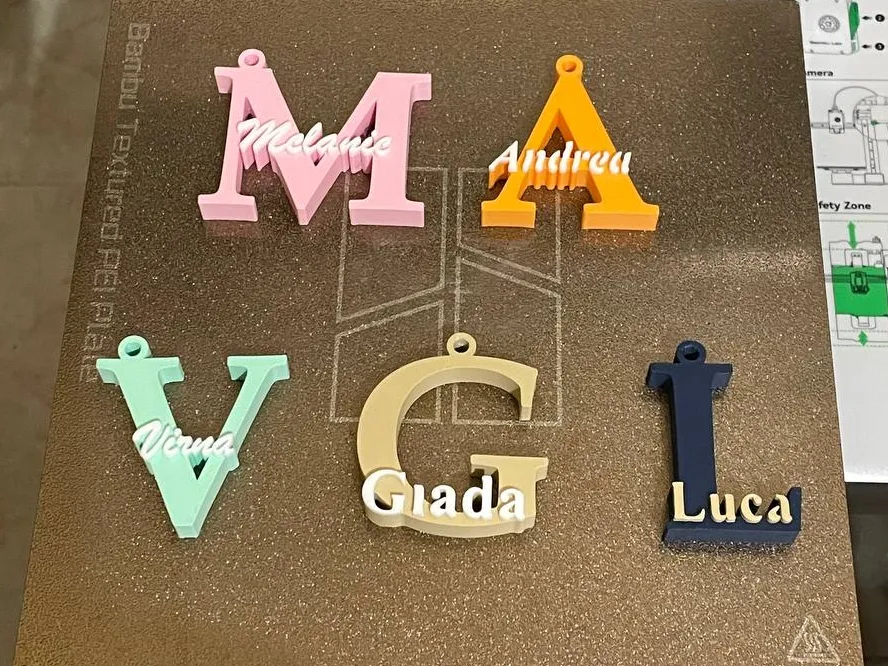
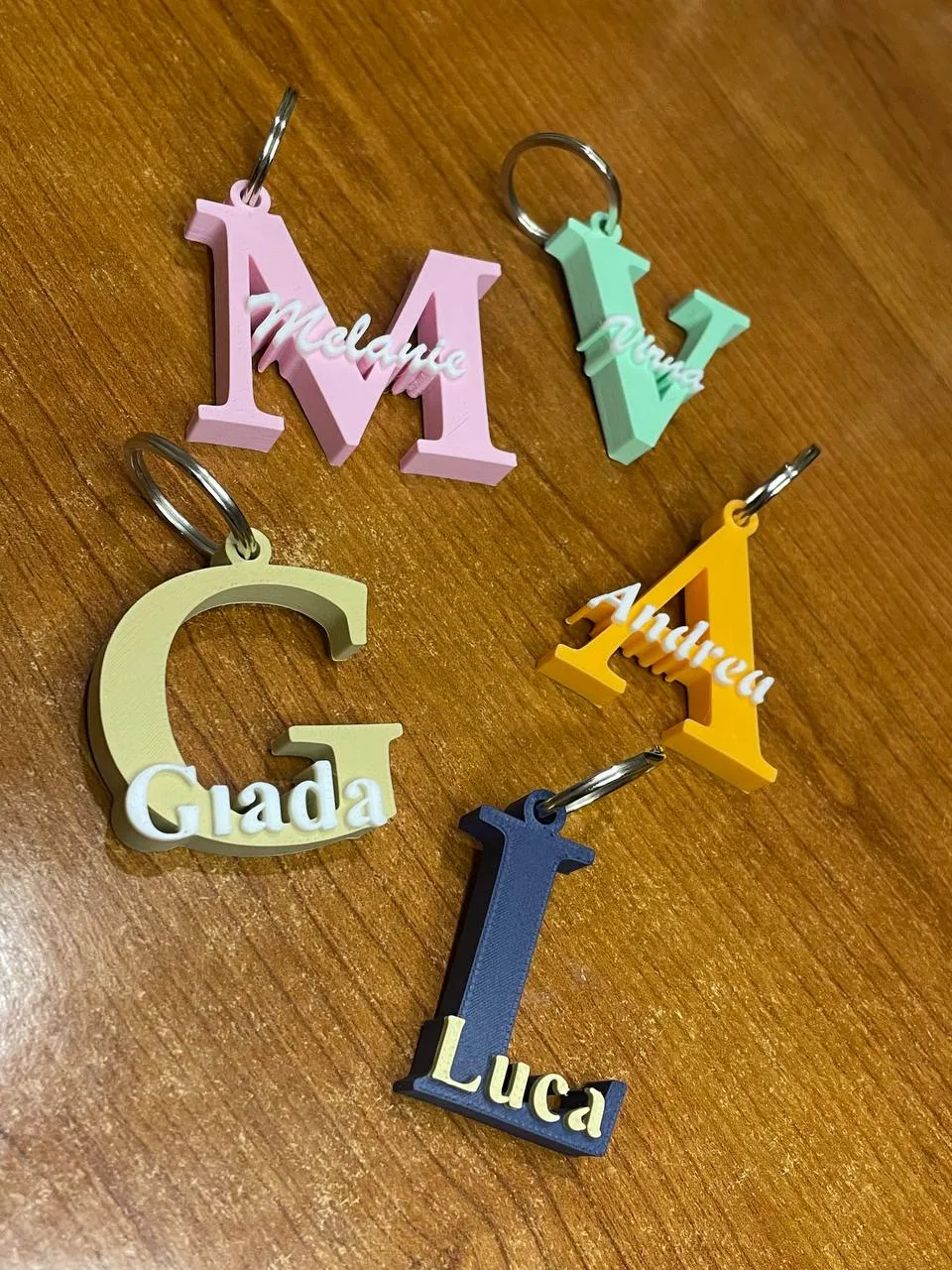
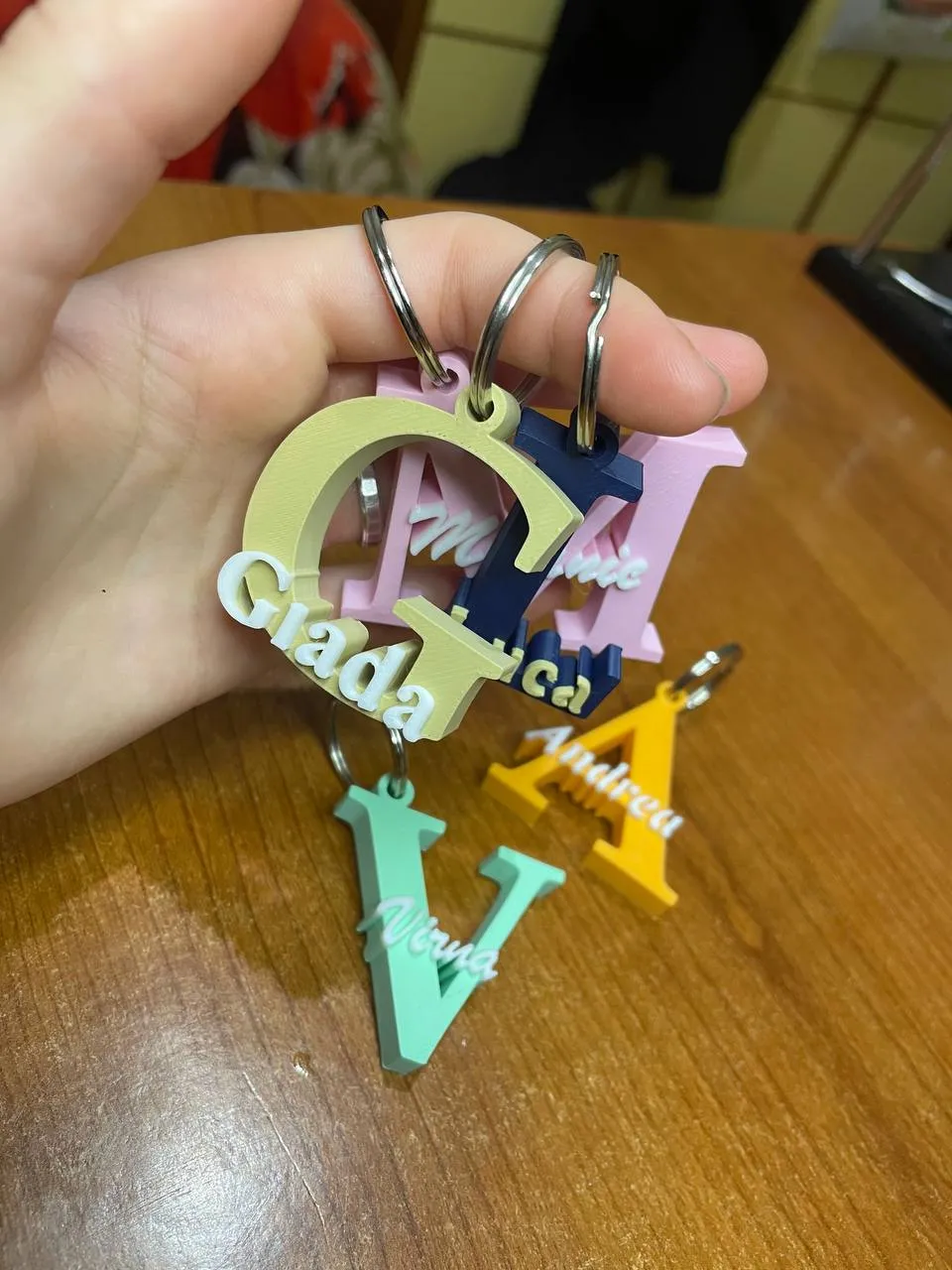
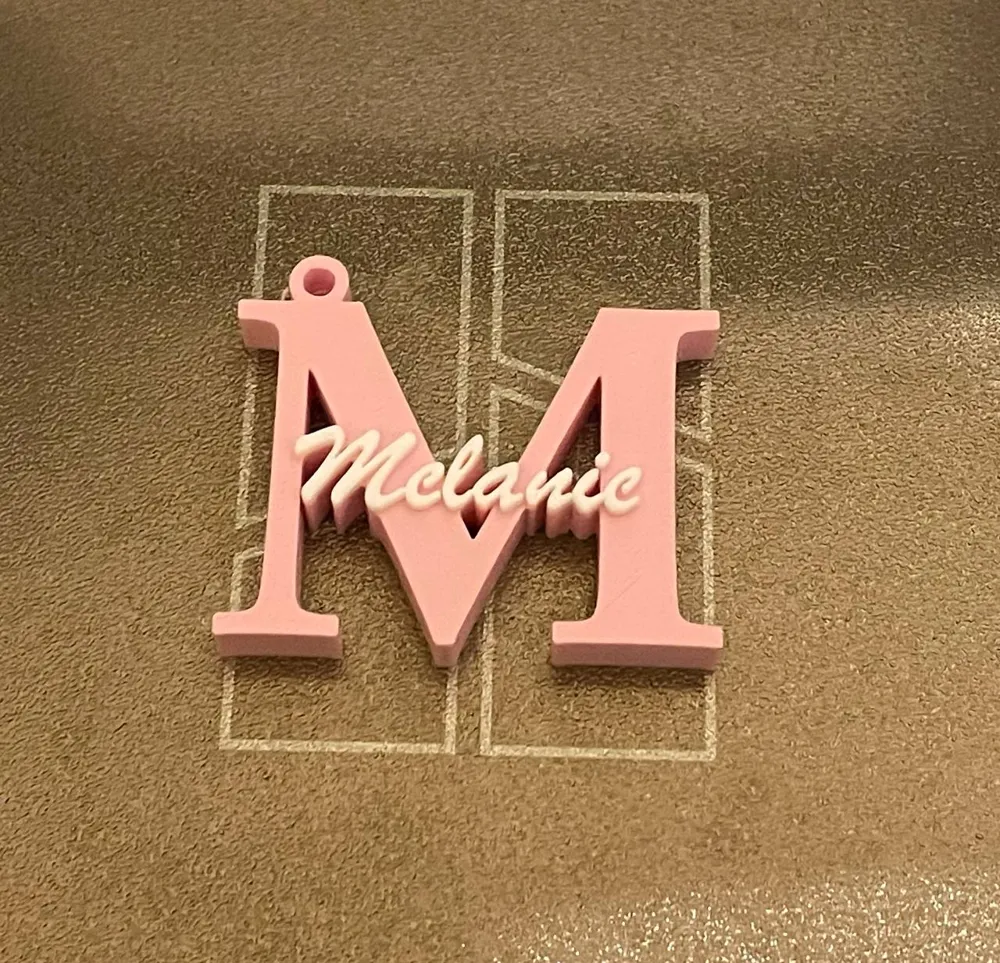
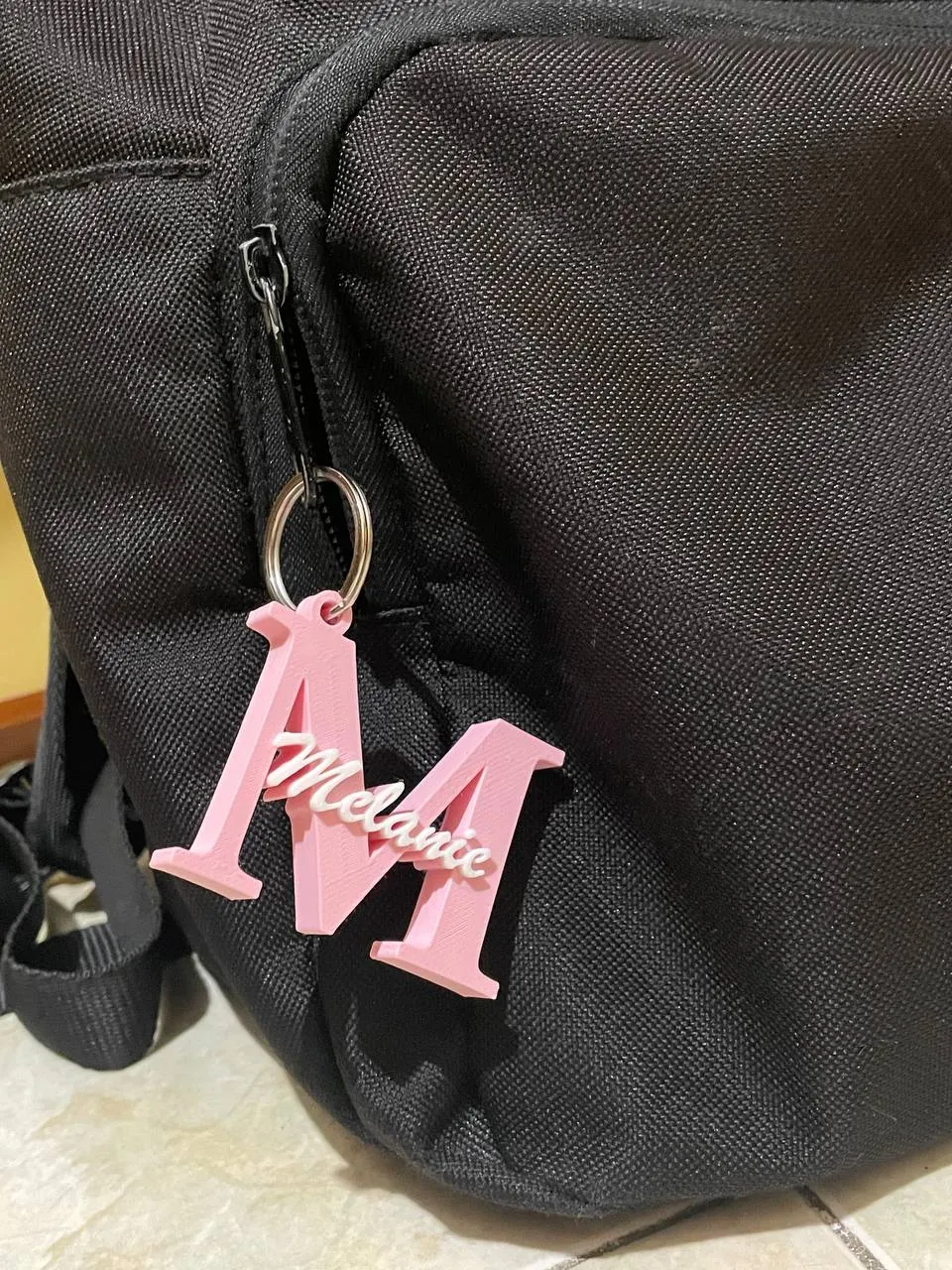
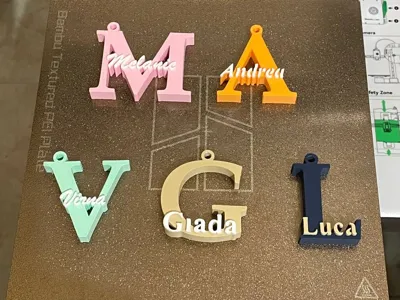
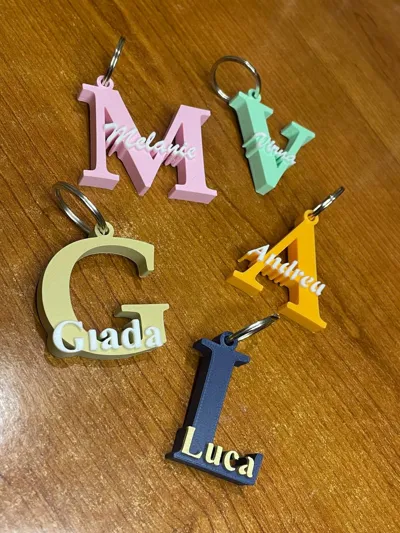
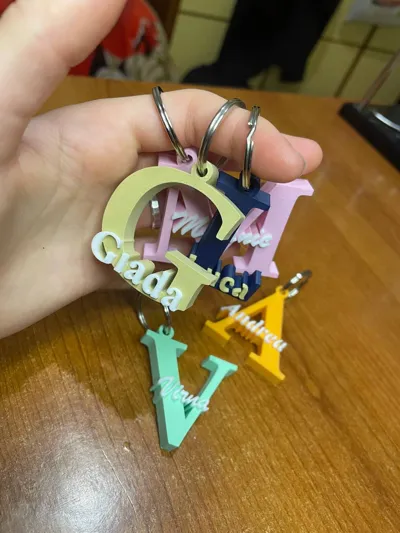
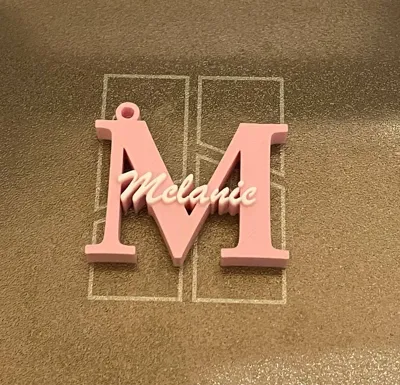
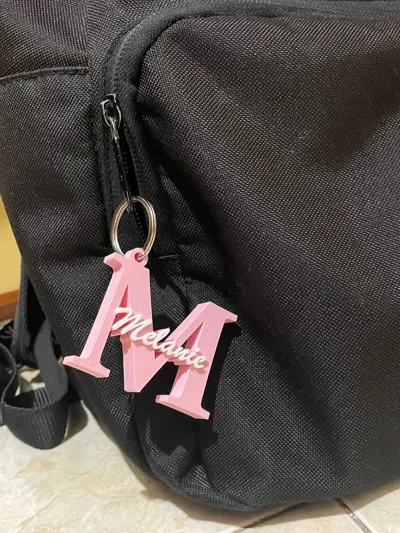
Customizable name and letter keychain
Print Profile(67)
Bill of Materials



Description
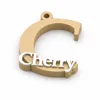
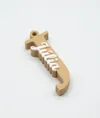
Transform a simple letter into the perfect keychain, custom-made for you!
Choose your initial, add your name in a different color, and customize the font, size, and style however you like.
The files include all letters of the alphabet, are fully modifiable, and printing is super fast (about 20–30 minutes). I used Bambu Lab matte PLA filaments for an elegant and clean look, but the model prints beautifully with any type of filament and color combination.
Follow a few simple steps and create your personalized keychain.
Important: Make sure the dots on the i's and the letters of the name rest on the initial or on top of each other, so that nothing is left hanging and the keychain is sturdy and durable. Also, check that the letters are legible before printing.
Download and customize in just a few minutes directly in Bambu Studio! Here’s a quick explanation below ✨
Boost Me (for free)
Please, if you have a boost and you liked this model, consider donating it to me—it means a lot to me. All the models I make require a love of 3D printing and a lot of effort. Any help and recognition is greatly appreciated🙏❤️
Important: If you want to resize it, do so only AFTER following these steps.
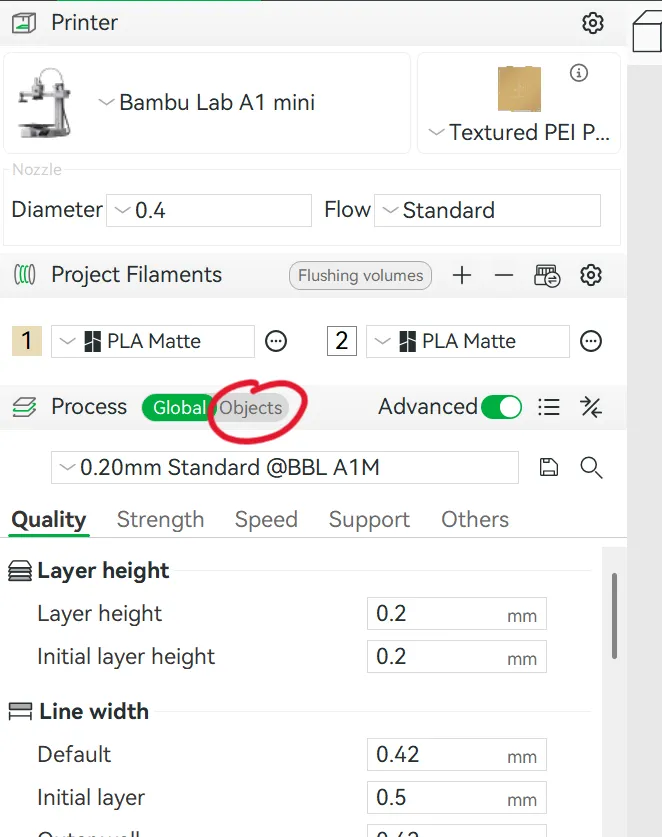
Click on "Objects":
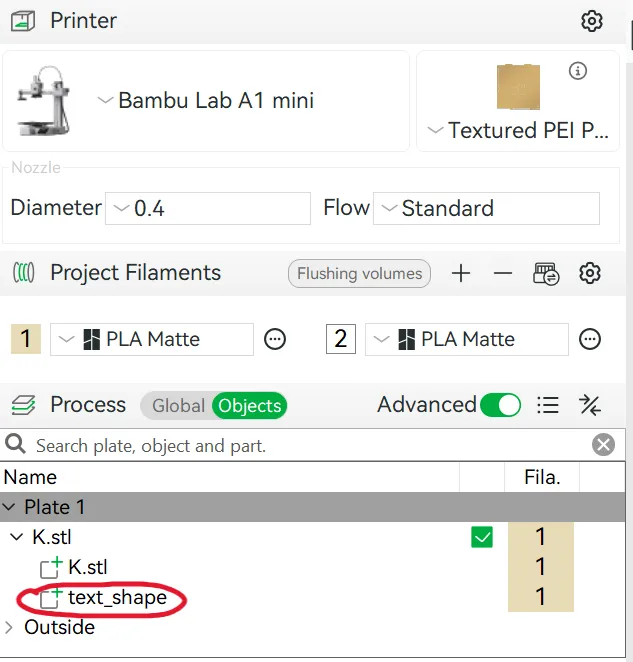
2. This screen will appear: click "text_shape":
3. Click on "Ta" at the top left:
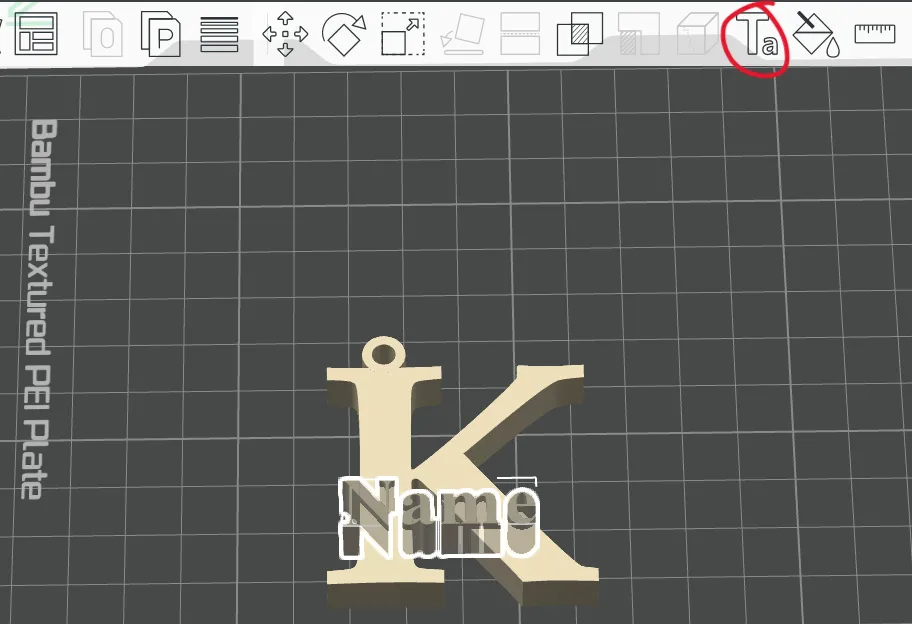
4. In this screen you can enter your name by typing it in place of "name". You can also change the font and size of the characters. With the "Text Gap" command you can move the letters closer together (slider to the left) or further apart (slider to the right) (this command can be useful for example for long names where the letters do not touch anywhere, to connect the letters together). Important: DO NOT change the thickness (2), and DO NOT change the depth (9).
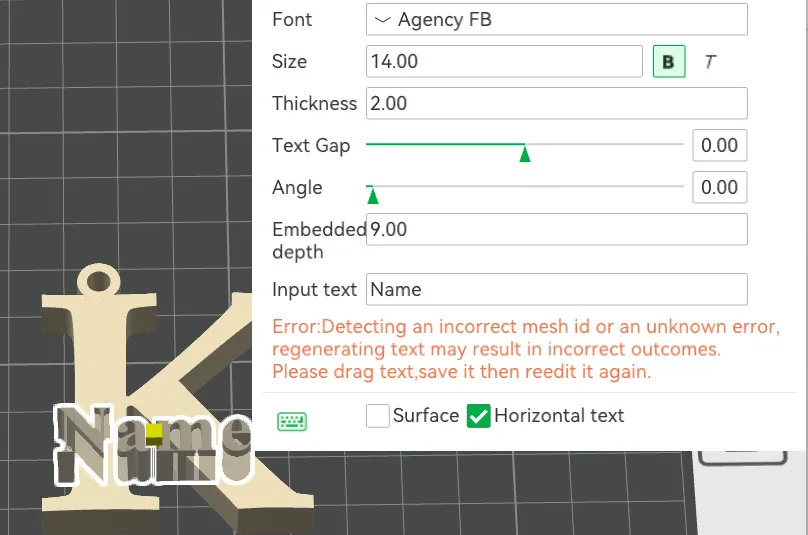
5. After choosing the name and style, click the letter and icon at the top:
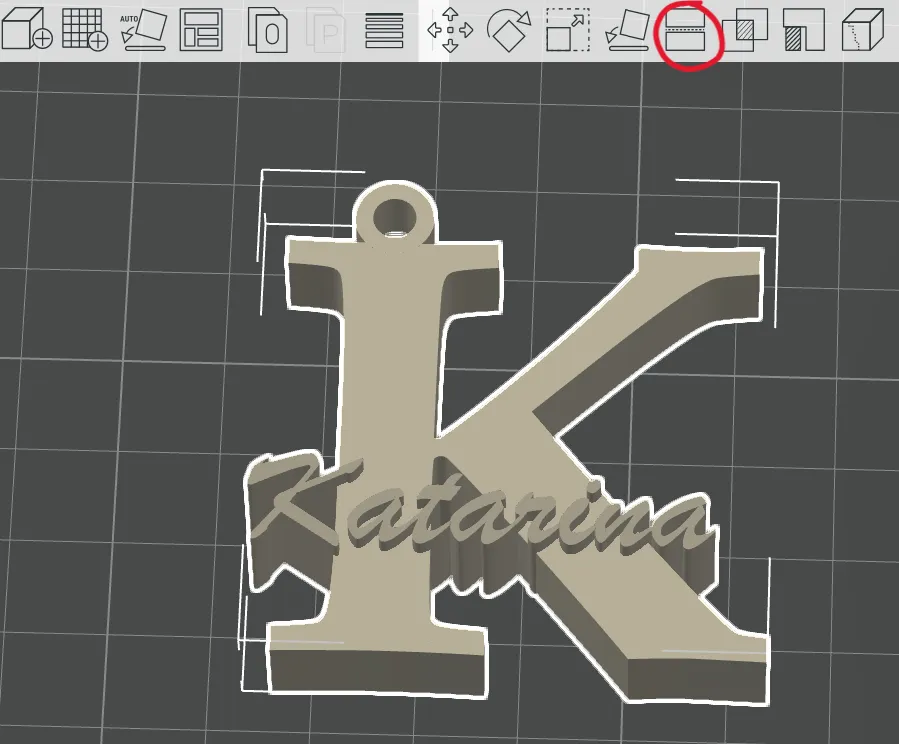
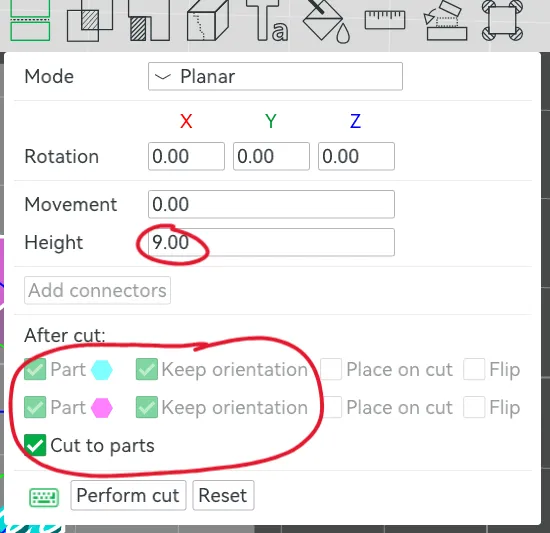
6. Change the value in "height" to 9; then change the parameters below by clicking on the options circled in red; finally, click on "Perform cut":
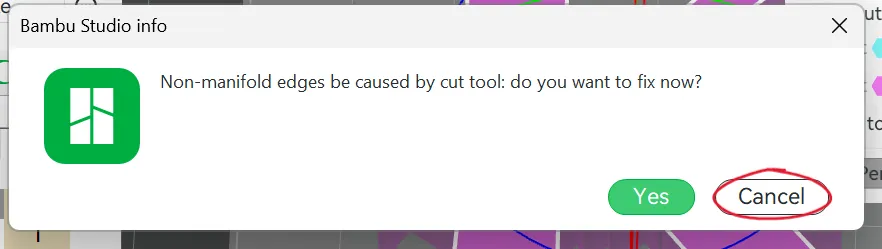
7.You'll probably see this message. Click "Cancel":
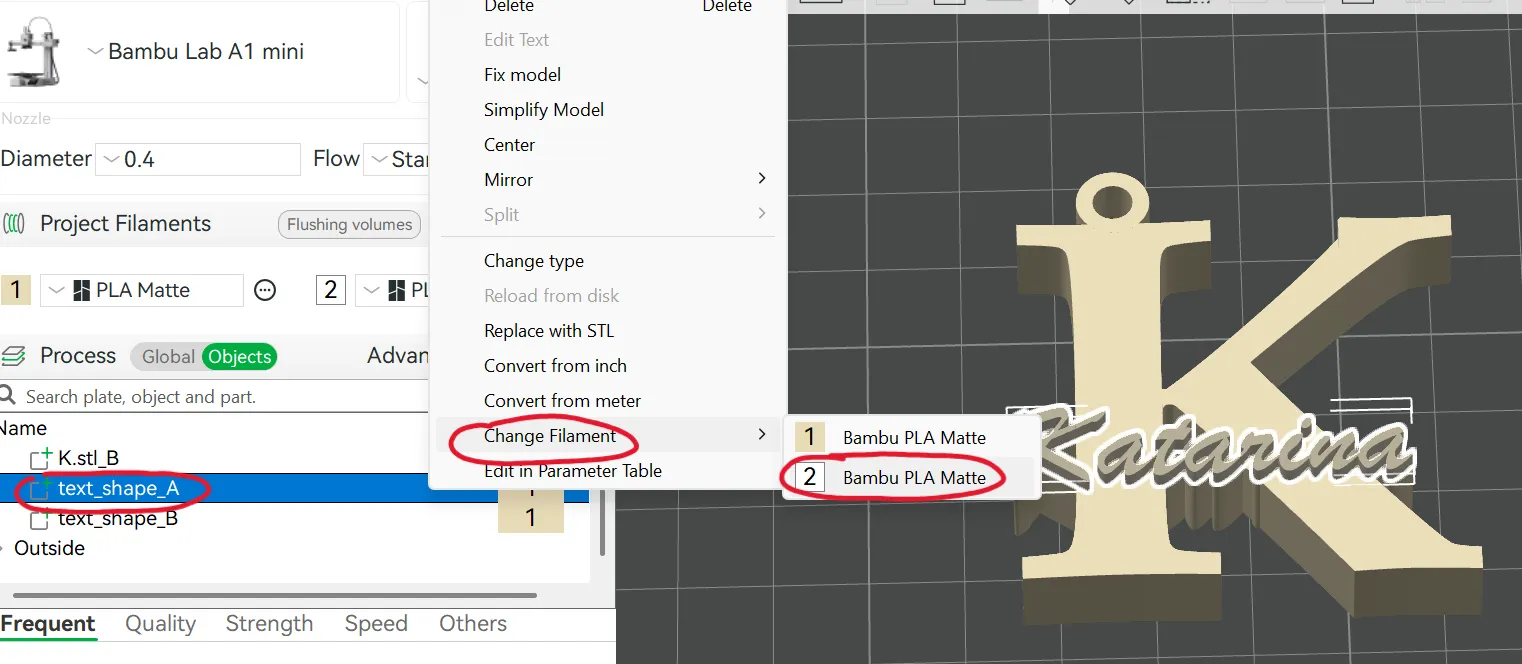
8. Click on "text_shape_A," then "Change Filament," and finally on the second filament. Choose the color you want for your text.
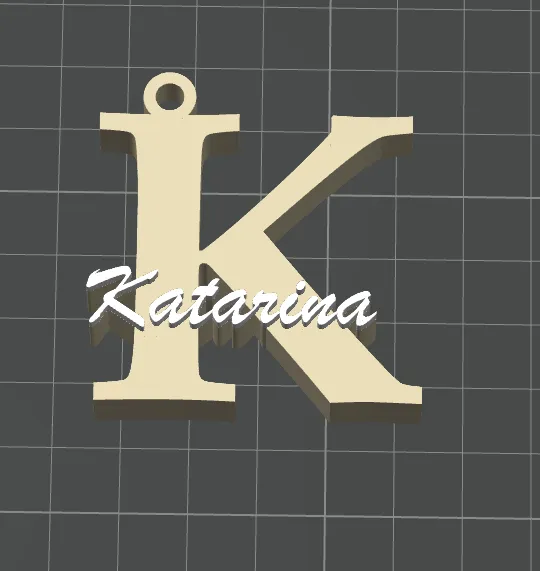
9. Your keychain is now ready to print! If you want to resize it, do so only AFTER following these steps.
Personal advice: after performing the operations explained above, resize by setting the height value equal to 10 mm, to have an average size
My Instagram page:
https://www.instagram.com/glab3d_official?igsh=MTg0MHlpbXV3azY4Mg%3D%3D&utm_source=qr
My patreon:
Boost Me (for free)
Please, if you have a boost and you liked this model, consider donating it to me – it means a lot to me. All the models I make require a love of 3D printing and a lot of effort. Any help and recognition is greatly appreciated 🙏❤️
License

You shall not share, sub-license, sell, rent, host, transfer, or distribute in any way the digital or 3D printed versions of this object, nor any other derivative work of this object in its digital or physical format (including - but not limited to - remixes of this object, and hosting on other digital platforms). The objects may not be used without permission in any way whatsoever in which you charge money, or collect fees.


Comment & Rating (242)