Search models, users, collections, and posts

Top layer setting without modeling
IP Report
Print Profile(1)
0.28mm layer, 2 walls, 15% infill
Designer
45 min
1 plate
Open in Bambu Studio
Boost
0
2
0
0
1
0
Released
Description
Content has been automatically translated.
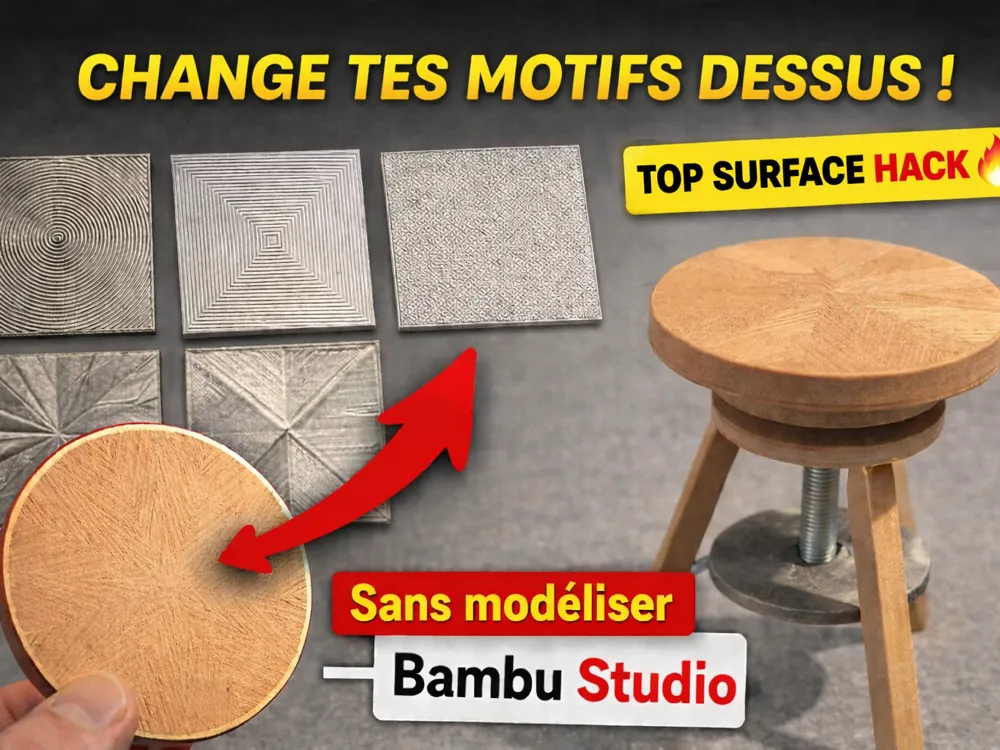
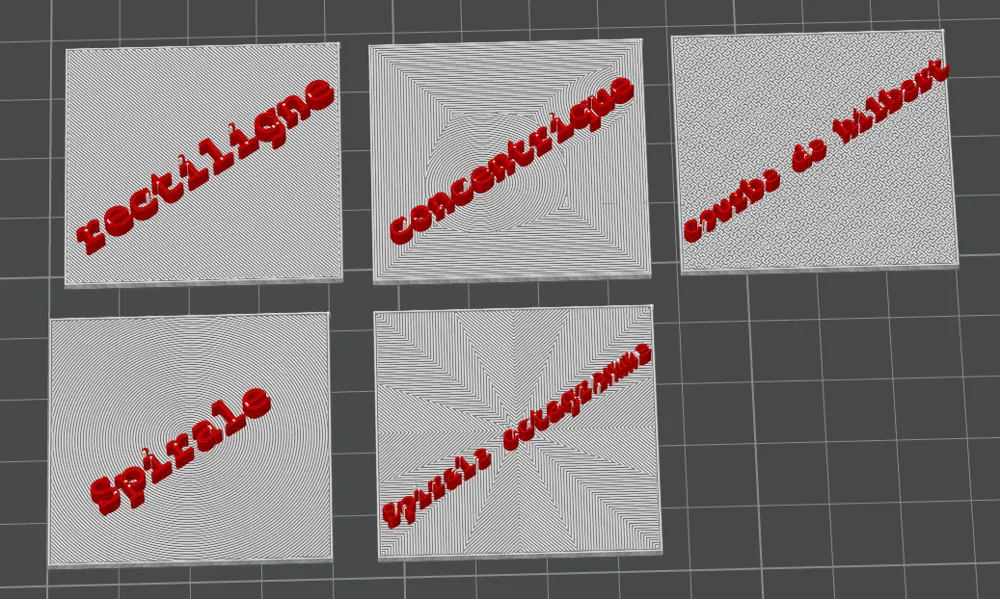
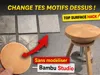
Change the top layer pattern without modifying its model – Complete Tutorial!
In this video, I show you how to easily modify the top surface pattern in your slicer to achieve a more aesthetic, textured, or original look — without touching the 3D modeling.
On the agenda:
✔️ Where to find the settings
✔️ How to change only the visible surface
✔️ Printed examples to compare renderings
✔️ Test with wood filament on a functional part
✔️ Tips to improve the final appearance of your prints
This tutorial is aimed at both beginners and advanced users wishing to optimize the finish of their parts.
📺 Watch the full video here:
Feel free to like, comment, and share if it can help the community!
Happy printing everyone
License

This user content is licensed under a
Creative Commons Attribution-Noncommercial


Comment & Rating (0)