Search models, users, collections, and posts

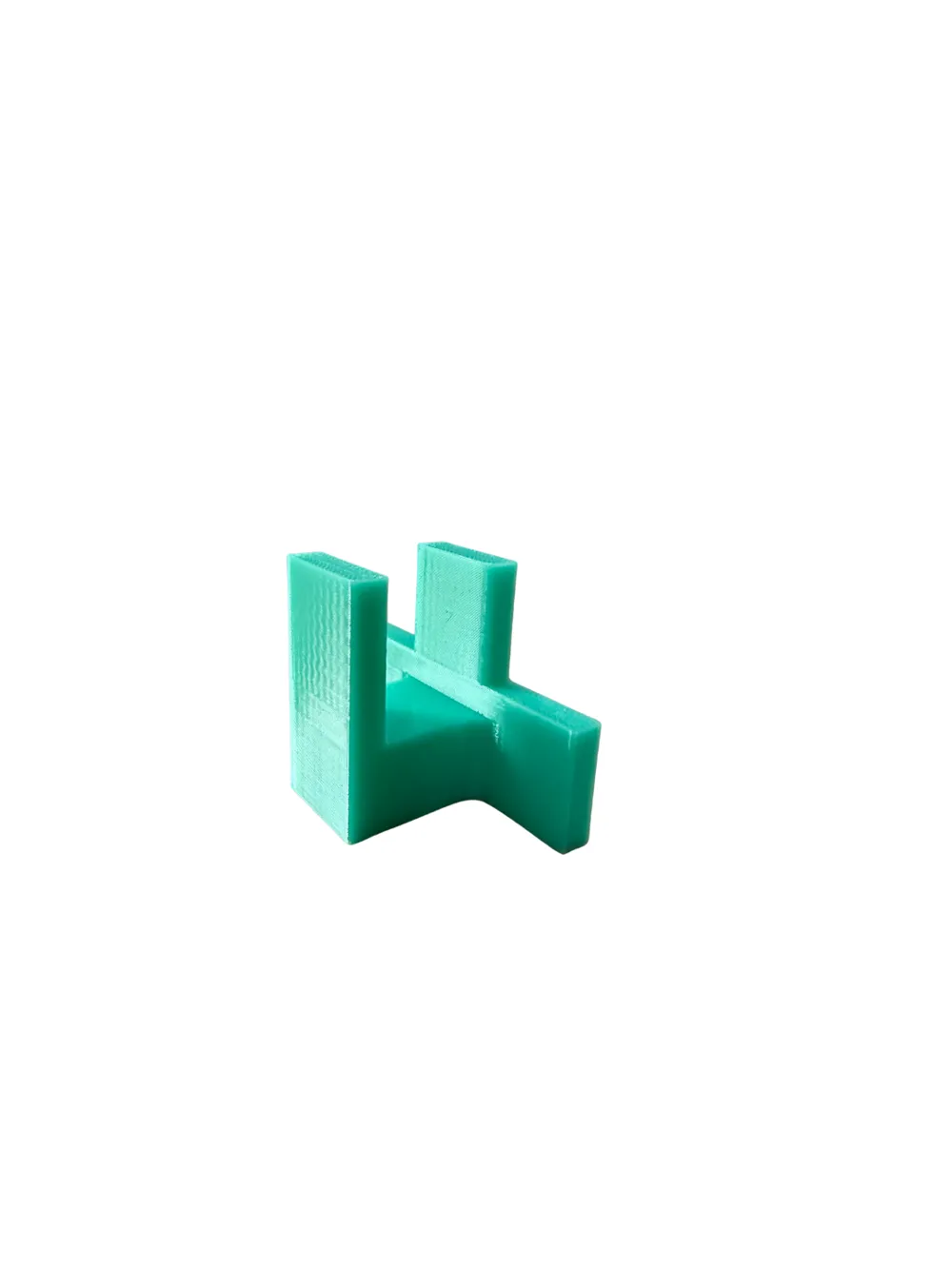
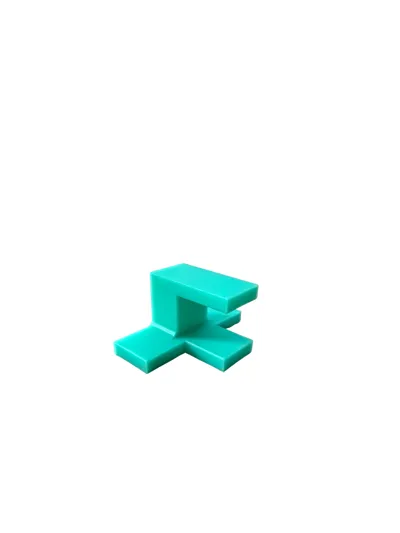
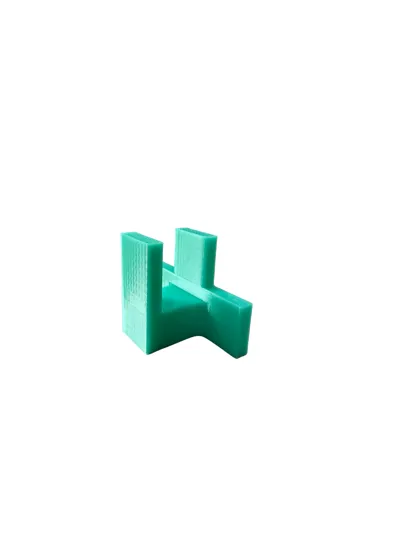
Cabinet door mounting helper tool jig flush mount
IP Report
Print Profile(1)
PETG 0.2mm layer, 4 walls, 20% infill
Designer
53 min
1 plate
Open in Bambu Studio
Boost
906
3311
49
4
987
646
Released
Description
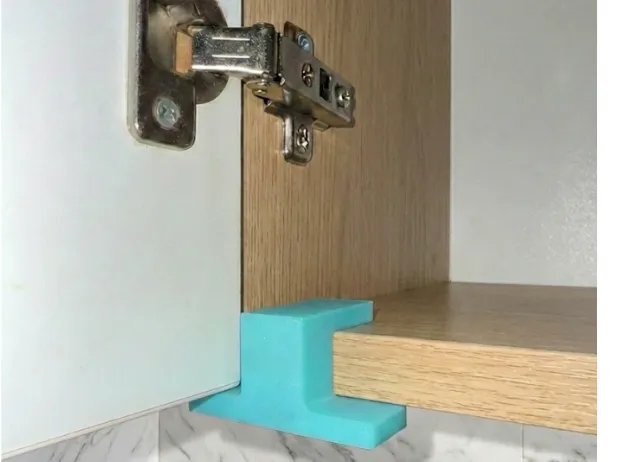
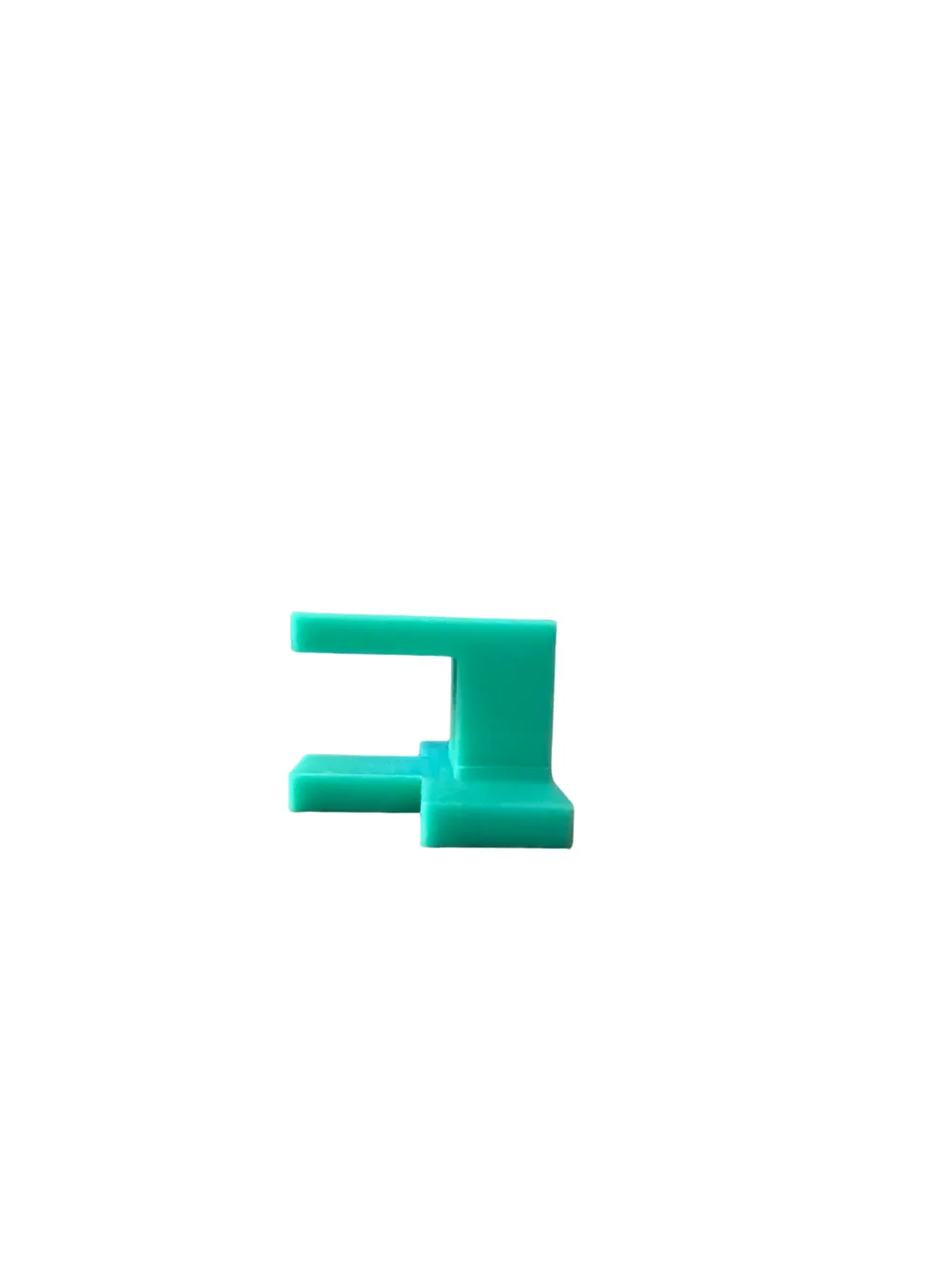
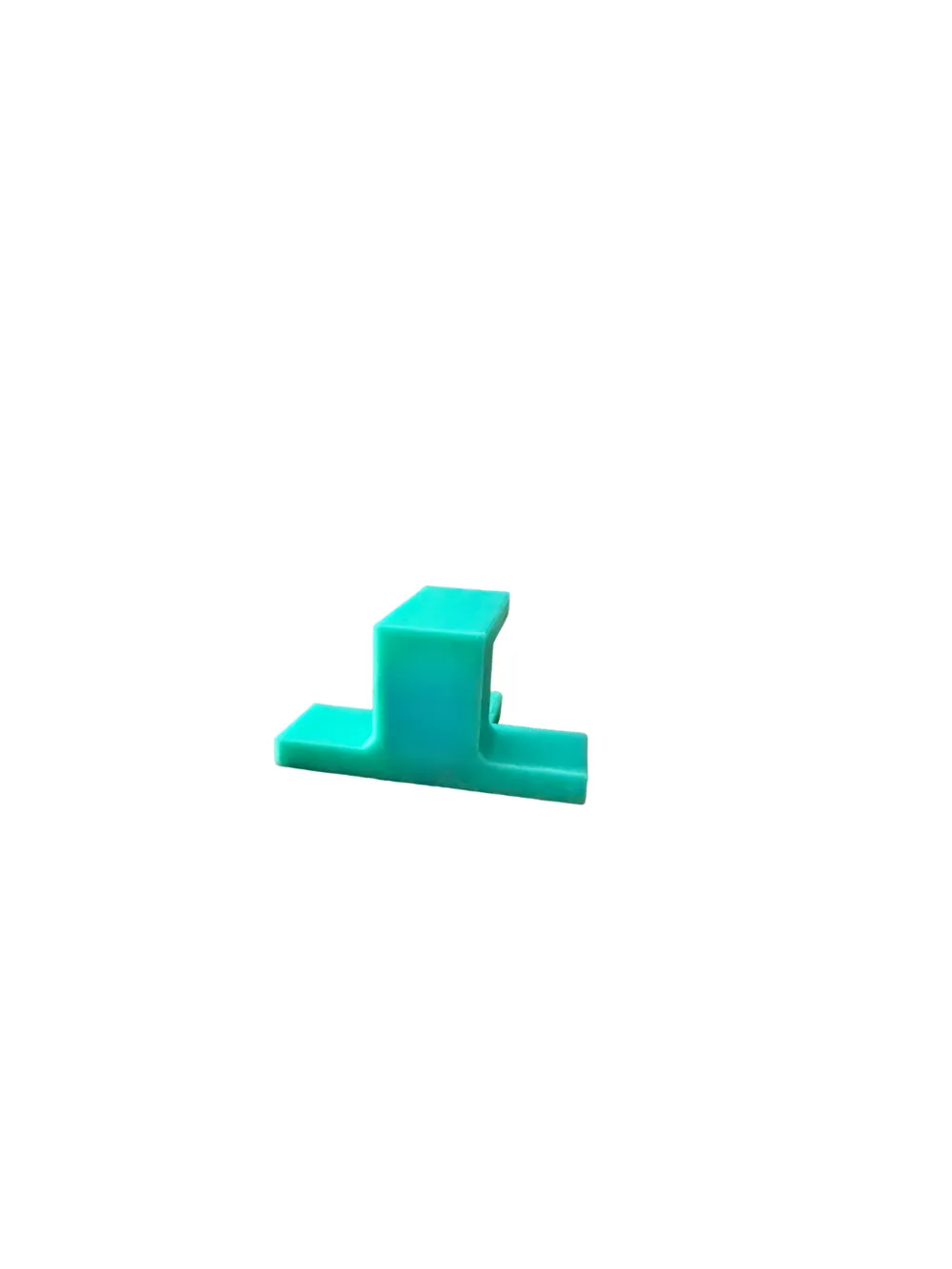
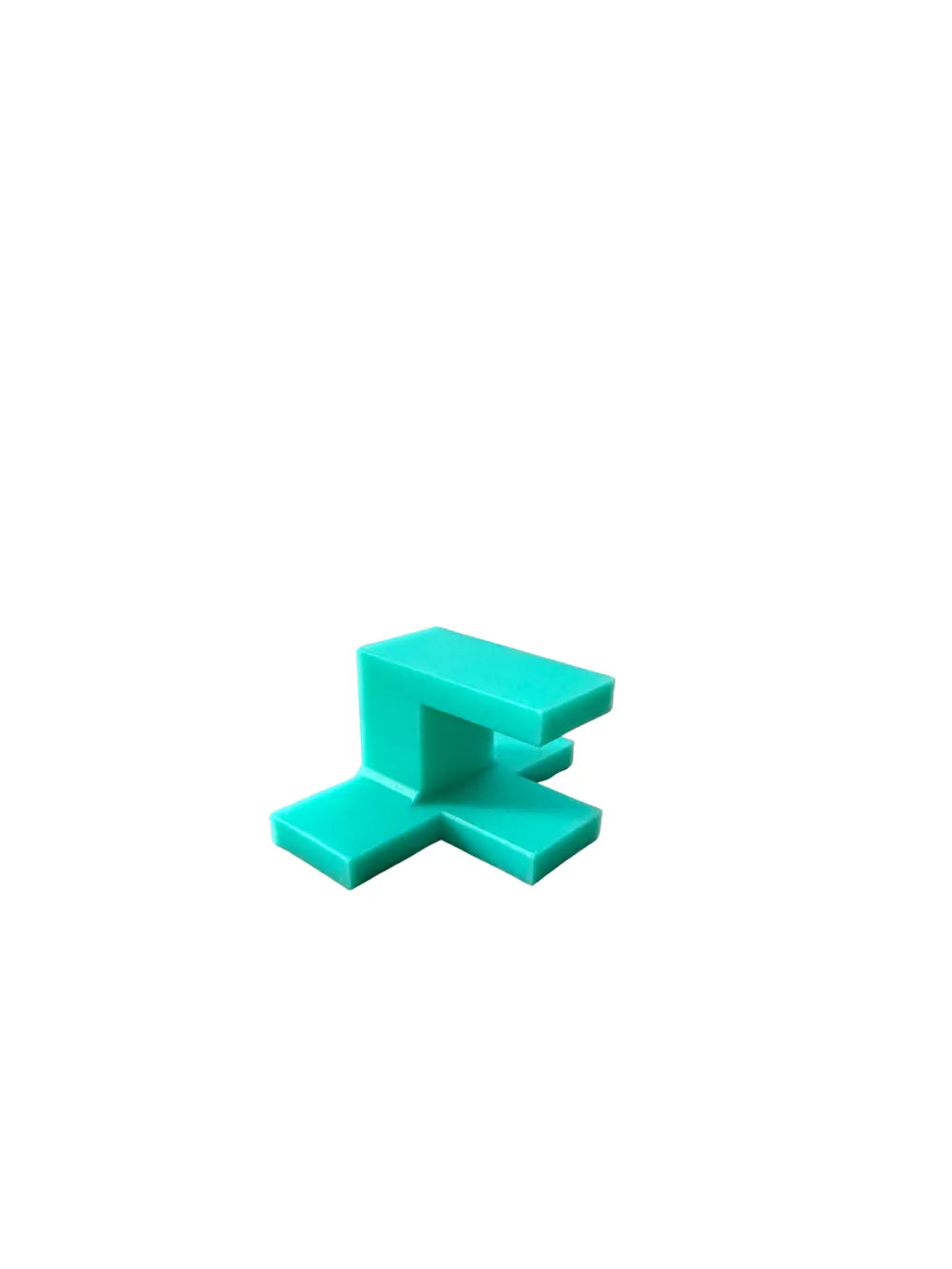
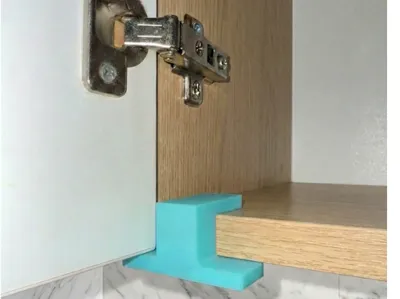
This simple jig acts as a "third hand" for installing cabinet doors. It holds the door perfectly flush (0mm offset) with the cabinet frame, allowing you to screw in hinges without needing someone to hold the door for you.
Features
- 0mm Alignment: Sets the door exactly level with the cabinet edge.
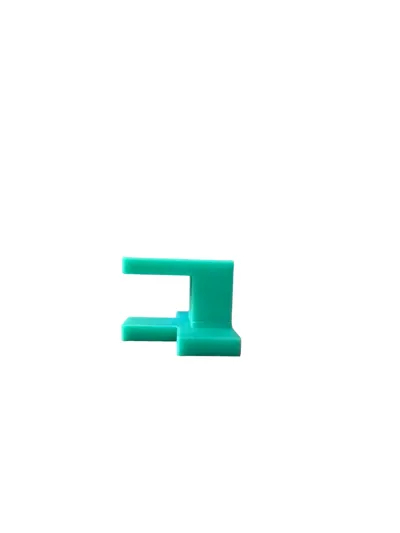
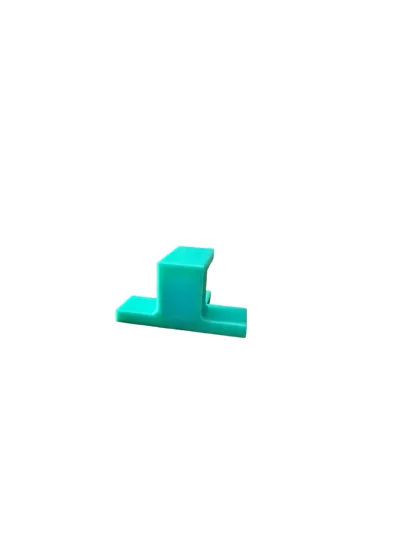
- Board Thickness: Designed for standard boards up to 18mm thick.
- Easy to Use: Just slide it onto the cabinet rail and rest the door on the support arm.
Recommended Print Settings
- Material: PETG (recommended) or PLA.
- Walls: 4 for extra strength.
- Infill: 20% or higher.
- Supports: No supports needed if printed on its side.
Quick Instructions
- Slide the jig onto the bottom edge of your cabinet.
- Rest the door on the jig's support lip.
- Align and screw your hinges into place.
- Remove the jig.
License

This user content is licensed under a
Creative Commons Attribution-Noncommercial


Comment & Rating (49)