Search models, users, collections, and posts

Internet QR-Code
IP Report
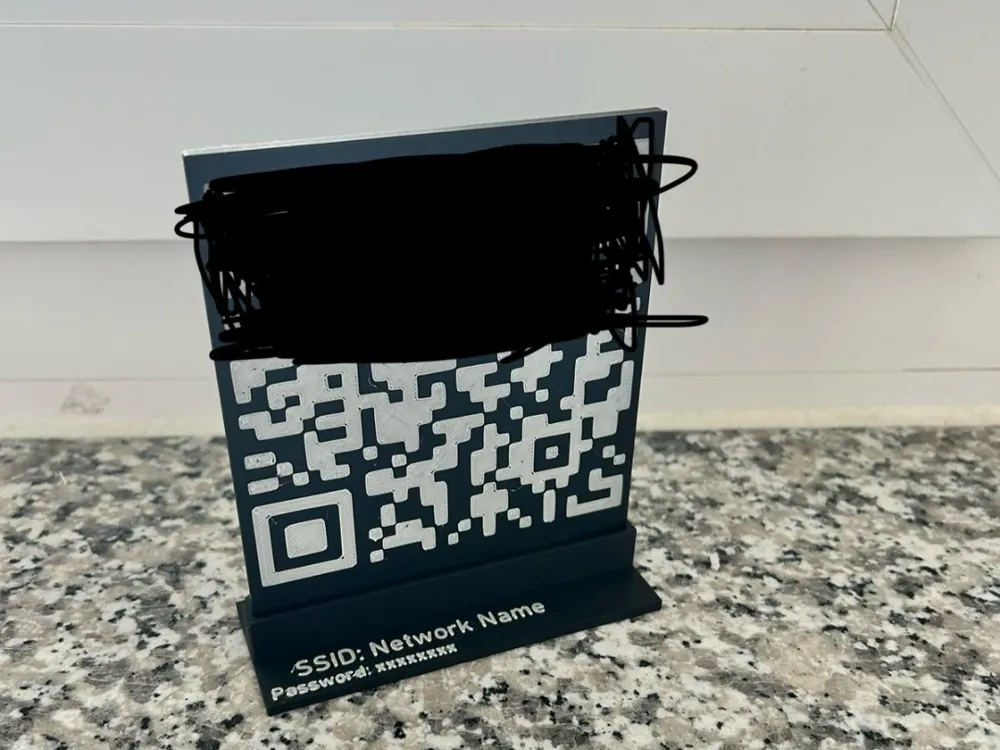
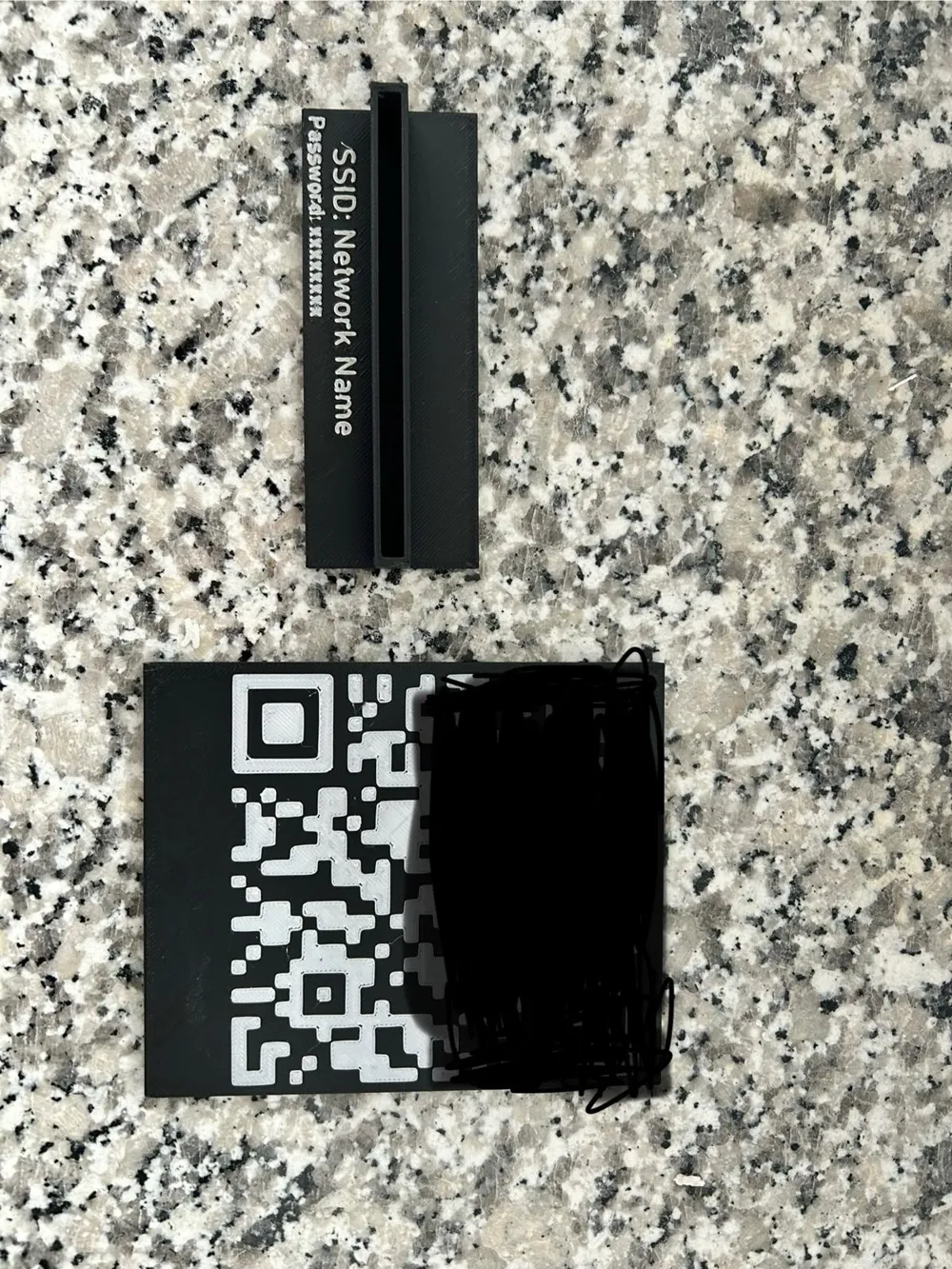
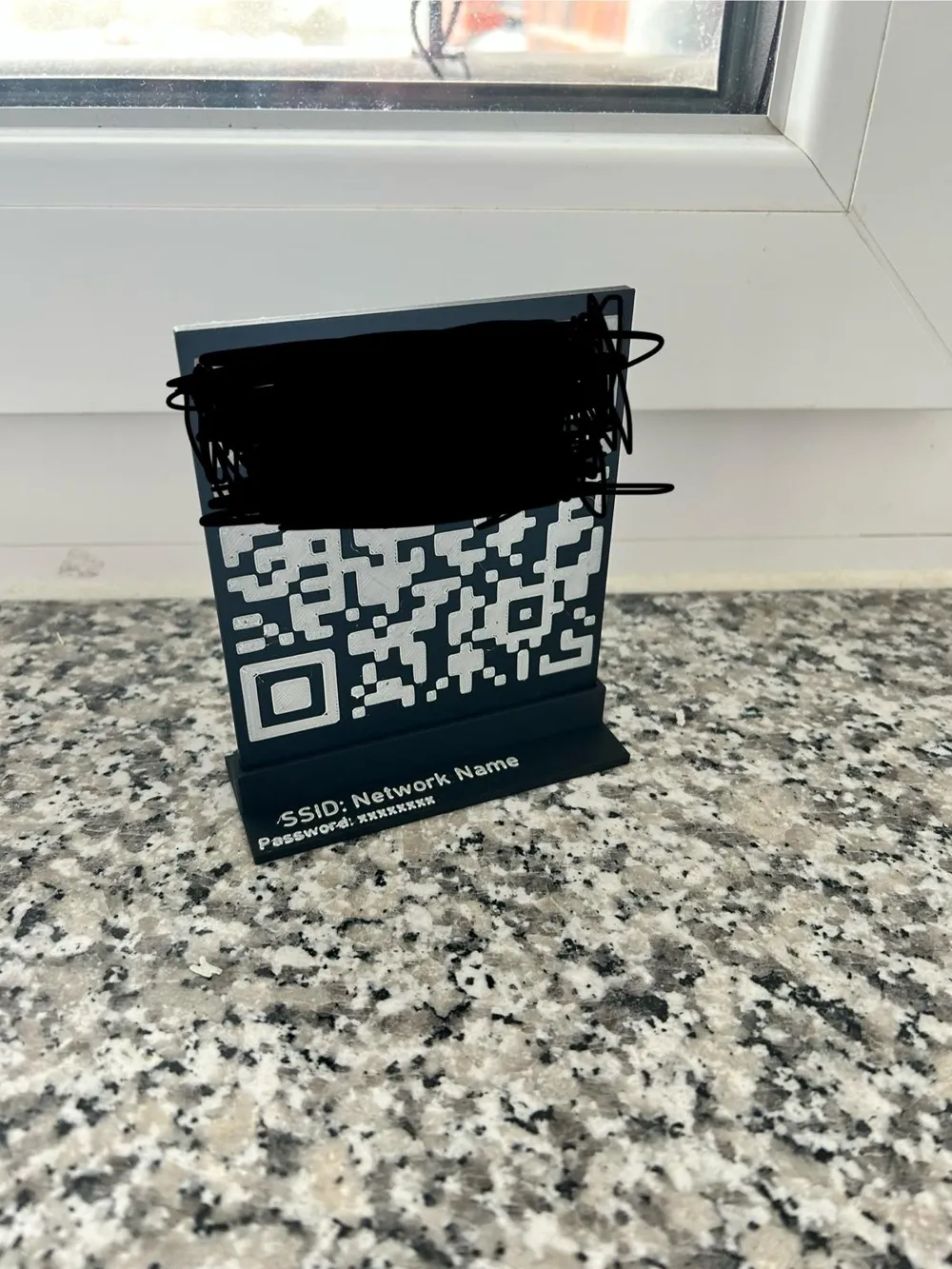
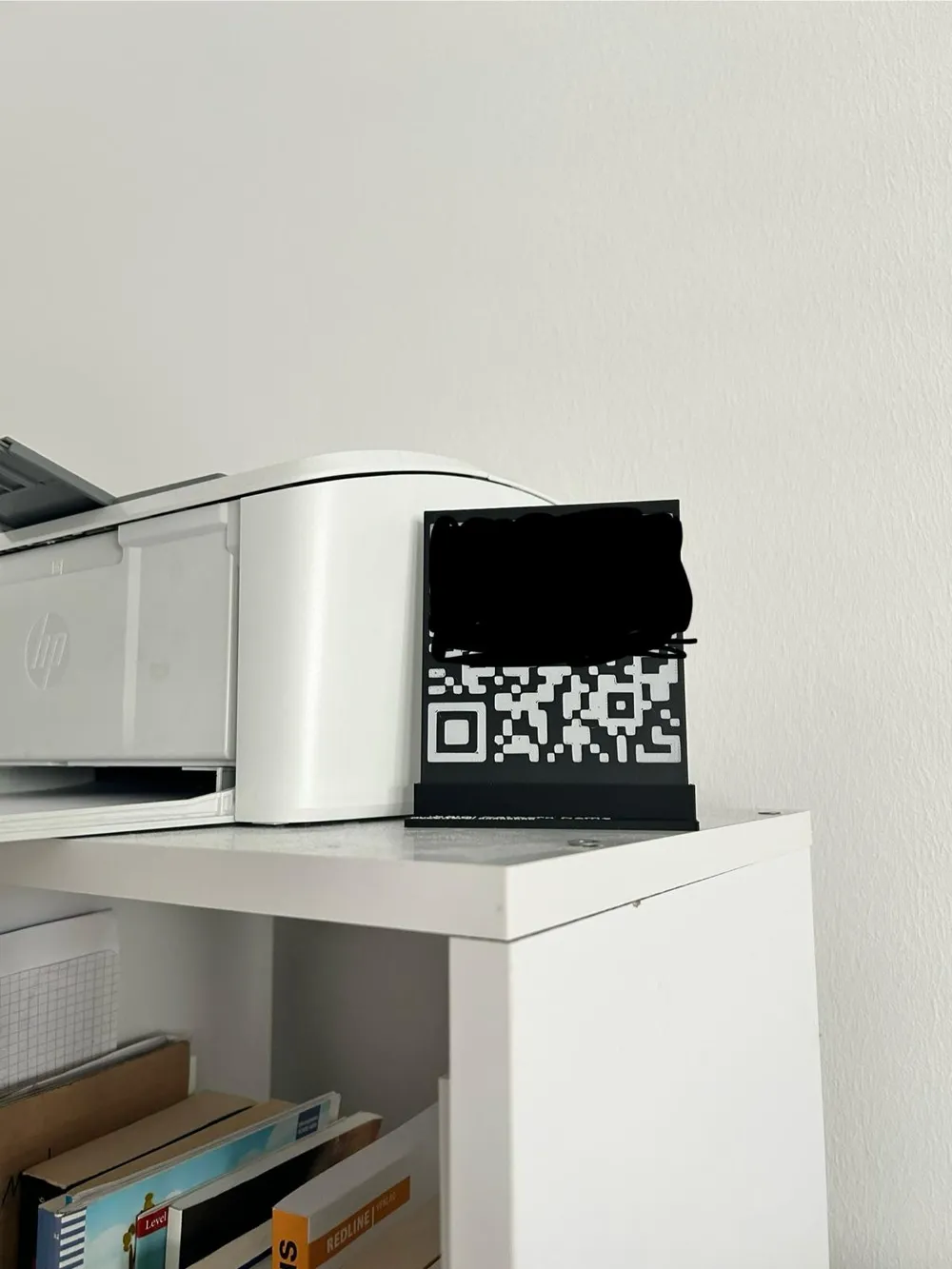
Print Profile(1)
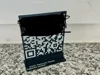
0.2mm layer, 2 walls, 15% infill
Designer
1.2 h
1 plate
Open in Bambu Studio
Boost
3
12
0
0
12
4
Released
Description
- Convert your qr-code into a svg
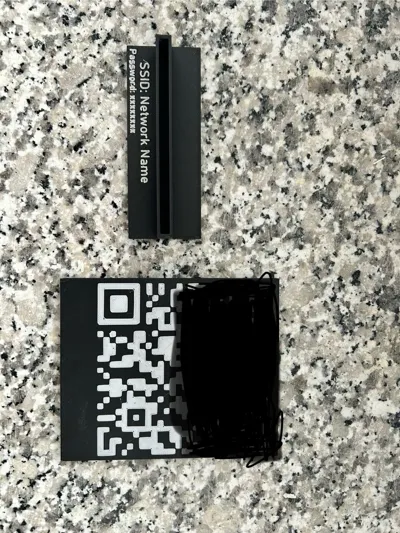
- import it on the big flat surface
- change the x and y numbers to 95mm
- change the z number to something from 0,3mm - 1 mm
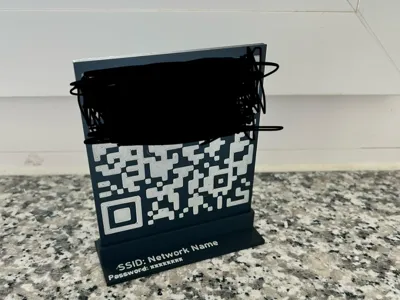
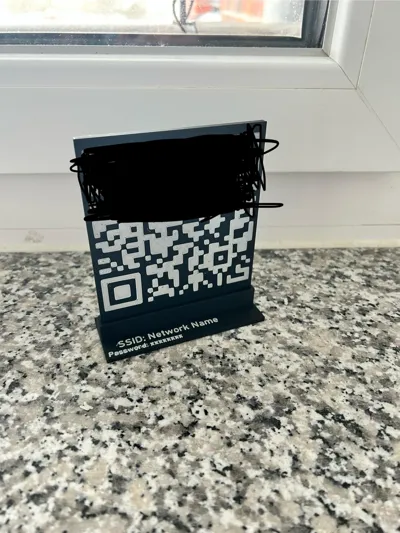
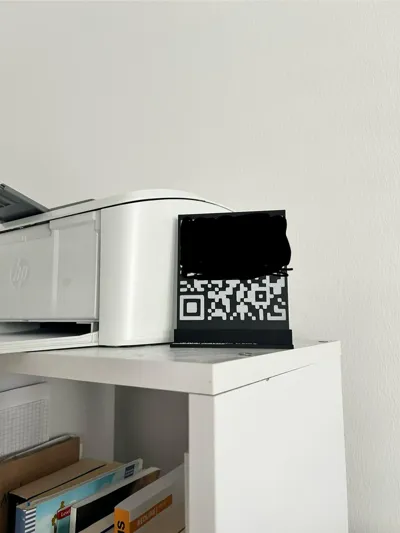
- position it at the right place just like in the picture
- change “Network Name” to your SSID and change “xxxxxxxx” to your Password
- now you can print
License

This user content is licensed under a
Creative Commons Attribution


Comment & Rating (0)