
Uhr
Print Profile(1)

Bill of Materials
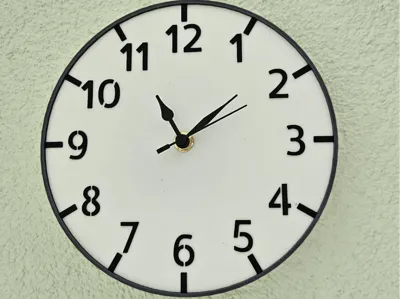
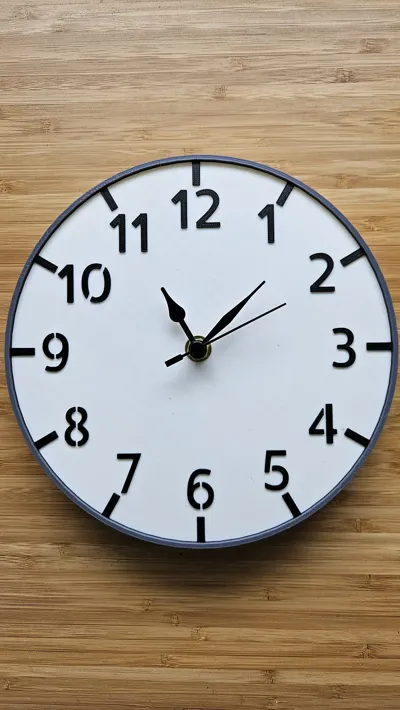
Description
Boost Me (for free)
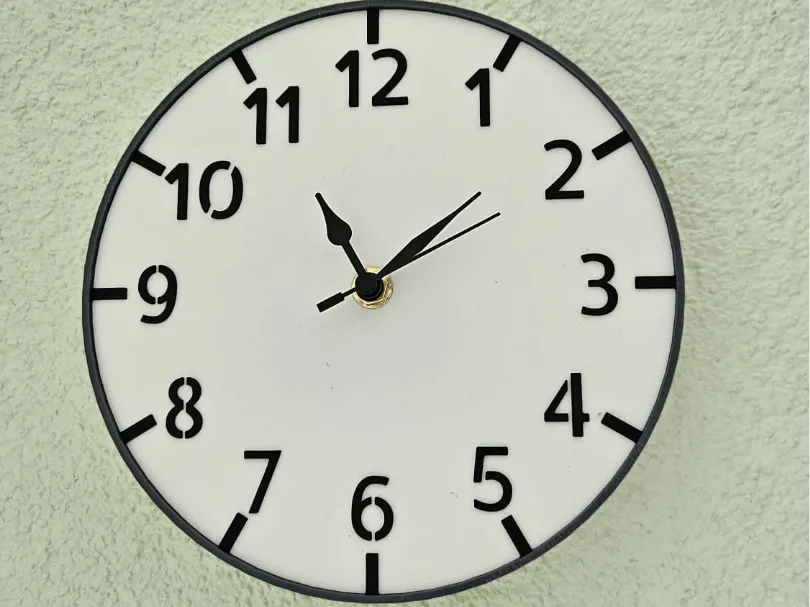
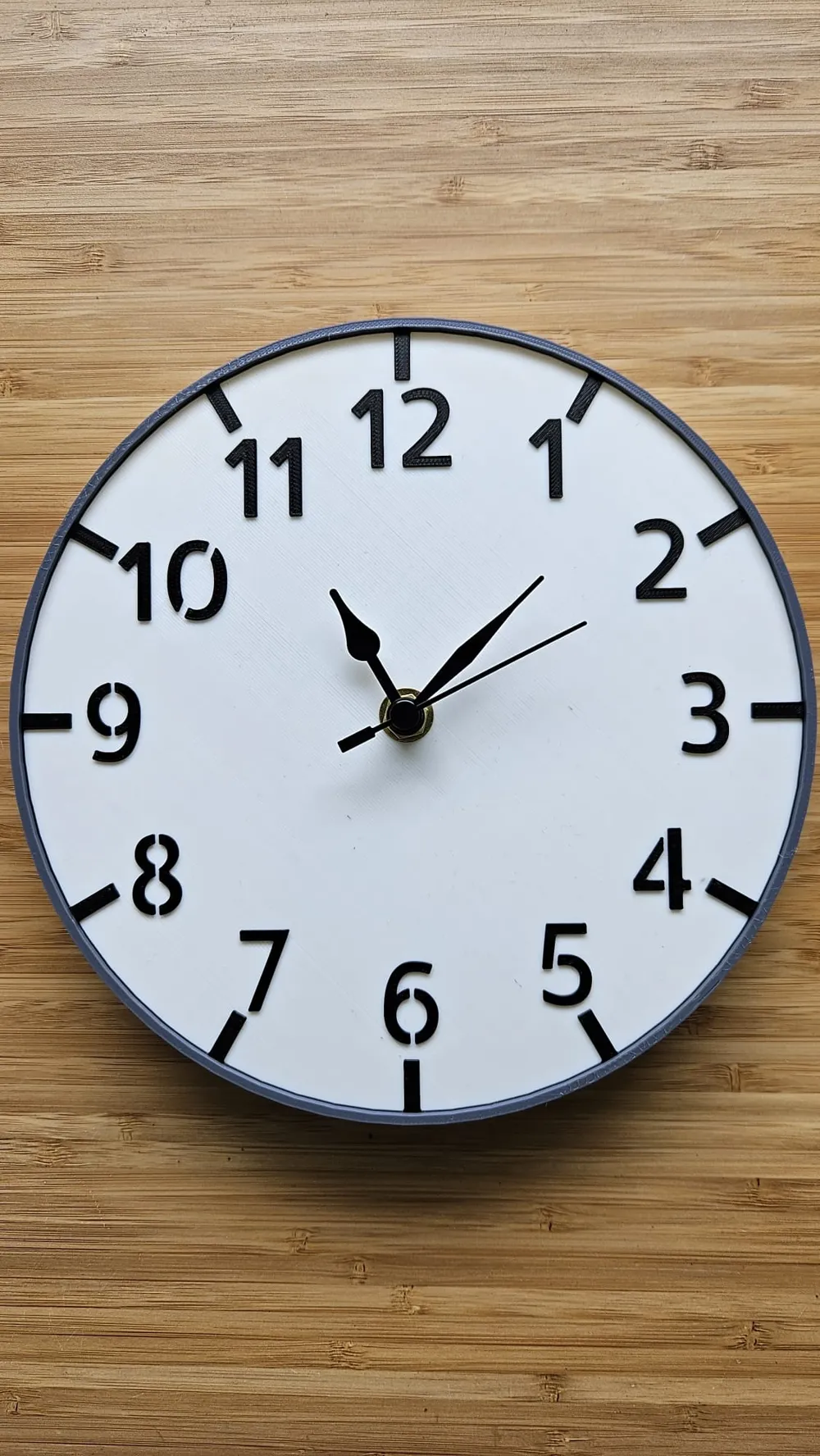
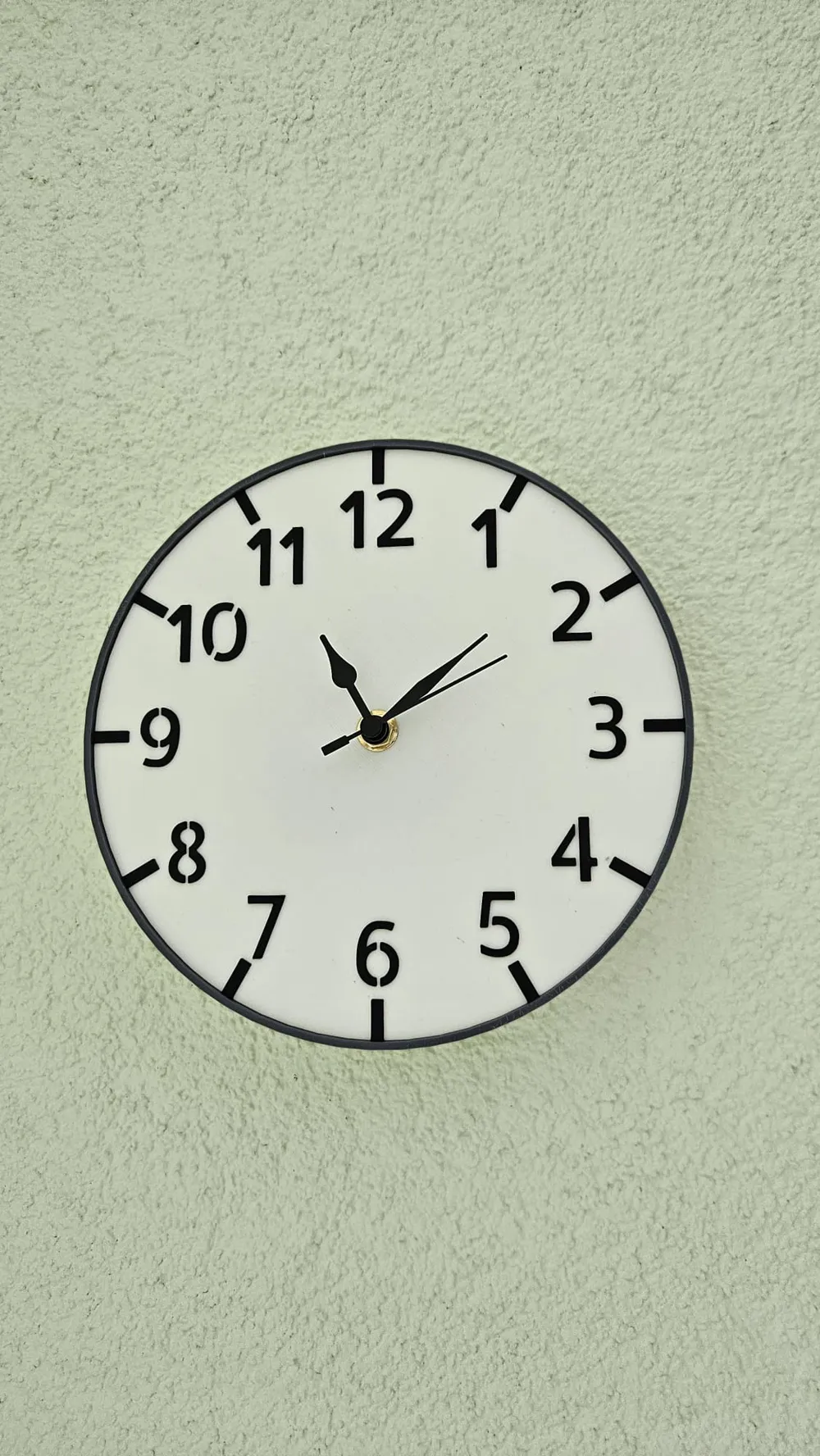
If you need help with installing the clock housing, no problem, I can send you a detailed guide with pictures, or you can check the written instructions below
Step 1: You need to remove the supports from the model
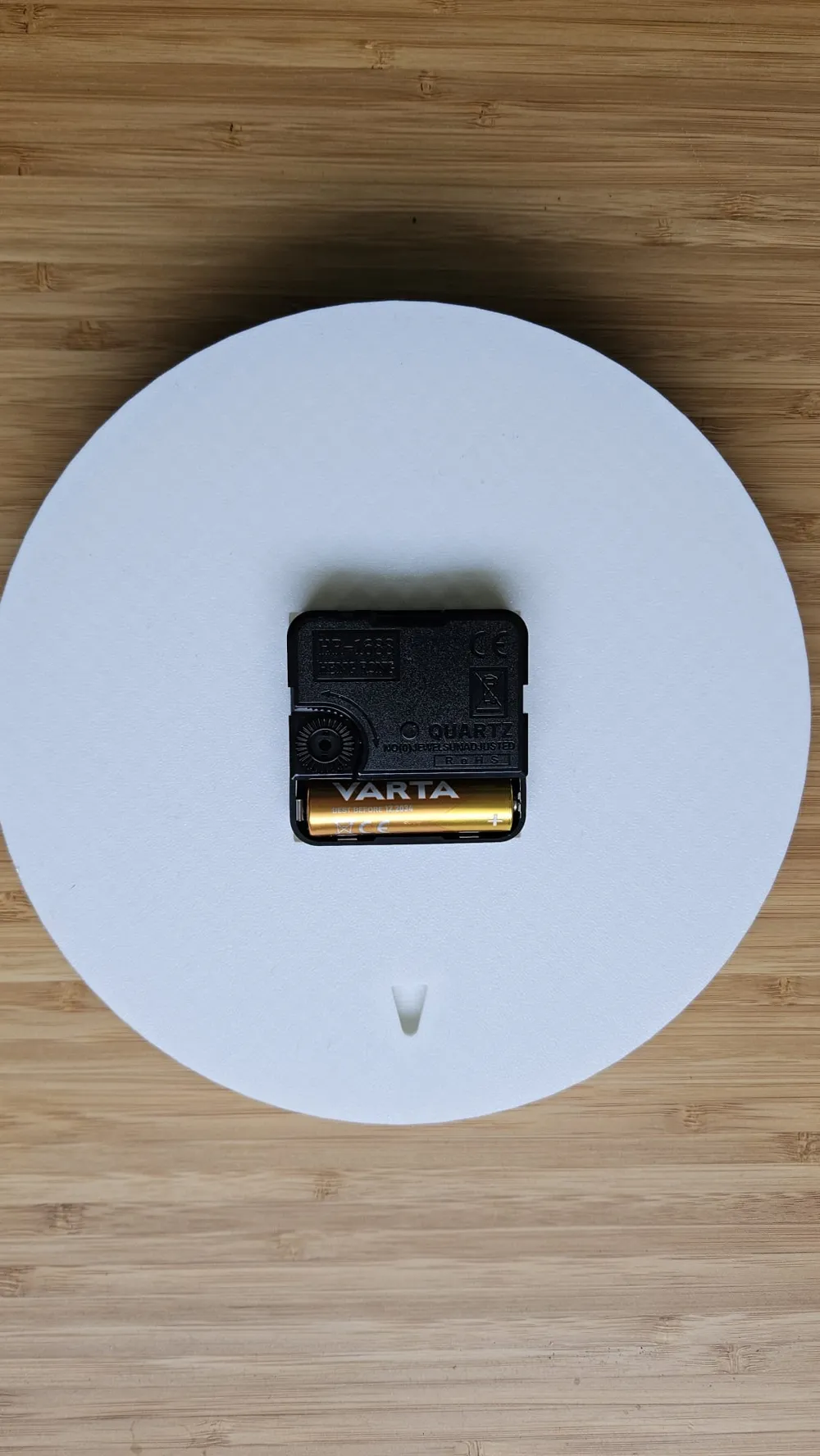
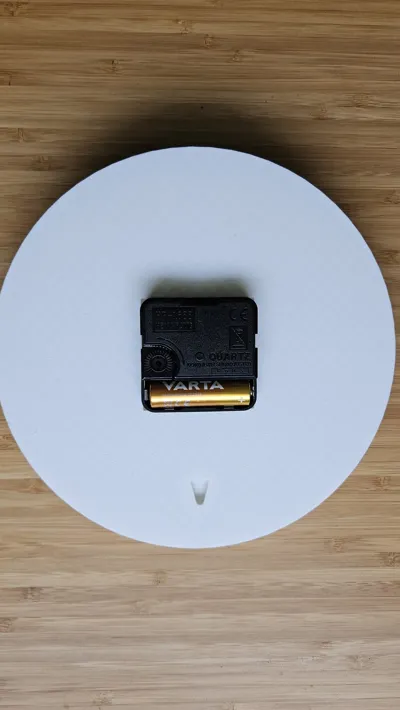
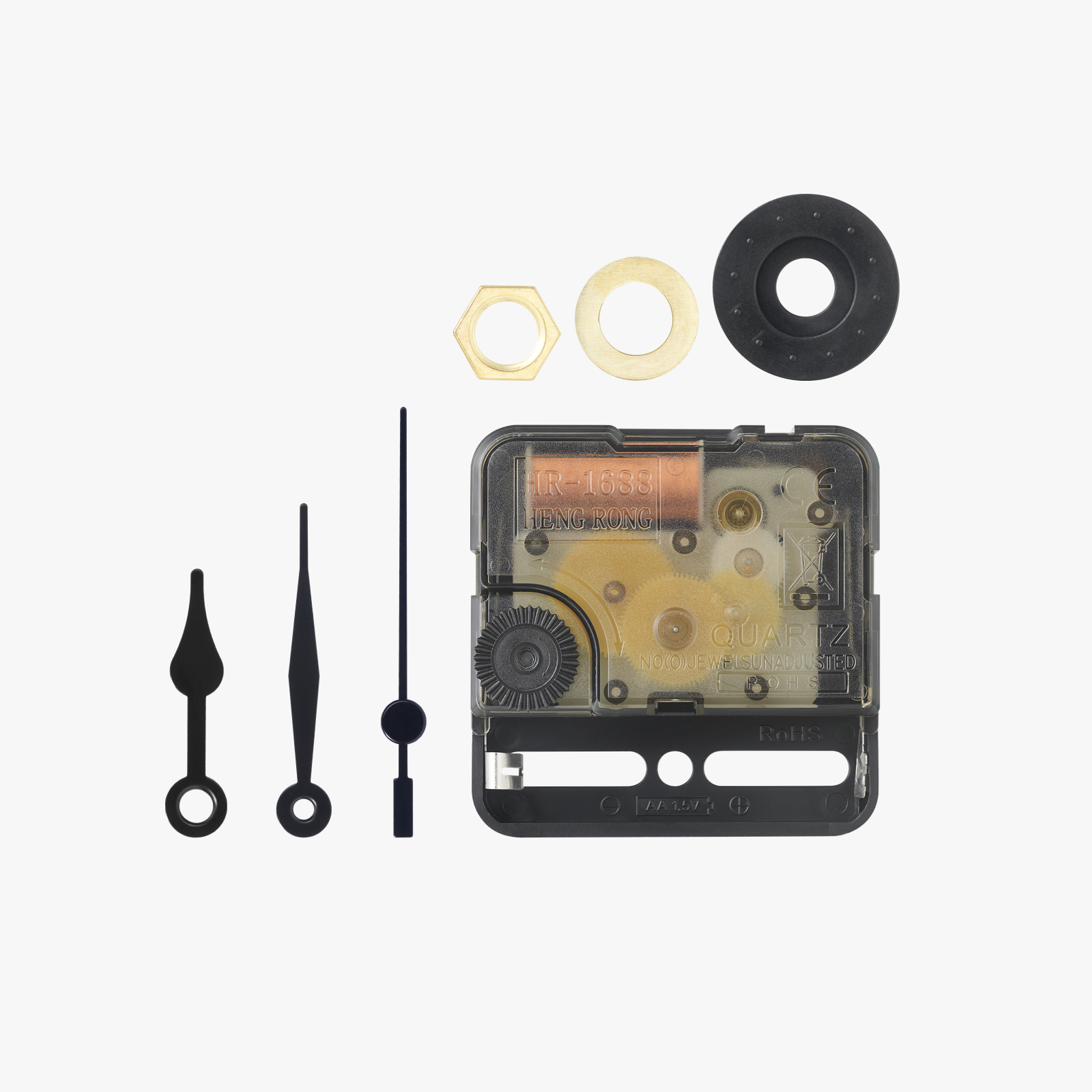
Step 2: unpack the clock kit (I also recommend pliers for the screw)
Step 3: place the large black part at the back of the 3D model so that the screw protrudes at the front
Step 4: place the washer on and tighten the screw
Step 5: mount the hands (carefully)
License

You may create derivative works based on this object, provided that all such derivative works are published exclusively on the MakerWorld platform and include proper attribution to the original creator. You may not share, upload, host, distribute, or publish this object—or any derivative work of this object—on any other digital platform, marketplace, or distribution channel. Commercial use of this object and any derivative works is strictly prohibited. This includes, but is not limited to, selling, renting, sublicensing, or using the object in any context in which you receive monetary compensation or other financial benefits.


Comment & Rating (1)