
Filament Tag/Label for Holy Grail Dry Box
Print Profile(3)
Description
Updates:
- 3 Feb 26:
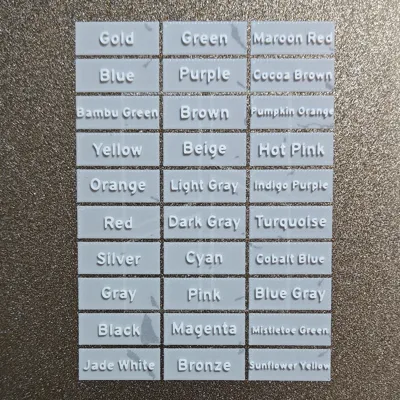
- Updated all the Bambu filament tags as some of them were non-existant (don't trust AI to get a proper list of filament names).
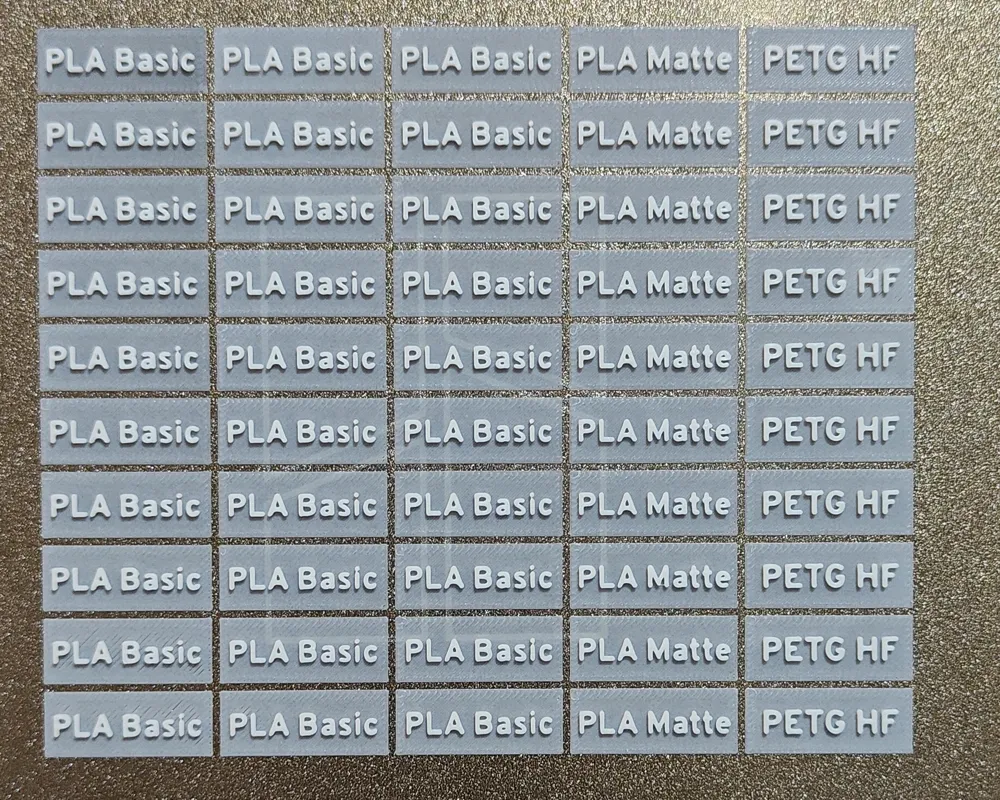
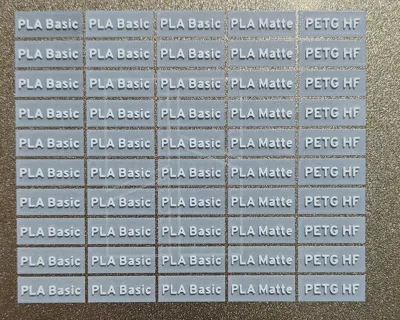
- Added PLA Glow, PLA Tought+, PLA Translucent names.
- 1 Feb 26:
- Divided into 2 files, the first one with the generic models and information and one for the tags for Bambu Lab filaments. That way I can update only the second file when needed to add new colors, and also include other name for filaments of other brands.
- Now the base tags and name tags have a small insert to avoid for them to move.
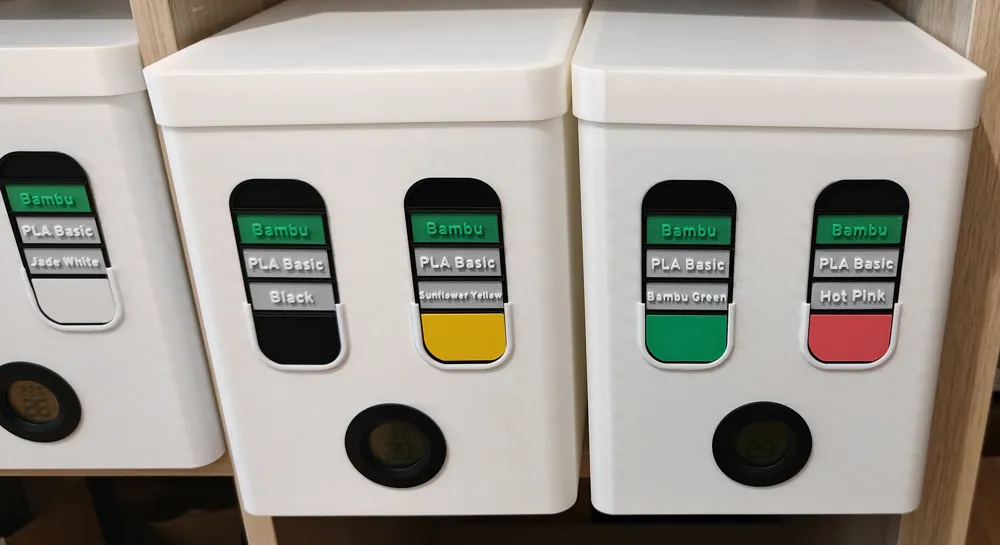
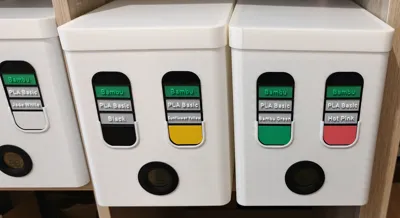
- The Color tag fits better into the base tag and looks proper when inserted into a box.
After printing many dry boxes (https://makerworld.com/en/models/1857089-holy-grail-filament-dry-box-a-tribute) and a generic filament tag, I found myself too lazy to type all the info on every tag.
That ended with questions like: "Is this Pink or Hot Pink (or even Magenta)?
So I ended generating another Color Tag that works for me.
Pros:
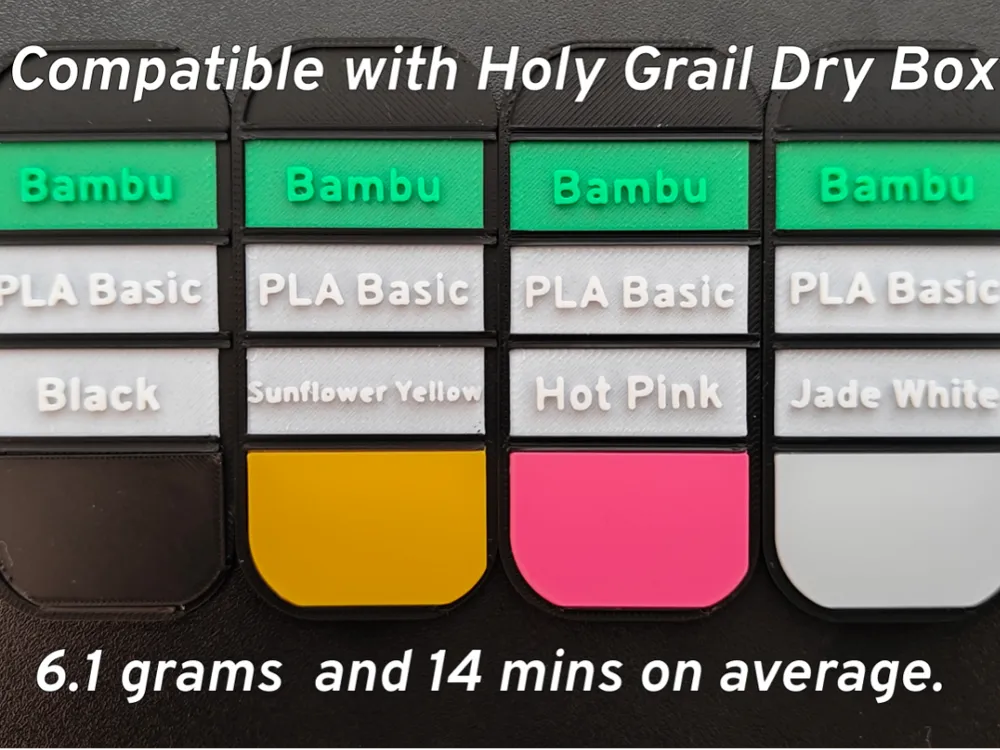
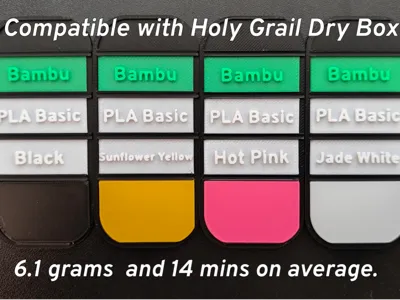
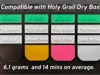
- A full info tag takes an average of 14 mins of print time and around 6.1 gr of filament.
- Information displayed: Manufacturer / Type of Filament / Color / Print Sample
- Font is really visible from close and medium distance with good contrast. (one of my biggest problems before, fonts in pink in a pink background are really difficult to read).
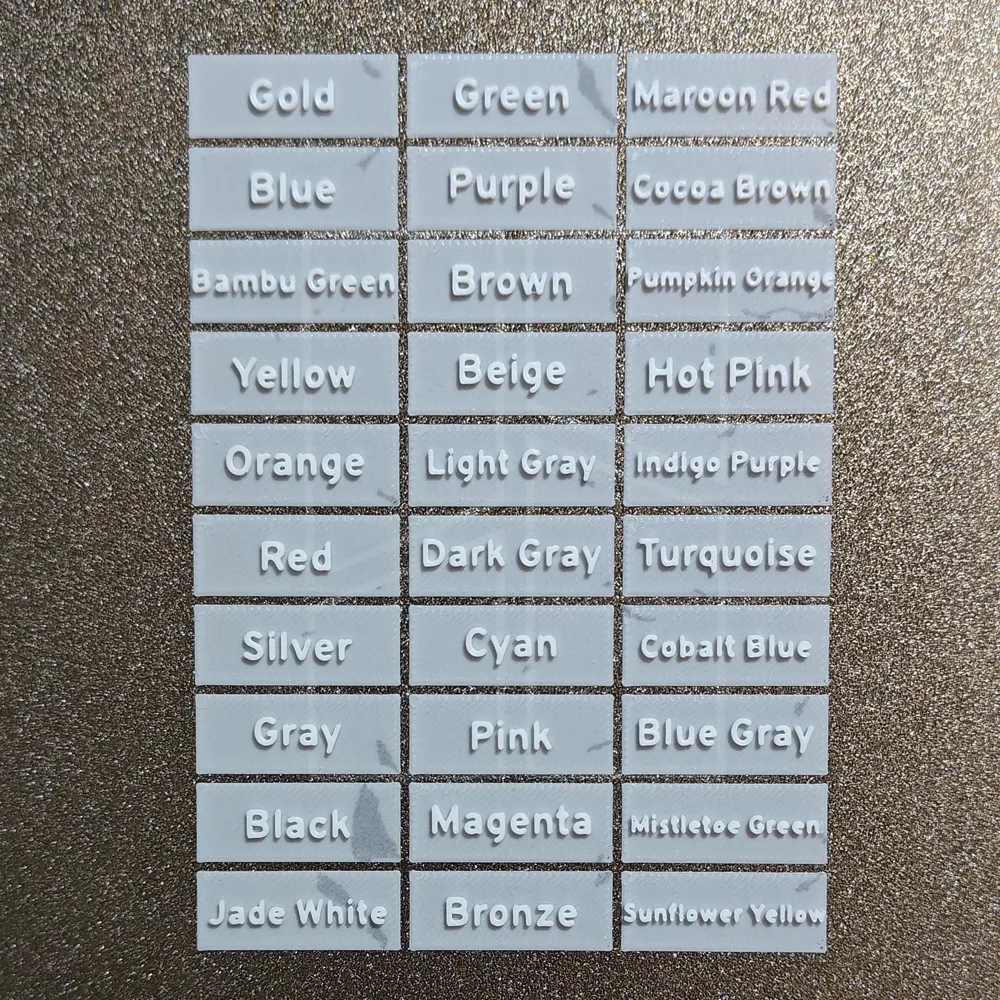
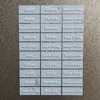
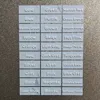
- All Bambu Labs filament names and types are already included on the files, if you stock one spool of each color, that means, just print the plate and forget about it.
- Also, a wide range of manufacturer names to save you time. (I recommend to use other colors to print them, looks nicer, just avoid darker colors).
The color tag has Top Surface settings that looks almost as ironing. (can be removed to save 2 mins, but I think it looks a lot better)
Considerations:
- Print in a textured plate, and just shove it on the fridge for 10 mins. It works wonders for being able to remove the name tags.
- The settings are reasonable, but tweak as you like and let me know how it works. (layer in base tags is 0.16, probably works in 0.20)
Improvements:
- When I find what to use the top space for, I will create a top label to include more information. (Thought about putting the code of the filament, but it is of no use to me).
- On the color plate, include some other features (Transparency or anything small that shows you about settings).
Boost Me (for free)
If you enjoy this design, please leave a rating or drop a Boost — it really helps and keeps me motivated to update and upgrade the models. And if you print or remix it, I’d love to see your version — share a photo in the comments.
License

You may create derivative works based on this object, provided that all such derivative works are published exclusively on the MakerWorld platform and include proper attribution to the original creator. You may not share, upload, host, distribute, or publish this object—or any derivative work of this object—on any other digital platform, marketplace, or distribution channel. Commercial use of this object and any derivative works is strictly prohibited. This includes, but is not limited to, selling, renting, sublicensing, or using the object in any context in which you receive monetary compensation or other financial benefits.


Comment & Rating (15)