
Print Profile(5)
Bill of Materials










- glue x 1: Contact Glue
Description
Boost Me (for free)
I usually don’t ask for this, but I’ve noticed that many creators actively encourage it on other platforms—and it makes sense, as it helps increase visibility. So, if you can follow me, it would make difference. It’s a great way to support my work and show appreciation. For more insight subscribe my blog at: https://designrepcom.com/ This design is freely available for the community, but if you enjoy my work and would like to show your support, you can boost this project. Thanks!
Monitor Note Dock
1. What is it?
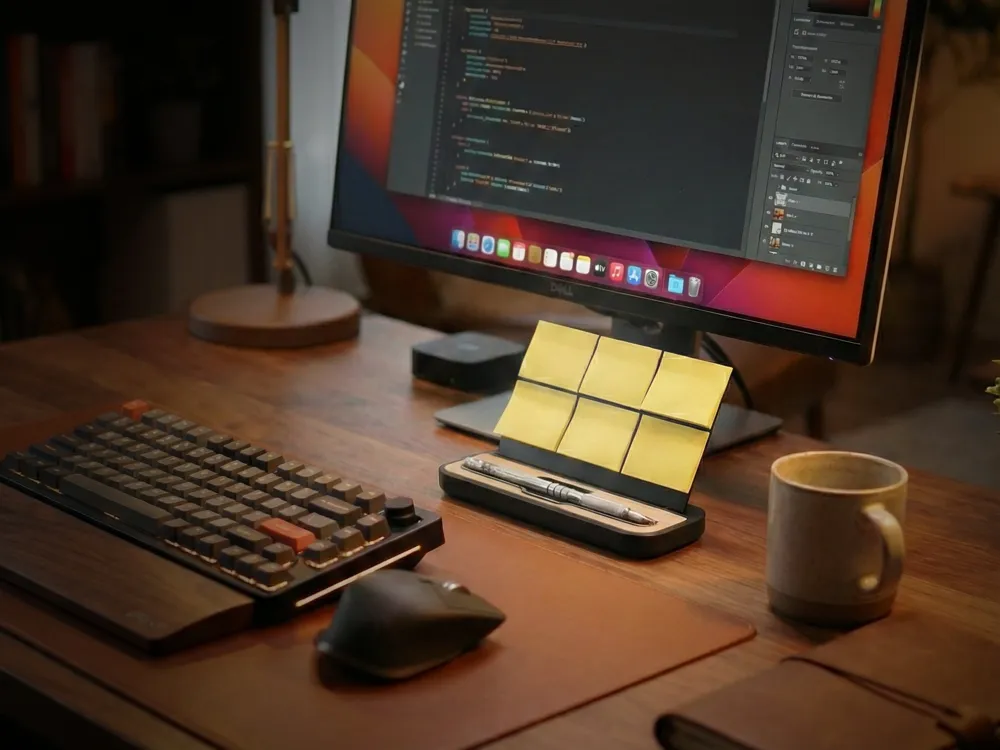
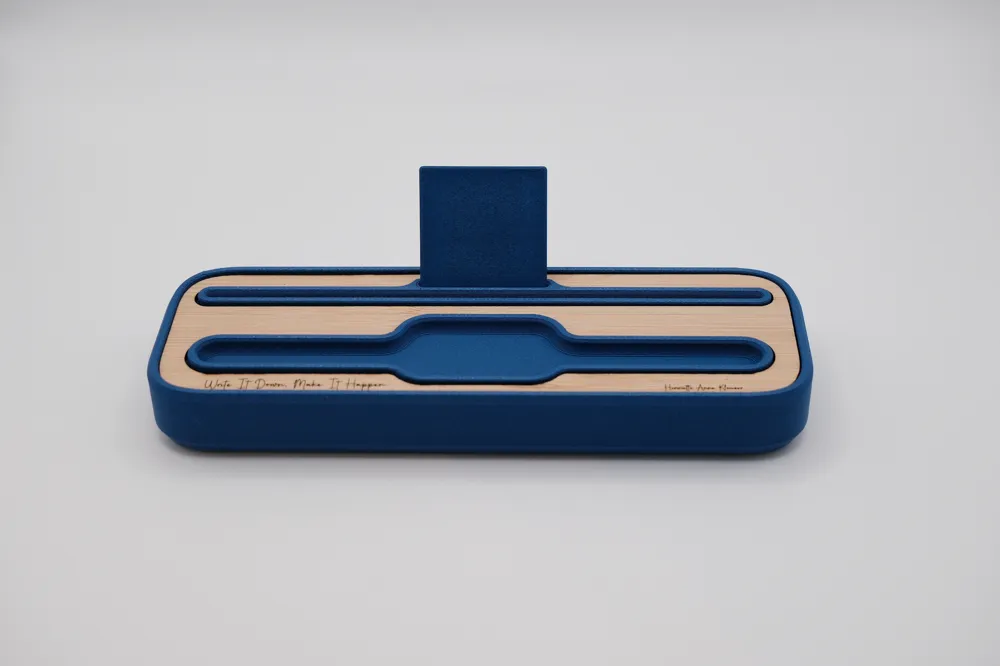
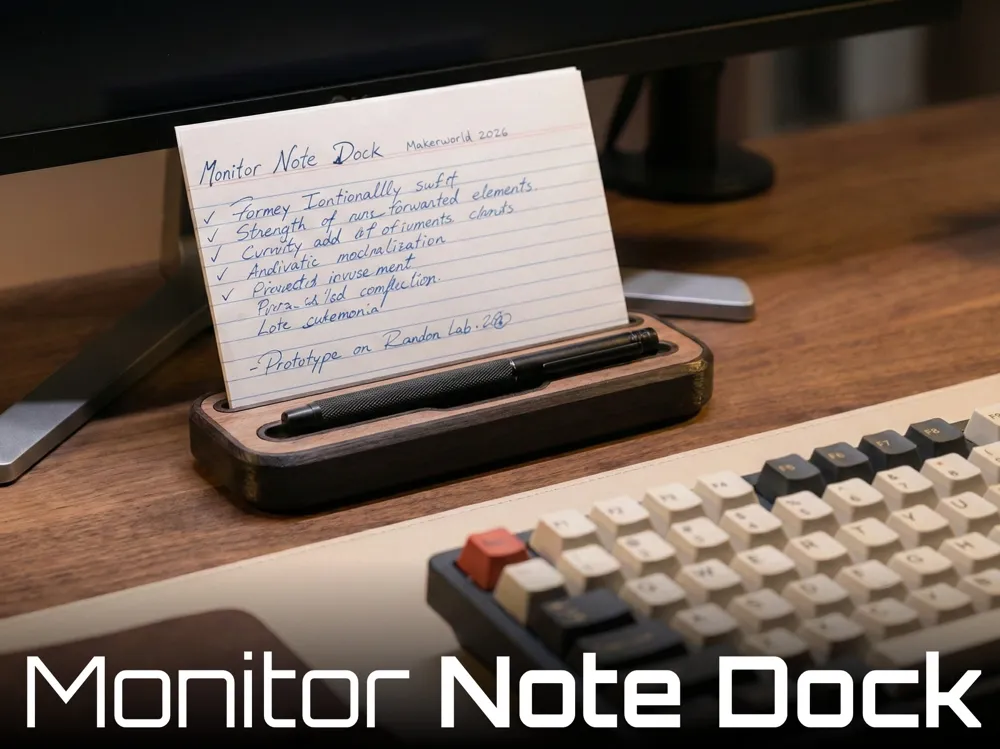
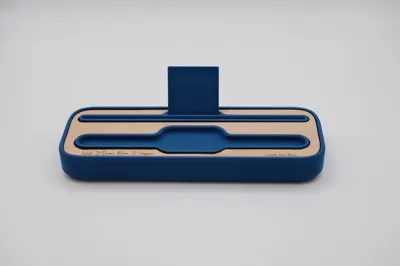
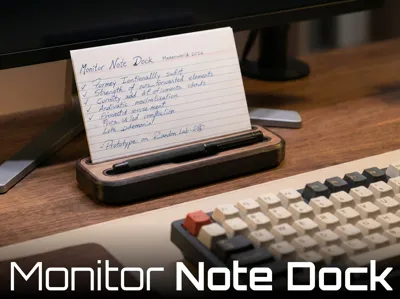
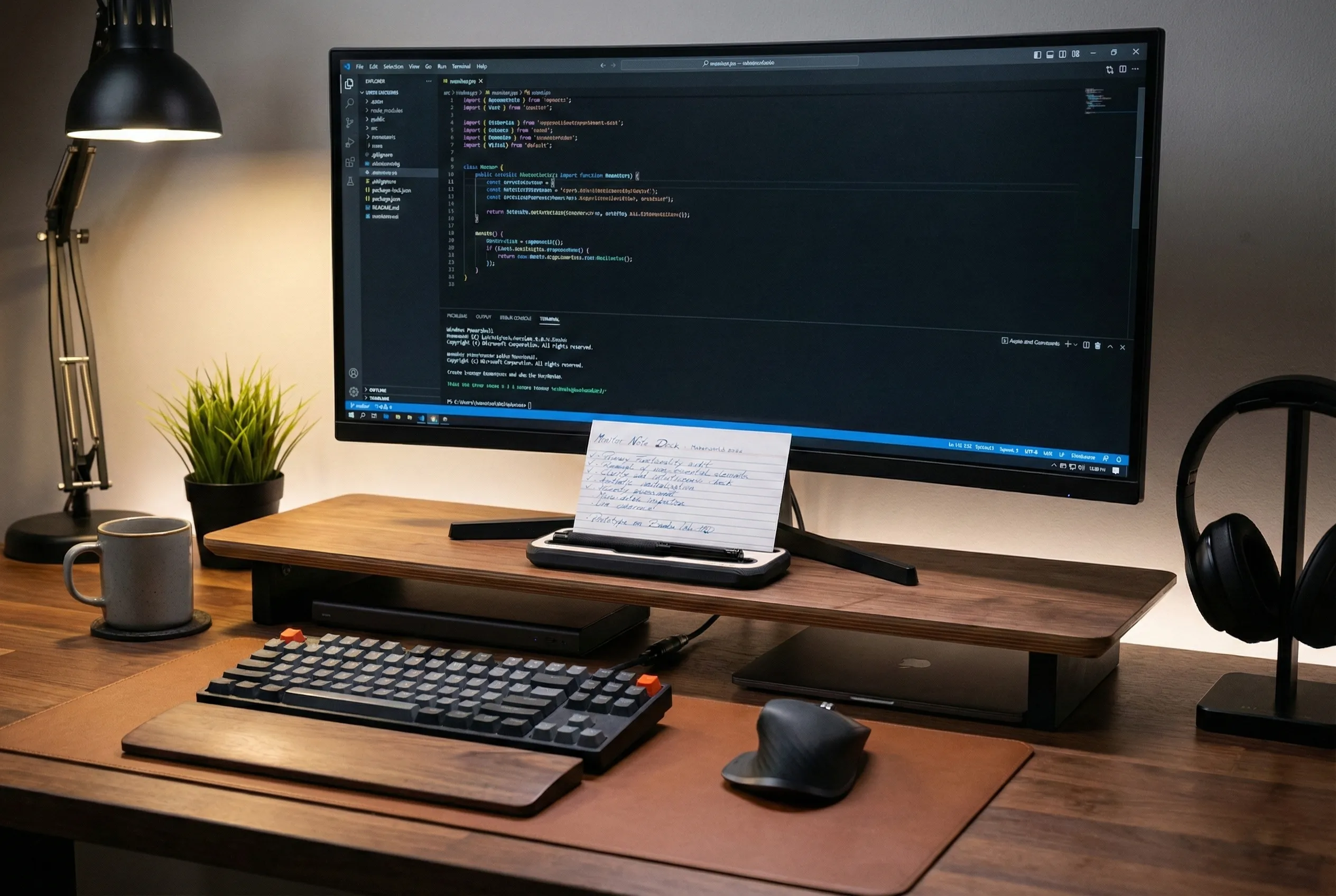
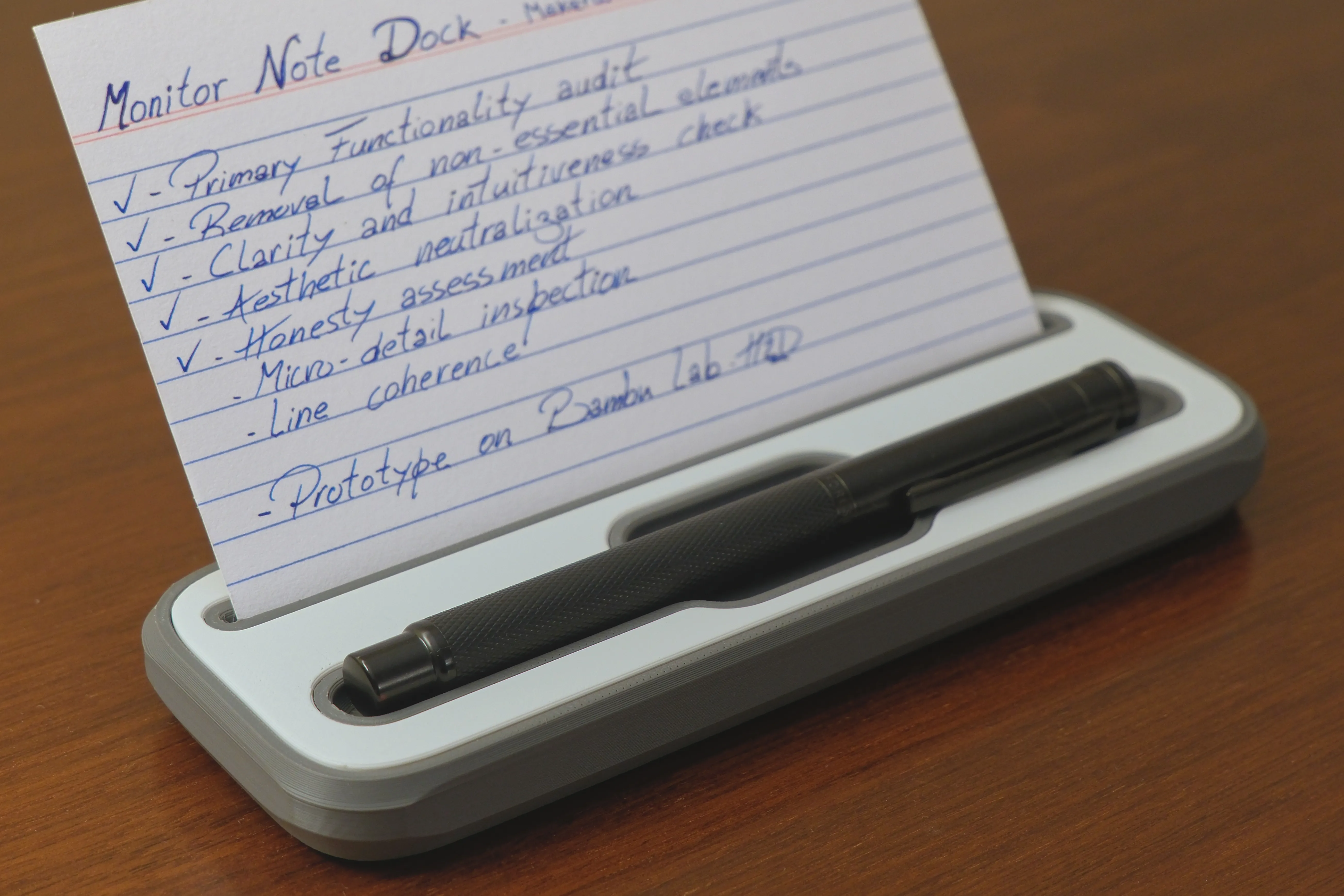
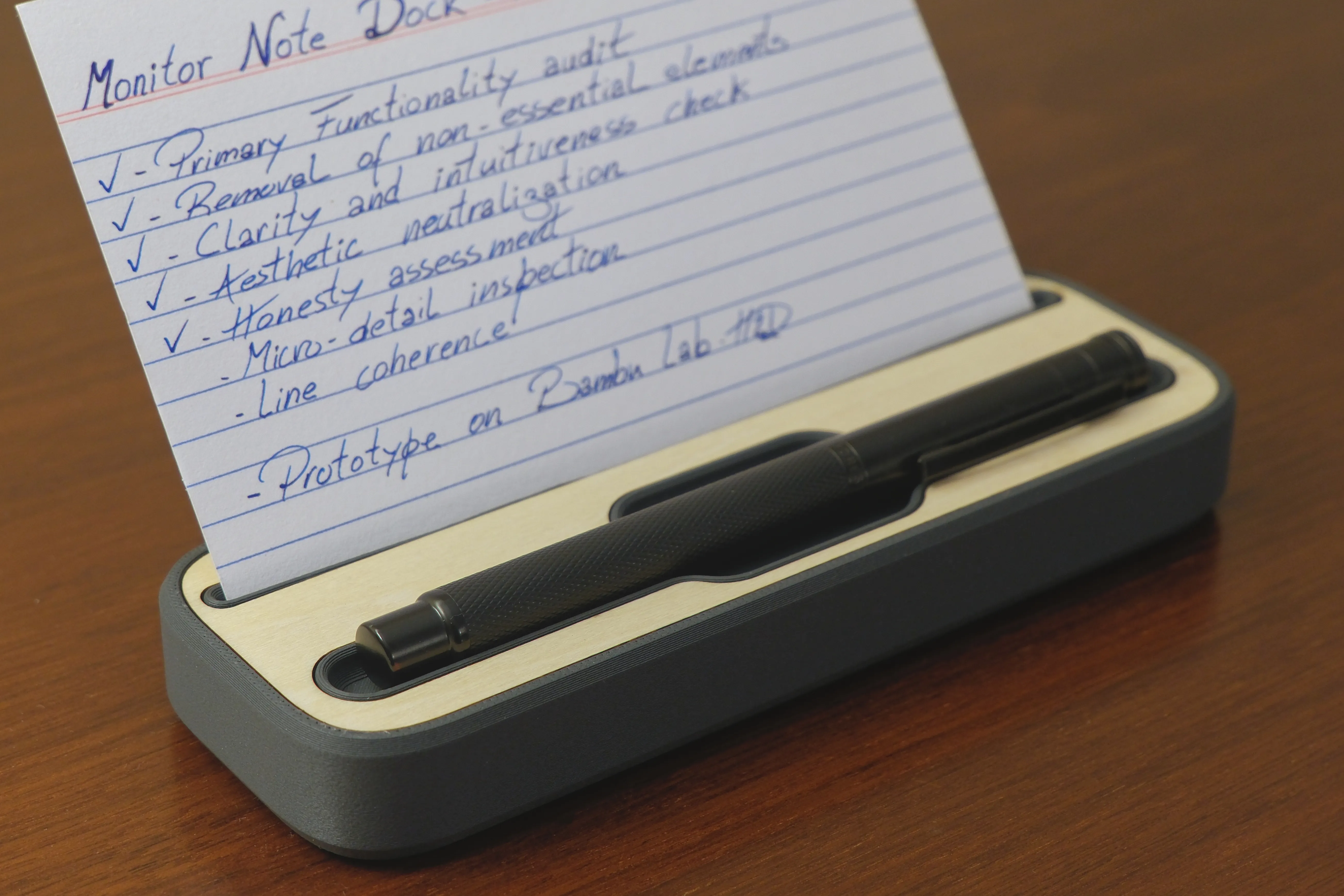
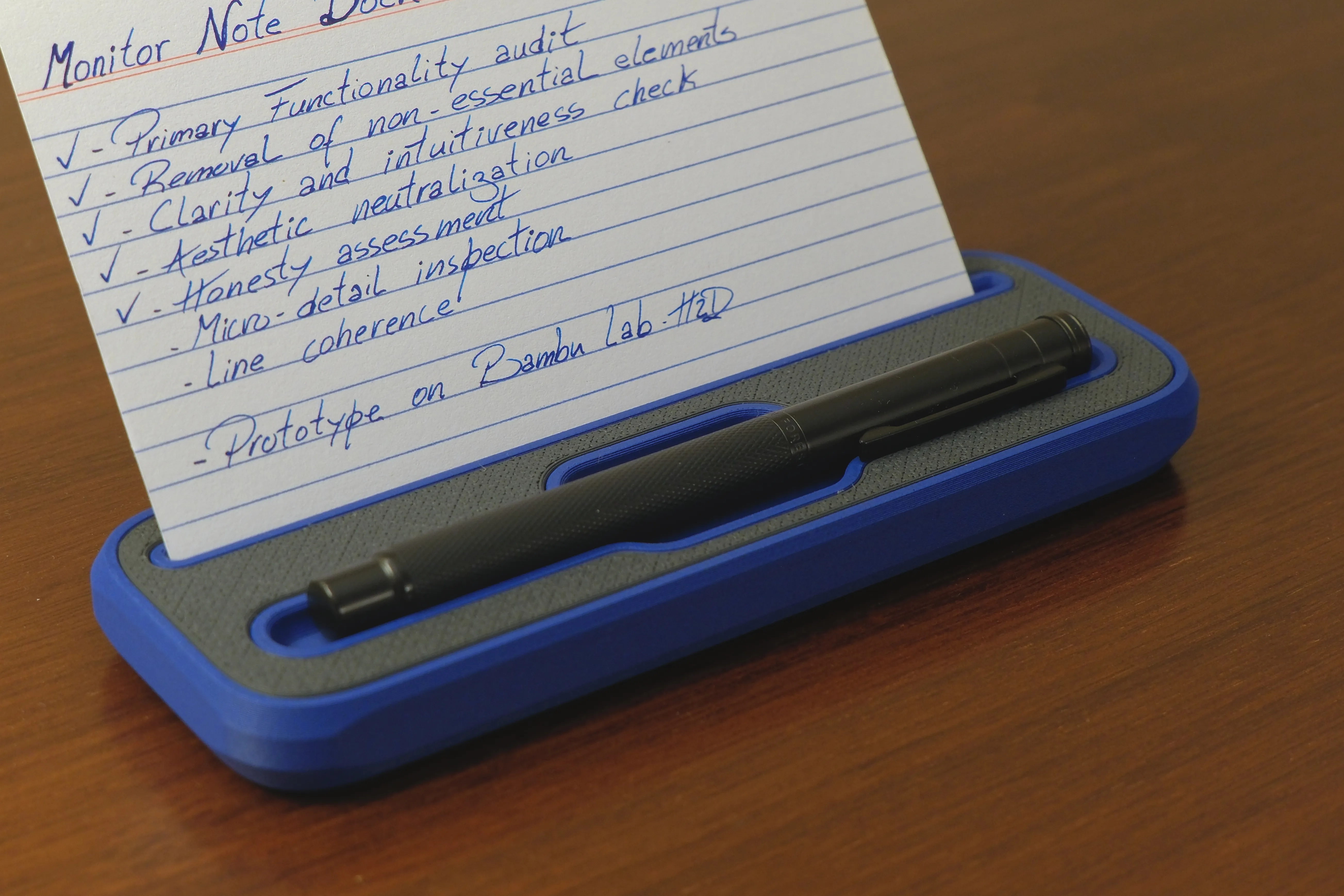
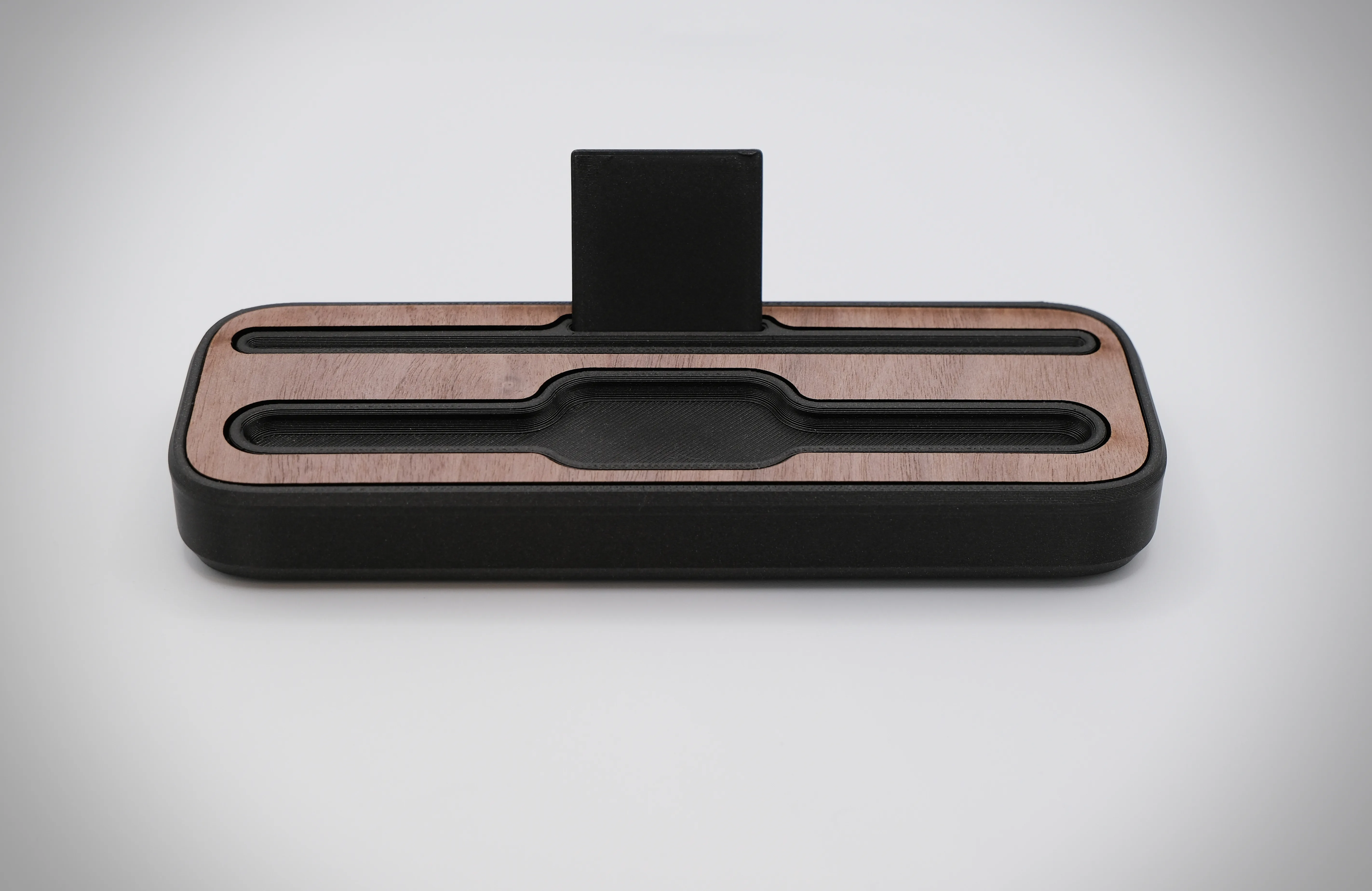
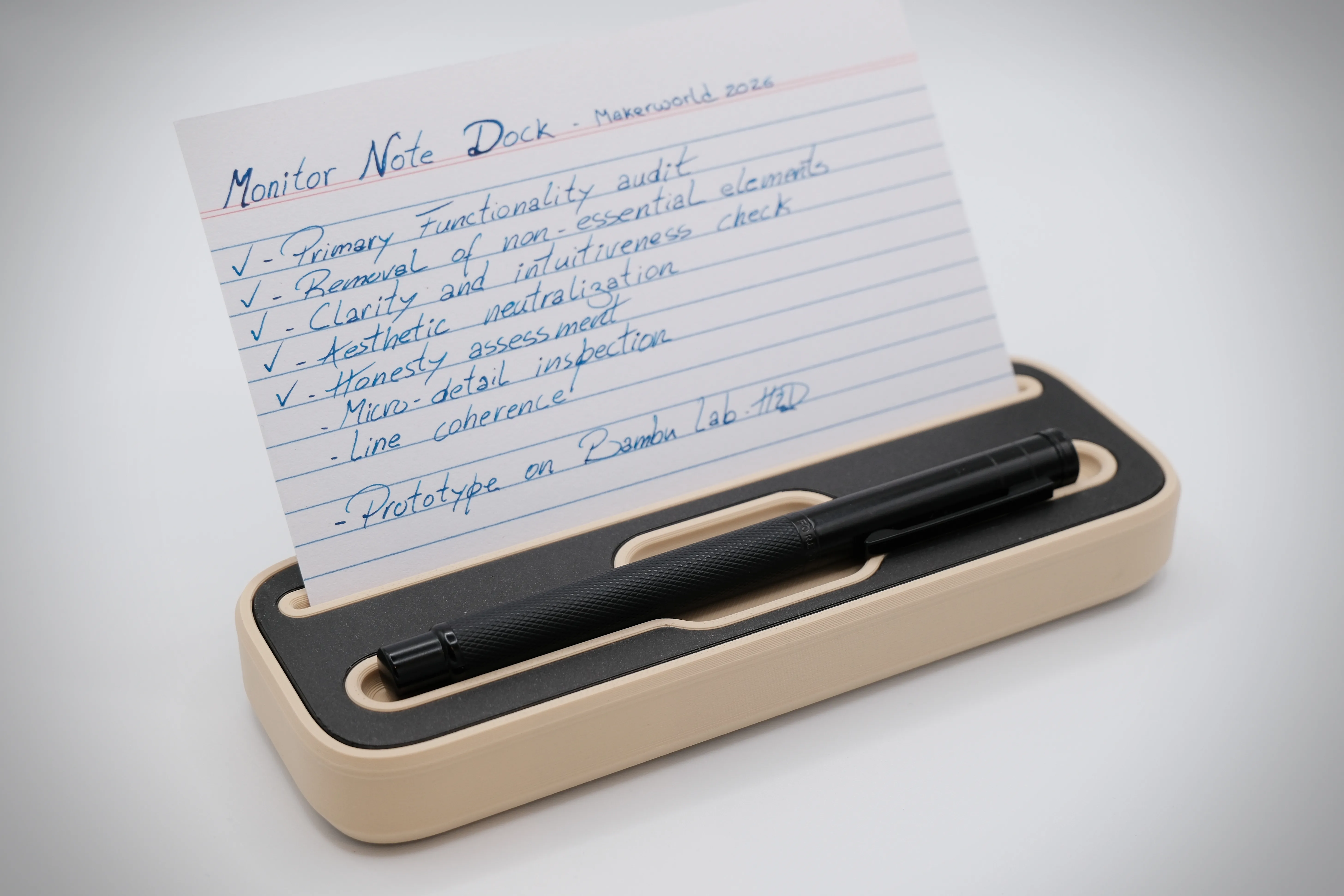
The Monitor Note Dock is a minimalist and functional desk module designed to sit perfectly under your monitor. It serves as a dedicated holder for notes, reminders, or study cards (like those used in Zettelkasten systems), eliminating the mess of sticky notes and promoting a cleaner, more focused workspace.
2. Advantages / Benefits
- Goodbye Chaos: Replaces peeling post-its that clutter your desk.
- Paper Versatility: Compatible with both rigid index cards and thin notepad sheets.
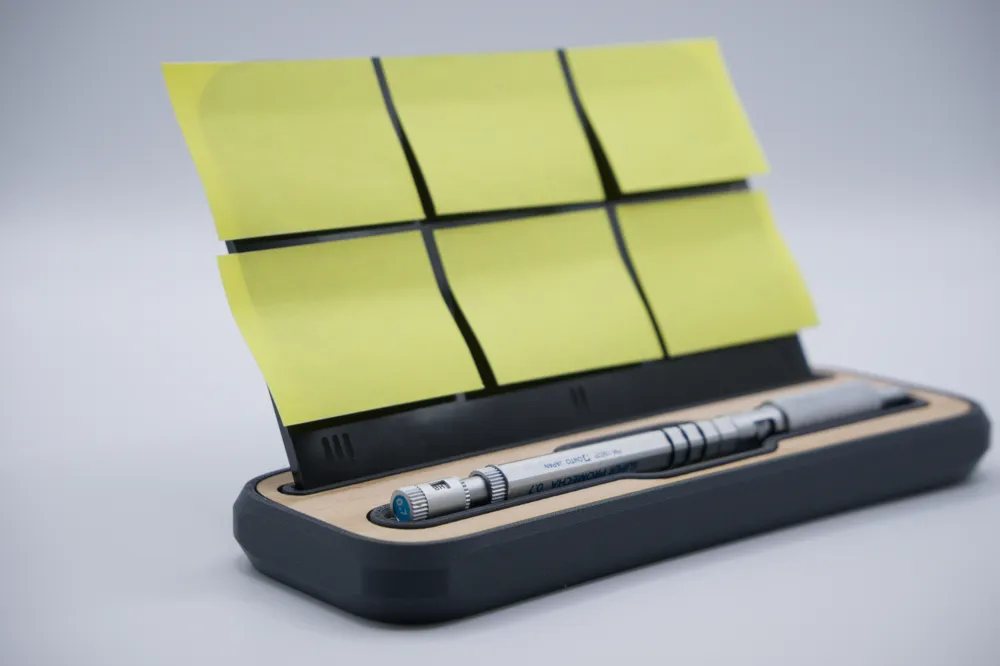
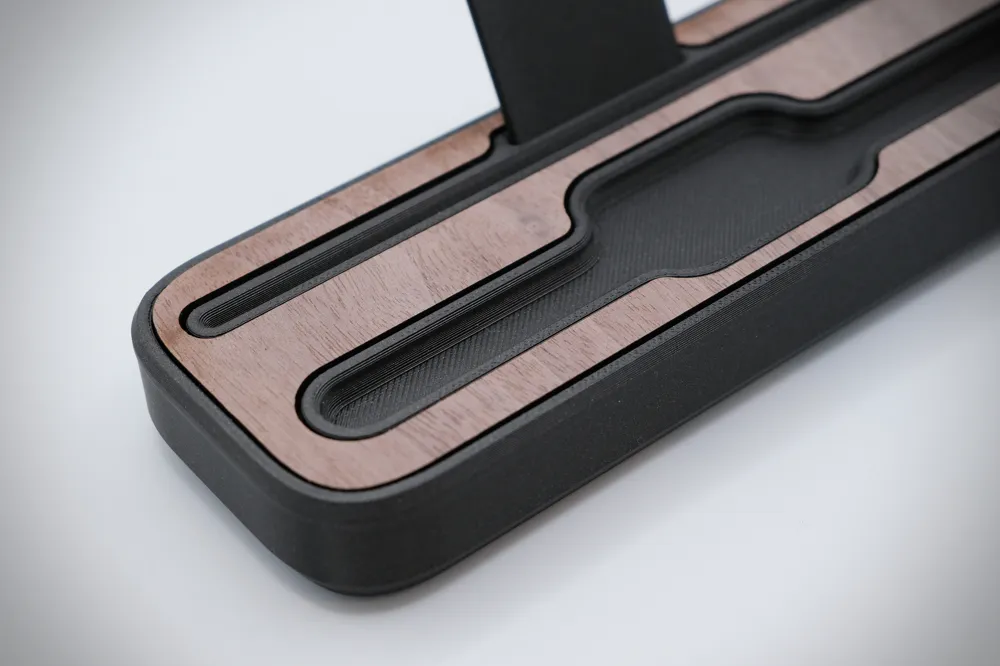
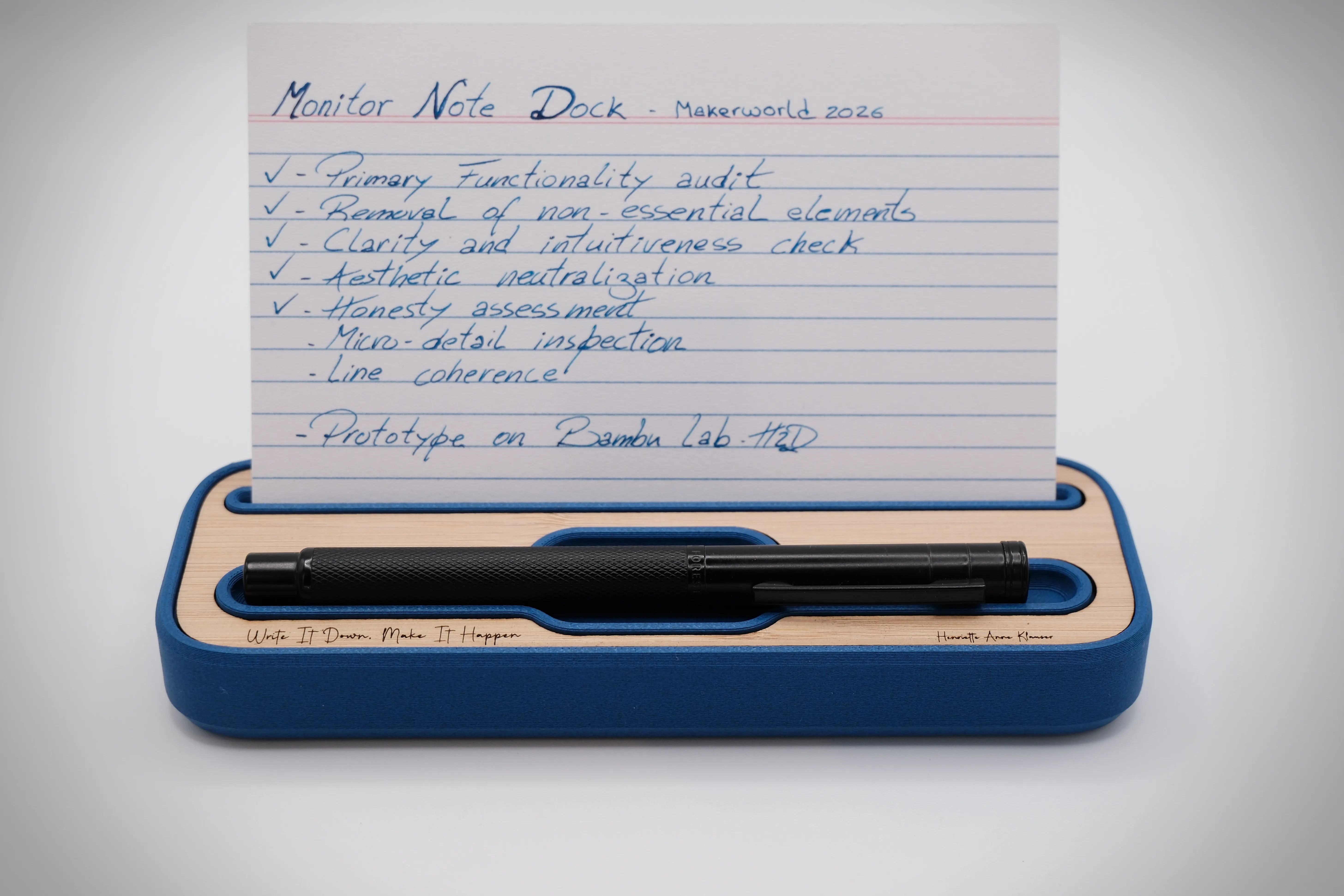
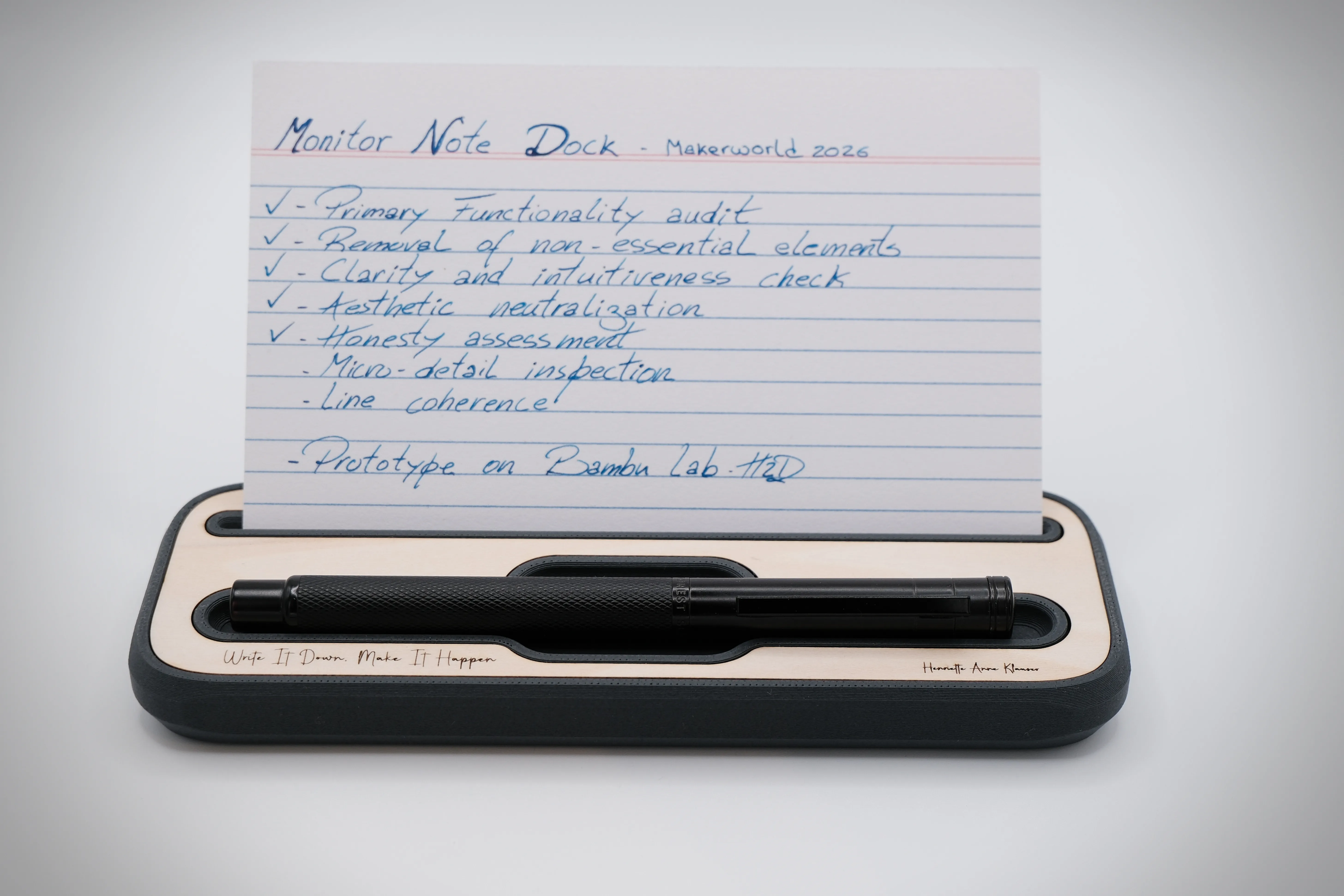
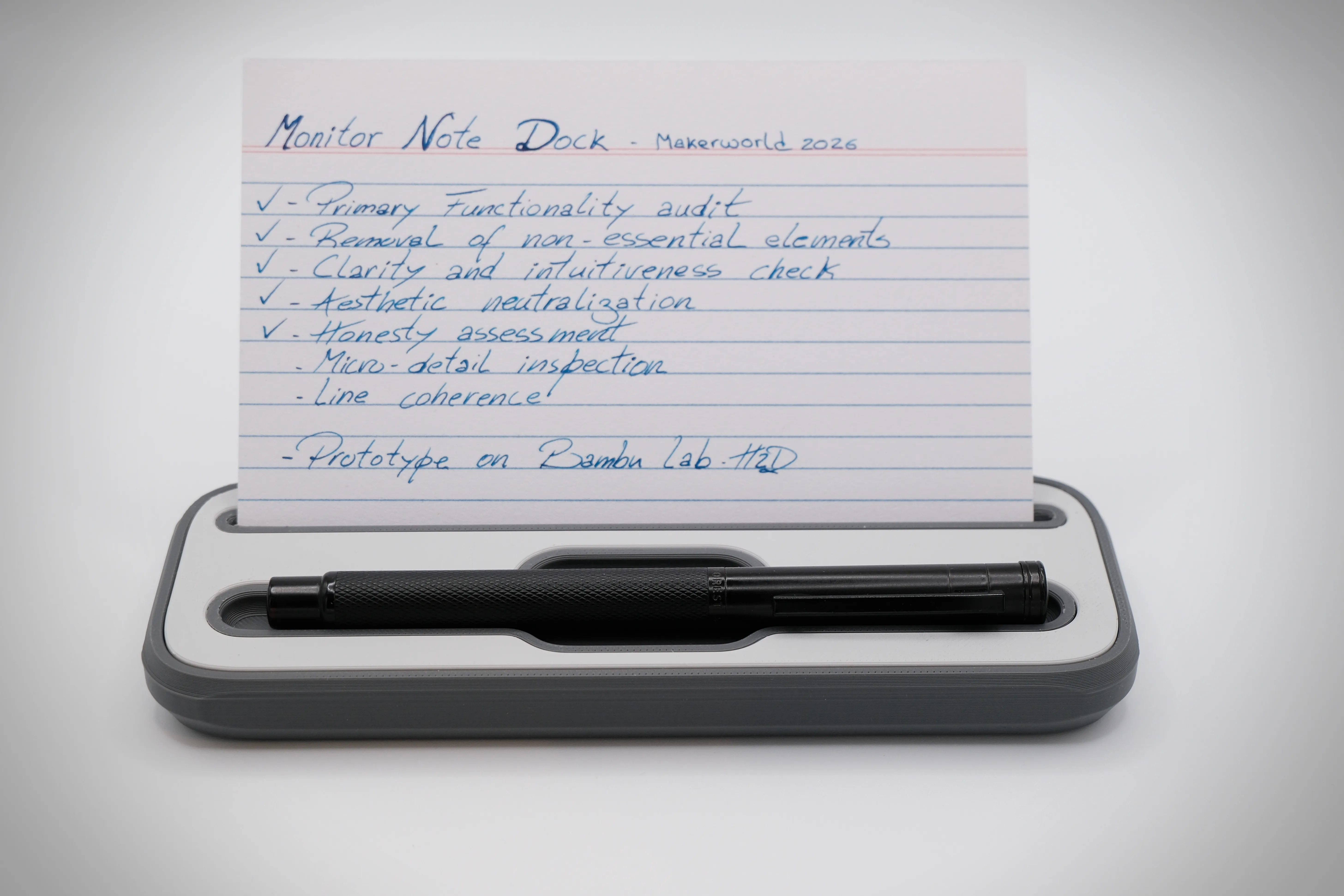
- Integrated Ergonomics: Features a sculpted pen rest for quick access to your writing tools.
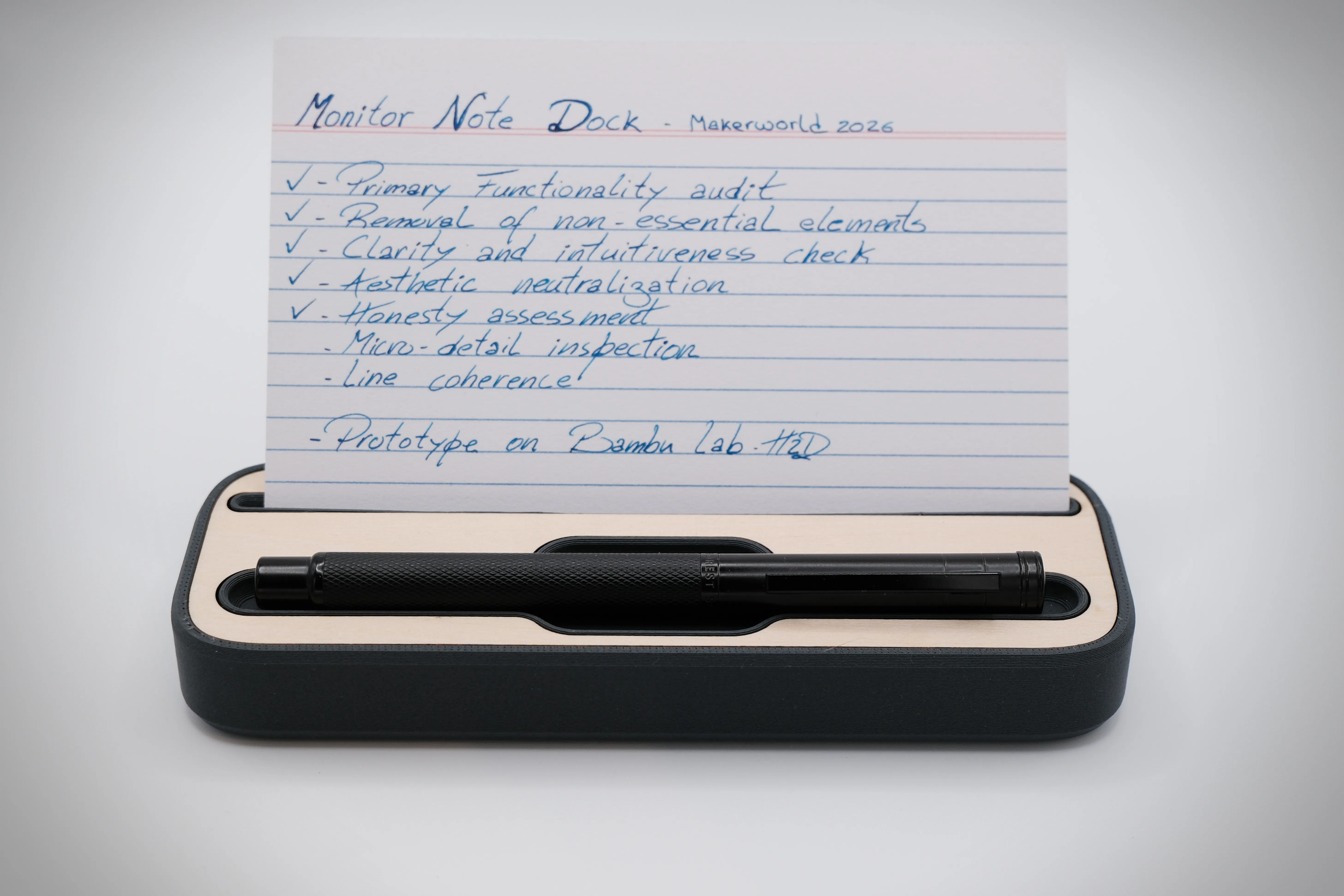
- Custom Aesthetics: Available in clean-lined or faceted "lightweight" versions.
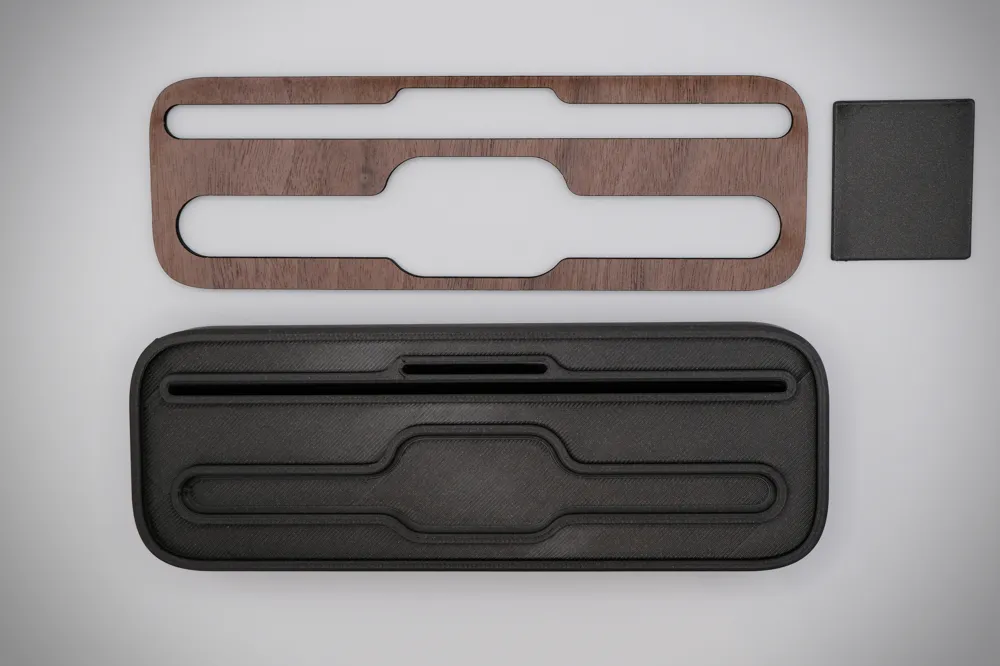
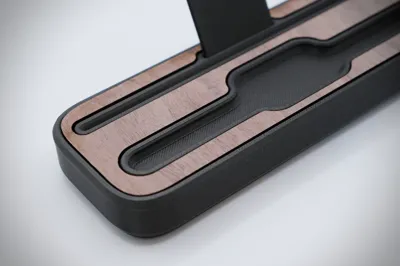
- Hybrid Potential: Ready for laser-cutting integration for a luxury finish.
 |  |  |
3. What’s Included?
- A 3mf print profile is available including all variations:
- High Model: Clean, minimalist forms.
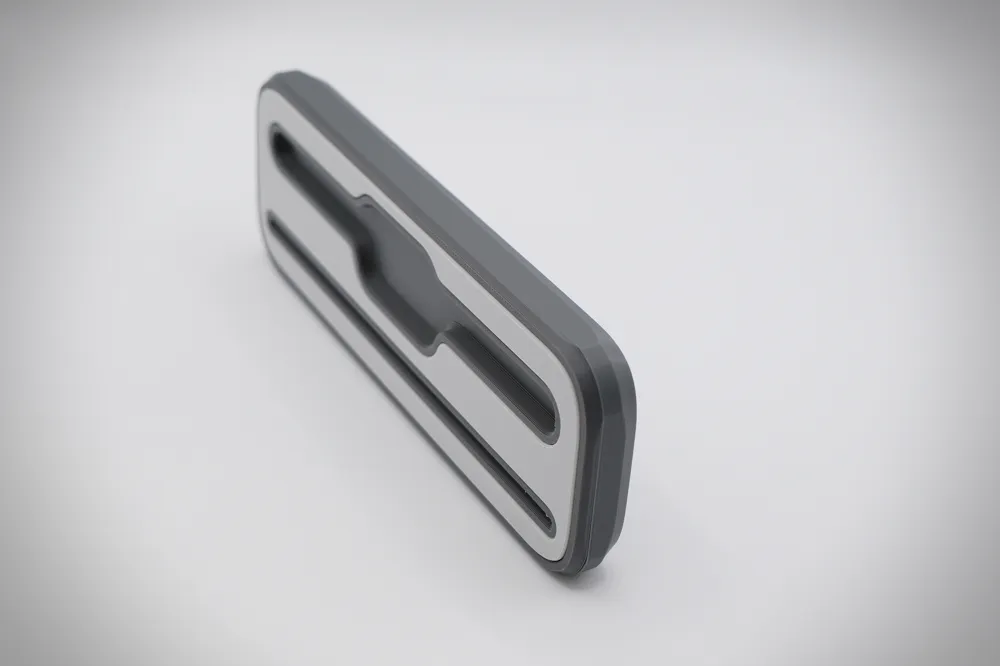
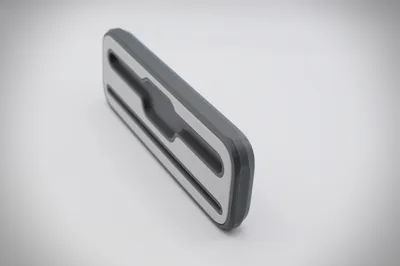
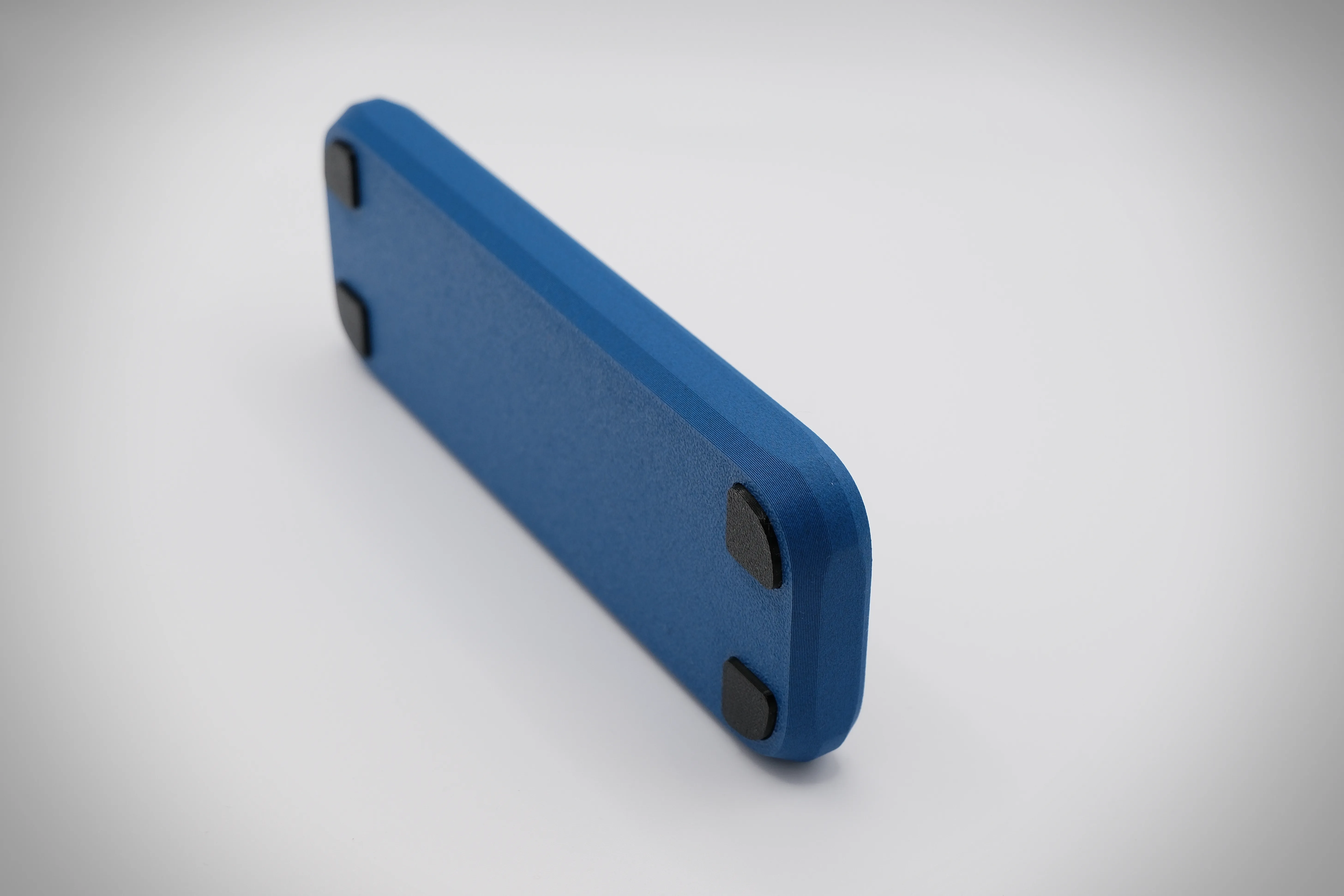
- Low Model: Faceted side walls for a modern, lightweight look.
- Versions with and without the Support Rod for thin paper.
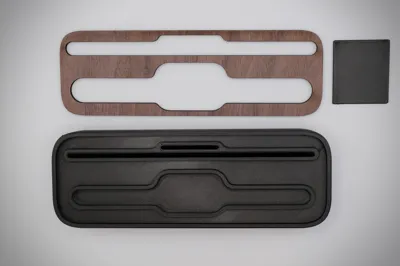
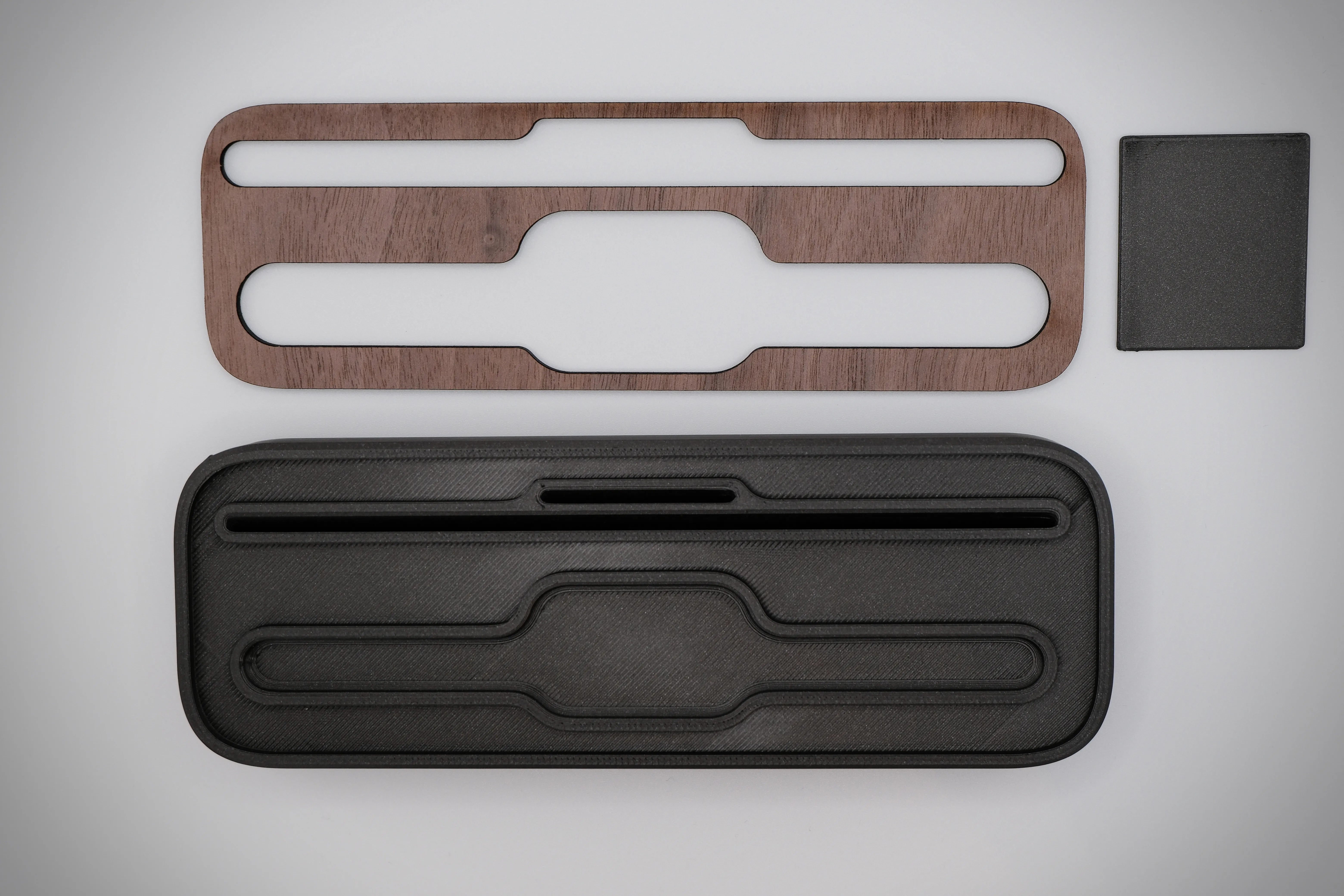
- Cut profiles for cork feet and decorative top inlays - Check the laser cut profiles
4. How to use it?
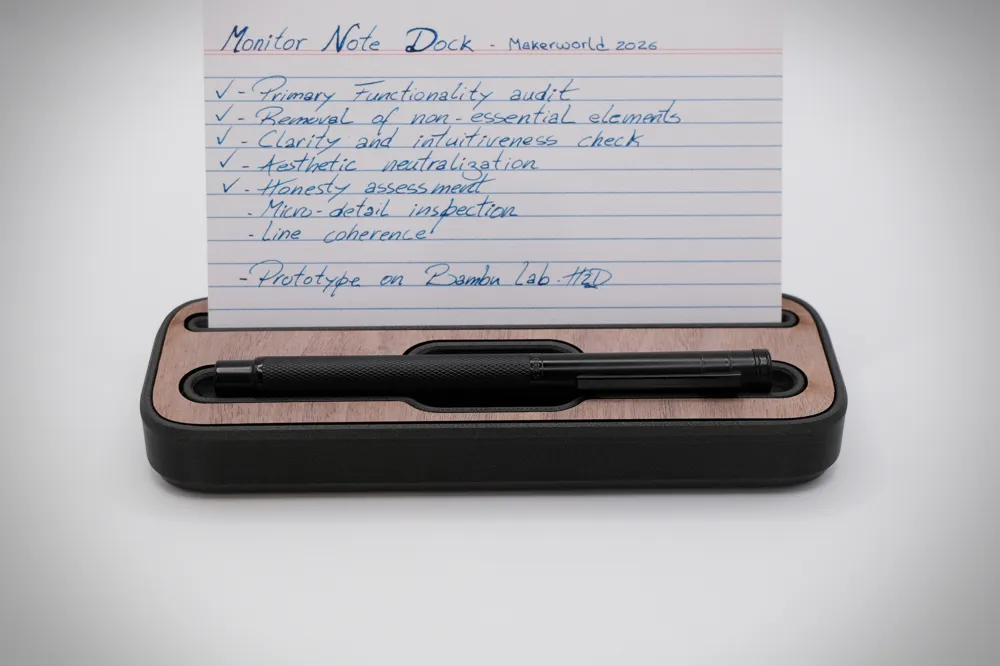
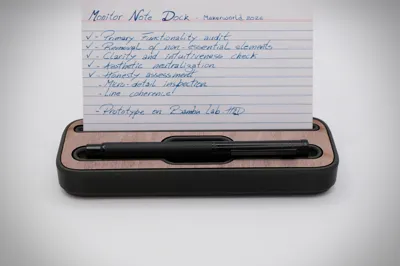
Insert your notes or cards (maximum 150mm wide) into the front slot. If using thin paper, choose the version with the support rod to ensure your note stays upright. The rear space allows for storing a few extra sheets for quick swapping.
5. Compatibility
- Printers: Compatible with any FDM printer, from the Bambu Lab A1 Mini to larger format machines.
- Systems: Independent, but aesthetically aligned with the Jorge Rui productivity ecosystem.
6. Modularity / Expansion
While a standalone project, the Monitor Note Dock shares the organizational philosophy of other projects that I have made. It can be customized with wood or acrylic tops to match other desk modules using hybrid materials, or use pure and simple PLA with the colour you like best.
 |  |  |
 |  |  |
7. Materials used
- Main Body: PLA or PETG (subtle colors recommended to avoid distraction).
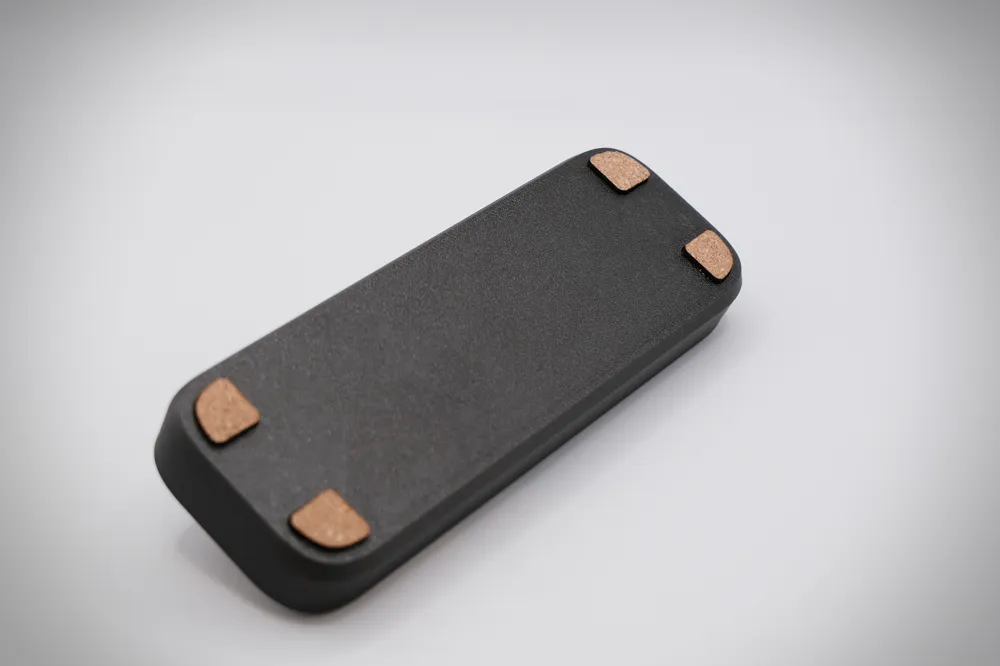
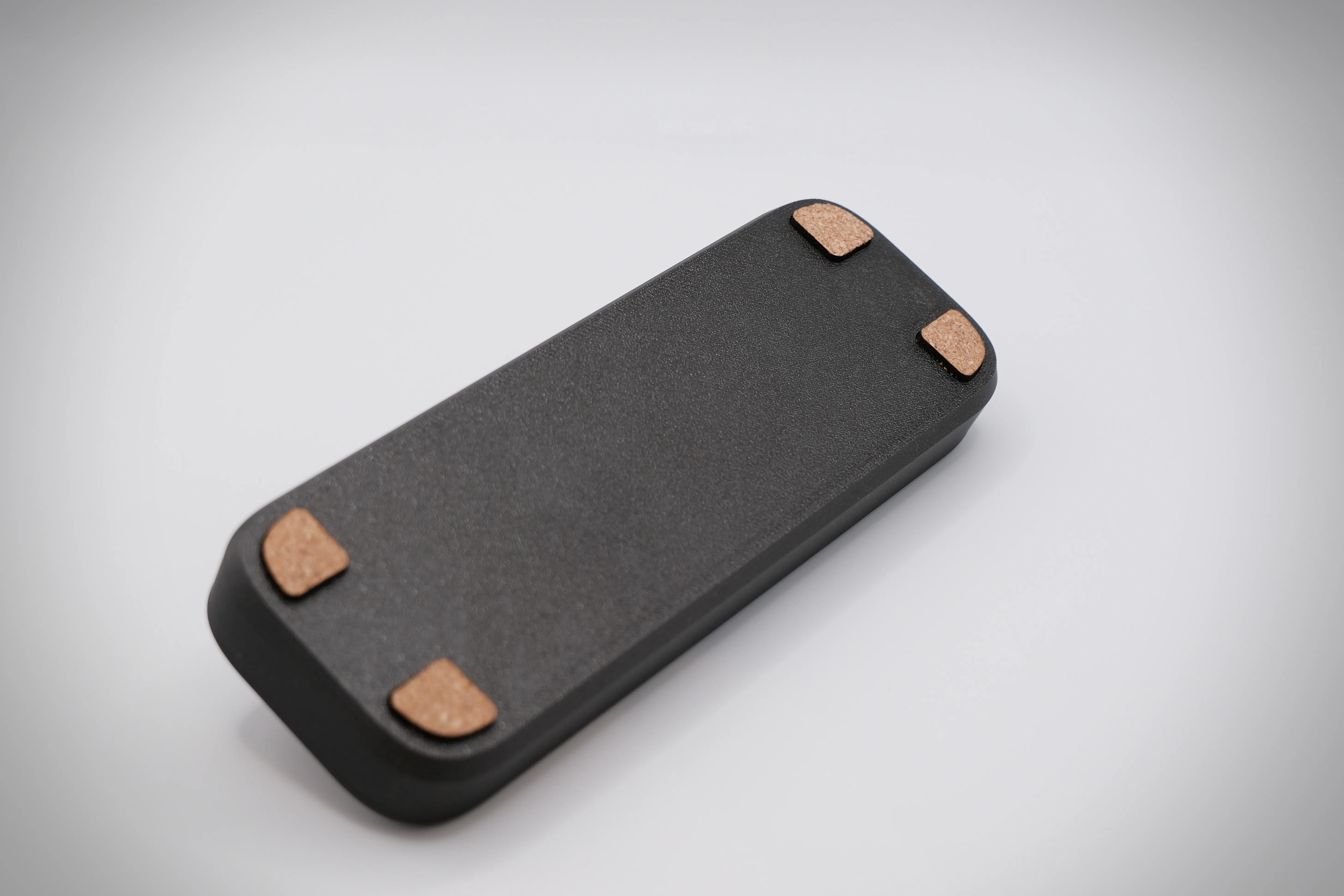
- Feet: TPU or Cork(for grip and desk protection).
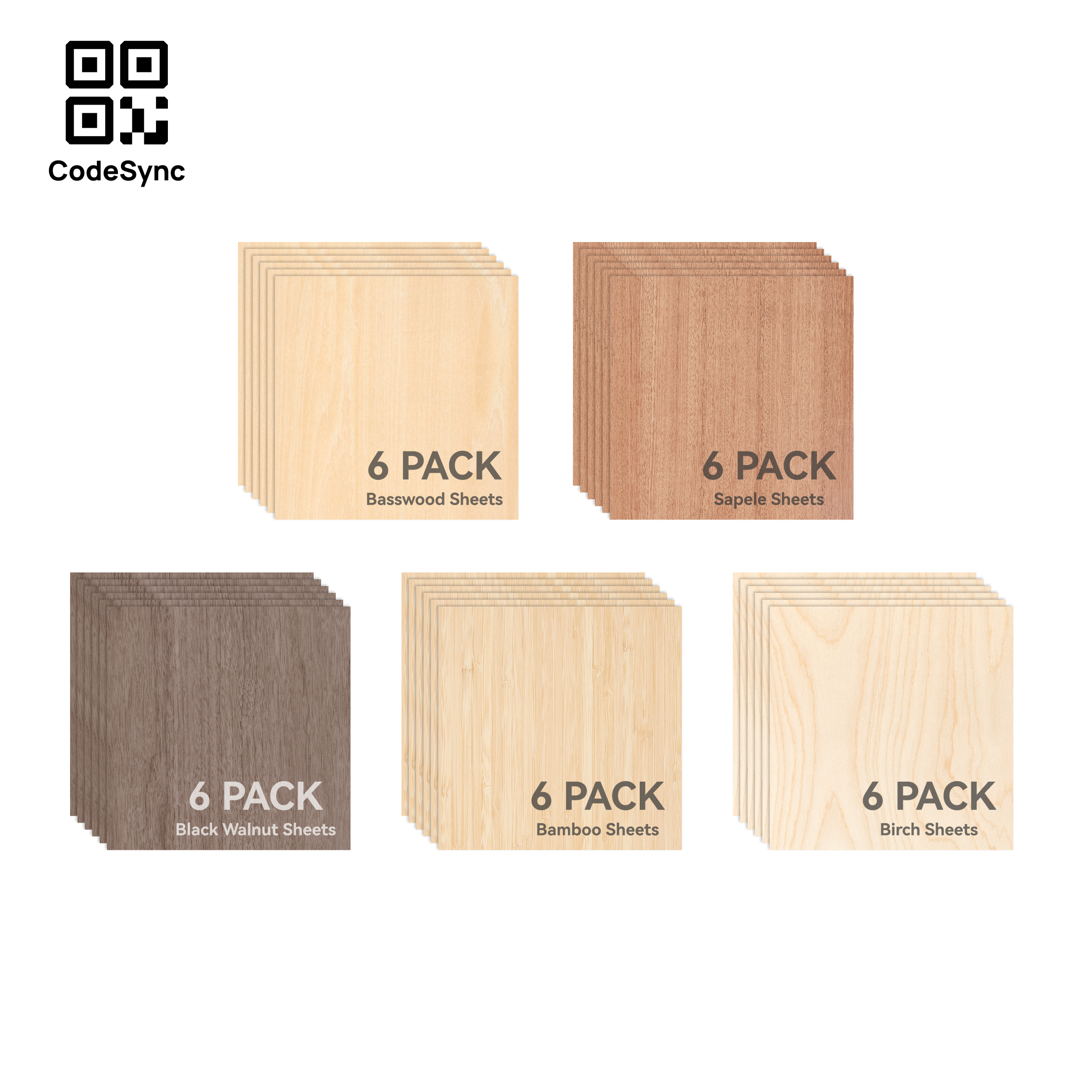
- Optional (Hybrid): Wood veneer, cork, or acrylic for the top and base.
- Technical Note: To learn more about combining materials, check out: Unlocking the Potential of Multi-Material Printing.
 |  |
8. Print recommendations
- Print Profile: Use the provided 3mf profile for pre-configured optimal settings.
- Layer Height: 0.2mm to 0,24mm.
- Supports: Not required (designed for easy printing).
- AMS: Not required; parts are printed independently.
9. Assembly
Assembly is extremely simple:
- Print your preferred version (High/Low, With/Without rod).
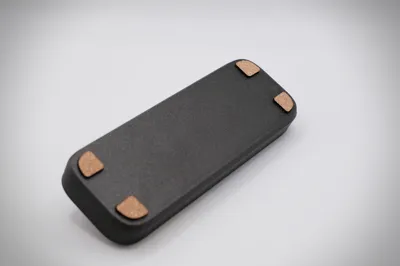
- Glue the feet (TPU or Cork) to the base using contact cement or plastic-safe cyanoacrylate.
- If using the hybrid version, glue the decorative inlay into the top recess.
Check the included movie clip for a quick visual assembly guide.
10. Design Philosophy & Development
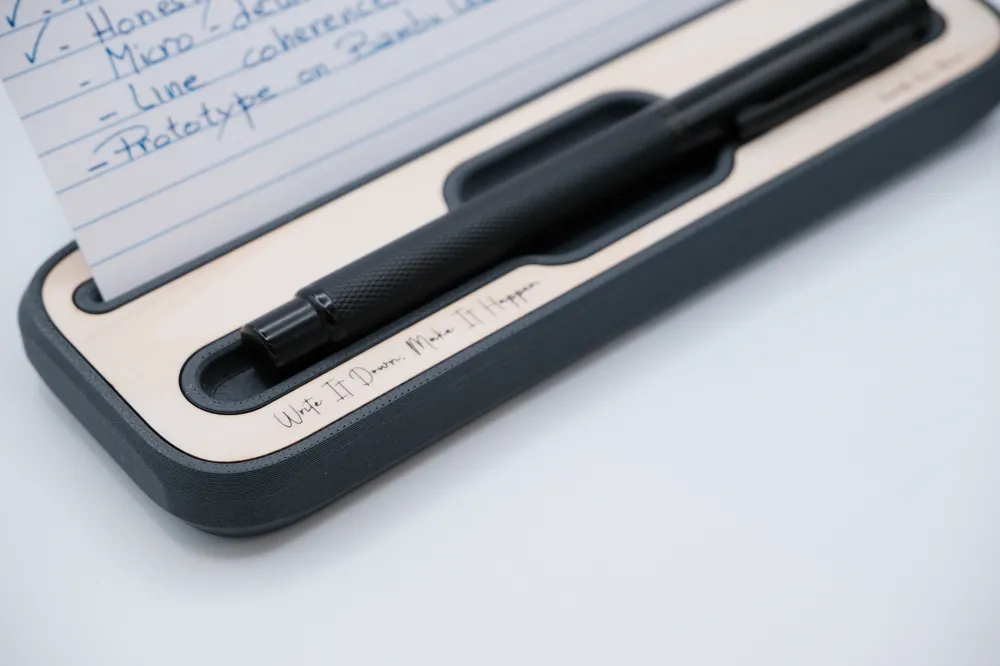
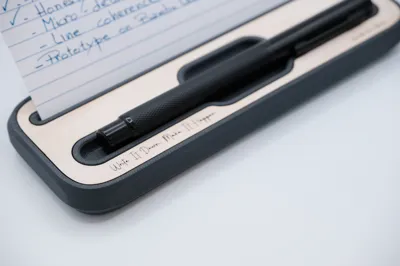
This project was born from the need to bridge my analog workflow with my digital workspace. As seen in the handwritten notes in the photos, this model follows my core development rules: form must serve function, yet remain a "work in progress."
- Deep Dive: The Journey from Idea to Object - Part I.
11. The Personal Touch (Gifting & Customization)
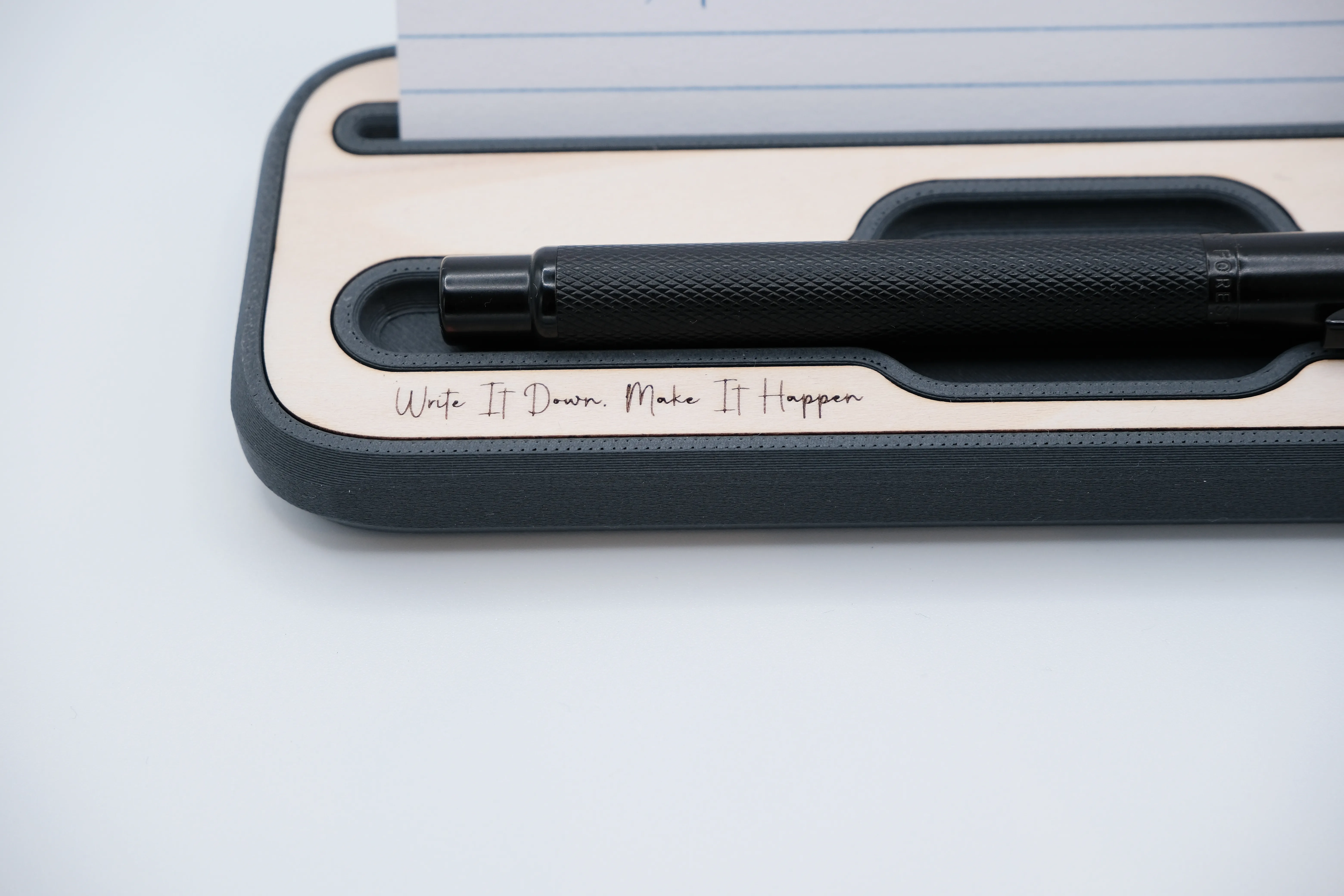
The Monitor Note Dock is more than just a functional tool; it is a canvas for your personal touch.
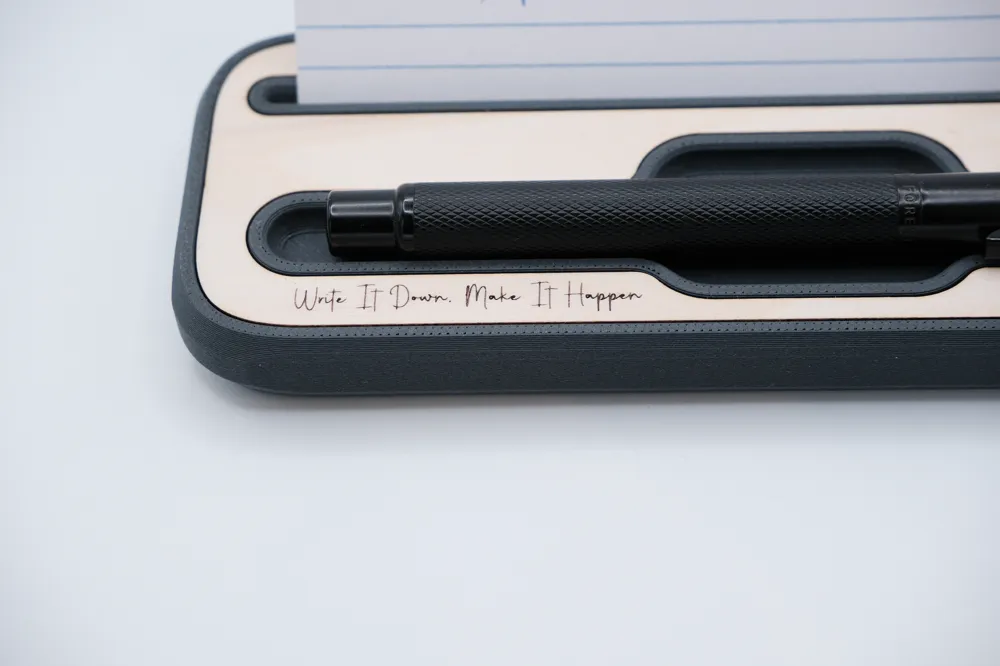
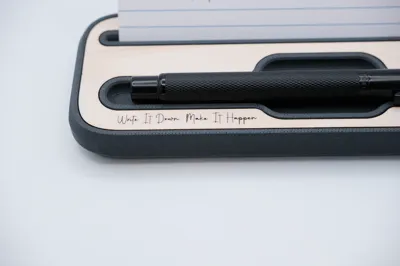
- Inspiring Dedications: You can personalize the top inlay with a meaningful dedication or a short, inspiring quote that serves as a daily reminder of what truly matters.
- Hybrid Machine Potential: If you own a hybrid machine, you can use laser engraving to etch these messages directly into the wood, acrylic, or cork surfaces with high precision.
- A nice gift: When paired with a pen and a thoughtful message, the Monitor Note Dock becomes an exceptional gift for a colleague or someone special who appreciates a mindful and organized workspace.
12. Future Vision & Community Input
This is a living project, so… If you have suggestions for specific card sizes or accessory slots, please share them in the comments!
Change Log:
- 01-02-2026
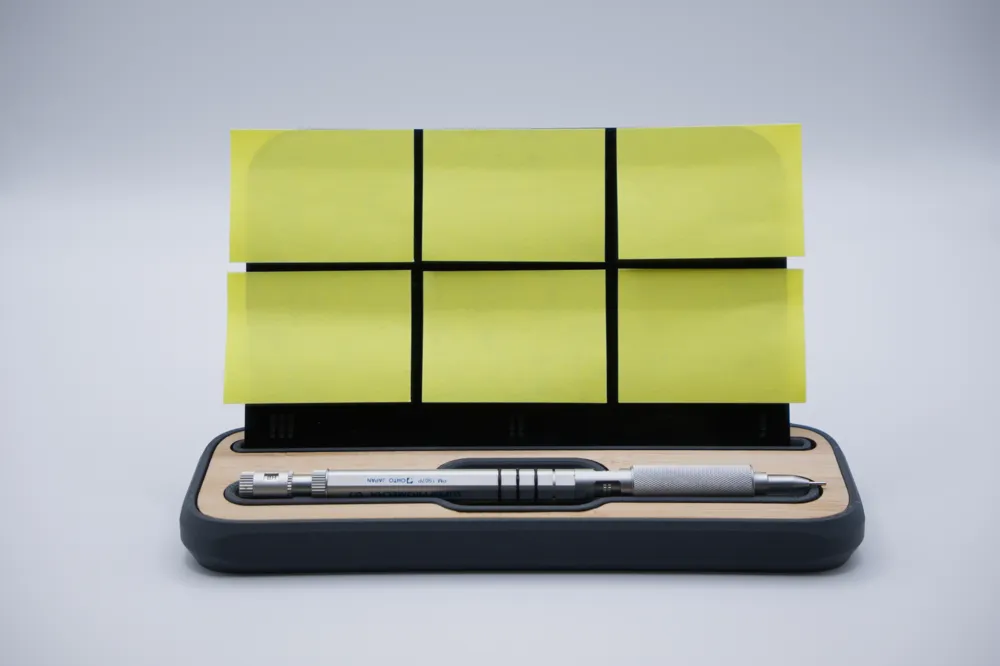
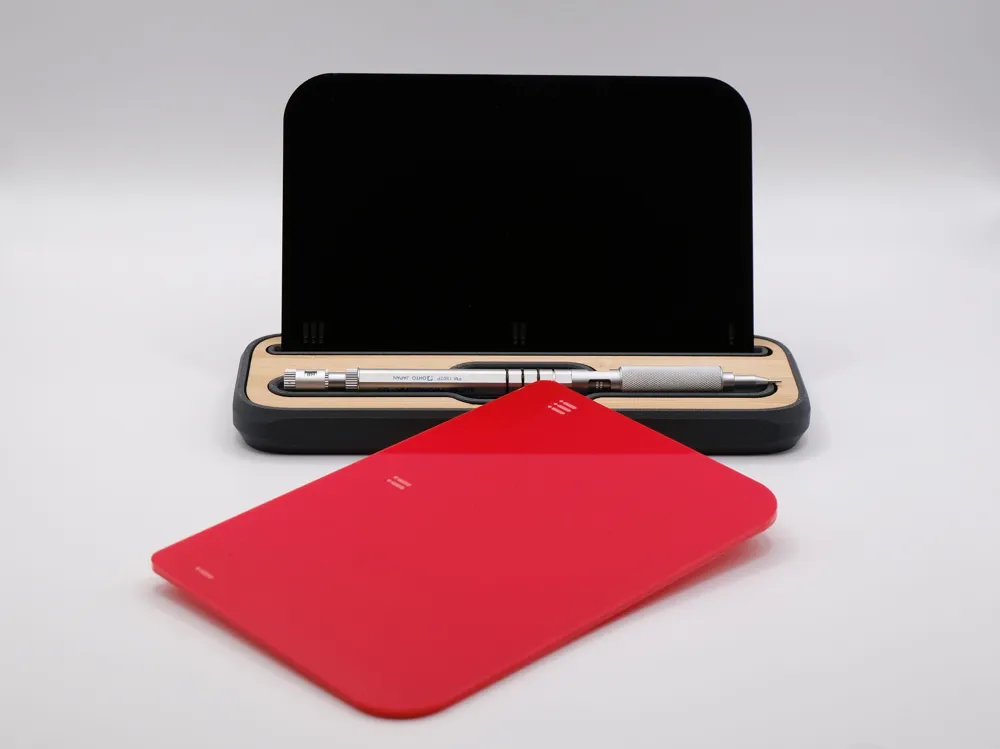
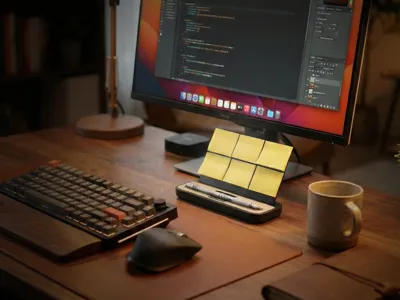
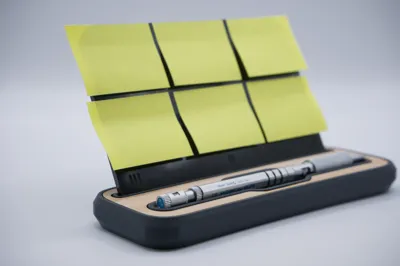
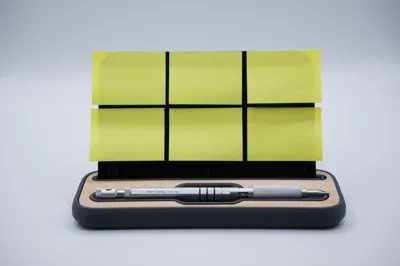
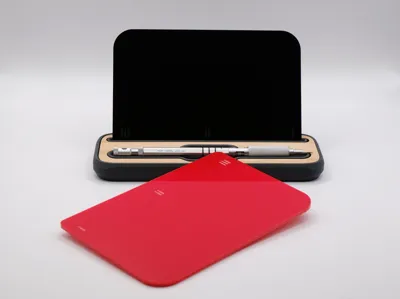
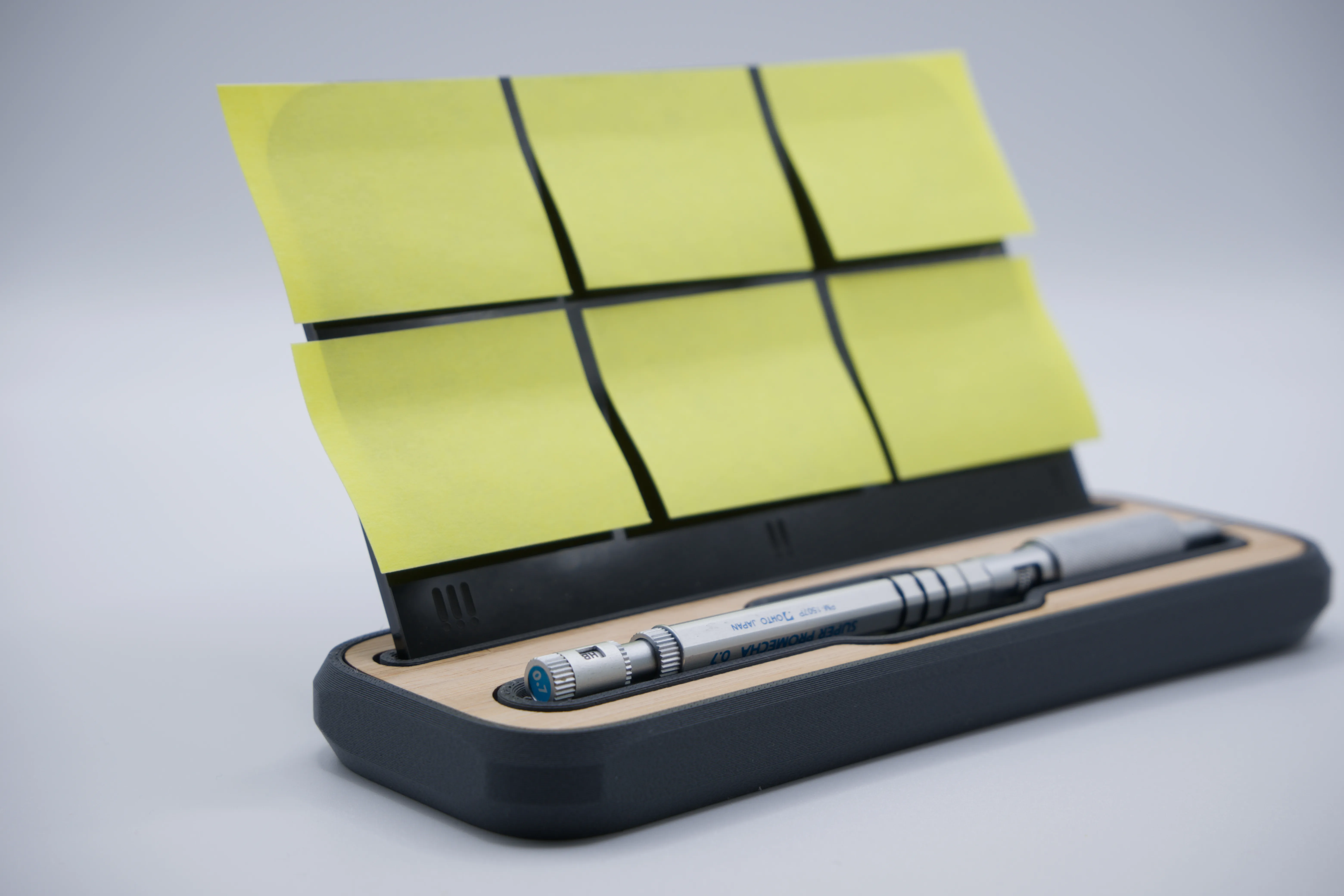
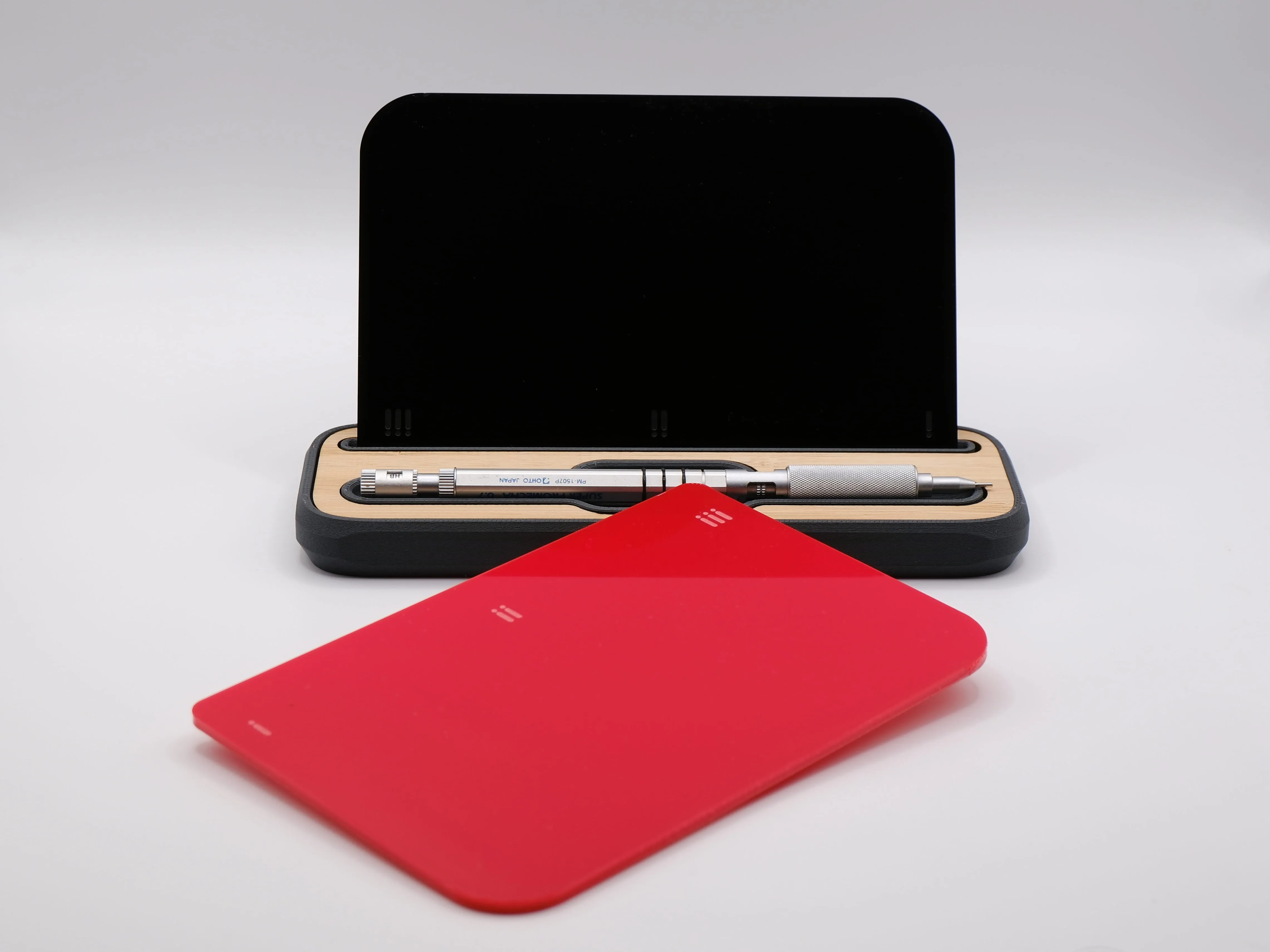
For those who prefer the flexibility of sticky notes, I’ve designed a new board that ensures your notes stay securely in place. I’ve also included engraved symbols to help with task prioritization:
- !!! – High Priority (Urgent/Immediate)
- !! – Medium Priority (Important/Upcoming deadlines)
- ! – Low Priority (Reminders/Secondary)
How to make it:
- Laser/Hybrid Cutting: If you have a hybrid machine (like the H2 series) or any laser capable of cutting acrylic, you can use the acrylic version for a premium finish.
- 3D Printing: I’ve also made a printable version available, so everyone can join in!
A simple way to upgrade your setup and keep your focus where it belongs. Hope you find this addition useful!
 |  |
Curious About My Tools? Check This Out!
For those of you who often ask about the tools I use to bring ideas to life, this article, The Journey From Idea To Object (Part I), offers some insights into the initial stages. It highlights the use of various tools, including software like Autodesk Fusion for CAD design, Blender for render and Bambu Studio for 3D printing preparation, and other... So, if you're curious about the software and hardware too, that I've incorporate in my workflow, take a look at the link for more details!" – Visit https://designrepcom.com/ for much more.
License

You shall not share, sub-license, sell, rent, host, transfer, or distribute in any way the digital or 3D printed versions of this object, nor any other derivative work of this object in its digital or physical format (including - but not limited to - remixes of this object, and hosting on other digital platforms). The objects may not be used without permission in any way whatsoever in which you charge money, or collect fees.


Comment & Rating (112)