Search models, users, collections, and posts

Matching Heart Spotify Code Keychains
IP Report
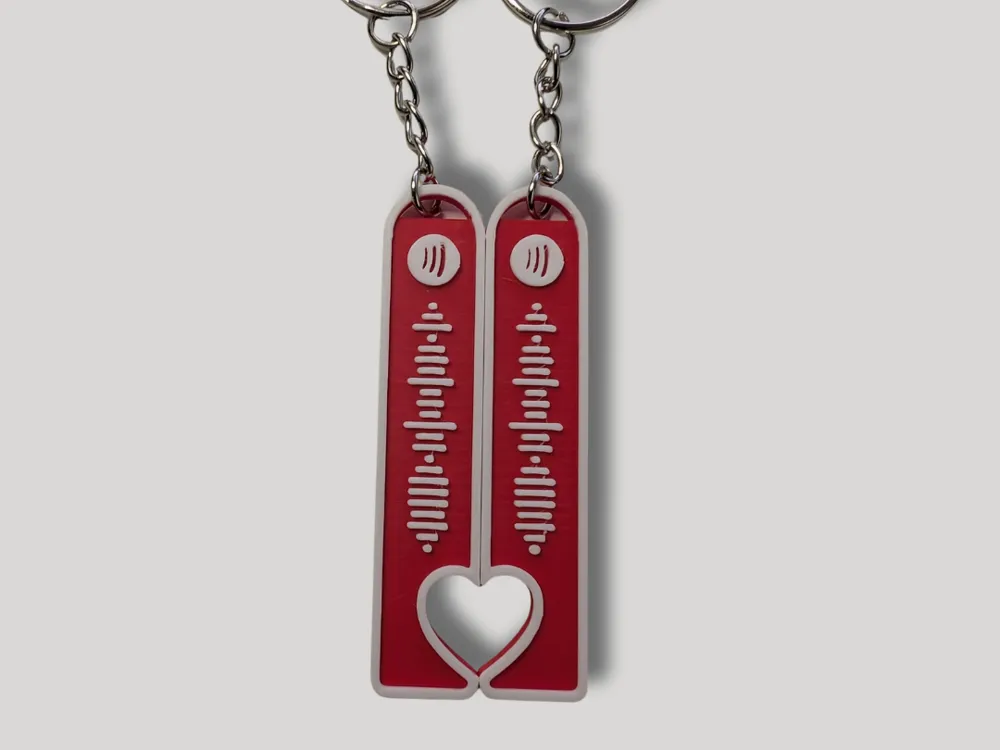
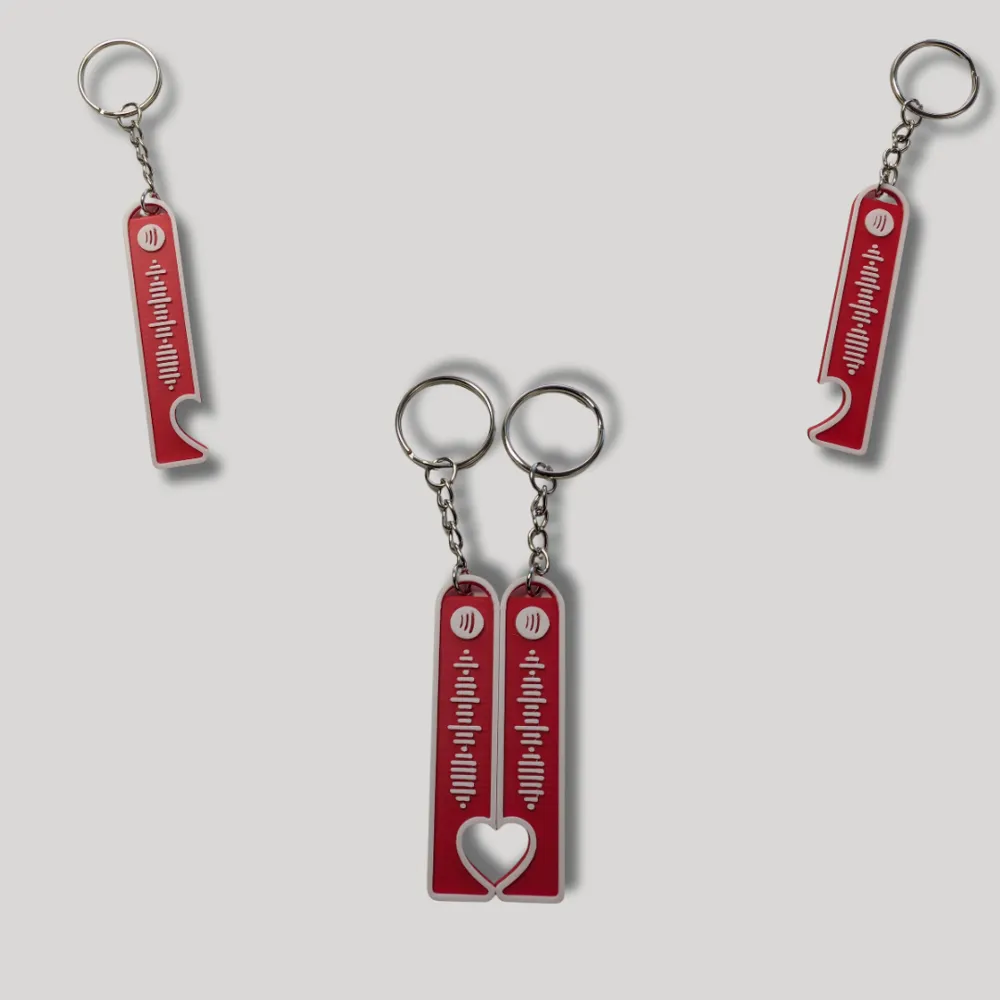
This model is created by Image to Keychain
Make Your Model
Print Profile(1)
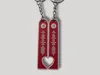
0.2mm layer, 3 walls, 15% infill
Designer
1.6 h
2 plates
Open in Bambu Studio
Boost
201
658
6
1
170
101
Released
Bill of Materials
List other parts
- PLA Matte filament x 1:
Description
CUSTOMIZATION INSTRUCTIONS
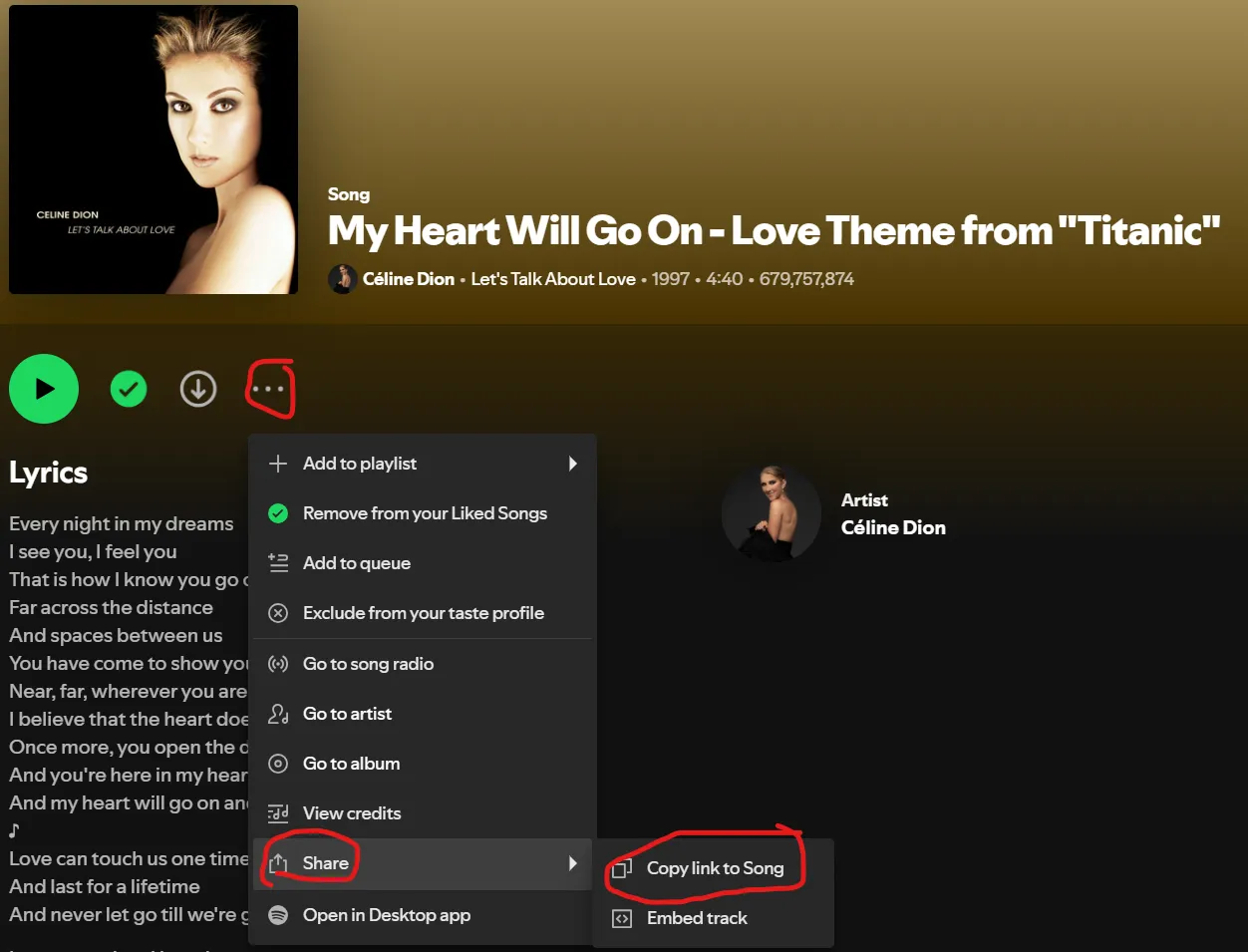
Go on your Spotify account, choose the song, click on the 3 dots > “Share” > “Copy link Song”
2. Paste the Spotify song link into this website https://www.spotifycodes.com/
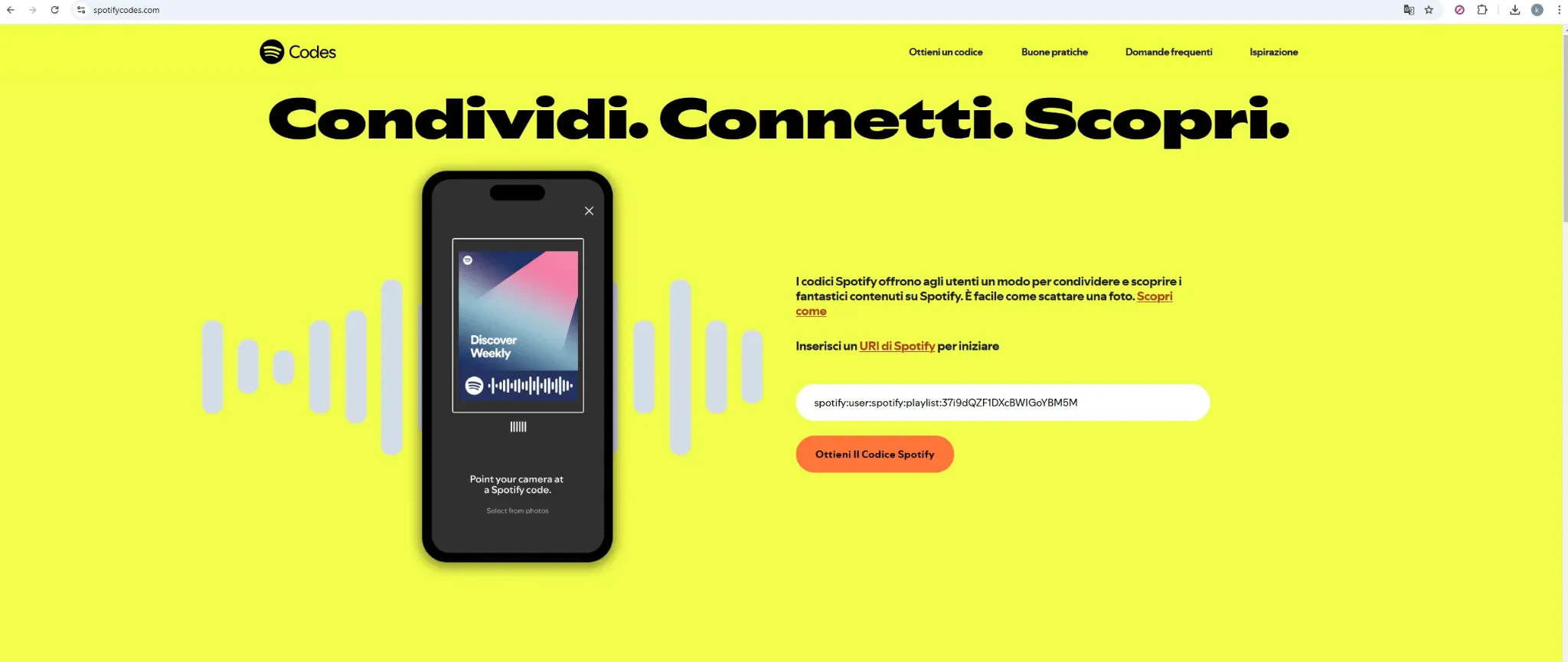
3. Download the file
4. Open the file in Maker Lab “Image to keychain”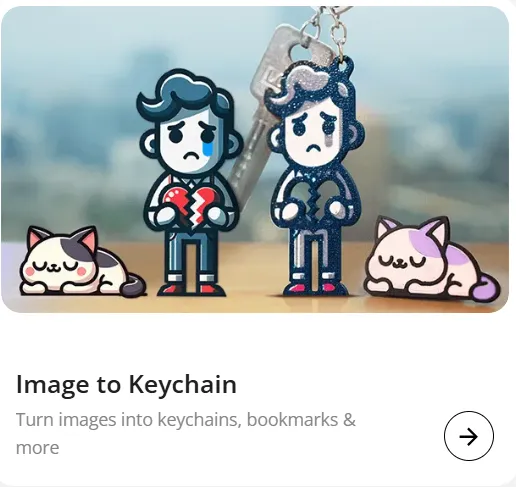
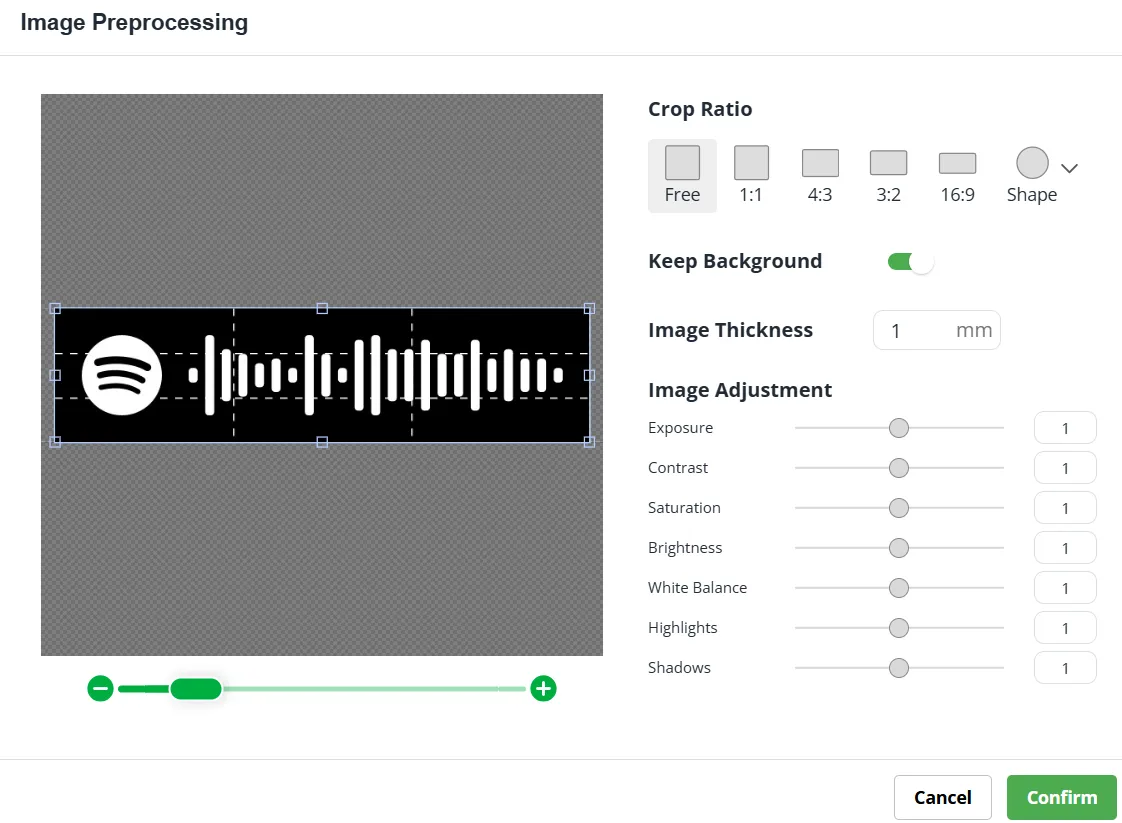
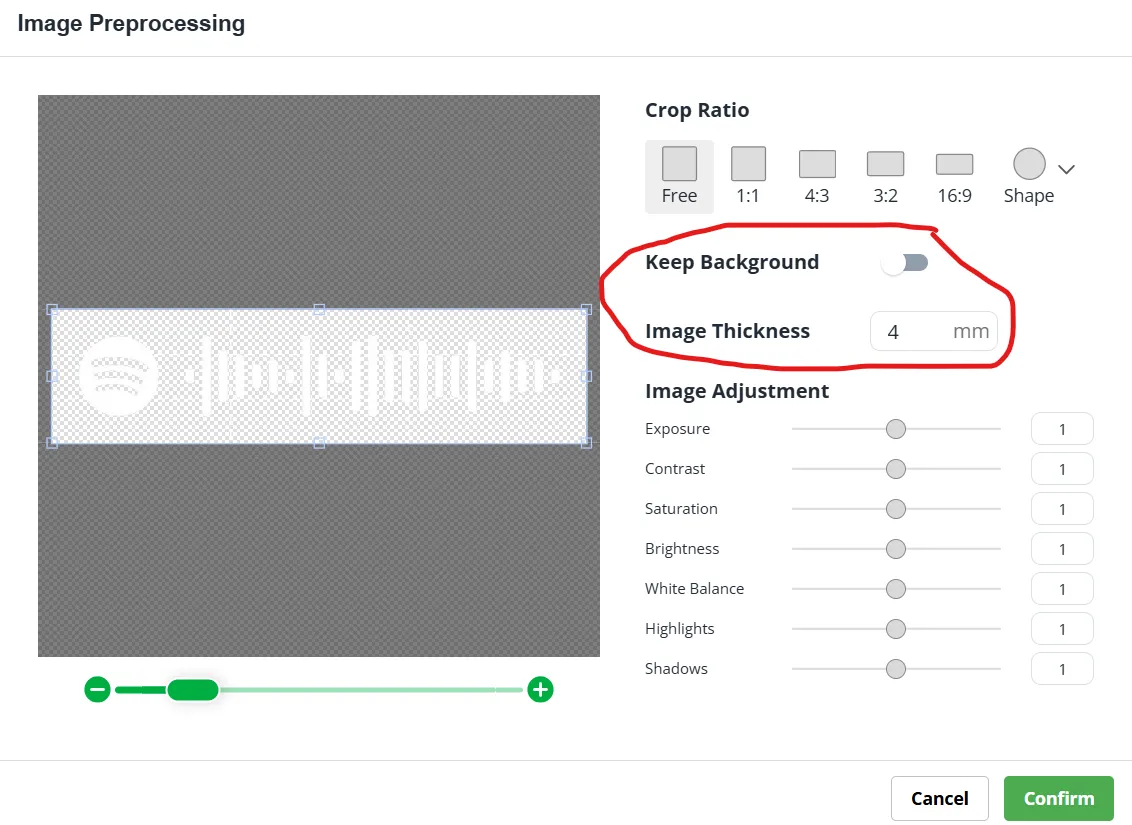
5. Uncheck the “Keep Background” box and in “Image thickness” 4 mm
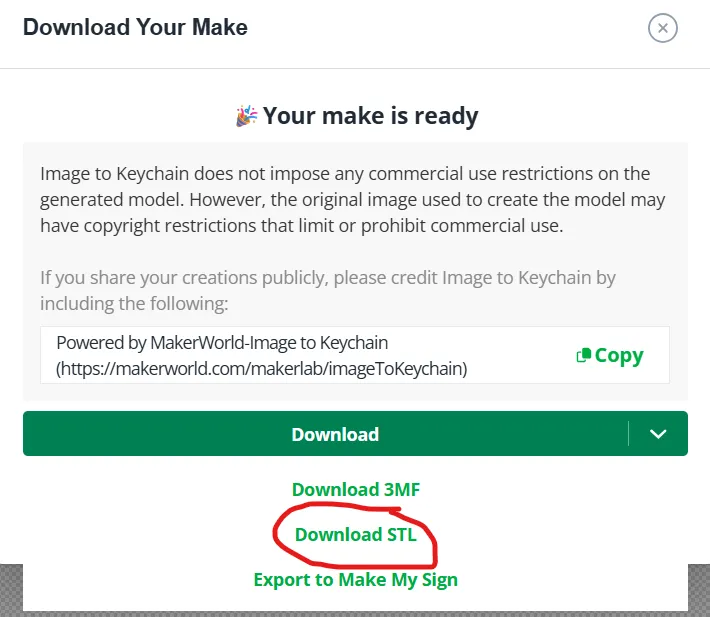
6. Click the top right download button; a pop-up with another download will appear; Download as STL
7. Import the file in Bambu Studio
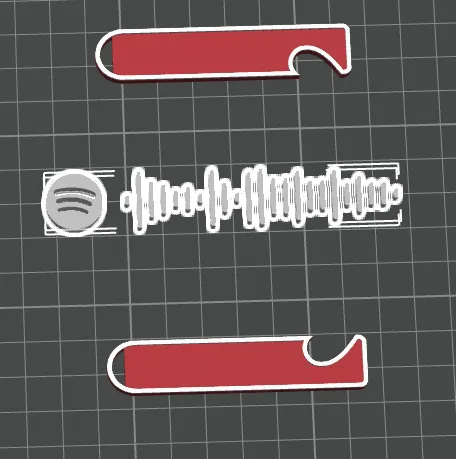
8. Scale the object with as the image
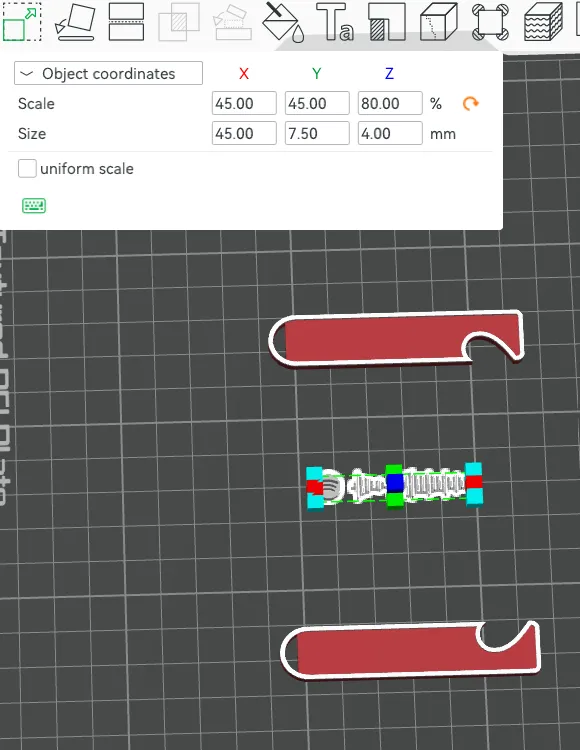
9. Right click on the Spotify code and copy once then Position the design as desired
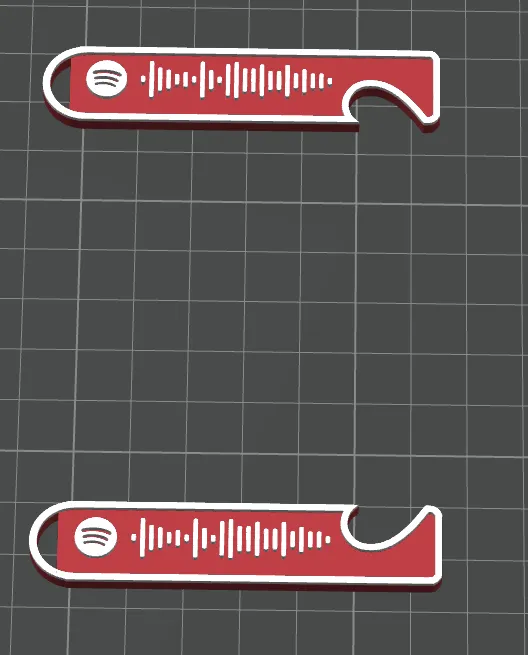
10. Right Click all the objects, right click then Merge
11. Click on Colour Painting then height range and colour the top part.
License

This user content is licensed under a
Creative Commons Attribution-Noncommercial-NoDerivatives


Comment & Rating (6)