
Programmable MacroPad
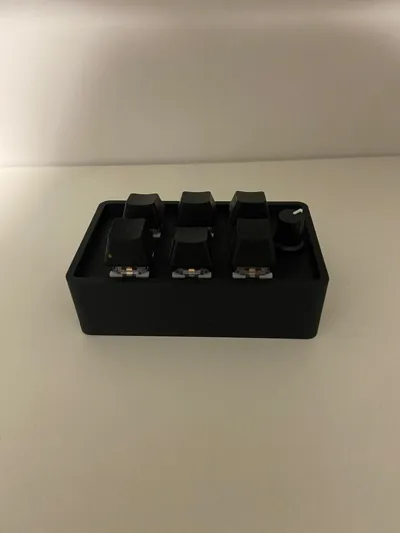
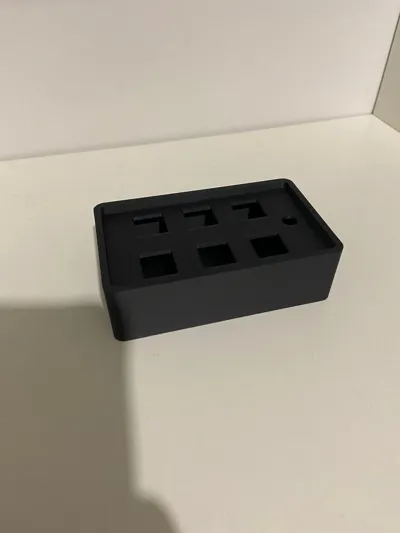
Print Profile(1)
Description
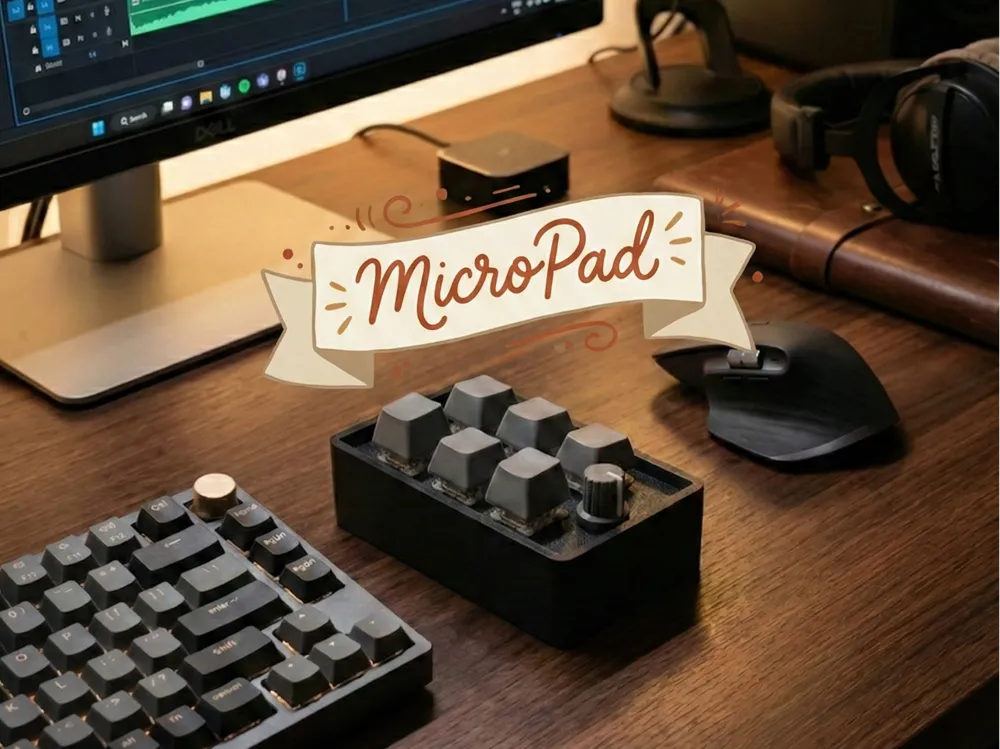
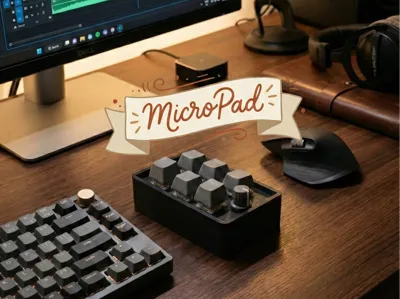
⌨️ MicroPad: Elegant and Minimal Programmable MacroPad
Welcome to the MicroPad project, a programmable mini keyboard designed to optimize your workflow, whether you're a video maker, programmer, or gamer. Thanks to its compact design and integrated potentiometer, you'll have complete control of your shortcuts and volume at your fingertips.
The model was designed to be simple to print and easy to assemble, with a clean aesthetic that fits any desk.
🛠️ Project Features
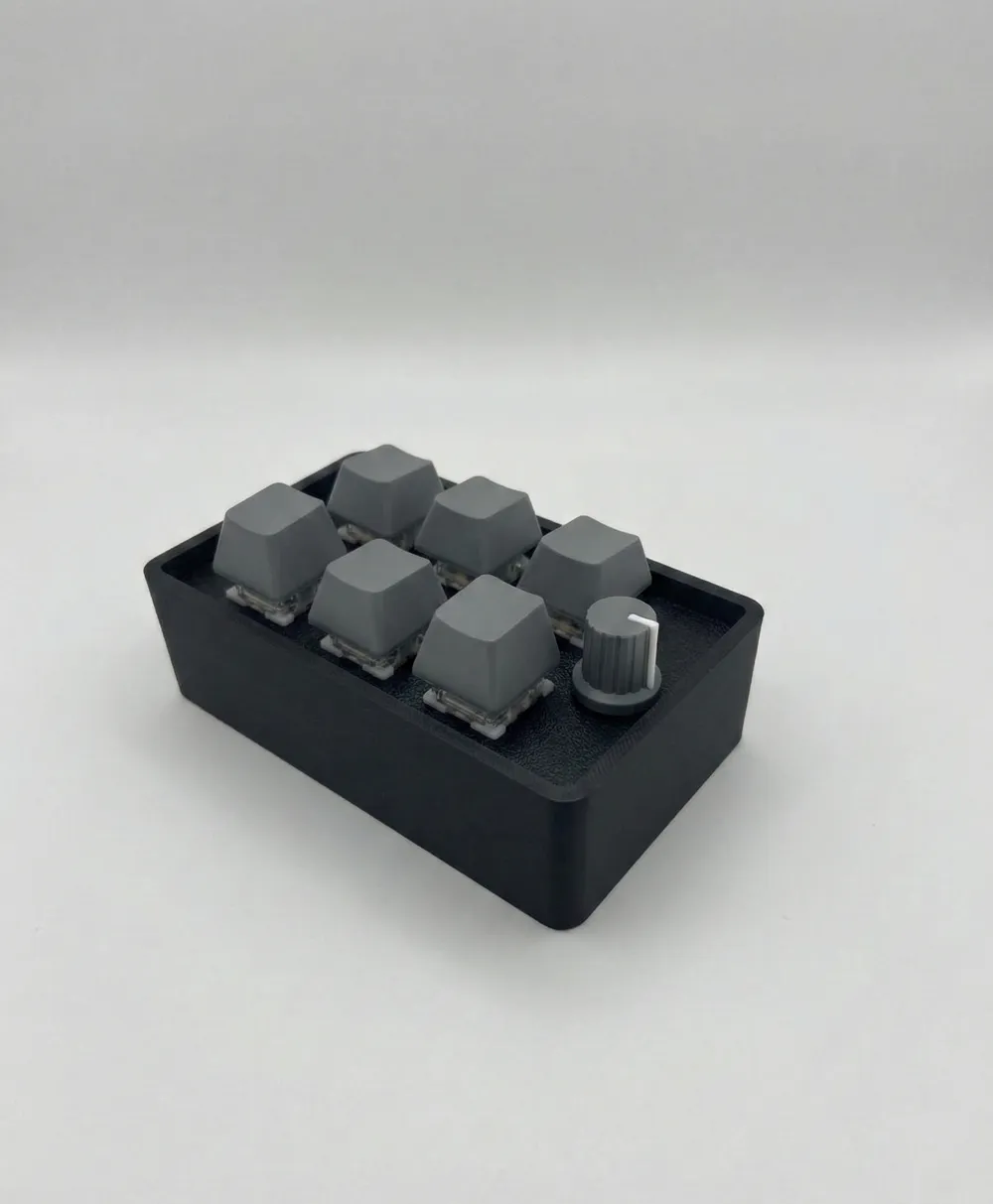
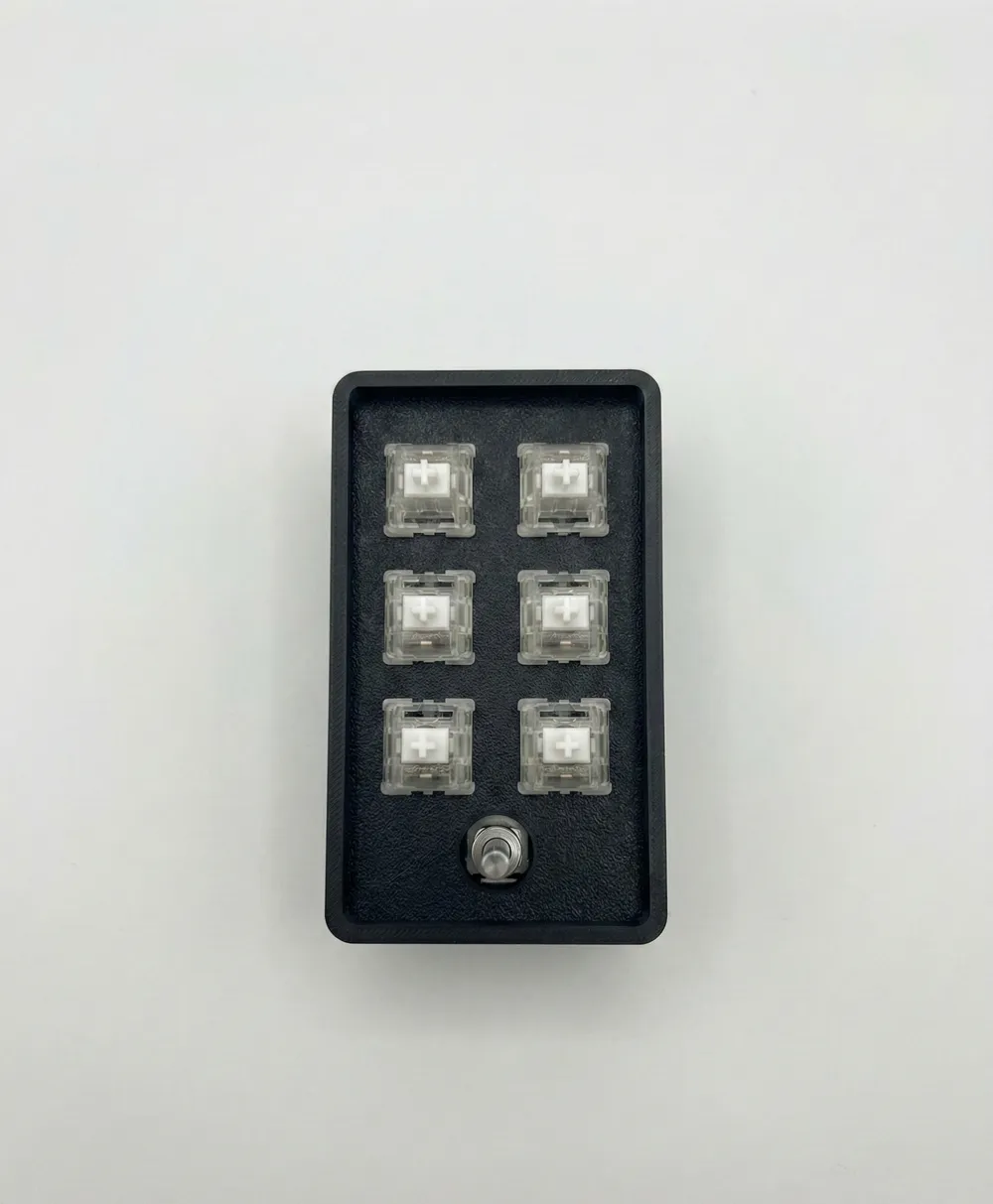
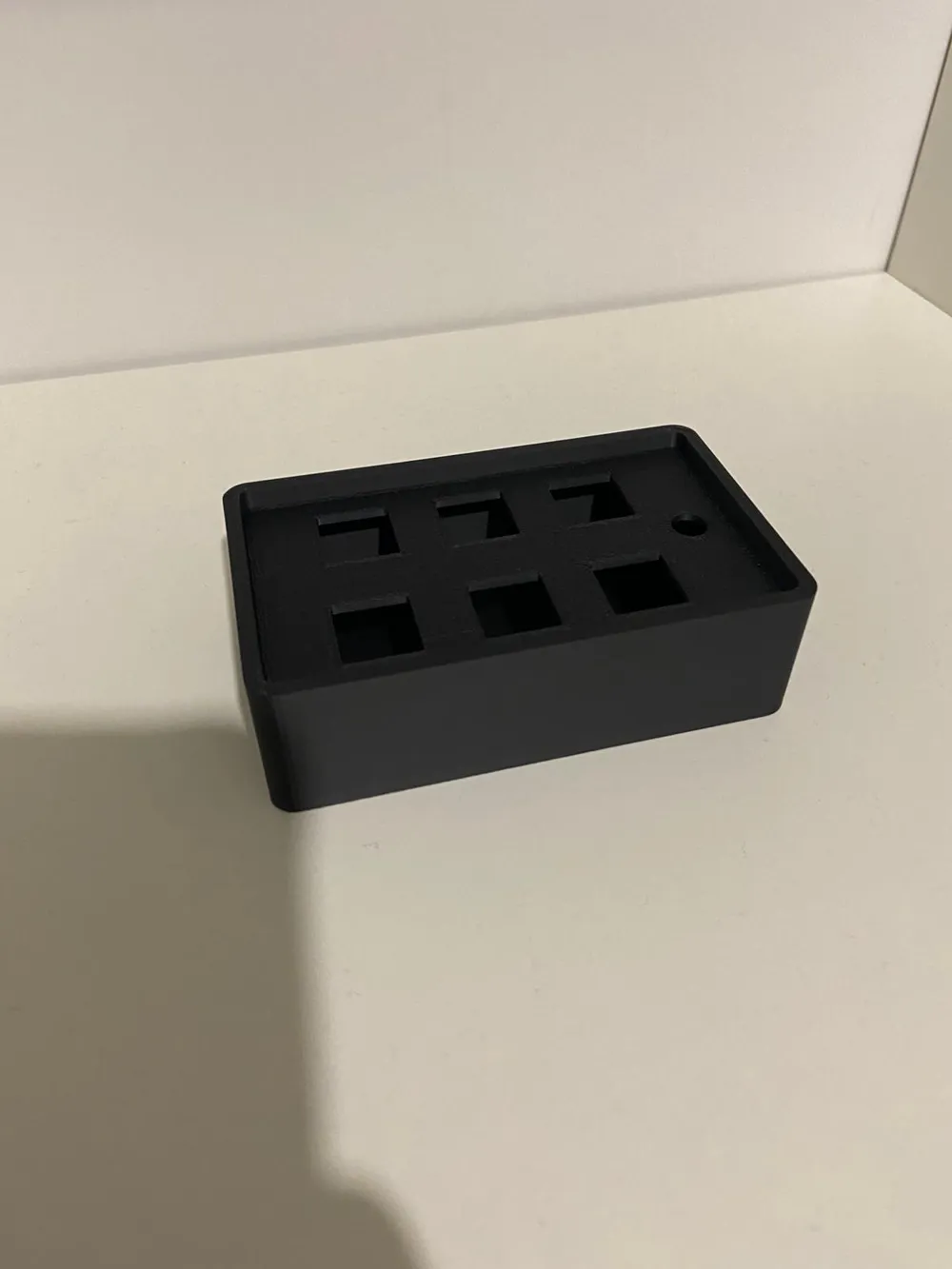
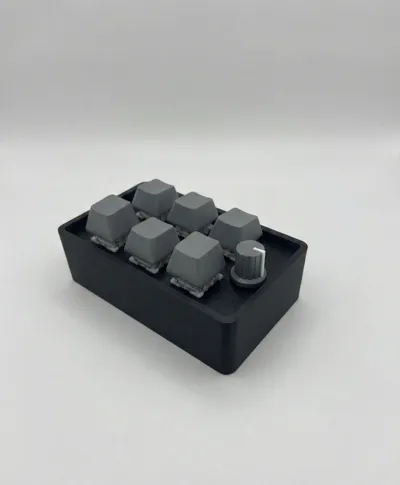
The design is divided into two main parts:
Structure (Case): The solid and elegant base that houses the electronics.
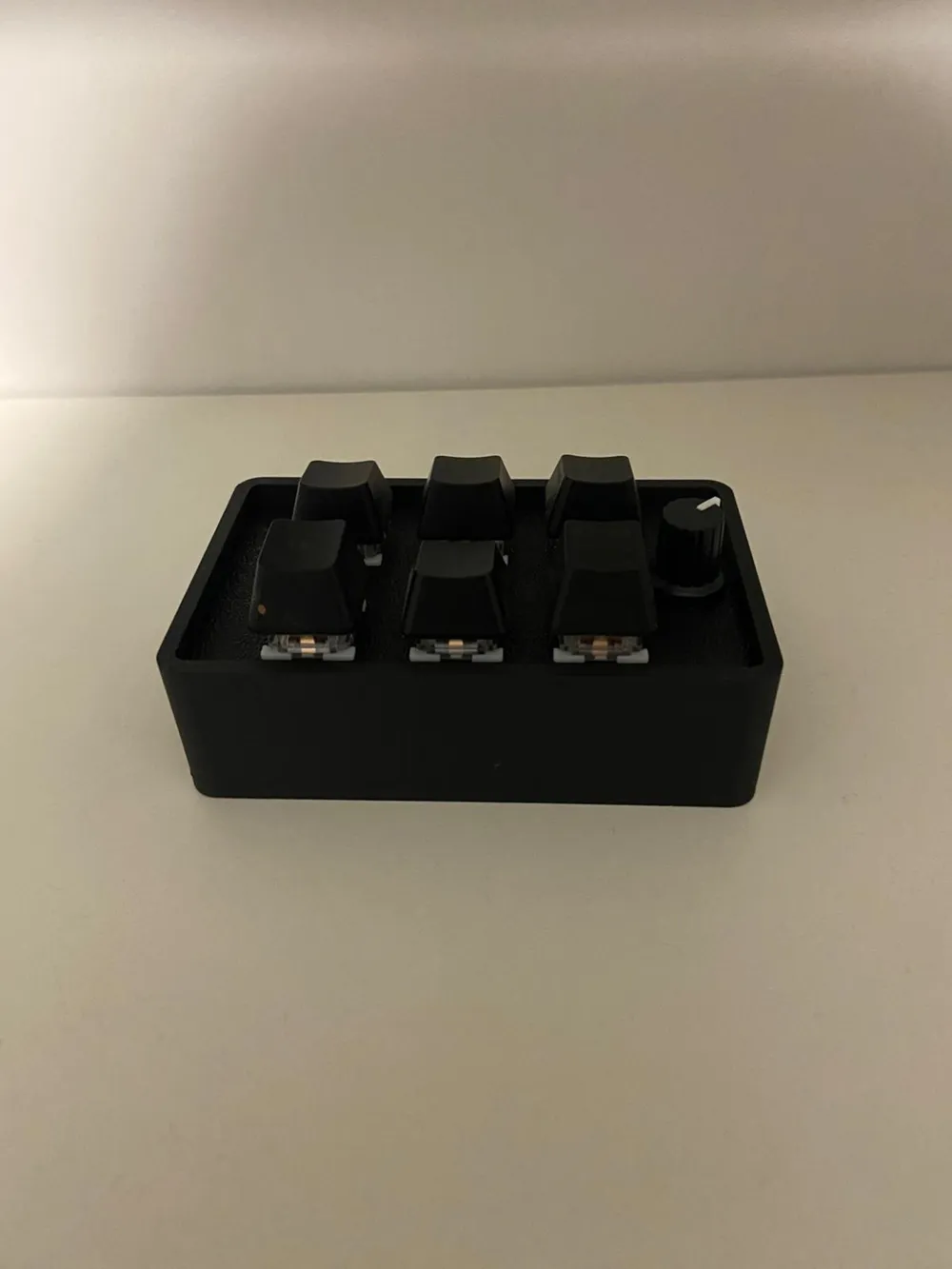
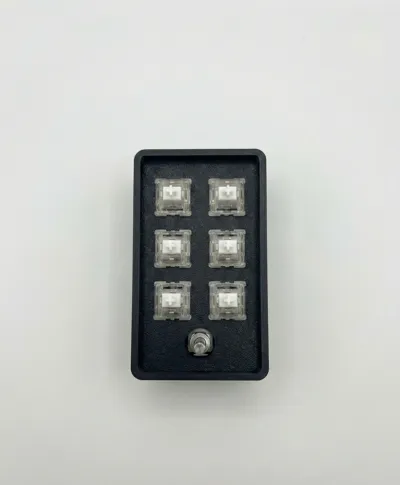
Top Plate: Where the 6 mechanical keys and the potentiometer are snapped together.
📦 What You'll Need
To complete this project, you'll need the following components:
Microcontroller: ATmega32U4 (Arduino Pro Micro recommended) for native HID support.
Buttons: 6 mechanical switches (Cherry MX or similar).
Keycaps: 6 keycaps of your choice.
Potentiometer: 1 x 10 kΩ linear potentiometer.
Wires: Wires for internal connections.
Hardware: Soldering iron and solder.
🔌Wiring Diagram
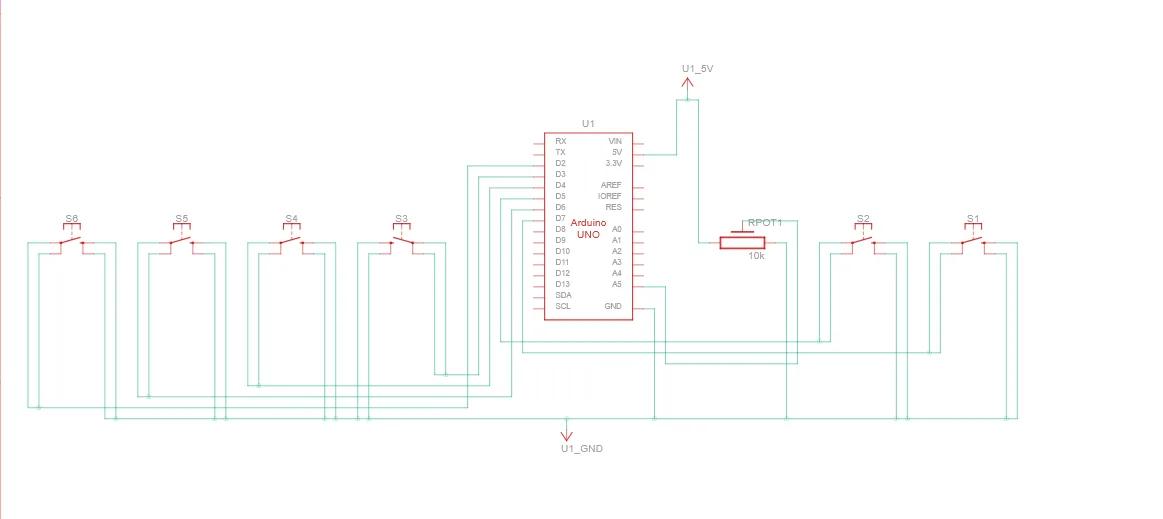
The wiring is flexible: you can connect the components to any pin on your microcontroller. Here's the logic:
🔘 Buttons (Digital Inputs)
Pin 1: Connect to GND (ground).
Pin 2: Connect to a digital pin of your choice.
Note: In the code, remember to set the pins as INPUT_PULLUP.
🎛️ Potentiometer (Analog Input)
Side Pin 1: Connect to 5V.
Side Pin 2: Connect to GND.
Center Pin (Wiper): Connect to an Analog Pin (e.g., A0, A1, etc.).
💻Programming
The beauty of the MicroPad is that it's completely customizable! You can write your own code using the Arduino IDE and the Keyboard.h library.
Configure the keys for your favorite macros (Copy/Paste, microphone mute, scene change in OBS).
Use the potentiometer to control the system volume or timeline scrolling in video editing software.
Let me know if you need a program made by me ;)
License

You shall not share, sub-license, sell, rent, host, transfer, or distribute in any way the digital or 3D printed versions of this object, nor any other derivative work of this object in its digital or physical format (including - but not limited to - remixes of this object, and hosting on other digital platforms). The objects may not be used without permission in any way whatsoever in which you charge money, or collect fees.


Comment & Rating (4)