
Stranger Things Bookmark
Print Profile(1)

Description
Thank you for downloading my works. If you would like to sell my designs, past and future, a commercial license can be obtained from my MakerWorld or Patreon page.

Membership
License to commercially sell my designs, past and future. Different tiers available. Thank you for your membership.
Boost Me (for free)
If you like the designs, please gift a boost. Thank you in advance for your support.
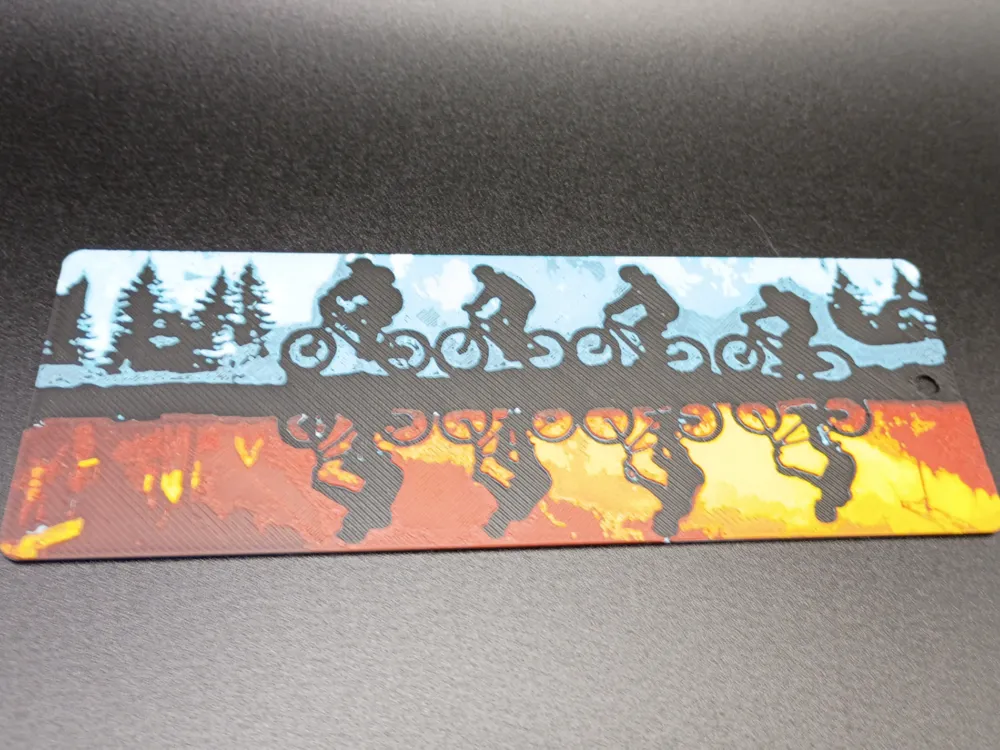
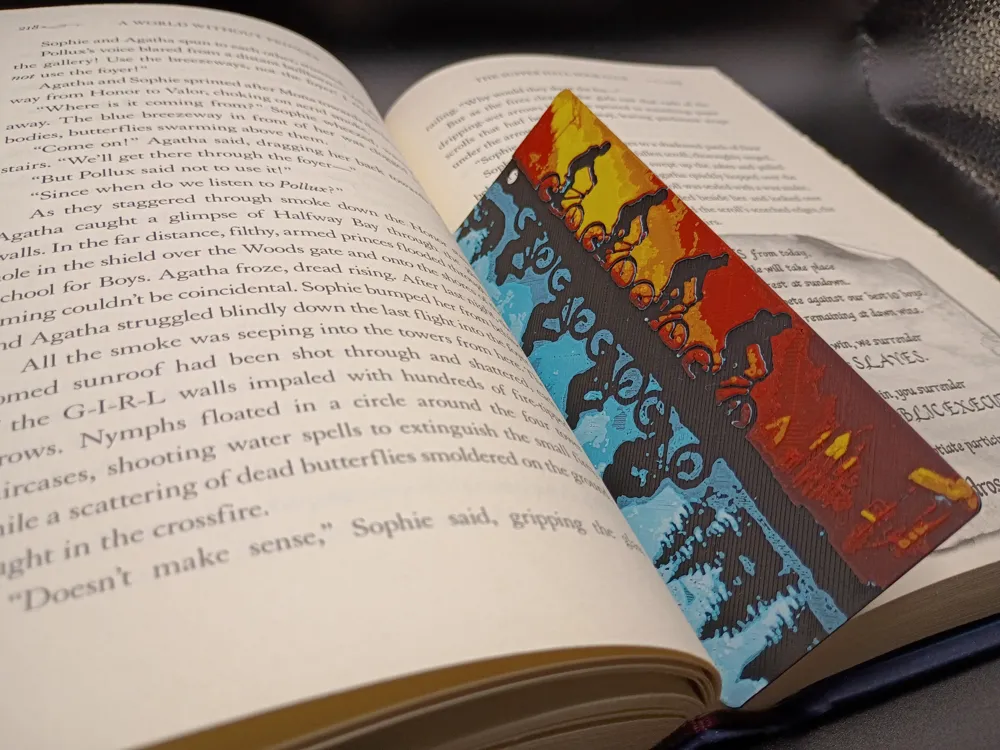
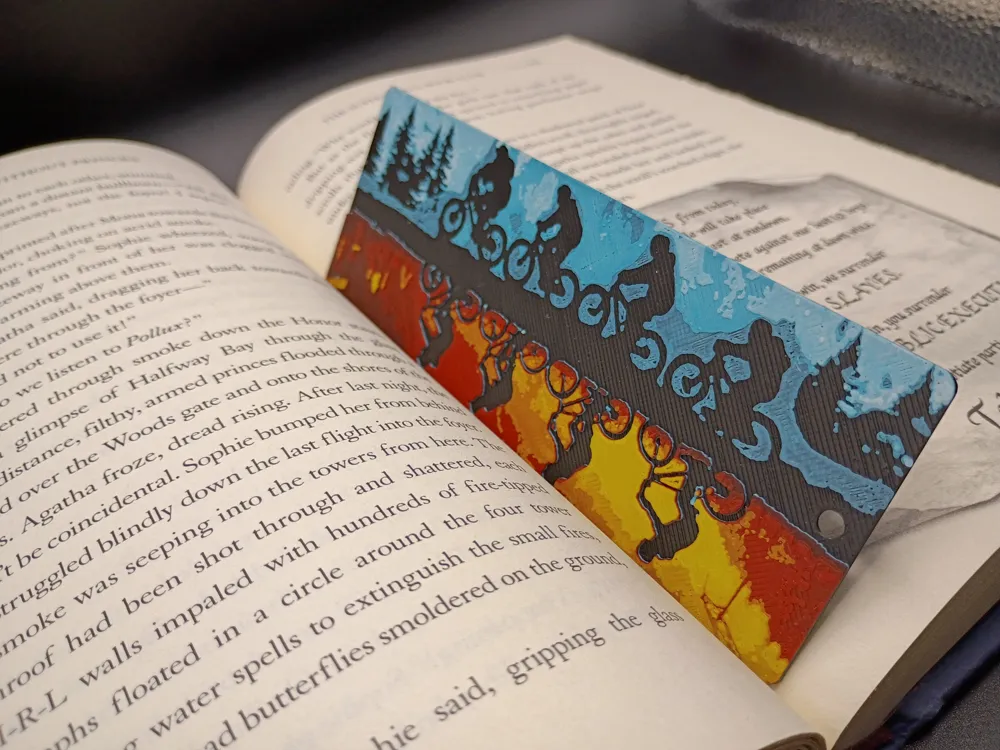
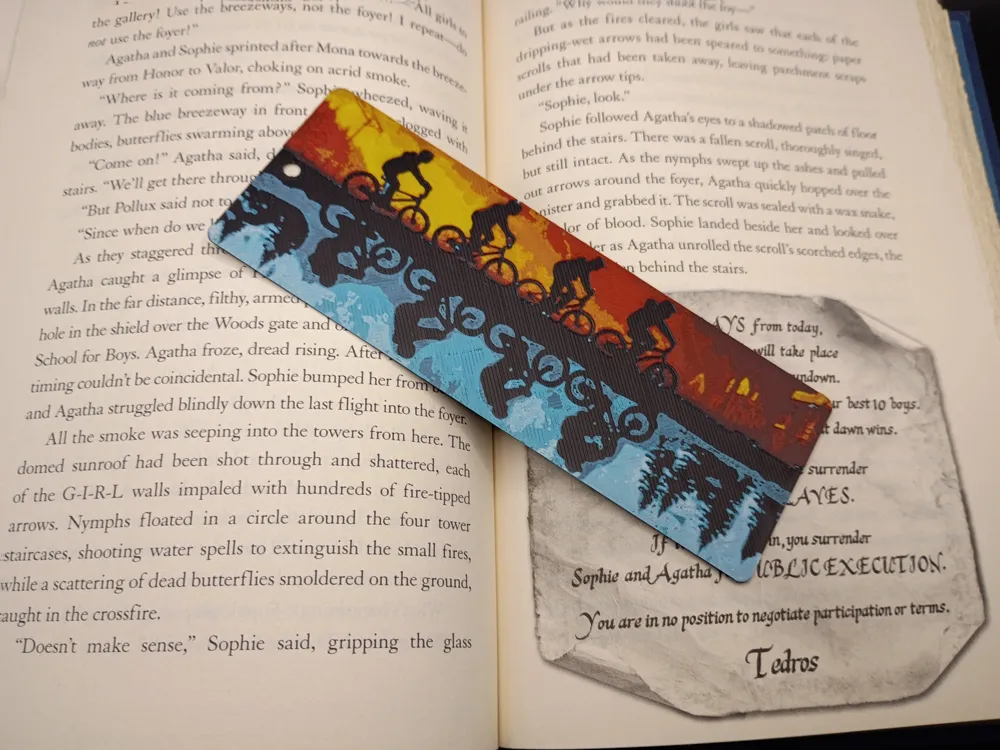
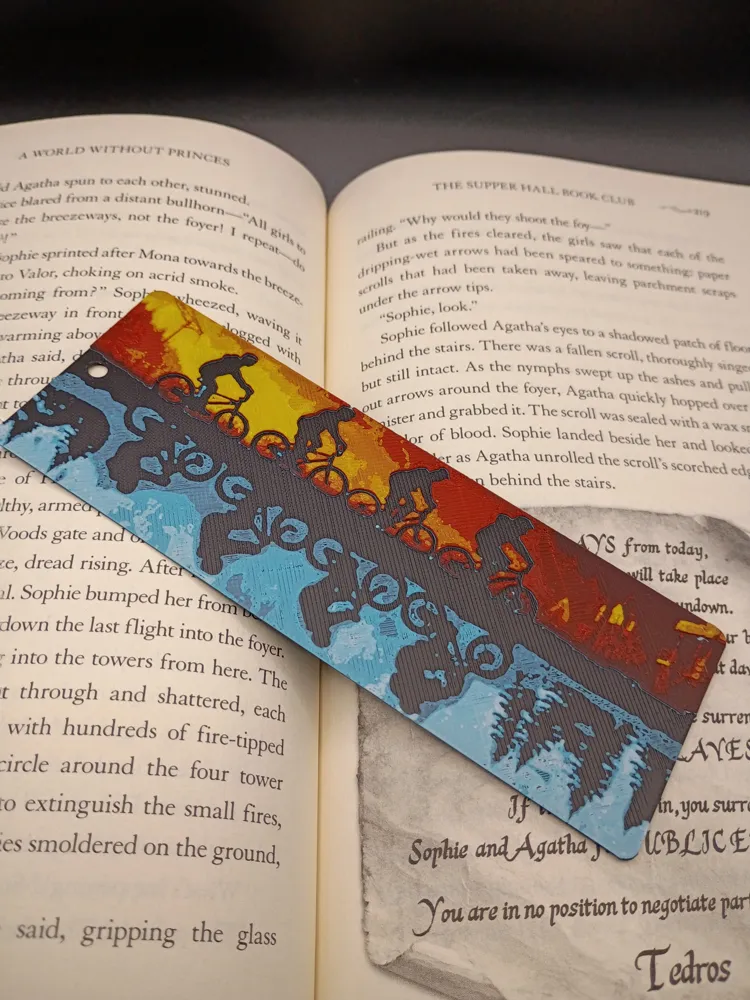
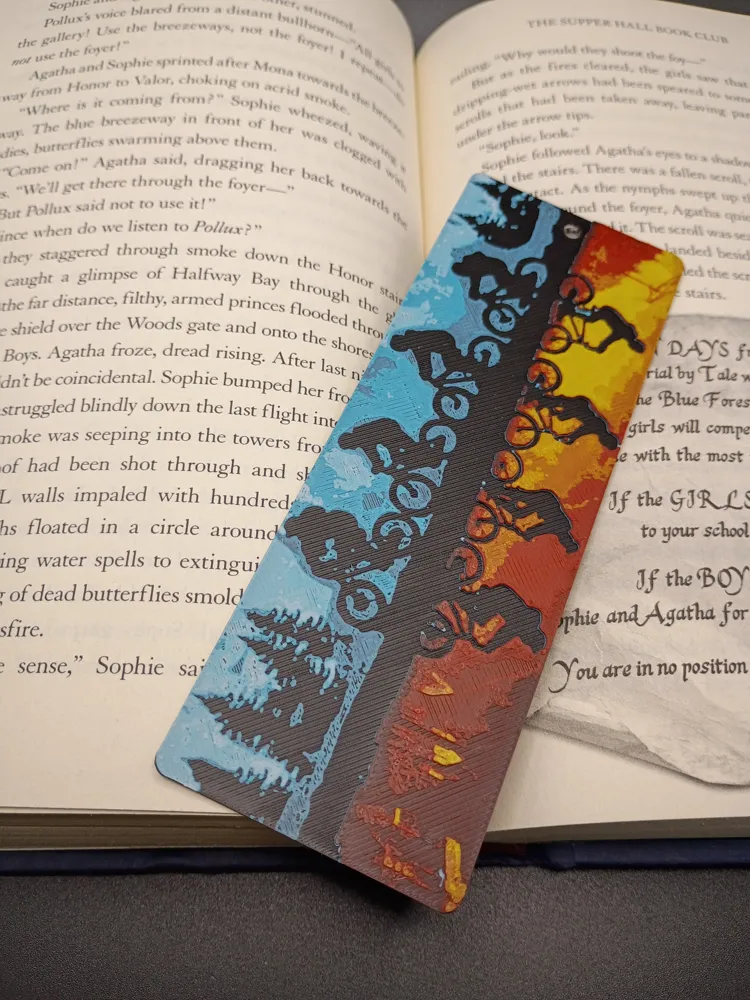
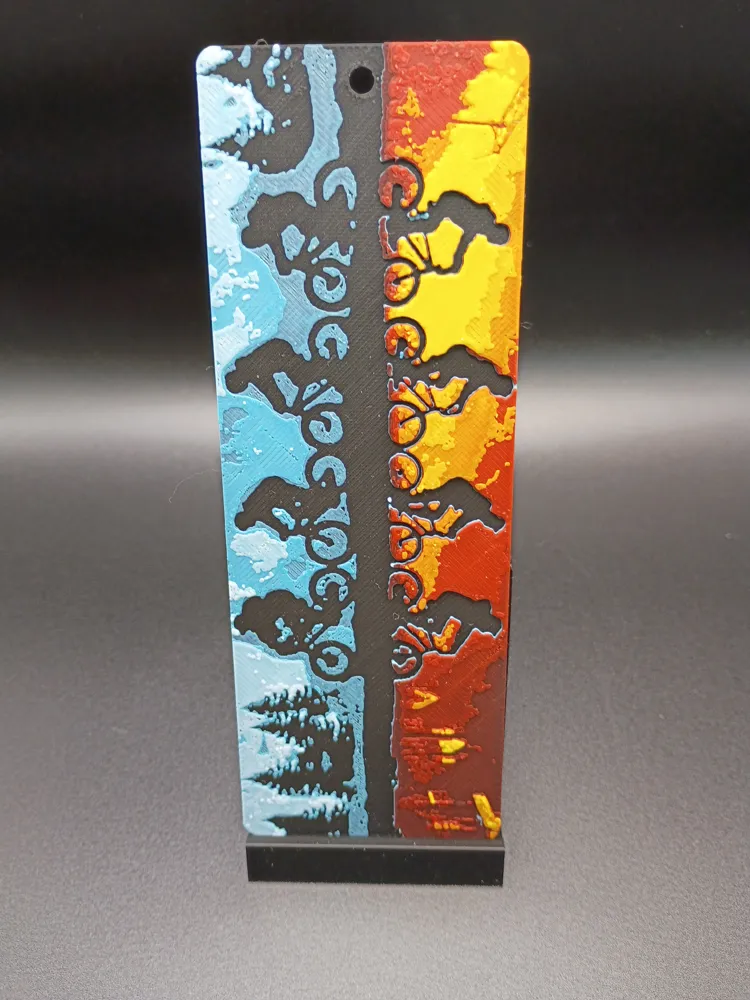
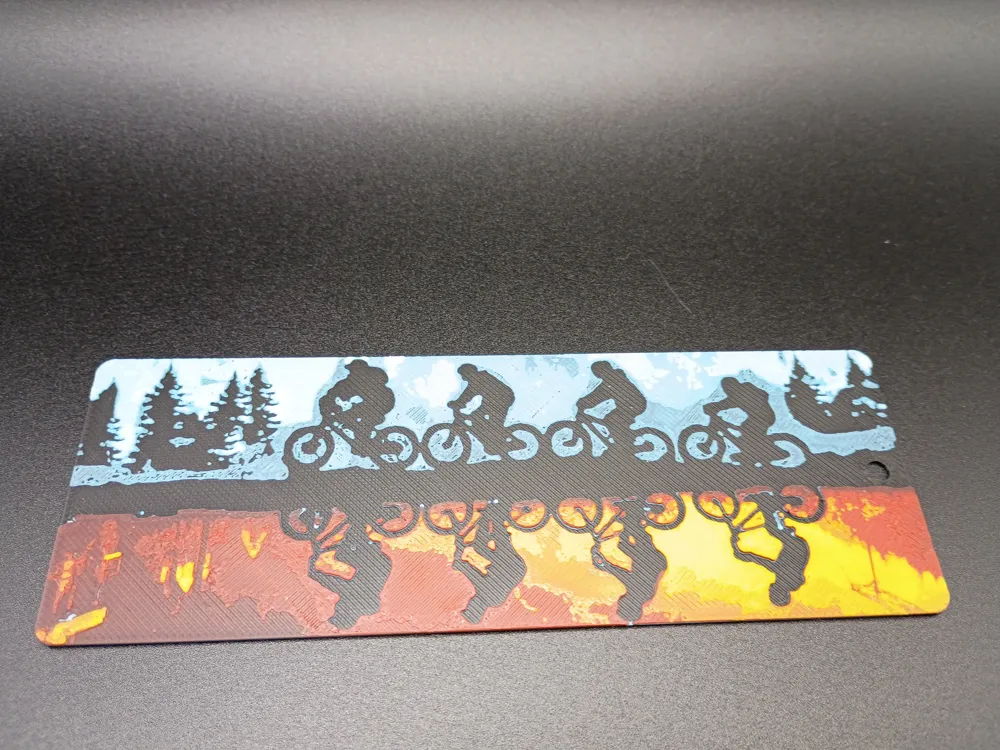
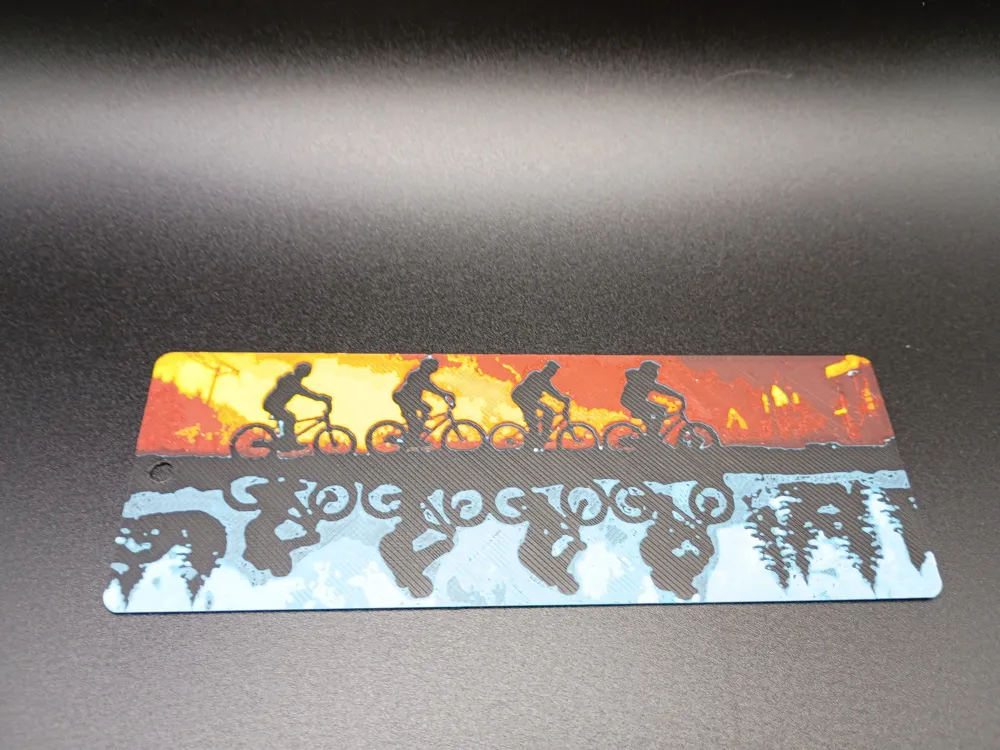
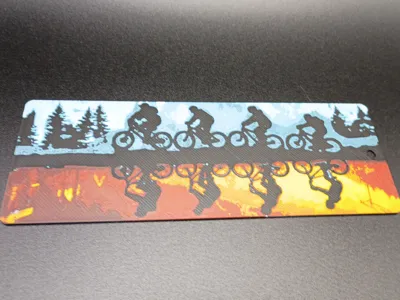
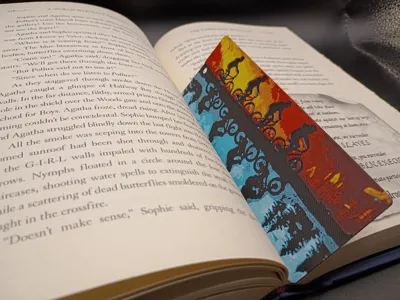
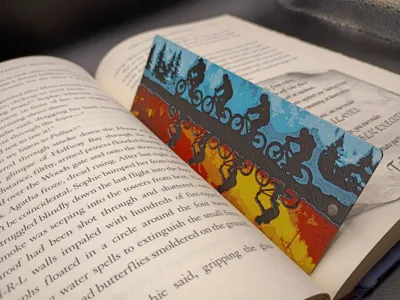
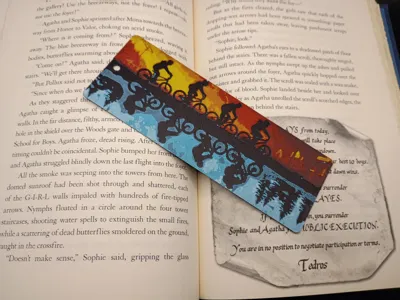
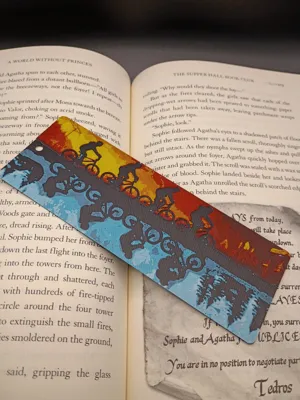
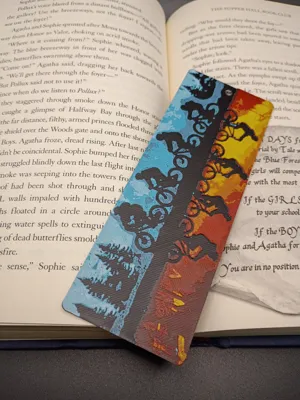
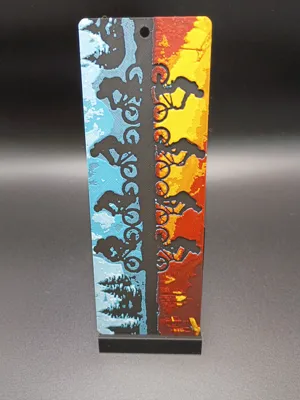
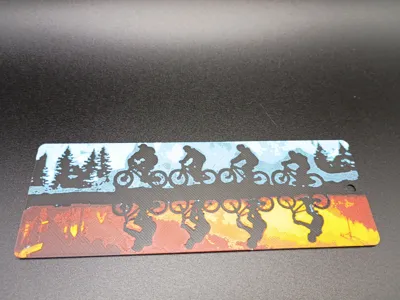
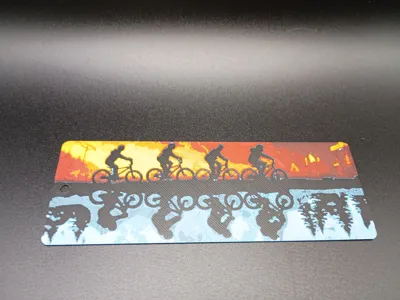
The bookmark features a dual-panel design, capturing the essence of the Netflix series Stranger Things.
- Top Panel (Right Side Up): This section depicts the normal world of Hawkins, Indiana. Silhouetted figures of the main characters are shown riding their bicycles against a backdrop of pine trees, rendered in cool shades of blue and black.
- Bottom Panel (Upside Down): This mirrored section represents the dark, alternate dimension known as the Upside Down. The same character silhouettes are inverted and set against a textured, ominous landscape of red, orange, and black, suggesting a world consumed by fire and decay.
The overall style uses bold, high-contrast silhouettes and a stark color palette to visually represent the show's central theme of two contrasting realities.
Stranger Things Bookmark
Pictures shown are printed in an 0.4mm Nozzle
Print at 100% infill with a layer height of 0.08mm with a base layer of 0.16mm
Filaments Used:
PLA BambuLab Basic Black Transmission Distance: 0.6
PLA BambuLab Basic Turquoise Transmission Distance: 2.3 (Or any Light Blue)
PLA BambuLab Basic Jade White Transmission Distance: 4.6
PLA BambuLab Basic Red Transmission Distance: 4
PLA BambuLab Basic Yellow Transmission Distance: 6
This print uses 5 unique filaments
Swap Instructions:
Start with Black
At layer (0.8mm) swap to Turquoise (Or any Light Blue)
At layer (0.96mm) swap to Jade White
At layer (1.12mm) swap to Black
At layer (1.2mm) swap to Red
At layer (1.52mm) swap to Yellow for the rest.
To print more than 4 Colors in 1 AMS, Use this sample for this print:
- Load filaments Black in slot 1, Turquoise(or any Light Blue) in slot 2, White in slot 3, and Red in slot 4
- When choosing Yellow(the 5th Color), select Slot 2(Turquoise) as it is the first filament to finish printing
- After layer 0.96mm, Turquoise in slot 2 is finished printing and White in Slot 3 has started printing, swap out the Turquoise filament for Yellow. When it is time for Yellow to print, the printer will pull from Slot 2.
This is a five color print. Use this tutorial by Cloudy Nostalgia to print more than 4 colors on 1 AMS.
Can be resized to accommodate your printer or preference by adjusting the X and Y axis the same percentage while leaving the Z axis at 100%. The best way to achieve this: With Uniform Scale checked, adjust the Y axis to the desired size (this will ensure the X axis is the same proportion as the Y axis), uncheck the Uniform scale, adjust the Z axis back to 100%, slice plate, and print. Stringing may occur with Hueforge, just use a lighter to whisk them away.
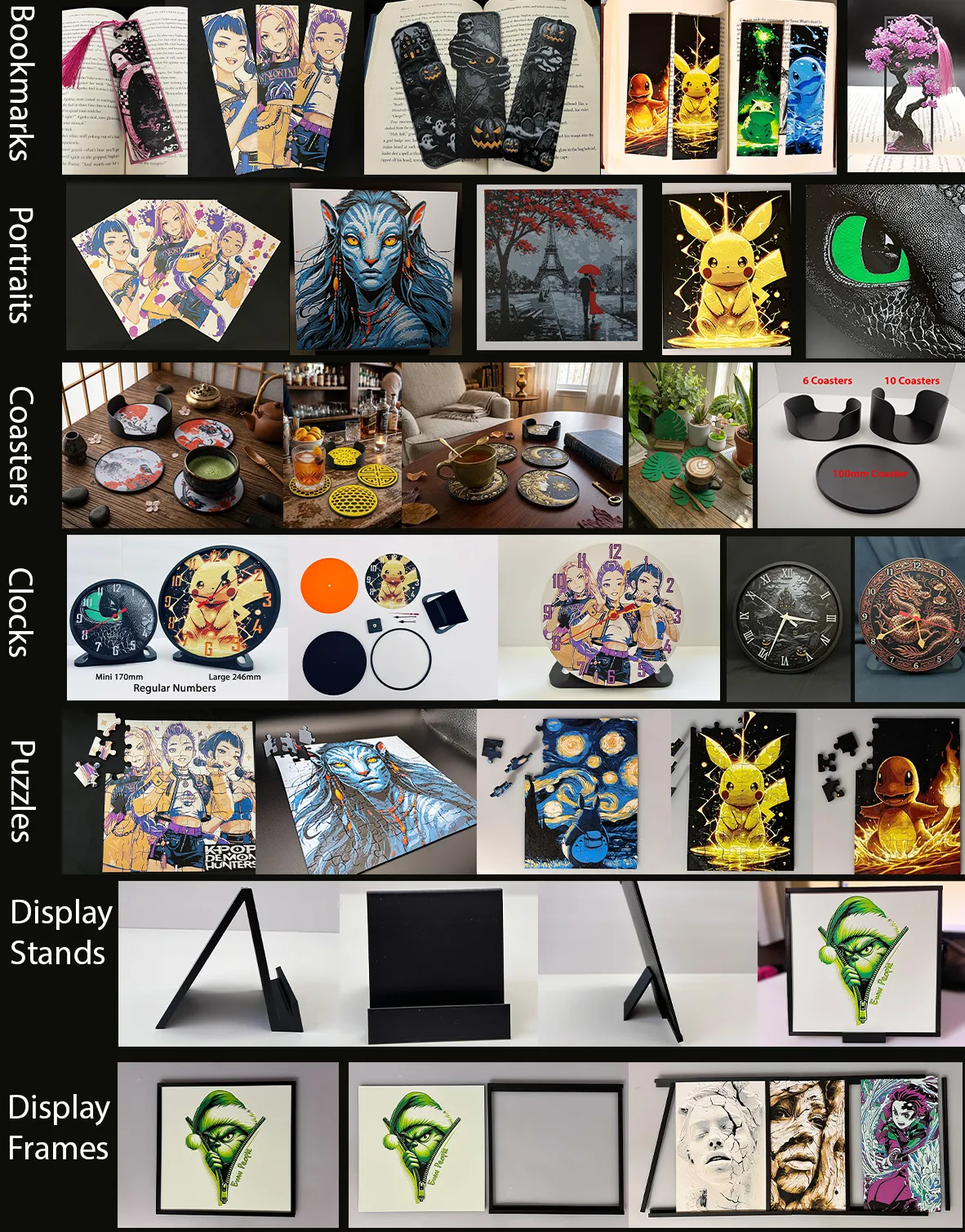
More prints: Bookmarks -- Portraits -- Coasters -- Clocks -- Puzzles -- Display Stands -- Display Frames
They are sorted and can be found in my Collections - https://makerworld.com/en/@3djd/collections
License

You shall not share, sub-license, sell, rent, host, transfer, or distribute in any way the digital or 3D printed versions of this object, nor any other derivative work of this object in its digital or physical format (including - but not limited to - remixes of this object, and hosting on other digital platforms). The objects may not be used without permission in any way whatsoever in which you charge money, or collect fees.


Comment & Rating (9)