Search models, users, collections, and posts

Customizable Golf Ball Marker (Add Your Own Logo)
IP Report
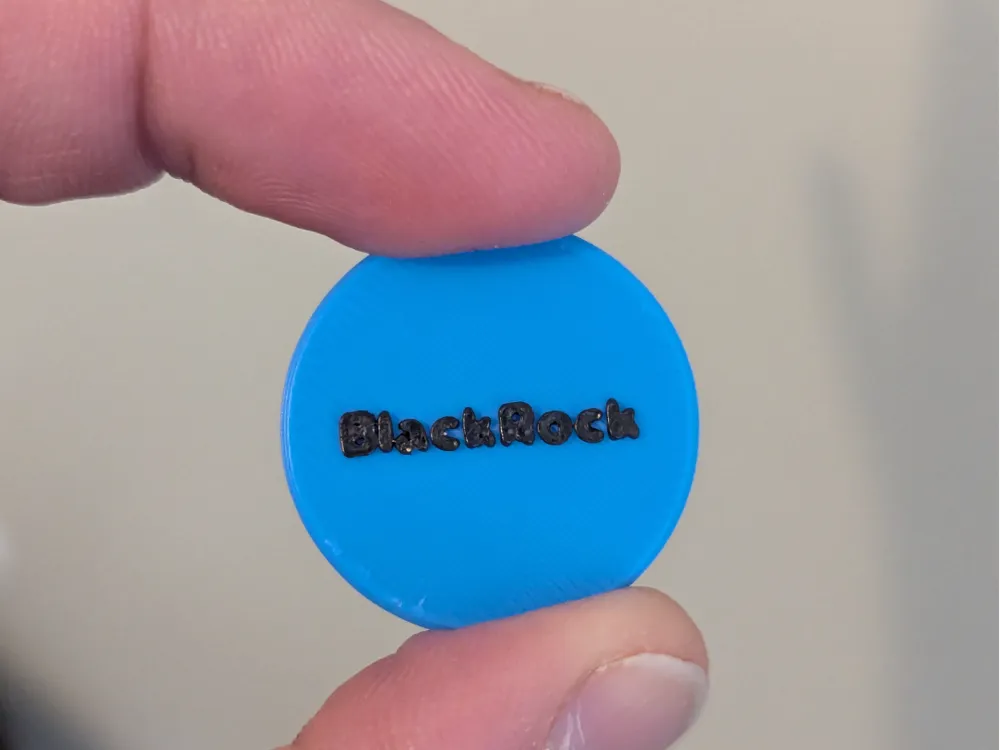
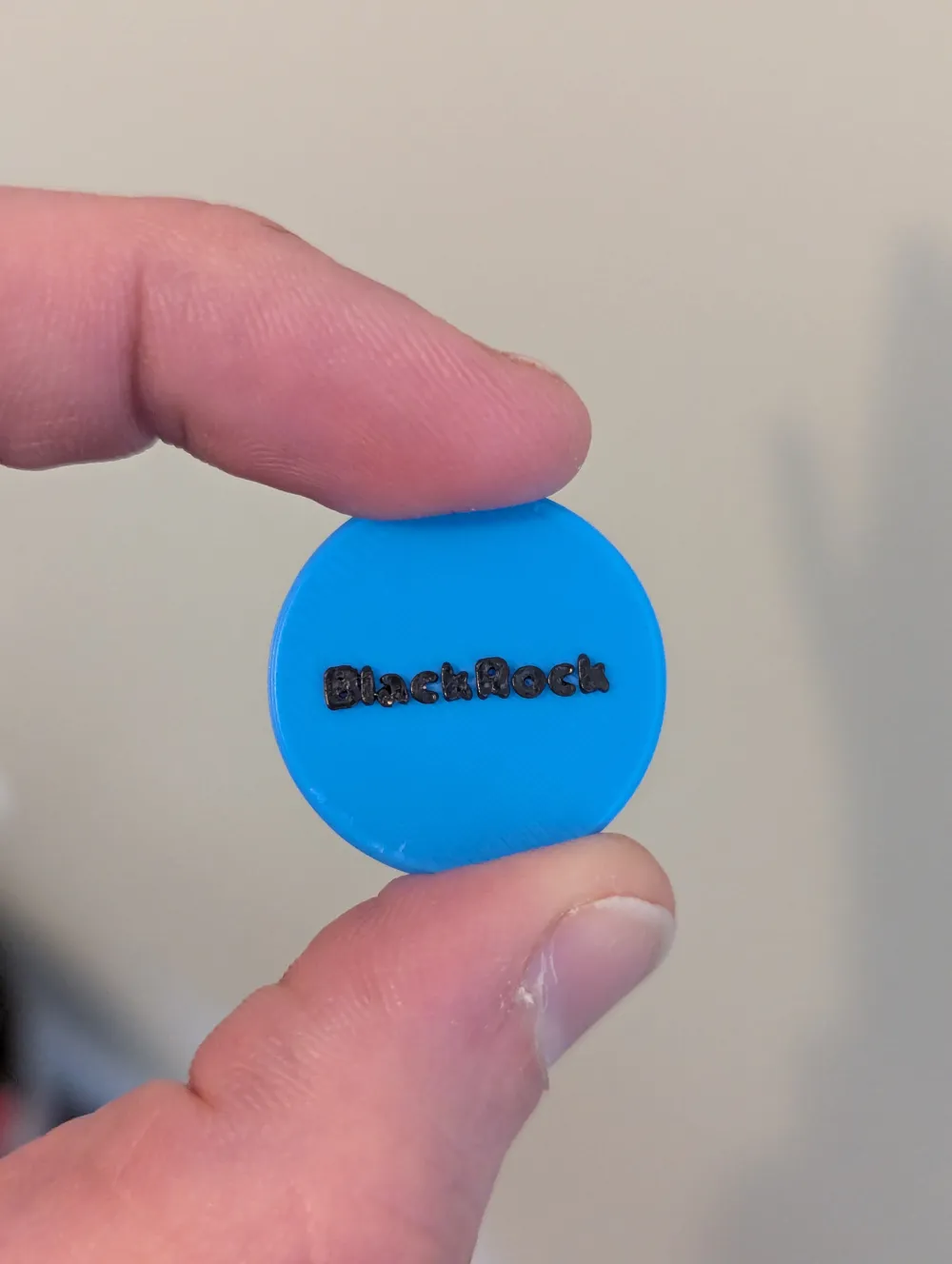
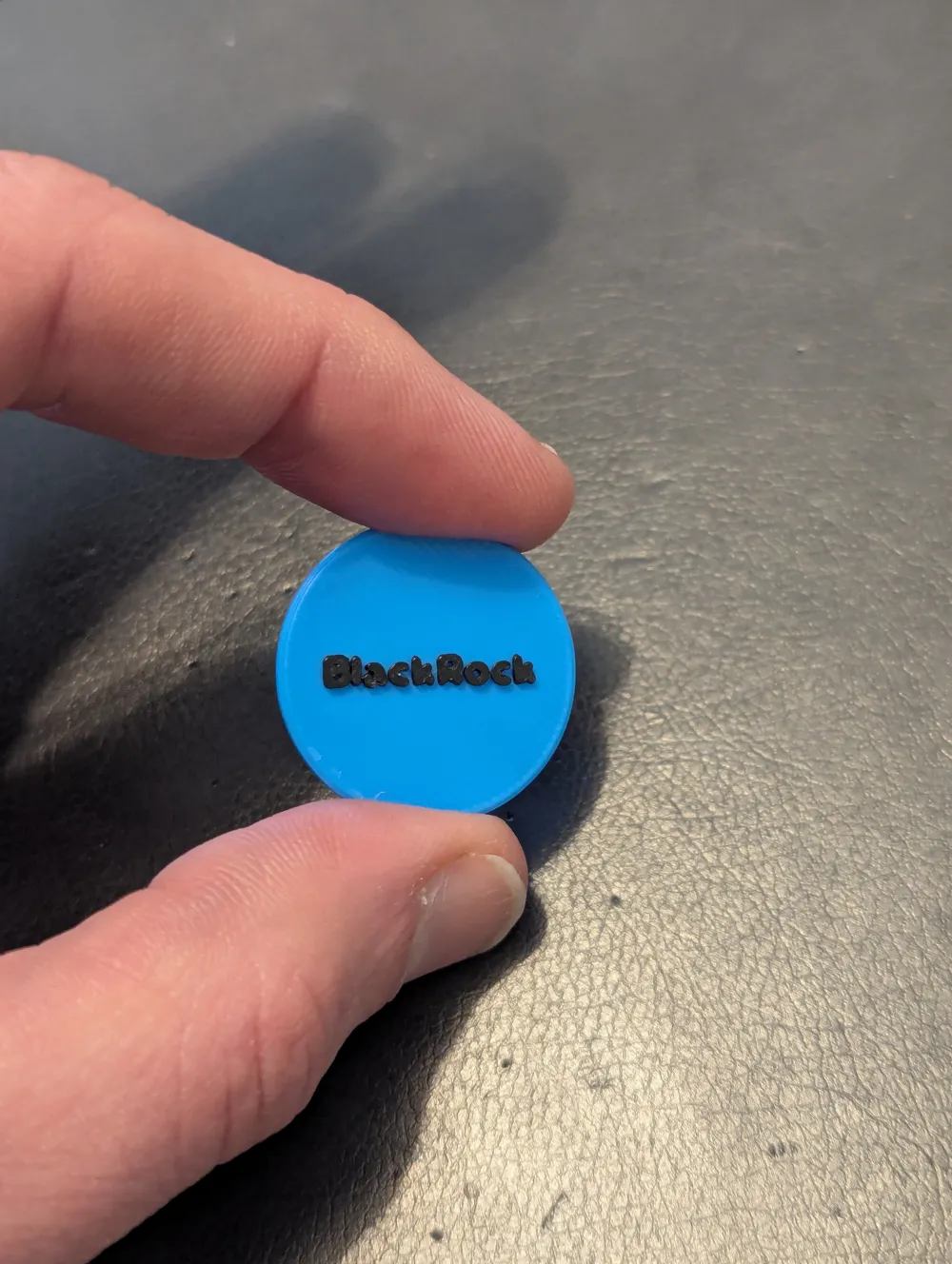
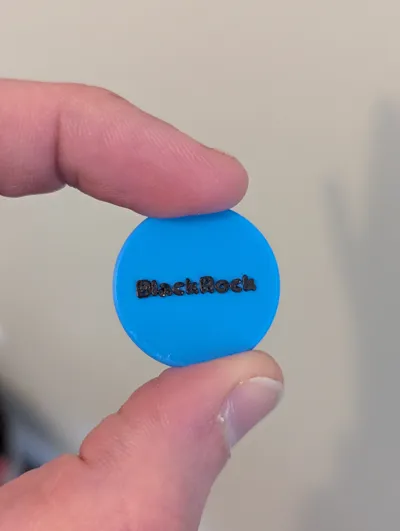
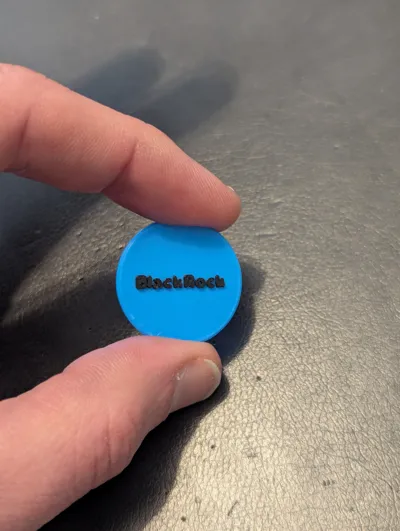
This model is created by Parametric Model Maker
Make Your Model
Print Profile(1)

0.2mm layer, 2 walls, 15% infill
Designer
13 min
1 plate
Open in Bambu Studio
Boost
38
119
0
6
234
20
Released
Description
⛳ Customizable Logo Golf Ball Marker
Personalize your game with this fully customizable golf ball marker!
Whether you want to show off your company logo, your initials, or a fun graphic, this parametric model makes it easy. Designed to be the standard size of a quarter (25mm), it fits perfectly in your pocket and features a recessed engraving design. This ensures the marker sits flat on the green and your logo is protected from scratches.
✨ Key Features
- SVG Support: Upload your own custom logo files directly.
- Perfect Fit: Standard 25mm diameter x 2mm thickness (fully adjustable).
- Clean Design: The logo is engraved 0.6mm deep, creating a premium "stamped" look that is easy to print.
- No Special Software Needed: Do it all right here in the MakerWorld Customizer!
🛠️ How to Customize
- Click the "Customize" button.
- Upload your Logo: Select your .svg file in the "Logo Settings" section.
- Note: Simple black-and-white logos work best!
- Adjust the Fit:
- Use Logo Scale to resize your image until it fits the coin.
- Use Position X/Y to center it perfectly.
- Download & Print: Click "Generate" to get your print-ready STL.
🖨️ Printing Tips
- Layer Height: 0.12mm or 0.16mm is recommended for the sharpest logo details.
- Infill: 100% (It gives the marker a nice weight).
- Multicolor: The model prints as one piece with the logo engraved. To make the logo pop:
- Import into Bambu Studio.
- Use the Paint Tool (N) -> Fill bucket.
- Click inside the engraved logo to fill it with a contrasting color!
⚠️ SVG File Tips
- Keep it Simple: Complex images with thousands of tiny lines may not slice well.
- Convert Text to Paths: If your SVG uses text, make sure to "Create Outlines" or convert objects to paths before uploading, or it may not appear.
- Crop: Crop your SVG artboard tight to the logo for easier scaling.
Happy Golfing! Please share your makes—I'd love to see your custom designs!
License

This user content is licensed under a
Creative Commons Attribution-Noncommercial


Comment & Rating (0)