
Minecraft Sword Parameterized
Print Profile(1)



Description
Model Background
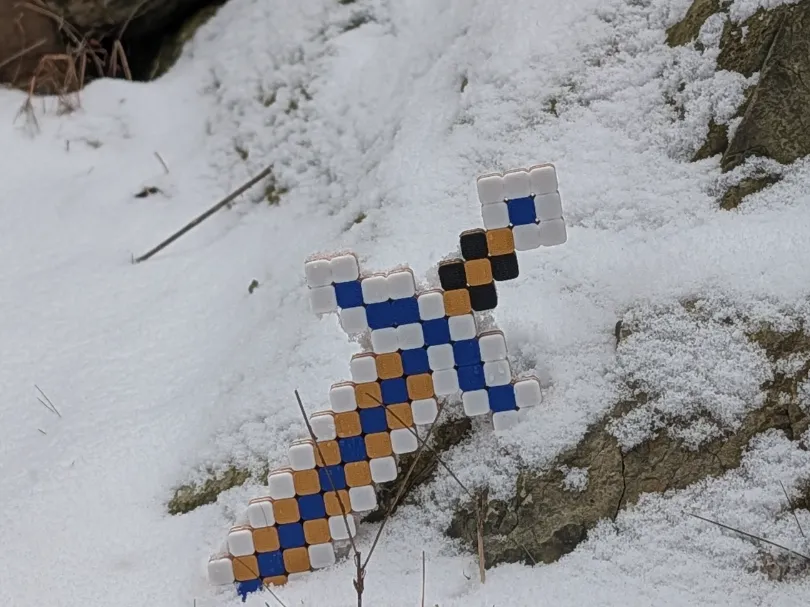
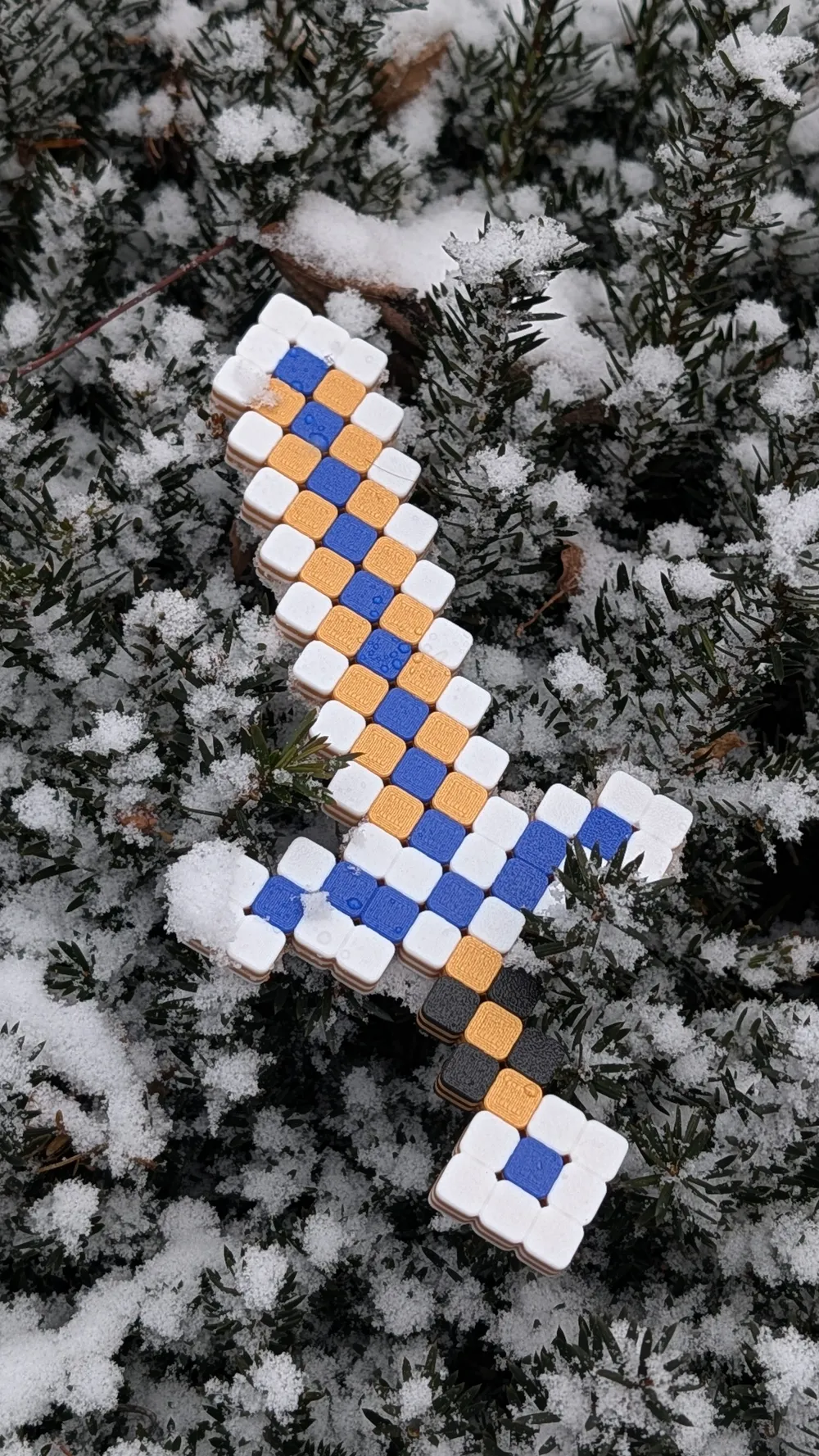
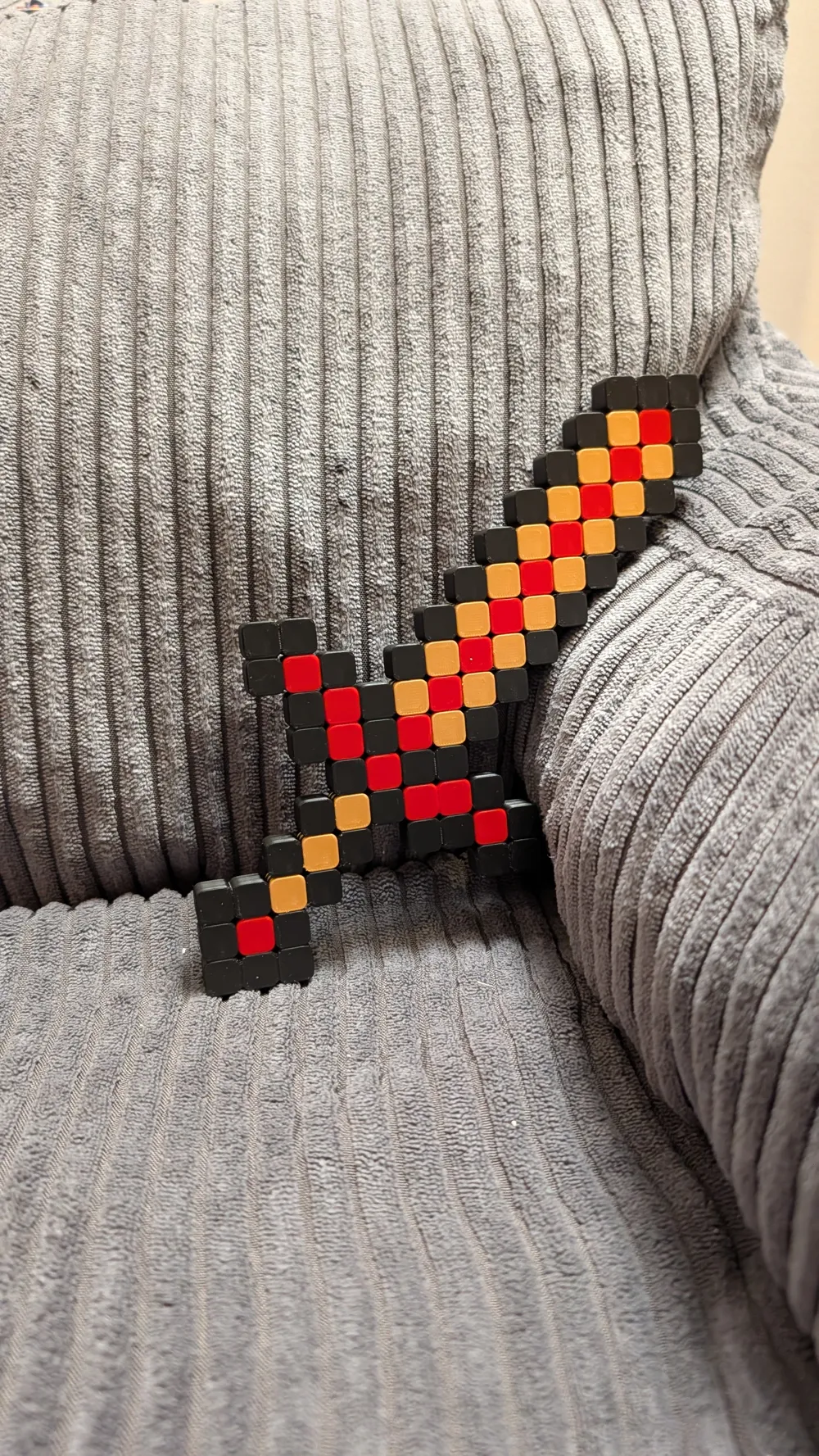
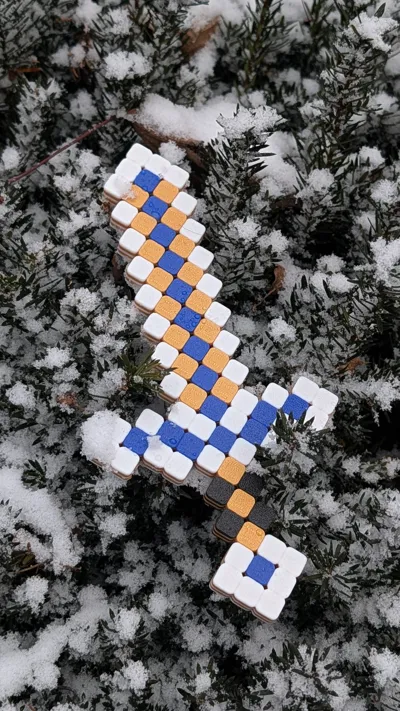
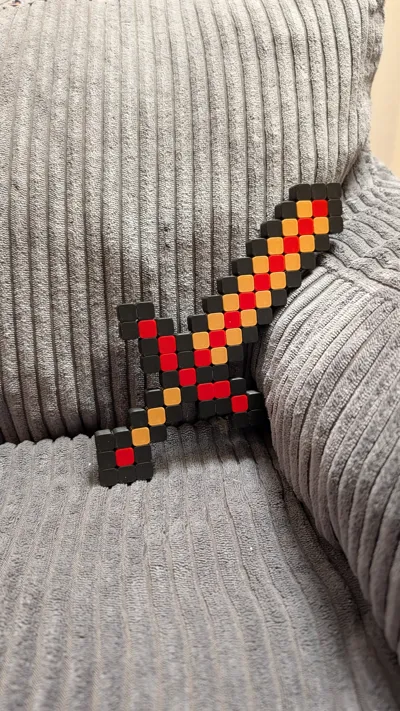
I parameterized this Minecraft sword with cube size and edge shaping, so anyone can print it in whatever size they want—tiny or massive.
Model Printing
Super easy print. I used 4 wall loops and 30% sparse infill to handle my kid's brutal play. Feel free to lower settings to save material and time.
Model Usage
Your imagination!
Notes
Checkout my blog for the detail design note
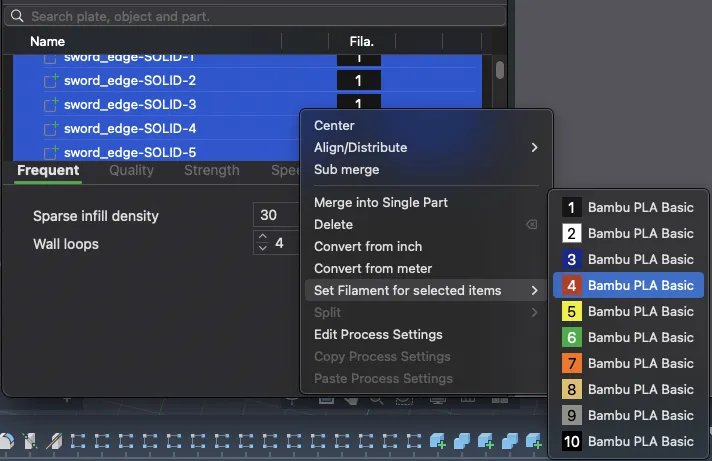
Color Change in Bambu Lab Studio
Parts have different names like “sword_edge”—select all of the same to change filament color, or tweak individual cubes.
Change Size in Fusion
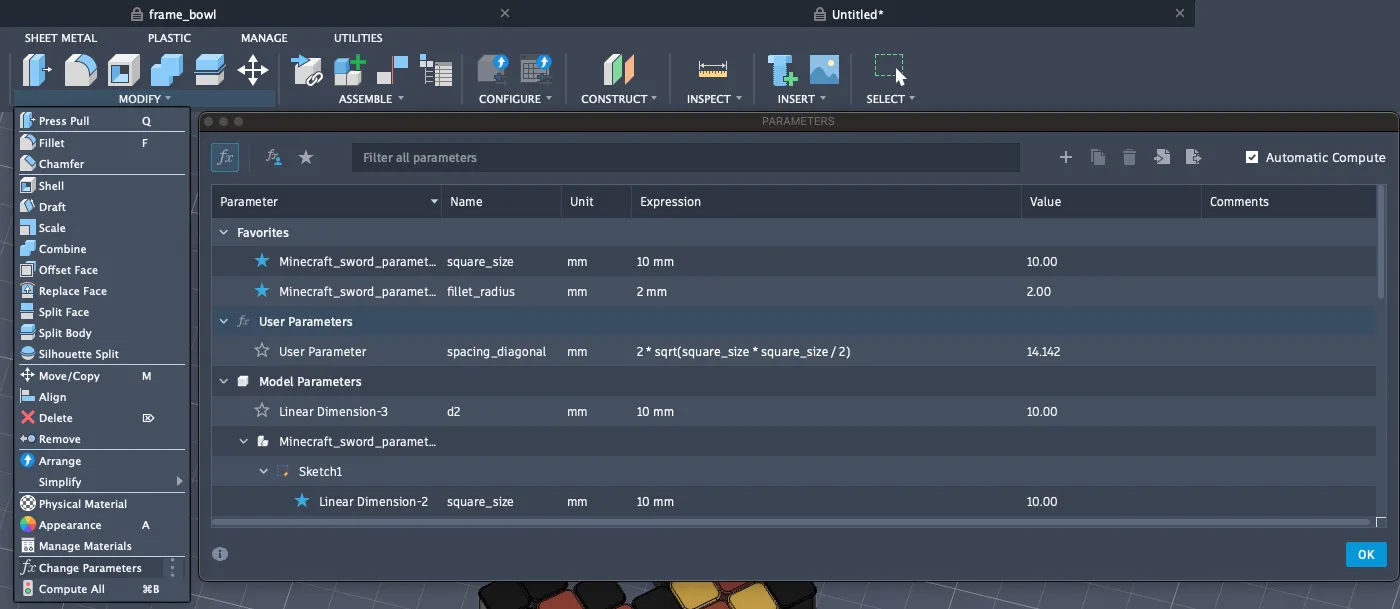
To change cube or overall sword size, go to “Modify → Change Parameters” in Fusion 360 and adjust square_size and/or fillet_radius.
Boost Me (for free)
Uploading the 3D raw model lets you customize size and colors. If you value my time sharing it, please consider boosting me!
License



Comment & Rating (0)