
BAMBULAB OPTIMIZED PRINT PROFILES
Print Profile(1)
Description
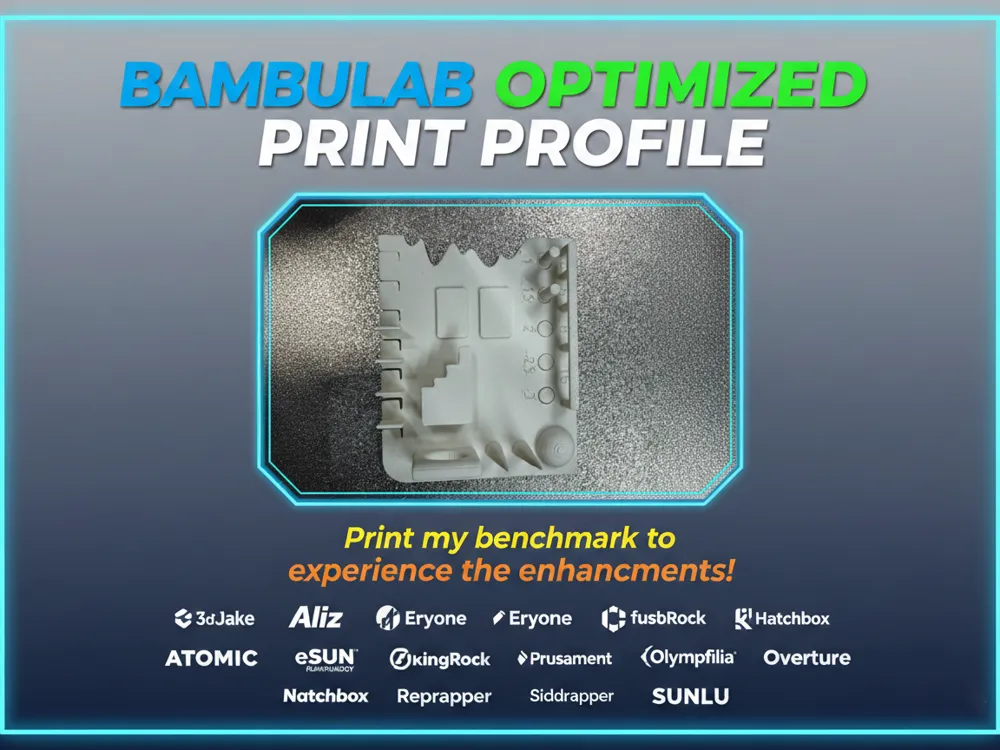
Complete Package: Optimized Filament Profiles + Test Model for Bambu Lab
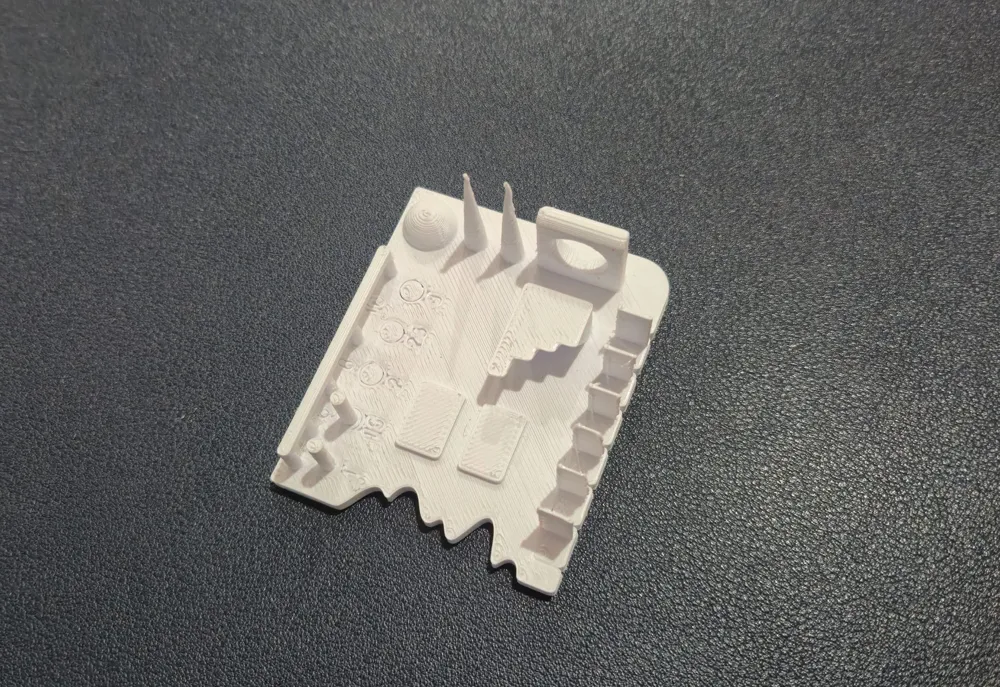
This package includes a comprehensive set of pre-calibrated filament profiles and a model I designed to verify your printer's accuracy and validate print profiles.
Ready-to-Use Filament Profiles
The foolproof filament profile package for Bambu Lab provides pre-calibrated settings brand by brand, designed to drastically reduce failed prints and wasted time. All profiles are available in the "All Filament Profiles" file in the download folder.
These profiles are specifically optimized for Bambu Lab printers and guarantee clean walls, uniform layers, and reliable results with the most popular filament brands—without endless manual tweaks and calibrations.
Test Model Included
The attached calibration model allows you to:
- Verify your printer's dimensional accuracy
- Quickly test each filament profile
- Identify any print issues before starting complex projects
- Compare performance between different filament brands
Continuous Updates
The file is regularly updated with new profiles as:
- New filaments are purchased and tested
- Manufacturers provide optimized official profiles
- The community reports new brands to include
Always download the latest version to access the most recent profiles!
What's Included
- Complete set of calibrated print profiles for 24 filament brands
- Material-specific presets: PLA, PLA+, PETG, ABS, ASA, TPU
- Quality-oriented settings for consistency and repeatability
- Test model for profile verification
Supported Brands
3DJake - 3dTrek - Aliz - Atomic - Coex - ELEGOO - Eryone - eSUN - FIBERLOGY - FormFutura - fusRock - GEEtech - Hatchbox - IEMAI - Kingroon - Ninjaflex - Numakers - Olympfilia - Overture - Prusament - Reprapper - Siddament - SUNLU
Compatibility
- Bambu Lab Printers
- Bambu Studio
How to Use
After downloading the filament profiles (the zip files), follow these simple steps to import them into Bambu Studio:
Step 1: Open Bambu Studio and click on "File" in the top left corner
Step 2: Hover over "Import" and select "Import Configs"
Step 3: Select all the profile files for the brand(s) you want to use
Step 4: Your imported profiles will now appear under "User Presets" > "Custom"
You're all set! Simply select your desired profile from the custom presets menu before starting your print.

Support the Project
Want access to more optimized profiles? Support the project with a Boost! More support means more profiles and faster updates for everyone in the community.
Boost Me (for free)
Support me! ;)
Update – 31/01/2026
I have uploaded the new optimized configurations for SUNLU filaments, now available for all Bambu Lab printers, including P2S, H2S, H2D, and H2C.
Update 28.02.2026 n.1
Not convinced by the first layer? I've created a dedicated test model with a step-by-step guide to optimize it perfectly!
Update 28.02.26 n.2
Tired of printing first layer test sheets that end up straight in the trash? Check out my zero-waste solution to reuse them! ;)
PS: Do you use filaments from different brands or Bambu Lab? I’ve put together some highly optimized print profiles for the different Bambu printers—you’ll find everything at the link below, take a look!
https://makerworld.com/it/models/2196052-bambulab-optimized-print-profiles#profileId-2384951
eSun preset filament for A1 mini → https://makerworld.com/it/models/2445352-the-no-fail-esun-profile-pack-for-a1-mini#profileId-2683942
eSun preset filament for P2s → https://makerworld.com/it/models/2223079-esun-perfect-preset-for-p2s-all-filament#profileId-2417841
License

You shall not share, sub-license, sell, rent, host, transfer, or distribute in any way the digital or 3D printed versions of this object, nor any other derivative work of this object in its digital or physical format (including - but not limited to - remixes of this object, and hosting on other digital platforms). The objects may not be used without permission in any way whatsoever in which you charge money, or collect fees.


Comment & Rating (679)