
P2/H2 Hotend Case (1 / 2 / 3 / 4 / 5 / 6)
Print Profile(6)


Description
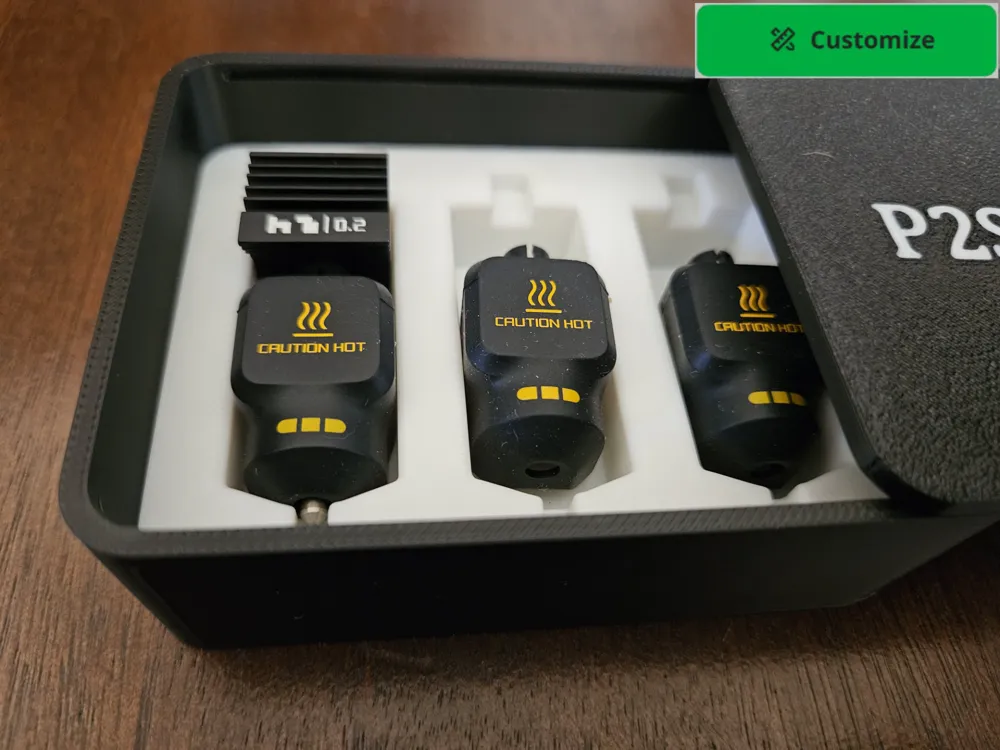
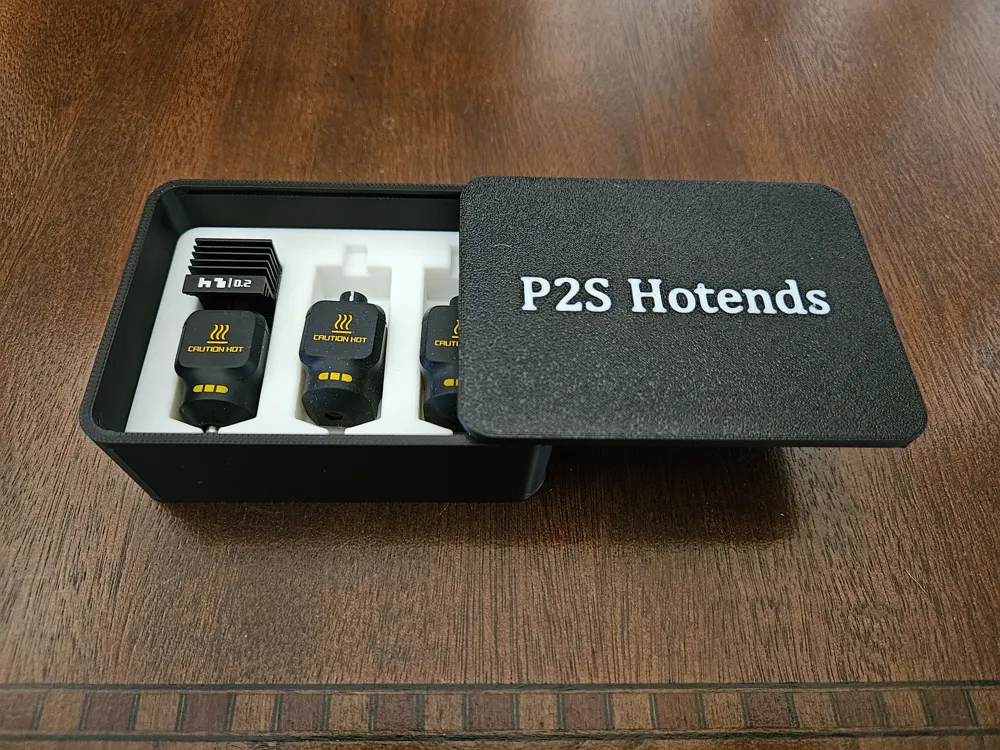
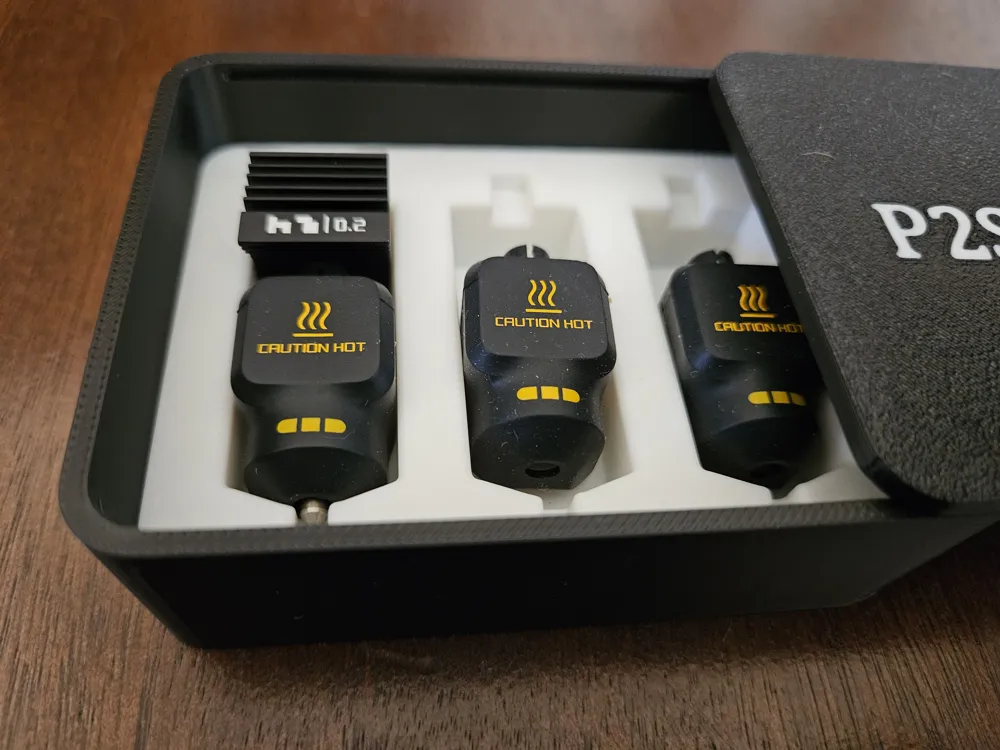
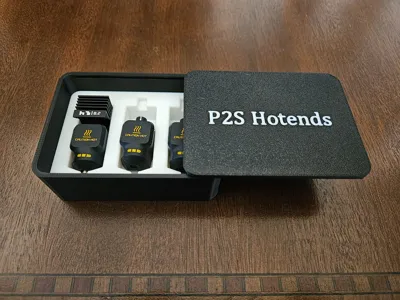
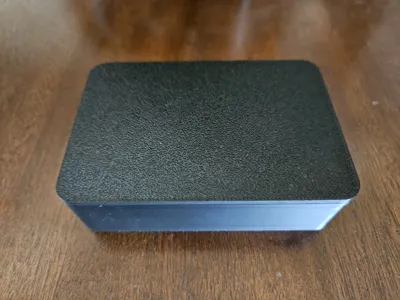
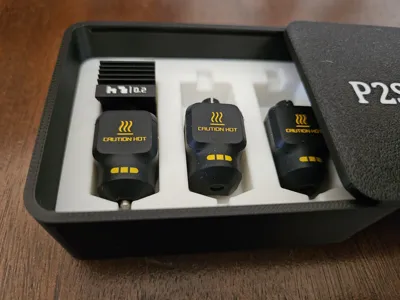
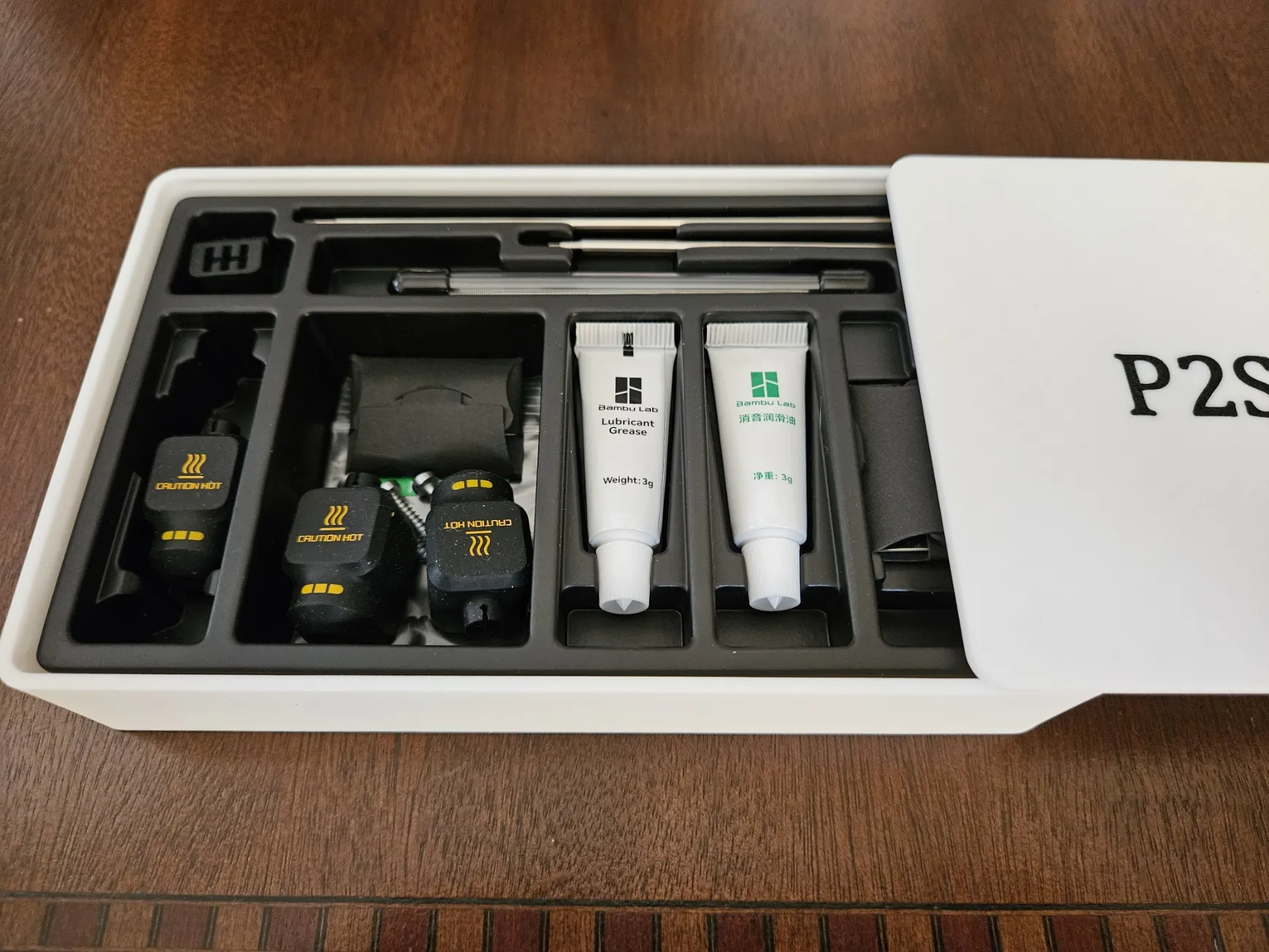
P2S / H2S / H2D Hotend & Sock Case (1/2/3/4/5/6 hotends)
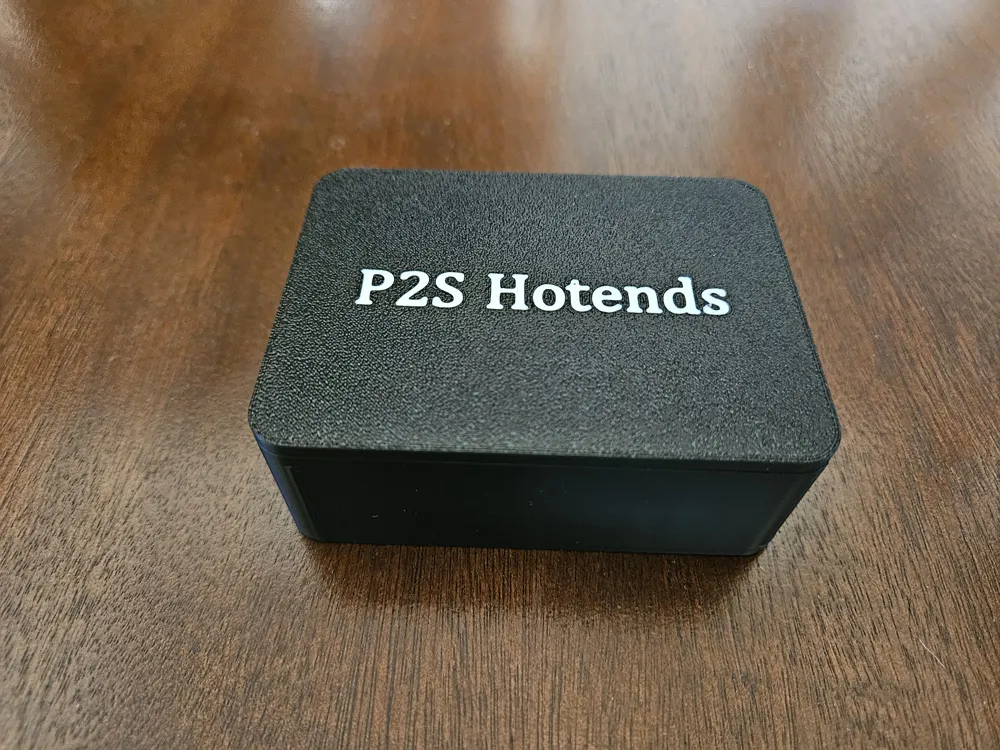
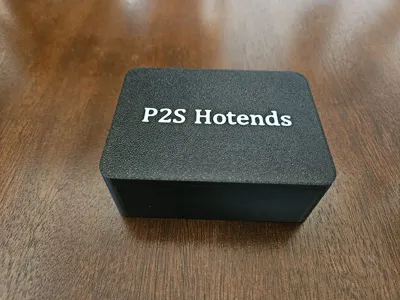
- Very convenient and secure sliding lid box
- Hotend storage compatable with Bambu Labs P2S and H2 series (I believe)
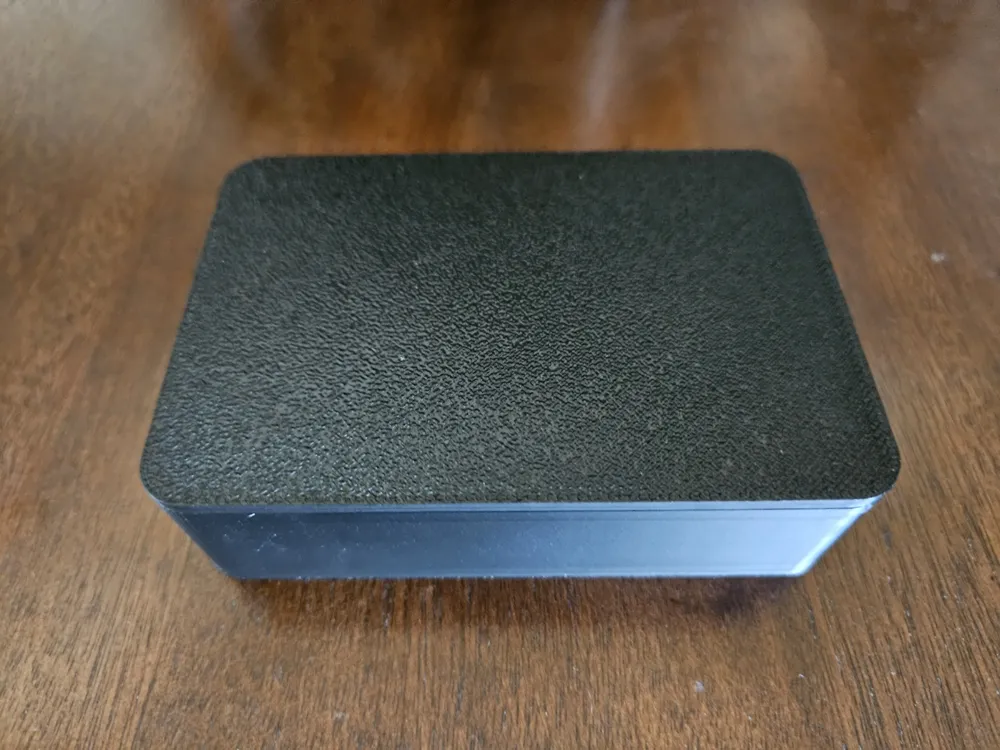
- Each print profile has options for different Lid Text (None / P2S / H2S / H2D)
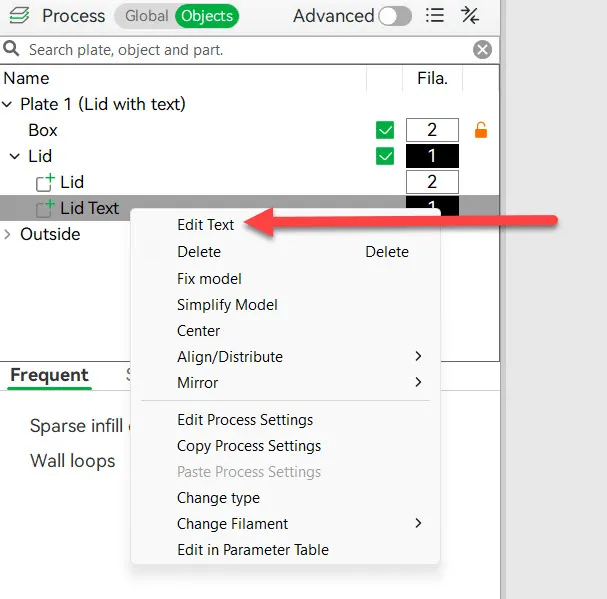
- Also very easy to edit the text in Bambu Studio
- If printing for H2 series, please validate size and provide feedback
- Hotend(s) are securely positioned in an optionally removable tray
- Ready to print options for 1 / 2 / 3 / 4 / 5 / 6 hotend units
- Perfect fit with or without the siicone socks (or socks only)
- The siicone socks simply fit over the hotend if you have the sock
- Mix and match colors to your style (Lid / Text / Box / Tray)
- Post photos and show off your flair
It's easy to edit or remove the text:
The tray and the sliding lid box are Customizable
- You can fine tune sizes if you are a tinkerer
- Parameters don't validate and some things might not “work” - experiment
- For a snug fitting tray, make the slide box “Internal” dimentions equal to the tray's external dimentions
- Bambu studio clearly shows the external dimentions of the tray
- The default internal height of the box is 25 mm for a comfortable fit
If you customize a box:
- Download and open in Bambu Studio
- Select model (click it)
- Click "Split to Objects"
- Click "Arrange all objects"
- Click "Auto Orient" (lid should now be top / flat side down)
- Start with a standard 0.4 mm nozzle and 0.2 mm layer height
- 5 bottom layers (my preference)
- Only one wall on first layer (my preference)
- If you add text:
- Click of the under surface of the lid (i.e top of lid) and click "Text shape"
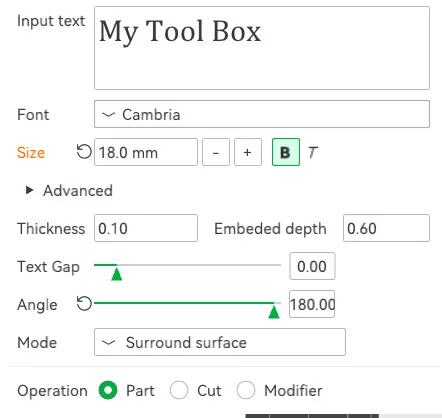
- Add your text and adjust size / font
- Change Angle so that is reads correctly from underneath (i.e top of lid)
- Set thickness to 0 mm (Bambu Studio may set to 0.1 mm - Ignore this bug)
- Set Embeded depth to 0.6 mm (or 0.8 mm if you prefer)
Optionally adjust tightness of tray:
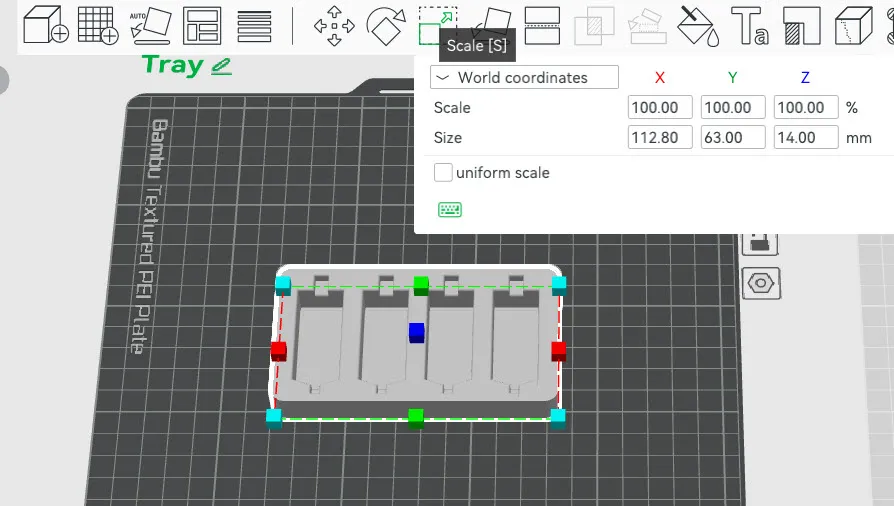
- The insert tray is exactly the same size as the internal of the box. Sometimes this is perfect. Sometimes it is too tight to be removable. If you want to be able to easily remove the tray, resize (scale) the tray.
- In Bambu Studio, select the model (click it)
- Click the Scale button or type “S”
- Uncheck the “uniform scale” option
- Reduce the X and Y Size by about 0.6 mm
- I suggest between 0.4 mm and 0.8 mm reduction of X and Y
- Results will vary depending on the individual printer, filament and calibration
Also checkout:
Or
Or
Boost Me (for free)
Please support my designs so that I can share even more with the community.
License

You shall not share, sub-license, sell, rent, host, transfer, or distribute in any way the digital or 3D printed versions of this object, nor any other derivative work of this object in its digital or physical format (including - but not limited to - remixes of this object, and hosting on other digital platforms). The objects may not be used without permission in any way whatsoever in which you charge money, or collect fees.


Comment & Rating (67)