
Radxa Orion O6N Case (Screwless)
Print Profile(1)

Description
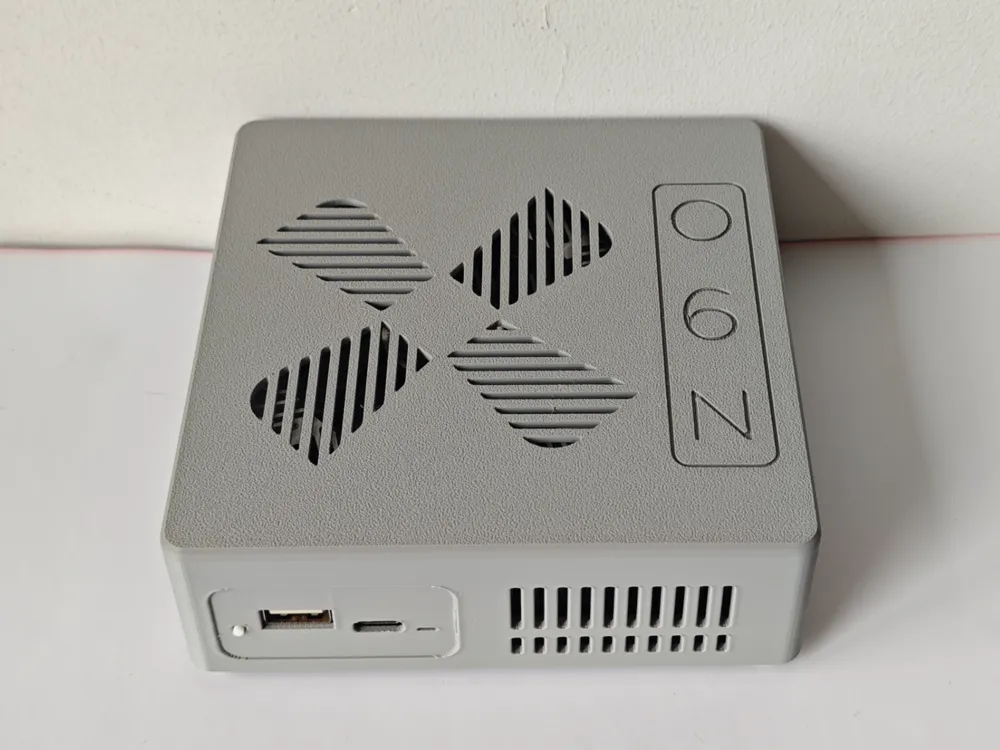
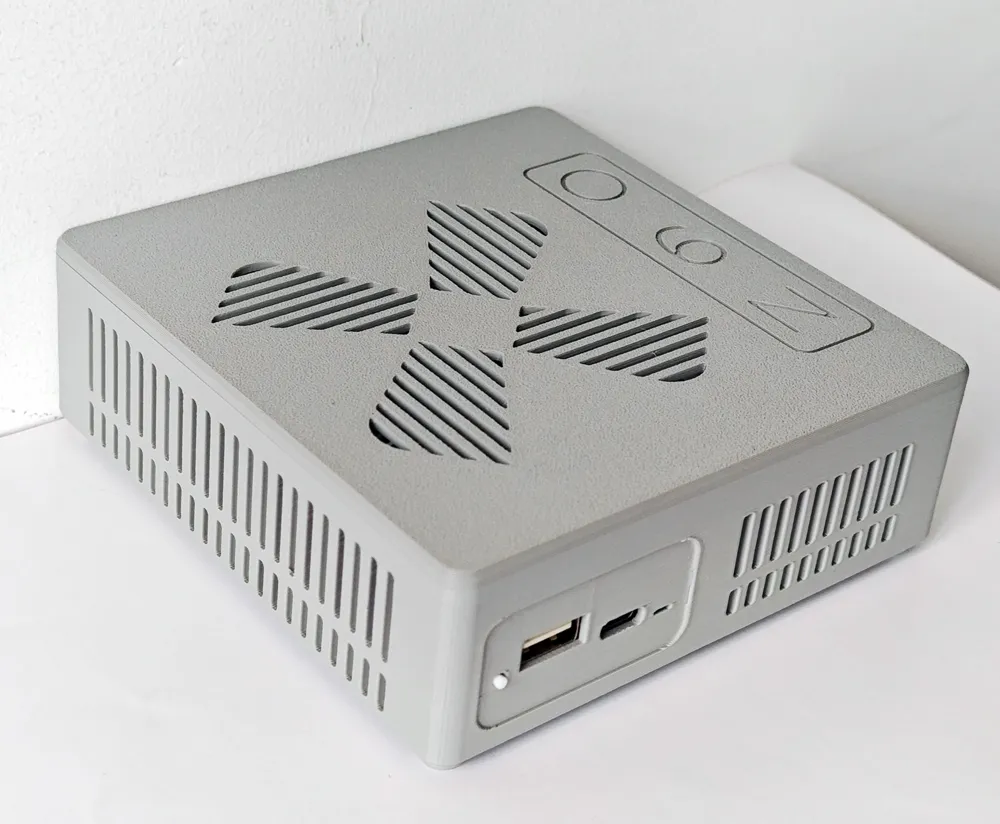
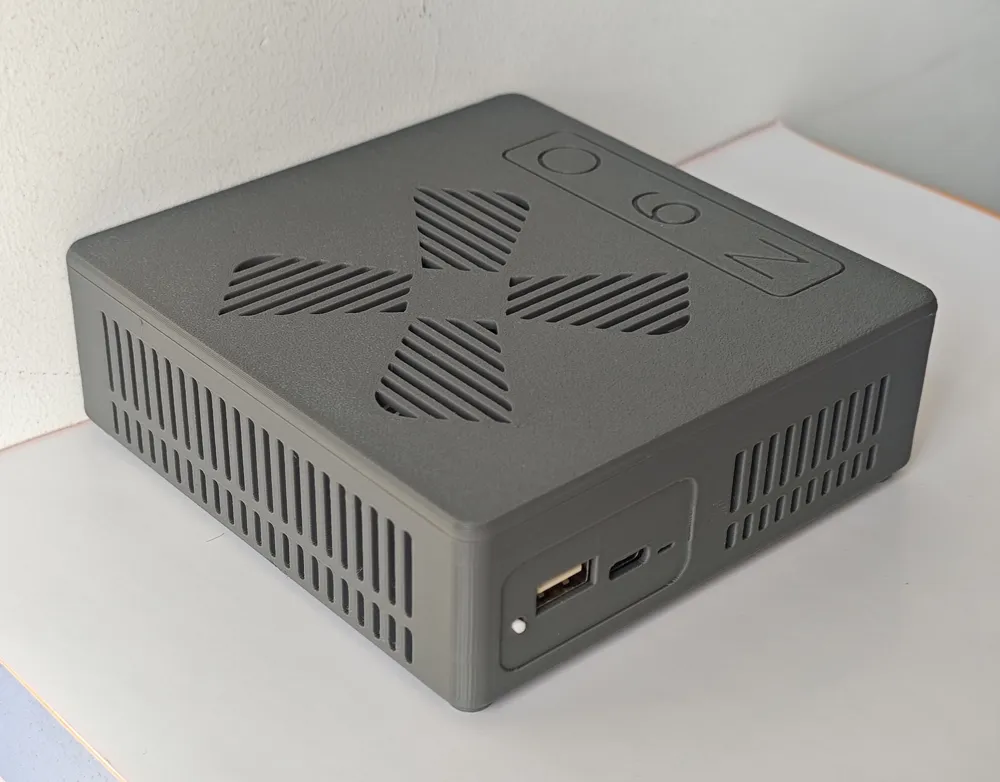
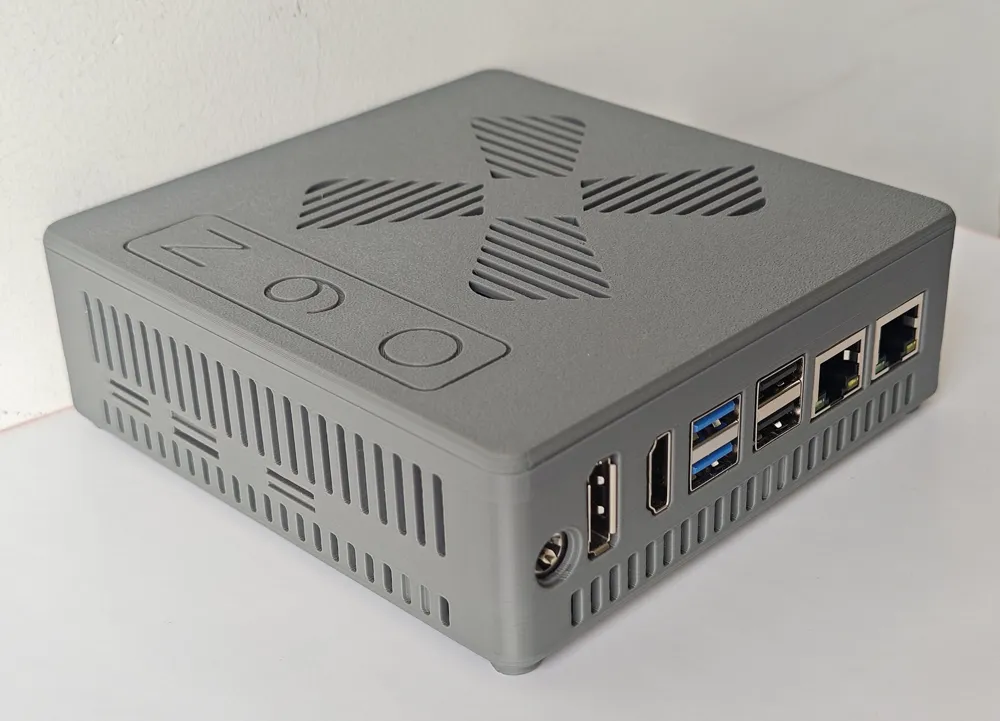
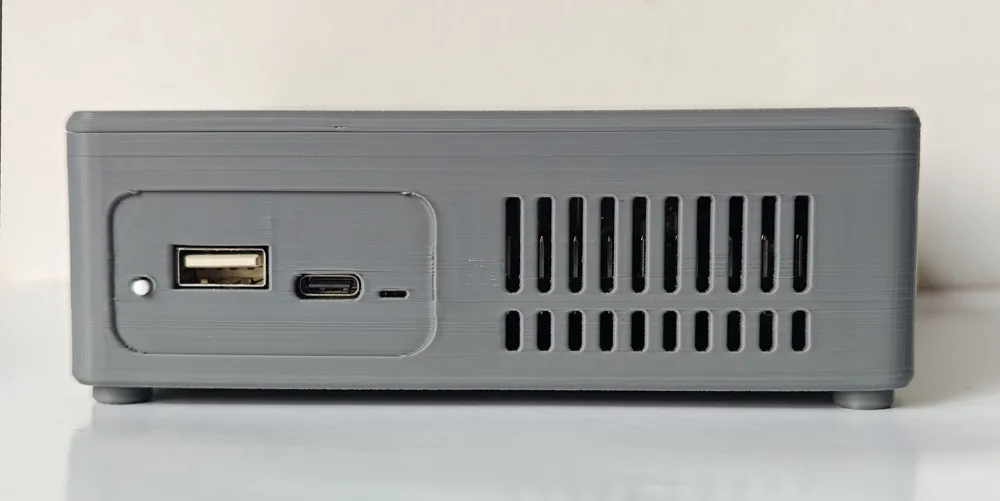
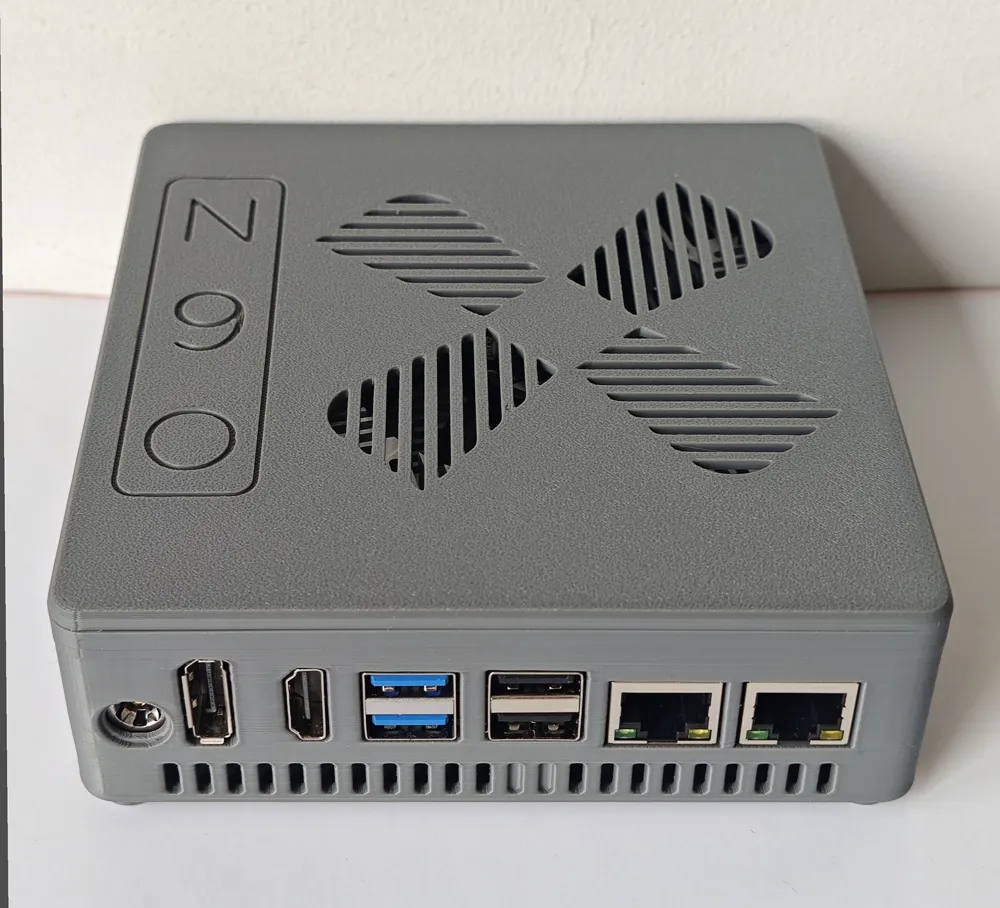
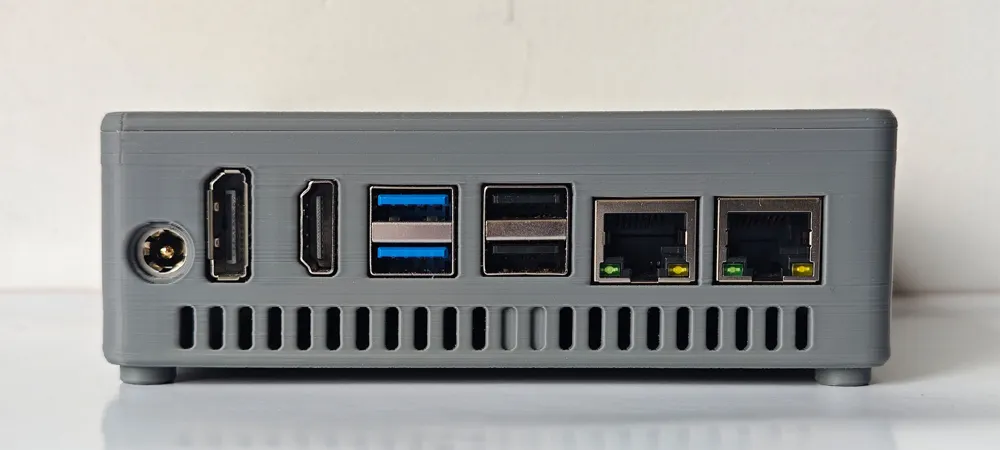
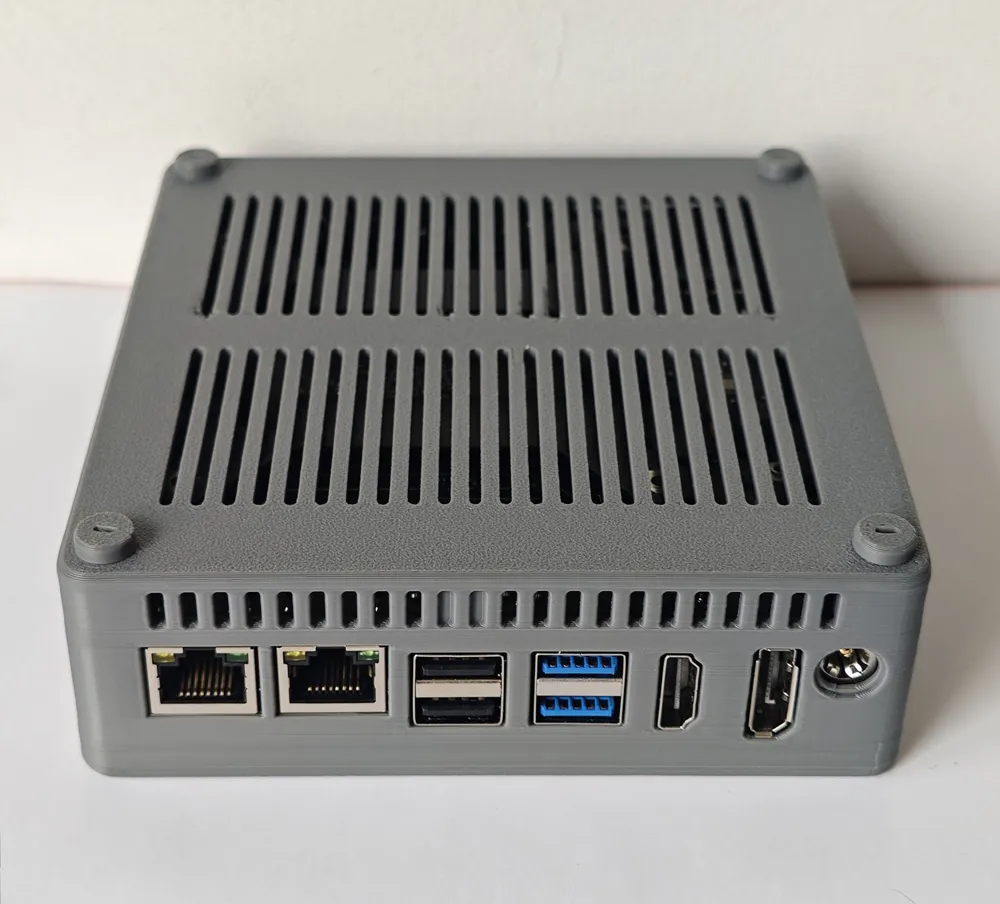
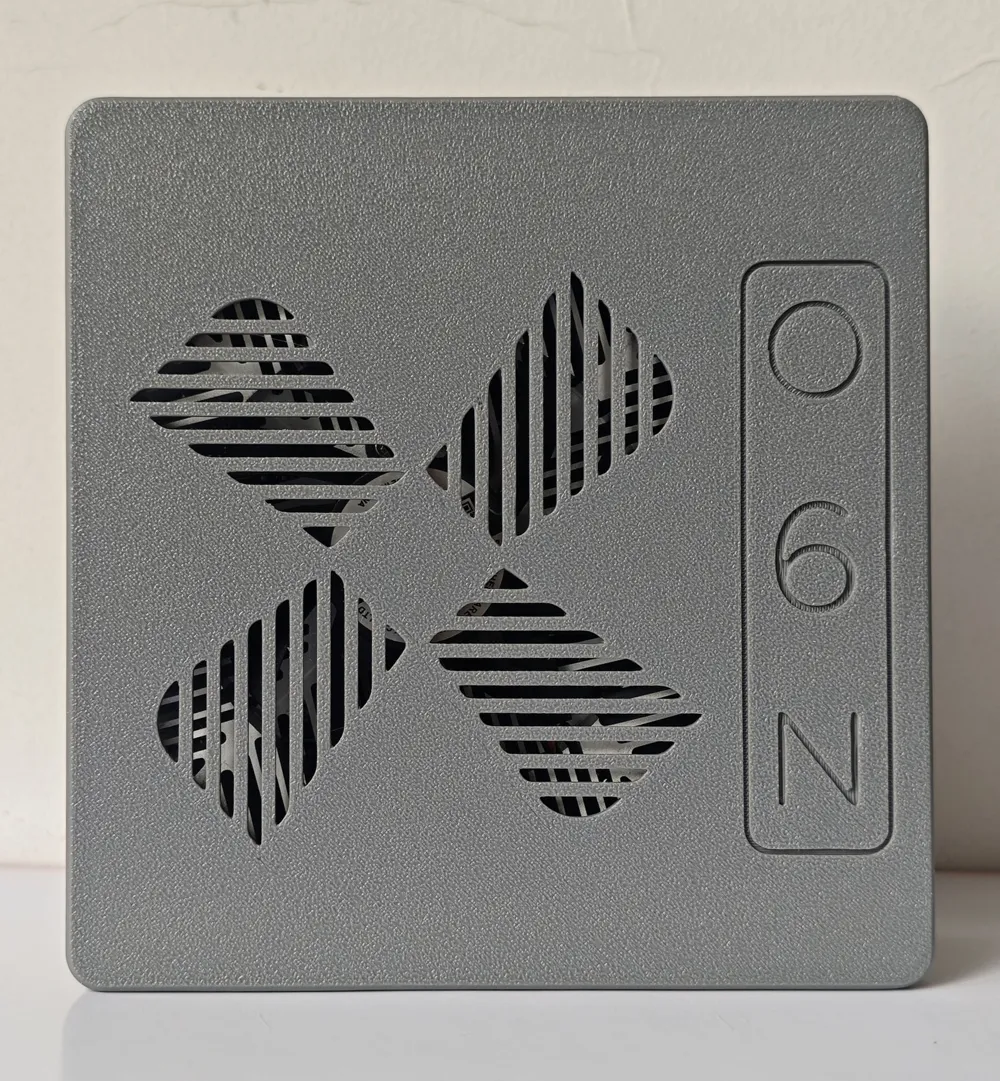
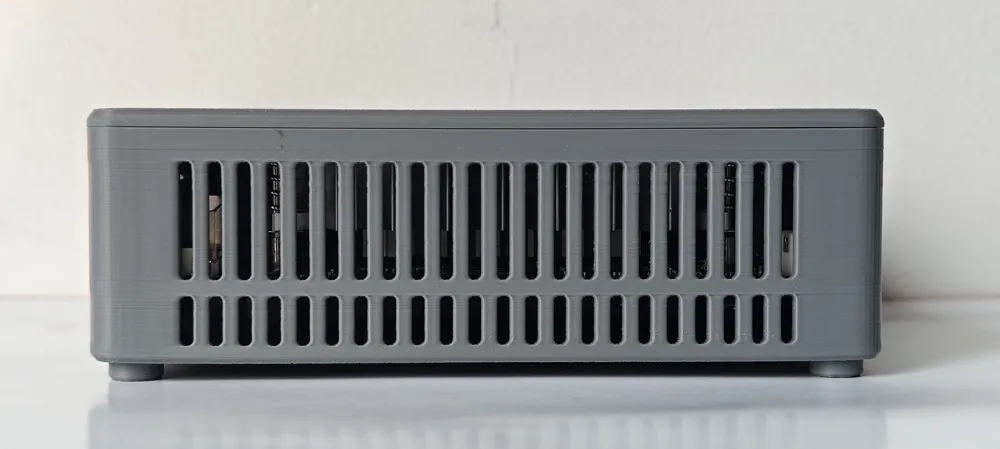
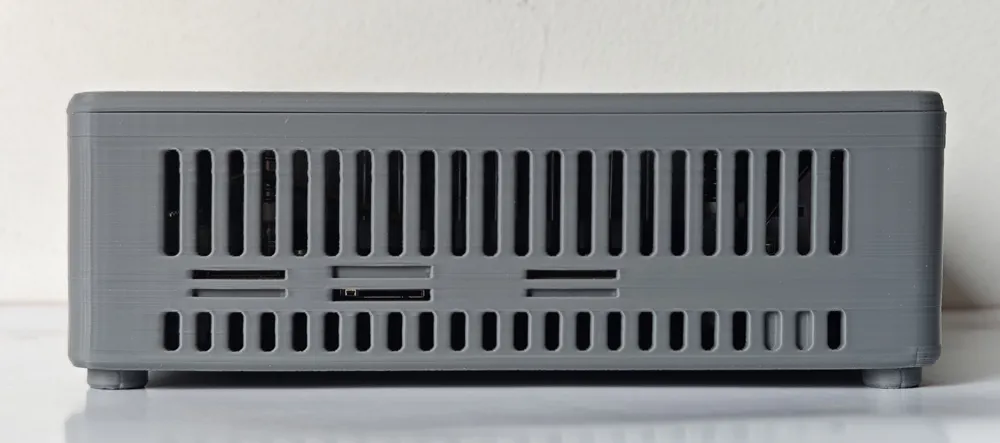
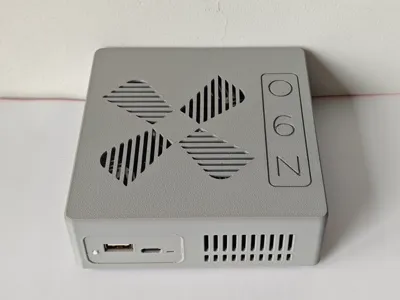
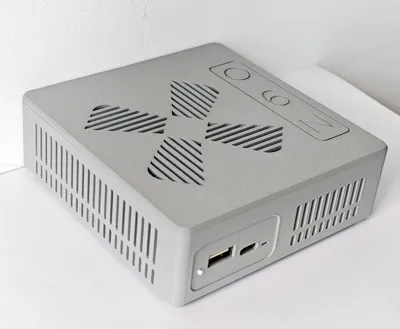
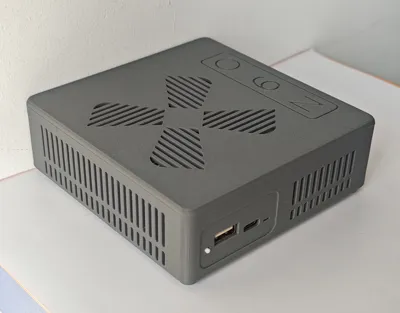
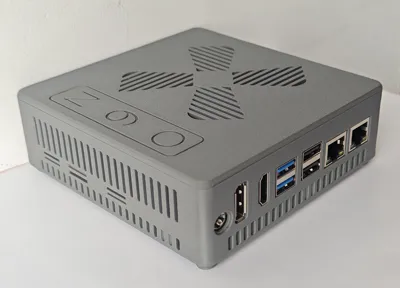
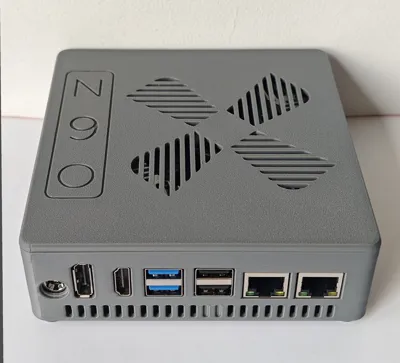
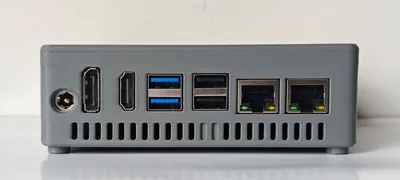
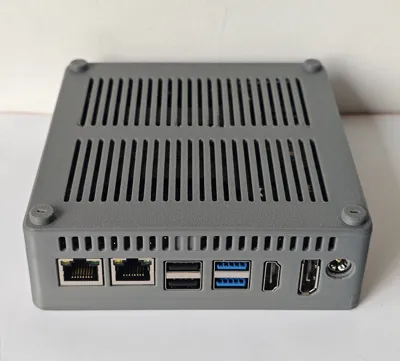
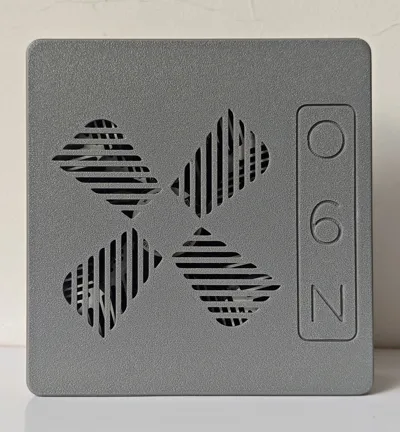
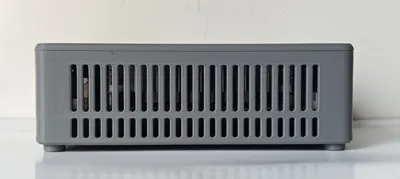
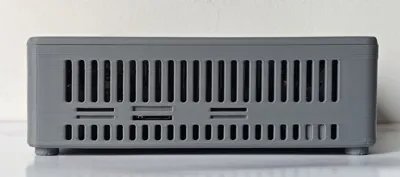
The casing features a screwless design, with the upper and lower sections using a snap-fit mechanism. No supports are required during printing, as verified by testing on the Bambu Lab A1 using Bambu Lab PLA Basic filament.
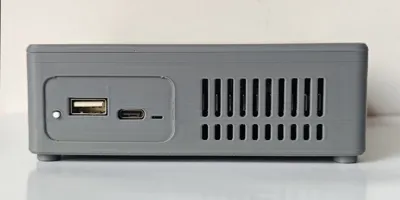
The four screw-shaped feet and the power button on the bottom are small, and whether they can be printed successfully depends on the 3D printer and the filaments used. It is recommended to print each part separately. If heat dissipation at the bottom of the machine is not a concern, the feet can be omitted.
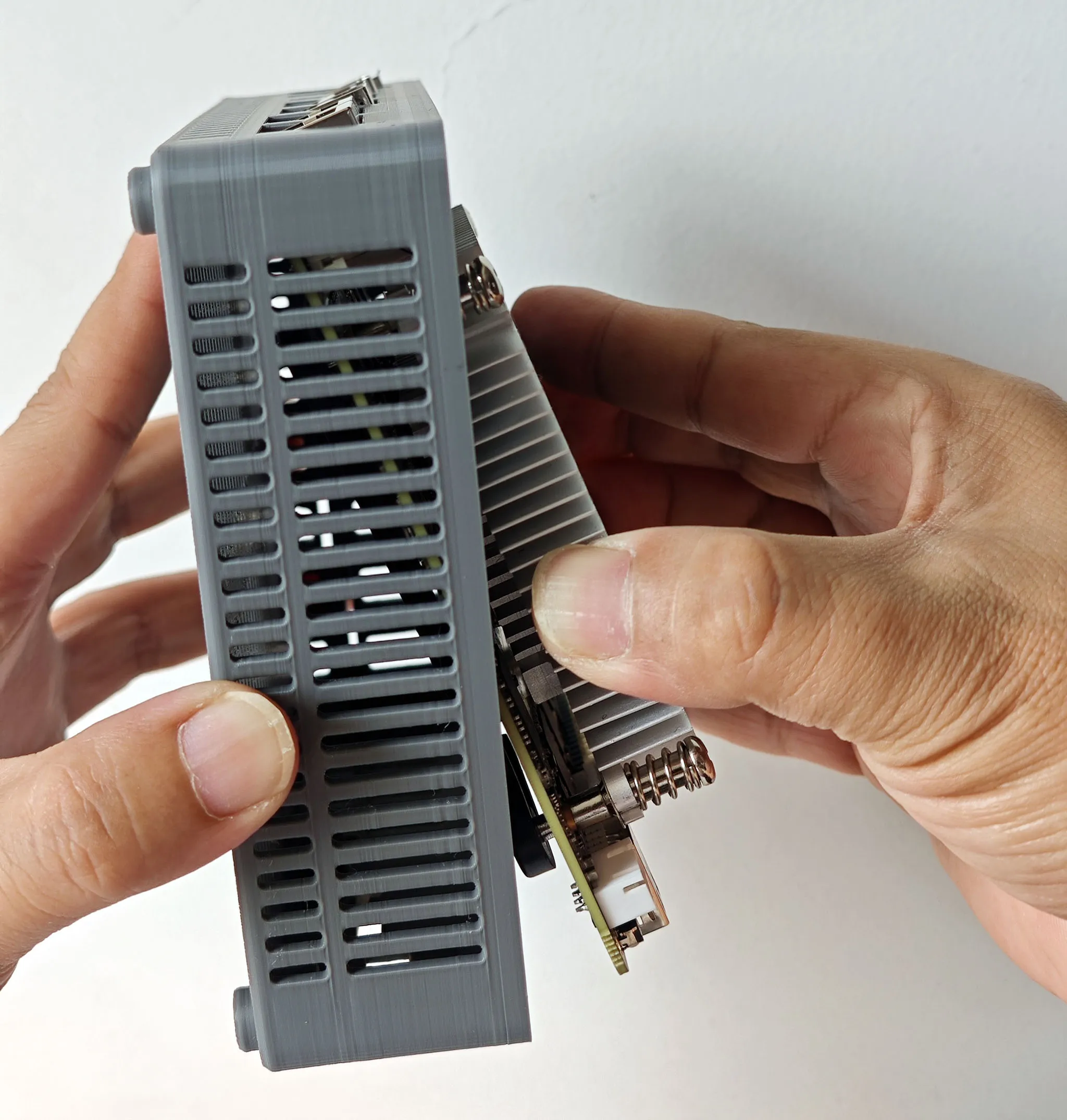
During installation, first place the power button in the bottom case, tilting the bottom case so that the front is lower than the back to prevent the power button from slipping out. Then tilt the O6N motherboard relative to the bottom case, insert the rear panel interface into the bottom case, and then slowly place the host completely flat into the case. Finally, close the top cover and tighten it.
License



Comment & Rating (0)