
Print Profile(1)

Description
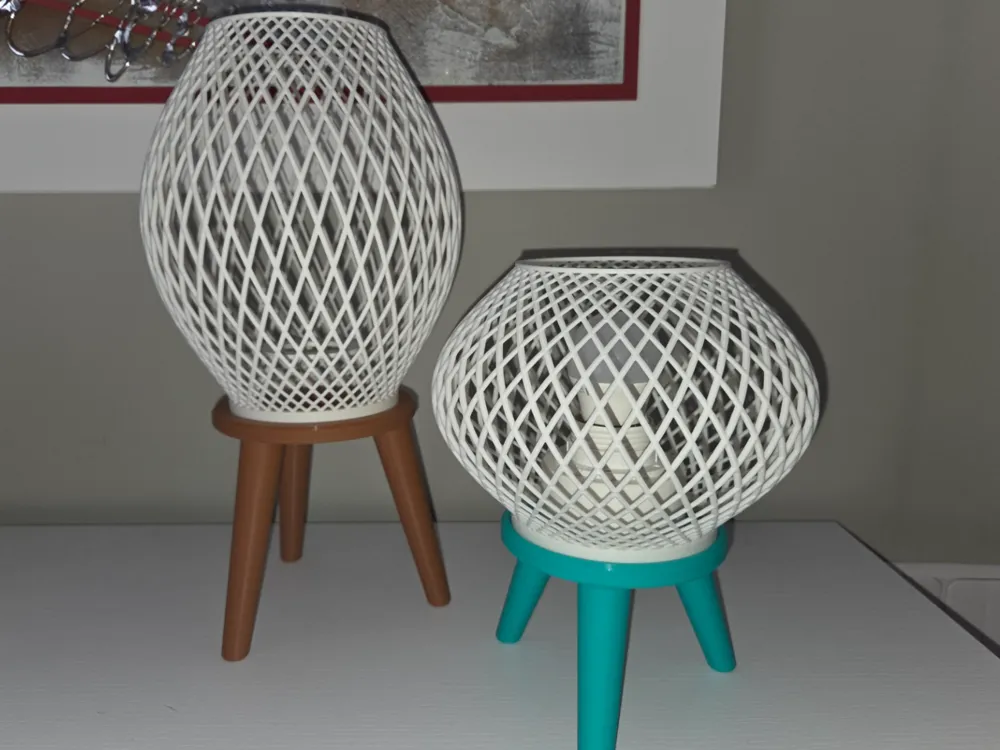
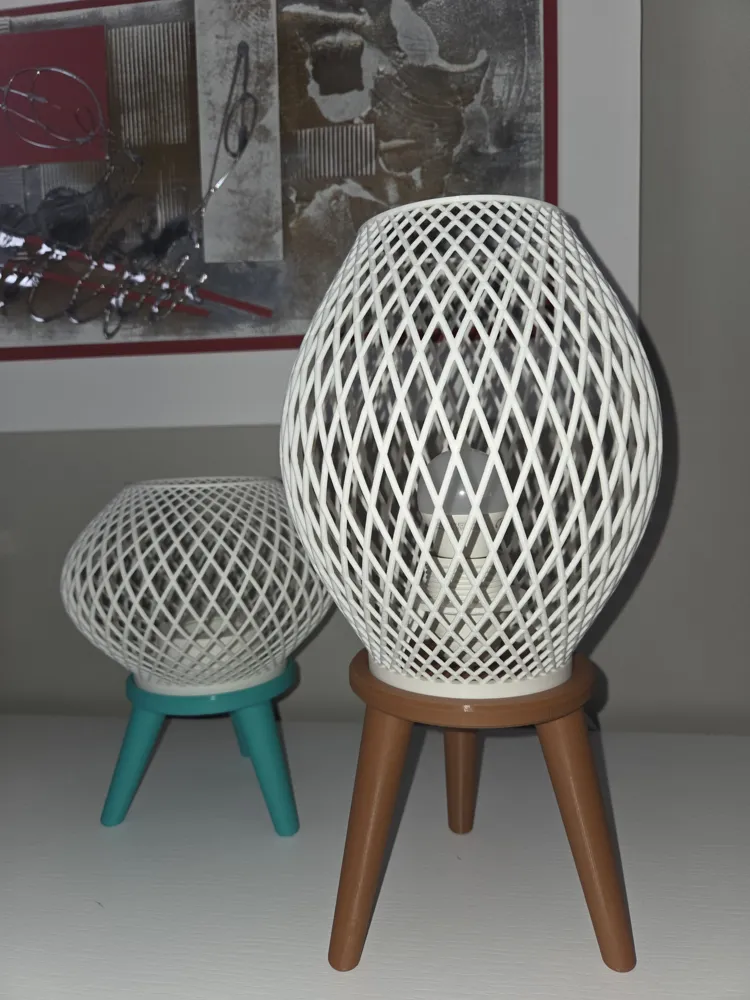
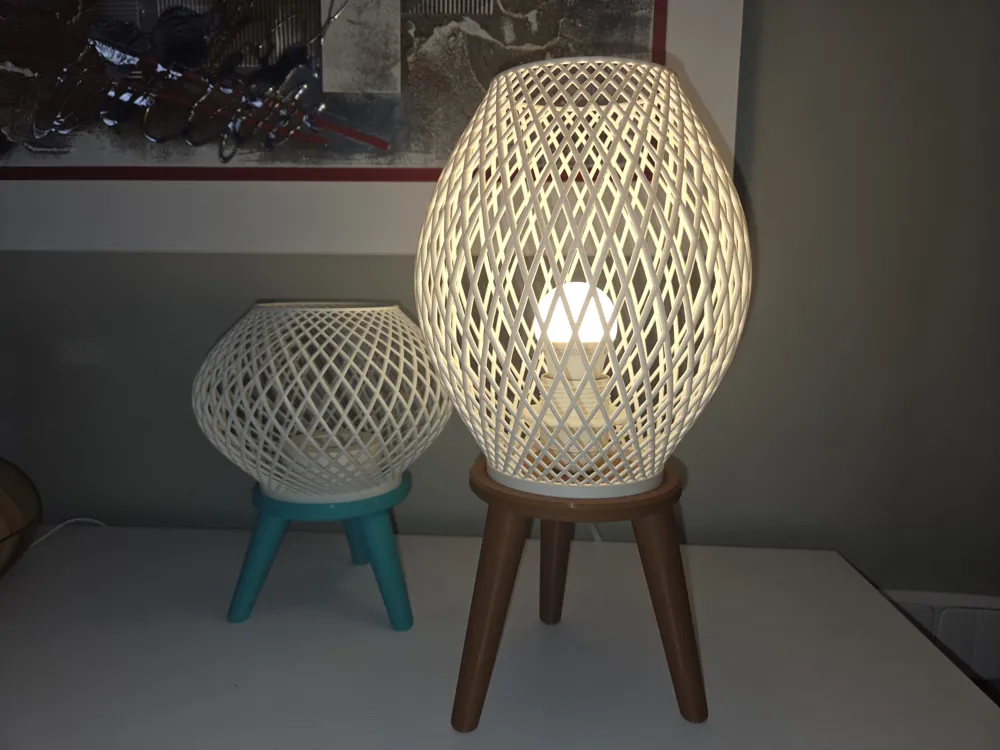
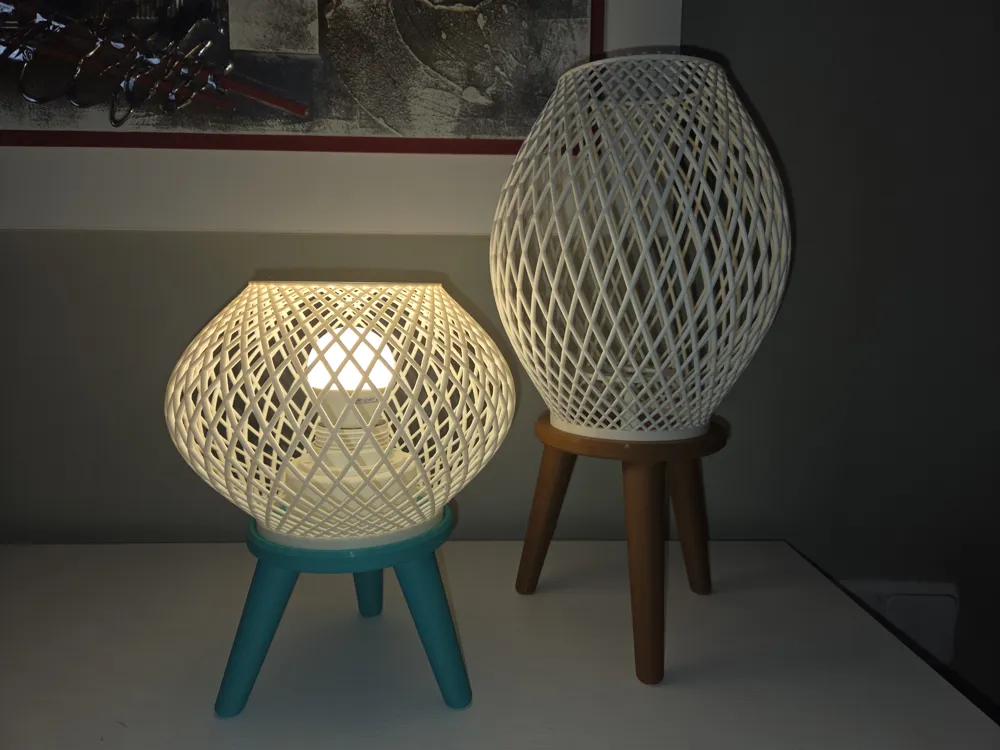
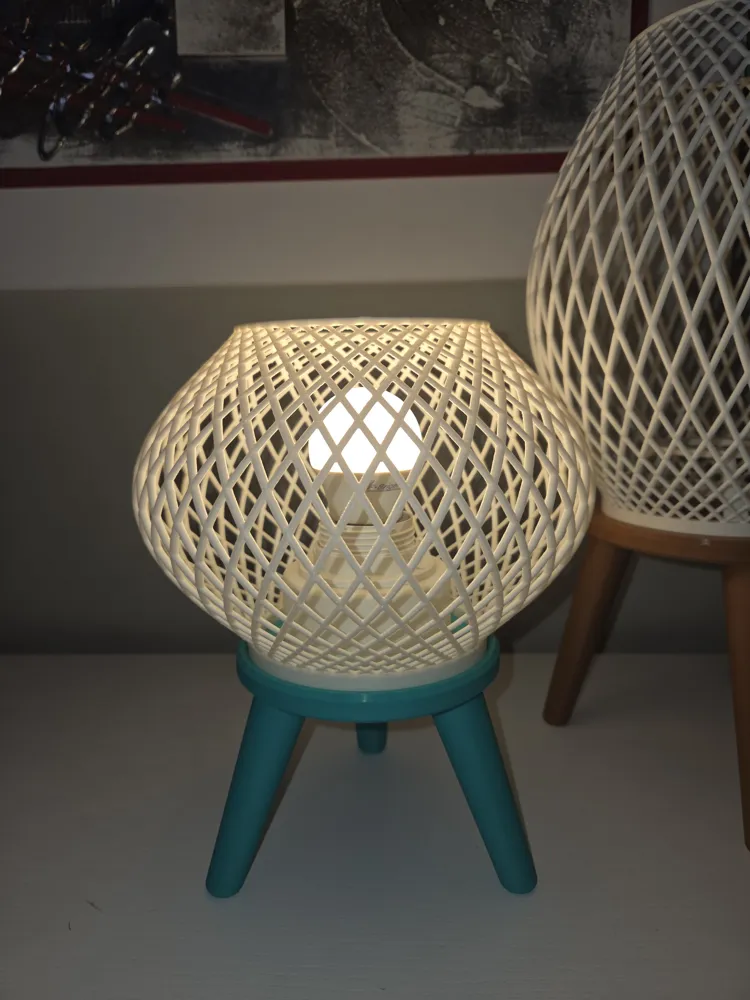
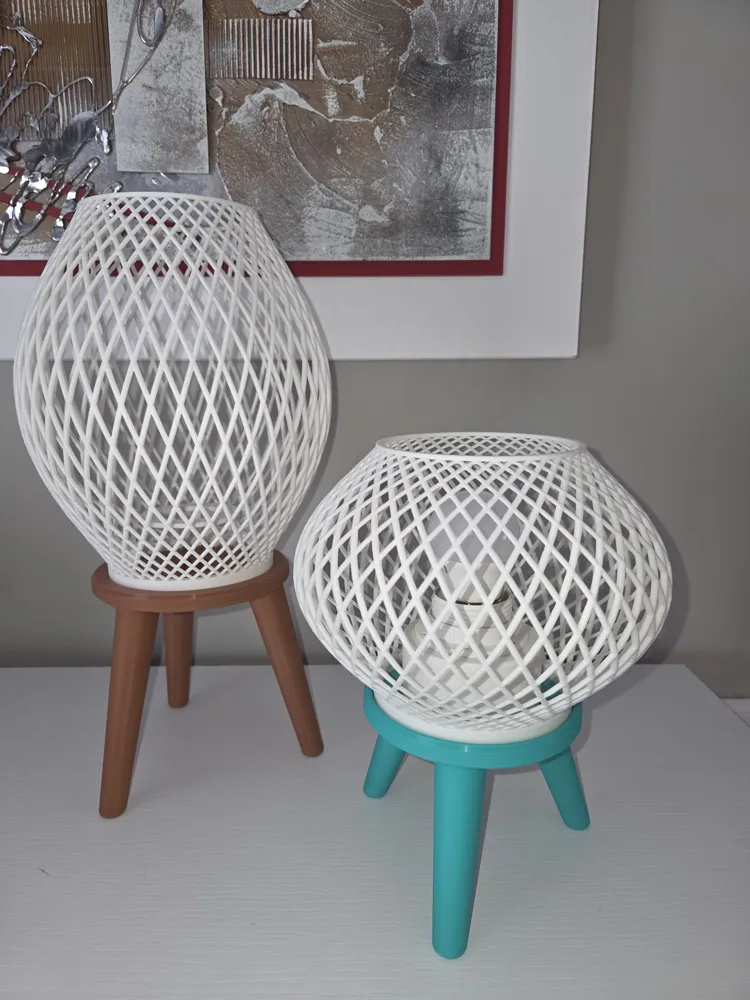
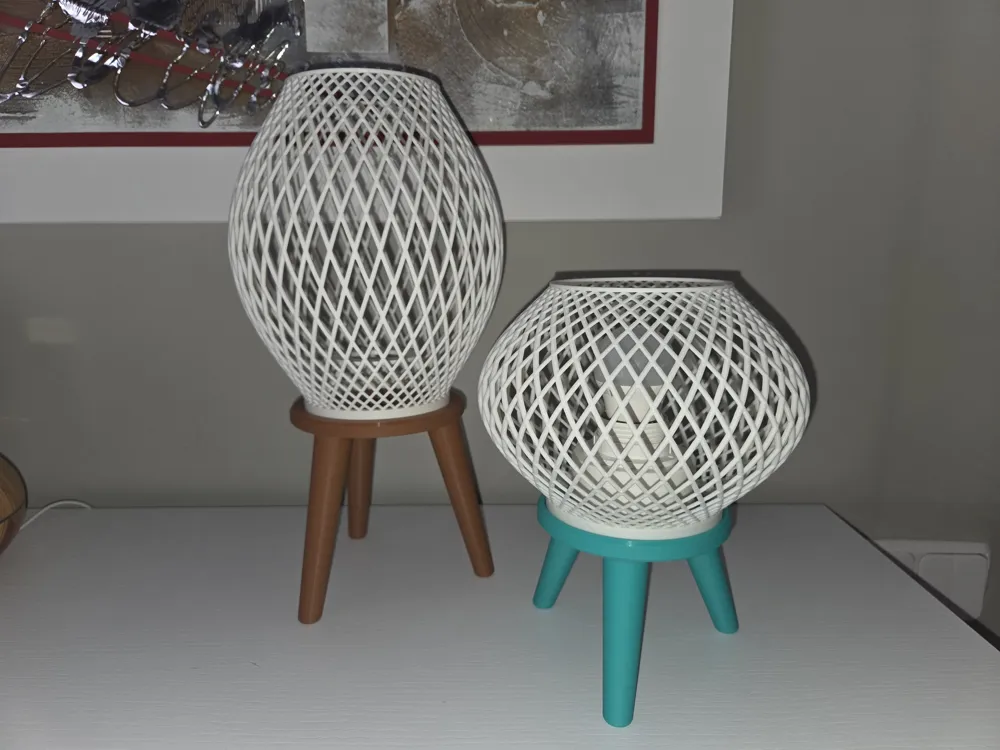
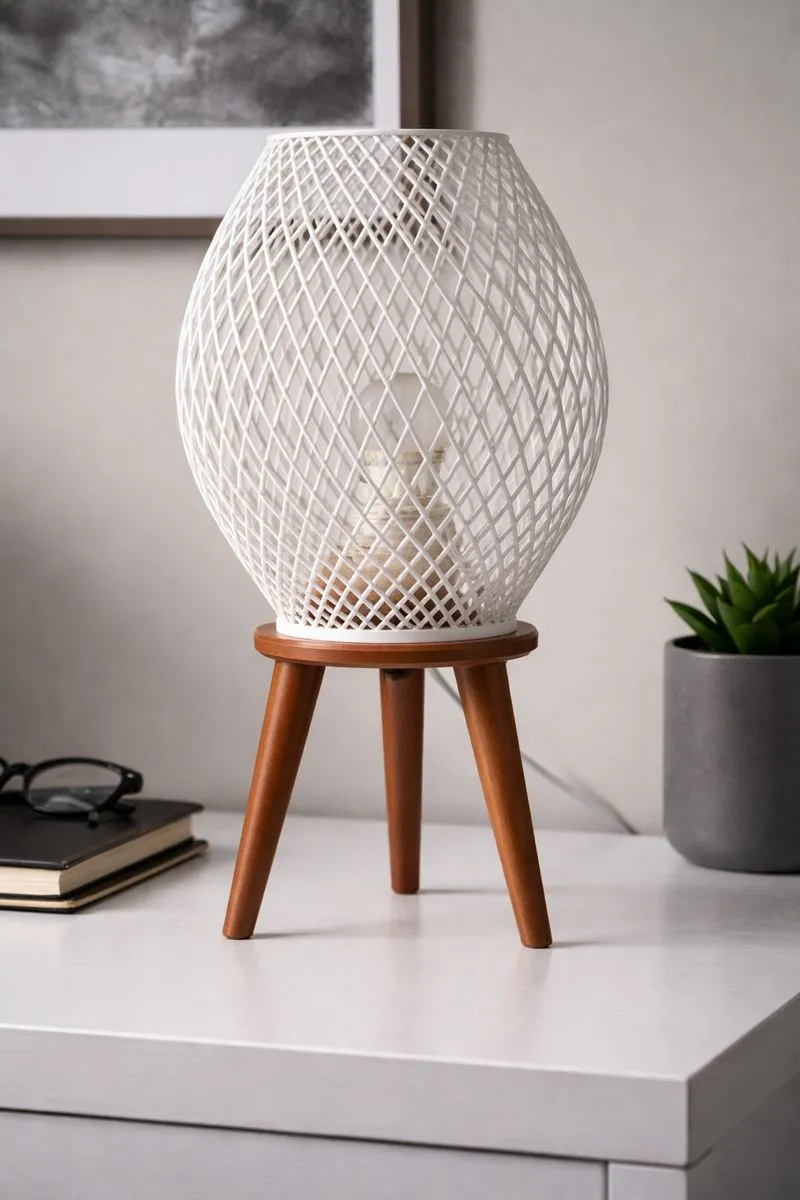
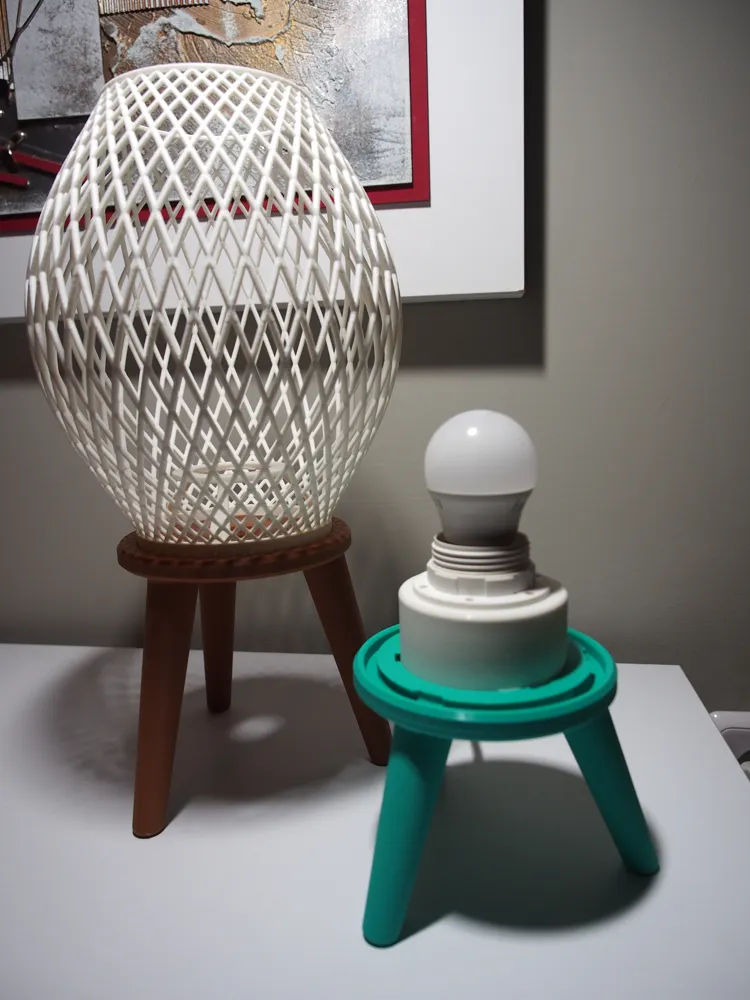
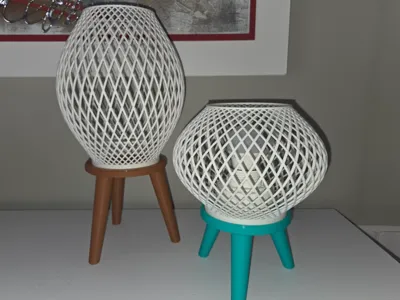
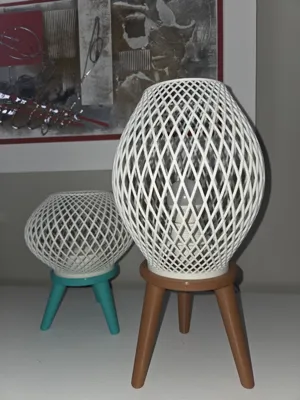
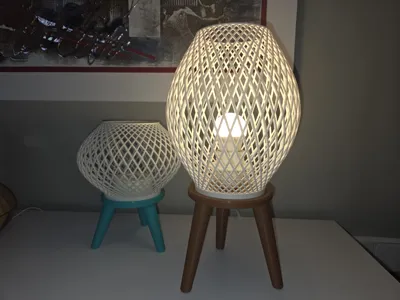
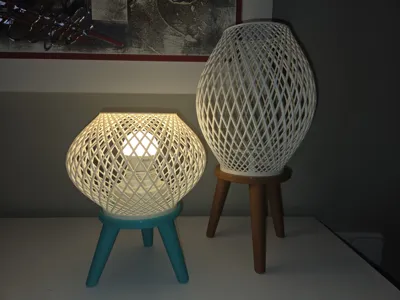
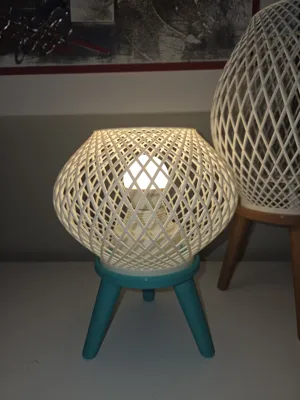
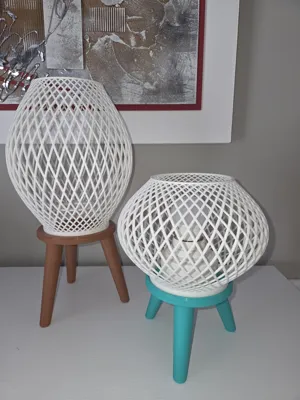
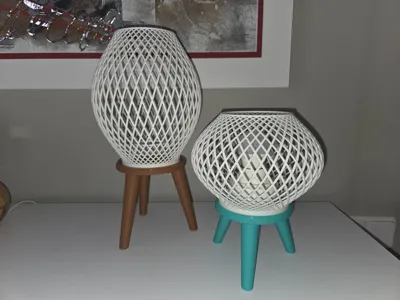
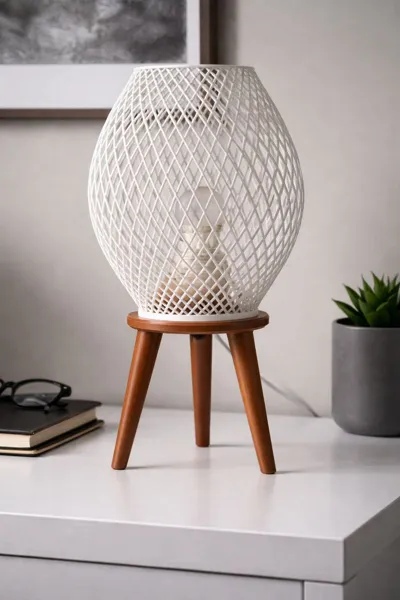
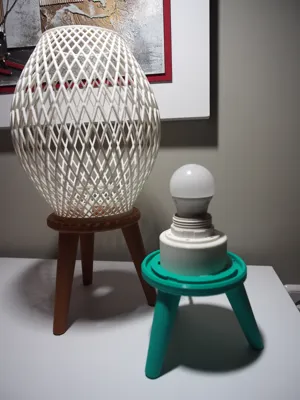
I’m sharing this beautiful model inspired by a lamp that my beloved mother has at home.
Boost Me (for free)
You can support me if you wish.
You can customize it to your liking by adjusting both the base height and the mesh height. It also includes adapters for E26/E27 and E14 screw lamp holders. If any dimension doesn’t fit what you have at home, don’t worry — you can easily adjust hole sizes, tolerances, and other parameters.
No supports required.
Printing tips:
In my case, I used the default settings on my A1 printer with generic PLA filament. This should work well on any properly maintained machine. Even so, I recommend the following:
- Always print the base and the adapter you need first. Fit them together and check that they lock properly, applying reasonable pressure. If the fit is correct and feels secure, proceed to print the mesh (plate 3).
- If, when trying to fit the parts together, the adapter is too loose and does not hold properly, reduce the tolerance parameter slightly (default is 0.10 mm) and reprint only the adapter.
If, on the other hand, it is too tight and you cannot fit the parts together, increase the tolerance parameter slightly and reprint the adapter. - Once you achieve the fit you want, print the mesh using that same setting.
Assembly instructions:
Total model height without modification: 337.90 mm
Remember not to install the bulb until the final step to avoid accidents.
Pass the lamp holder through the hole in the base.

Place the lamp holder into its corresponding adapter.

Screw in the locking pin to secure the lamp holder to the adapter.

Attach the adapter to the base with a small twist.

Screw in the bulb.

Attach the mesh to the base with a small twist.

Instructions to customize the dimensions:
You need to click on the following icon:
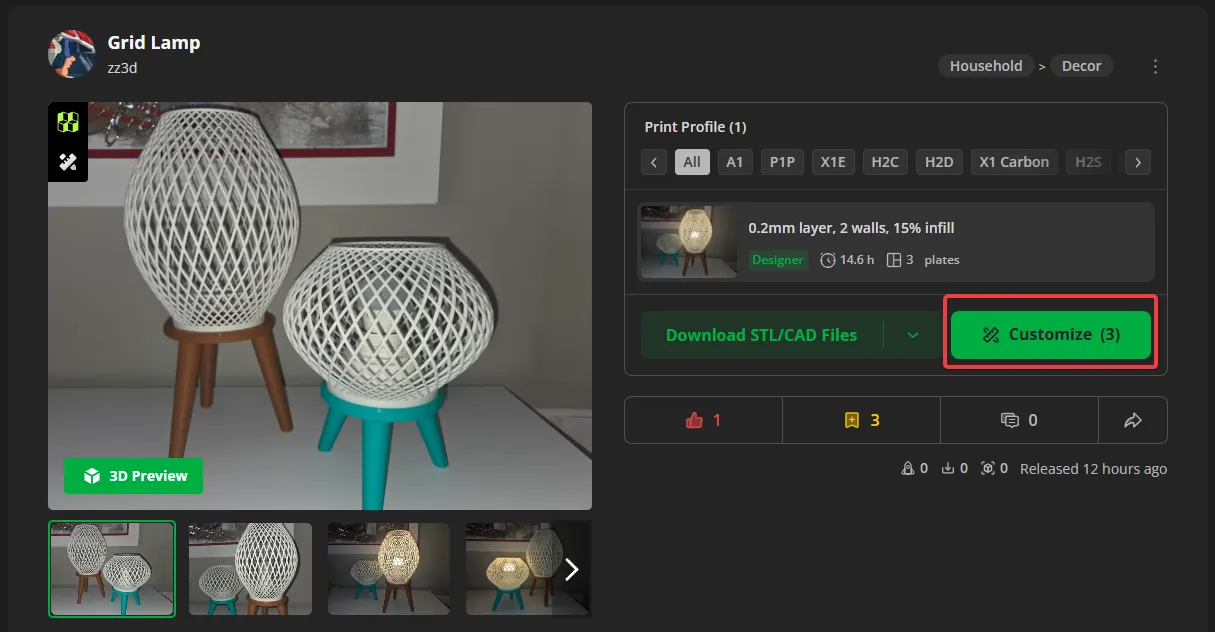
Once there, these are the parameters you can use and the tips I can give you.
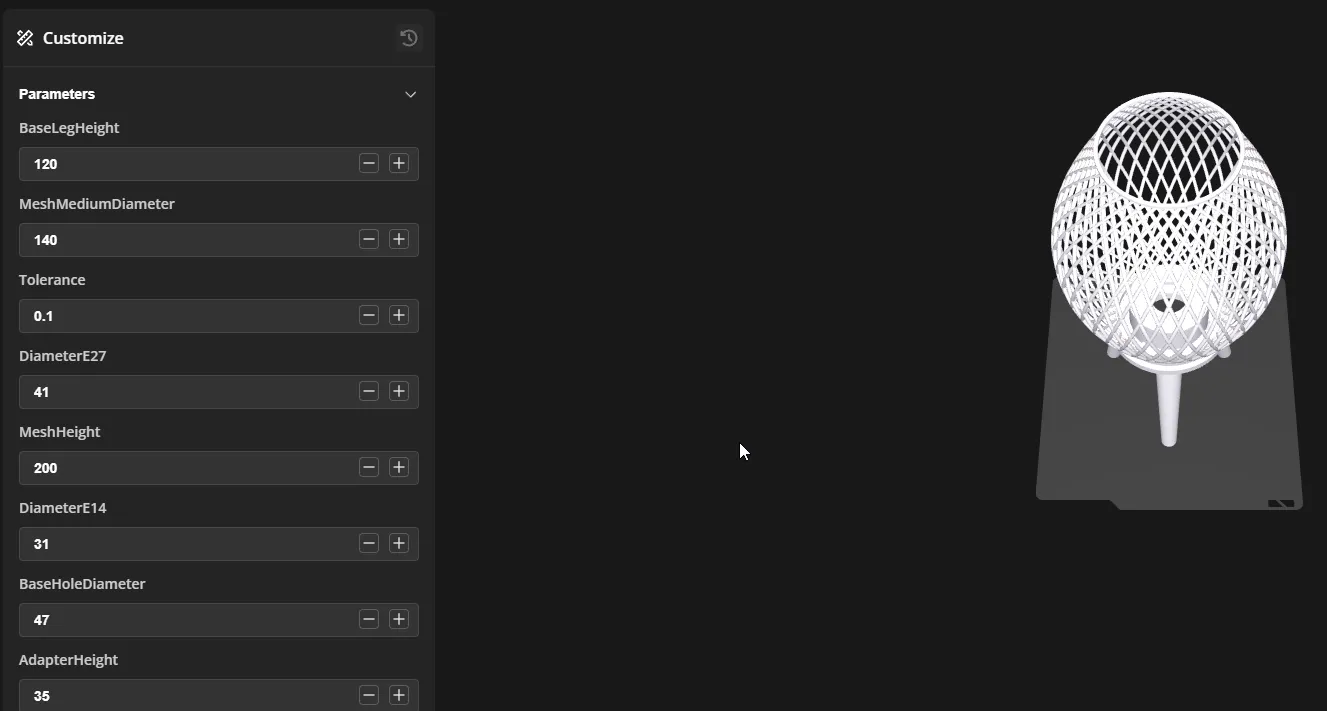
- BaseLegHeight: You can set the height of the legs that support the base. Play with this value to give the lamp your own personal touch.
- MeshMediumDiameter: This is the diameter of the mesh at mid height. You can make the design more slender or more eye-catching with a much more spherical shape.
- Tolerance: Do not change this unless the fit between the adapter and the base is incorrect (you should not need to adjust it).
- DiameterE27: This is the hole through which the E27/E26 lamp holder passes. You can adjust it to suit your specific lamp holder.
- MeshHeight: Mesh height. By playing with this parameter and with MeshMediumDiameter, you can create a truly unique lamp.
- DiameterE14: Same concept as with DiameterE27.
- BaseHoleDiameter: By default it is set to 47 mm and fits all the lamp holders I have tested. If your lamp holder is thicker, you can slightly increase this value.
- AdapterHeight: This is the height of the adapter. If your lamp holder is very long, you can adjust it accordingly.
Important: Remember, the lamp available for download uses the dimensions shown in the image. Click Download, choose Model, and then download again selecting the 3MF option.
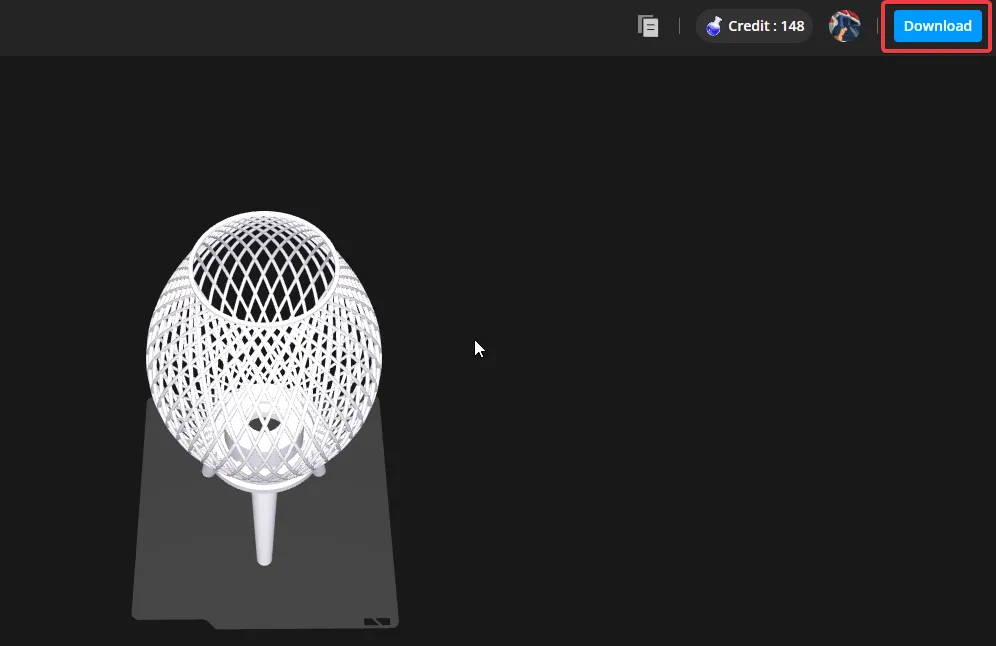
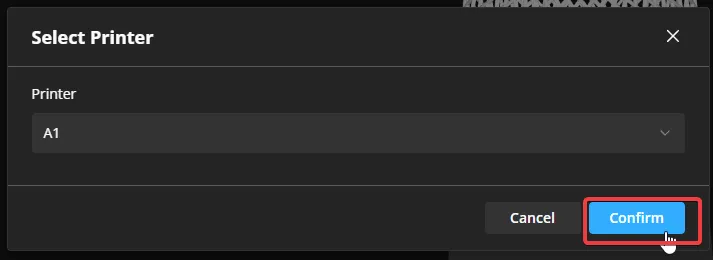
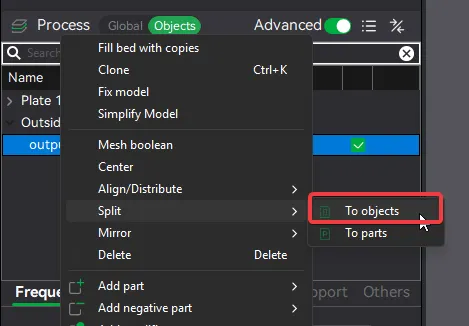
Once opened or imported into Bambu Studio, you will need to set it to split into objects:
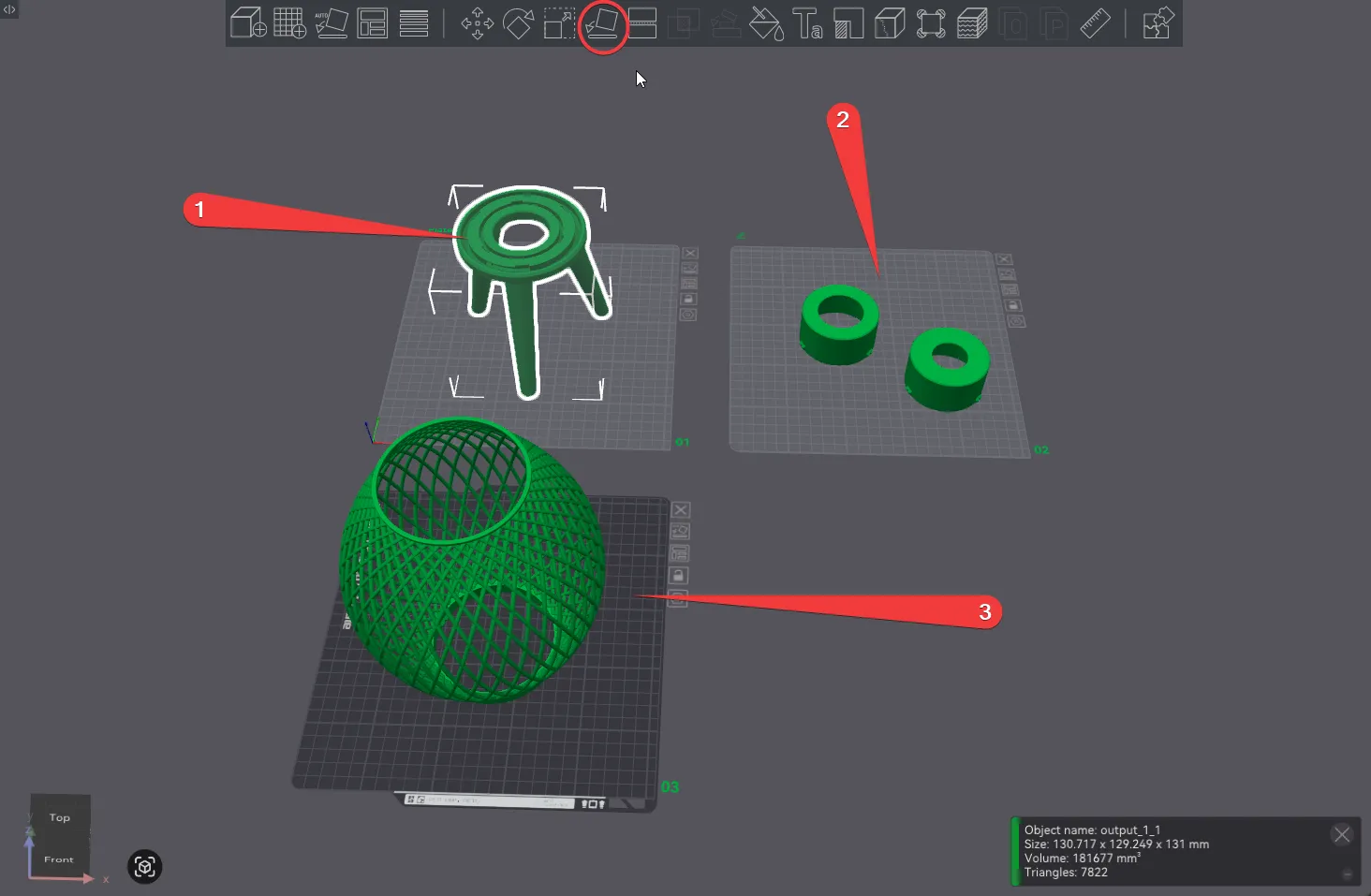
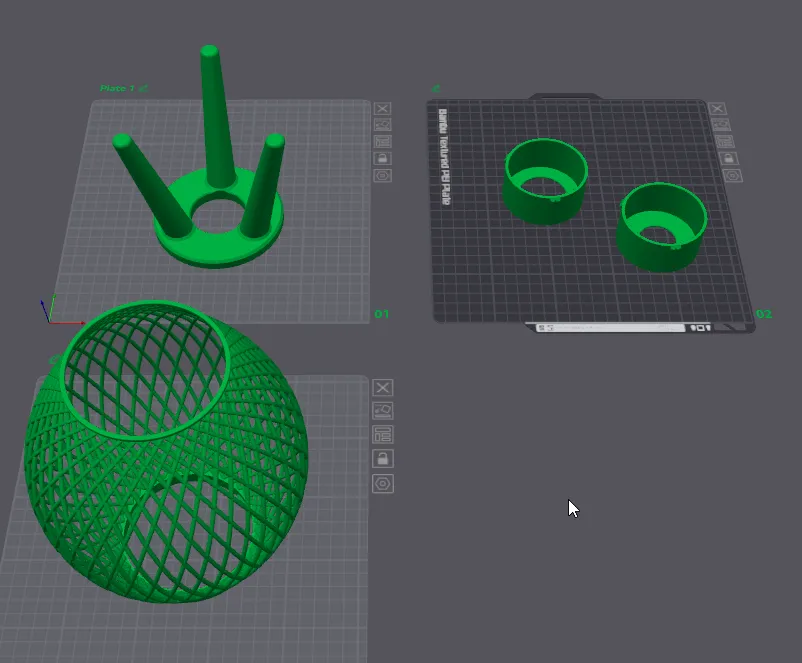
Once you have all the objects on the same plate, distribute them across three plates and don’t forget to rotate the base and the adapter 180 degrees (1 & 2).
License

You shall not share, sub-license, sell, rent, host, transfer, or distribute in any way the digital or 3D printed versions of this object, nor any other derivative work of this object in its digital or physical format (including - but not limited to - remixes of this object, and hosting on other digital platforms). The objects may not be used without permission in any way whatsoever in which you charge money, or collect fees.


Comment & Rating (0)