
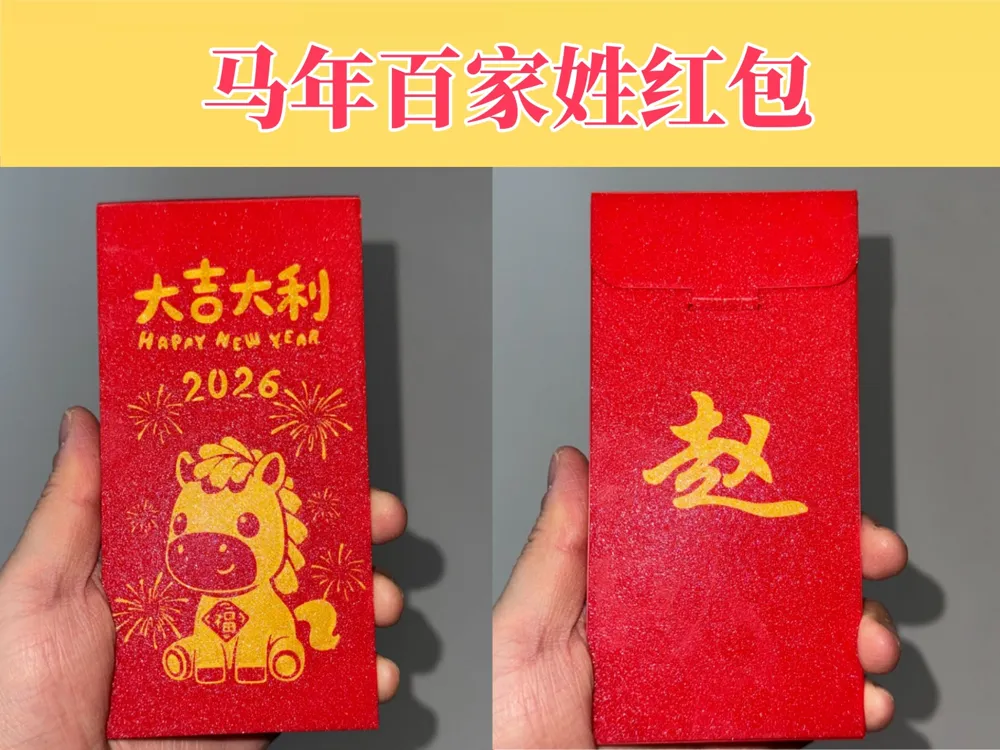
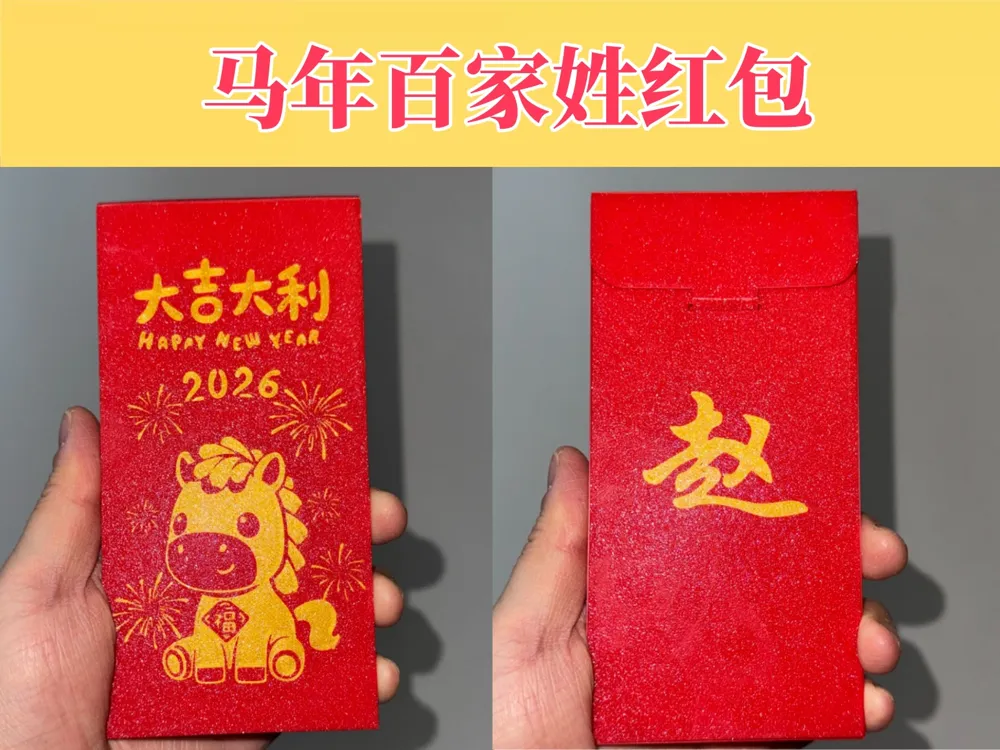
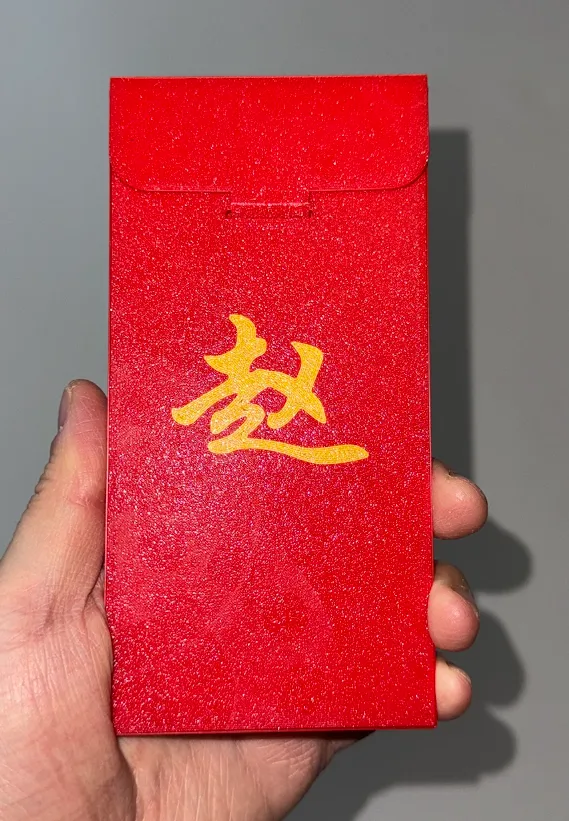
Year of the Horse Hundred Family Surnames Red Packet
Print Profile(1)

Description
The front has a fixed pattern, and the surname on the back can be modified or deleted
Related Models
Year of the Horse Gold Bar
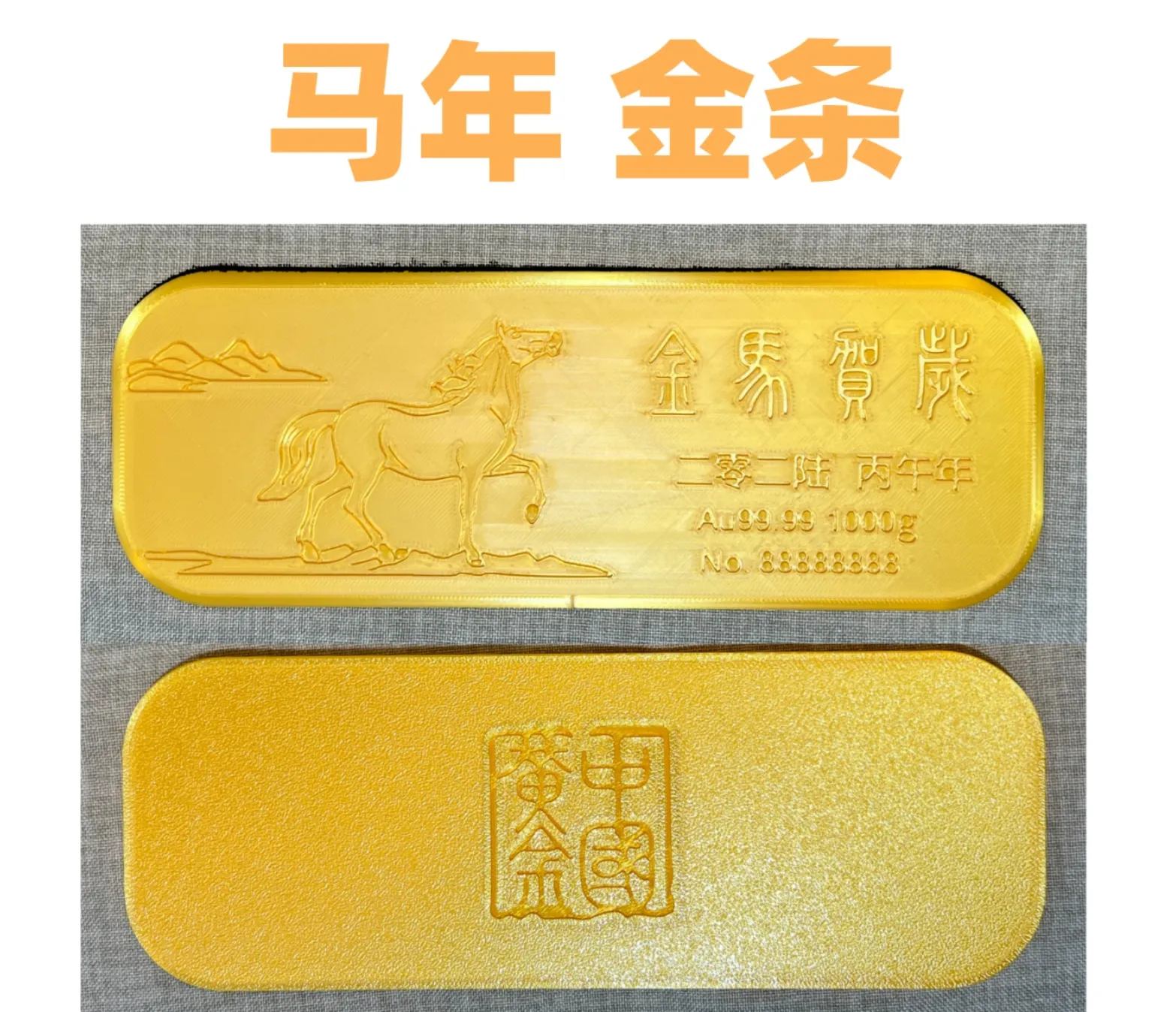
International site:
https://makerworld.com/en/models/2280638
Domestic site:
https://makerworld.com.cn/zh/models/2045649
Year of the Horse Red Envelope Collection
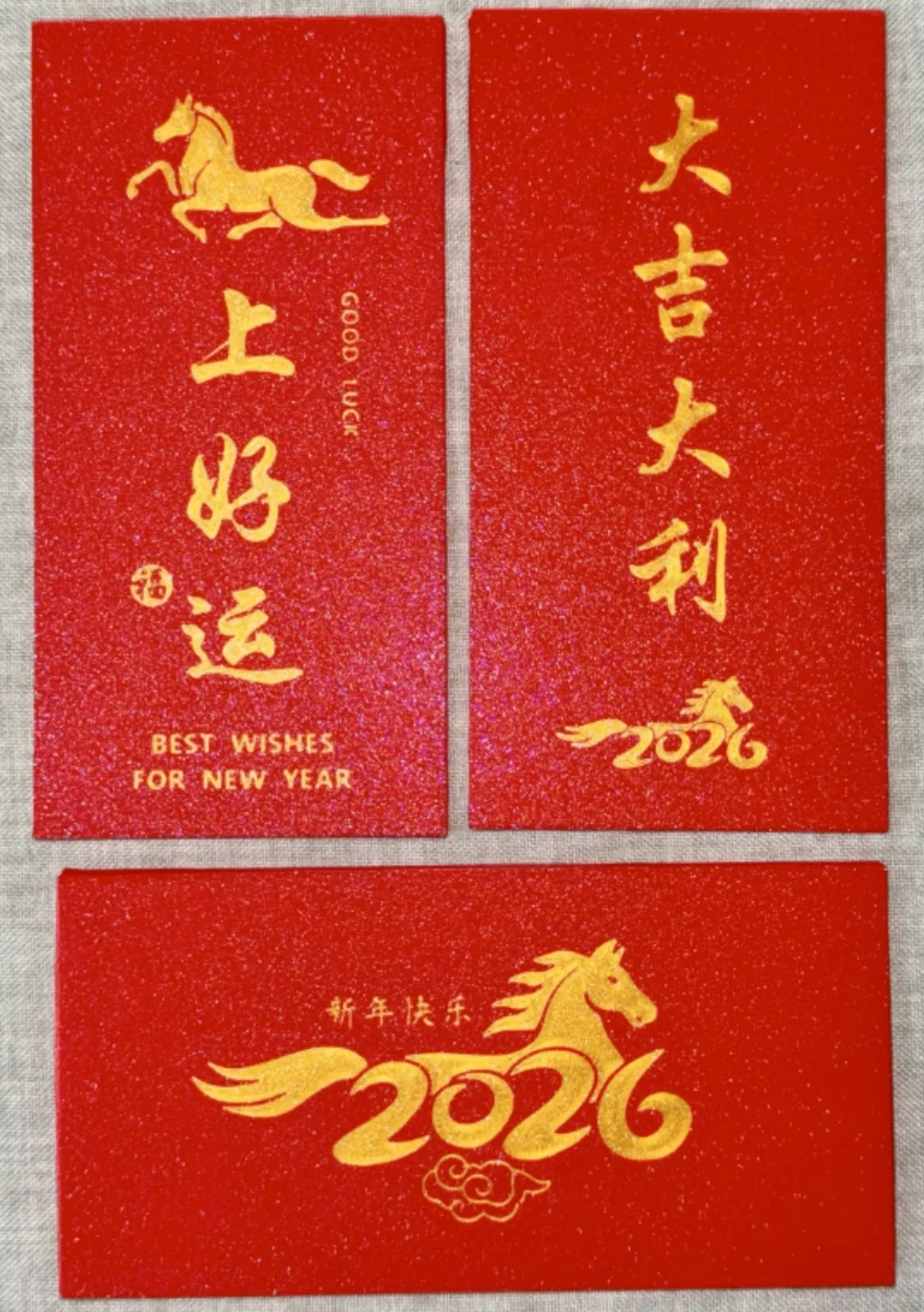
International site:
https://makerworld.com/en/models/2113965
Domestic site:
https://makerworld.com.cn/zh/models/1892999
Leading the Charge
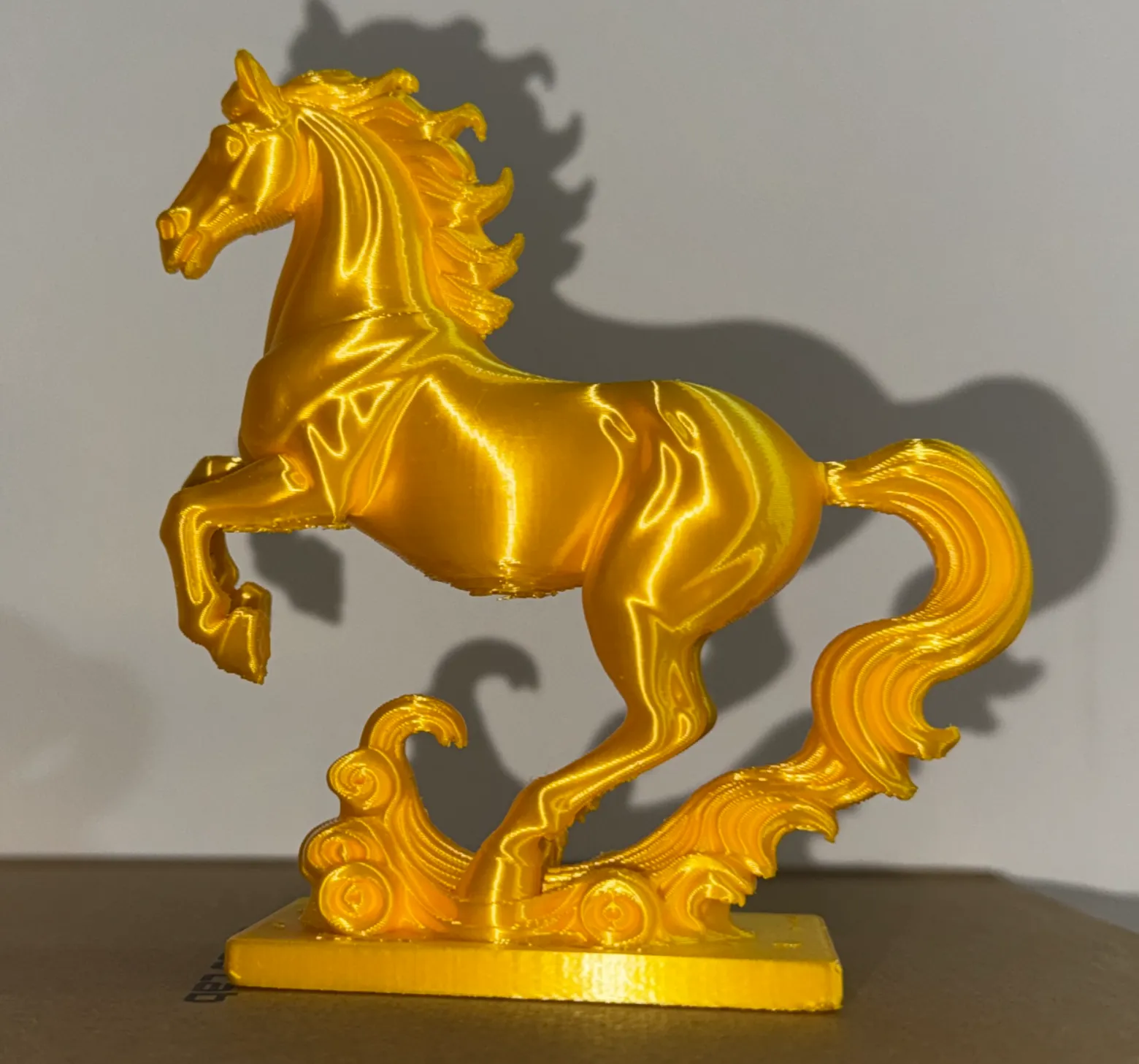
International site:
https://makerworld.com/en/models/2122382
Domestic site:
https://makerworld.com.cn/zh/models/1900952
How to Modify the Surname
It's very simple, just three steps
1. In the object panel, click "text_shape" at the bottom
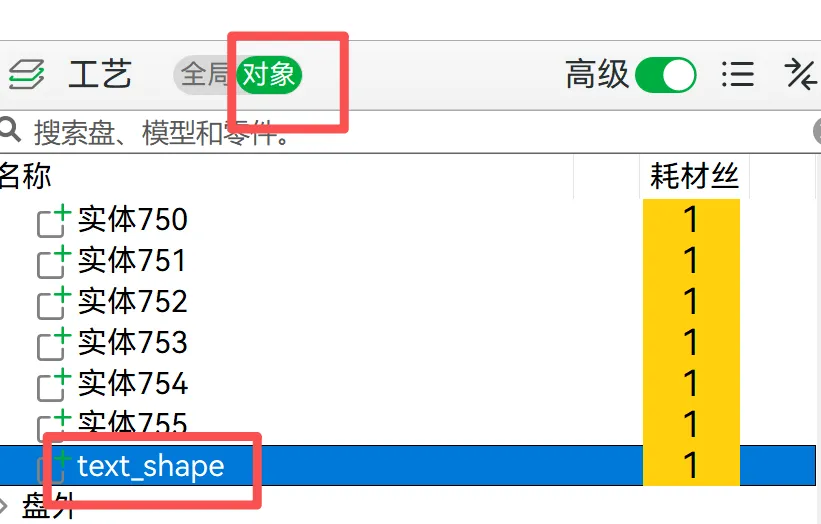
2. Click the text edit button in the top toolbar to open the edit box and change the surname "Zhao" in the input box to your own surname
If the back of the red envelope does not need a surname, simply delete "Zhao" from the text box or delete "text_shape" from the object panel
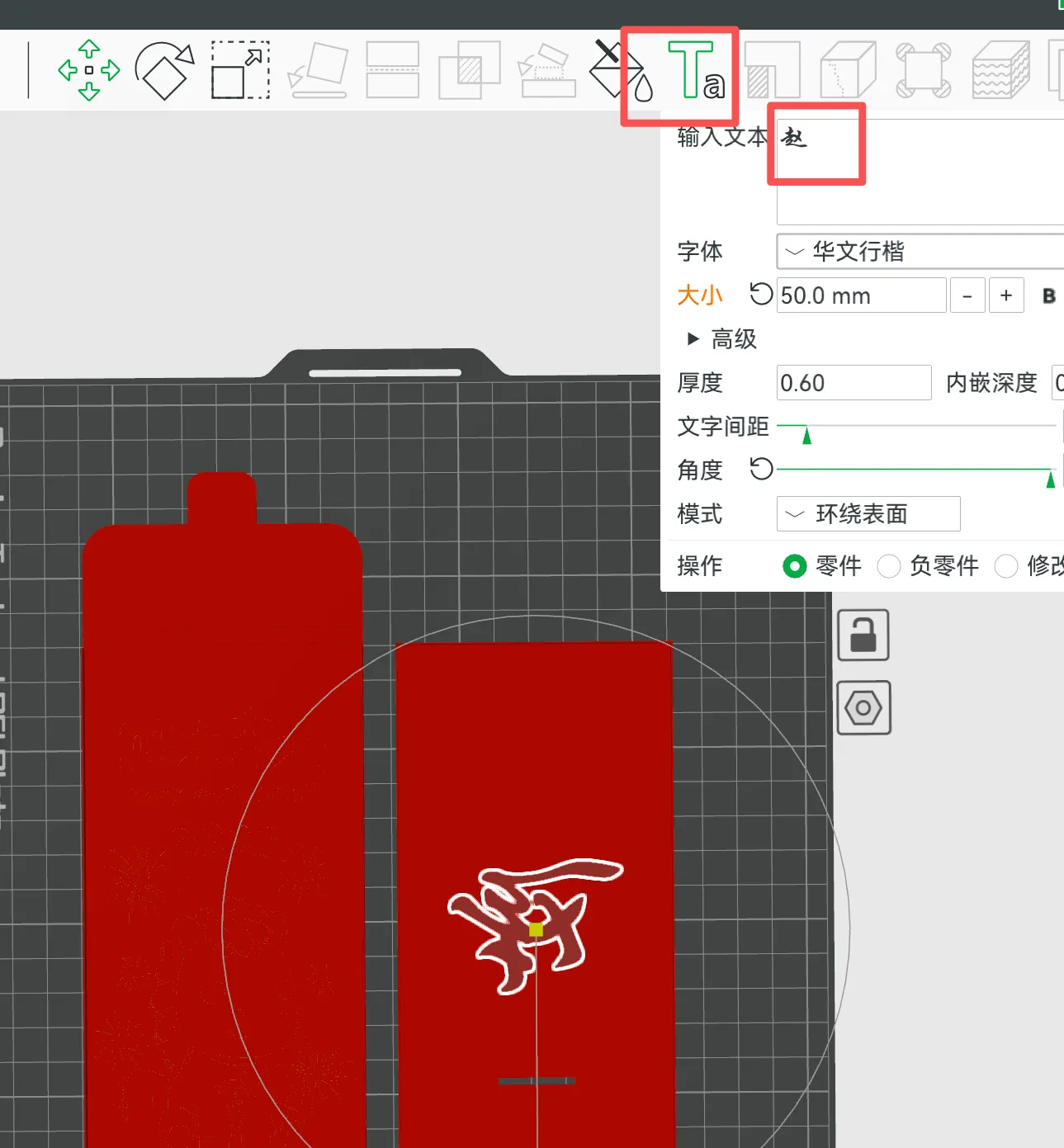
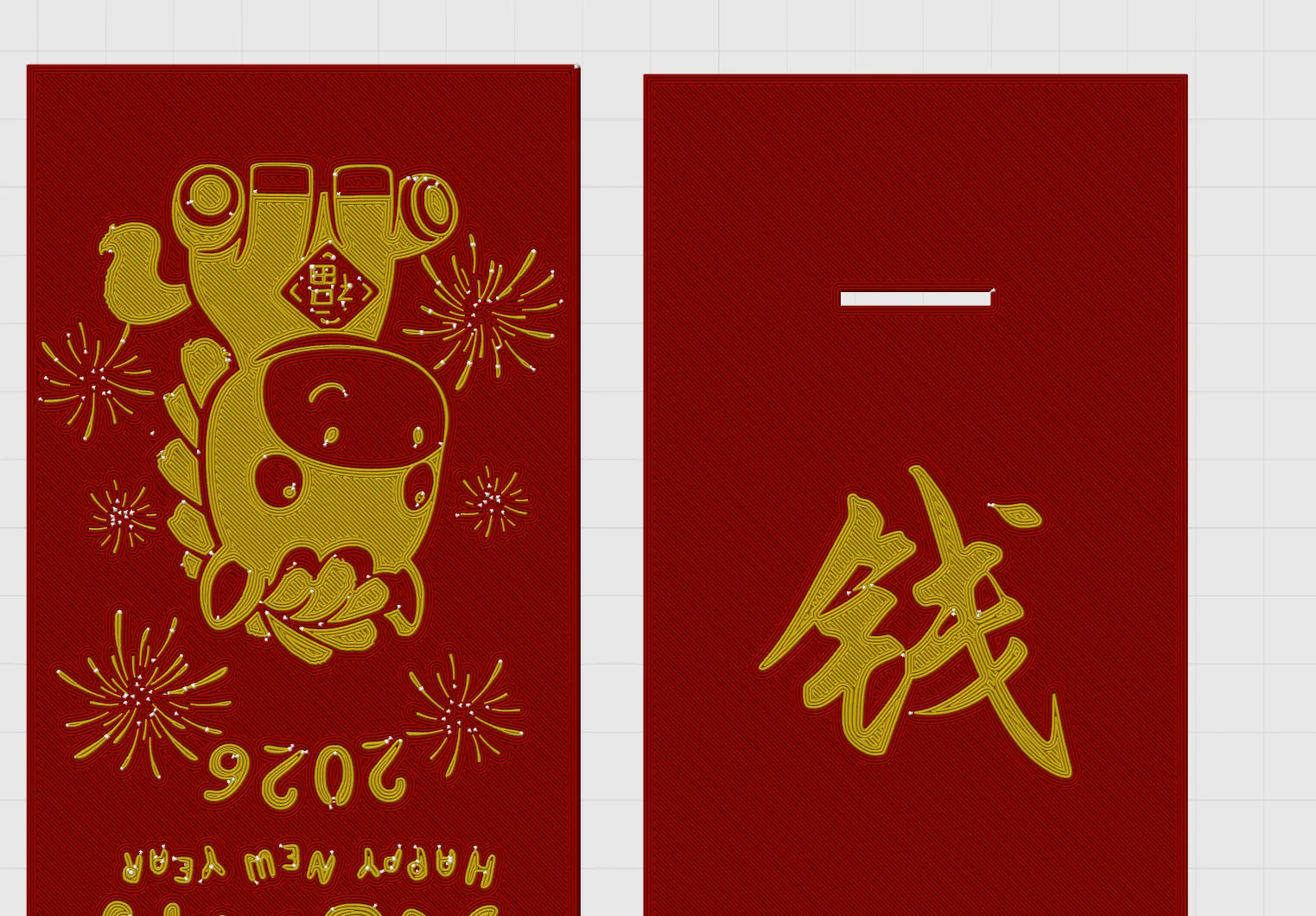
3. After modifying the surname, the software will reset the text position You need to flip the text and place it at the bottom
Note: The red envelope images shown below are all bottom views
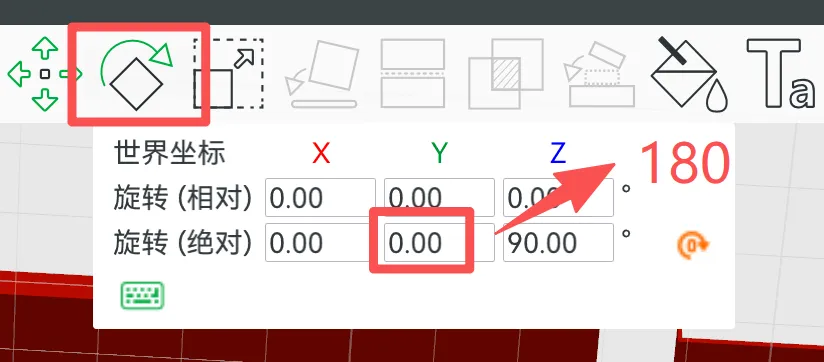
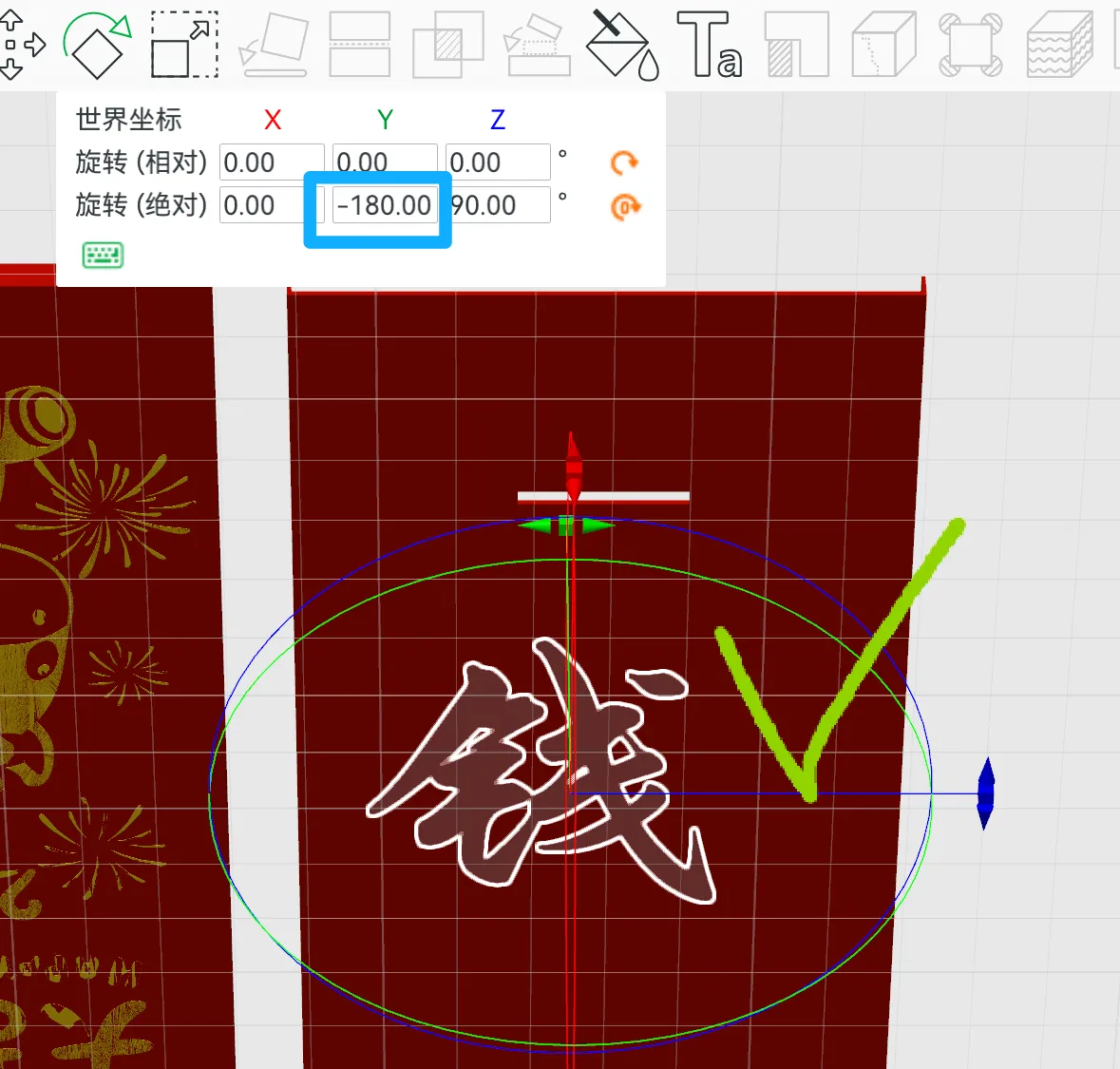
3.1 Click the rotate button in the toolbar, and as shown in the figure, change 0 to 180 After modification, the input box will become -180, which is fine as long as the text at the bottom is oriented correctly
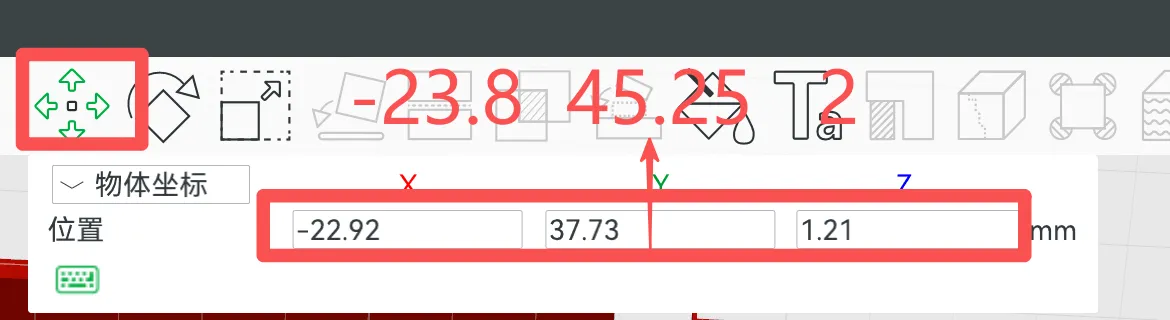
3.2 Click the move button in the toolbar, and as shown in the figure, change the three values in the input box to: -23.8 45.25 2
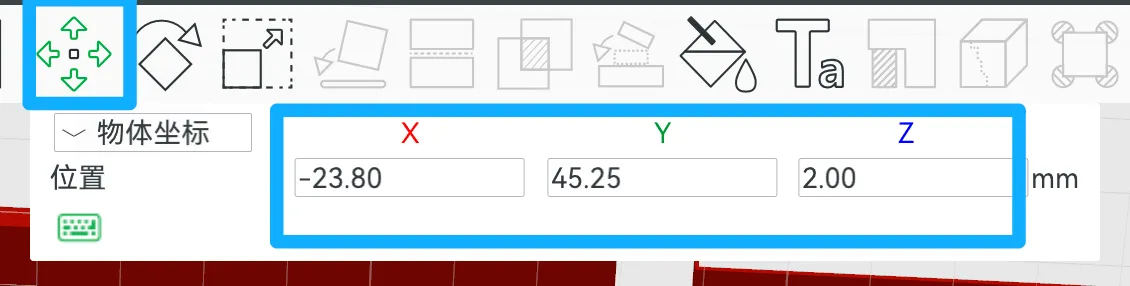
Done!
How to Assemble the Red Envelope
The red envelope is divided into two modules, front and back There are slide grooves between the modules First, snap the back with the surname into the slide groove, then insert the tail buckle into the gap Note that the slide grooves between the two red envelopes need to be glued with plastic glue (such as 502, acrylic glue, etc.) or adhesive with double-sided tape
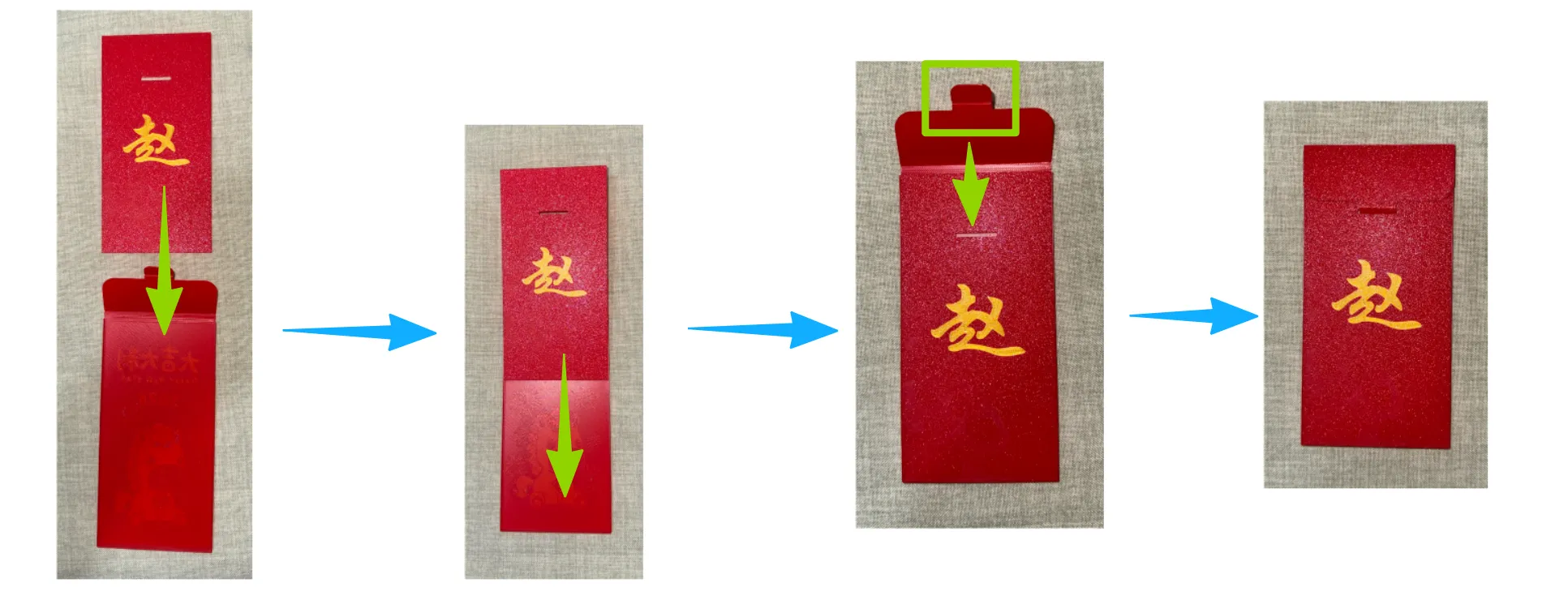
A video (converted to a GIF animation) of last year's Year of the Snake Hundred Surnames red envelope was taken and can also be used for reference
International site:
https://makerworld.com/en/models/954332
Domestic site:
https://makerworld.com.cn/zh/models/800697
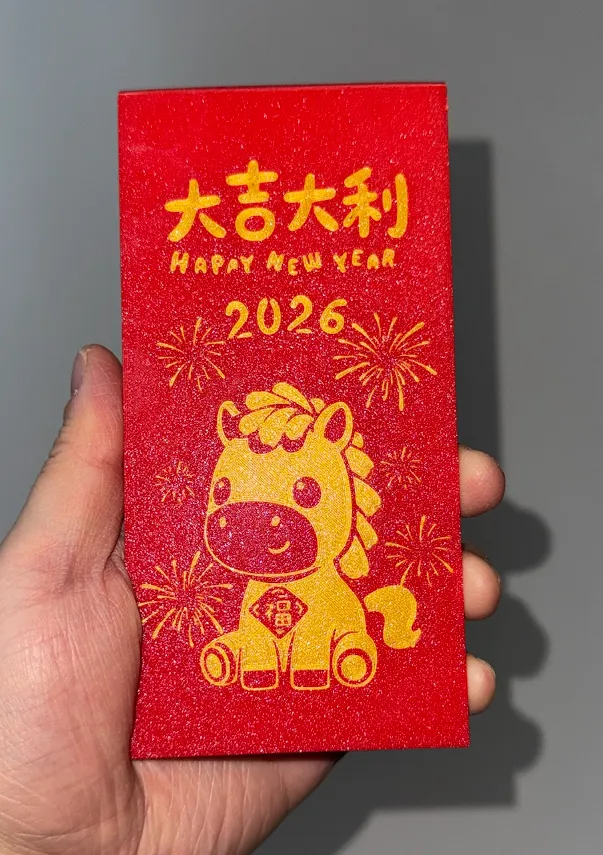
Physical Display
Recommended Filaments
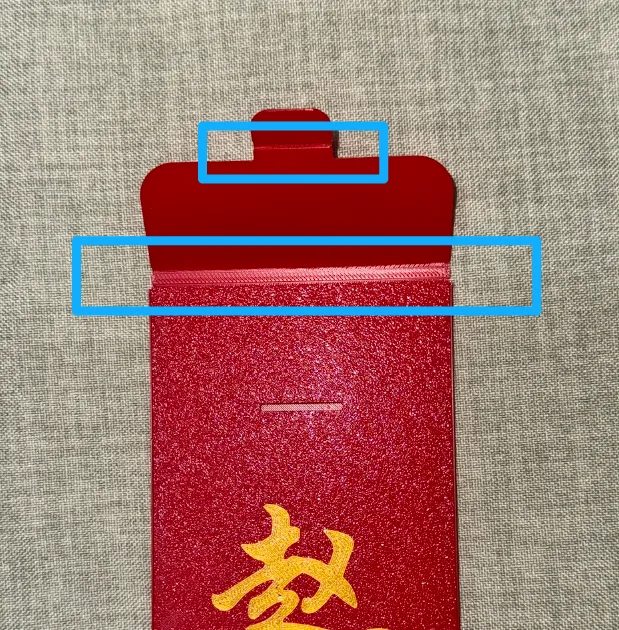
The model uses a hinge structure and requires materials with good toughness, such as PETG or tough PLA
License

You shall not share, sub-license, sell, rent, host, transfer, or distribute in any way the digital or 3D printed versions of this object, nor any other derivative work of this object in its digital or physical format (including - but not limited to - remixes of this object, and hosting on other digital platforms). The objects may not be used without permission in any way whatsoever in which you charge money, or collect fees.


Comment & Rating (2)