
Minimalist MagSafe Monitor Arm StandBy Mode Ready
Print Profile(2)


Bill of Materials
Description

🏢 COMMERCIAL LICENSING AVAILABLE
👉 Subscribe directly at: https://cipriani3design.com/license
🥉 PRO — from $13/month — Individual sellers, attribution required
🥈 Master Creator — from $19/month — Clean storefront, NO attribution needed
🥇 Studio Partner — from $99/month — White-label files + full media access + multi-store
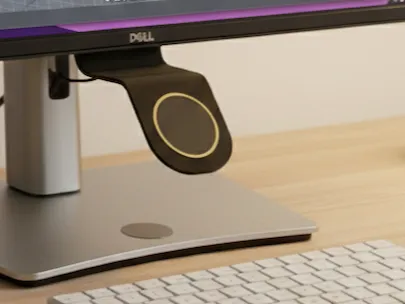
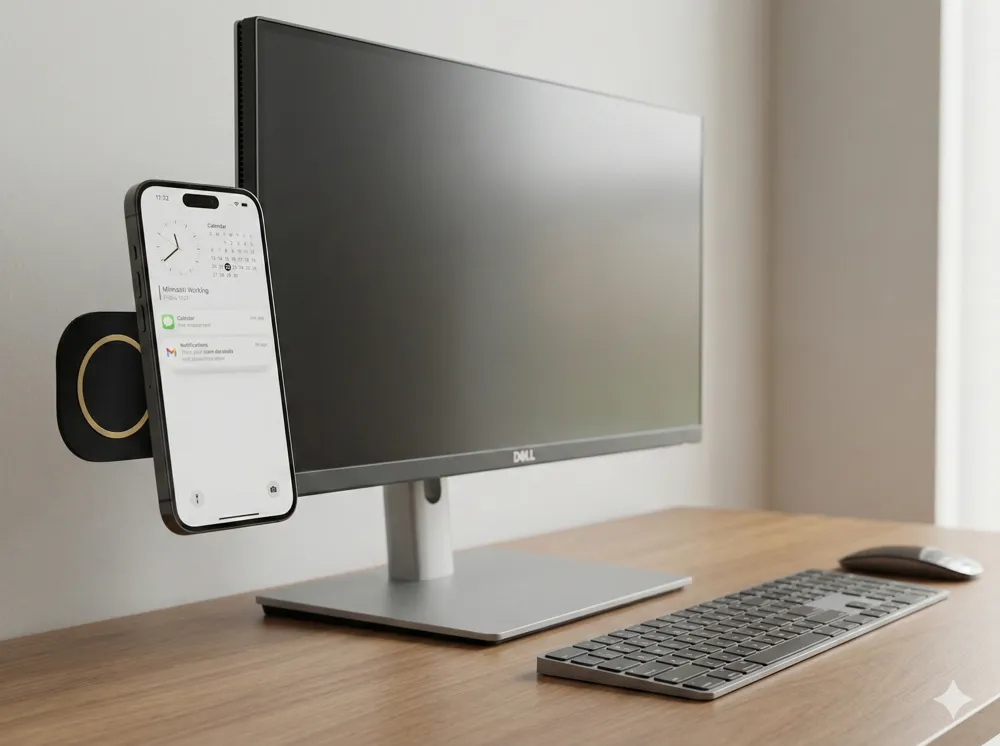
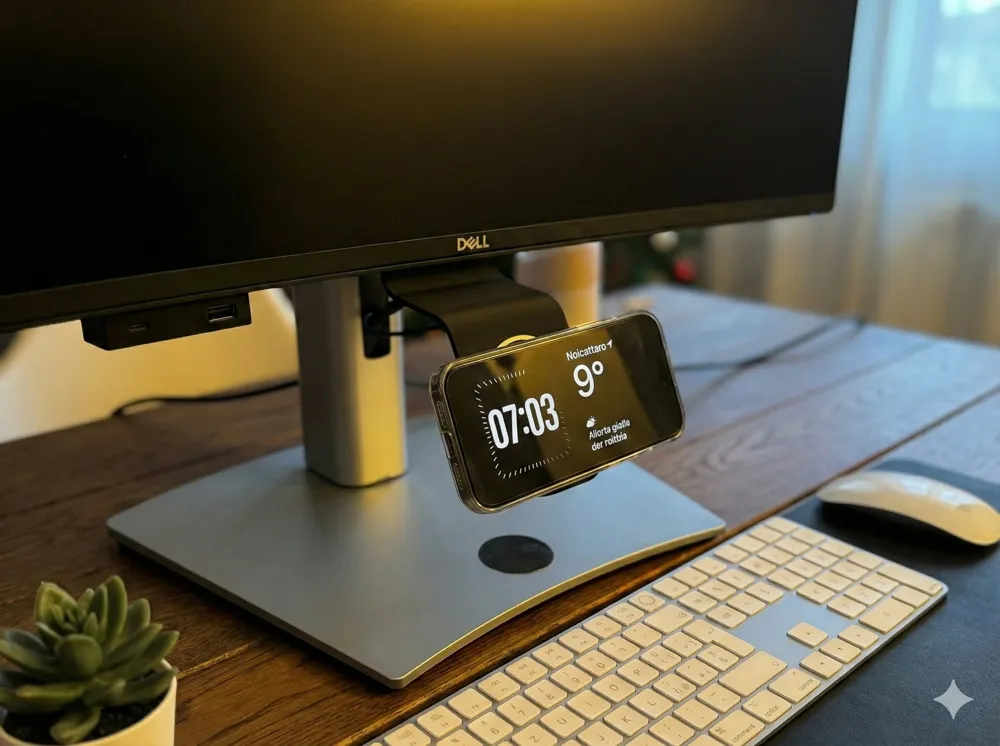
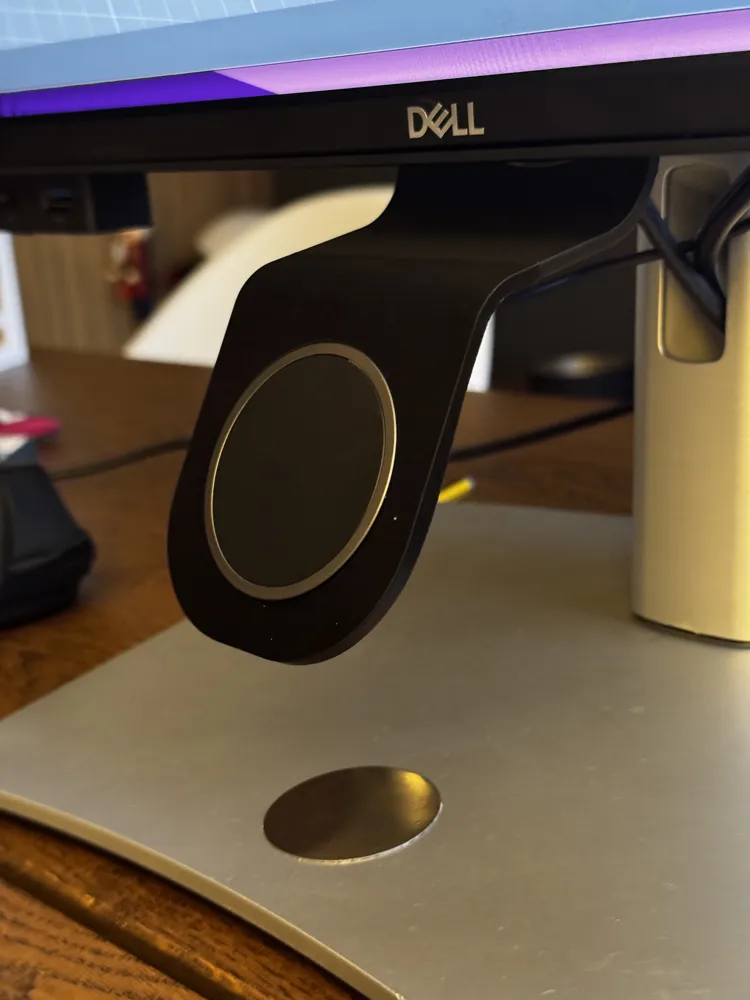
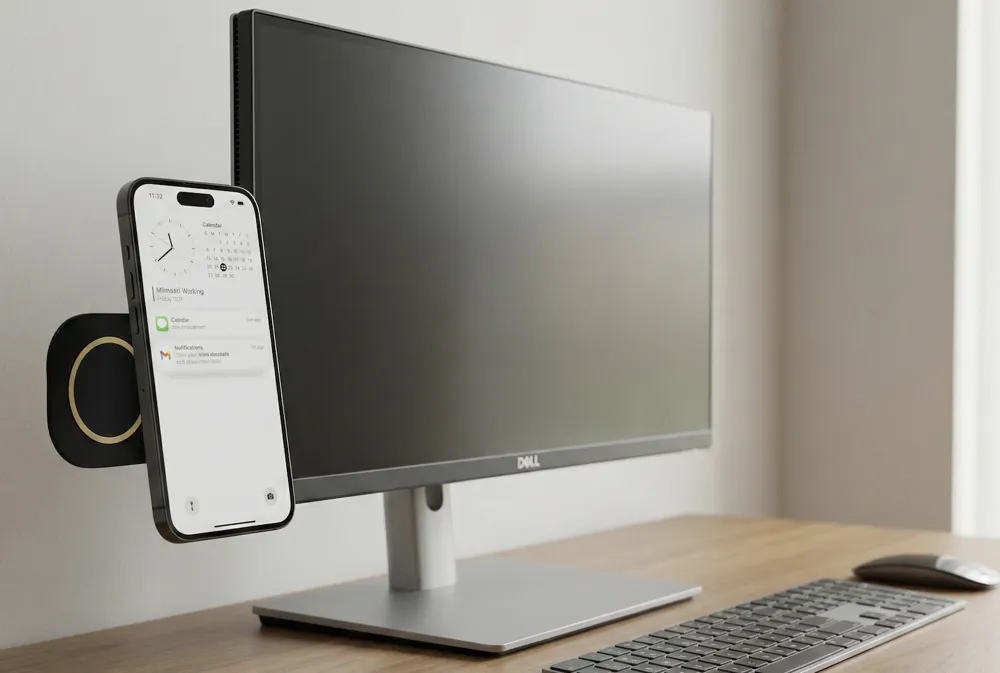
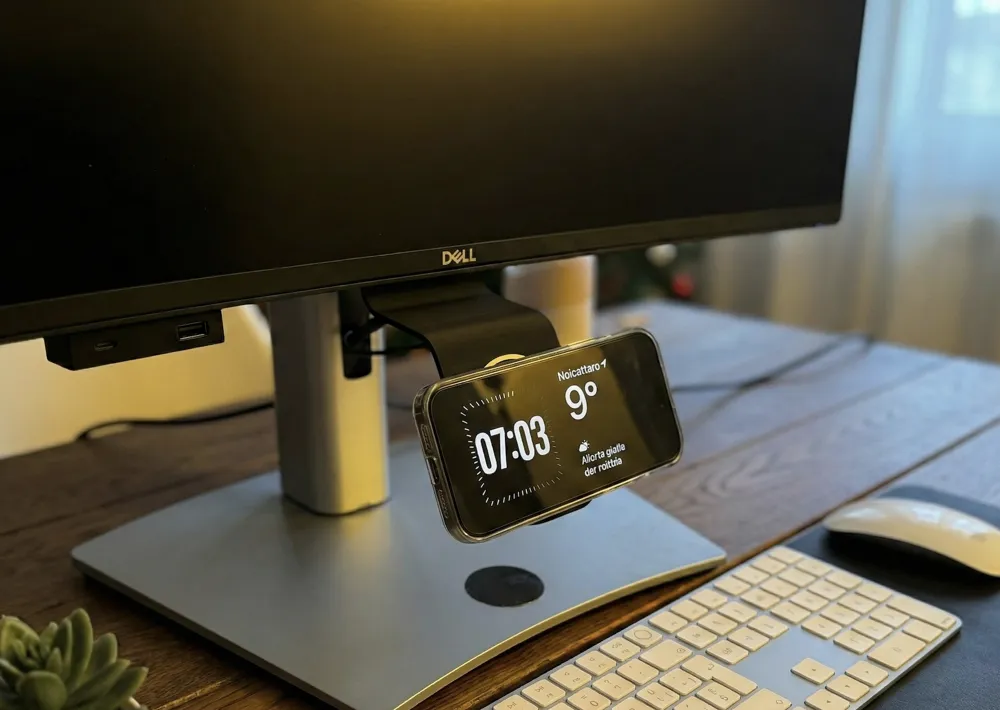
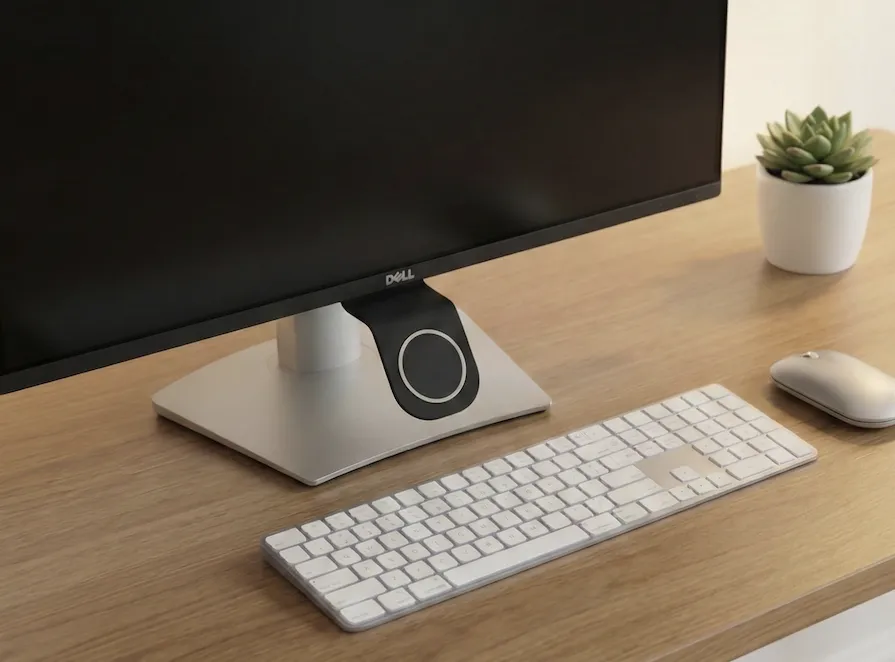
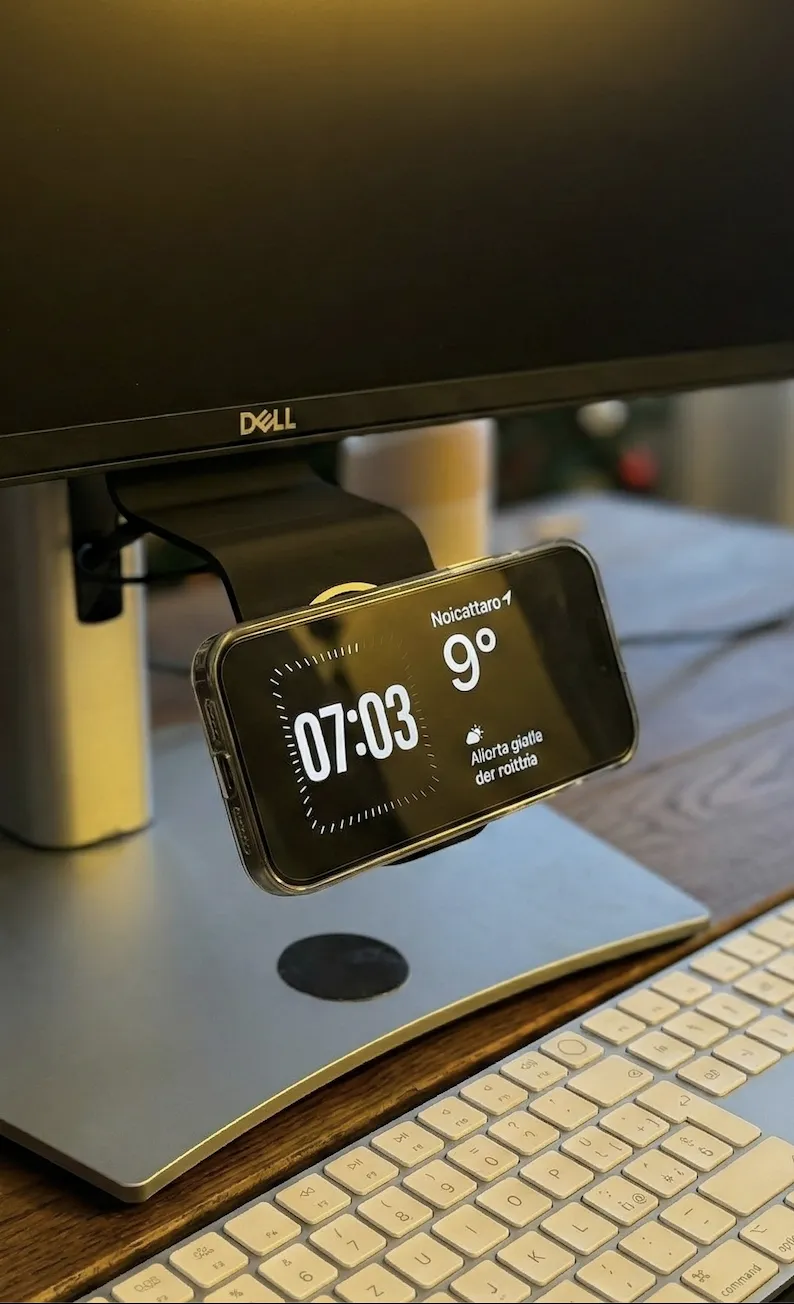
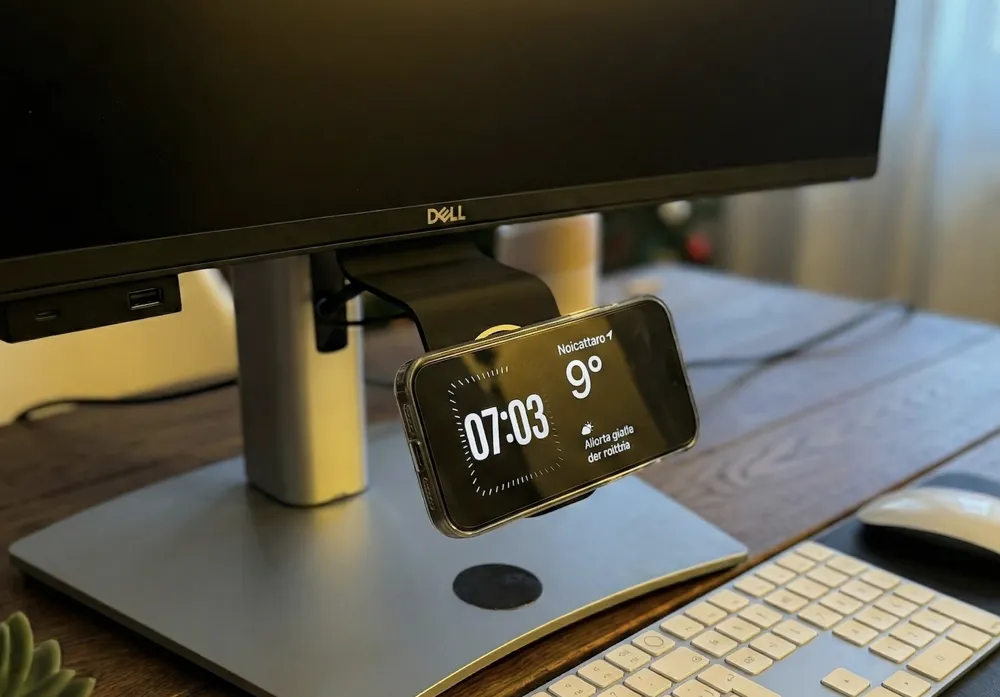
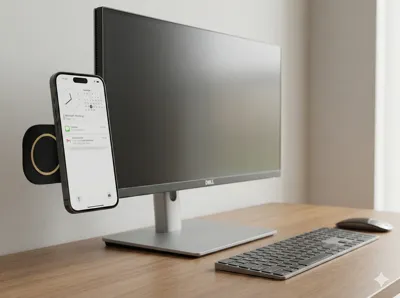
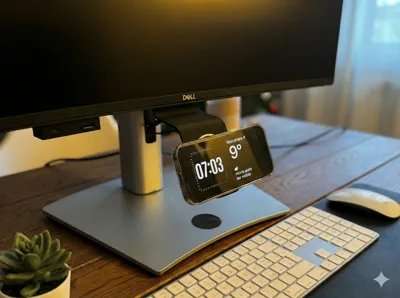
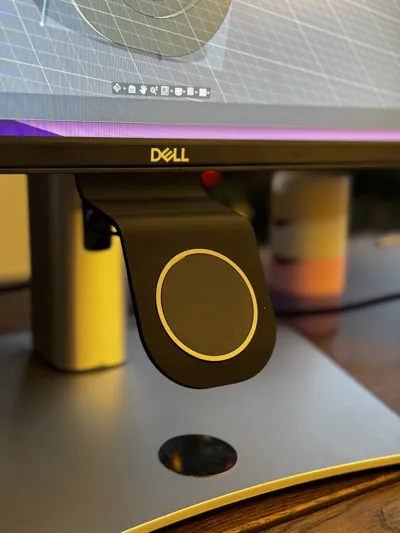
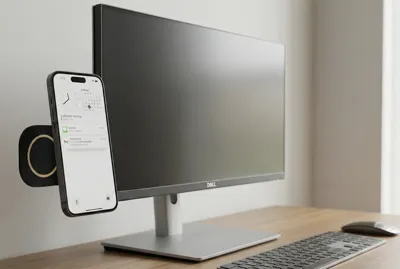
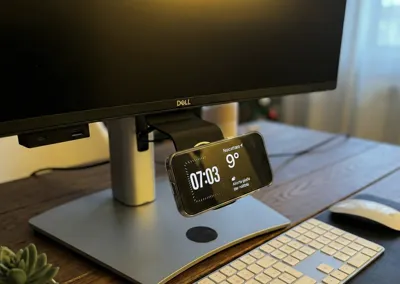
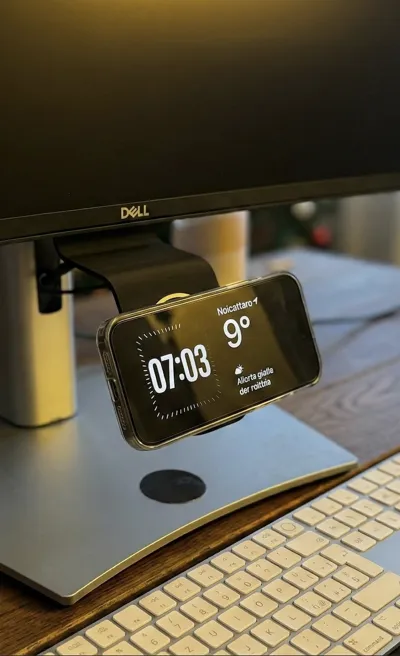
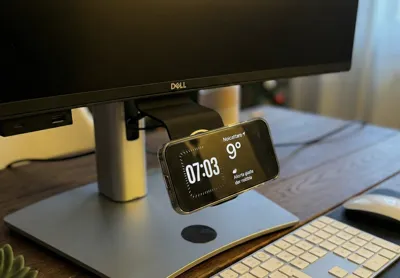
This invisible mount is designed to hold your MagSafe charger securely next to your screen, giving you the perfect viewing angle for notifications, Continuity Camera, or iOS StandBy mode.
✨ Universally Versatile: While primarily designed to disappear behind your computer monitor, this mount is incredibly versatile! Thanks to its flat mounting plate, you can attach it to any smooth vertical surface:
- 🗄️ Office cabinets or shelves
- 🛏️ Bedside tables
- 🍳 Kitchen tiles
- 🚗 Car dashboards (flat surfaces)
- 🖼️ Mirrors or glass
💎 Key Features:
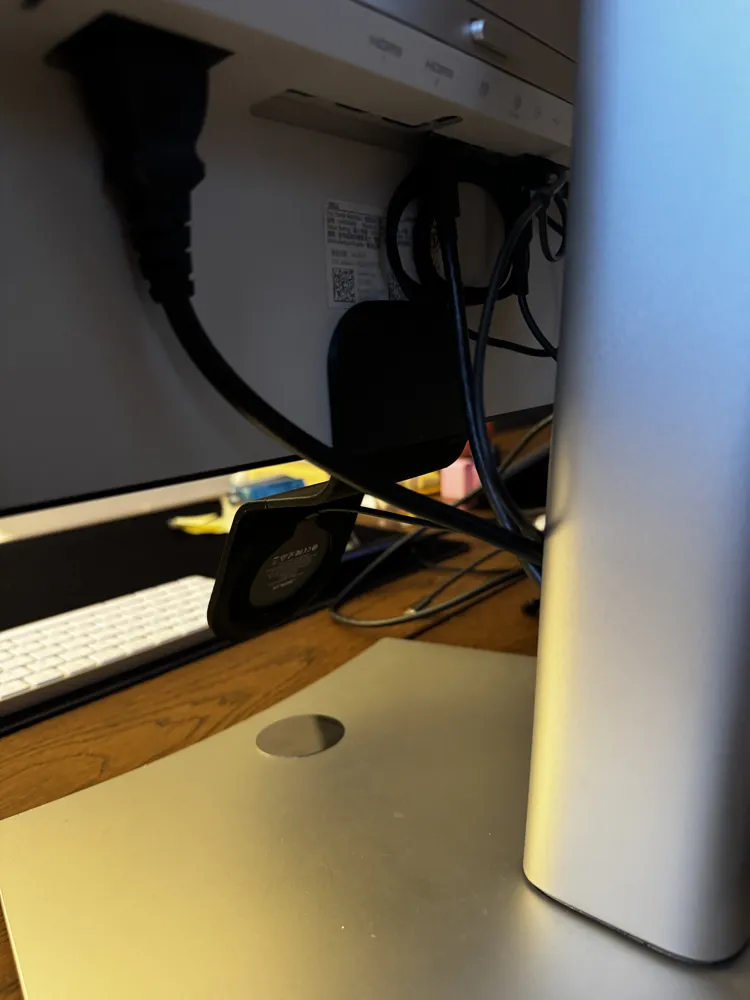
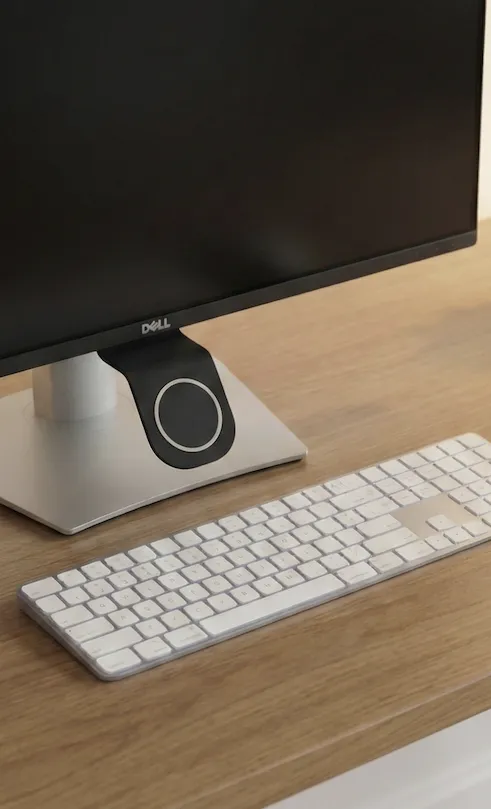
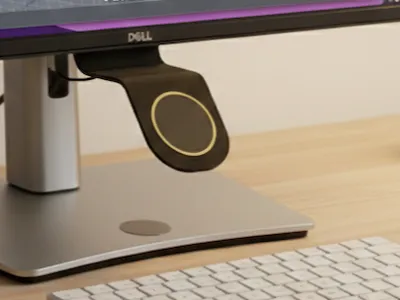
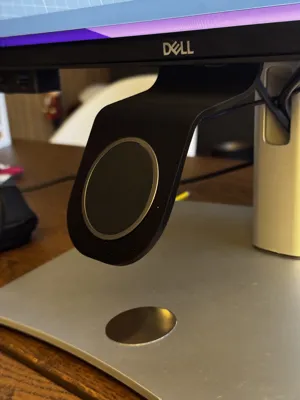
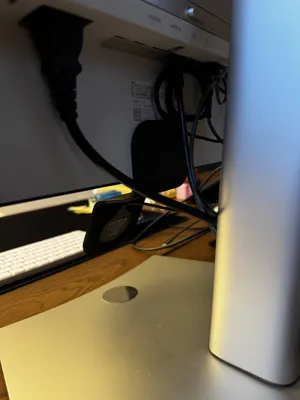
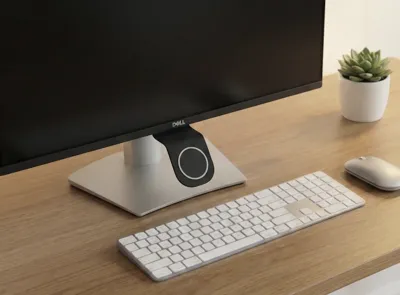
- Invisible Look: The mounting arm hides completely behind the device/surface.
- Zero Obstruction: Does not cover any part of your screen bezel.
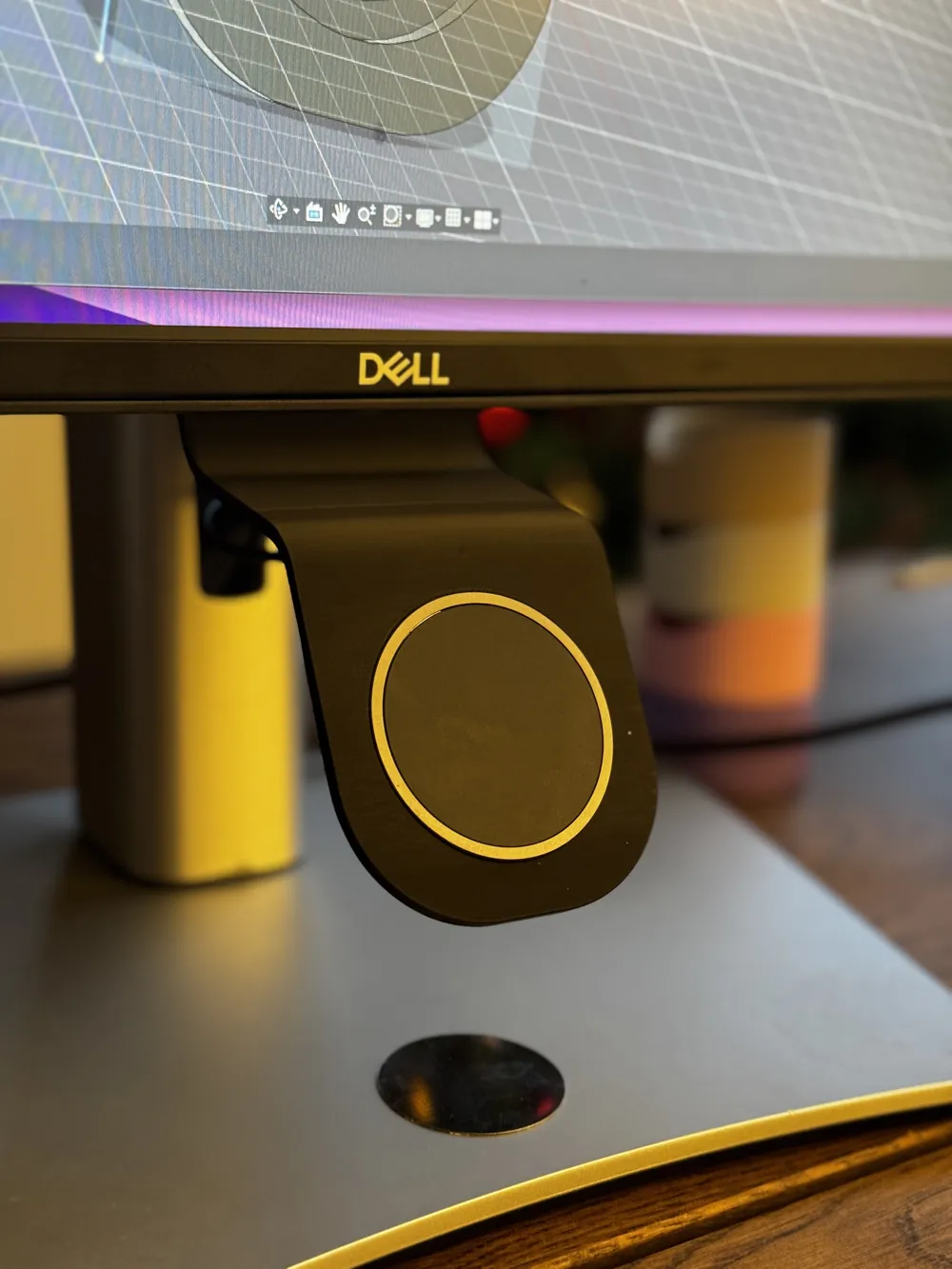
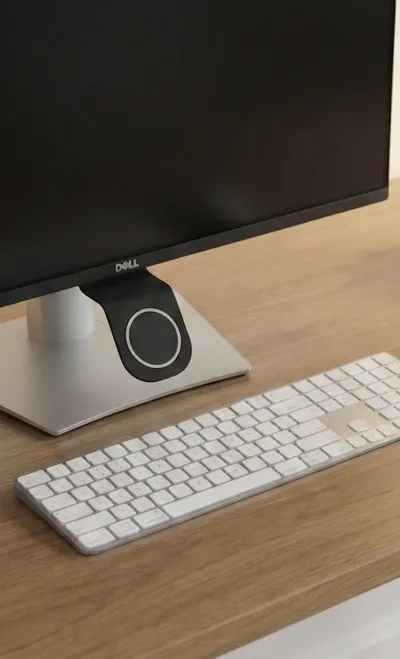
- MagSafe Compatible: Perfect friction fit for the standard Apple MagSafe charger.
- Cable Management: Directs the cable neatly downwards or backwards.
🛠️ Installation & Assembly: This model is designed for a secure, semi-permanent bond.
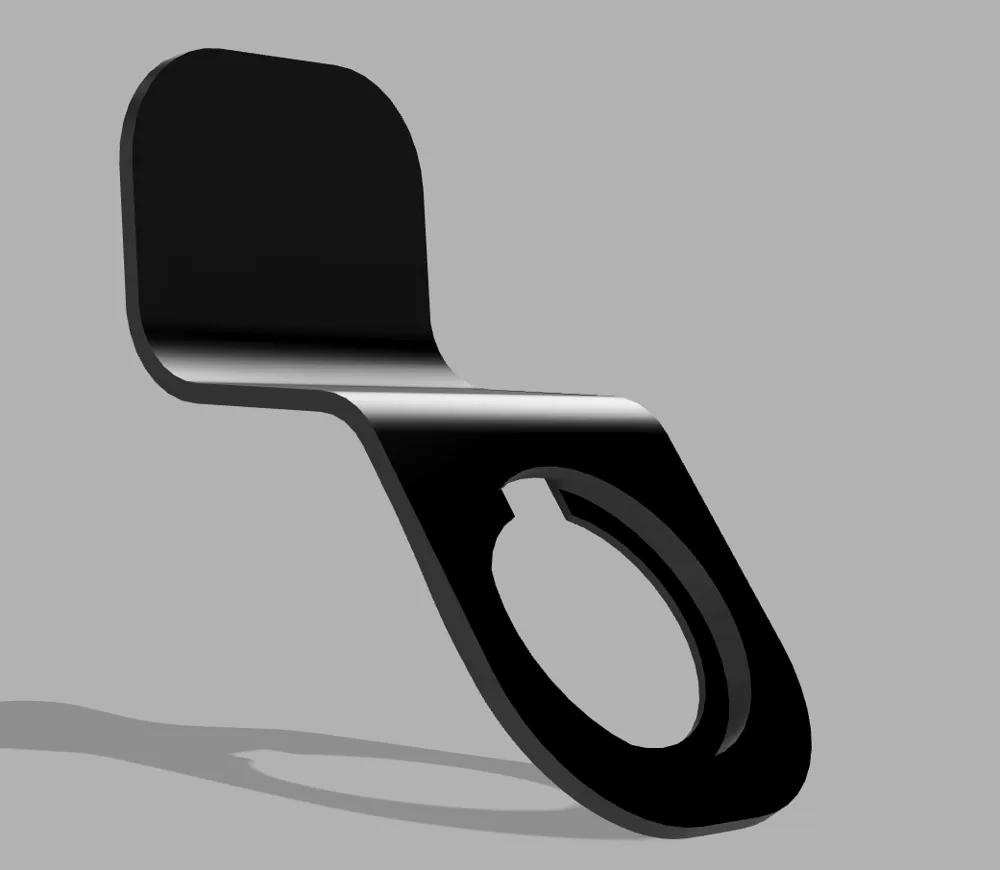
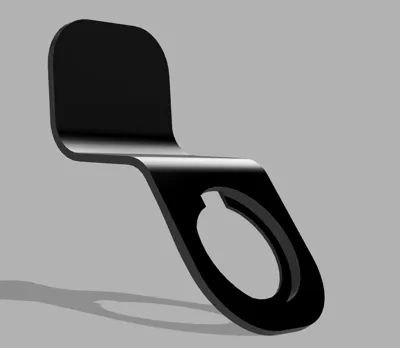
- Insert Charger: Push your MagSafe puck into the circular cutout (tight friction fit).
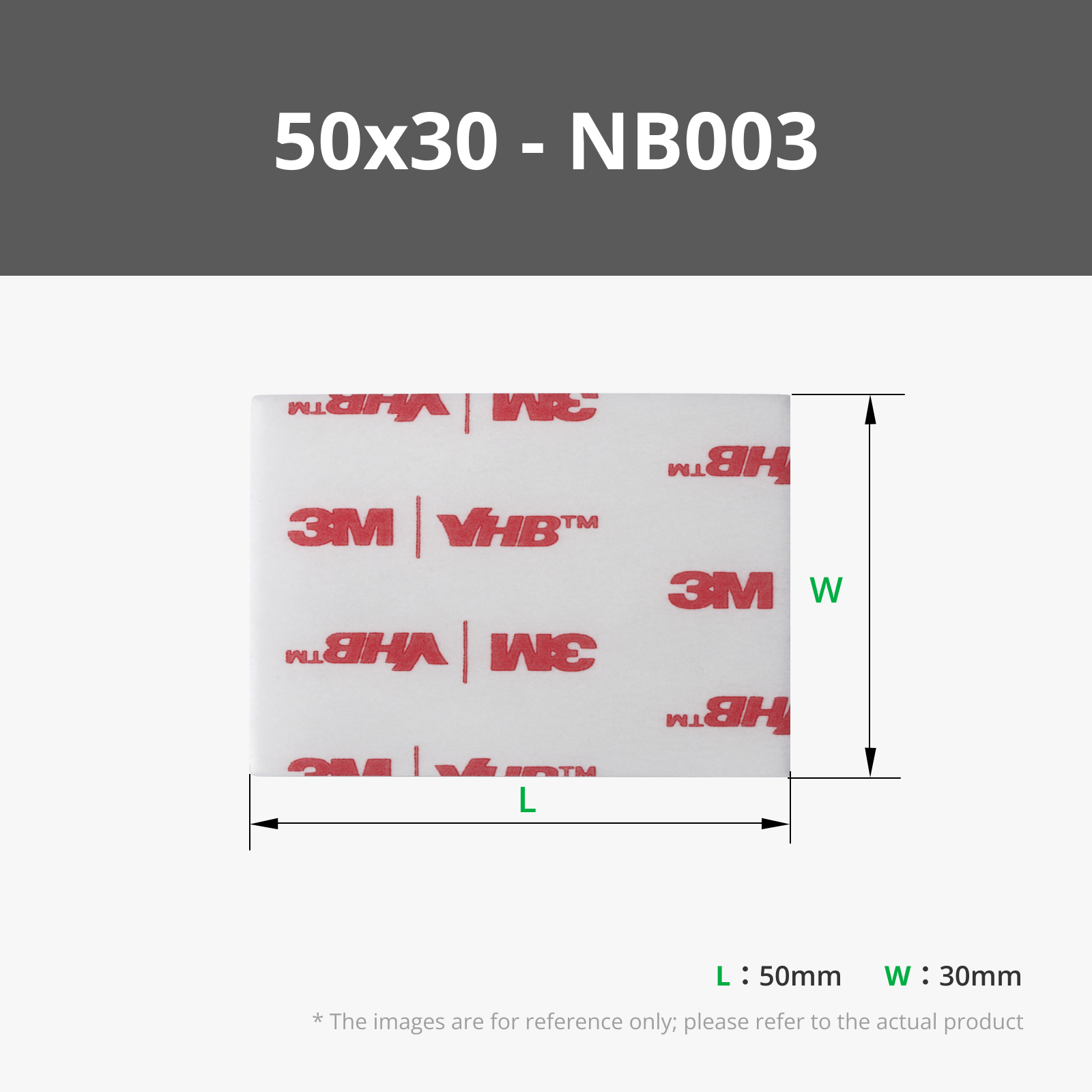
- Apply Tape: Apply a strip of high-quality double-sided tape (like 3M VHB or heavy-duty mounting tape) to the flat back plate shown in the pictures.
- Mount: Clean the target surface (monitor back, wall, furniture) and press firmly.
🖨️ Printing Settings:
- Material: PLA, PETG, or ABS (PETG/ABS recommended for cars or warm electronics).
- Infill: 20-30% for stiffness.
- Support: Minimal supports might be needed depending on orientation (printing on the side is usually best for strength).
- Walls: 3-4 walls recommended.
⚠️ License & Usage Disclaimer
🔒 This model is protected under the Cipriani 3Design License.
❗ You are NOT allowed to sell, share, modify, remix, distribute, or use this model (or any derivative) for commercial purposes unless you have an active Commercial License subscription.
🛑 Forbidden without a Commercial License:
- Reselling the STL or any modified version
- Sharing the files on any platform
- Printing and selling physical items
- Using the design in bundles, packs, or digital collections
License

You shall not share, sub-license, sell, rent, host, transfer, or distribute in any way the digital or 3D printed versions of this object, nor any other derivative work of this object in its digital or physical format (including - but not limited to - remixes of this object, and hosting on other digital platforms). The objects may not be used without permission in any way whatsoever in which you charge money, or collect fees.


Comment & Rating (36)