
Blue wave

Bill of Materials
- Custom Keyboard 3D Printing Kit only $79.99 x 1: https://bit.ly/4bdjwnM
Description
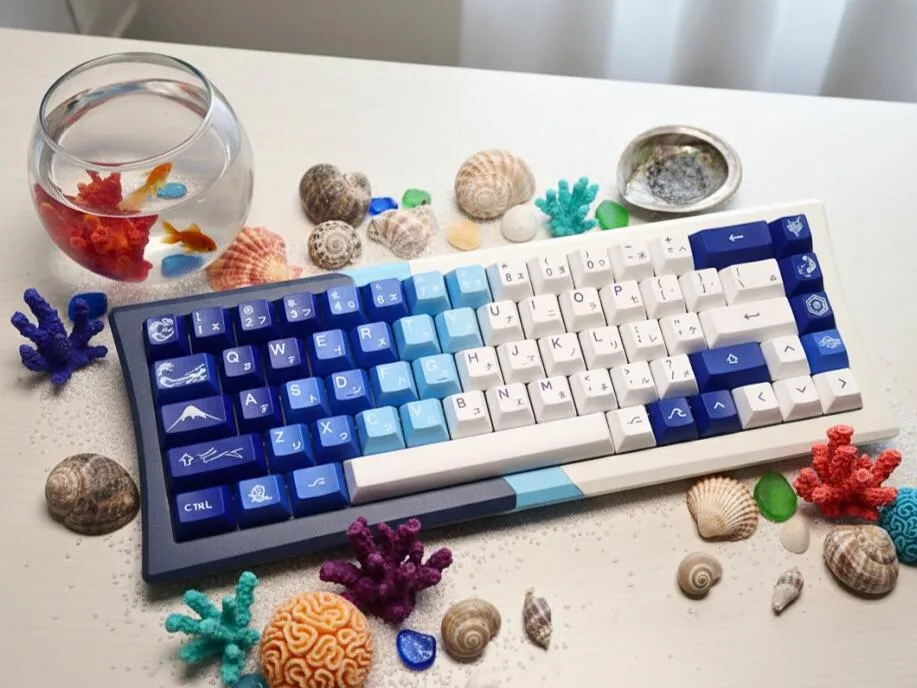
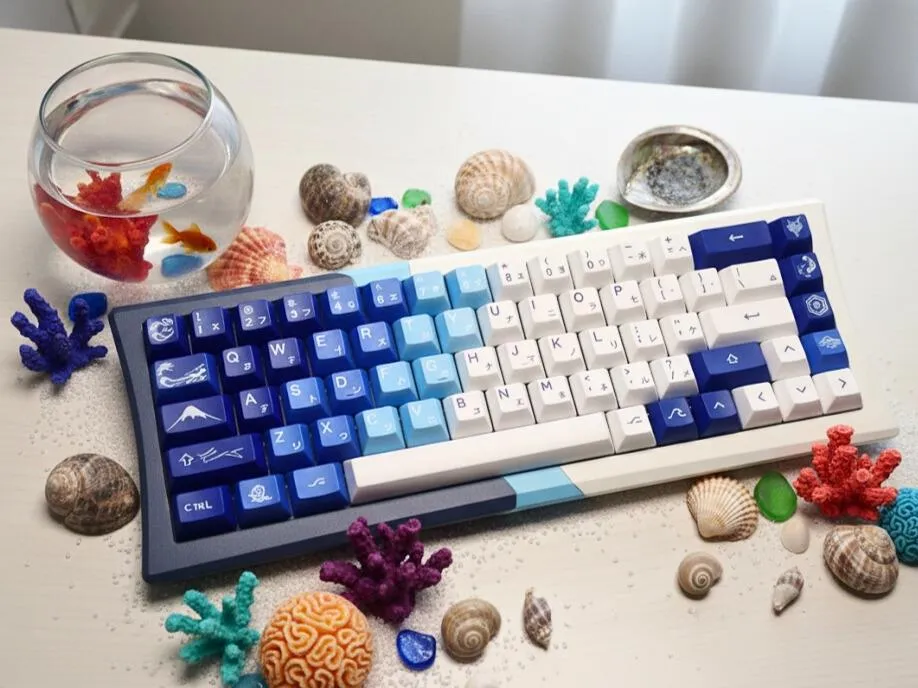
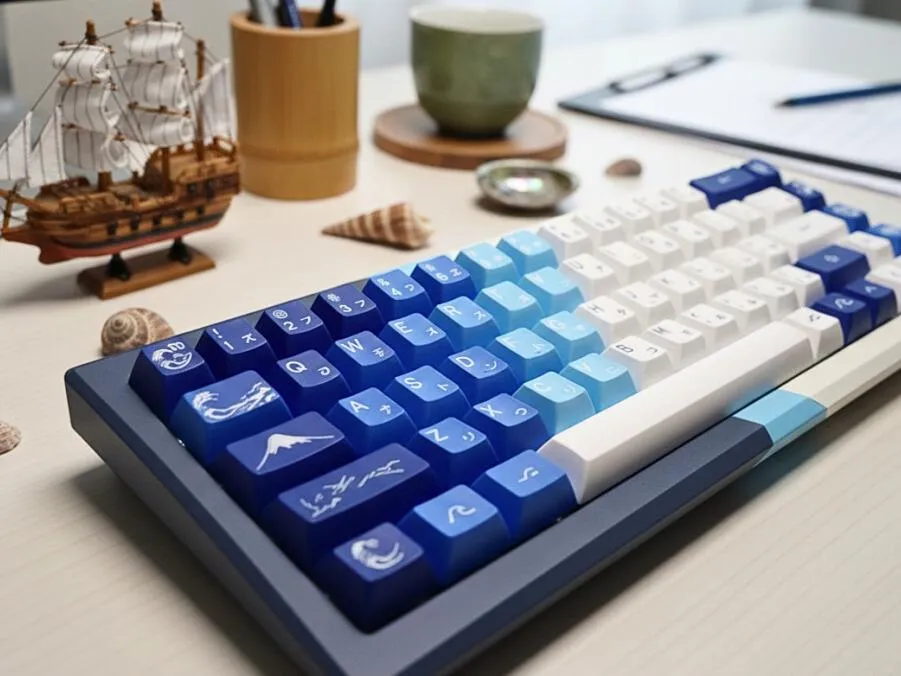
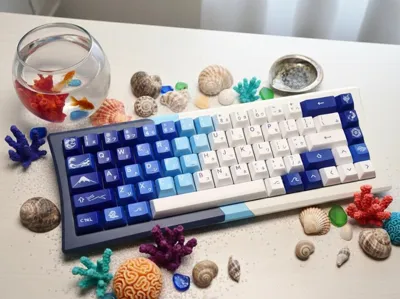
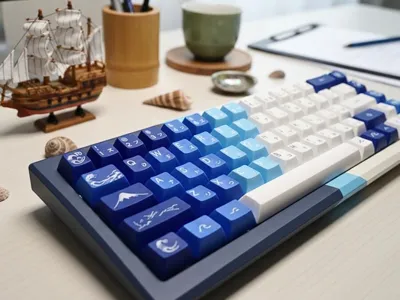
Blue Wave – A 3D-Printed Keyboard Case Inspired by Summer Ocean Rhythms 🌊⌨️
Blue Wave is our keyboard case design, created by Makesenstudio — a design lab dedicated to modular mechanical keyboard kits tailored for FDM 3D printing enthusiasts.
The Blue Wave design is inspired by the graceful curves of ocean waves. Its minimalist, ergonomic form combines aesthetic appeal with practical comfort—perfect for productive workspaces and creative inspiration.
😊 Why You’ll Love It:
• 🧩 Buy One, Build Hundreds – Buy one kit, unlock fresh design files. You can DIY hundreds of files and customized by you.
• Continuous official releases — we regularly publish new designs and Models
• Creator collaborations — work with designers to produce remixed and original creations
• Open to everyone — every user can create, customize, and share their own designs
• 🛠️ A Pro Mechanical Keyboard – This is not a toy—it’s a solid, durable, and great-to-use keyboard built for real work.
• HMX custom switches with 60M+ keystrokes
• A Black FR4 immersion gold plate found in $200+ keyboards
• 32+ years of battery life, and ultra-low <2.5ms latency
• ⌨️ Ready in 10 Minutes – Download the files, print ,build, and type. Simple steps, pure making joy.
(Assembly Guide in the end)
📐 Quick Note:
- Only the keyboard case requires 3D printing—download the model to get the design files.
- For a complete keyboard, an additional $79.99 Keyboard Kit is required.
🛒 Purchase Keyboard Kit Link: https://bit.ly/4bdjwnM
📸 Kit details are shown in the image.
📋 Build & Print:
• 🎯 How to Get a Working Keyboard
- Step 1 → Download the model files
- Step 2 → Purchase the Keyboard Kit
- Step 3 → Print the case using your 3D printer
- Step 4 → Assemble the printed case with the kit
- Step 5 → Done! Start typing.
• 📂 Design Files:
Click below to download the keyboard files
Want more designs? Explore our full gallery →https://makerworld.com/zh/@Makesenstudio/upload
• 🖨️ 3D Printers: Compatible with all Bambu Lab Printers
• 💬 Community: Join the discussion on Discord:https://discord.gg/97JSHMyKN7
• 🎥 Assembly Guide:
Documentation (1)
License

You shall not share, sub-license, sell, rent, host, transfer, or distribute in any way the digital or 3D printed versions of this object, nor any other derivative work of this object in its digital or physical format (including - but not limited to - remixes of this object, and hosting on other digital platforms). The objects may not be used without permission in any way whatsoever in which you charge money, or collect fees.


Comment & Rating (4)