
Customizable Letter Puzzle – Type Any Name!
Print Profile(3)

Description
Boost Me (for free)
If you enjoy this design please give me a Boost if you can!
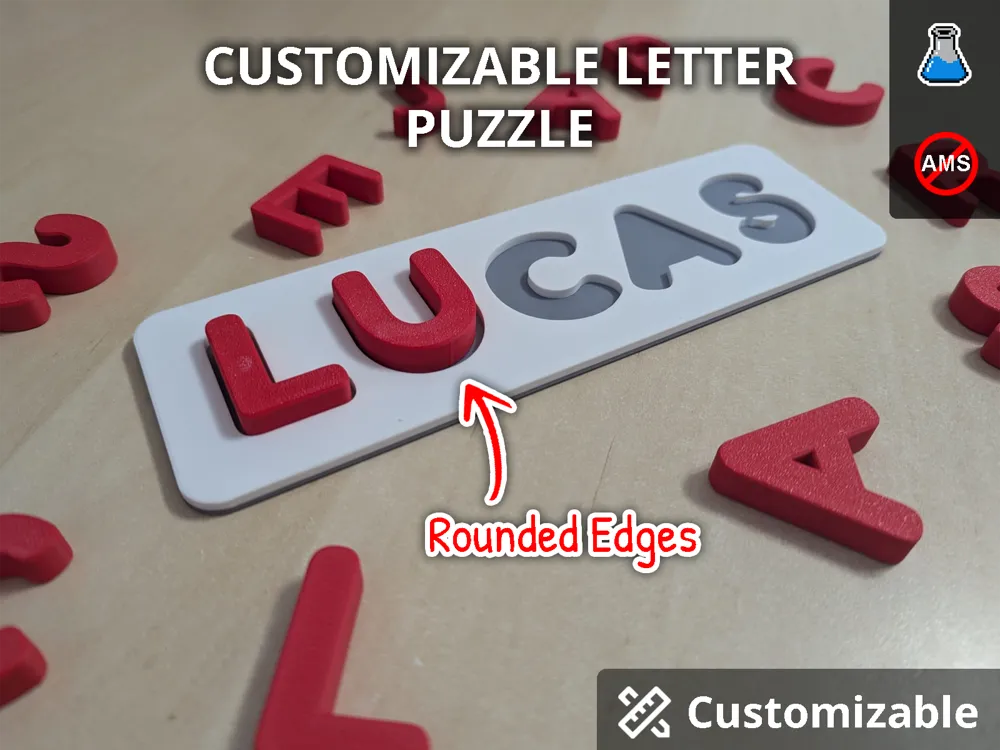
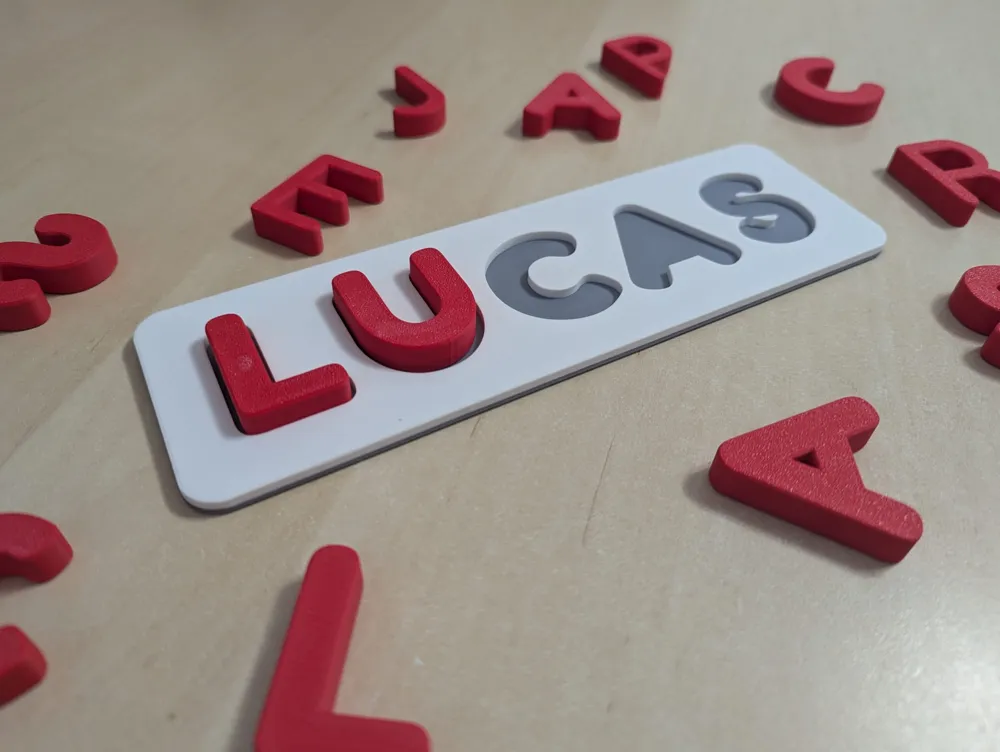
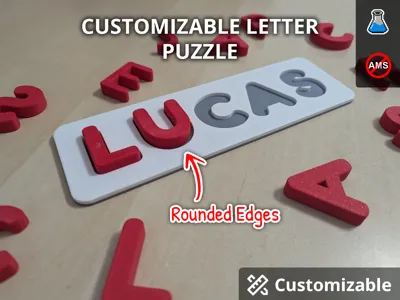
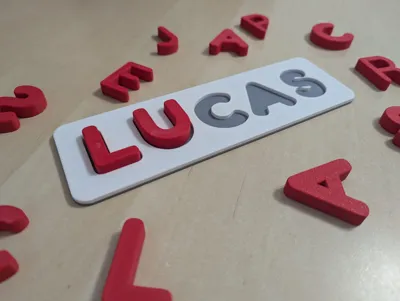
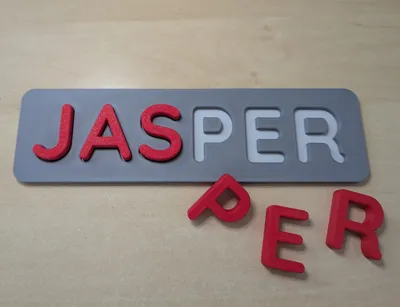
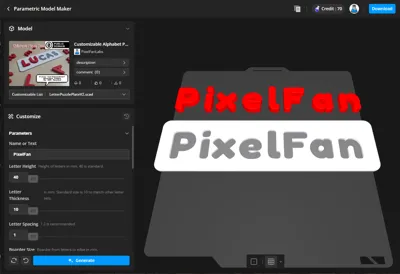
Type any name or word to instantly generate kid‑safe learning letters!
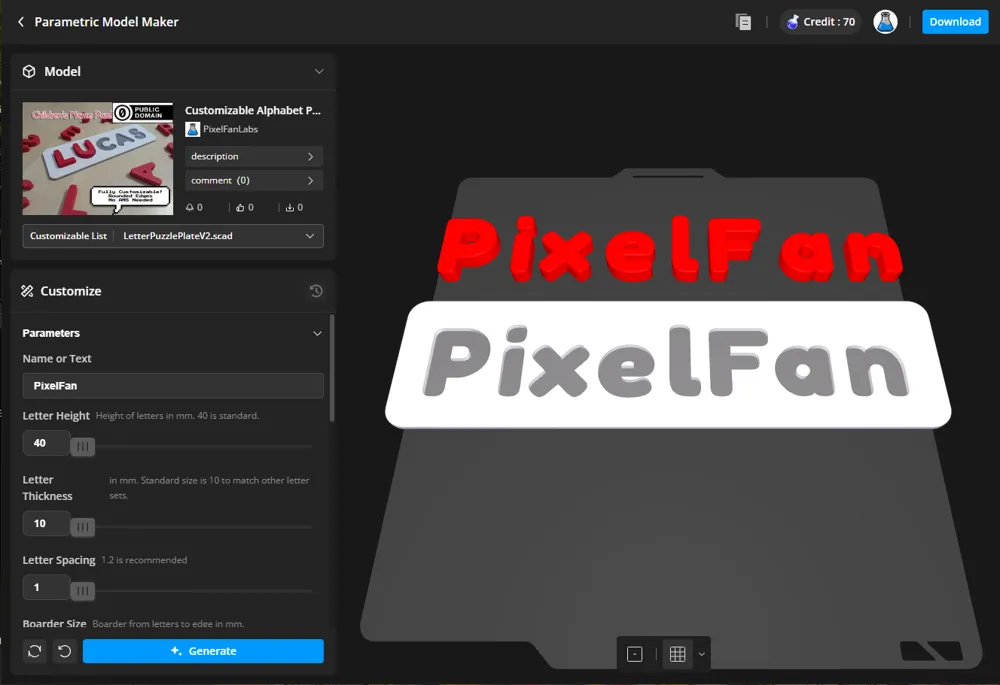
⚠️ Important: This model must be opened in MakerWorld to be customized. Customization is not compatible with Handy App or Bambu Studio at this time. https://makerworld.com/en/models/2062425-customizable-alphabet-puzzle-type-any-name
This design utilizes MakerWorld's Parametric Model Maker allow you to type any name or word you need. Perfect for kids’ names, lesson plans, spelling games, classroom activities, and much much more.
Features
- Kid‑safe rounded letters and edges – In your generated prints, not just for a few print profiles.
- Montessori‑style learning design (by default) – 40 mm height, expert selected font to support early character recognition and literacy.
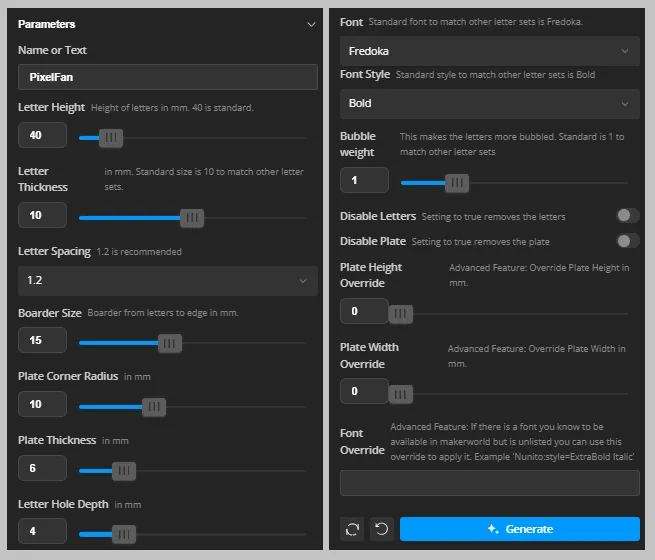
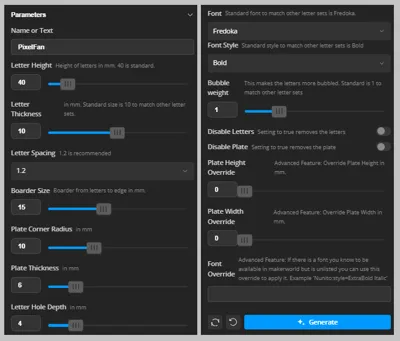
- Fully customizable – Fun fonts, styles, size, boarders, thickness, etc.
- Easy MakerWorld parameters – sliders and dropdowns make customization quick and beginner‑friendly. Auto adjusting plate length and width.
- Custom Bubble Weight Feature – I created a custom function to make the letters you know and love more Bubbly/Chunky. Great for children's safety and makes the block more fun to play with.
- Print only Letters or Name Plate – Setting added to Parametric Model Maker to disable either the letters or baseplate so you can replace missing letters or print new plates for new words if you already printed the letters. This makes a wonderful and expandable learning tool.
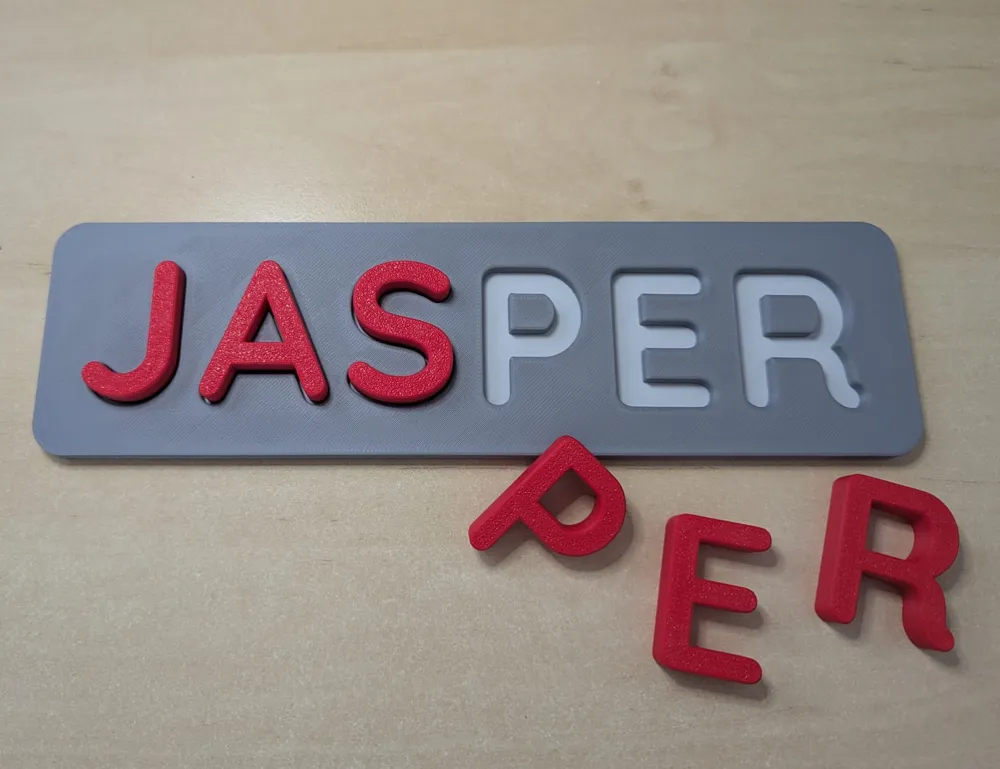
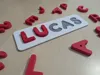
- 2 Color Name Plate – The 2 color name plate makes the letters clear and perfect for finger tracing. This can be done with an AMS or without an AMS with a pause. (#teamNoAMS!)
Specifications
- Letter Height: 40mm (customizable)
- Letter Thickness: 10mm (customizable)
- Plate Thickness: 6mm (customizable)
- Letter Hole Depth: 2mm (customizable)
- Boarder: 15mm (customizable)
- Corner Round: 10mm (customizable)
- Edge Rounded: 1mm
- Bubble Weight: 1 (customizable) (Custom feature to make the letters more Bubbly/Chunky)
- Supports: No support materials needed
Why Fredoka
Fredoka was selected as the default font for this project by experts in education to support early literacy. Clear, rounded letterforms mirror the shapes children are taught to write, making them easy to recognize and trace. By using a single‑storey “a” and other simplified forms found in handwriting practice, the design reinforces standard letter shapes. This encourages hands‑on exploration and aligns with Montessori‑style learning.
Support Me!
Boost Me (for free)
If you enjoy this design please give me a Boost if you can!
Customization and Printing Guide
Bringing a .3mf file from the Parametric Model Maker into Bambu Studio and preparing it for printing can be a bit more involved. To make the process easier, I’ve created a Complete Customization and Printing Guide with recommended settings. This guide walks you through slicing the parametric model in Bambu Studio, separating it into individual parts, and arranging the objects for optimal placement on the build plate.
🔽🔽🔽Scroll down to the Assembly Guide section for the “Customization and Build Guide”🔽🔽🔽
For those who do not need the extra support, here are some tips:
If the design does not look like it fits, rotate it 45deg.
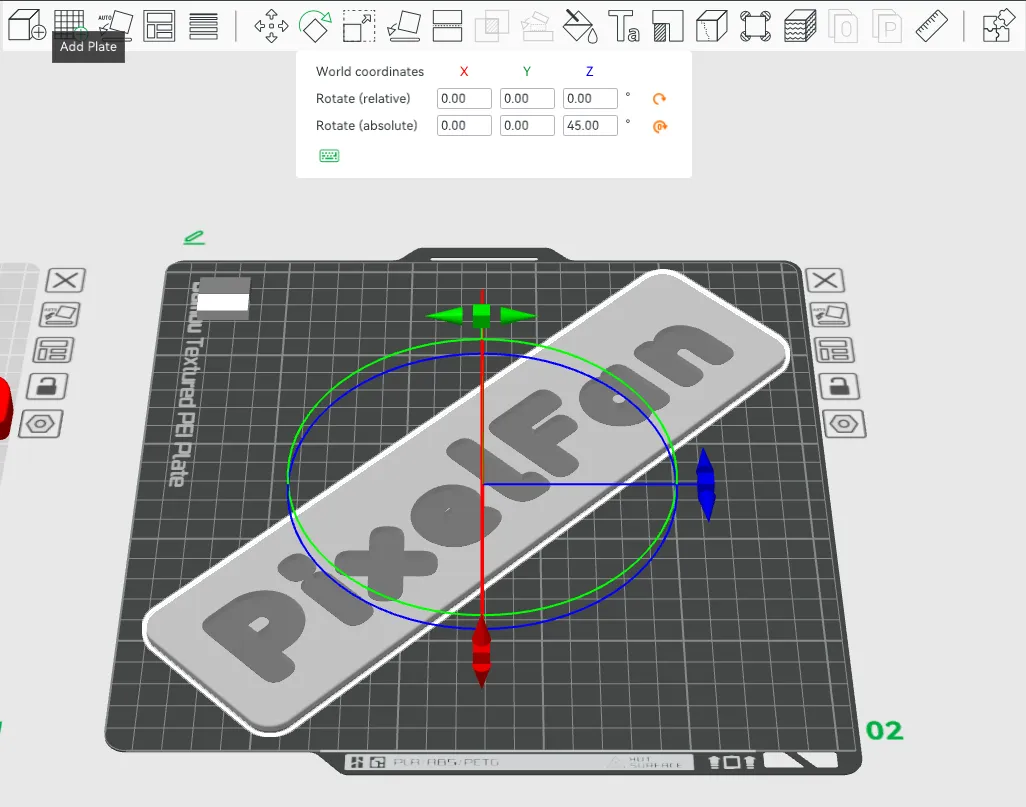
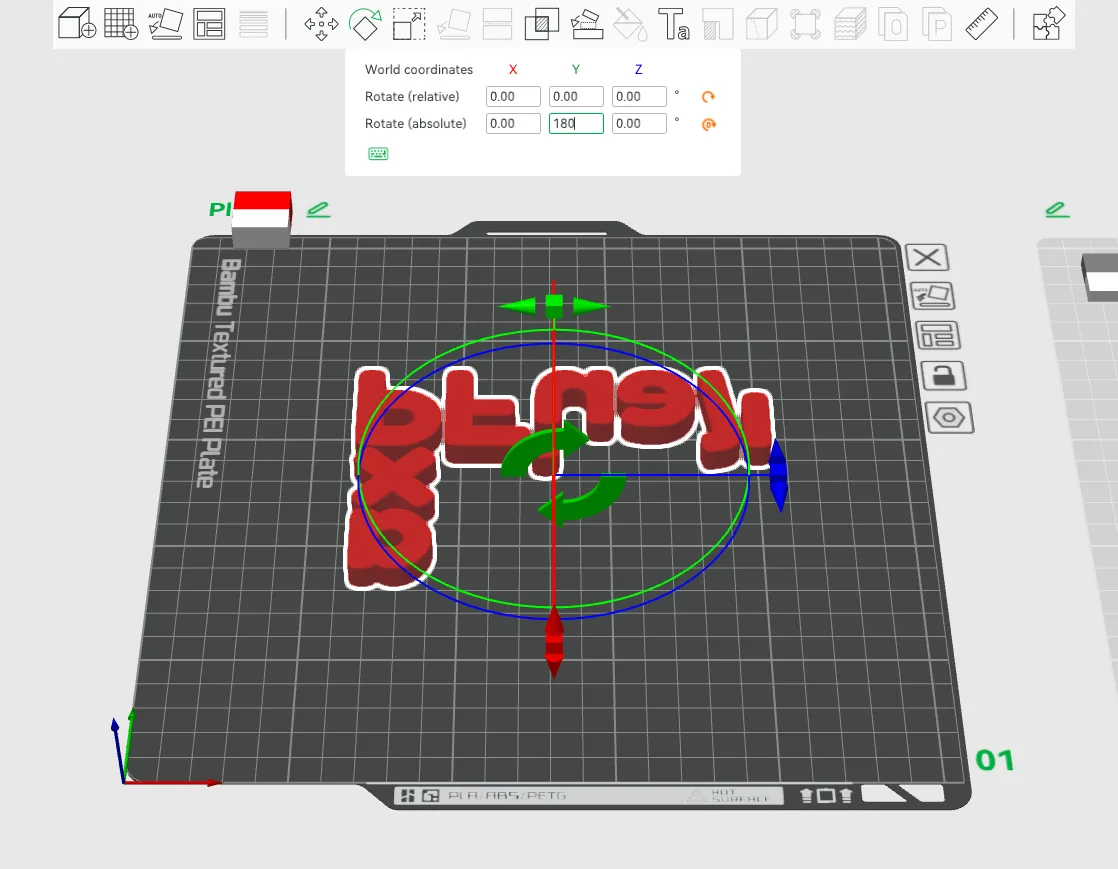
- Use the “Arrange” feature to place letters for fastest print. Flip the letter 180deg on the y axis to face the letters down so you get the nice build plate pattern on the topside.
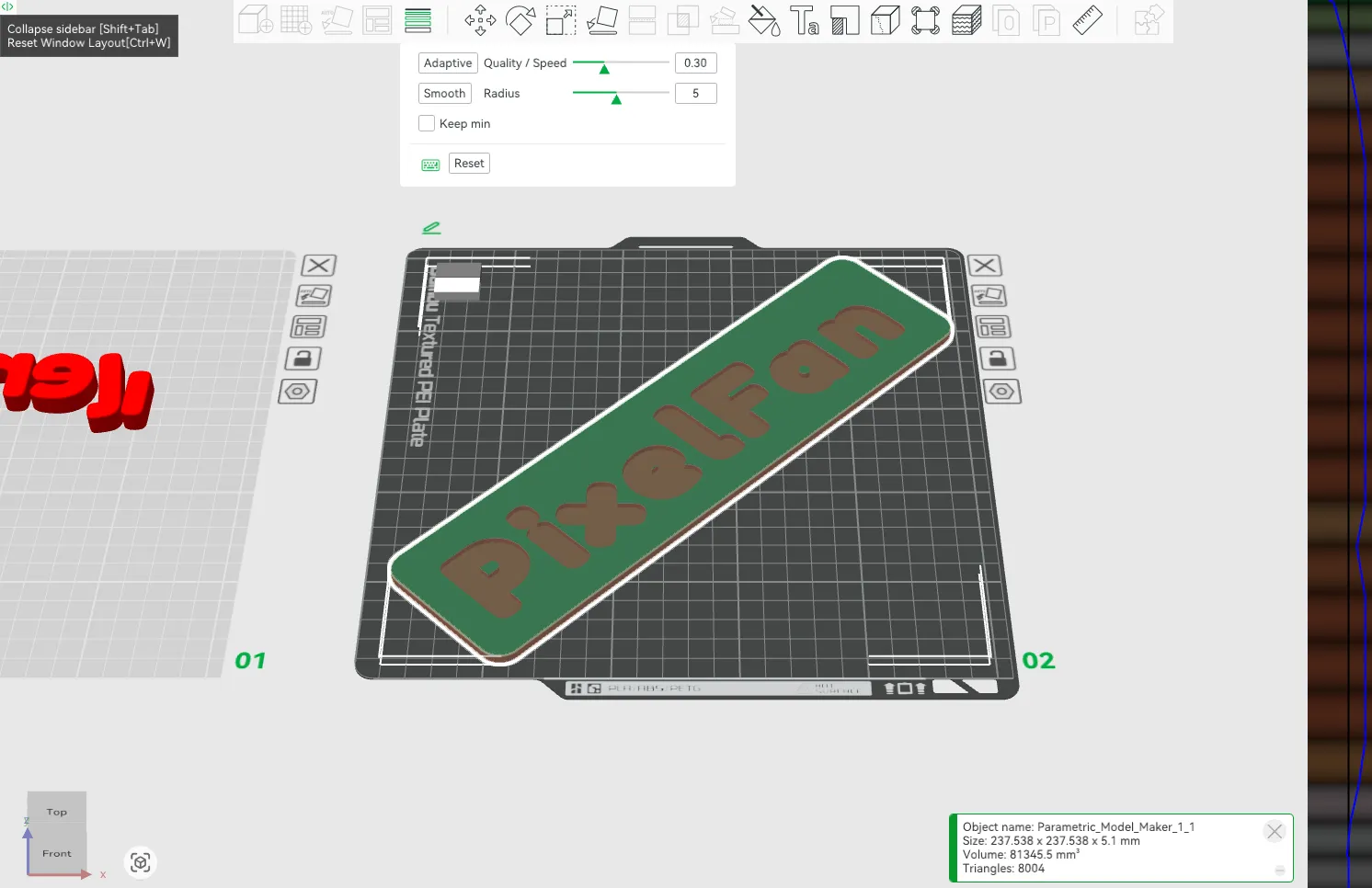
- To get nice 1mm fillets use the variable layer tool to decrease the layer size on the top and bottom. I like to do Adaptive at 0.4.
- Disable the Prime Tower if not using AMS.
- For faster print times I set Sparse Infill Pattern to Rectilinear.
Credits / Licensing
- Design by PixelFanLabs – With a curious mind, integrity, and your hands in the soil, you can create anything.
- Fonts – All fonts used in this project are provided by MakerWorld’s shared library and are safe for use.
- License – All Rights Reserved
- Personal Use Only: You may print this for your own use.
- No Redistribution: Do not re-upload or distribute these digital files on any other platform.
- No Derivatives: Modification of this design—including the removal of the engraved PixelFanLabs signature—is strictly prohibited.
⚠️ Safety Warning : Choking Hazard – Small Parts. Not suitable for children under 3 years. Adult supervision is recommended at all times.
Documentation (1)
License

You shall not share, sub-license, sell, rent, host, transfer, or distribute in any way the digital or 3D printed versions of this object, nor any other derivative work of this object in its digital or physical format (including - but not limited to - remixes of this object, and hosting on other digital platforms). The objects may not be used without permission in any way whatsoever in which you charge money, or collect fees.


Comment & Rating (41)