
Christmas Ornament Bauble


Print Profile(8)


Description
Description
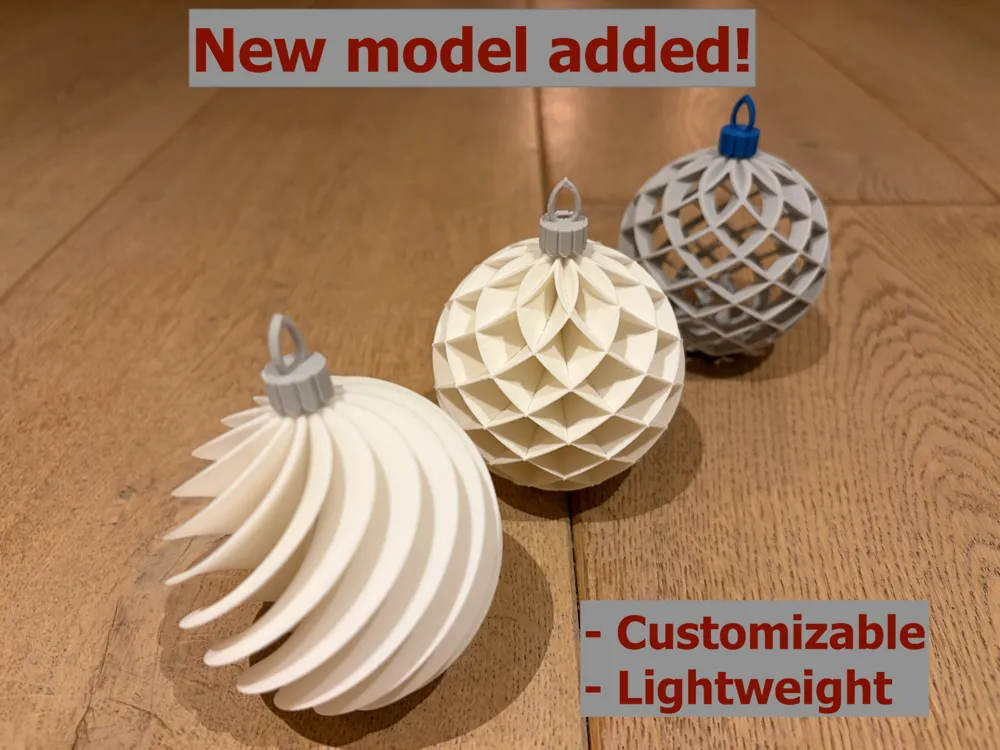
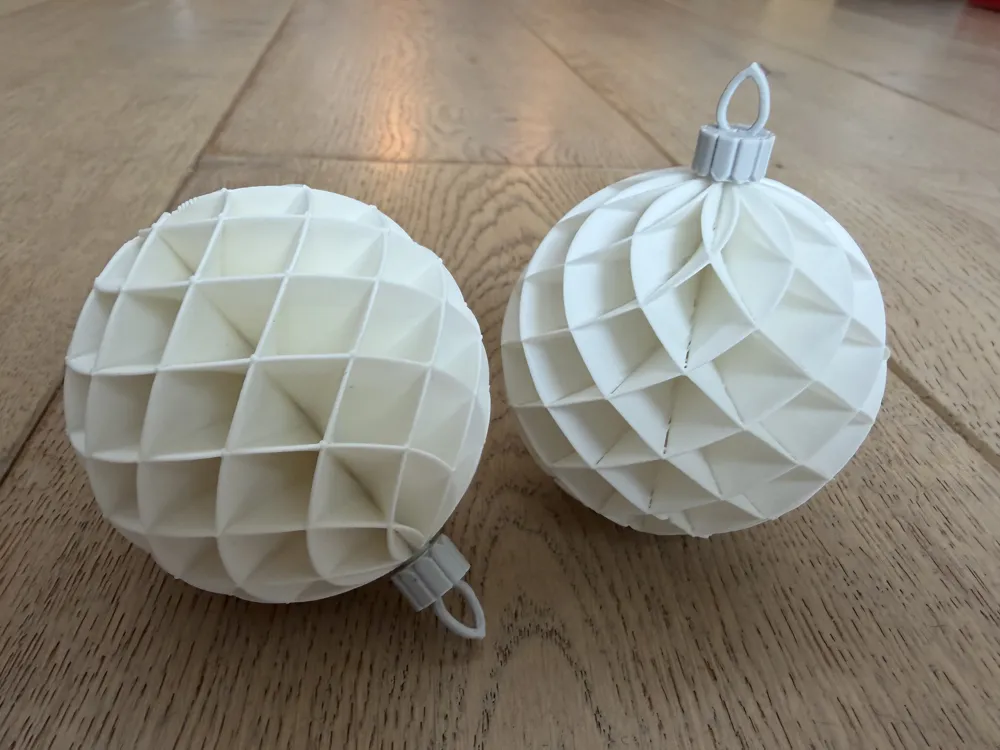
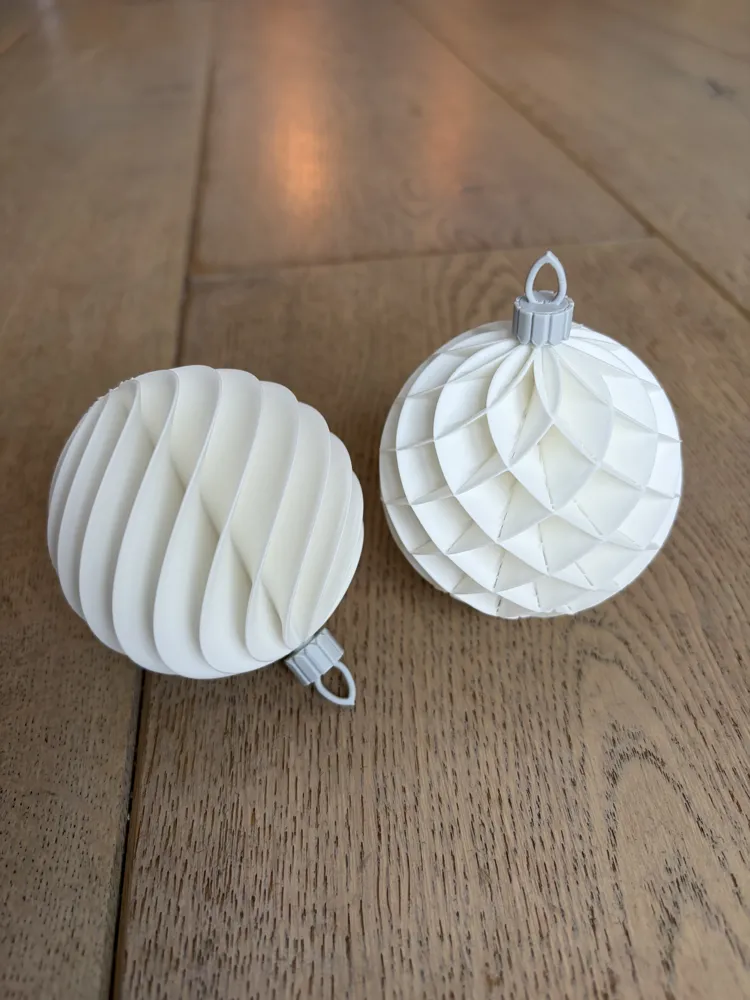
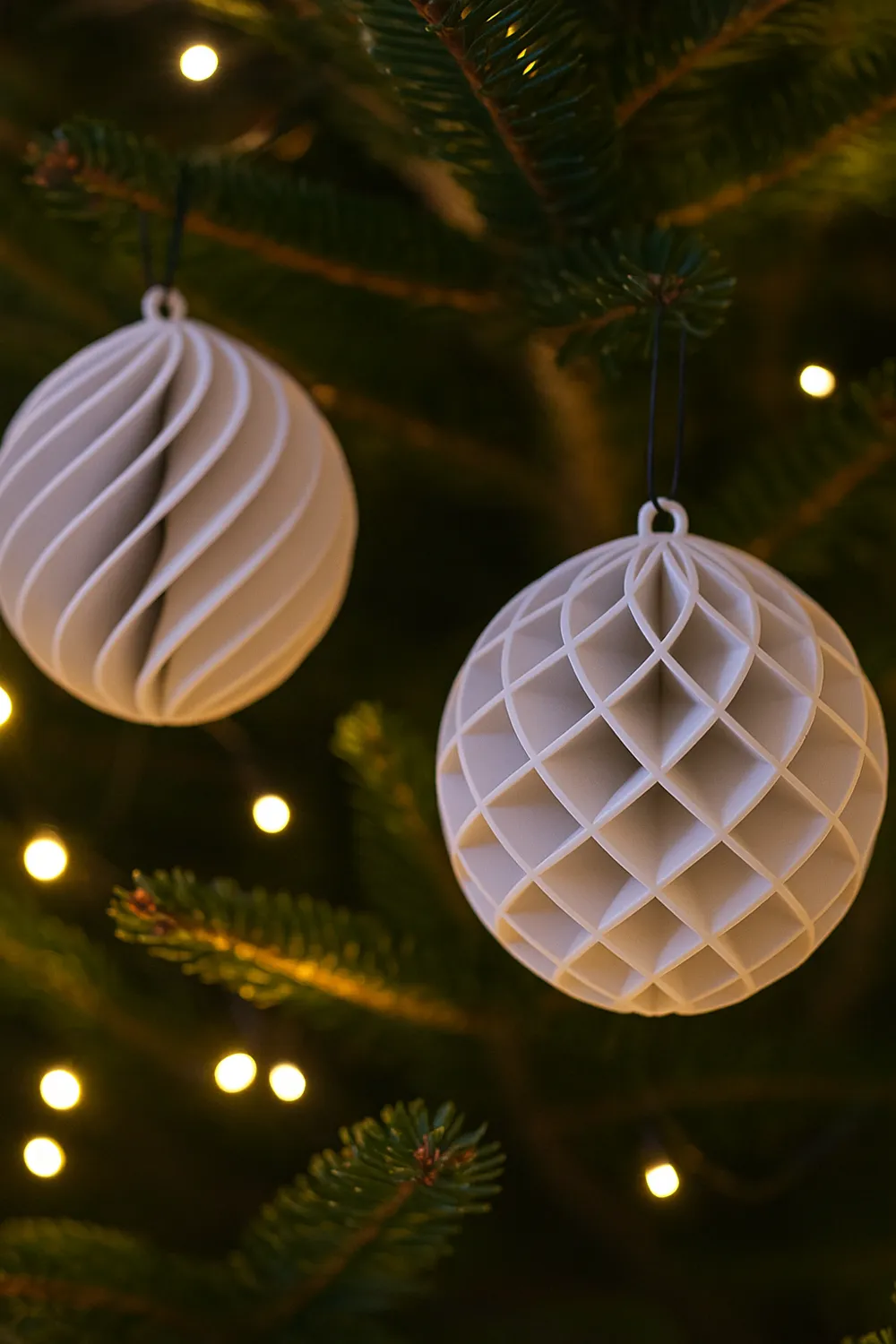
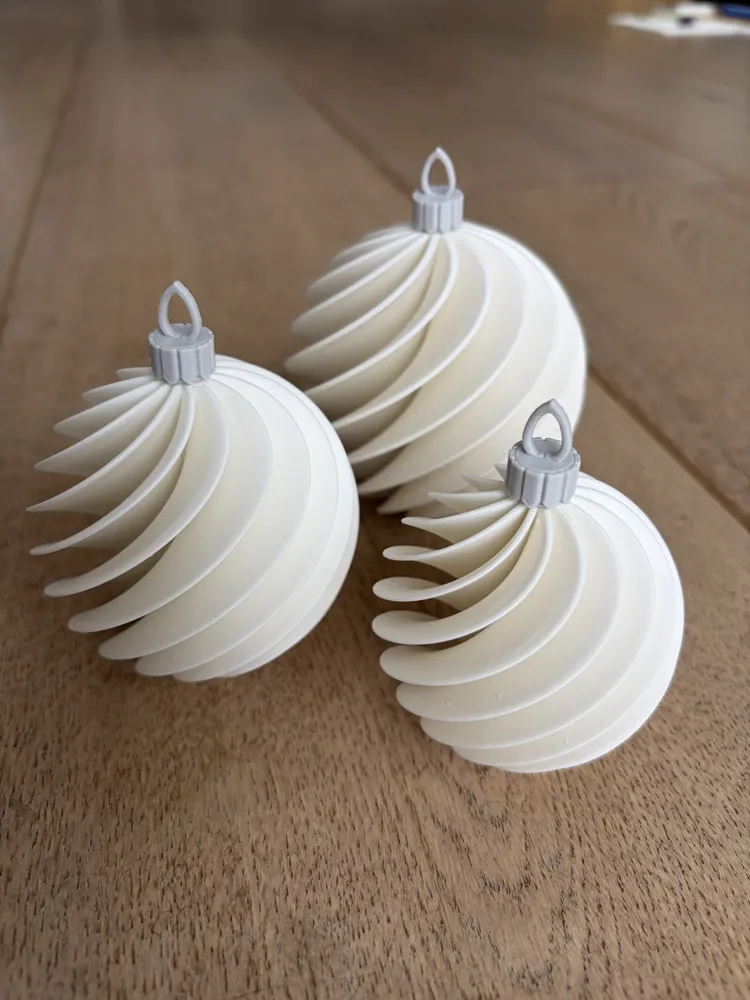
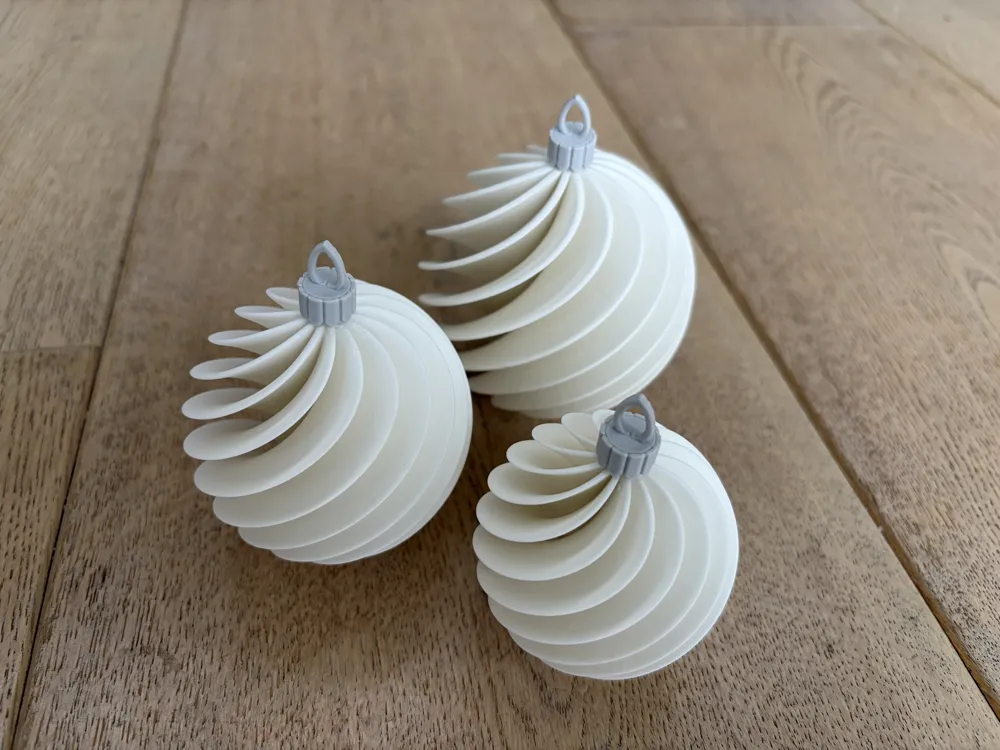
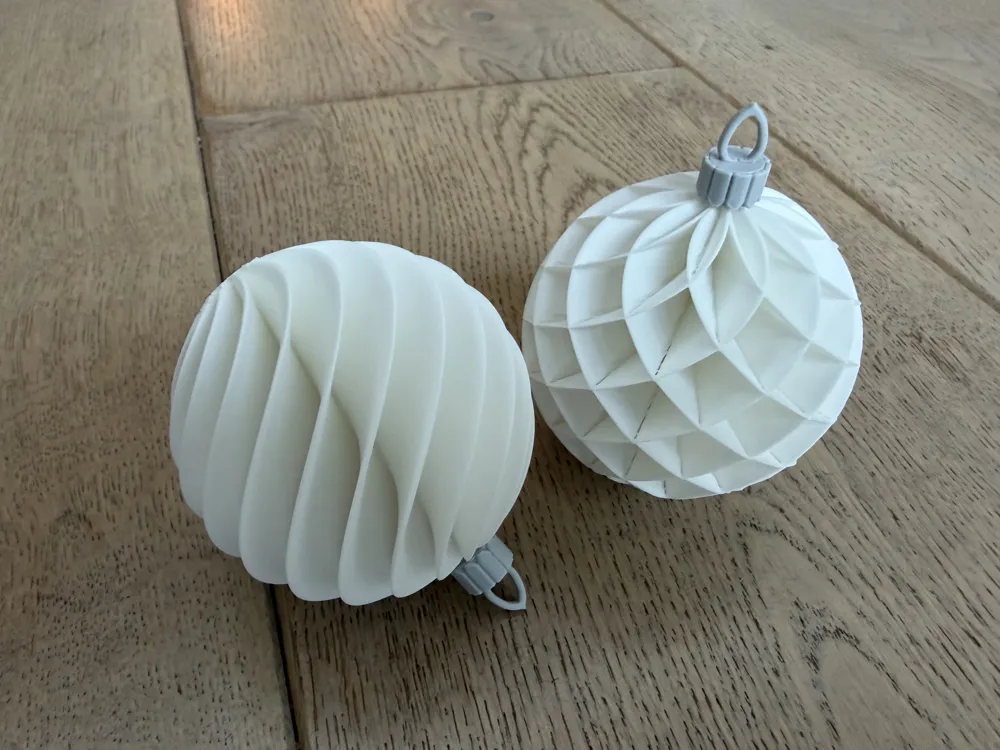
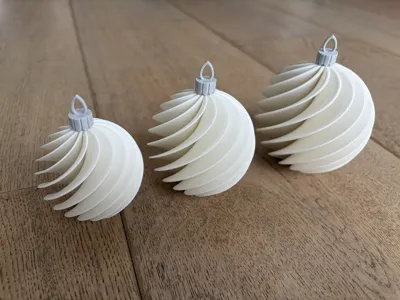
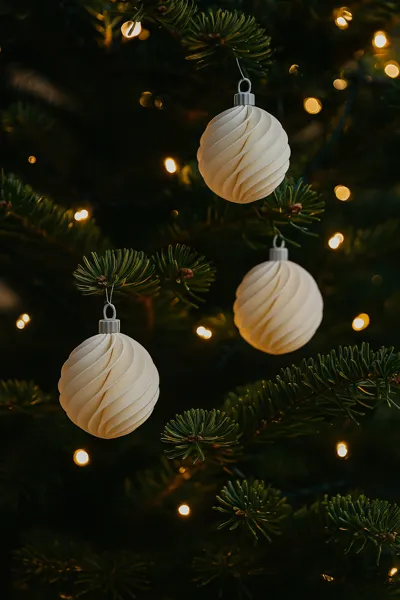
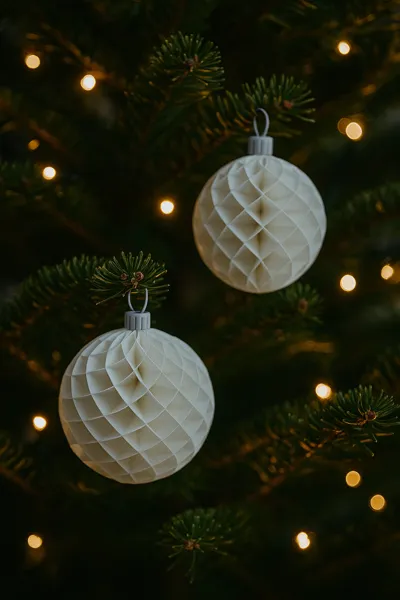
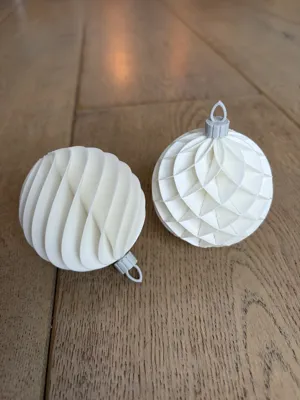
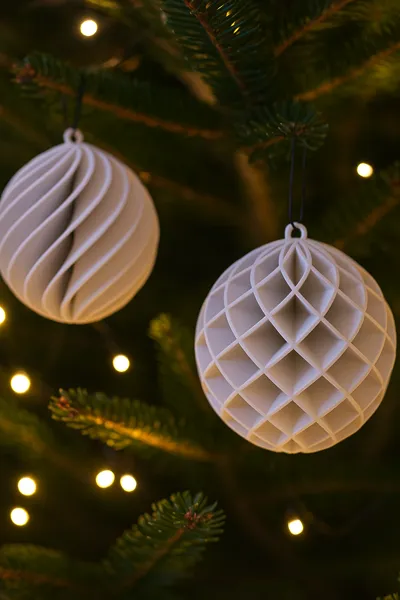
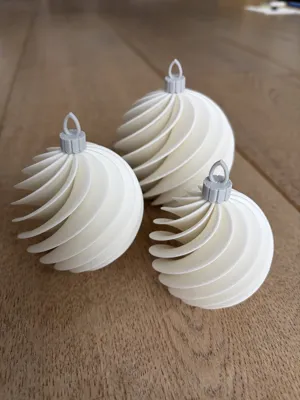
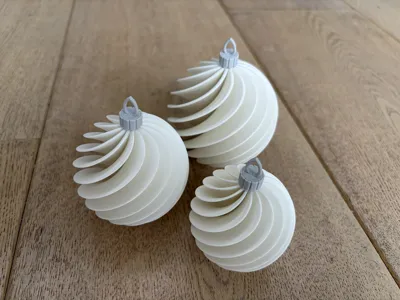
I created these waved Christmas ornaments for decorating your Christmas tree.
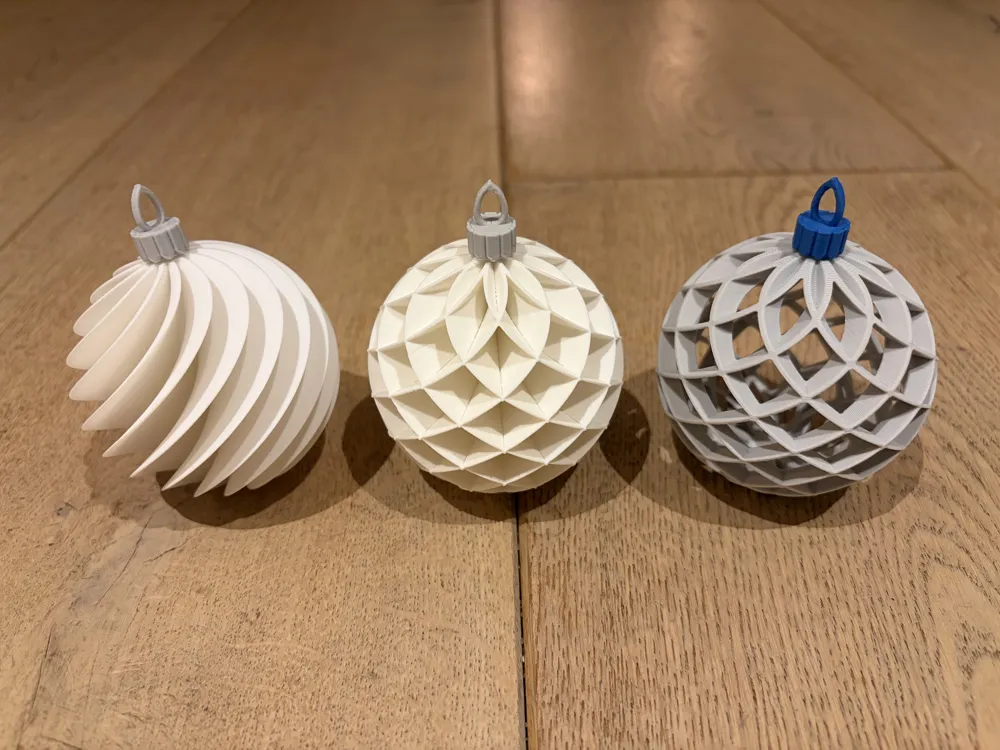
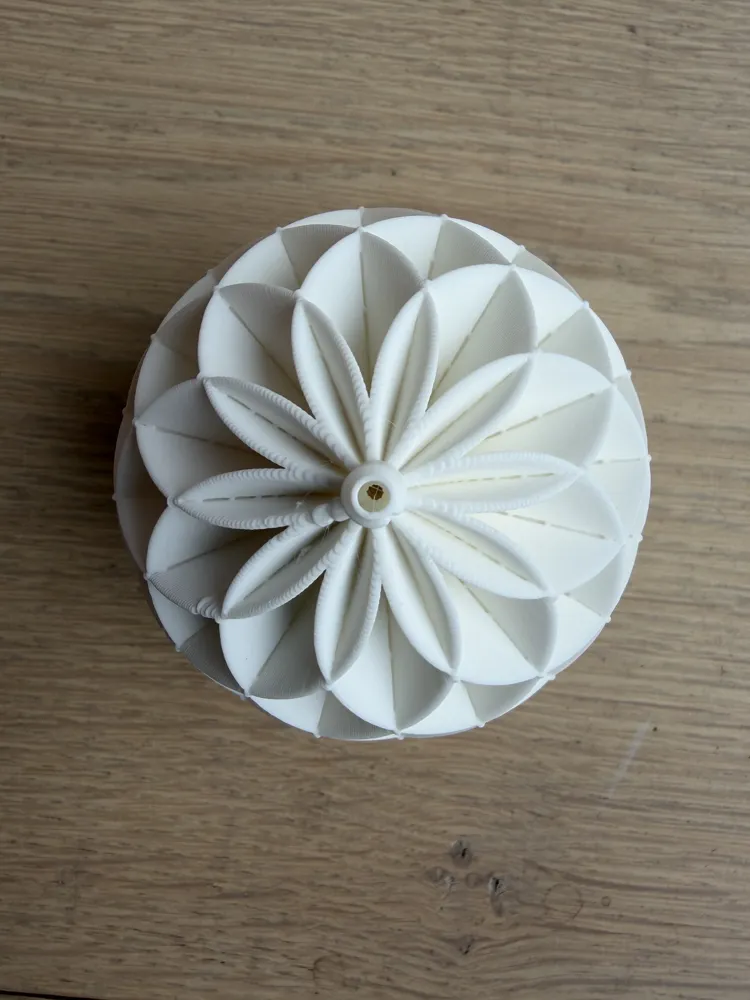
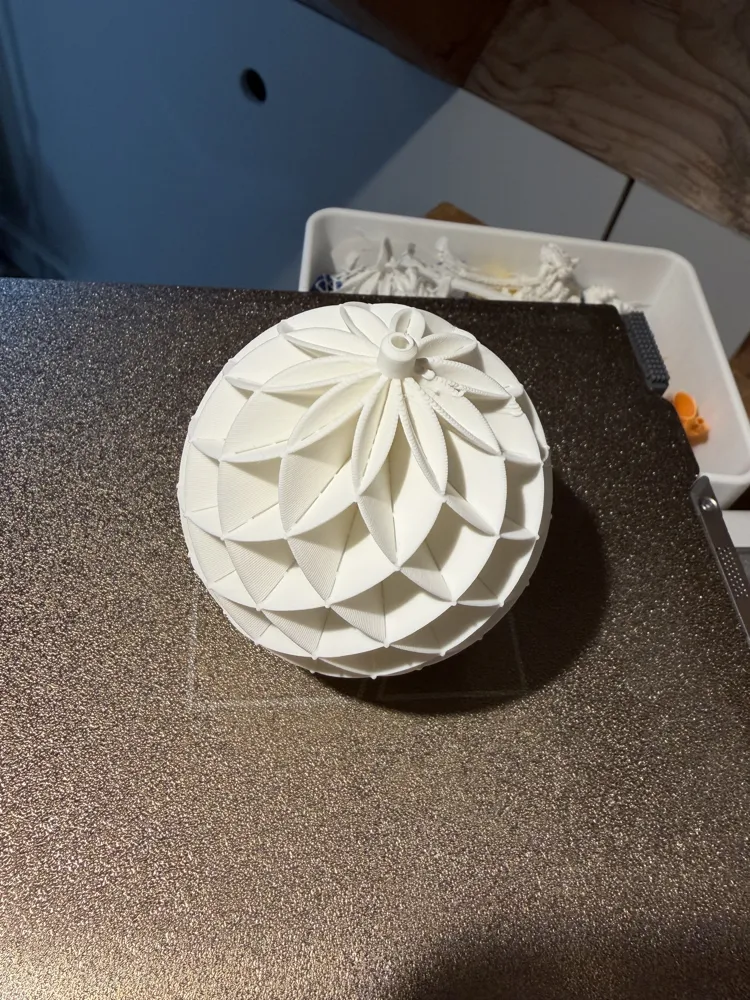
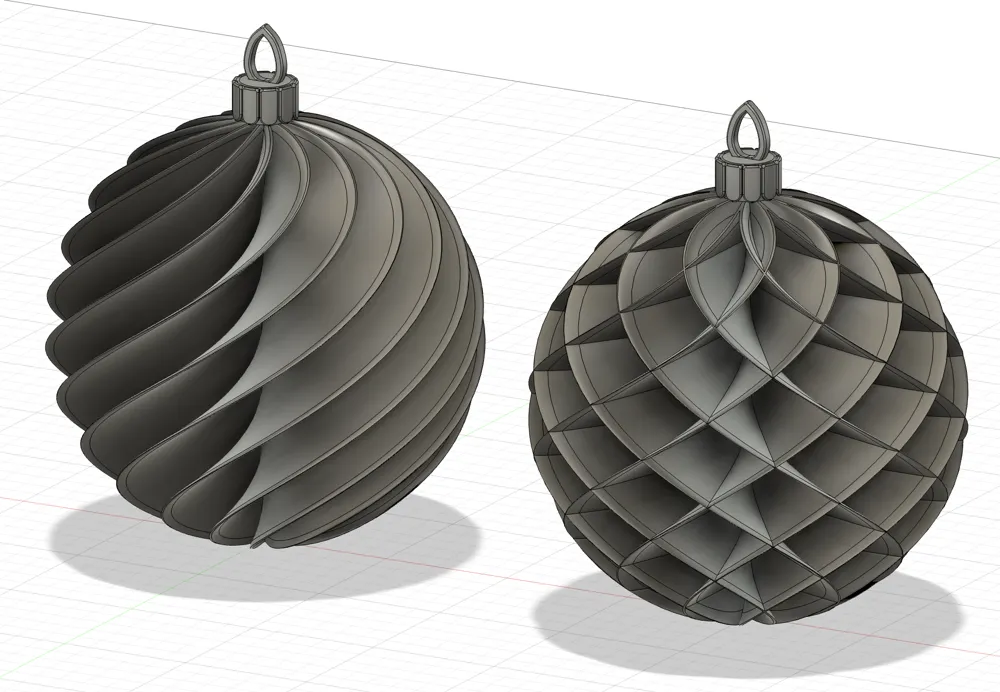
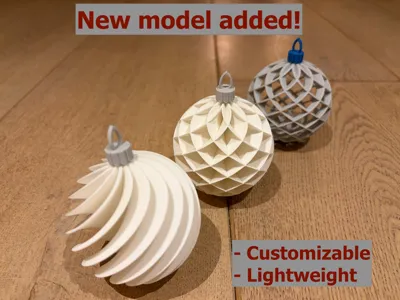
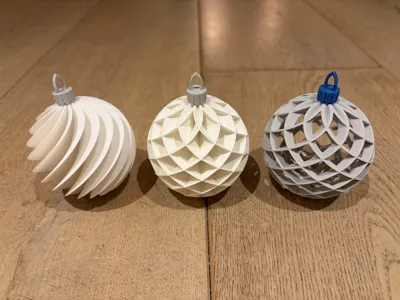
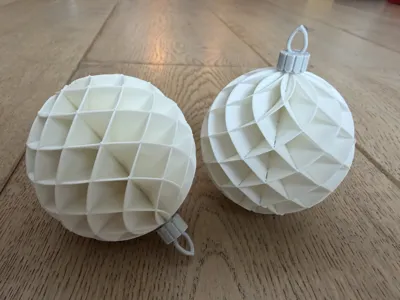
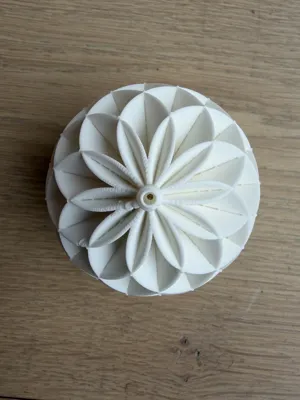
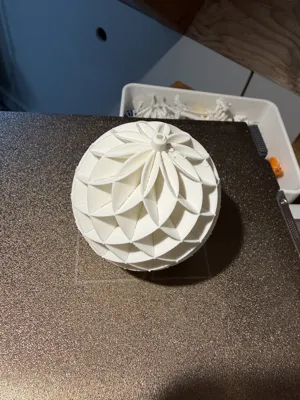
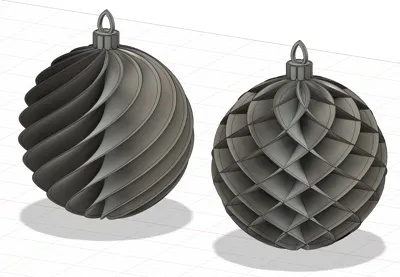
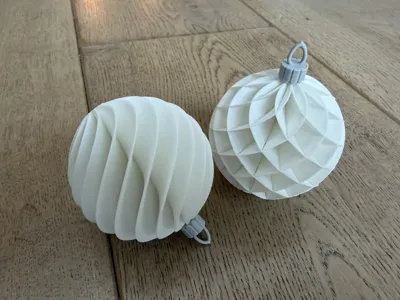
There are 3 versions, one with a single wave pattern, one with a double (opposite) wave pattern, and one with a hollow double wave pattern. The cap (or crown) is printed separately from the body of the bauble. This is because the bauble can now be printed in ‘vase mode’ (more on that later; not the hollow version) and in a different color. The cap can be pressed on and should not need glue. You can always add a drop to be sure, but the fit is already quite tight.
UPDATE MARCH 2026
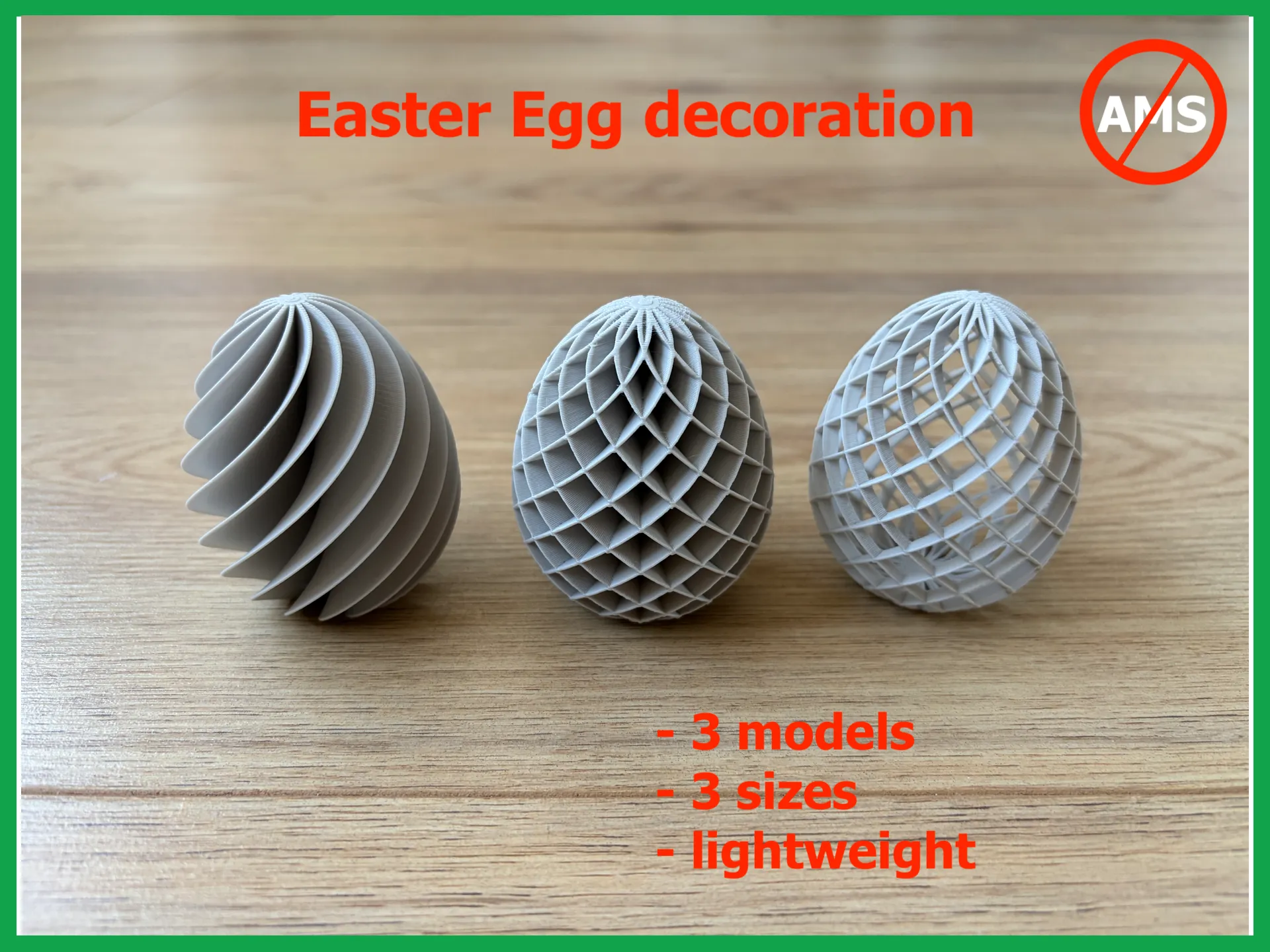
I added a similar design for easter: 3 different types of Easter Egg ornaments:
https://makerworld.com/en/models/2476839-easter-egg-decoration-3-models#profileId-2720182
UPDATE 30 NOVEMBER
I added a print profile for a slightly stronger cap. I increased the thickness to make them a bit more robust. For me, the original print profile works fine, but some of you had some issues so hopefully this version solves those.
UPDATE 25 NOVEMBER
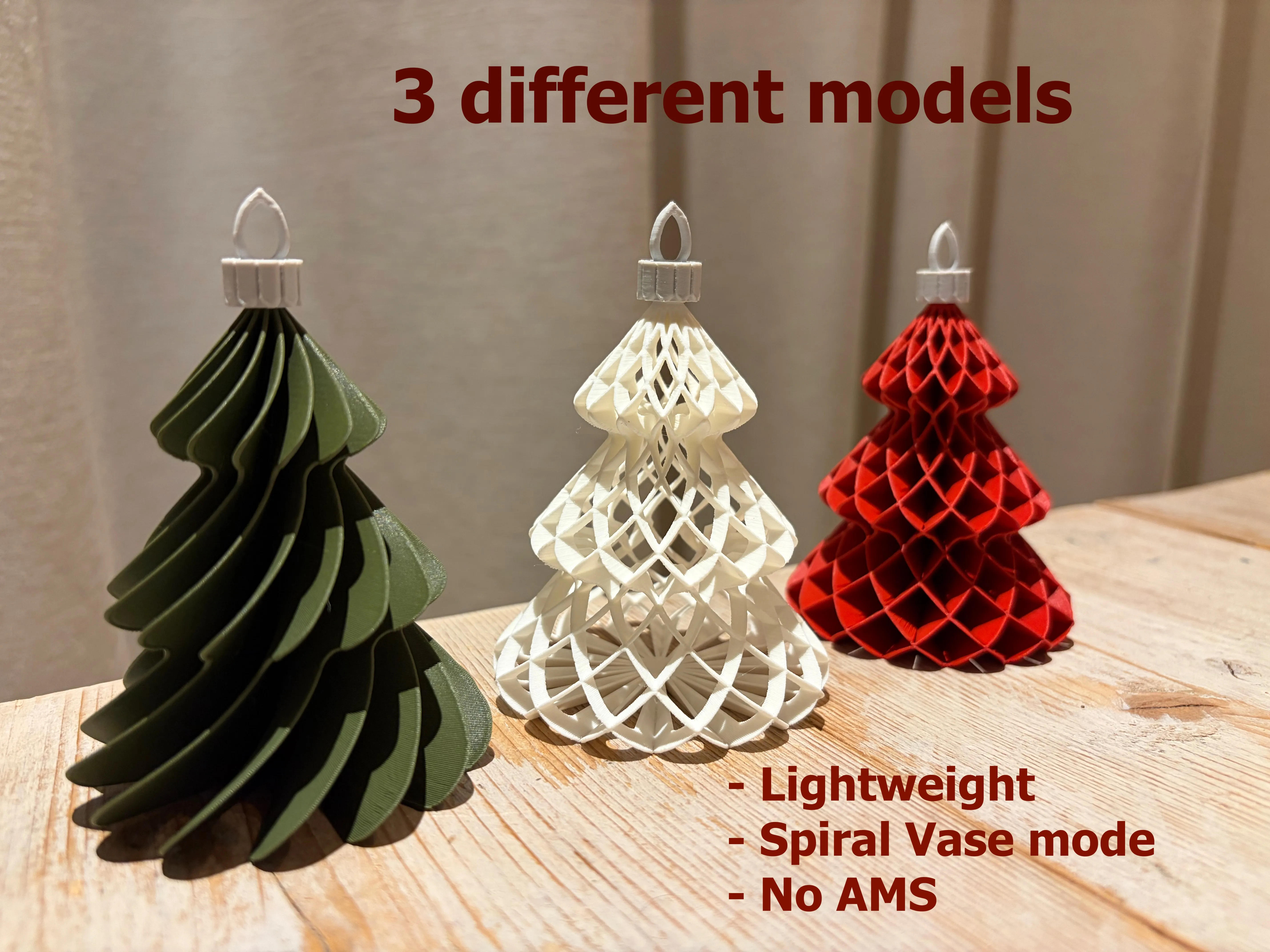
I created a bauble in a Christmas tree shape, similar to these models. A great match!
https://makerworld.com/en/models/2042052-christmas-tree-ornament-bauble-3-models#profileId-2203172
UPDATE 18 NOVEMBER
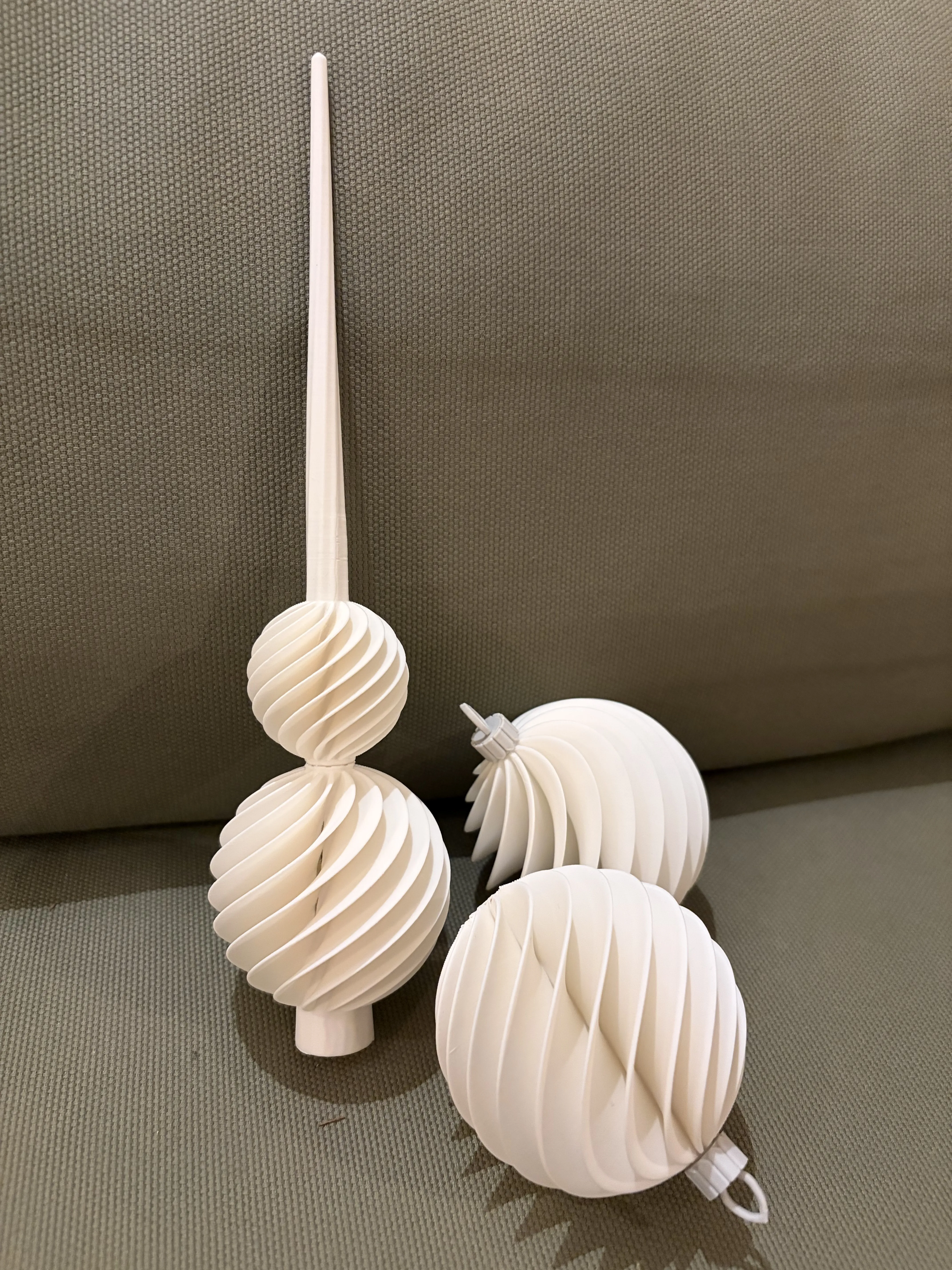
I created a Christmas tree topper that matches the design of the single wave pattern bauble. You can find it here: https://makerworld.com/en/models/2012969-christmas-tree-topper#profileId-2168650
UPDATE 14 NOVEMBER
I added a third model. It is a variation on the double wave pattern, but now with a hollow design. This cannot be printed in spiral vase mode, so I created 3 different print profiles (60, 70 and 80 mm). I'll also try to upload a parametric model with a customizable diameter.
UPDATE 13 NOVEMBER
I noticed that the parametric model maker had issues with larger diameters (timeout errors). I now changed the input range from 40mm to 99mm as that seems to work. Unfortunately, the model maker cannot cope with customizable rib numbers, so I had to leave that out of the model…
Diameter
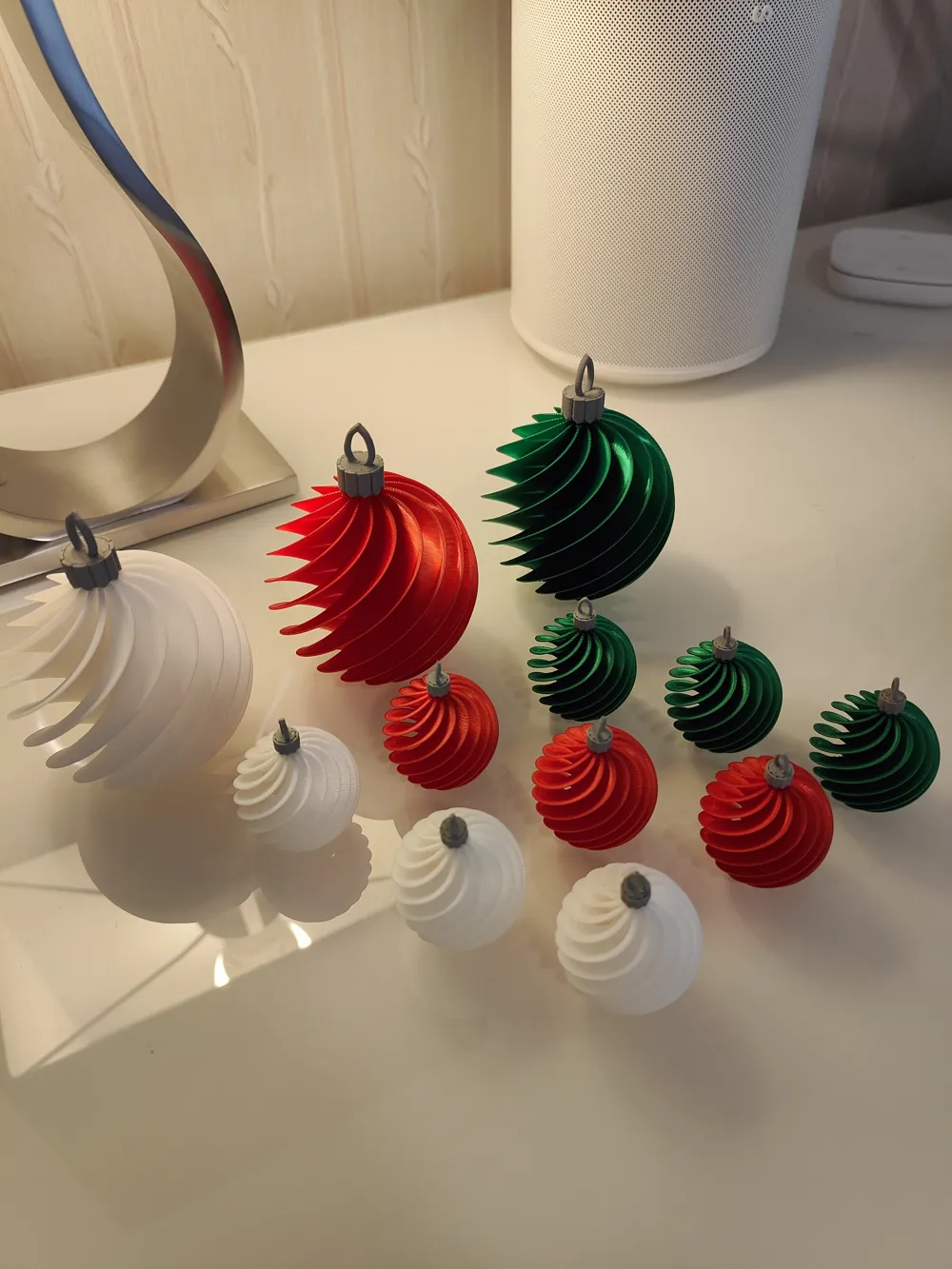
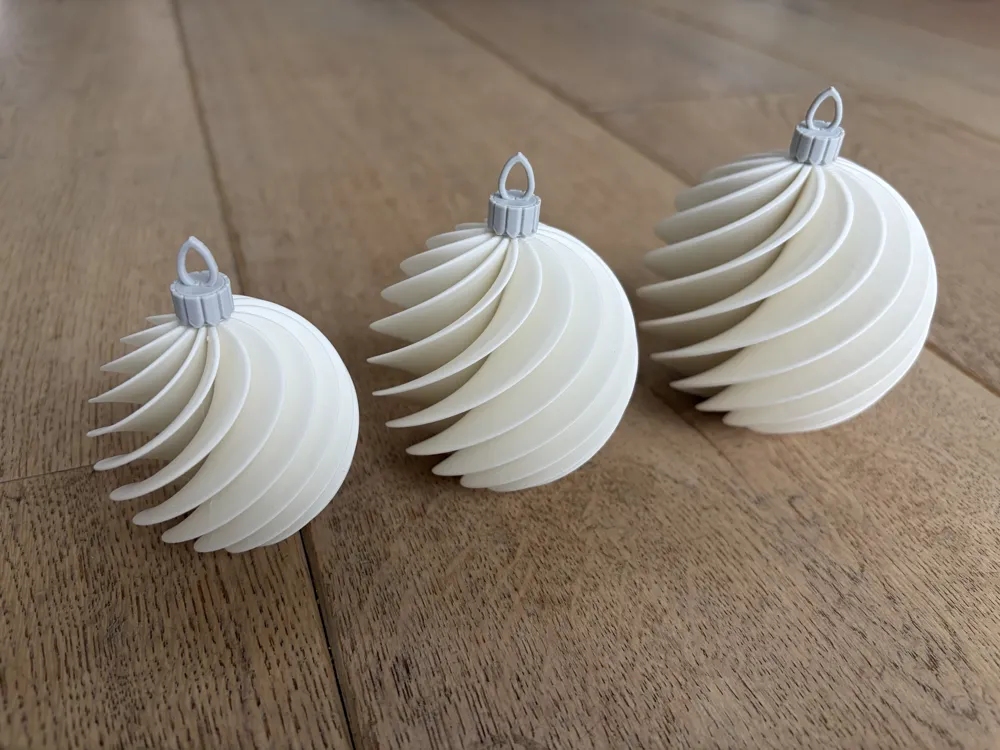
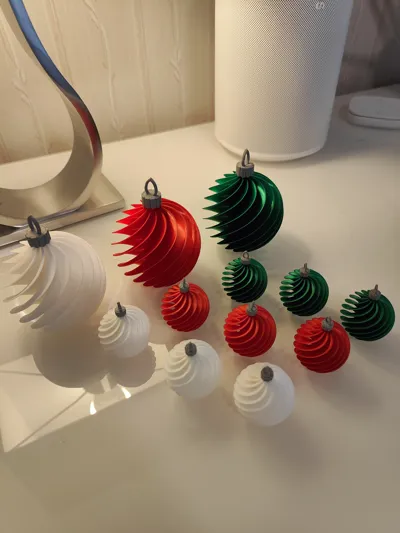
I added print profiles for 3 different diameters: 60, 70 and 80 mm. I personally prefer the 70 mm diameter. I have printed these sizes in PLA with a 0.4 mm nozzle and all work well.
I added a parametric model for the bauble with the single wave pattern, as the diameter of that design can be changed over a wider range. In the parametric design mode, you can go up to 99 mm. I have only tested up to 80mm, so I cannot guarantee that the max size actually works. The bauble cannot be printed with support (because of vase mode), so the lager the print, the bigger the chance it will fall over during printing. Please make sure to use the correct slicer settings (see below) when creating custom sizes.
It had been confirmed by user DD (@user_4266843819) that scaling the 60mm single wave bauble (as well as the cap) with 50% works as well, resulting in a 30mm bauble (see comment section).
Why vase mode?
In ‘vase mode’, only the outer wall of an object is printed. In this way, the inside of the object is hollow, which saves a lot of filament and print time. Because of this, the weight is decreased substantially compared to ‘normal mode’ which is needed if you want to hang the baubles in your Christmas tree. The shape of the ribs of the bauble give it structural strength, so the are actually quite sturdy. Another advantage of ‘vase mode’ is that there are no seams as the print is done in one continuous movement.
The downside of vase mode, is that the top needs to be hollow (therefore the cap should be printed separately) and you can only print 1 object at a time/per plate (because of the continuous path).
NOTE: only the ‘single wave’ and ‘double wave’ models can be printed in Spiral Vase mode. The ‘double wave hollow’ model cannot be printed in vase mode (just uses the standard 0.20mm profile).
Boost Me (for free)
If you like this design and are happy with the print, please consider giving it a boost. It keeps me motivated to create more designs!
Membership
Selling physical prints of this model? A commercial license is available via my MakerWorld Commercial Membership.
Slicer settings
If you want to create larger diameters, please make sure you use the following settings (based on Bambu Studio):
- Switch on ‘spiral vase’ (Others tab) and accept the suggested changes to the settings
- Auto settings:
- Wall loops = 1
- Top shell layers = 0
- Sparse infill density = 0%
- Auto settings:
- Set ‘Outer wall’ to 0.7 mm (Quality tab)
- Set ‘Bottom shell layers’ to 10 (Strength tab)
- In my print profiles, I used a layer height of 0.2mm. You can increase the print quality if you set this to 0.12. Jus be aware that the print time and weight will increase!
Materials
I only tested with PLA as I do not have other types of filament. I used a standard 0.4mm nozzle on a A1 mini printer. I tested both nomal PLA and Matte PLA with good results.
Comments?
If you have remarks, requests, or questions, please leave a comment below. Please let me know what works (different sizes, filaments, etc.) and what doesn't, so I can add that to this description.
Happy printing!
License

You shall not share, sub-license, sell, rent, host, transfer, or distribute in any way the digital or 3D printed versions of this object, nor any other derivative work of this object in its digital or physical format (including - but not limited to - remixes of this object, and hosting on other digital platforms). The objects may not be used without permission in any way whatsoever in which you charge money, or collect fees.


Comment & Rating (748)