Search models, users, collections, and posts

Marbles - Customizable
IP Report
Print Profile(1)

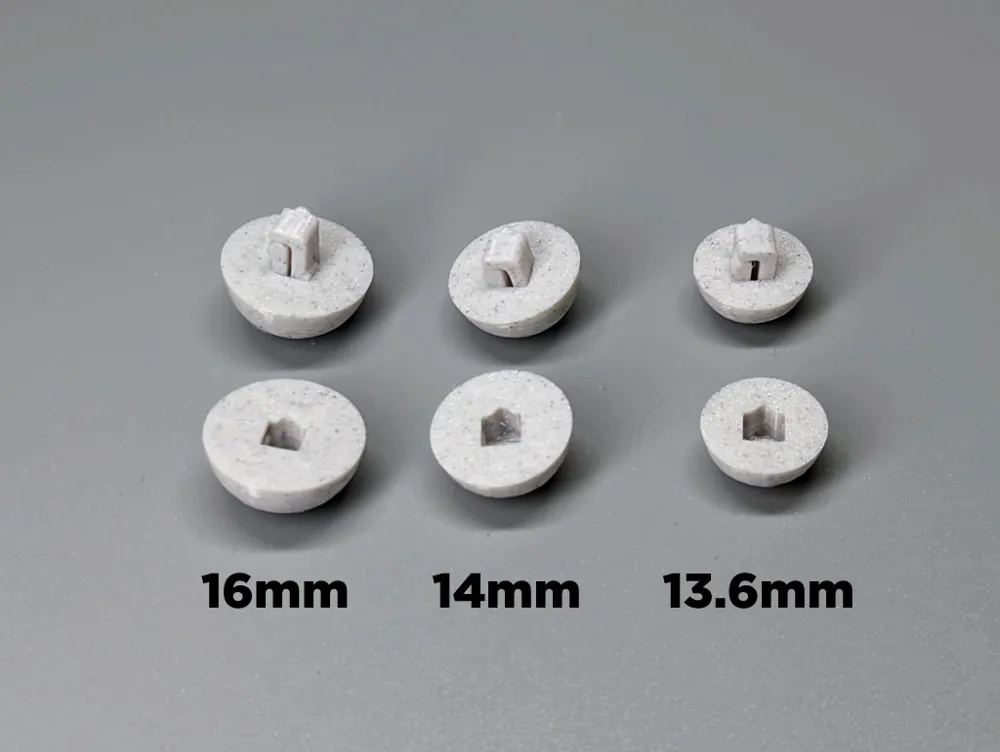
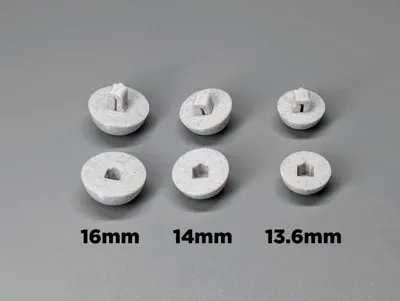
Marbles - 13.6mm, 14mm, 16mm, 18mm
Designer
1.4 h
4 plates
Open in Bambu Studio
Boost
11
48
2
0
54
34
Released
Description
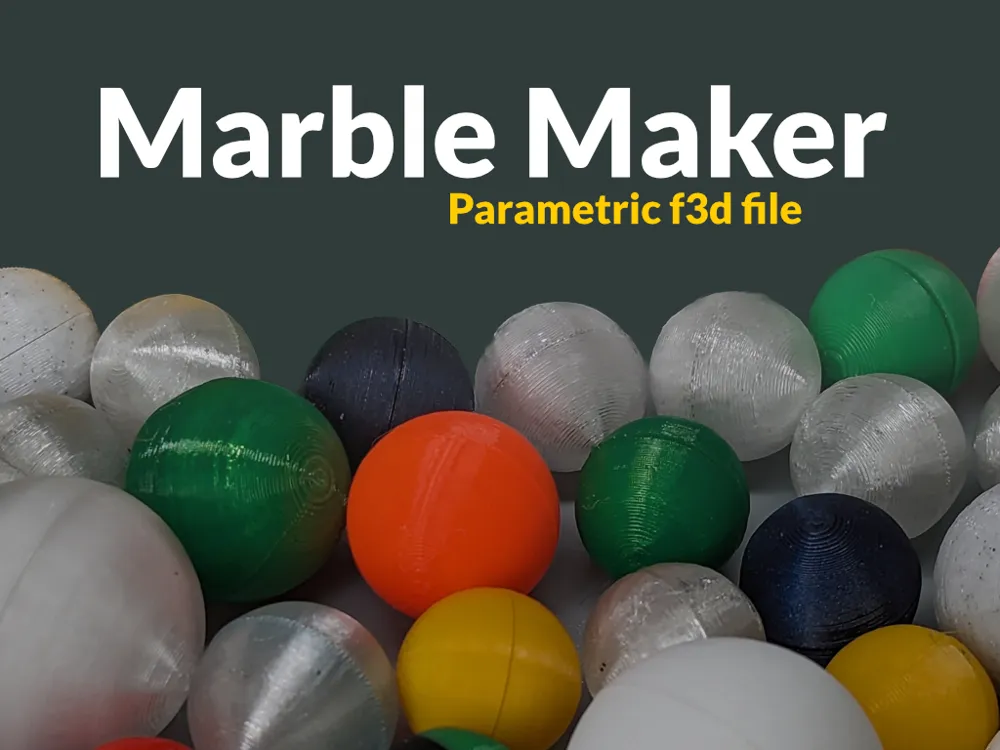
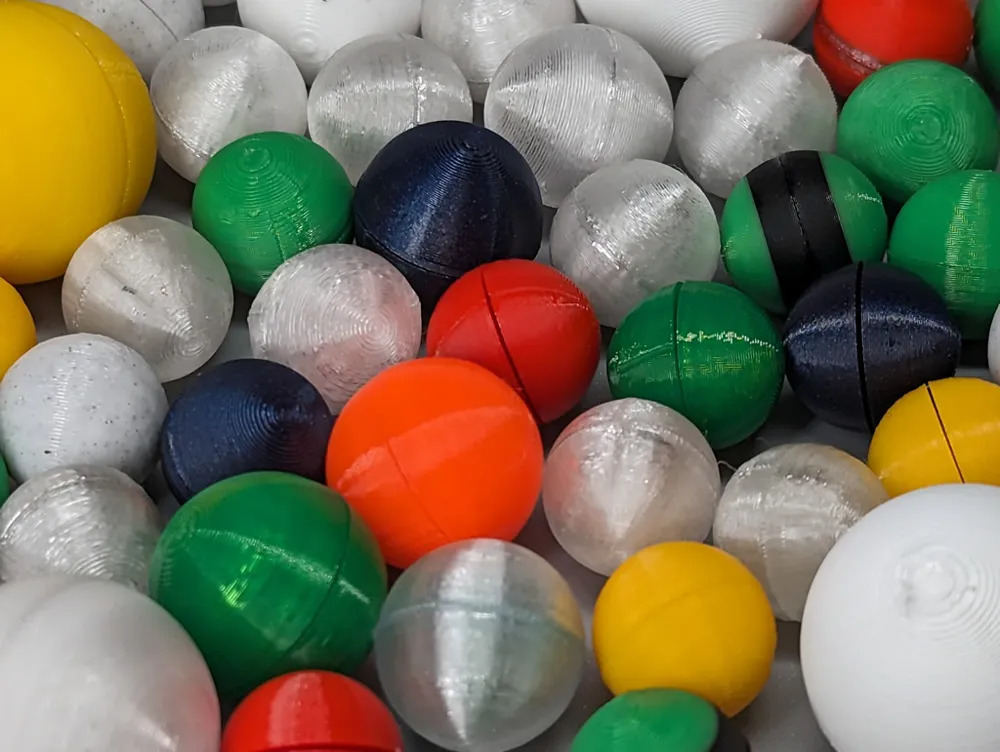
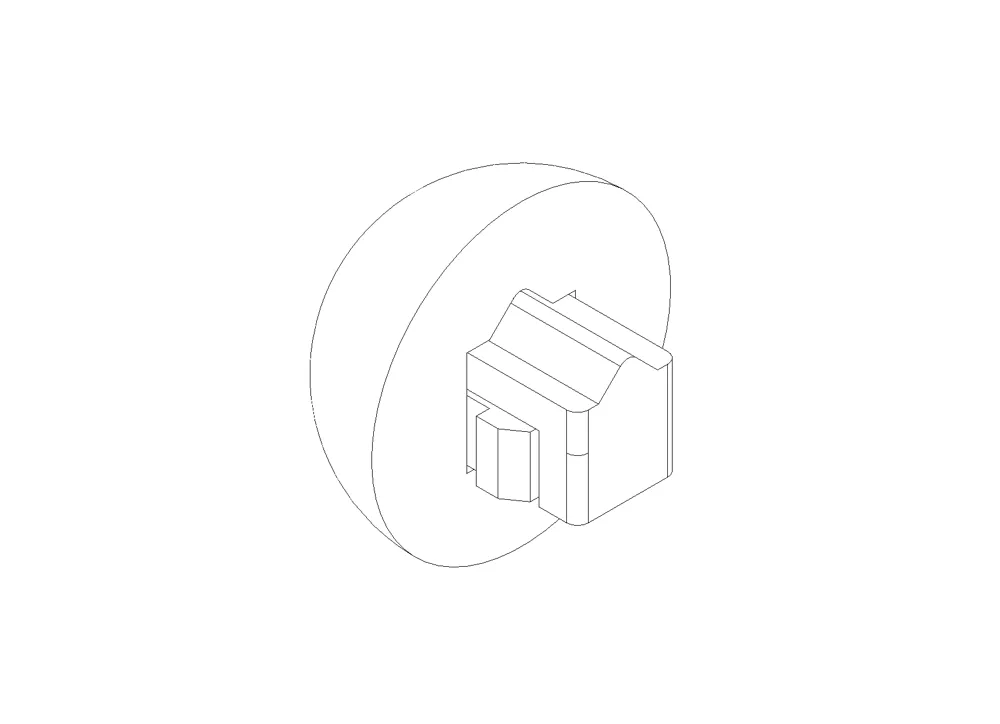
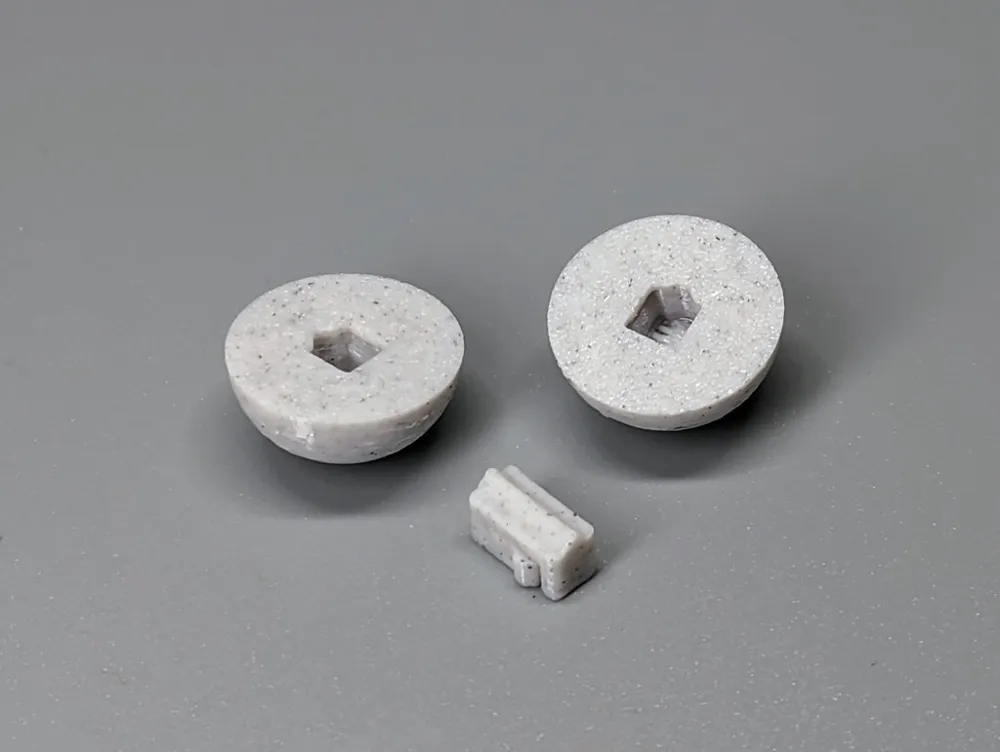
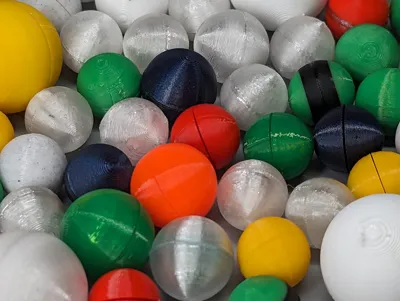
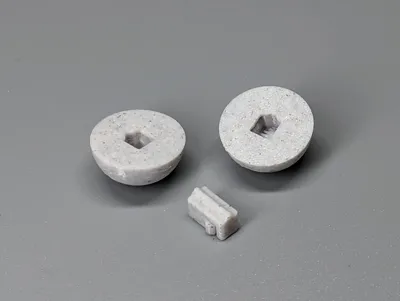
Create marbles with diameters ranging from 13.6 mm to 19 mm. Each marble is printed as two identical halves and are held together using a permanent locking pin. No adhesive or supports are needed. I printed the marbles using PETG but most filaments should work.
Because every spool of filament can vary in composition, you may have to adjust the locking pin slot/hole size using the X-Y hole compensation setting. I suggest adjusting the setting by (+/-) .1mm increments to get the best fit and to make it easier to assemble.
Quality > Precision > X-Y hole compensation: .1mm increments
Assembly Instructions:
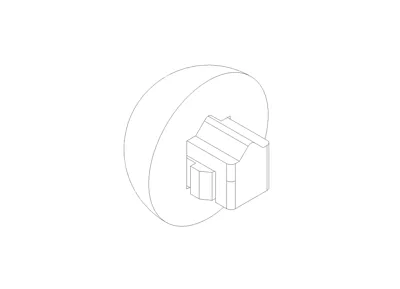
- Take a marble half and insert the locking pin(s) into the keyed hole. Make sure that the notch on the locking pin(s) is oriented correctly.
- Push the locking pin(s) in until you hear the latch click.
- Now take the other half of the marble and push it onto the other end of the locking pin(s), making sure the notch is correctly oriented, until you hear the latch click.
- Both halves should be flush with each other.
License

This user content is licensed under a
Creative Commons Attribution-Noncommercial


Comment & Rating (2)