Search models, users, collections, and posts

Squeegee
IP Report
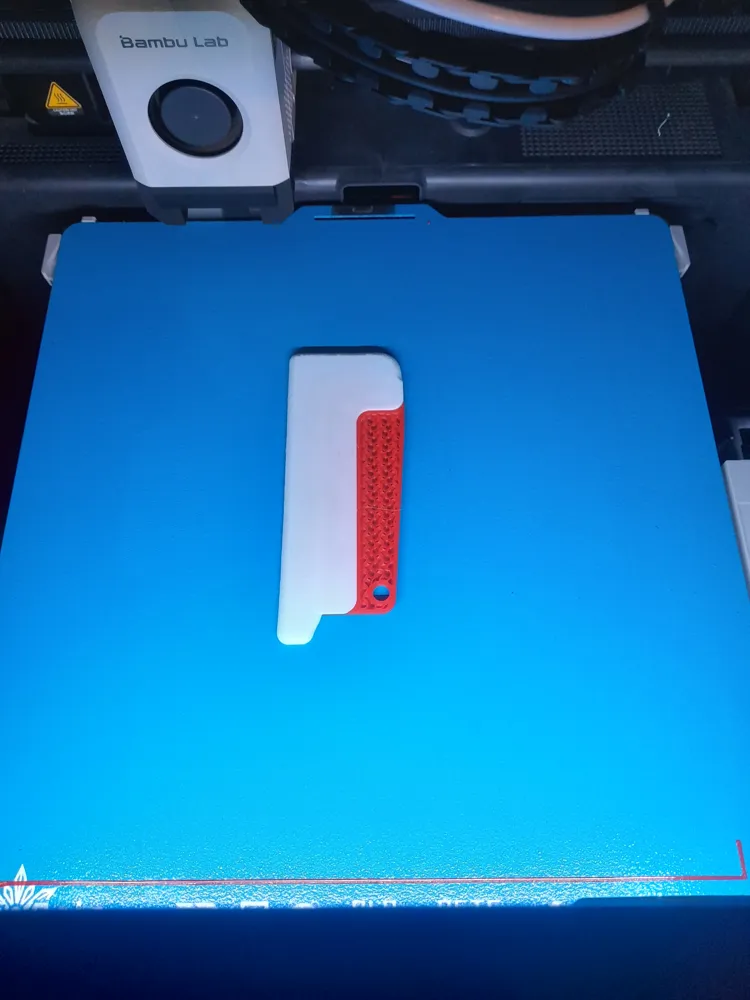
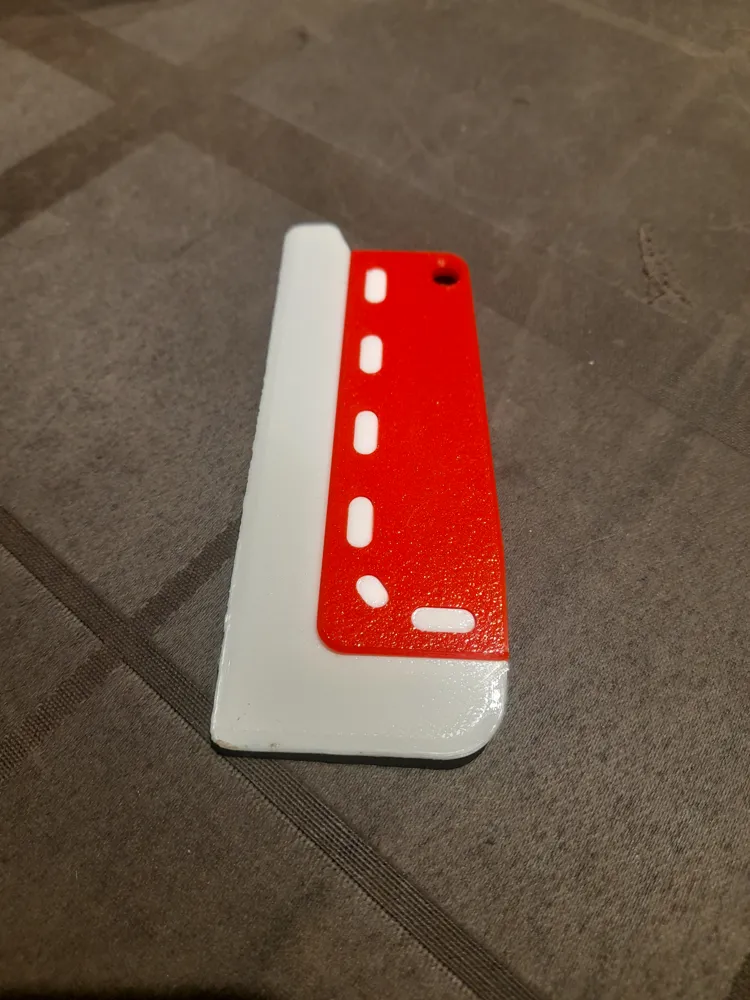
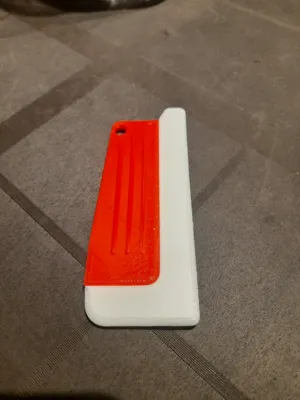
Print Profile(1)

0.12mm layer, 3 walls, 20% infill
Designer
53 min
2 plates
Open in Bambu Studio
Boost
5
8
0
0
5
2
Released
Description
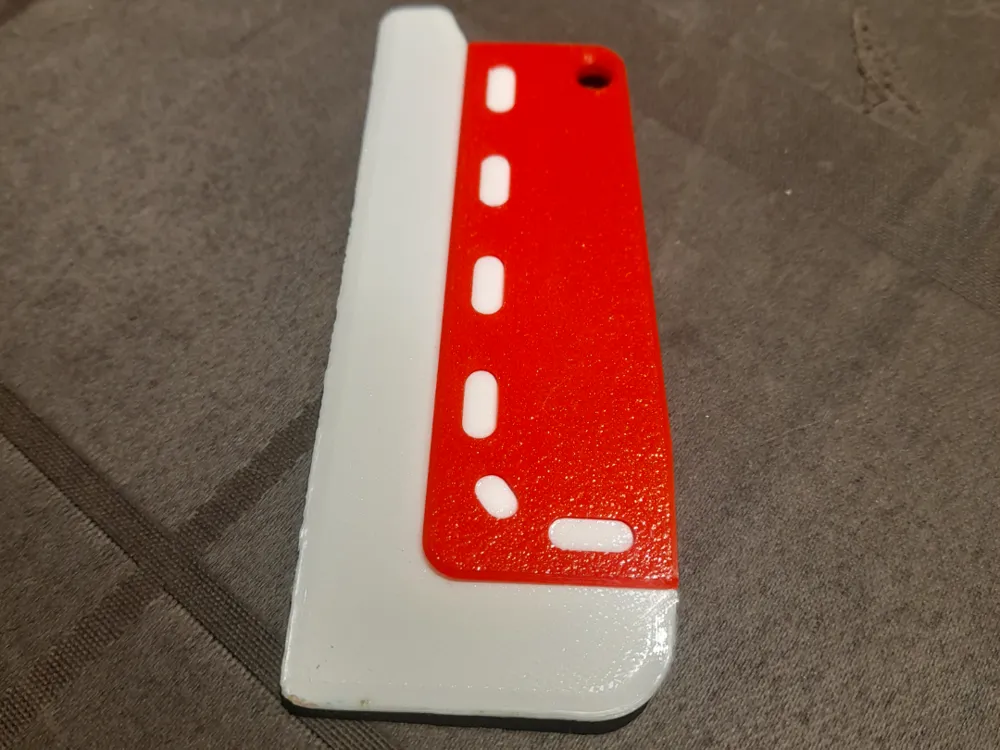
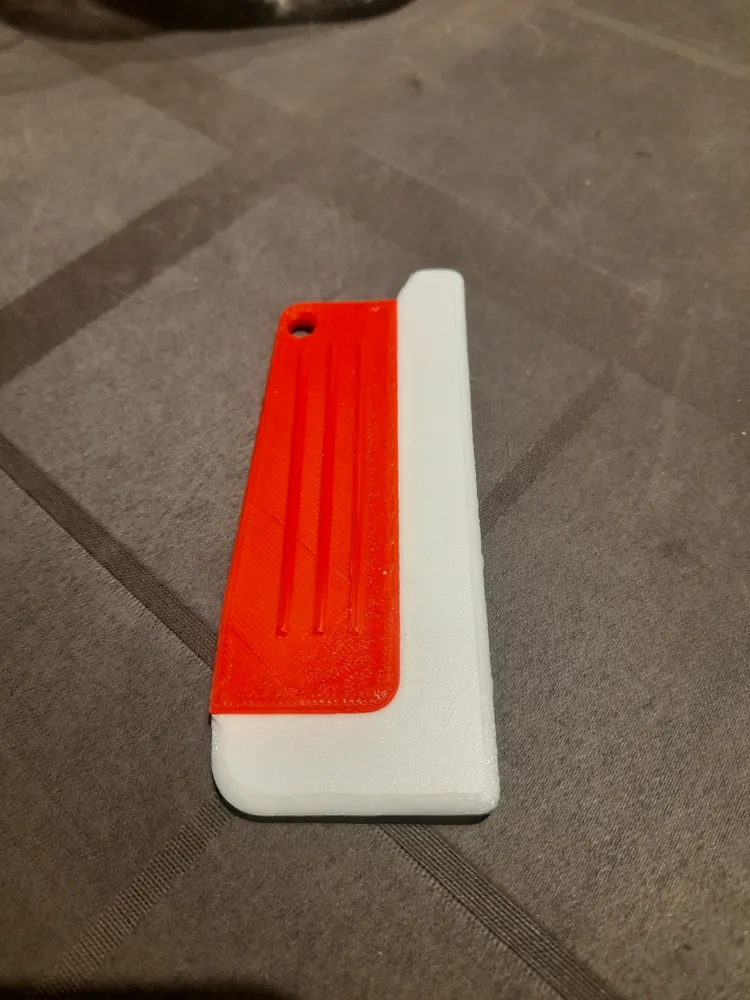
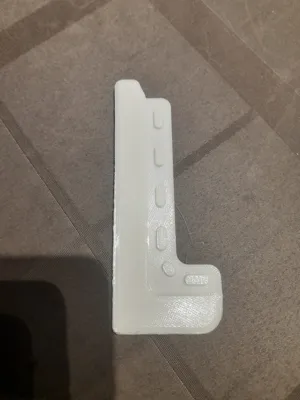
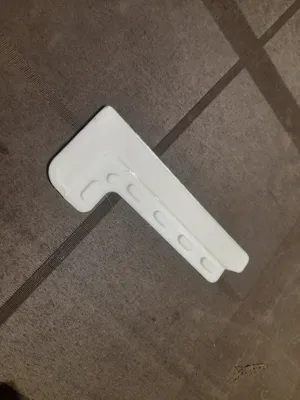
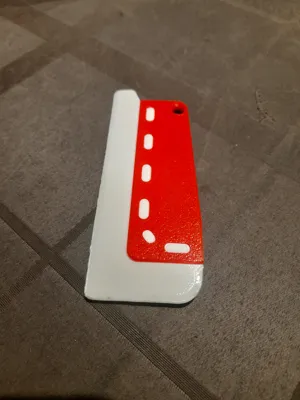
TPU + PLA Squeegee (Two-Material Print)
Description:
This squeegee is designed as a simple, durable two-material print combining flexibility and strength.
The TPU blade provides a soft, flexible edge for smooth wiping, while the PLA handle offers a solid and ergonomic grip.
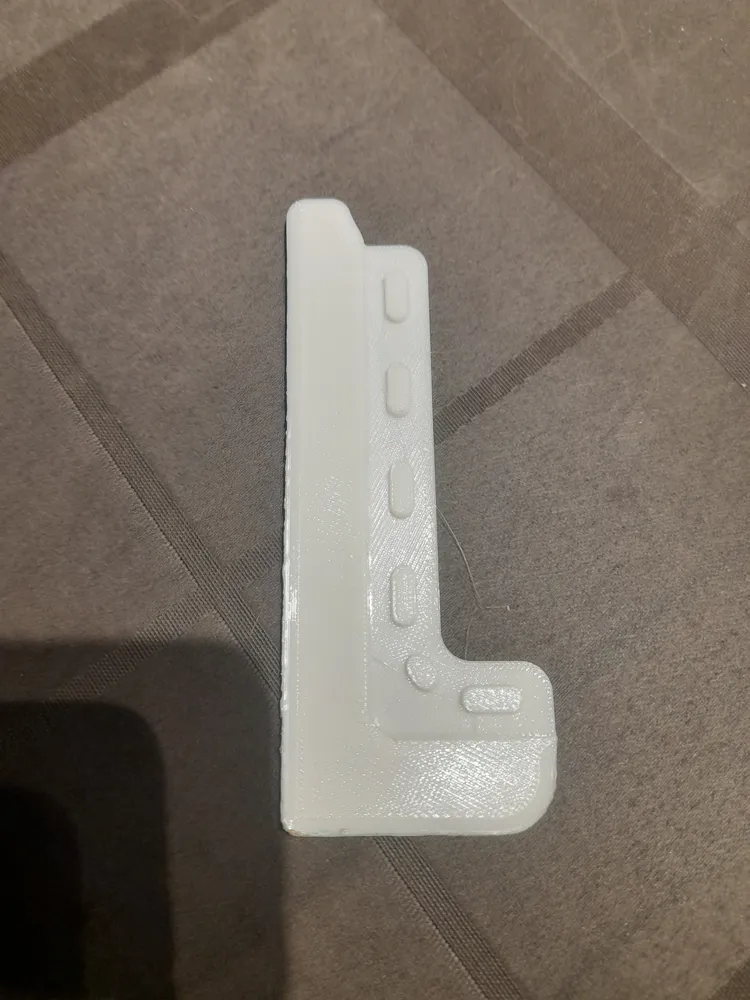
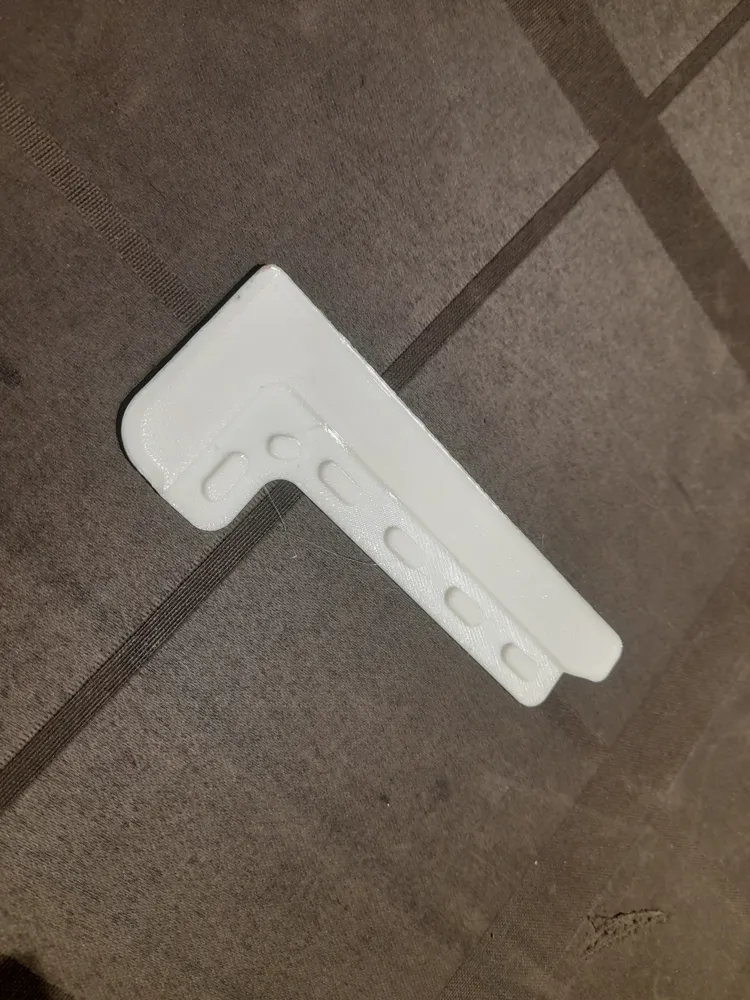
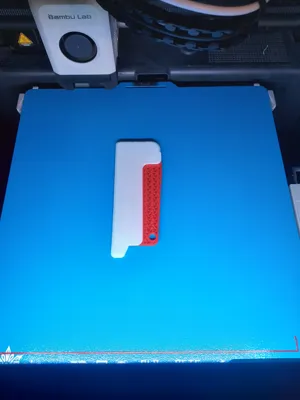
The design allows the TPU part to be embedded directly into the PLA handle during printing, creating a strong bond between both parts without any glue.
Printing Instructions:
- Print the TPU part first.
- Then print the PLA handle.
- Pause the print at layer 26
- Insert the previously printed TPU part into the cavity
- Use paper tape to hold it in place if necessary
- Resume printing so the PLA encapsulates the TPU
Tip:
Before resuming the print, make sure the TPU part sits flush and doesn’t move. This ensures a clean, seamless connection between both parts.
License

This user content is licensed under a
Creative Commons Attribution-Noncommercial-Share Alike


Comment & Rating (0)