
GPX Ultralight - Logitech G Pro X Superlight Mod
Print Profile(1)
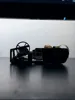
Description
Overview:
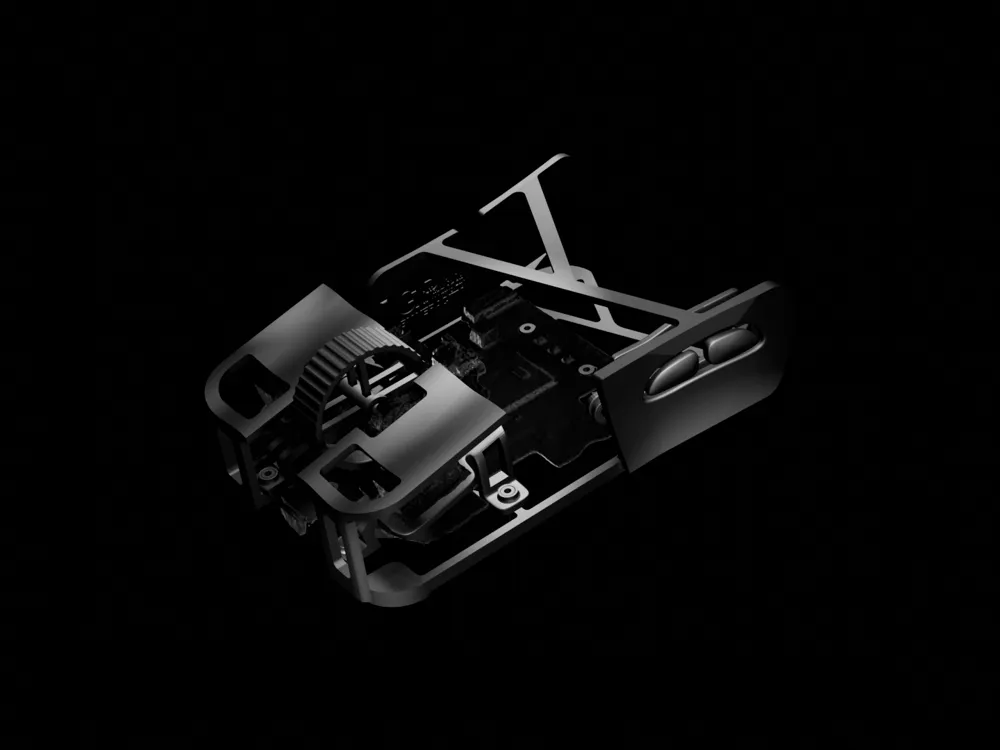
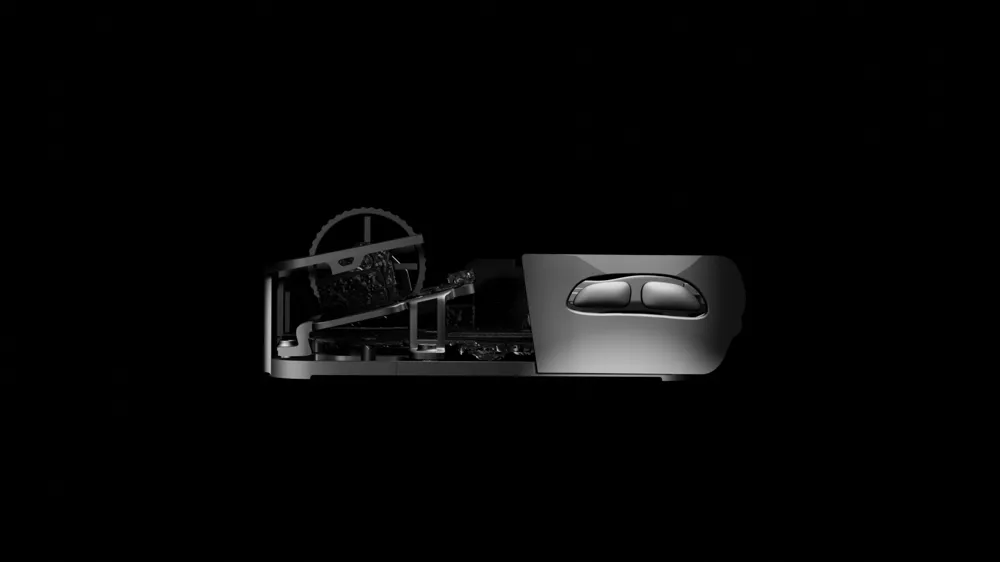
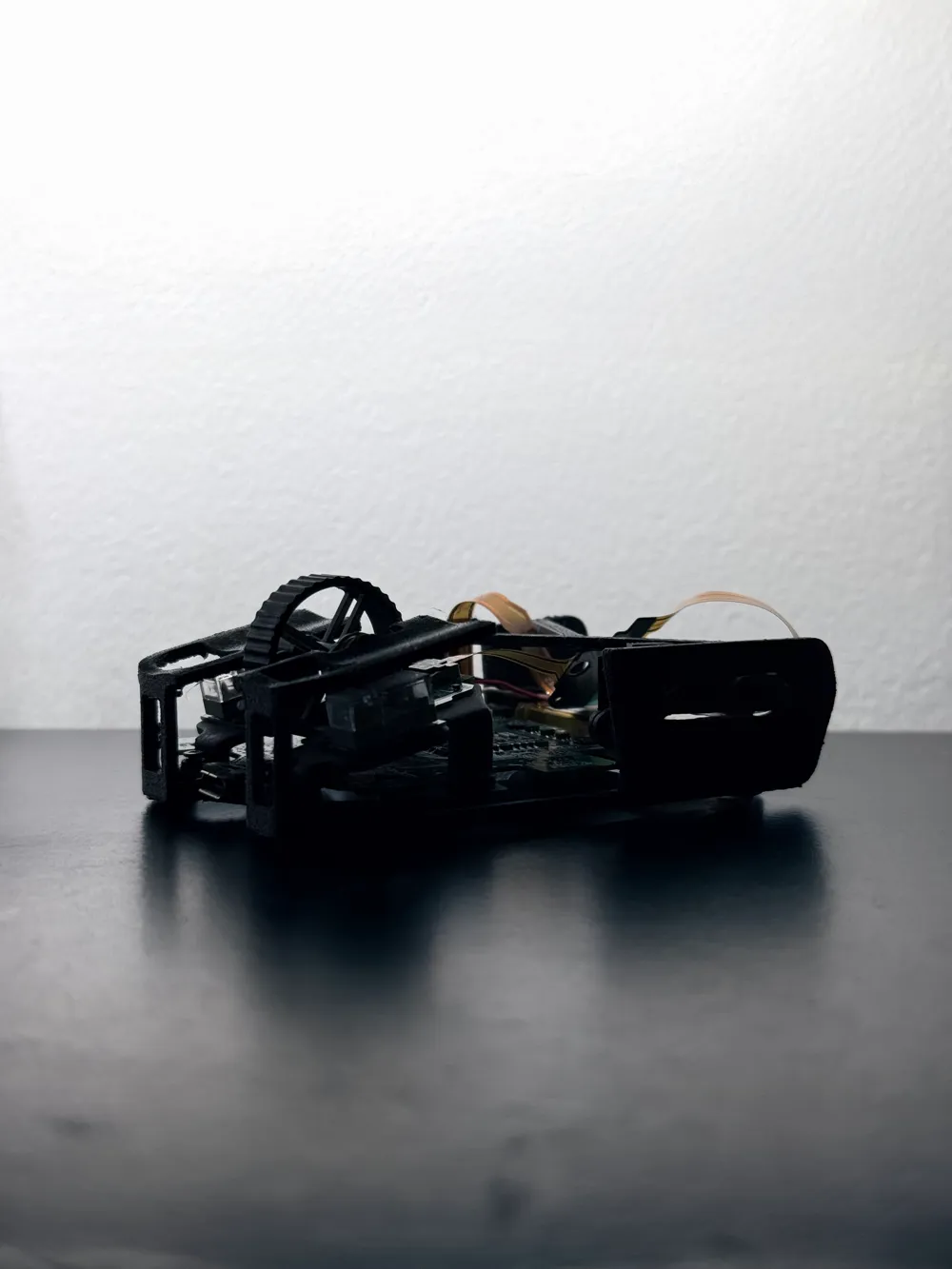
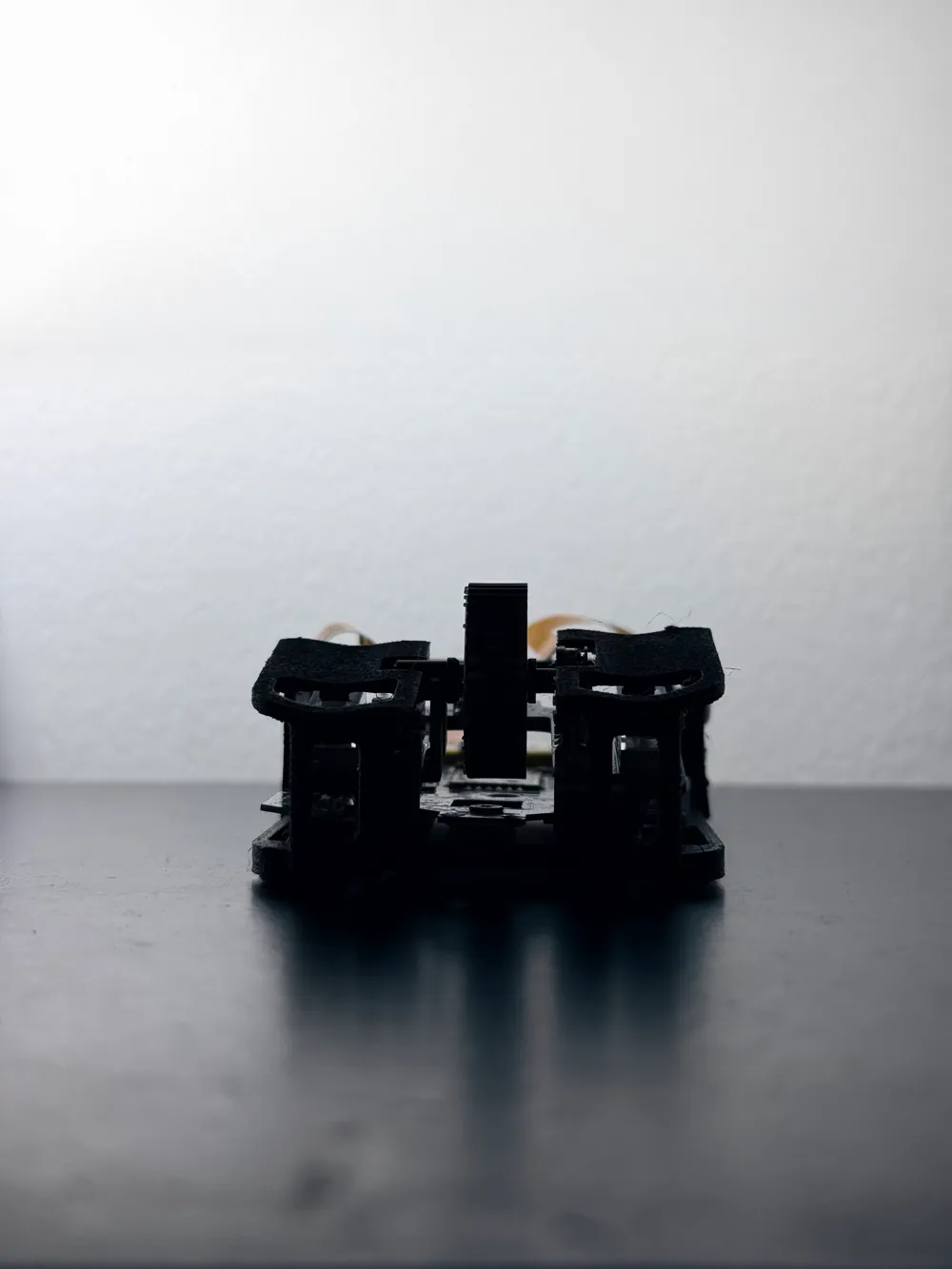
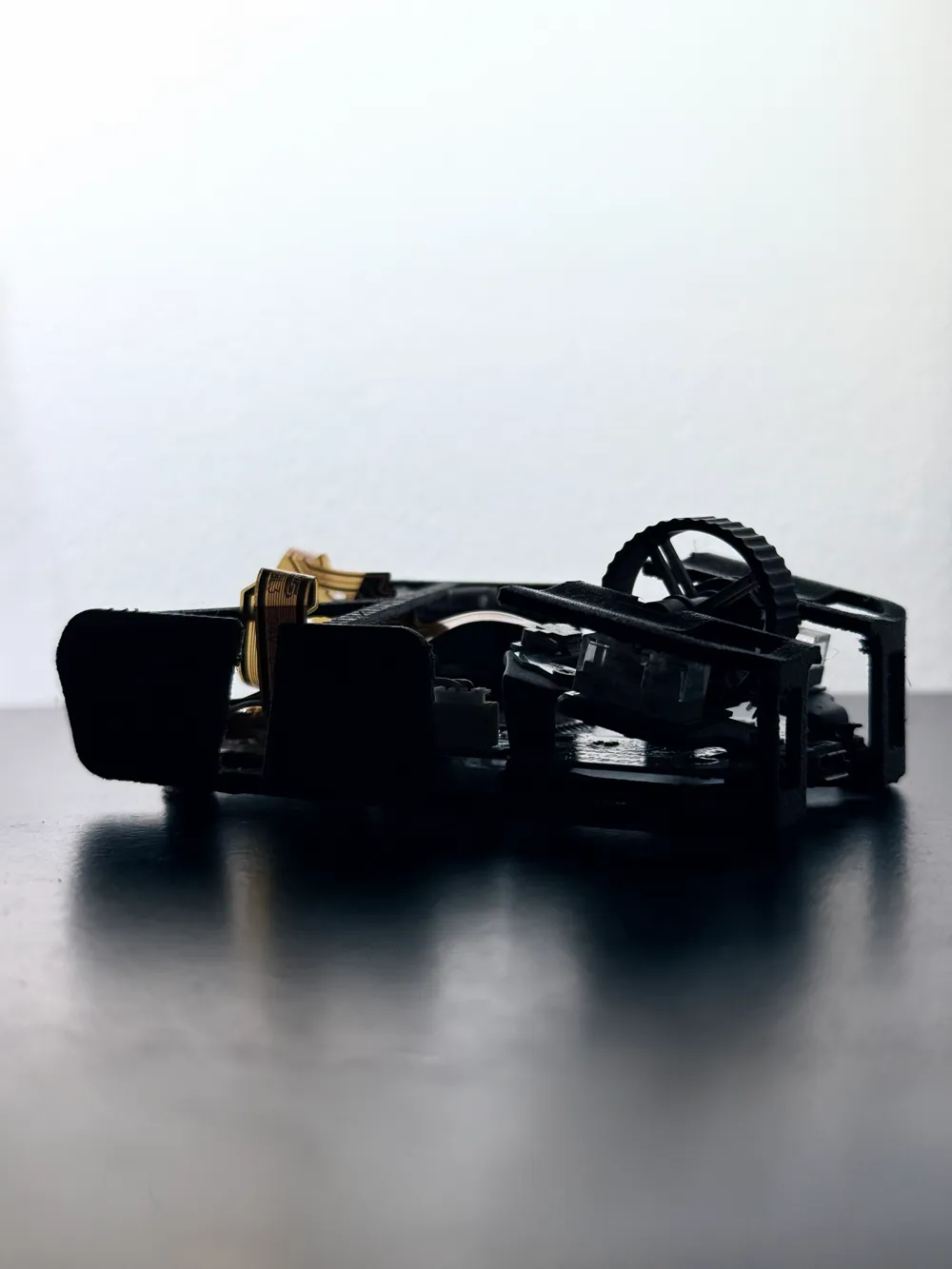
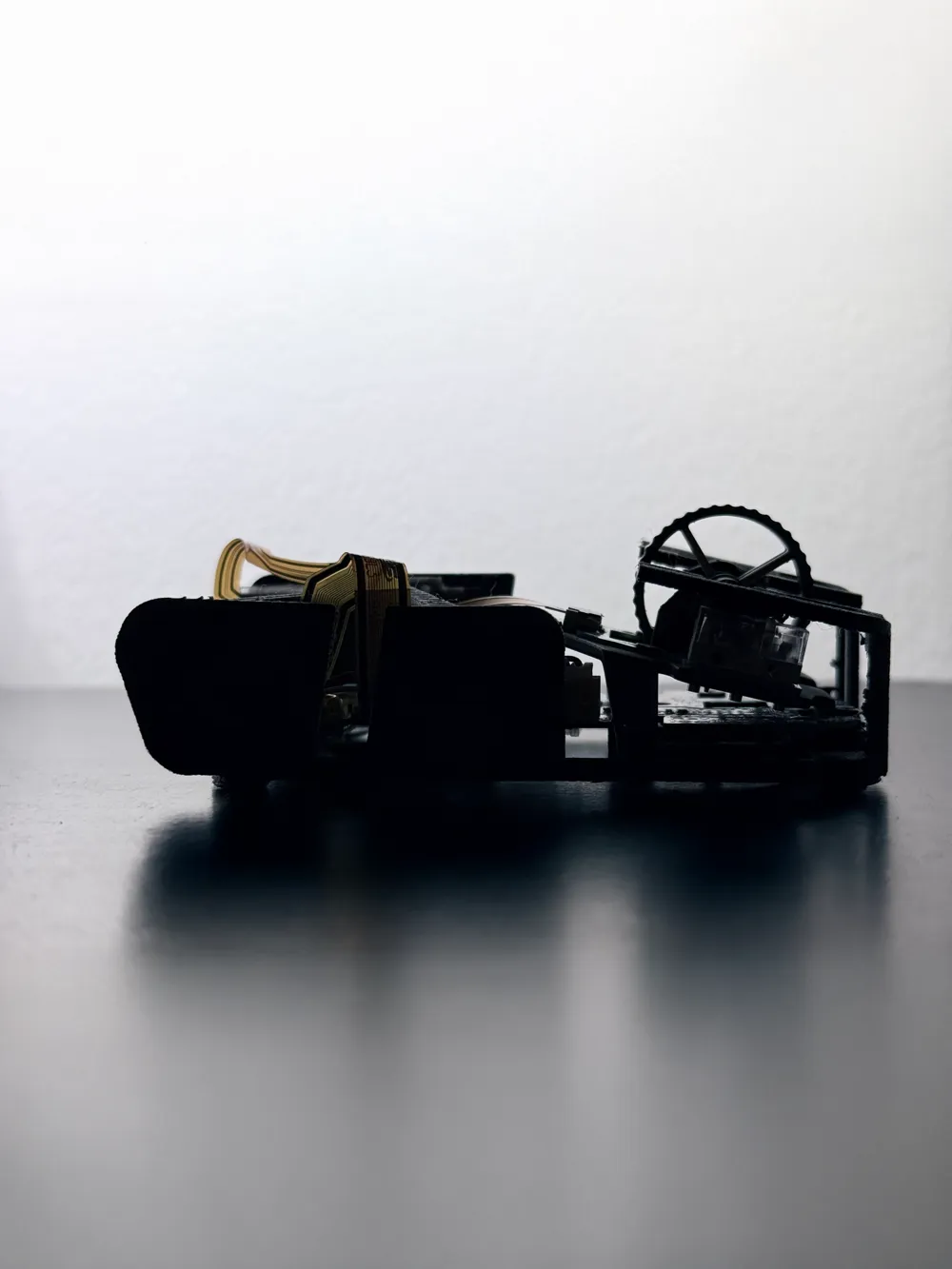
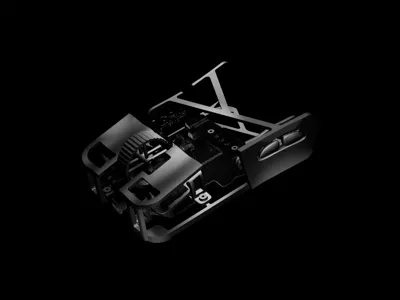
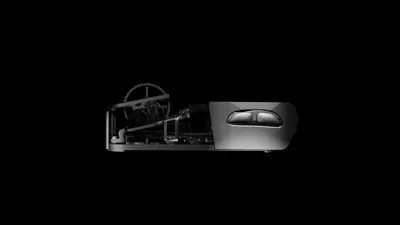
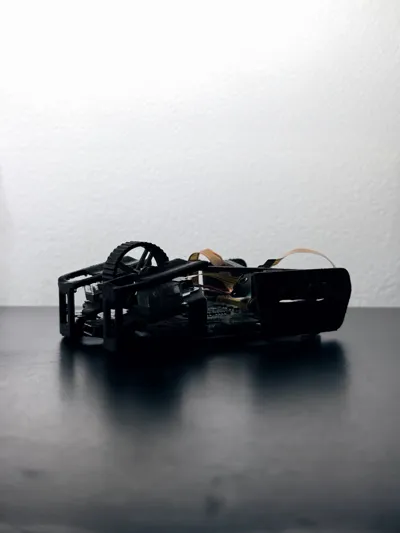
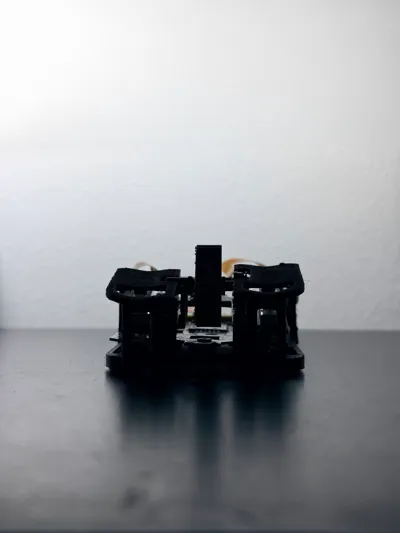
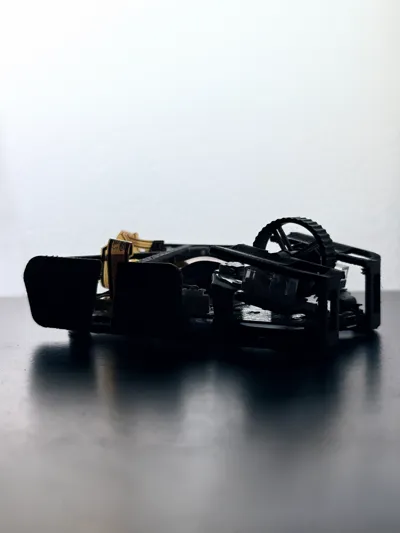
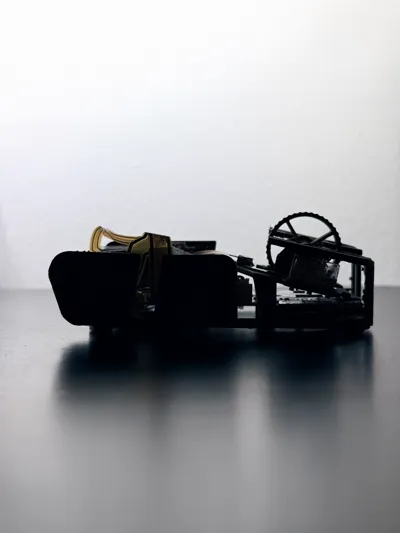
This is a 27-gram ultra-lightweight mouse shell compatible with the Logitech G Pro X Superlight PCB. The idea for this originally came from Optimum's Zeromouse. My design, however, focuses on maintaining minimal weight without sacrificing side buttons.
Key Features:
- Integrated side buttons for improved usability
- Optimized standoff placement for weight reduction and rigidity
- Fingertip ergonomic profile
Bill of Materials:
- Logitech G Pro X Superlight
- Tiger Ice V2 dot skates
- Micro USB Cable
- Custom hot-swap switch PCB (Optional)
- Huano Transparent White Dot Switches (Optional)
- TTC Gold Encoder (Optional)
Components:
- Mouse Body.stl: Main shell of the mouse, designed for structural balance between flex and strength.
- Scroll Wheel.stl: Light-weight scroll wheel, designed for optimizing weight savings. (Optional)
- Side Switch Holder.stl: Houses the side switches precisely. Original model based on u/abazibiz’s design.
- Side Buttons.stl: Side buttons modeled from u/abazibiz’s geometry with minor tweaks.
- Main Switch Stand.stl: Primary click switch mount, adapted from u/abazibiz’s design for alignment with Logitech internals.
Acknowledgment:
Core inspiration and mechanical foundation for the switch holder, side buttons, and switch stand come from u/abazibiz on Reddit, who has contributed heavily to the 3D mouse modding community. My work builds upon these parts, integrating them into a unified and weight-optimized body.
Printing Recommendations
SLA Printing (Highly Recommended):
If you have access to an SLA resin printer, use it for maximum detail and surface consistency.
- Orientation: Print the shell at a 45° angle relative to the build plate.
- Supports: Light to medium density, touching build plate only.
- Layer height: 0.050 mm or lower (can be higher, but layer lines will show more).
- Material: Tough or ABS-like resin preferred, such as Elegoo ABS-like.
Pros: Superior finish, stronger interlayer adhesion, less post-processing.
Cons: Longer print time, requires messier post-processing (wash and cure).
FDM Printing (Alternative):
If SLA is unavailable, FDM printing can still yield solid results with proper settings.
- Enable adaptive layer heights; this allows for smoother transitions on mouse buttons.
- If you have a Multifilament System (AMS), use PETG as a support interface for PLA.
- If no AMS is available, you can manually swap filament from PLA to PETG and back to PLA once the interface finishes.
- If FDM printing, be extremely careful and patient when removing supports.
Pros: Accessible and affordable.
Cons: Rougher surface, heavier finish, and may require sanding near button areas.
Recommended Printing Service:
If you don’t have access to printers, I highly recommend using JLC3DP. They offer a wide range of materials and technologies, including SLA and SLS.
- SLA: Ideal for smooth, detailed finishes and precise tolerances (Recommended: JLC Black Resin).
- SLS: Great for a rougher, more textured finish with slightly higher durability (Recommended: 3201PA-F Nylon).
Note: I am not affiliated with JLC3DP; I just highly recommend their services.
Assembly Instructions:
Follow the steps below to assemble the mouse once all printed components are ready. Be extremely careful when handling the ribbon cable. The instructions below are for a different mod, but it is the same procedure.
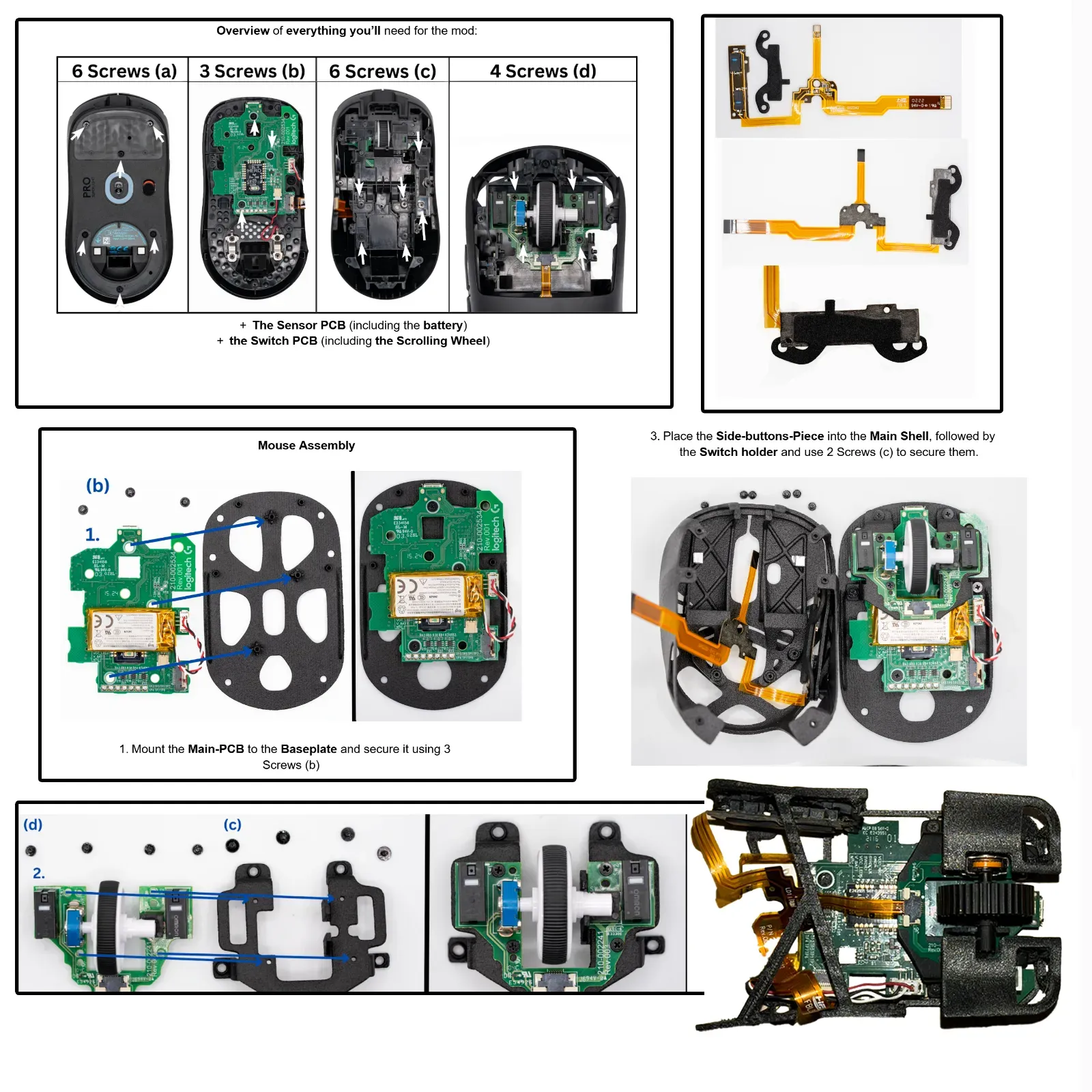
Note: Video assembly coming!
Boost Me (for free)
If you liked my design, hit the boost button! Its completely free and helps it reach more people! Thanks for checking out my design.
Documentation (1)
License



Comment & Rating (64)