
Valet tray inserts
Print Profile(1)


Bill of Materials


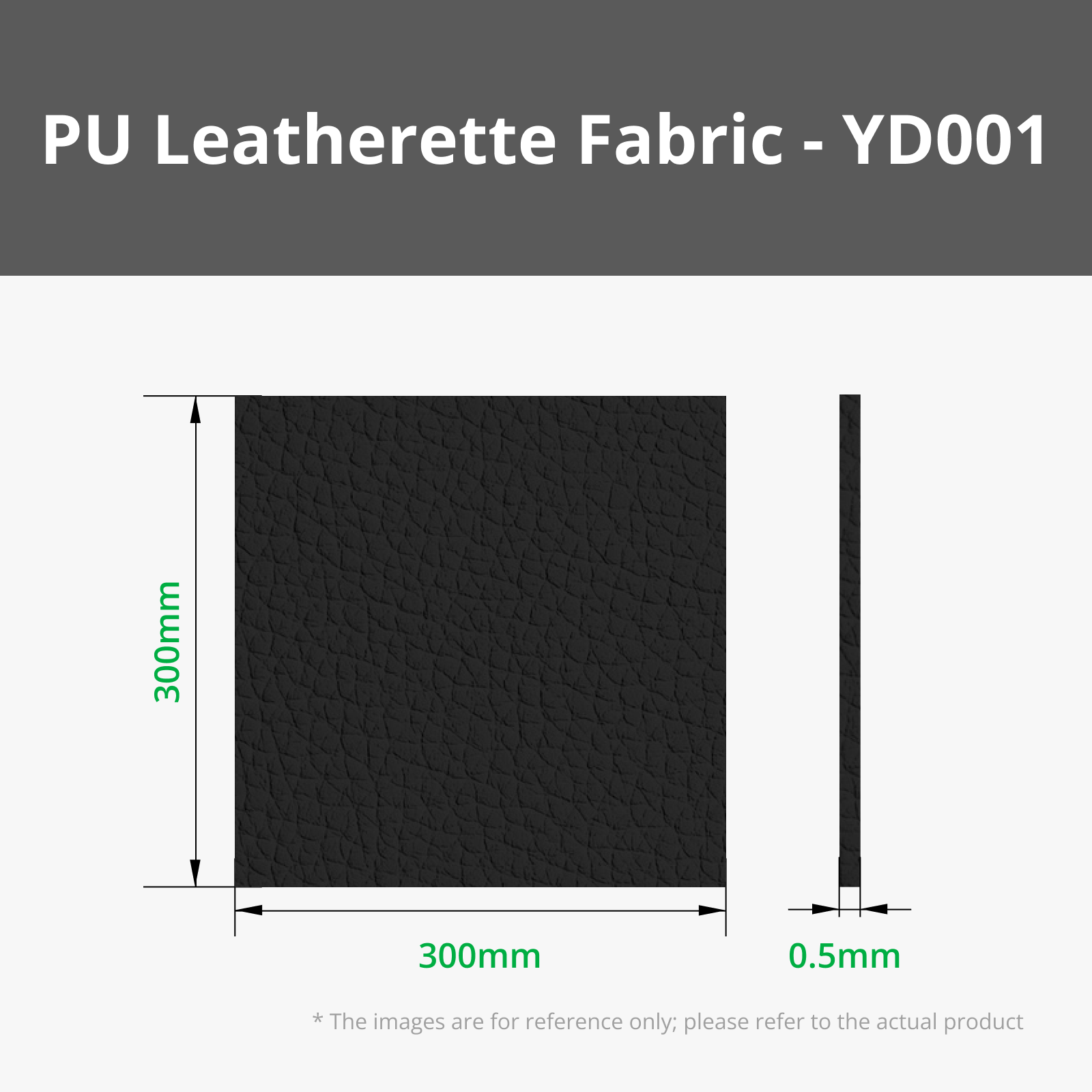

Description
Cutting
Where precision meets design.
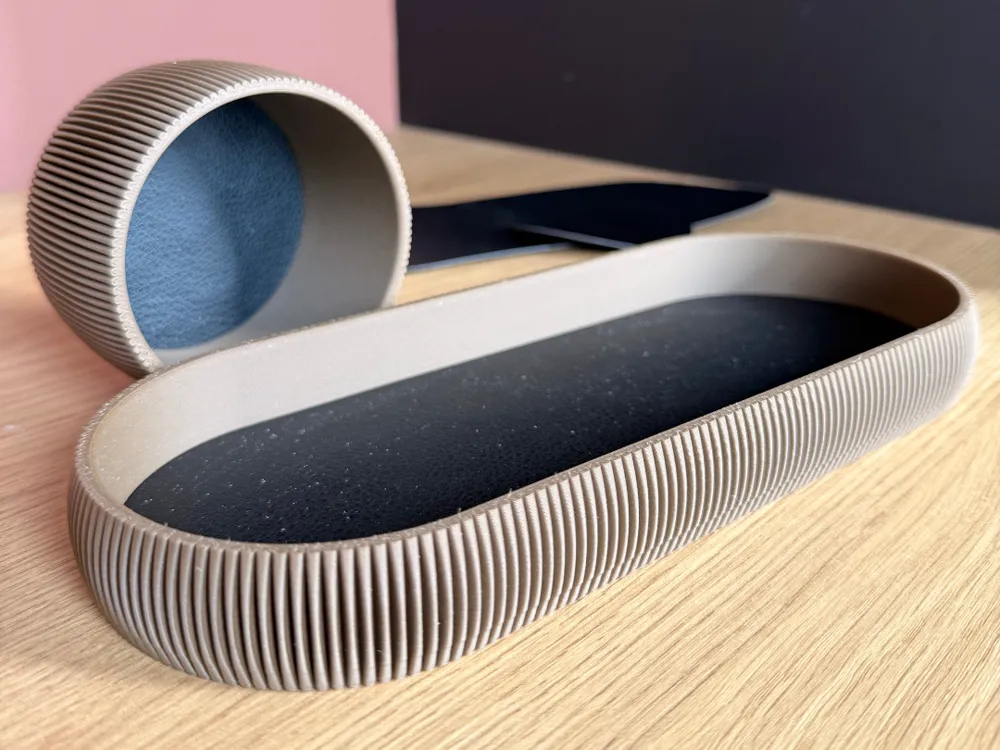
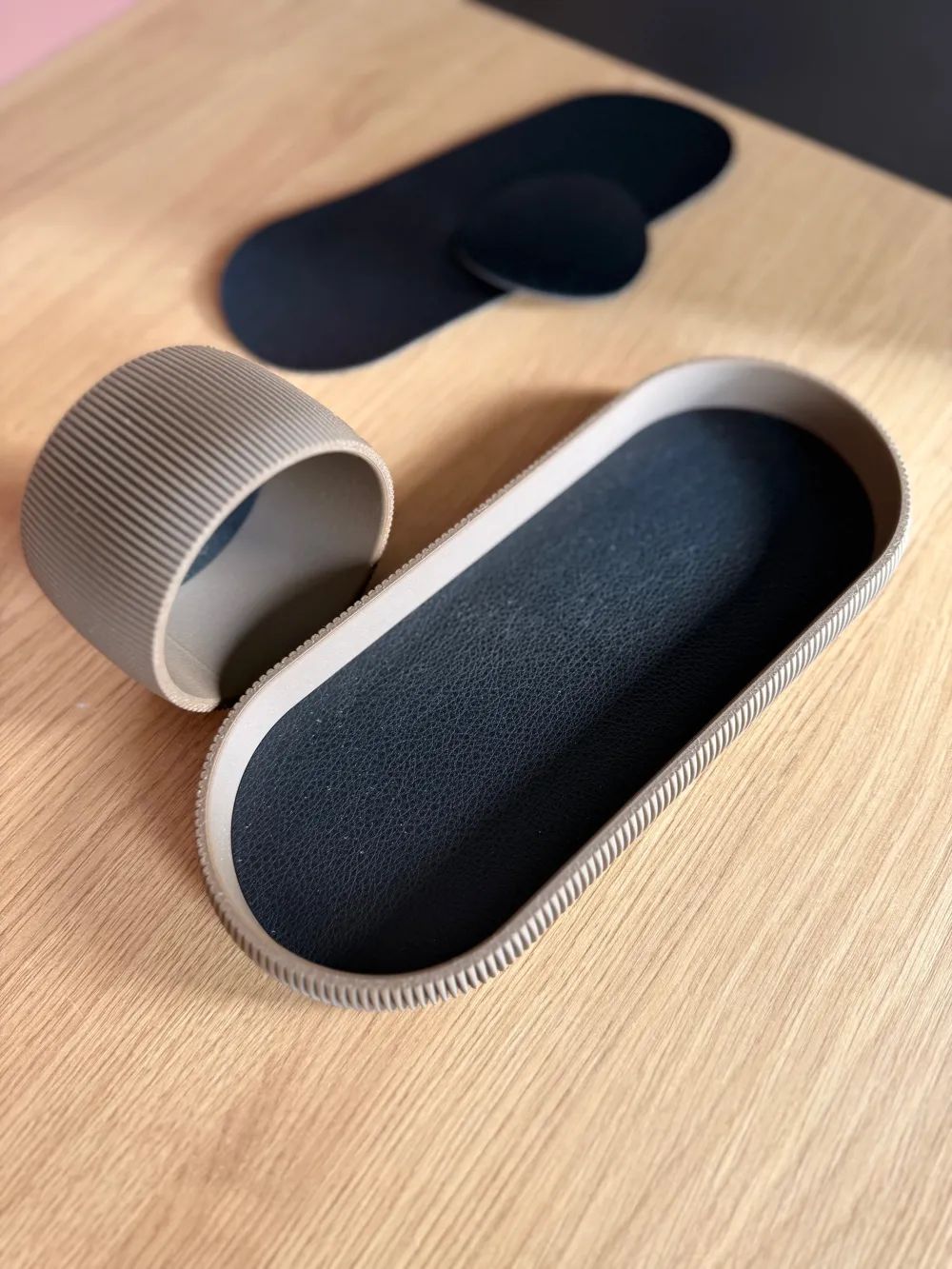
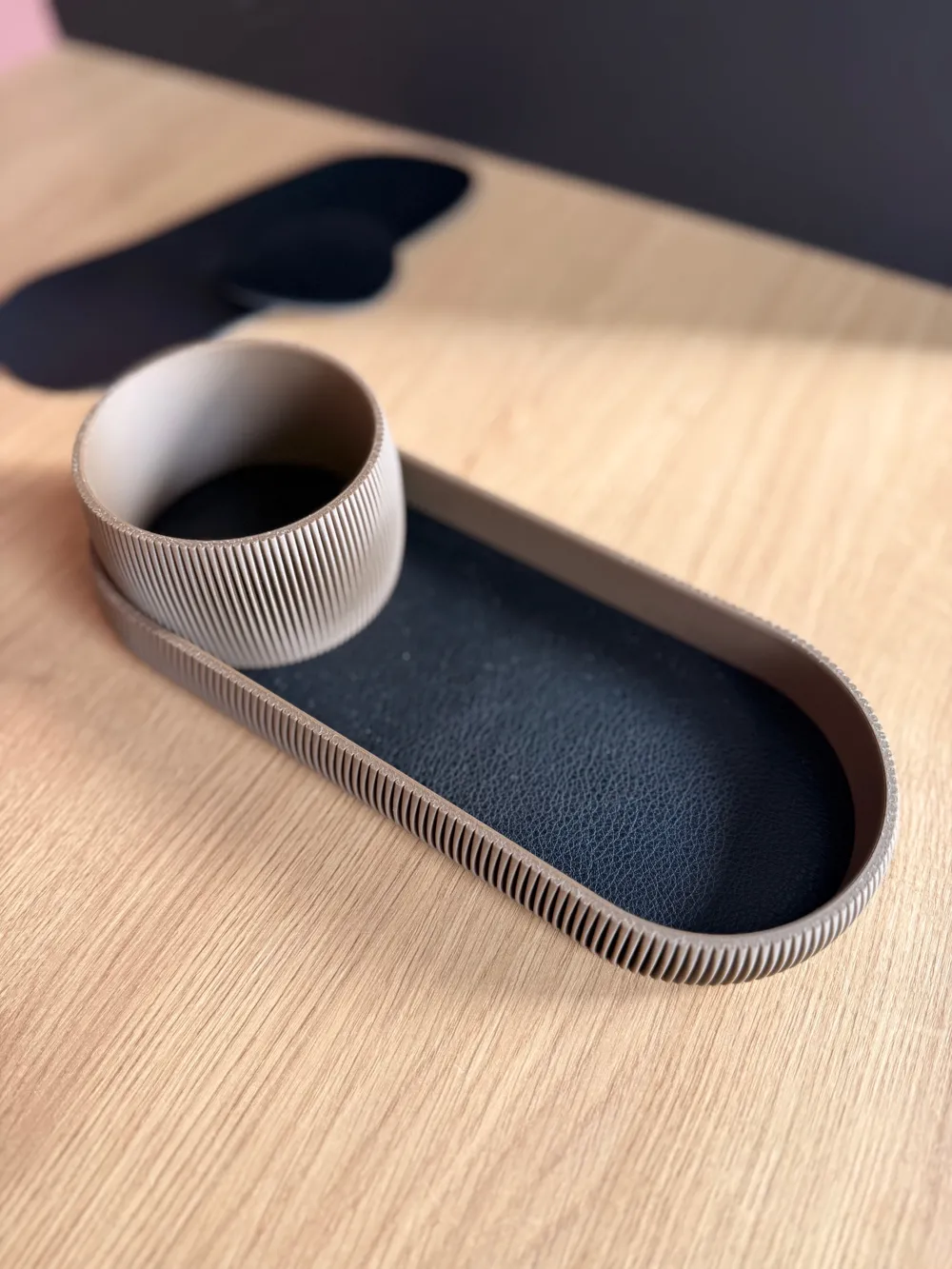
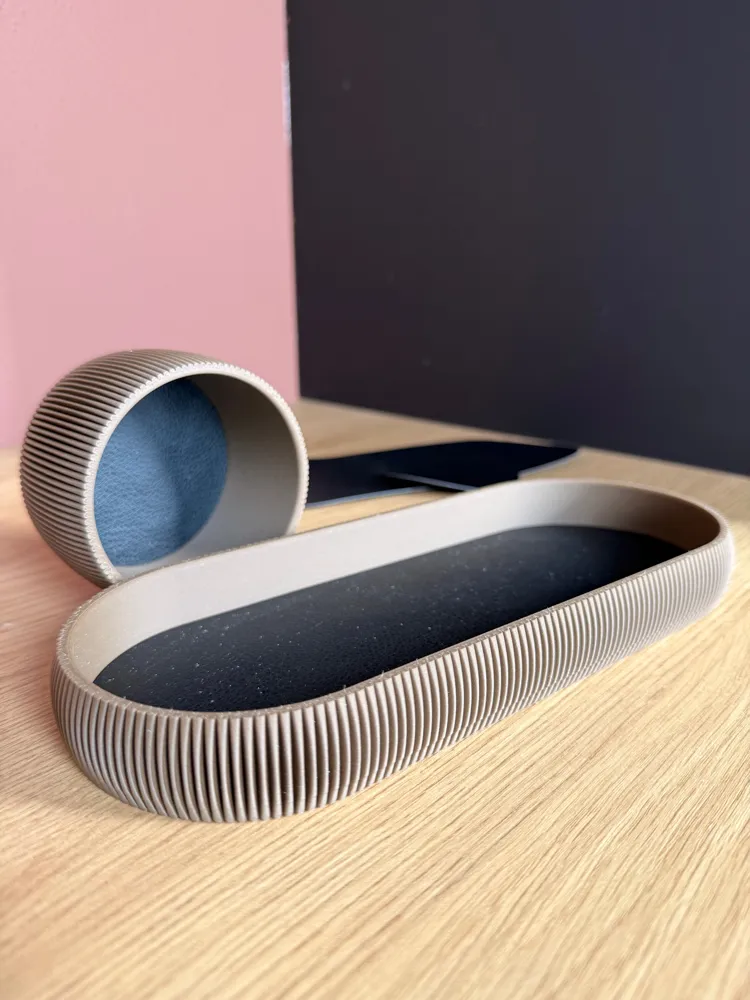
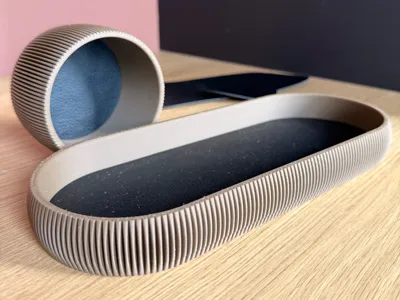
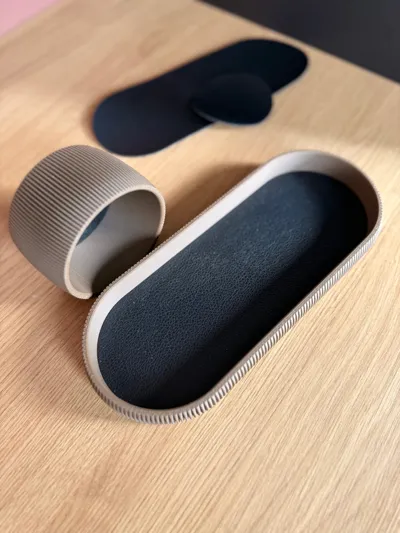
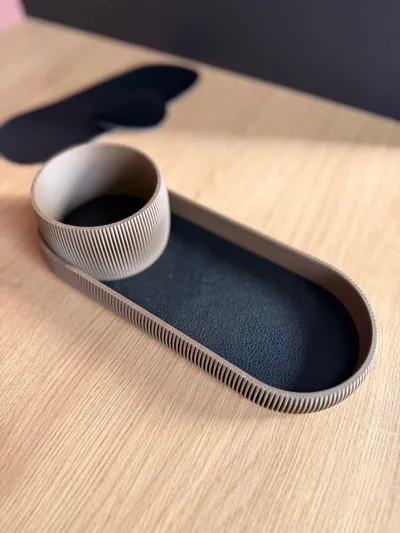
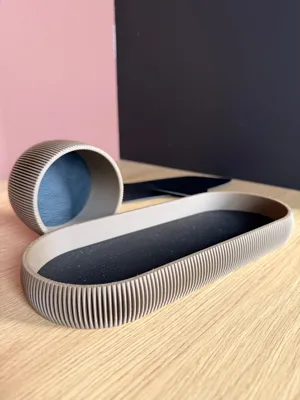
Each piece of black PU leather is meticulously cut to align perfectly with the 3D-printed components. Every contour is deliberate, ensuring seamless integration between modern fabrication and refined craftsmanship. The result — a flawless harmony of technology, texture, and detail.
Check out the model it fits for!
Boost Me (for free)
Boost me here
First, print the 3d model thats linked to this.
Then use this and cut the inserts
Then use adhesive or glue to mount it into the 3d model
License

You shall not share, sub-license, sell, rent, host, transfer, or distribute in any way the digital or 3D printed versions of this object, nor any other derivative work of this object in its digital or physical format (including - but not limited to - remixes of this object, and hosting on other digital platforms). The objects may not be used without permission in any way whatsoever in which you charge money, or collect fees.


Comment & Rating (1)